

Skip to content
View in the app

A better way to browse. Learn more.

Flight Sim Labs Forums

A full-screen app on your home screen with push notifications, badges and more.

To install this app on iOS and iPadOS
  1. Tap the Share icon in Safari
  2. Scroll the menu and tap Add to Home Screen.
  3. Tap Add in the top-right corner.
To install this app on Android
  1. Tap the 3-dot menu (⋮) in the top-right corner of the browser.
  2. Tap Add to Home screen or Install app.
  3. Confirm by tapping Install.

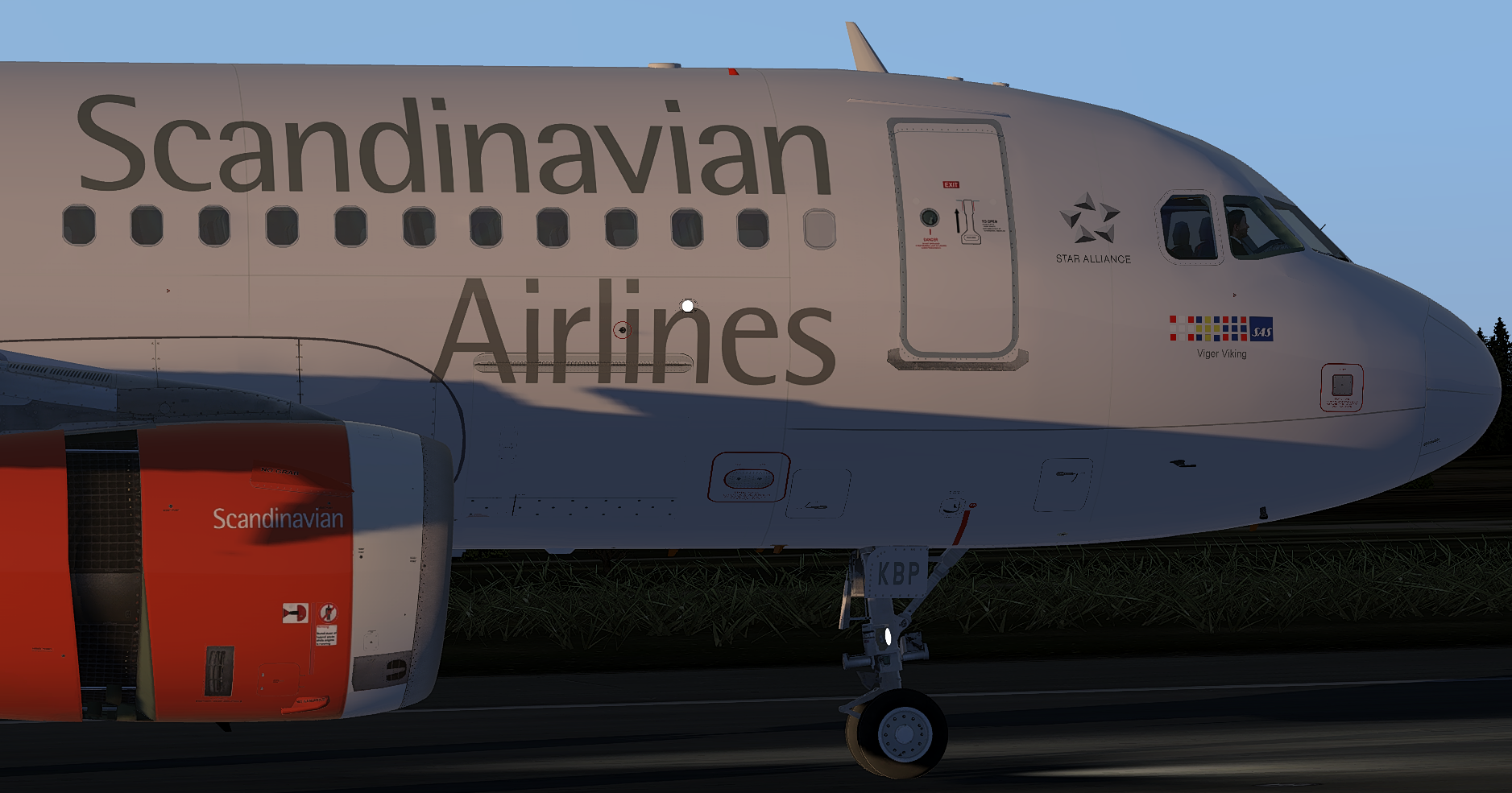
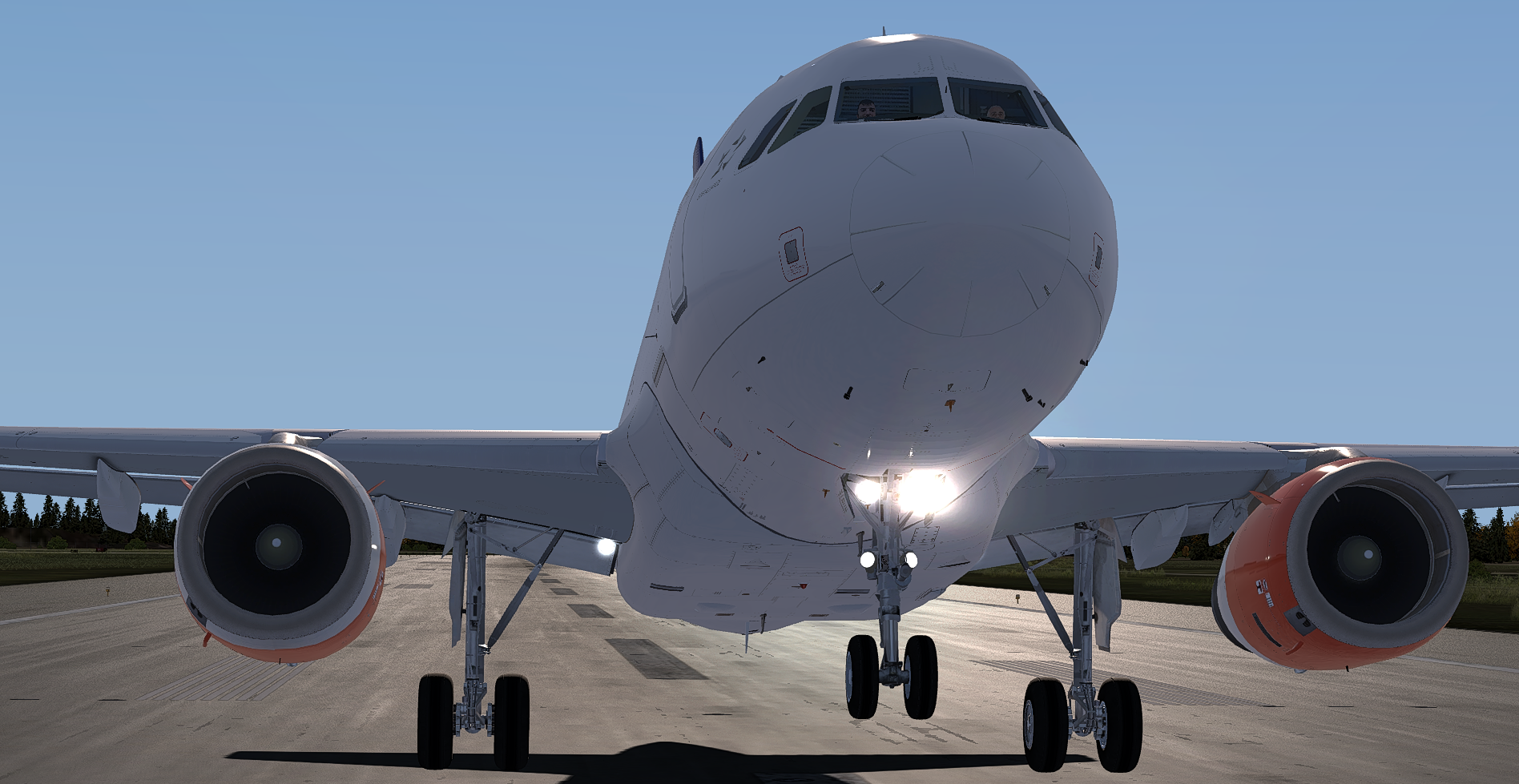
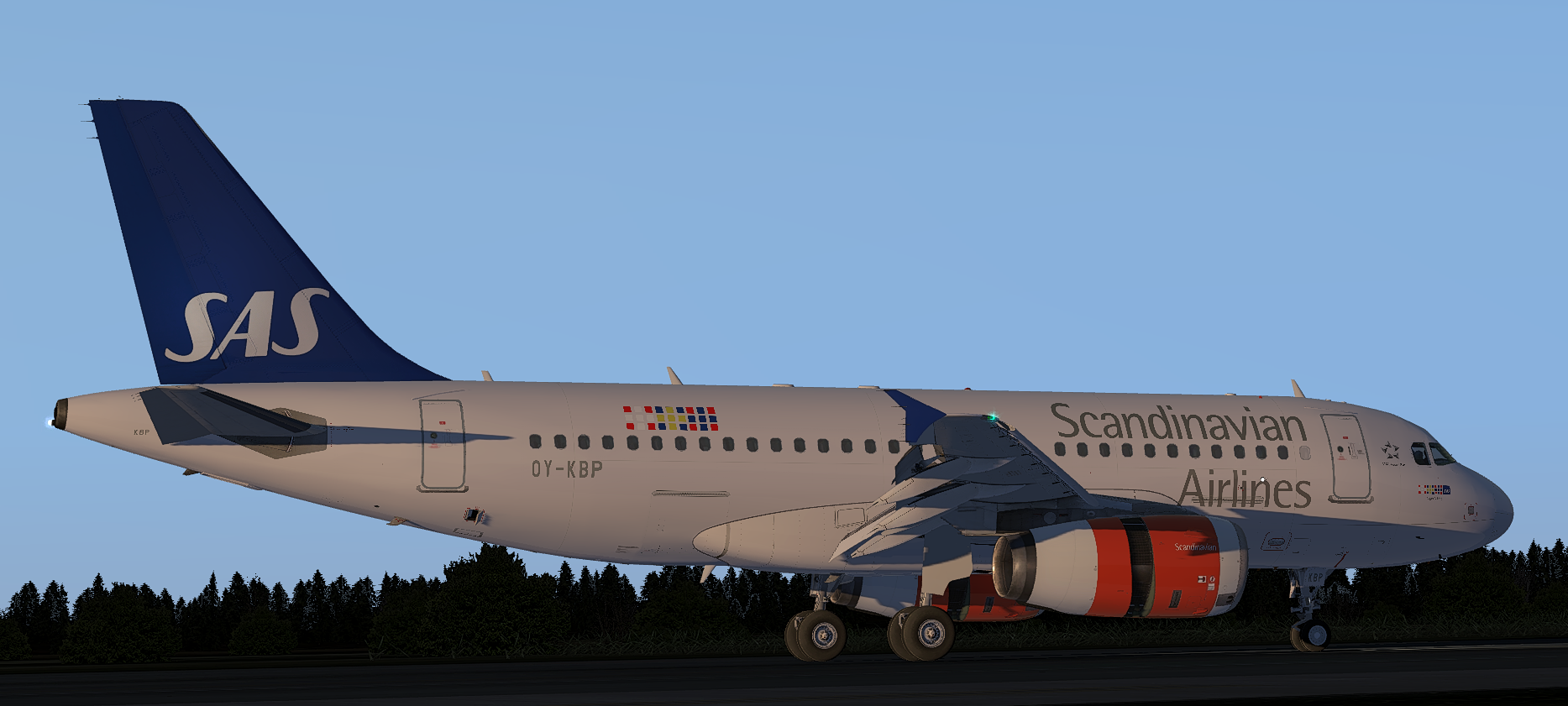
Scandinavian A319 OY-KBP 1.0.1

(2 reviews)

3 Screenshots


Scandinavian A319
OY-KBP

(v5.0.1.100+ required - PBR Update)Prepar3D_nWhbWfG2WN.thumb.png.931db2e5278e195b6e4cf3ba4463ce3b.png

What's New in Version 1.0.0

Released

No changelog available for this version.

User Feedback

Thomas Roskell

Thomas Roskell


Fantastic as always Sam

Carlos Alvarez

Carlos Alvarez

   0 of 8 members found this review helpful 0 / 8 members

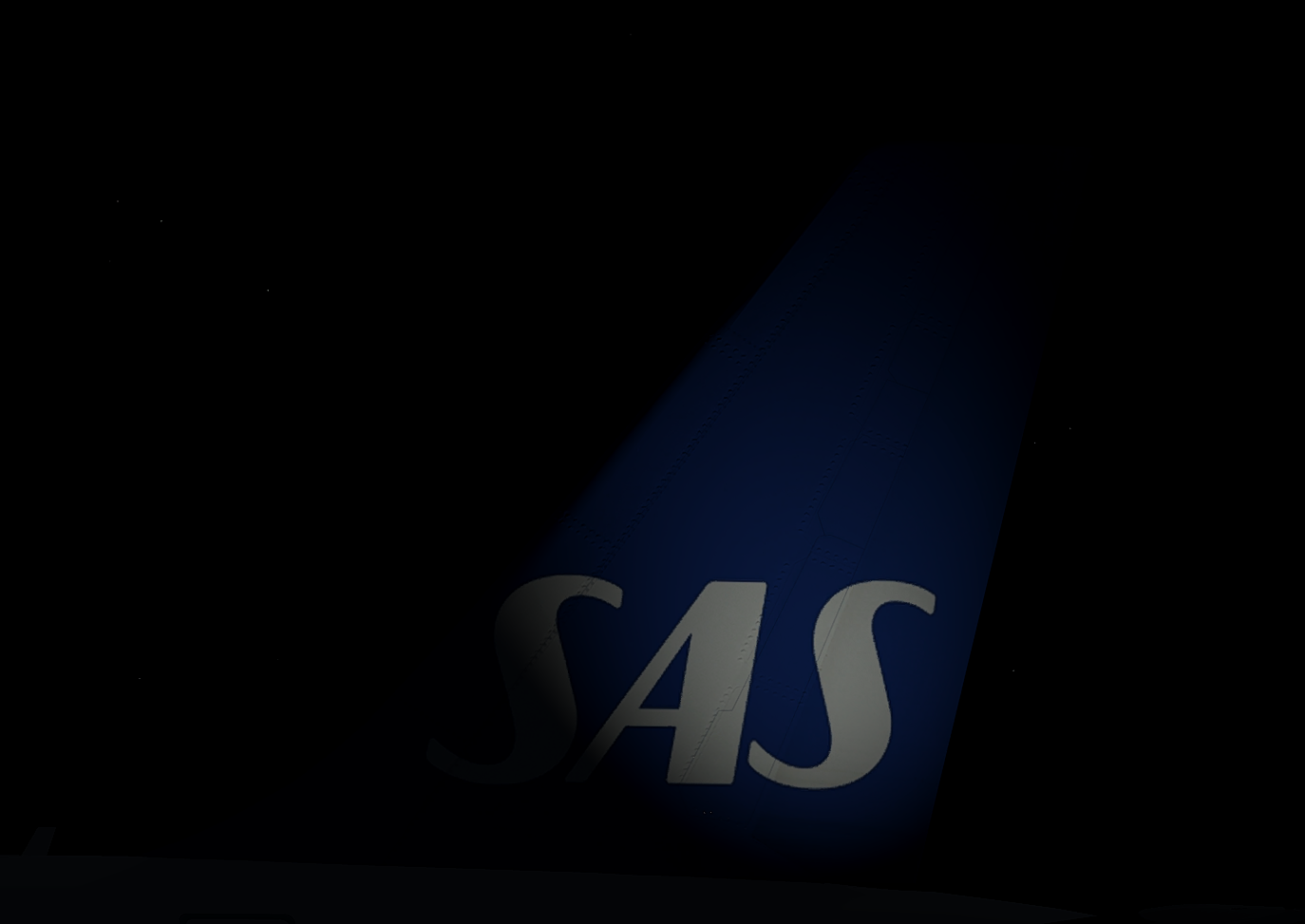
Could be a wonderful livery if u just correct the text on the tail of the aircraft..

Response from the author:

If you be a bit more specific on what is wrong then I can try fix it :D

Account

Navigation

Search

Search

Configure browser push notifications

Chrome (Android)
  1. Tap the lock icon next to the address bar.
  2. Tap Permissions → Notifications.
  3. Adjust your preference.
Chrome (Desktop)
  1. Click the padlock icon in the address bar.
  2. Select Site settings.
  3. Find Notifications and adjust your preference.