
Skip to content
View in the app

A better way to browse. Learn more.

Flight Sim Labs Forums

A full-screen app on your home screen with push notifications, badges and more.

To install this app on iOS and iPadOS
  1. Tap the Share icon in Safari
  2. Scroll the menu and tap Add to Home Screen.
  3. Tap Add in the top-right corner.
To install this app on Android
  1. Tap the 3-dot menu (⋮) in the top-right corner of the browser.
  2. Tap Add to Home screen or Install app.
  3. Confirm by tapping Install.

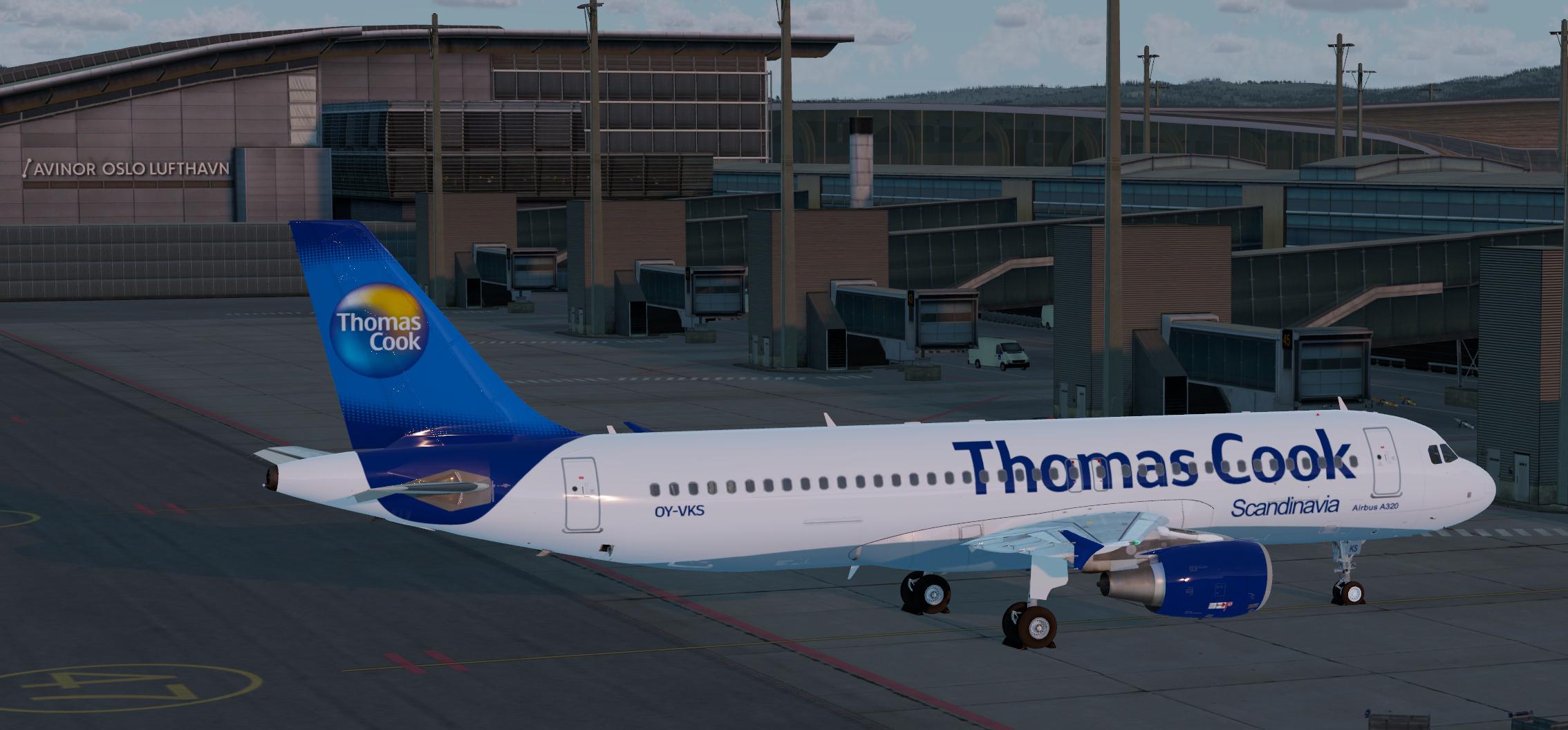
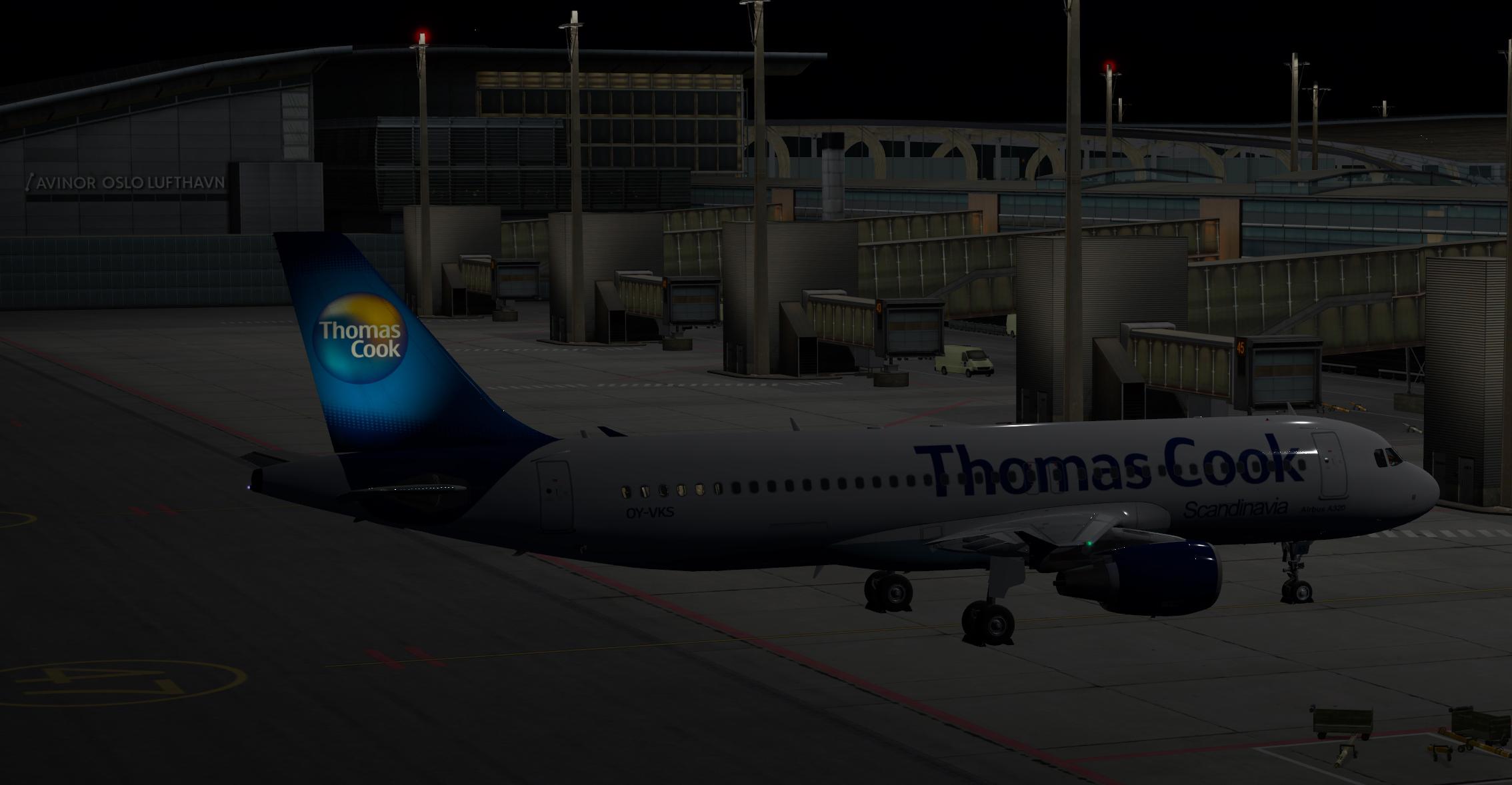
Thomas Cook Scandinavia OY-VKS 1.0.2

(0 reviews)

2 Screenshots

Airbus A320-214 CFM Thomas Cook Scandinavia OY-VKM (2008)

FOR FSL A320 v5.0.100+


Copyright and legal:

This work is protected by international intellectual property and copyright laws.  Any unauthorized use, dissemination and/or distribution of the content of this download is prohibited without the prior written consent of the author.  A lot of time and effort was spent creating this repaint.  Please respect our work.

What's New in Version 1.0.2

Released

Version 1.0.2

Changed fonts on some parts.
Adjusted colors a bit.
Minor changes.
Saved files without mipmaps.

User Feedback

There are no reviews to display.

Account

Navigation

Search

Search

Configure browser push notifications

Chrome (Android)
  1. Tap the lock icon next to the address bar.
  2. Tap Permissions → Notifications.
  3. Adjust your preference.
Chrome (Desktop)
  1. Click the padlock icon in the address bar.
  2. Select Site settings.
  3. Find Notifications and adjust your preference.

