
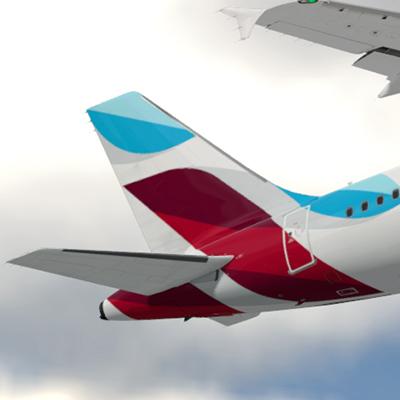
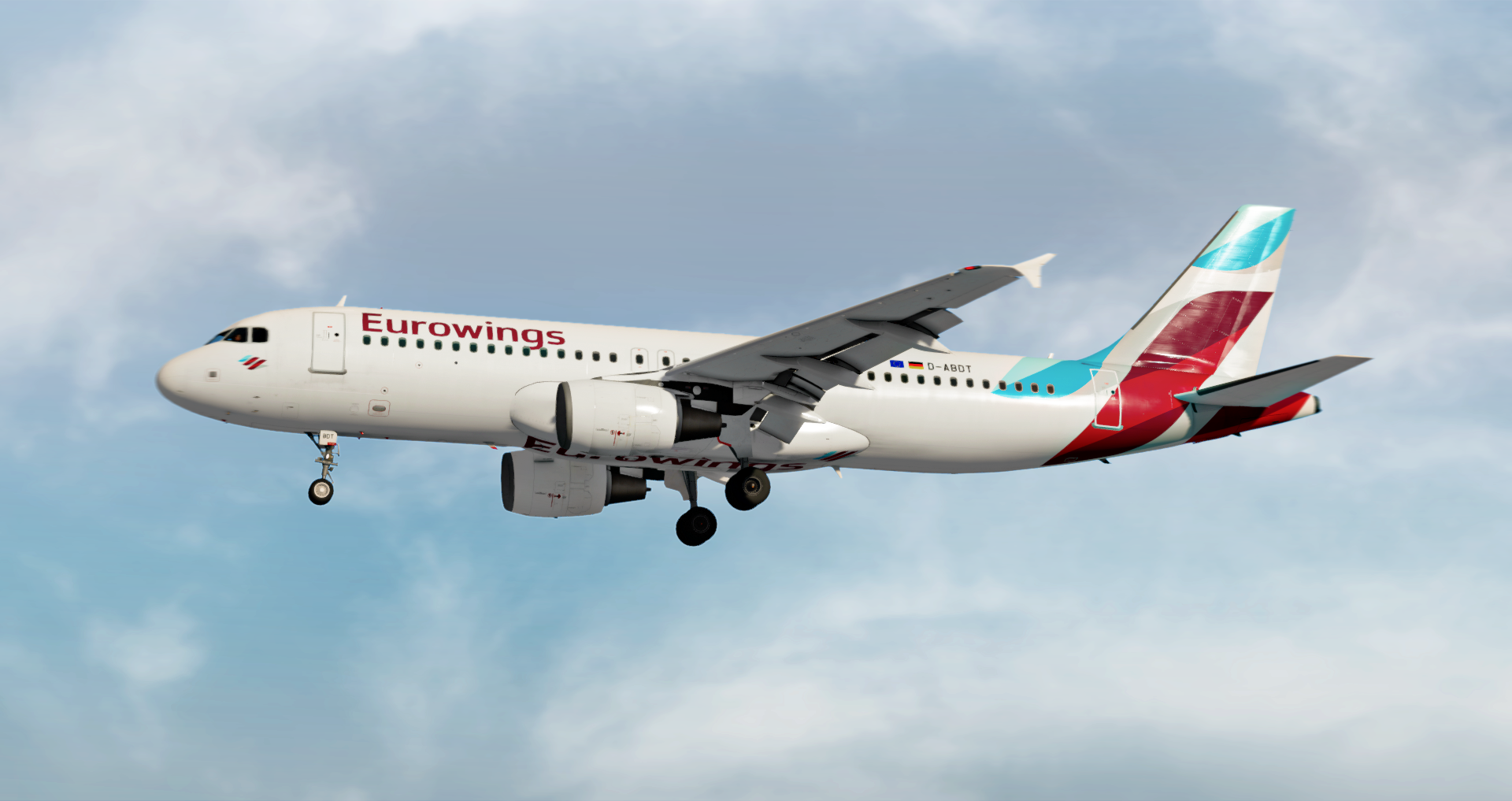
Eurowings A320 D-ABDT
*** FOR FSL A320 v5.0.100+ ONLY ***
This livery package contains a repaint of the Eurowings A320 aircraft registration D-ABDT including the new white wings and engine colors. Thanks to @Hugo Bicho for letting me use his Eurowings cabin textures in this package.
All textures were created by using a custom 4k A320 painkit which is kindly provided by @Hugo Bicho, @Daniel Du Preez and @John Tavendale. This paintkit includes the following features:
- Custom 4K textures with accurate seam panelling, fuselage section joins and rivets
- Custom 4K metallic maps (PBR) with baked ambient occlusion (AO) effects
- Custom 4K normal maps for fuselage, engines, wings and tail
- Reworked landing gear including tyres and struts with custom PBR effects
- Enhancements to aircraft overlay textures, including PBR effects
- Custom dirt effects
IMPORTANT!
This livery requires the following textures to be installed:
https://forums.flightsimlabs.com/index.php?/files/file/2460-common-files-for-fsl-a320-v501100-custom-4k-pbr-paint-kit/
Instructions:
1. Please delete any folder named "Texture.EWG D-ABDT" within the folder "{your FSLabs installation folder}\SimObjects\Airplanes\FSLabs A320 CFM"
2. Ensure that the files mentioned above are correctly installed.
3. Copy the two folders "Texture.EWG D-ABDT" and "Airframe Configs" into your "FSLabs A320 CFM" folder, which is found in "{your FSLabs installation folder}\SimObjects\Airplanes\FSLabs A320 CFM"
4. Enjoy your flights!
Recommendation:
For the best immersion I recommend to download and install the following cabin passenger adress recordings in addition.
https://forums.flightsimlabs.com/index.php?/files/file/3042-eurowings-airline-pack/
Donation:
Do you like my work and want to buy me a beer or a coffee?
Just use the following link in order to send me a donation.
Copyright and legal:
This work is protected by international intellectual property and copyright laws. Any unauthorised use, dissemination and/or distribution of the content of this download is prohibited without the prior written consent of the author. A lot of time and effort was spent creating these textures. Please respect my work.
What's New in Version 1.0.2
Released
- All textures saved w/o mipmaps.
- Red pitot rings corrected.
-
 4
4
-
 3
3