
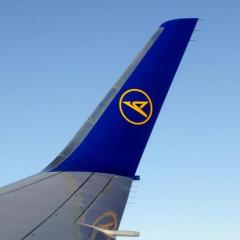
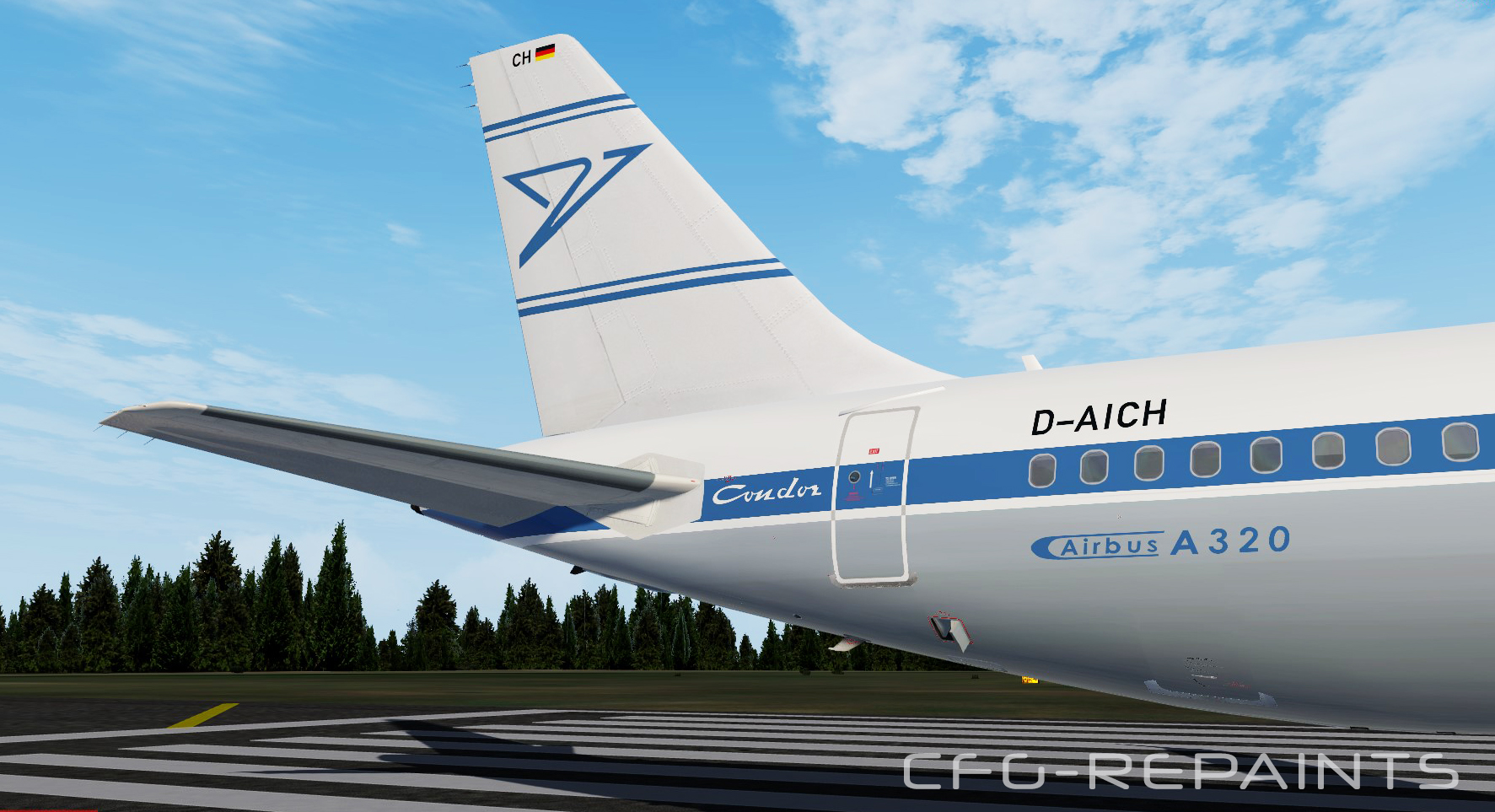
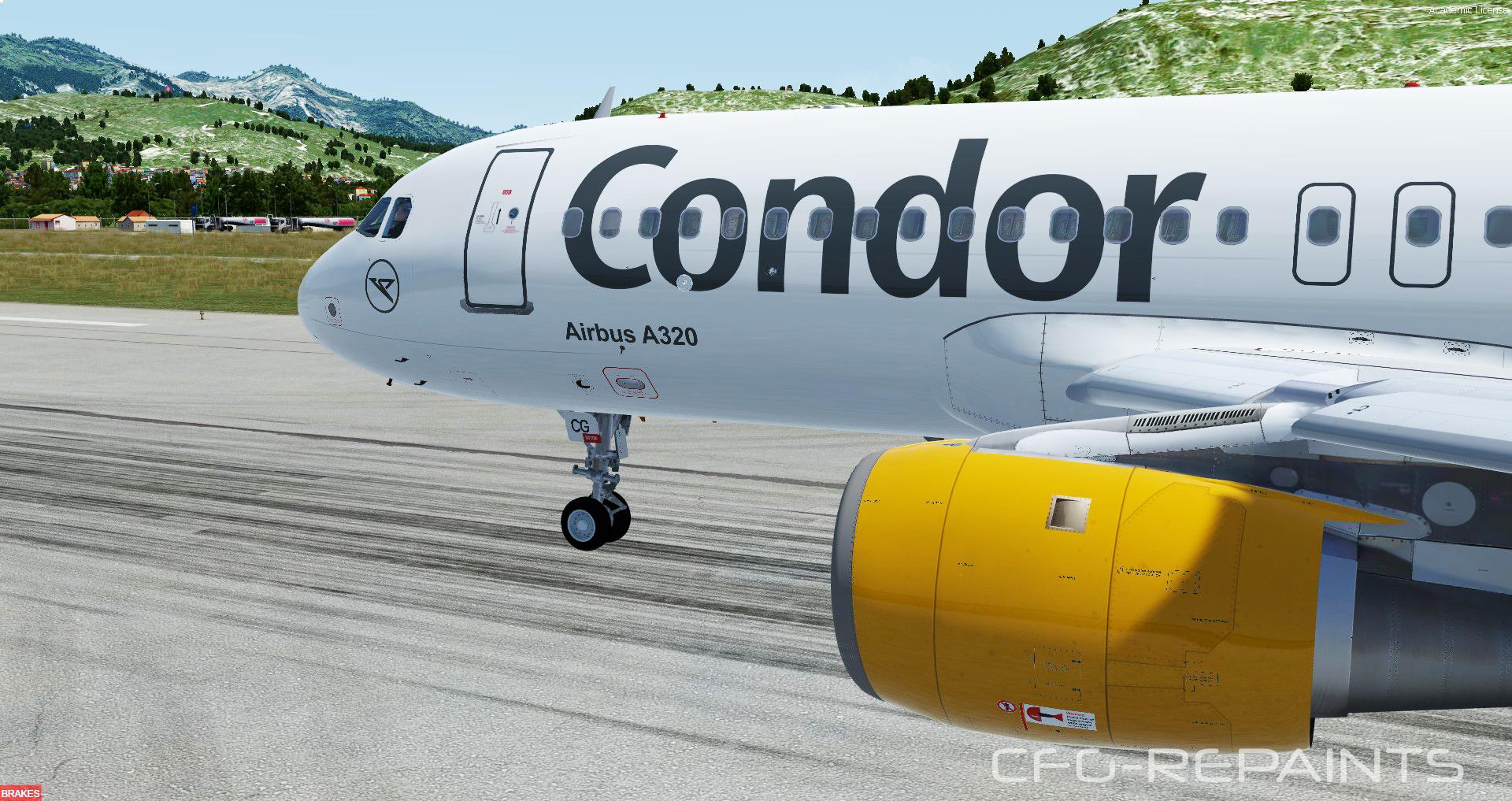
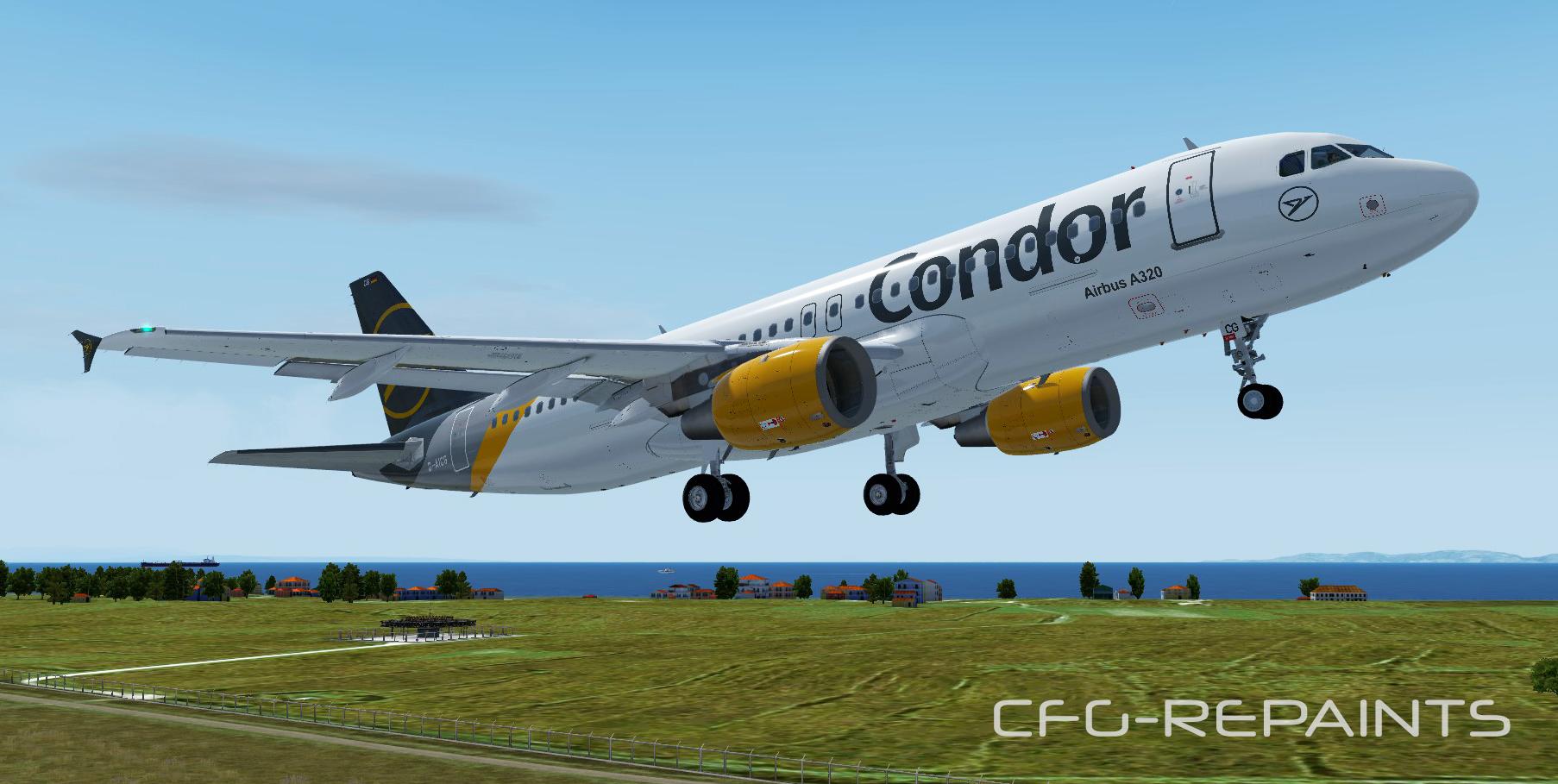
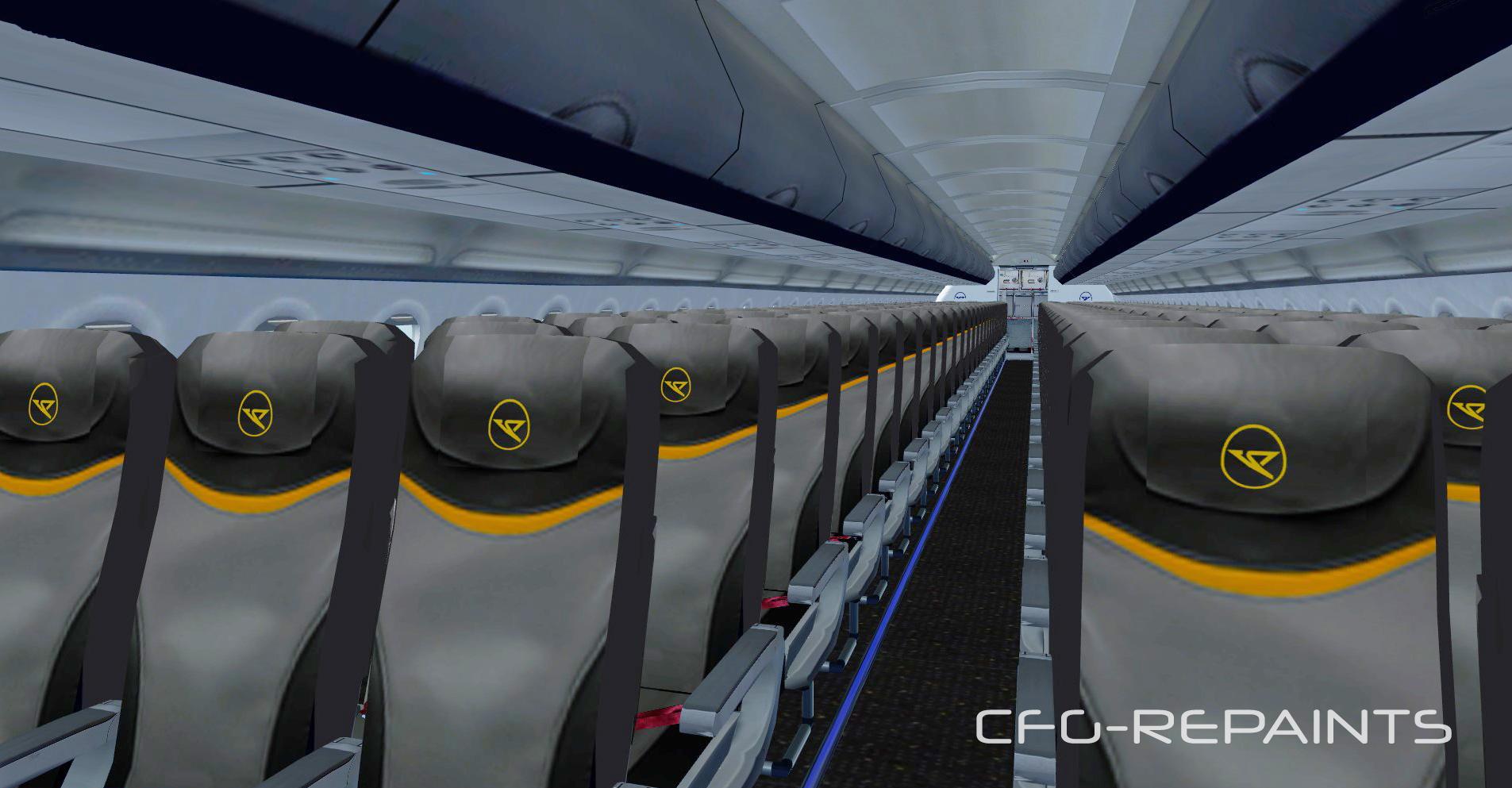
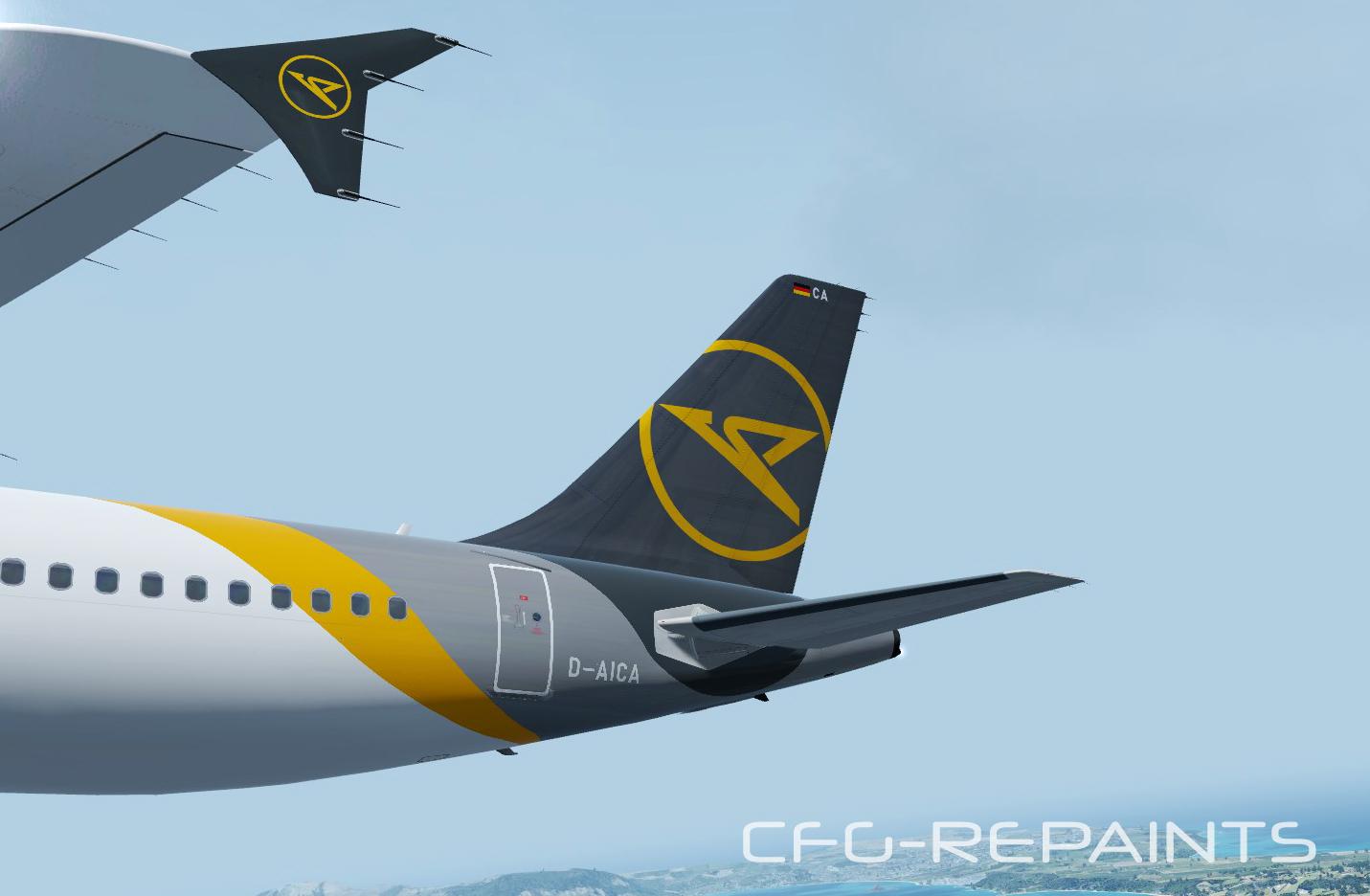
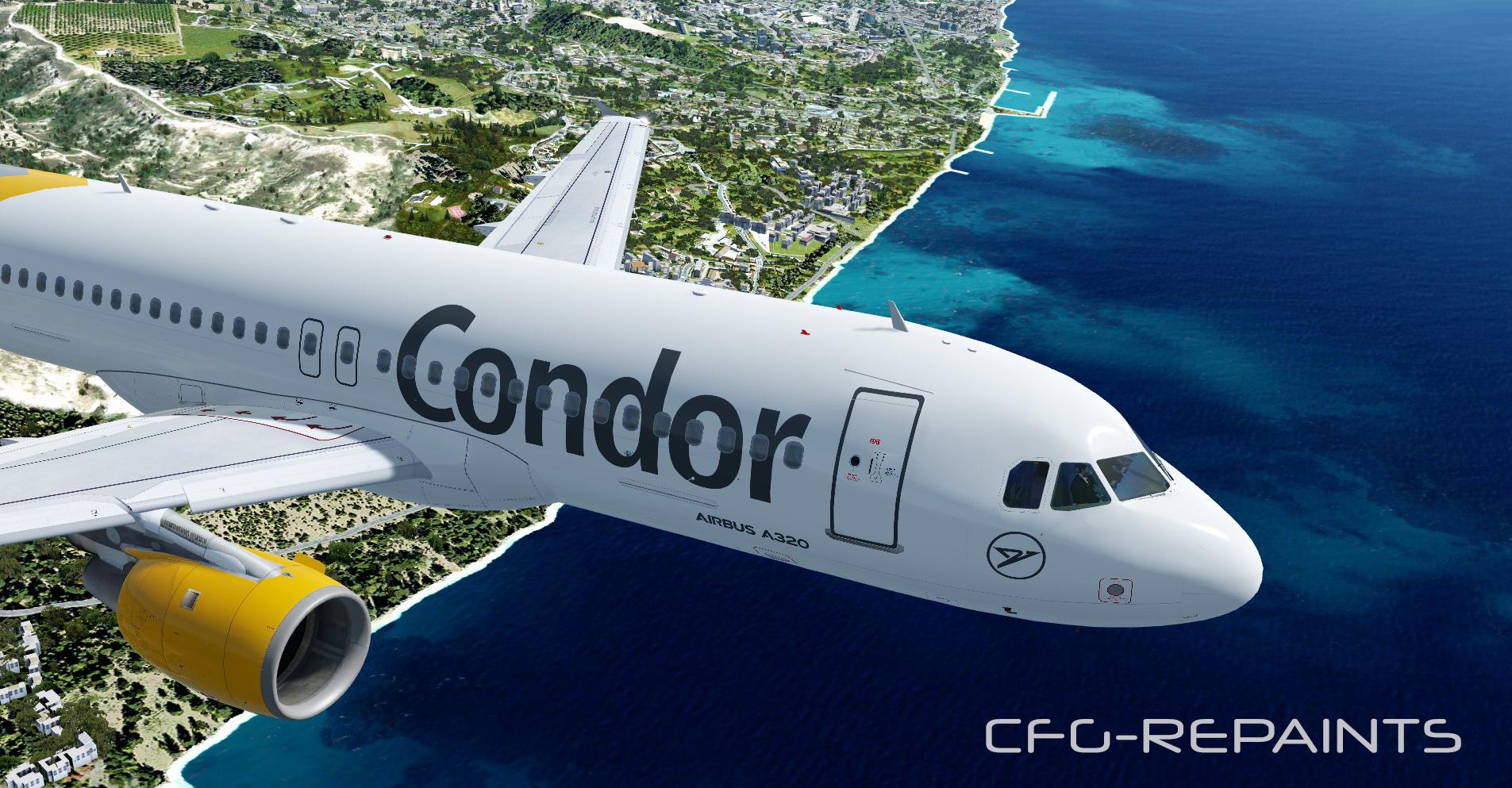
This package contains 13 Condor Airlines repaints, they are compatible with the most recent FSlabs A320X PBR update (only tested with P3Dv4)
Features:
- each paint is custom made as of 03.08.2020
- accurate Condor cabin
- specific details and decals
The following paints are included:
D-AICA grey Condor livery
D-AICC grey Condor livery
D-AICD grey Condor livery
D-AICE grey Condor livery
D-AICF grey Condor livery
D-AICG grey Condor livery
D-AICH retro c/s (available with version 1.1)
D-AICI grey Condor livery
D-AICK grey Condor livery
D-AICP grey Condor livery (ex TC Balearics)
D-AICR grey Condor livery (ex Vueling)
D-AICS grey Condor livery (ex Vueling)
D-ATCH grey Condor livery
--------------------------------------------------------------------------------------------------------------------------------
Thanks to @John Tavendale for using some parts of his textures and thanks to @Hugo Bicho for using his engine textures.
I recommend you the Condor Cabin Package from @Domenico Danza for the best Condor experience :-)
--------------------------------------------------------------------------------------------------------------------------------
A readme with instructions is included.
Also visit my Facebook Page CFG-Repaints
If you like my work and want to pay a little attention to me: paypal.me/cfgrepaints
What's New in Version 1.0.0
Released
No changelog available for this version.
-
 5
5
-
 4
4