Skip to content
View in the app

A better way to browse. Learn more.

Flight Sim Labs Forums

A full-screen app on your home screen with push notifications, badges and more.

To install this app on iOS and iPadOS
  1. Tap the Share icon in Safari
  2. Scroll the menu and tap Add to Home Screen.
  3. Tap Add in the top-right corner.
To install this app on Android
  1. Tap the 3-dot menu (⋮) in the top-right corner of the browser.
  2. Tap Add to Home screen or Install app.
  3. Confirm by tapping Install.

Wizz Air A320 - HA-LPT 1.0.0

(2 reviews)

1 Screenshot

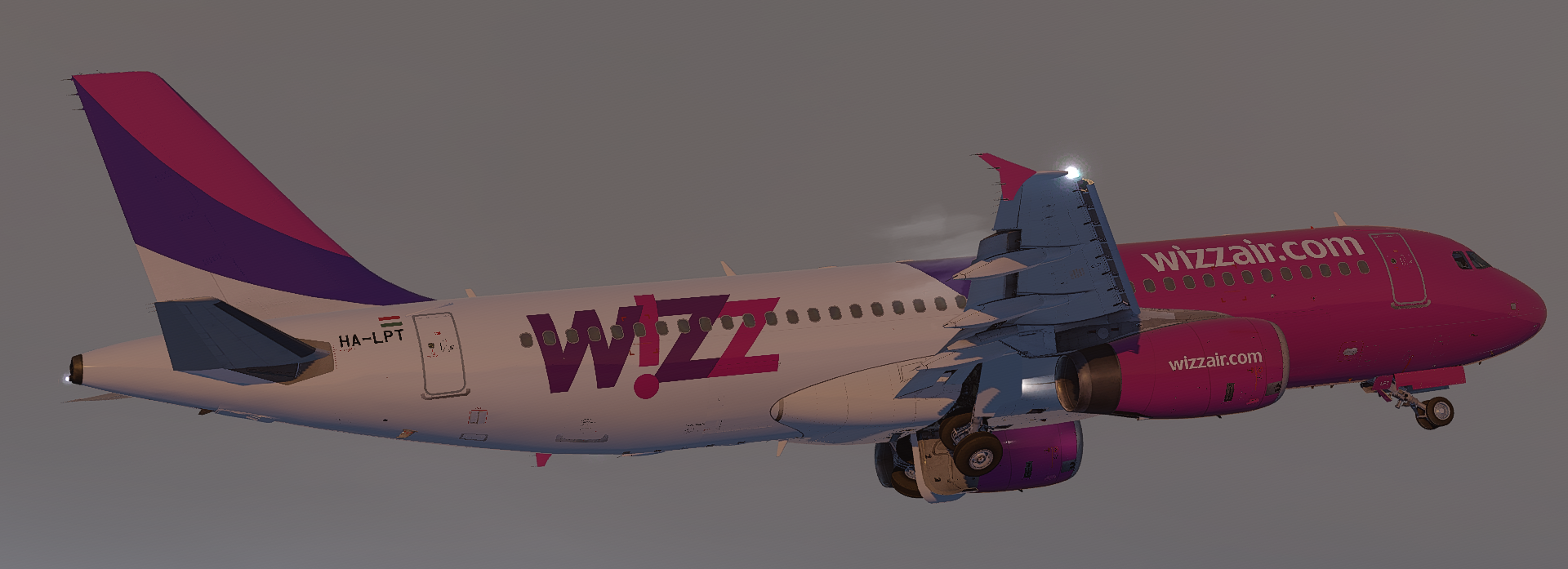
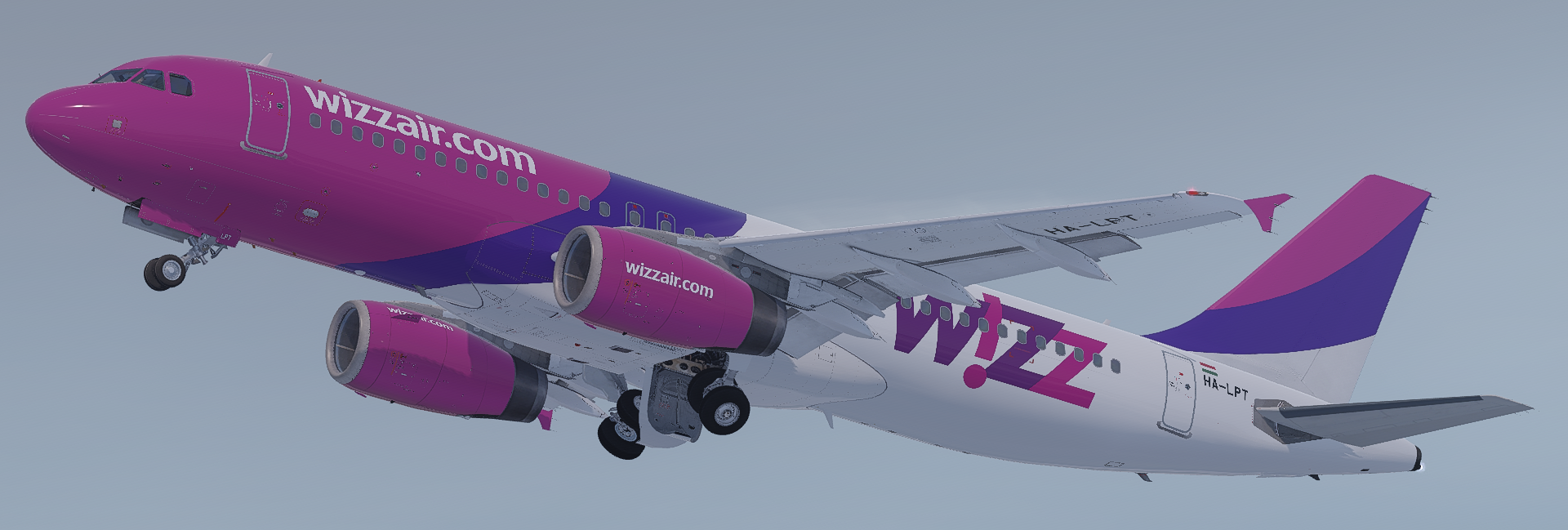
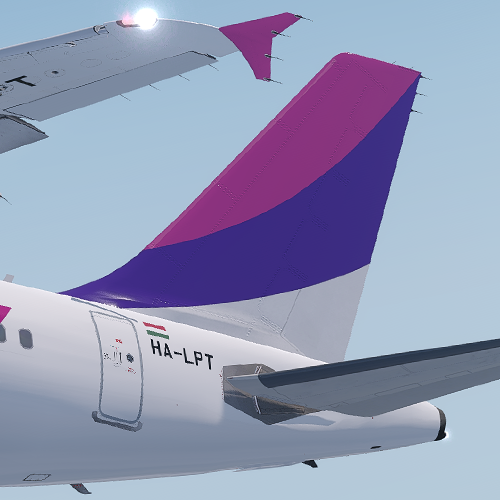
Wizz Air A320-232 -- HA-LPT

v5.0.1.100+ ONLY

This is my third public repaint, still learning how to paint so any support / criticism or any tips in 
general are more than welcome :)


By Ciaran Henderson (Infojam)

Screenshot1.png

Screenshot2.png

User Feedback

Konstantinos Papageorgiou

Konstantinos Papageorgiou

   1 of 1 member found this review helpful 1 / 1 member

Excellent sir!

Morgan Western

Morgan Western

   1 of 1 member found this review helpful 1 / 1 member

Another great rendition of this repaint!

Account

Navigation

Search

Search

Configure browser push notifications

Chrome (Android)
  1. Tap the lock icon next to the address bar.
  2. Tap Permissions → Notifications.
  3. Adjust your preference.
Chrome (Desktop)
  1. Click the padlock icon in the address bar.
  2. Select Site settings.
  3. Find Notifications and adjust your preference.