

Skip to content
View in the app

A better way to browse. Learn more.

Flight Sim Labs Forums

A full-screen app on your home screen with push notifications, badges and more.

To install this app on iOS and iPadOS
  1. Tap the Share icon in Safari
  2. Scroll the menu and tap Add to Home Screen.
  3. Tap Add in the top-right corner.
To install this app on Android
  1. Tap the 3-dot menu (⋮) in the top-right corner of the browser.
  2. Tap Add to Home screen or Install app.
  3. Confirm by tapping Install.

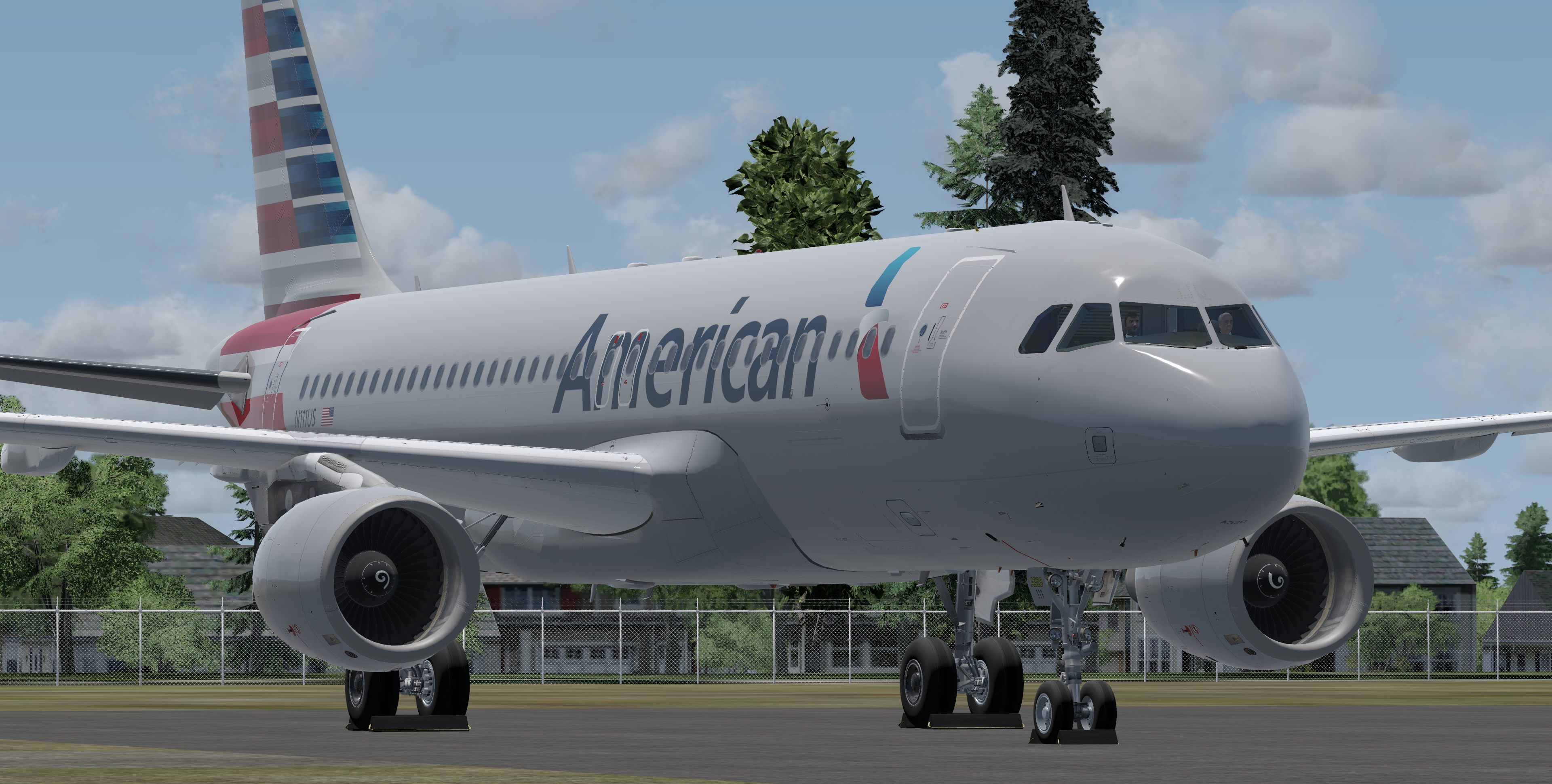
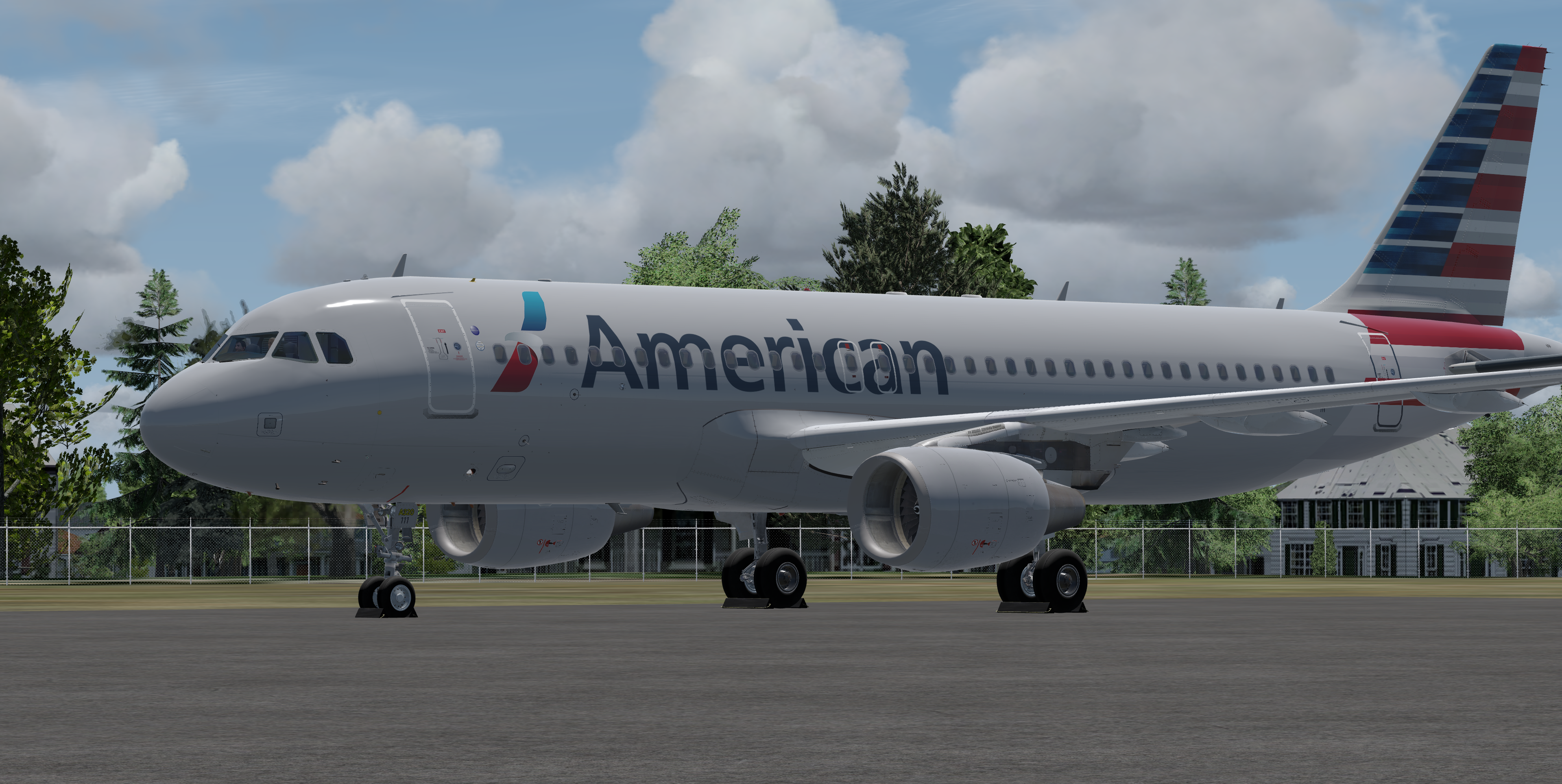
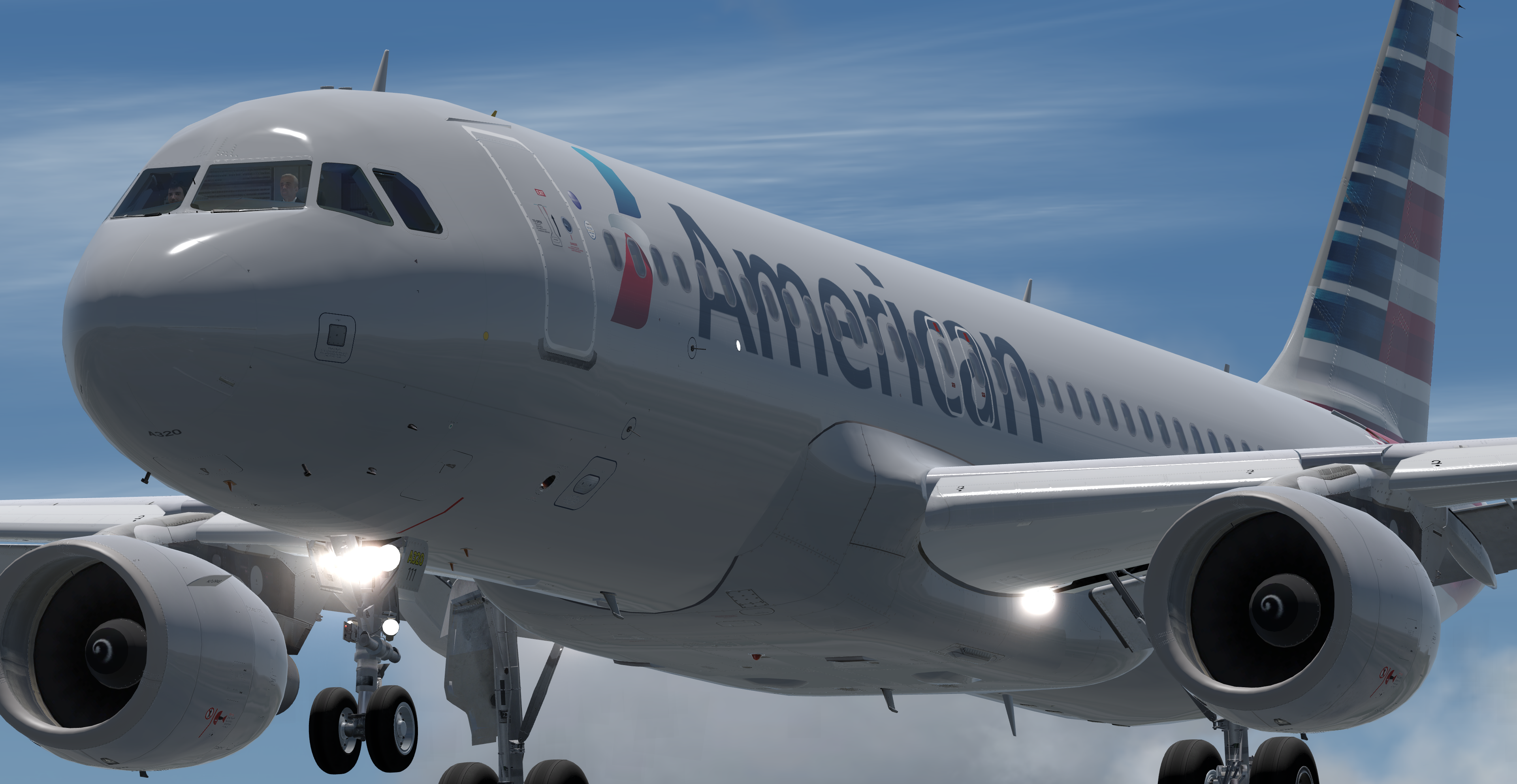
American Airlines Airbus A320-214 N111US 1.0.3

(3 reviews)

5 Screenshots

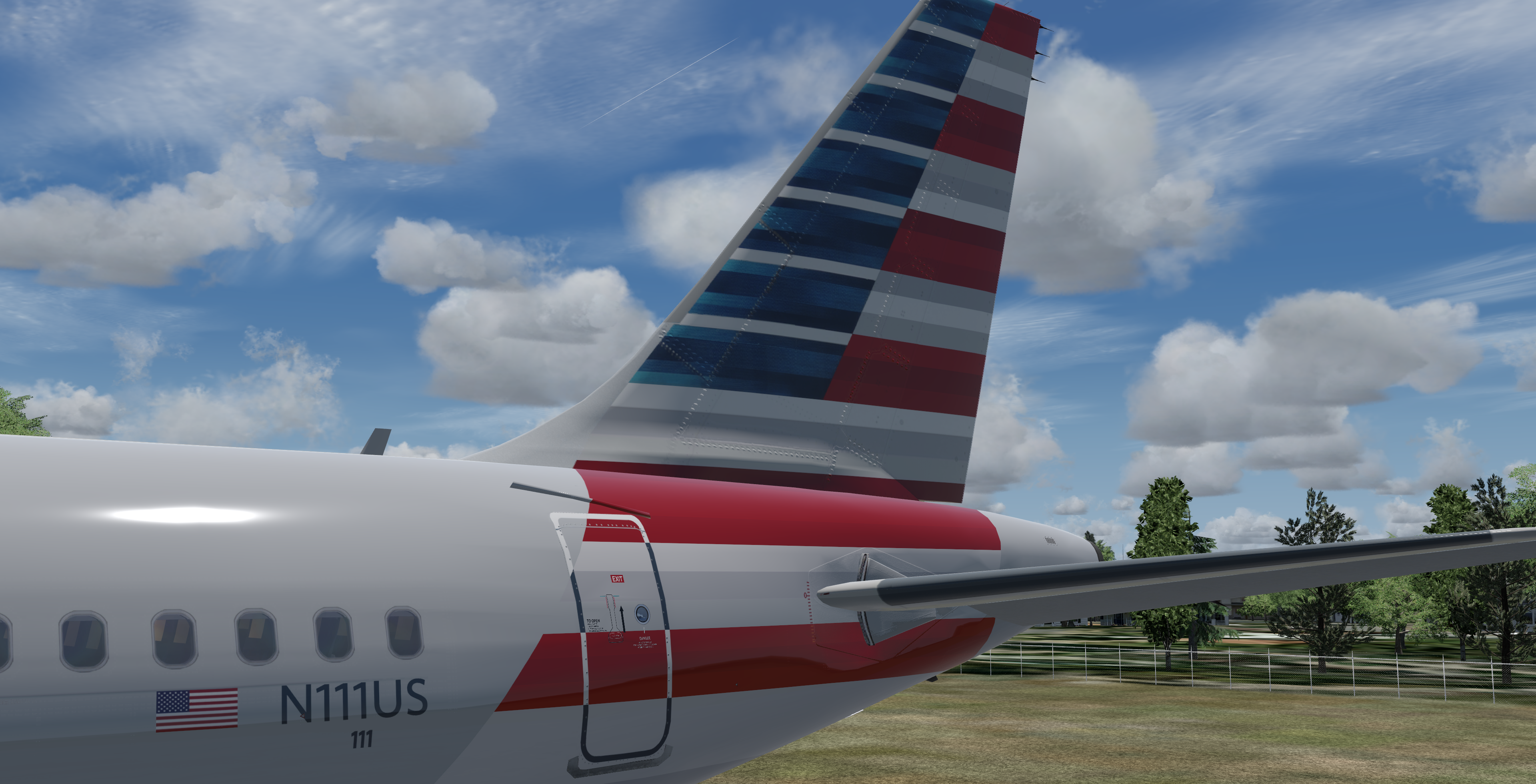
This is an accurate repaint of an American Airlines A320 Paint taken from actual photos. Huge thanks to @John Tavendale for the awesome tail tiles

P3D v4/5 compatibility.  You can simply extract the zip file into your sim and the aircraft will automatically be added to the vehicles list.

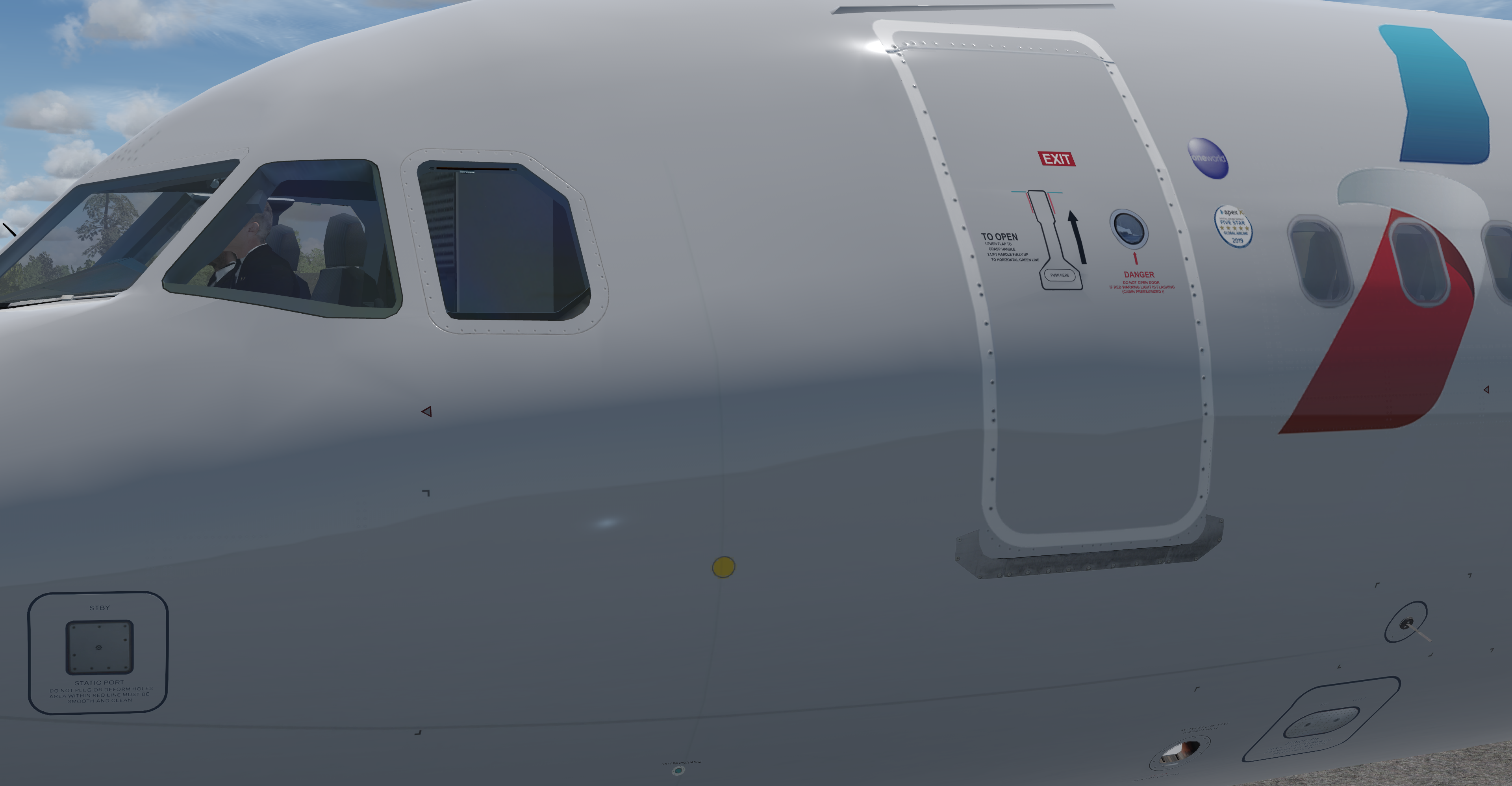
-Accurate fuselage stencils
-Acutal Selcal code and MSN included in Flight Deck
-Only Compatible with A320 v5.0
-Configured for 150 seats
-Cockpit updated by @Hugo Bicho  Cockpit Textures by Hugo (textures not included)

What's New in Version 1.0.3

Released

Version 1.0.3
-Rpositioned AFT fuselage stripes
-Added stripes to horizontal stab covers

User Feedback

TH0R5T€N KlRCHH€lM

TH0R5T€N KlRCHH€lM


Great job, Brian, and thanks for sharing ... 

Johnny Green

Johnny Green


Thanks so much!!!!

Artur Araripe

Artur Araripe


Superb! 

Account

Navigation

Search

Search

Configure browser push notifications

Chrome (Android)
  1. Tap the lock icon next to the address bar.
  2. Tap Permissions → Notifications.
  3. Adjust your preference.
Chrome (Desktop)
  1. Click the padlock icon in the address bar.
  2. Select Site settings.
  3. Find Notifications and adjust your preference.
