
Skip to content
View in the app

A better way to browse. Learn more.

Flight Sim Labs Forums

A full-screen app on your home screen with push notifications, badges and more.

To install this app on iOS and iPadOS
  1. Tap the Share icon in Safari
  2. Scroll the menu and tap Add to Home Screen.
  3. Tap Add in the top-right corner.
To install this app on Android
  1. Tap the 3-dot menu (⋮) in the top-right corner of the browser.
  2. Tap Add to Home screen or Install app.
  3. Confirm by tapping Install.

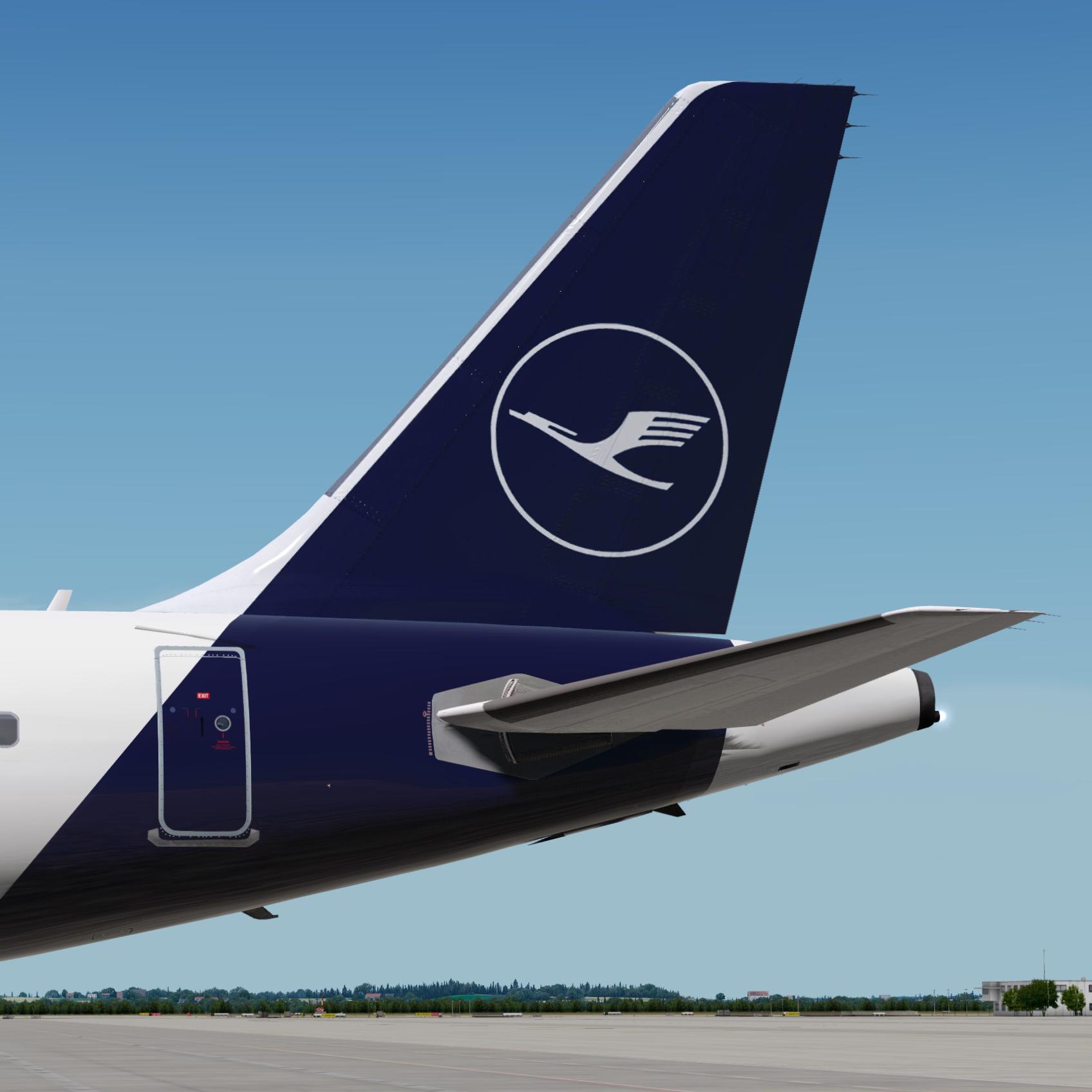
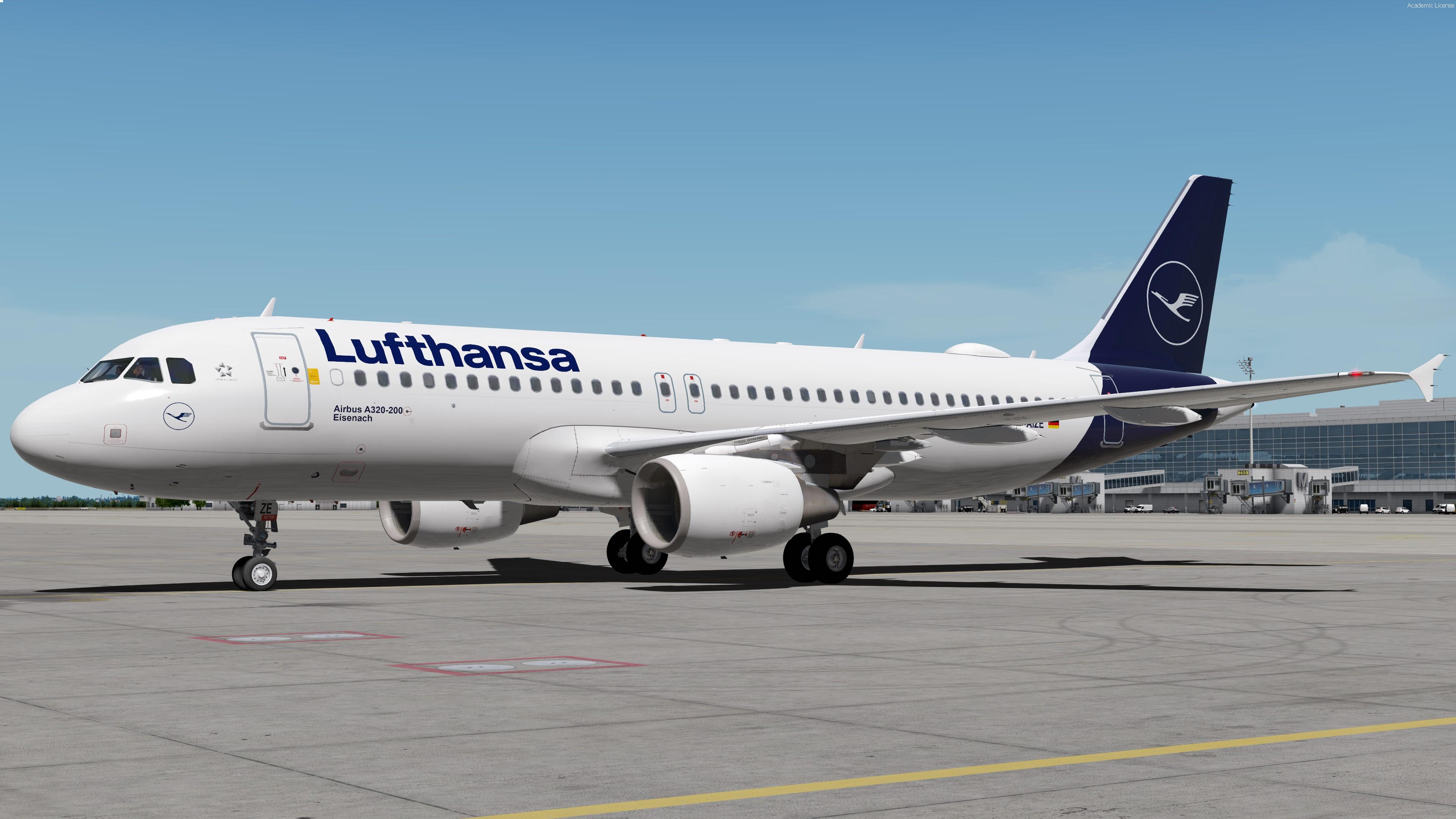
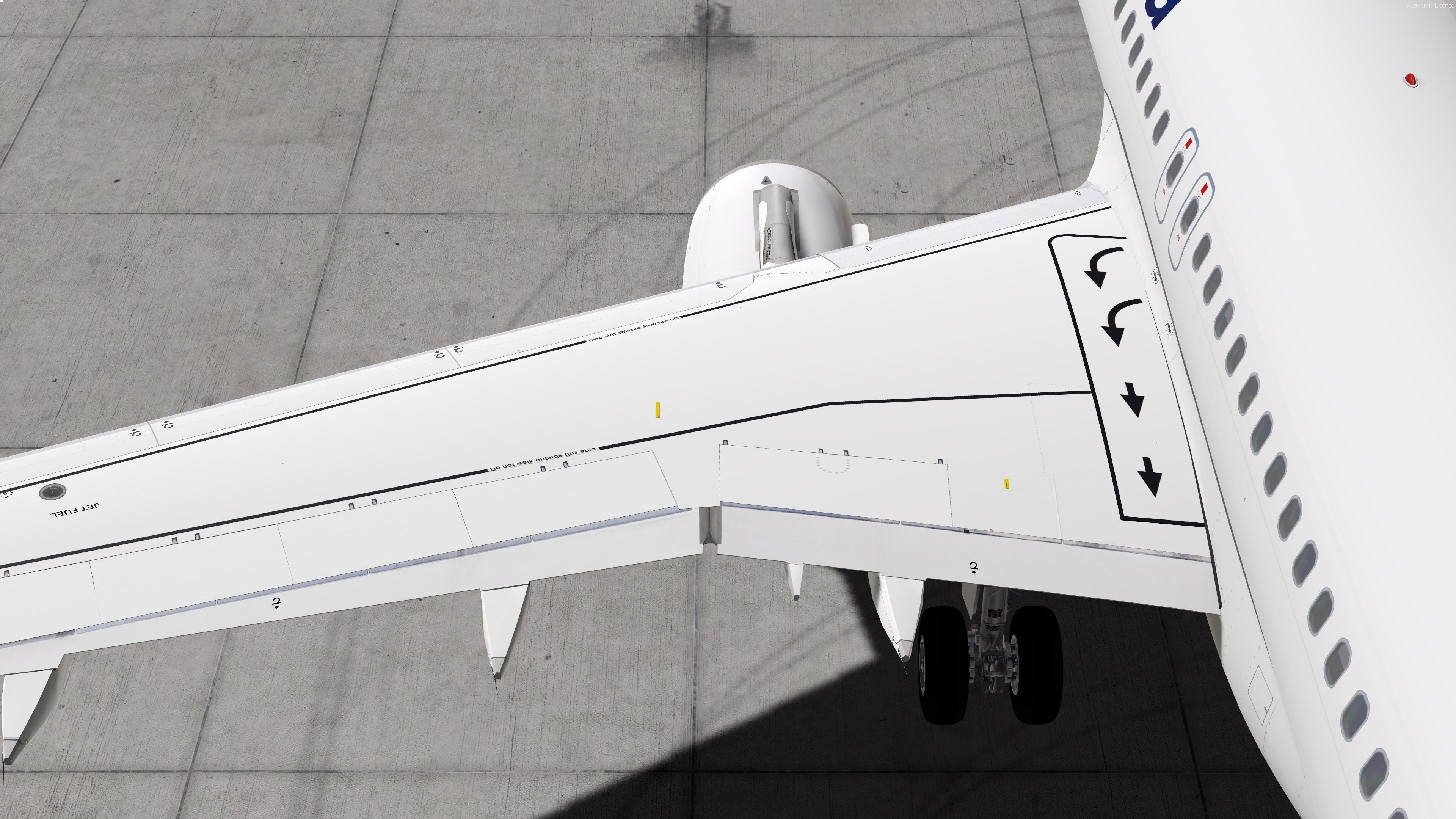
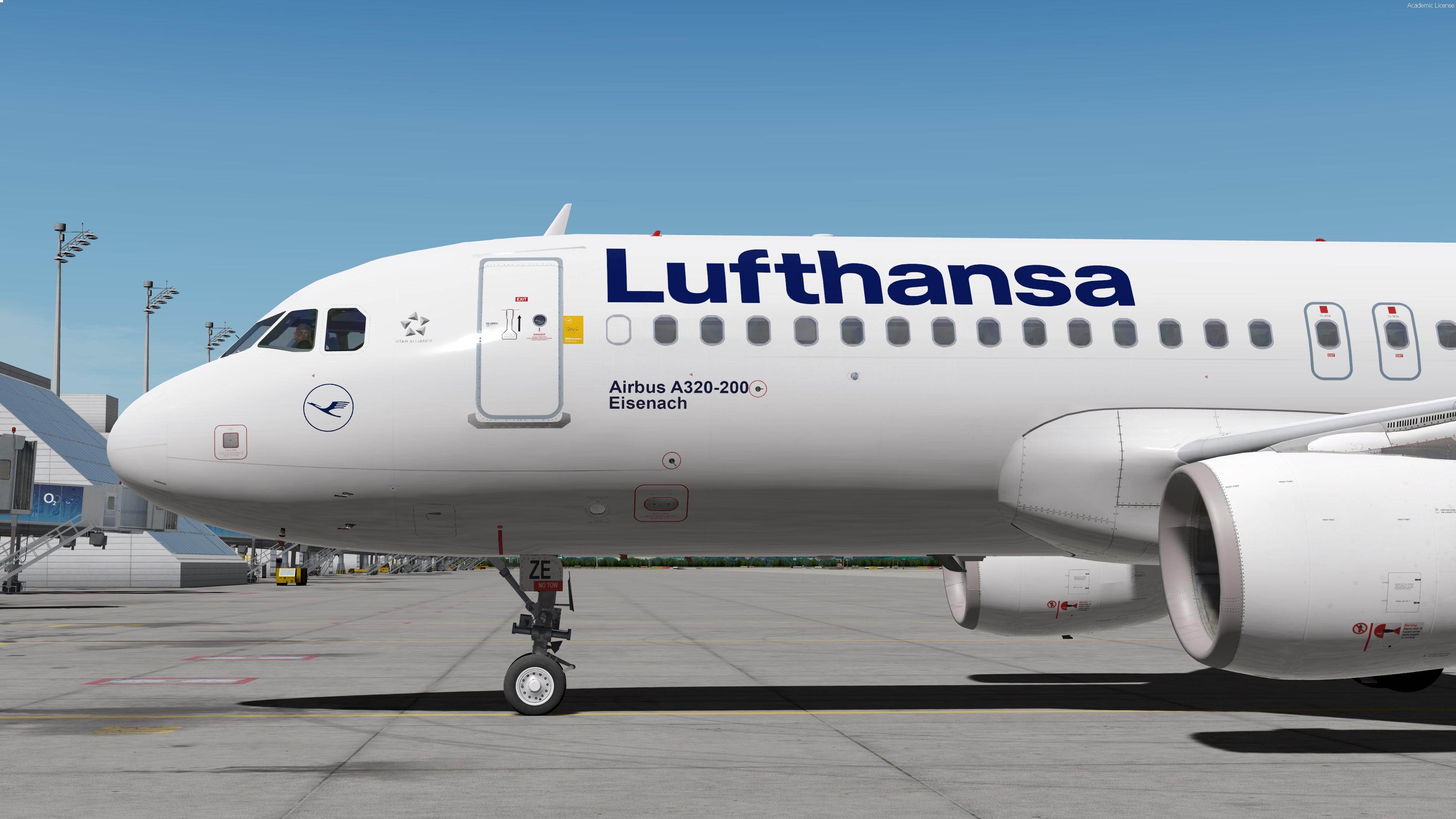
Lufthansa A320 D-AIZE 1.0.3

(1 review)

4 Screenshots

ONLY COMPATIBLE WITH FSLABS A320-X V5.0.1.100+

As this is my first ever paint I tried to make it as accurate as possible. 
So there's only one more thing to say: Happy Landings!!!


Also have a look at those two awesome packadges allowing you to increase the Lufthansa Immersion:


What's New in Version 1.0.1

Released

No changelog available for this version.

User Feedback

Alexander Polcher

Alexander Polcher


Great textureset and quality! Looks fine in my sim and is a pleasure to look at.

Response from the author:

Thank you!

You might want to have a look at this updated version


Account

Navigation

Search

Search

Configure browser push notifications

Chrome (Android)
  1. Tap the lock icon next to the address bar.
  2. Tap Permissions → Notifications.
  3. Adjust your preference.
Chrome (Desktop)
  1. Click the padlock icon in the address bar.
  2. Select Site settings.
  3. Find Notifications and adjust your preference.
