Skip to content
View in the app

A better way to browse. Learn more.

Flight Sim Labs Forums

A full-screen app on your home screen with push notifications, badges and more.

To install this app on iOS and iPadOS
  1. Tap the Share icon in Safari
  2. Scroll the menu and tap Add to Home Screen.
  3. Tap Add in the top-right corner.
To install this app on Android
  1. Tap the 3-dot menu (⋮) in the top-right corner of the browser.
  2. Tap Add to Home screen or Install app.
  3. Confirm by tapping Install.

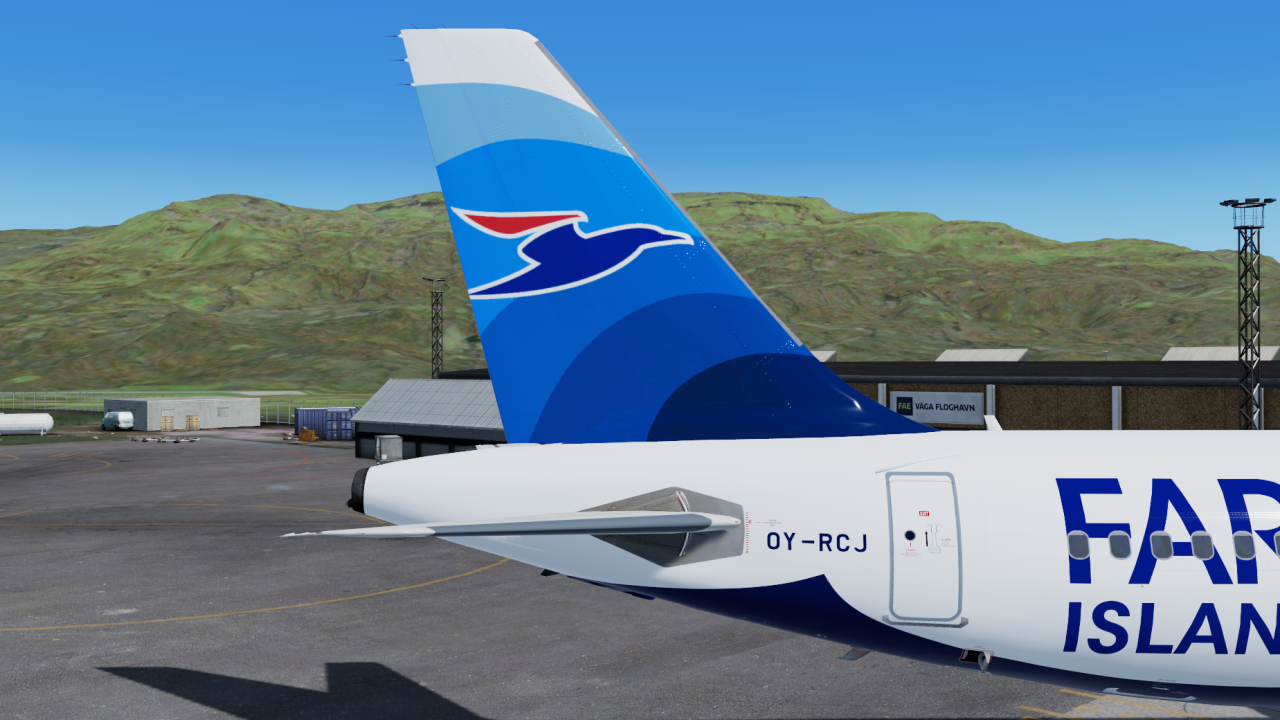
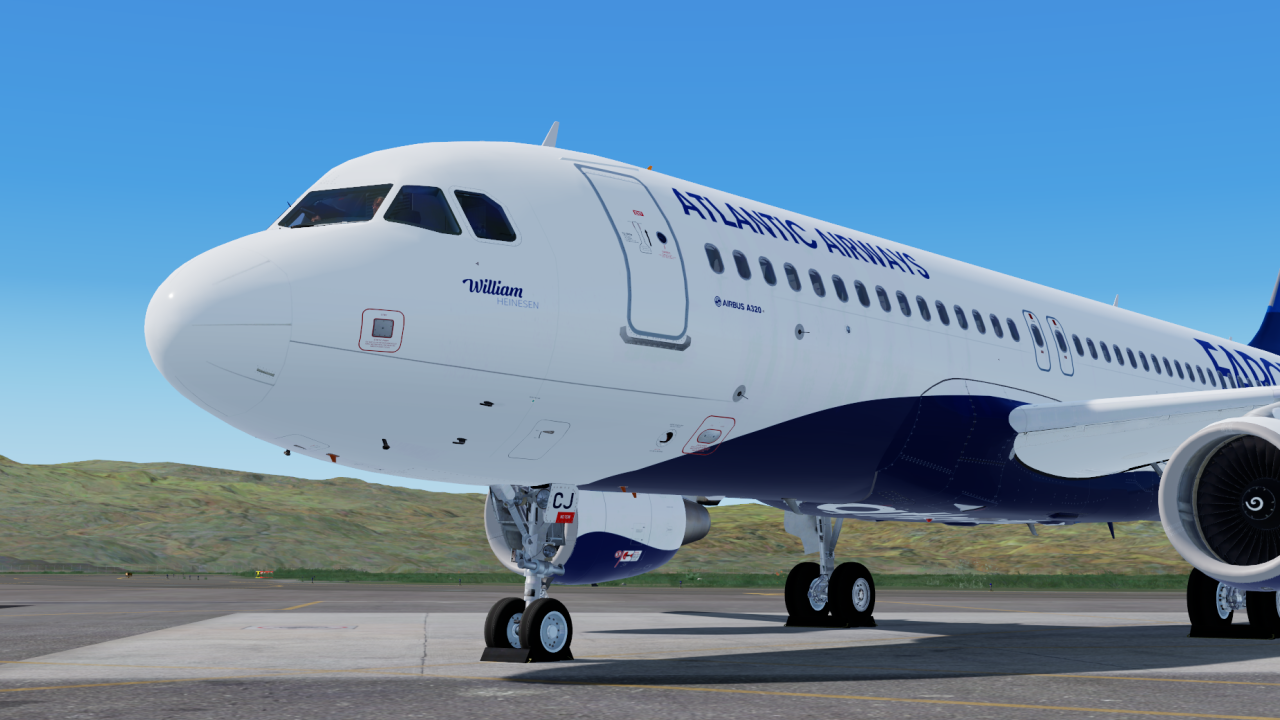
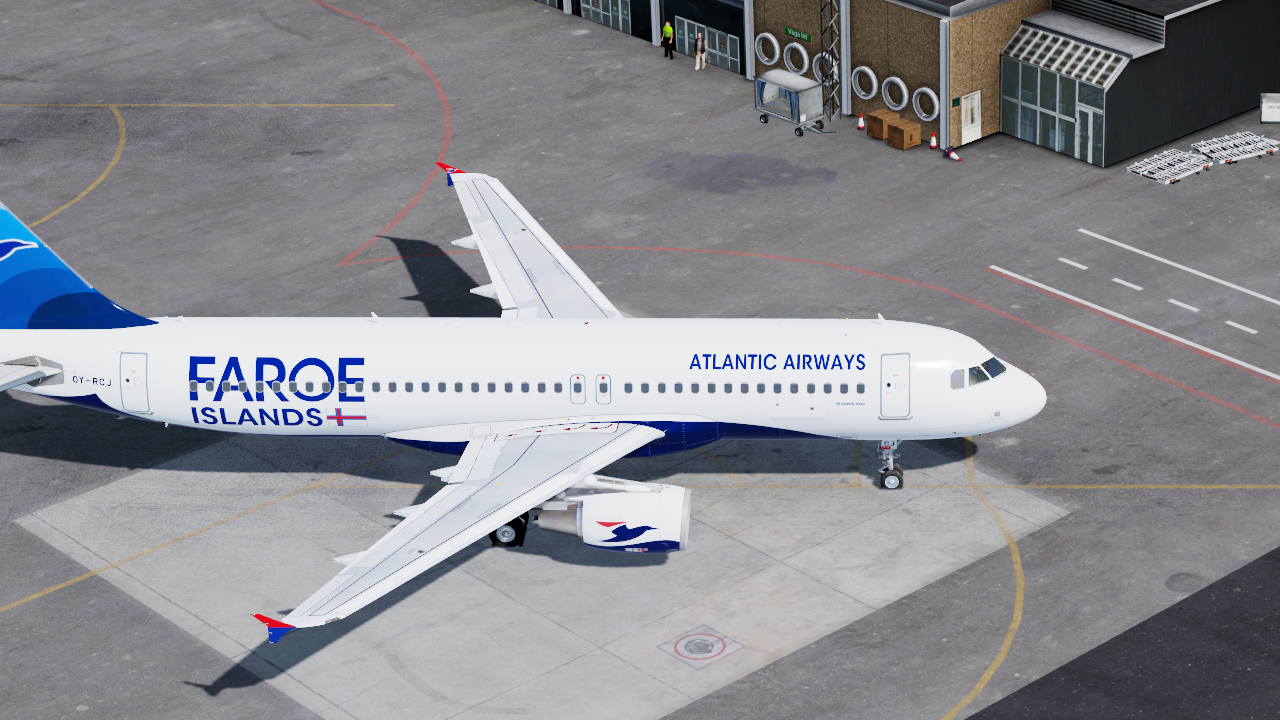
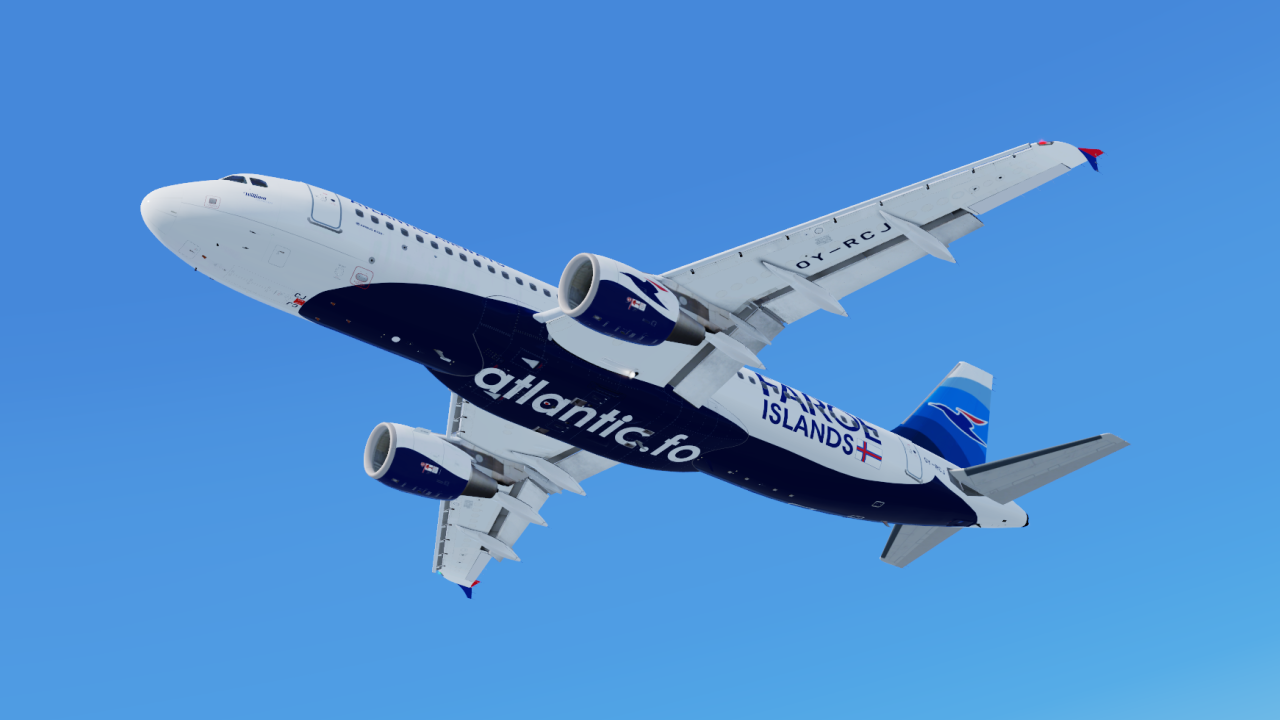
Atlantic Airways A320 (OY-RCJ) 2.0.0

(4 reviews)

4 Screenshots

ONLY COMPATIBLE WITH FSLABS A320-X V5.0.1.100+

Atlantic Airways A320 (OY-RCJ)

To install simply drag and drop the folders `Texture.FLI OY-RCJ` into \FSLabs\SimObjects\Airplanes\FSLabs A320 CFM\


What's New in Version 1.0.1

Released

  • Updated ISIS to new version

User Feedback

Hendrik Schall

Hendrik Schall


Very nice!

thefpr

thefpr


I did this exact livery for the v1 of the aircraft on FSX back in February 2017, almost 4 years ago now...

Your livery has more details and it looks really good. Good job, thanks for sharing! ;)

Steven Riegel

Steven Riegel

   1 of 1 member found this review helpful 1 / 1 member

Thank you!!!

Liam Carbin

Liam Carbin

   2 of 2 members found this review helpful 2 / 2 members

Excellent, thanks for doing this one! We can resume those challenging approaches into Vagar now :D 

Response from the author:

Thank You! :lol:

Account

Navigation

Search

Search

Configure browser push notifications

Chrome (Android)
  1. Tap the lock icon next to the address bar.
  2. Tap Permissions → Notifications.
  3. Adjust your preference.
Chrome (Desktop)
  1. Click the padlock icon in the address bar.
  2. Select Site settings.
  3. Find Notifications and adjust your preference.