Skip to content
View in the app

A better way to browse. Learn more.

Flight Sim Labs Forums

A full-screen app on your home screen with push notifications, badges and more.

To install this app on iOS and iPadOS
  1. Tap the Share icon in Safari
  2. Scroll the menu and tap Add to Home Screen.
  3. Tap Add in the top-right corner.
To install this app on Android
  1. Tap the 3-dot menu (⋮) in the top-right corner of the browser.
  2. Tap Add to Home screen or Install app.
  3. Confirm by tapping Install.

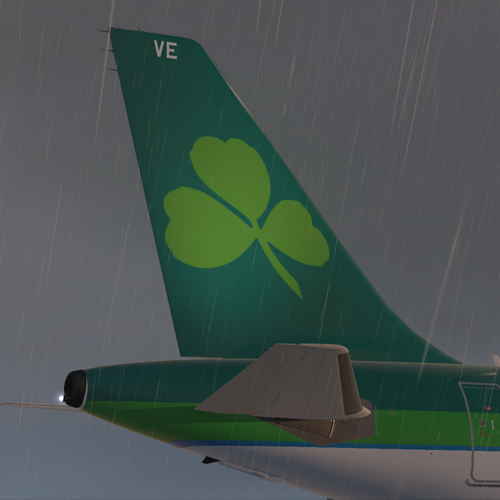
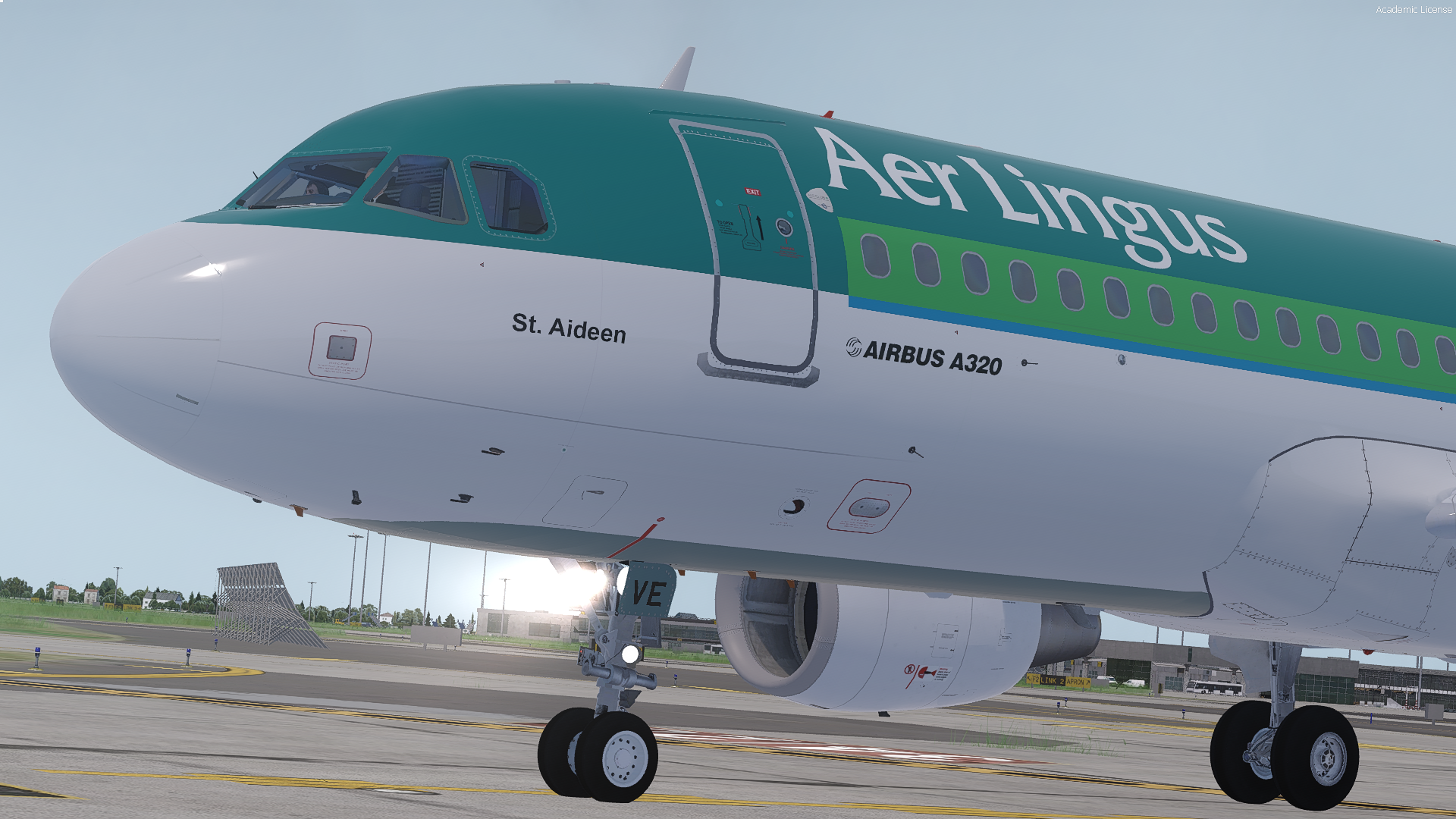
Aer Lingus A320 - EI-DVE 1.2.1

(5 reviews)

1 Screenshot

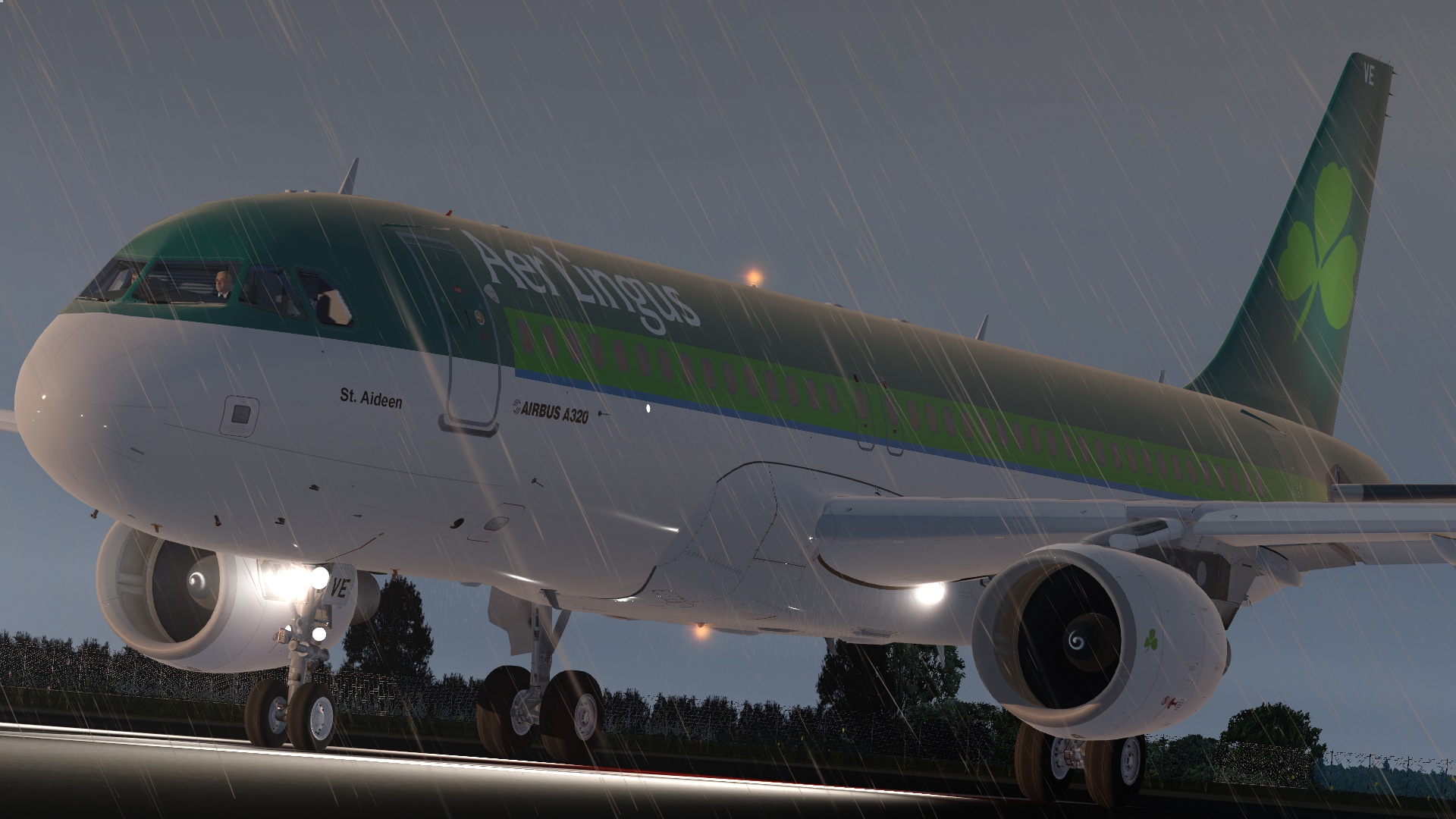
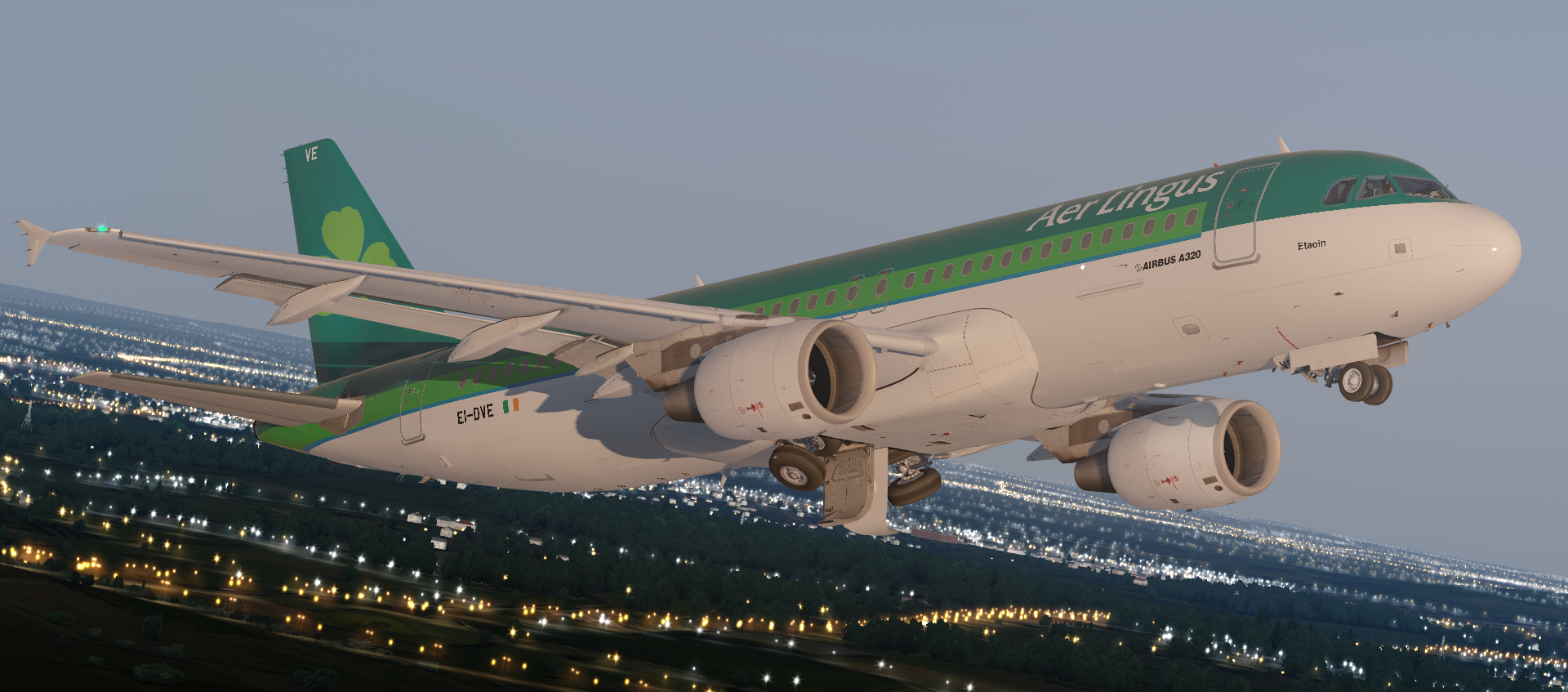
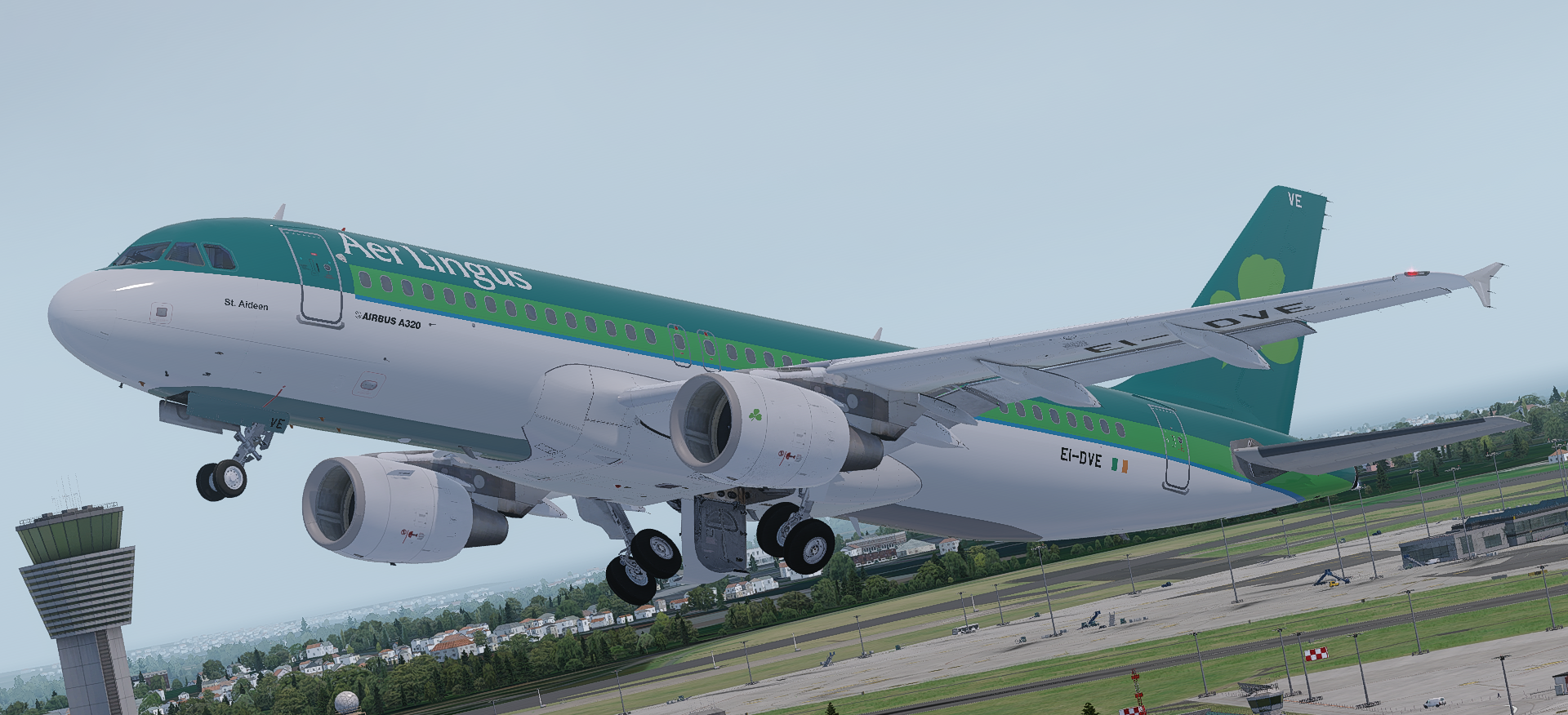
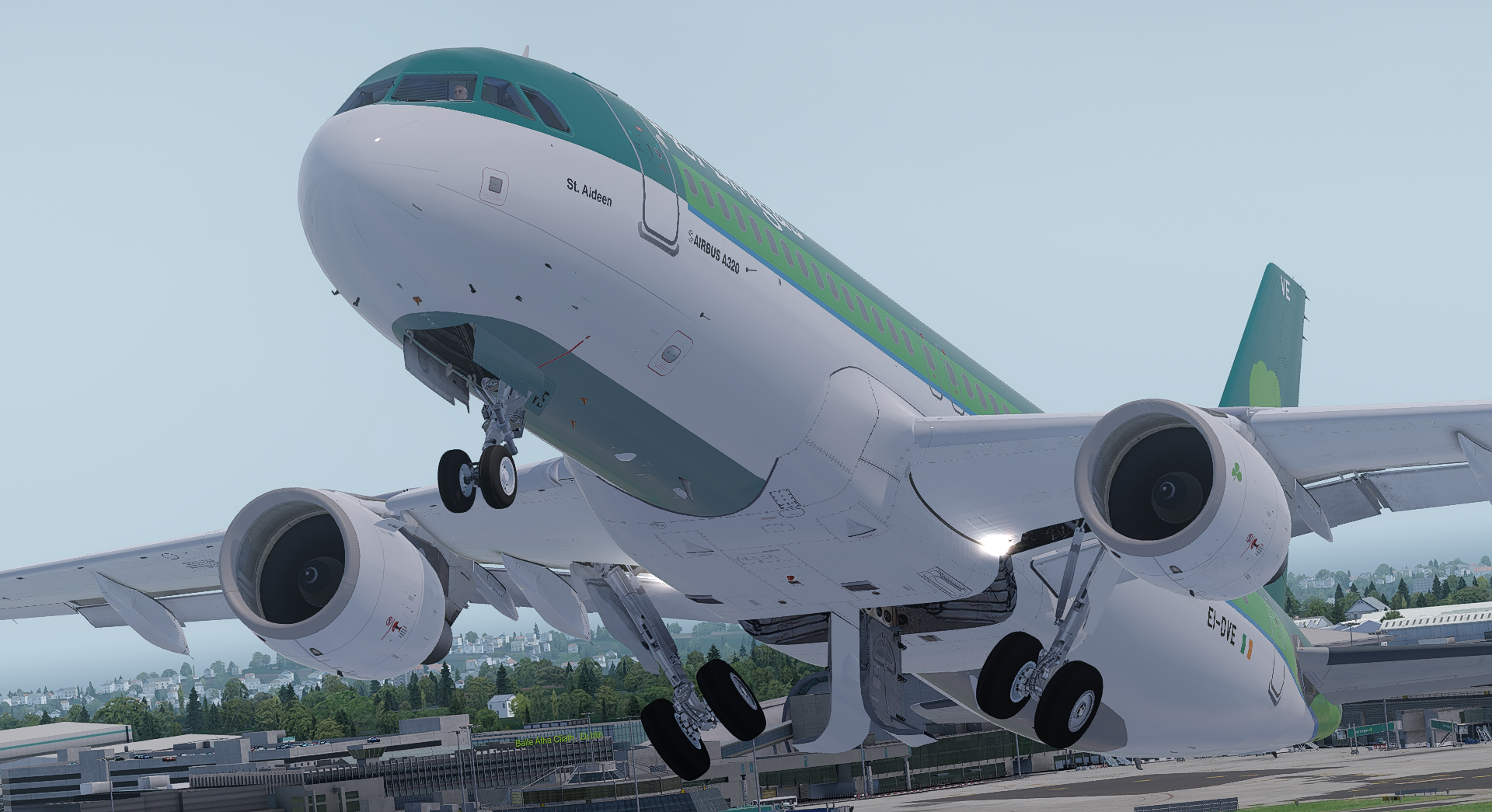
Aer Lingus A320-214 -- EI-DVE

v5.0.1.100+ ONLY

This is my second public repaint so any support / criticism or any tips in 
general are more than welcome :)


By Ciaran Henderson (Infojam)


Screenshot1.png

Screenshot2.png

What's New in Version 1.1.0

Released

Thanks to all who have downloaded the repaint so far!

Changelog:

  • Major changes:
    • Grey on the bottom of fuselage  ||  I am aware it's not symmetrical but I did it to the best of my ability - still learning how to paint ;)
  • Minor changes:
    • Grey outlines of all A/C doors added / adjusted.
    • Other graphical issues fixed.

-- See images below of new features from v1.1 --

Thanks all again - Happy Flying!

- Ciaran.
Prepar3D_LatRkRDdRp.png

Prepar3D_L8U0ntU5HY.png

Prepar3D_3d4E9jUOjX.png

User Feedback

Nadeem Zabaneh

Nadeem Zabaneh


Nice work! :D 

Harry Allen

Harry Allen


Nice livery, be advised that the textures around the APU exhaust don't wrap around completely :) Other than that, really well done

Dan Slater

Dan Slater

   1 of 1 member found this review helpful 1 / 1 member

Another excellent livery. 

Samuel May

Samuel May

   1 of 1 member found this review helpful 1 / 1 member

Nice one <3

Morgan Western

Morgan Western

   2 of 2 members found this review helpful 2 / 2 members

Another very good livery, Hope to see even more!

Account

Navigation

Search

Search

Configure browser push notifications

Chrome (Android)
  1. Tap the lock icon next to the address bar.
  2. Tap Permissions → Notifications.
  3. Adjust your preference.
Chrome (Desktop)
  1. Click the padlock icon in the address bar.
  2. Select Site settings.
  3. Find Notifications and adjust your preference.