

Skip to content
View in the app

A better way to browse. Learn more.

Flight Sim Labs Forums

A full-screen app on your home screen with push notifications, badges and more.

To install this app on iOS and iPadOS
  1. Tap the Share icon in Safari
  2. Scroll the menu and tap Add to Home Screen.
  3. Tap Add in the top-right corner.
To install this app on Android
  1. Tap the 3-dot menu (⋮) in the top-right corner of the browser.
  2. Tap Add to Home screen or Install app.
  3. Confirm by tapping Install.

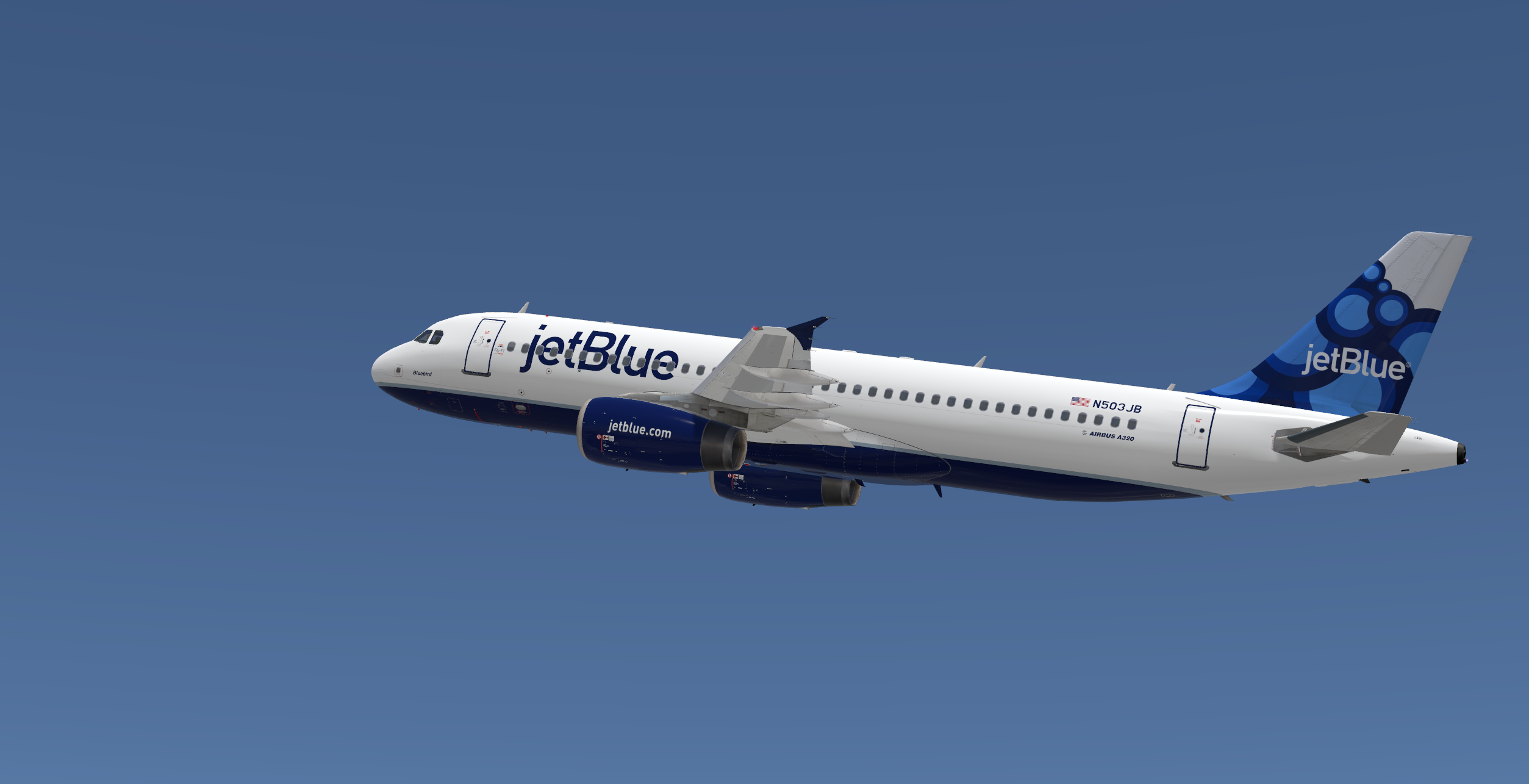
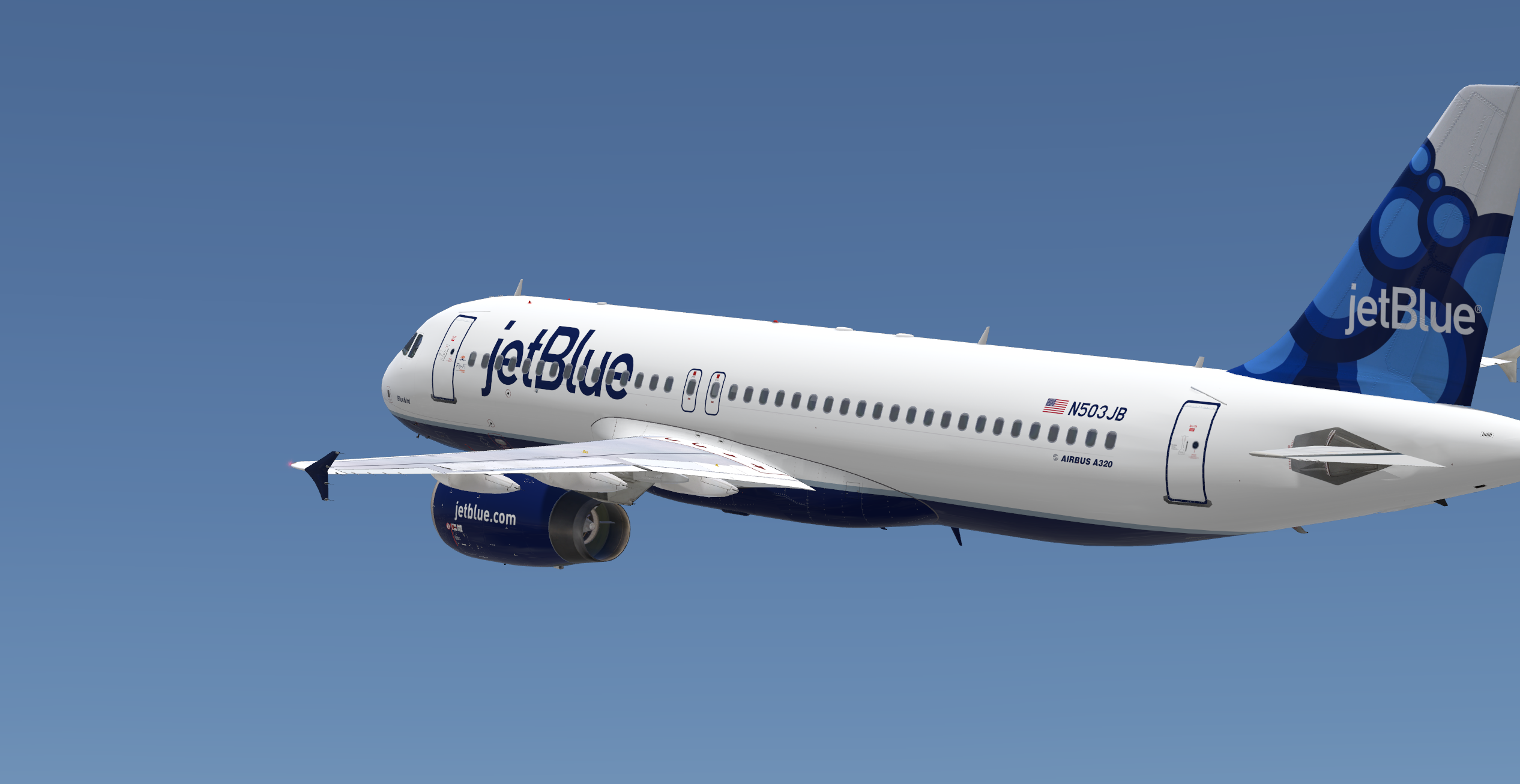
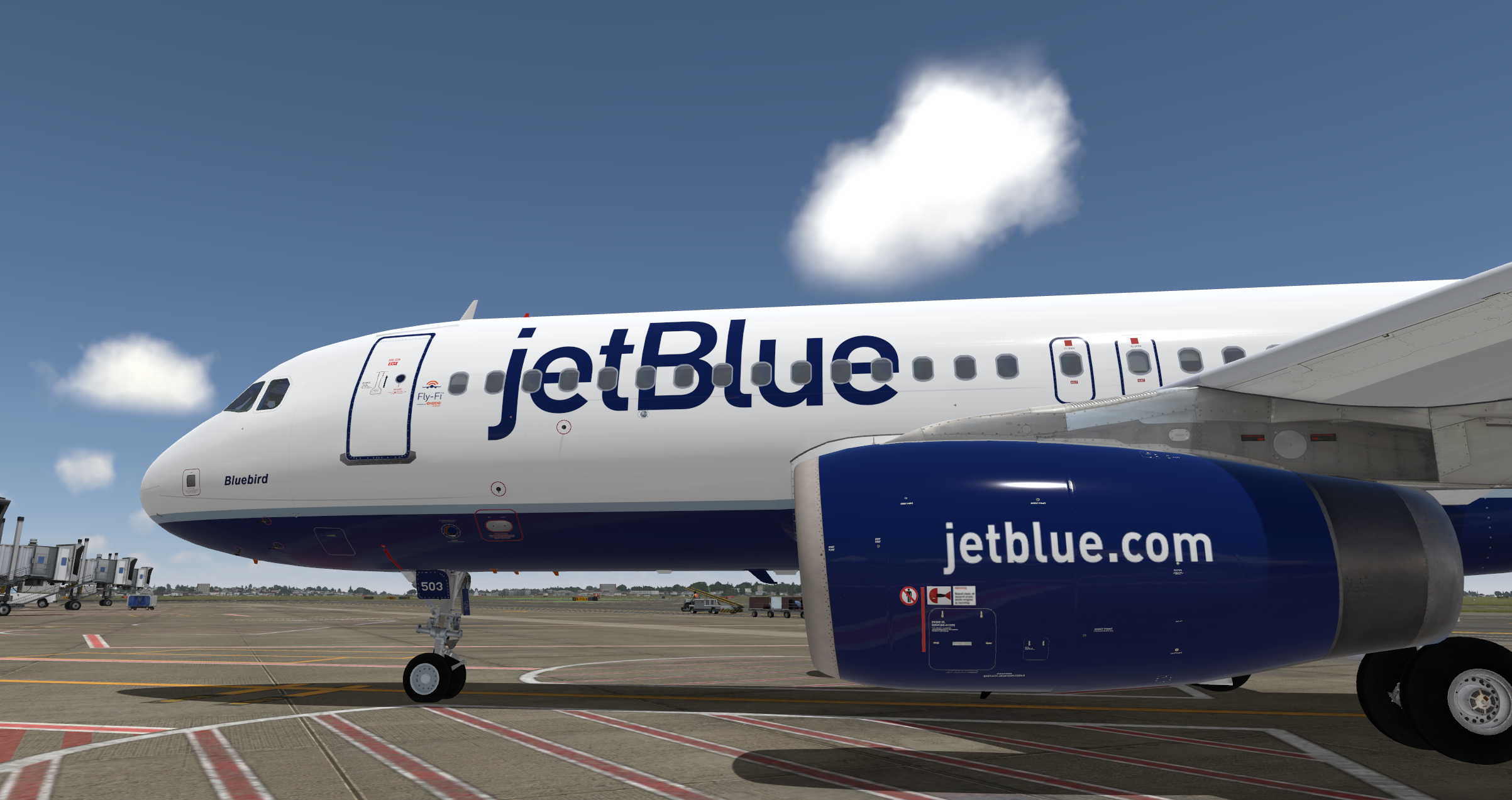
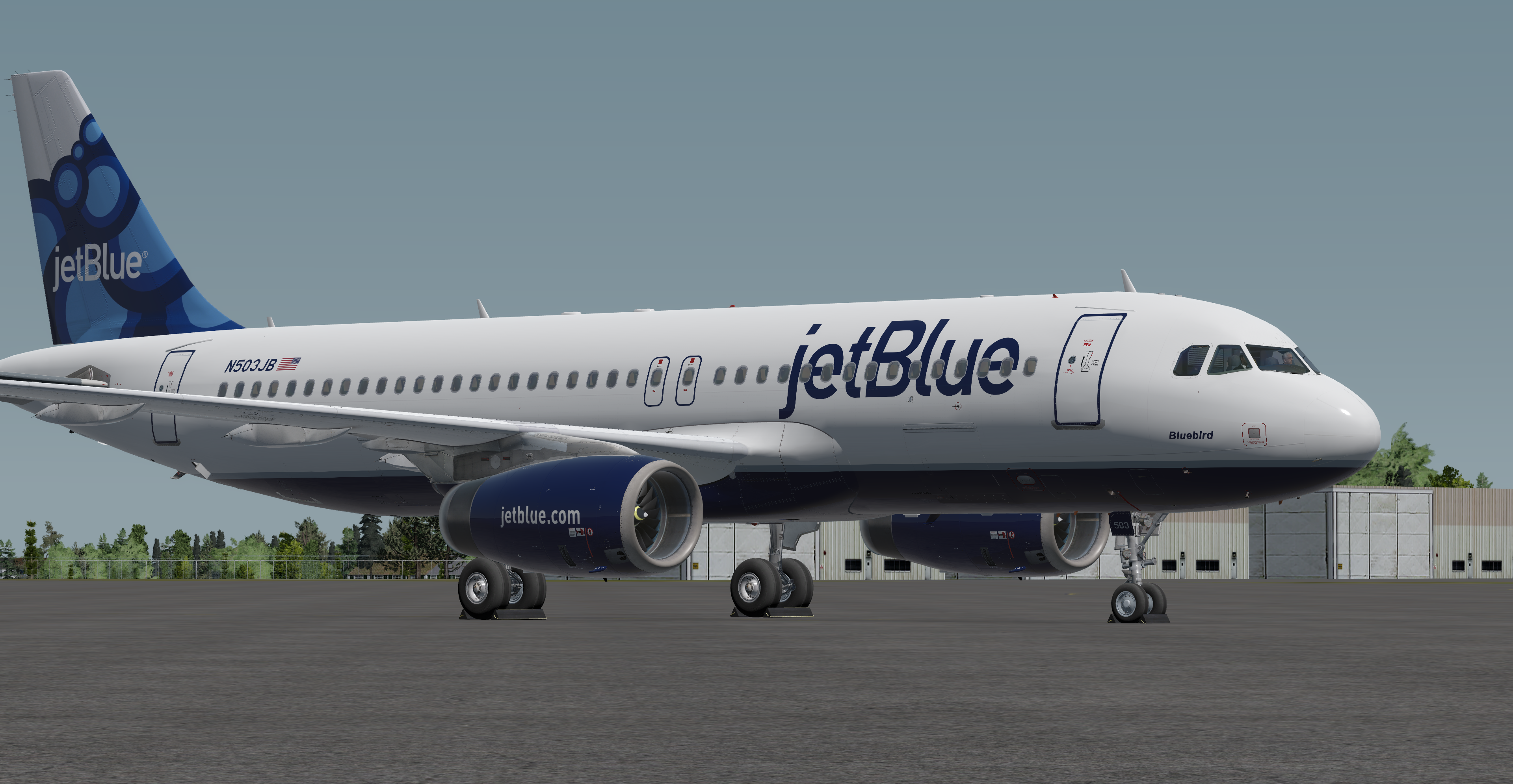
Jetblue Airways Airbus A320-232 N503JB Blueberries 1.0.3

(0 reviews)

7 Screenshots

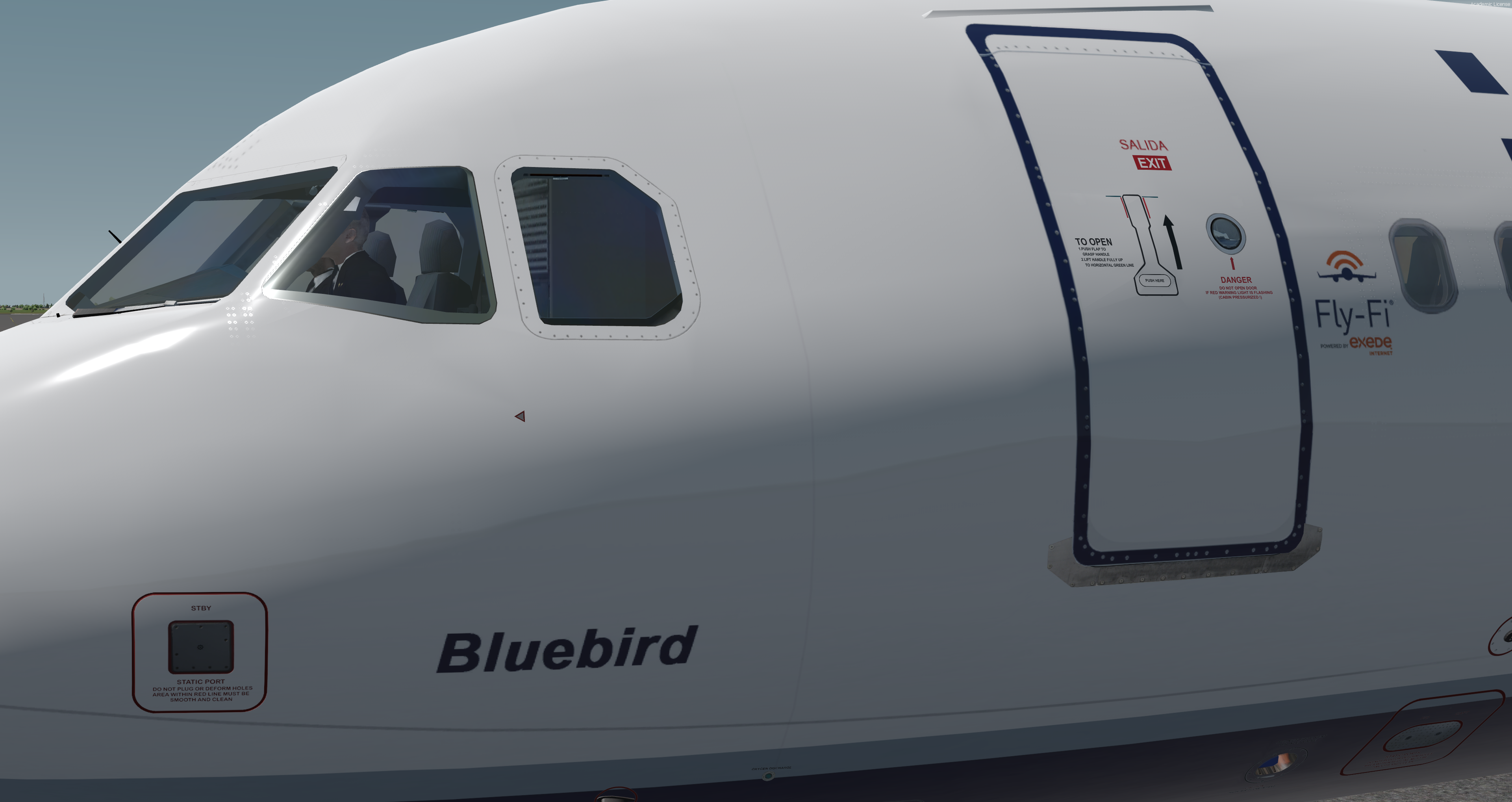
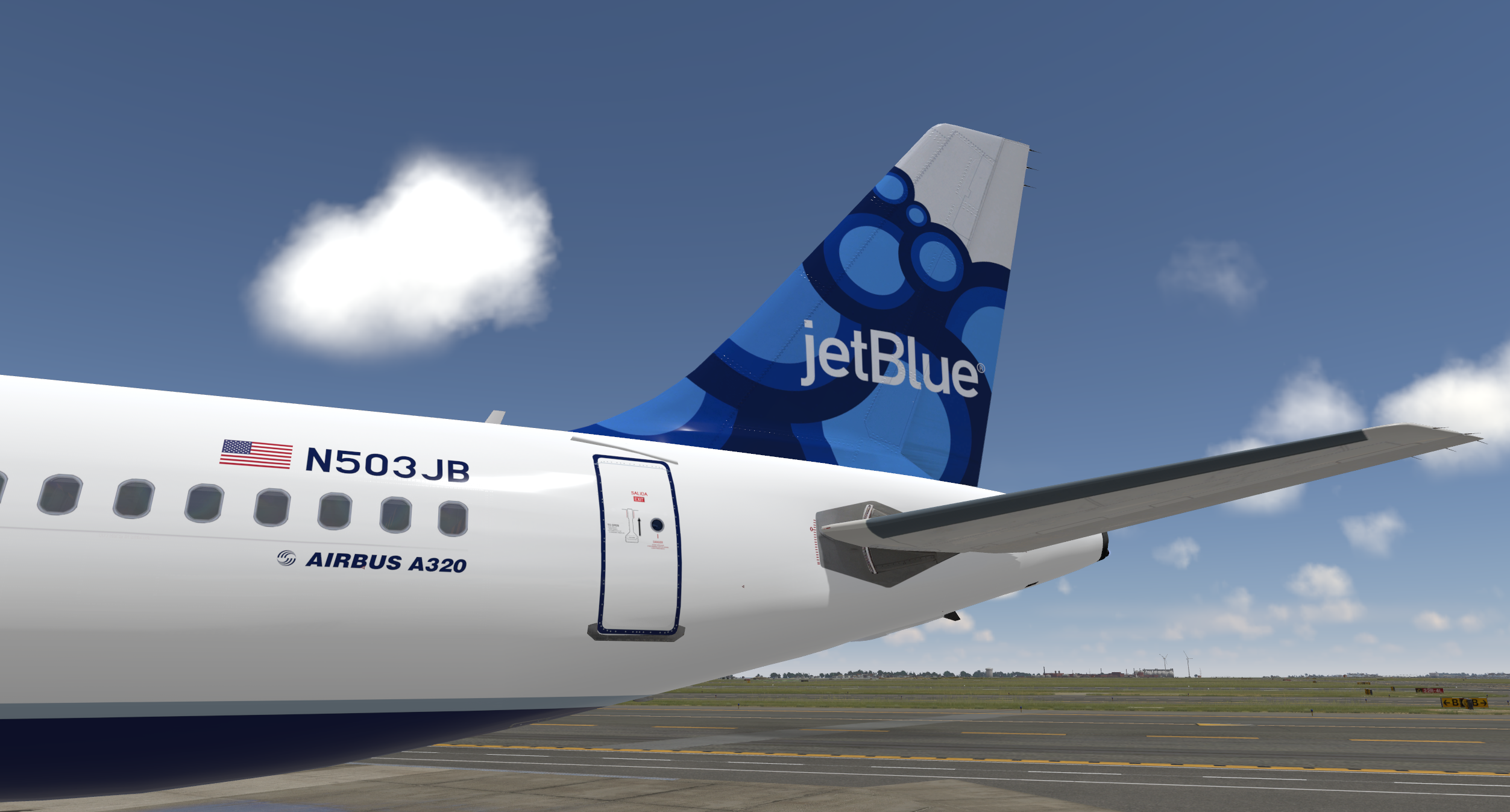
This is an accurate repaint of the Jetblue Airways Blueberries Tail. Included is N503JB 'Bluebird' affectionately referred to as 'Christine' by Jetblue Crews. Paint taken from actual photos as well as paint instructions sent to the actual aircraft painter used by Jetblue. Huge thanks to @Mike Moskovich for the awesome insim shots

P3D v4/5 compatibility.  You can simply drop the Texture.XXX folder into your sim and the aircraft will automatically be added to the vehicles list.

-Accurate fuselage stencils
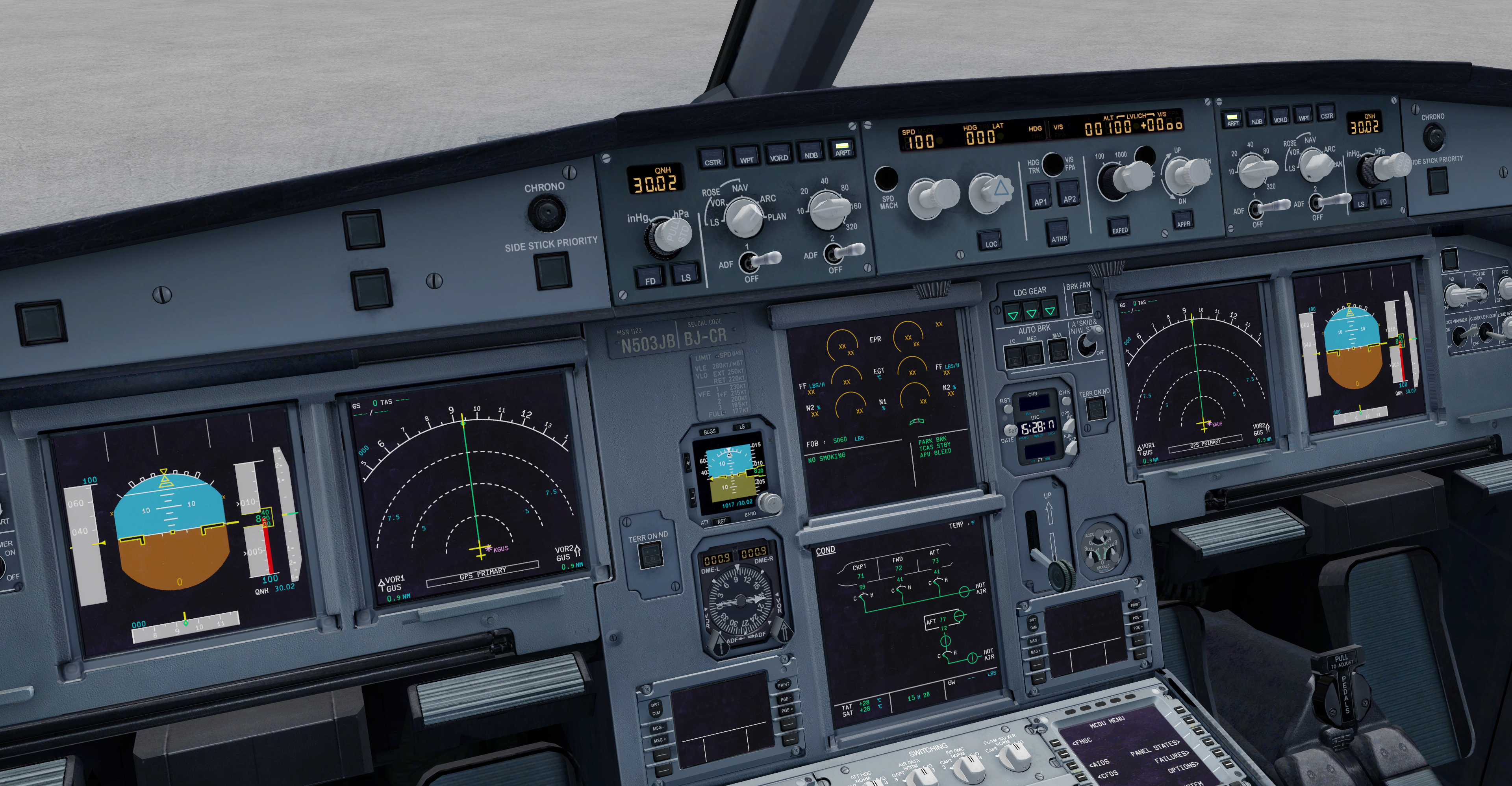
-Acutal Selcal code and MSN included in Flight Deck
-Only Compatible with A320 v5.0
-Configured for 150 seats

-Cockpit updated by @Hugo Bicho  Cockpit Textures by Hugo
 

What's New in Version 1.0.2

Released

1.0.2
-Uploaded new file to allow easier placement in sim folder

User Feedback

There are no reviews to display.

Account

Navigation

Search

Search

Configure browser push notifications

Chrome (Android)
  1. Tap the lock icon next to the address bar.
  2. Tap Permissions → Notifications.
  3. Adjust your preference.
Chrome (Desktop)
  1. Click the padlock icon in the address bar.
  2. Select Site settings.
  3. Find Notifications and adjust your preference.
