

Skip to content
View in the app

A better way to browse. Learn more.

Flight Sim Labs Forums

A full-screen app on your home screen with push notifications, badges and more.

To install this app on iOS and iPadOS
  1. Tap the Share icon in Safari
  2. Scroll the menu and tap Add to Home Screen.
  3. Tap Add in the top-right corner.
To install this app on Android
  1. Tap the 3-dot menu (⋮) in the top-right corner of the browser.
  2. Tap Add to Home screen or Install app.
  3. Confirm by tapping Install.

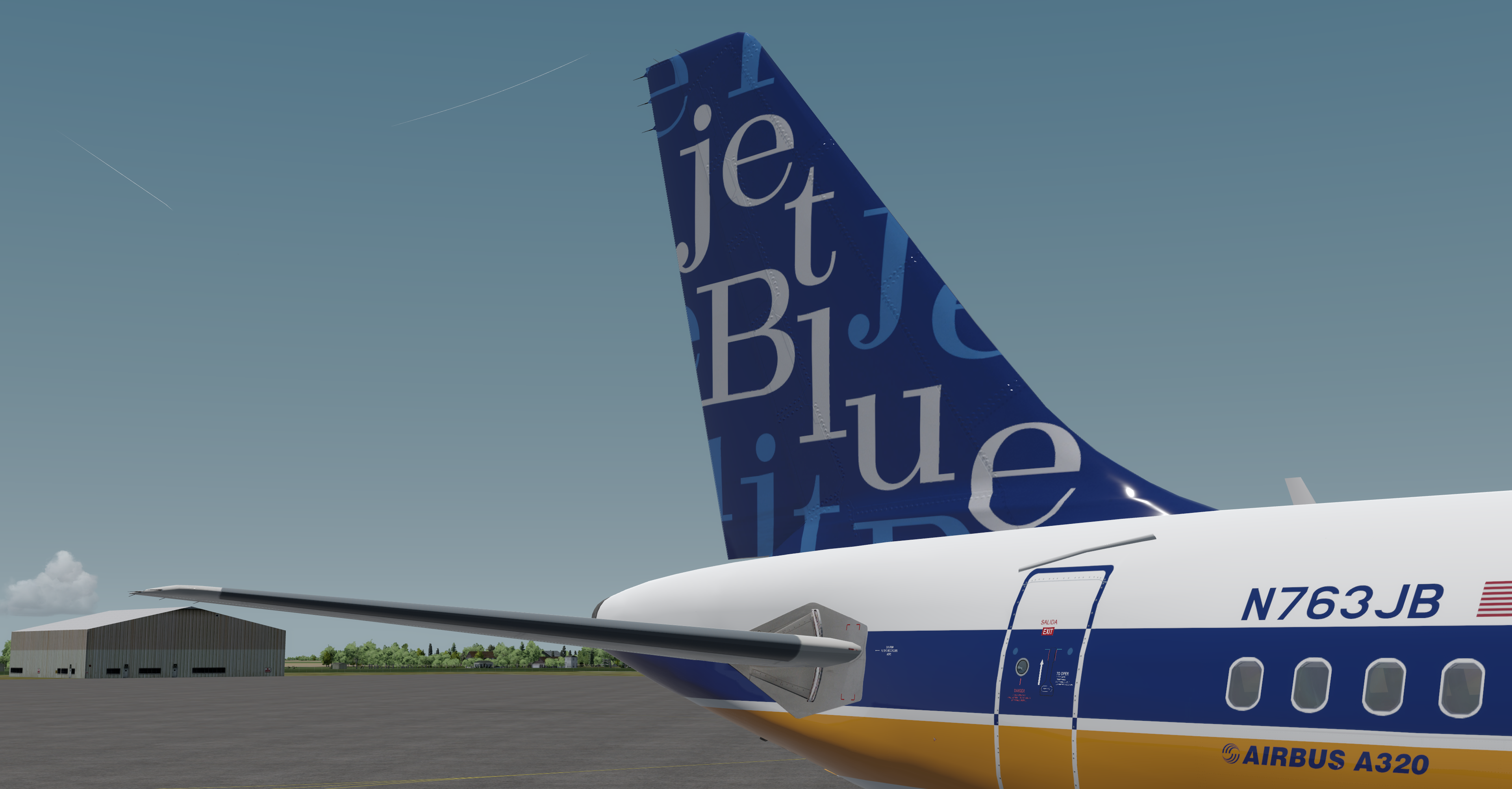
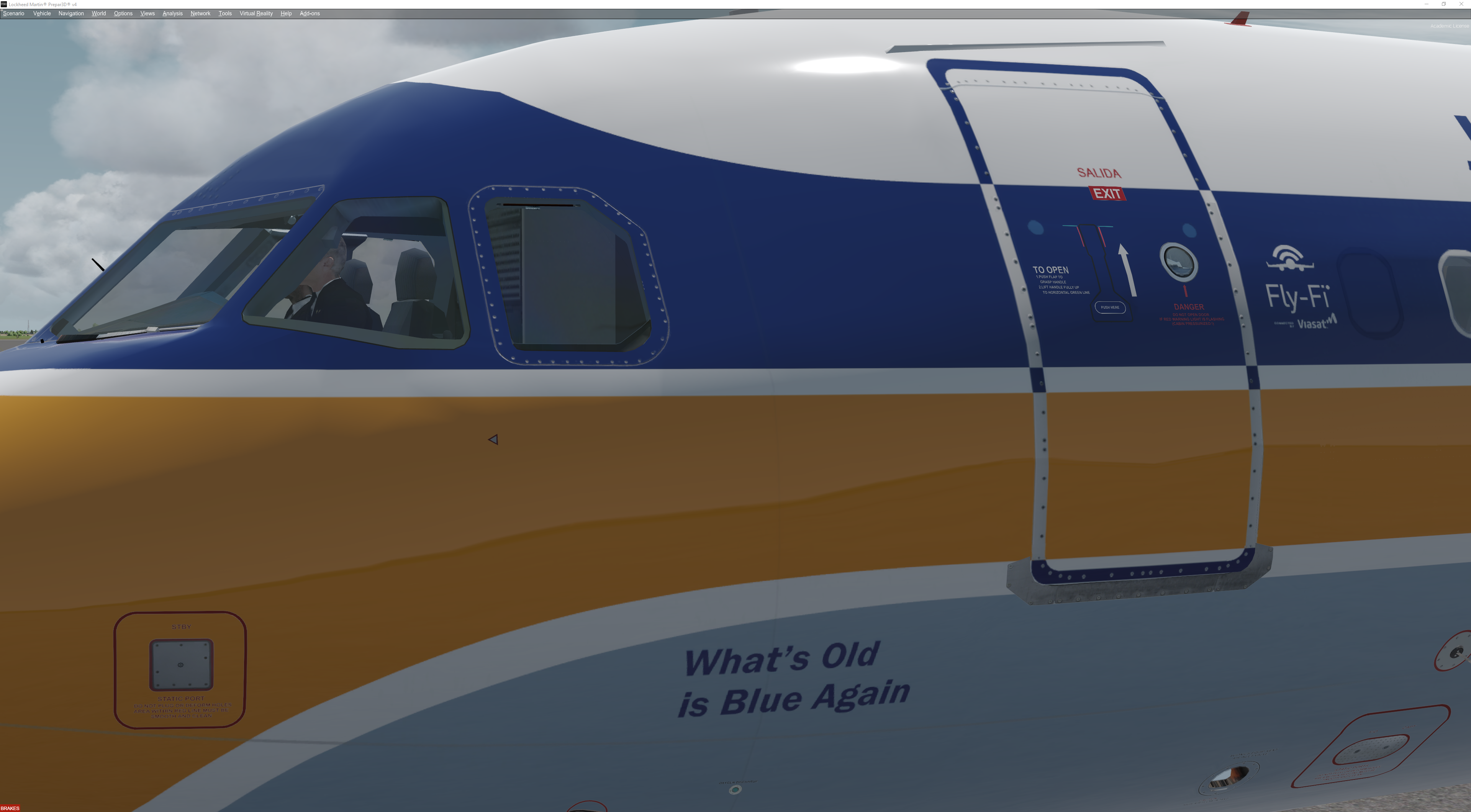
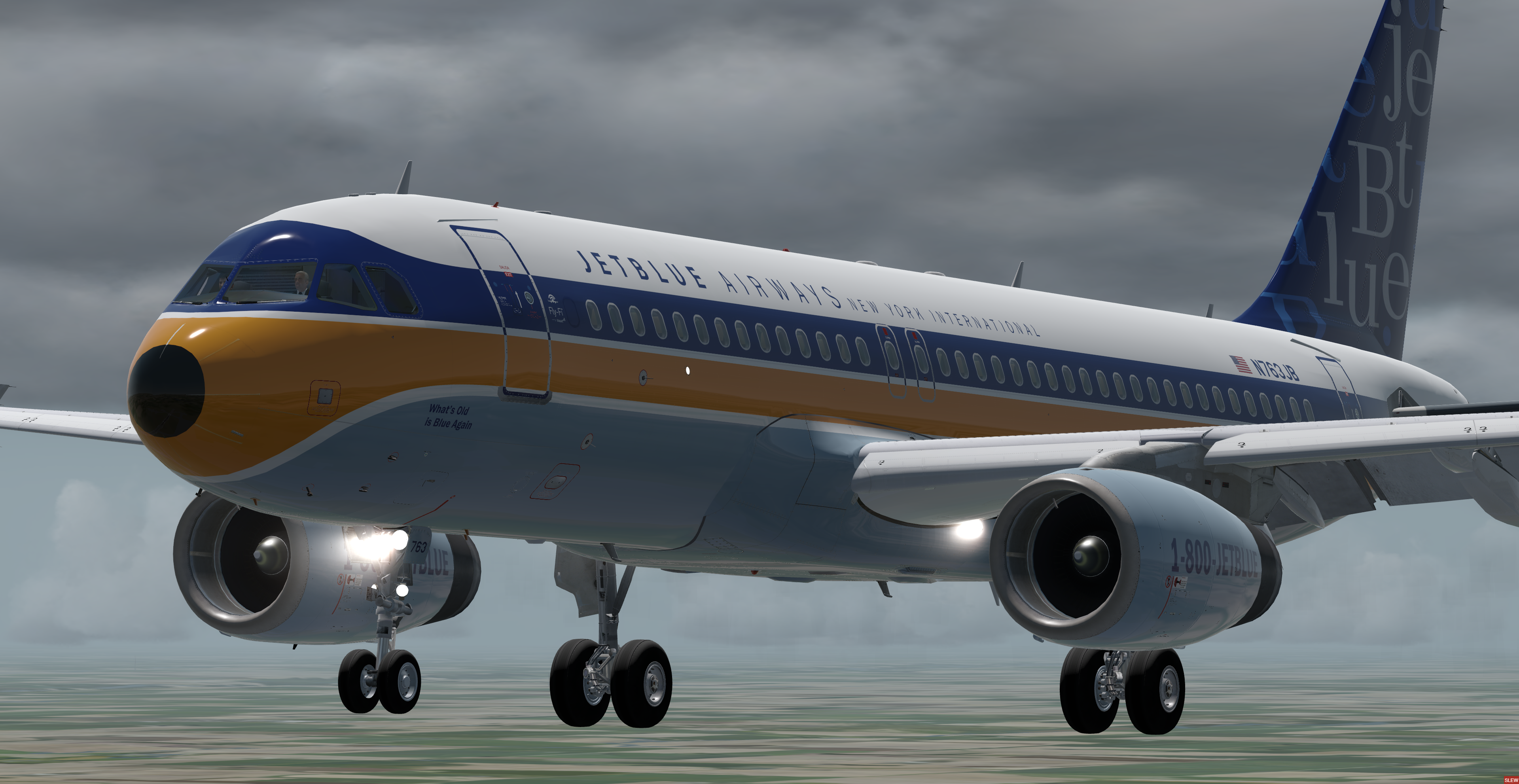
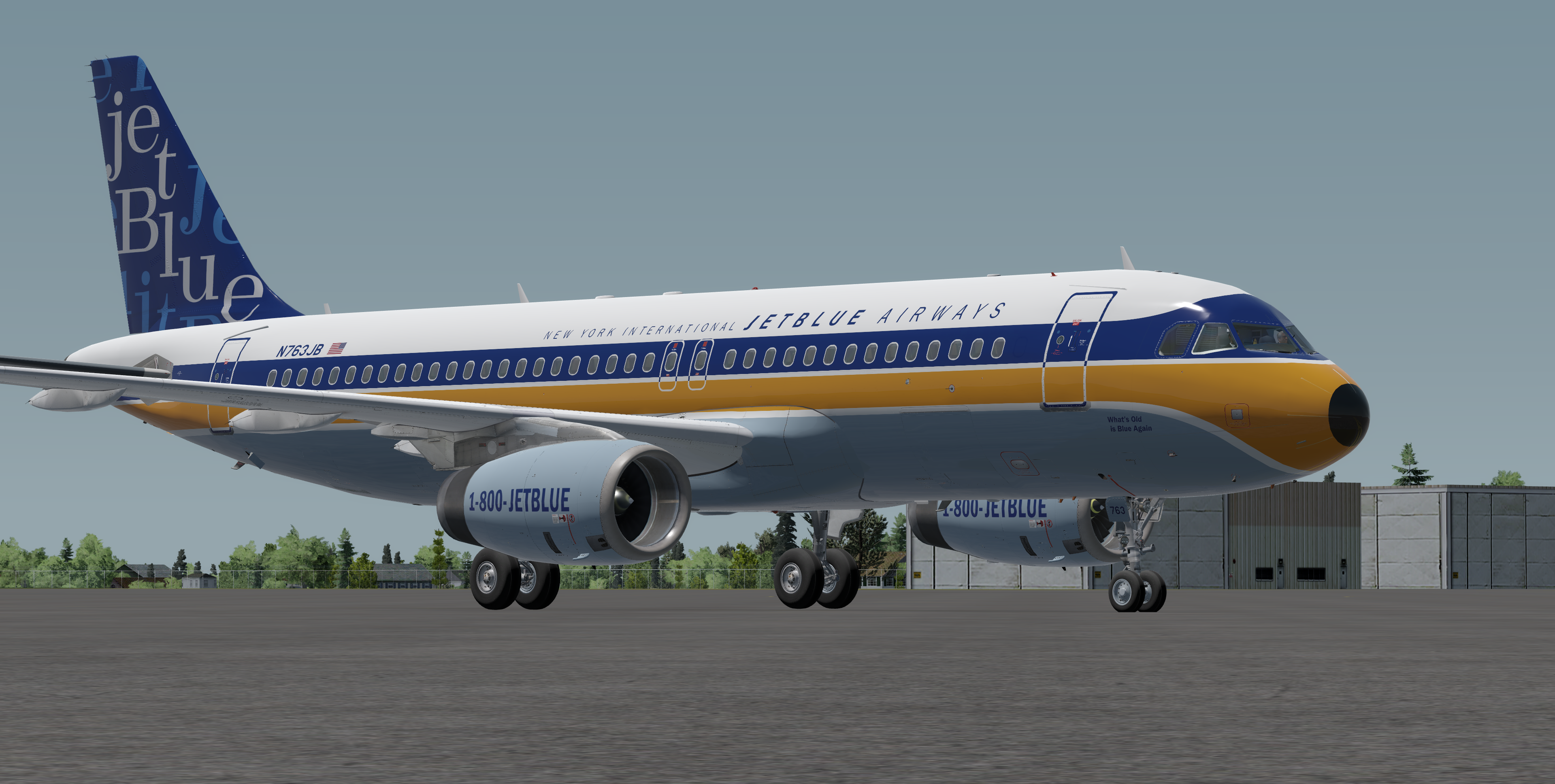
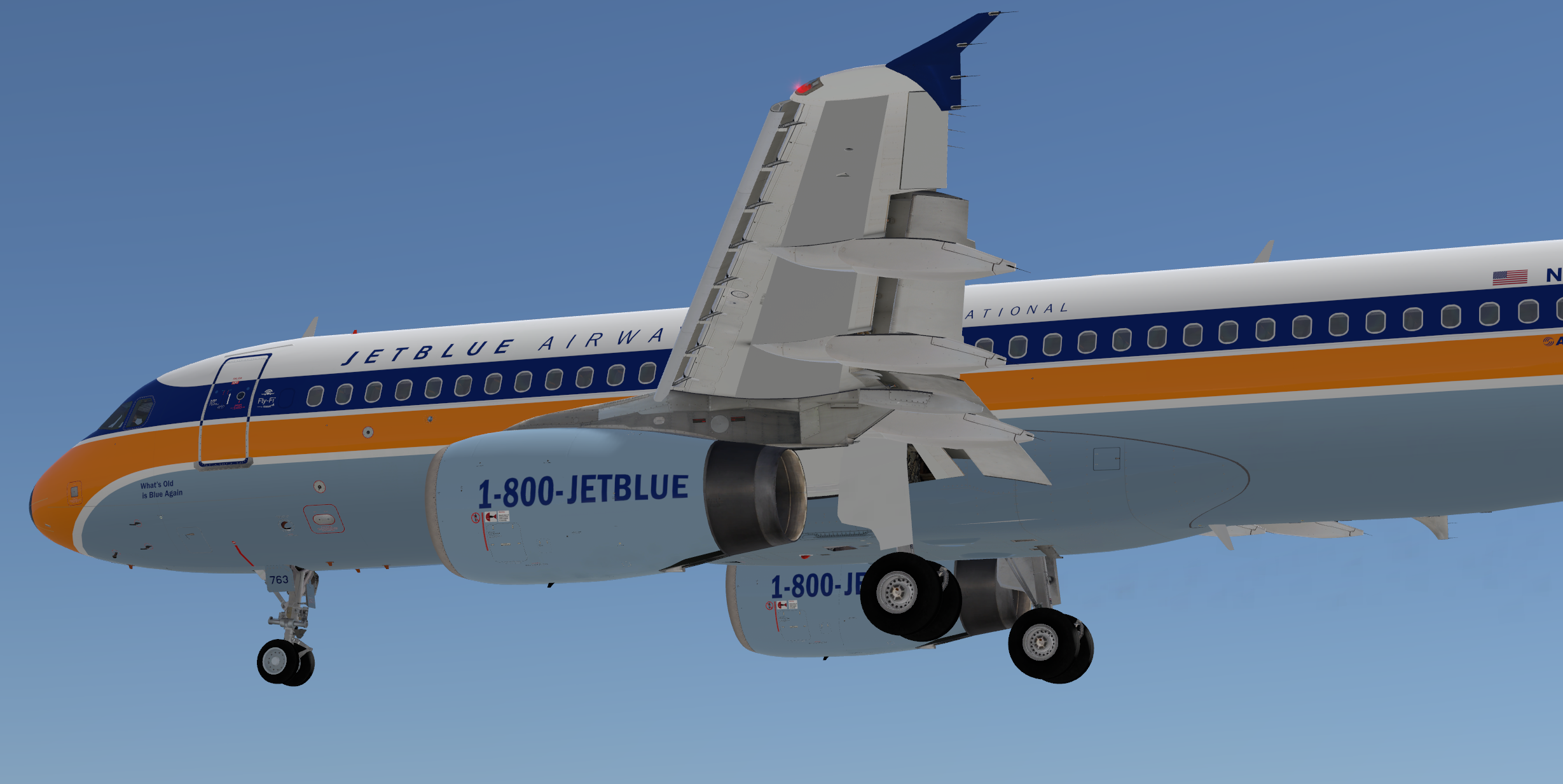
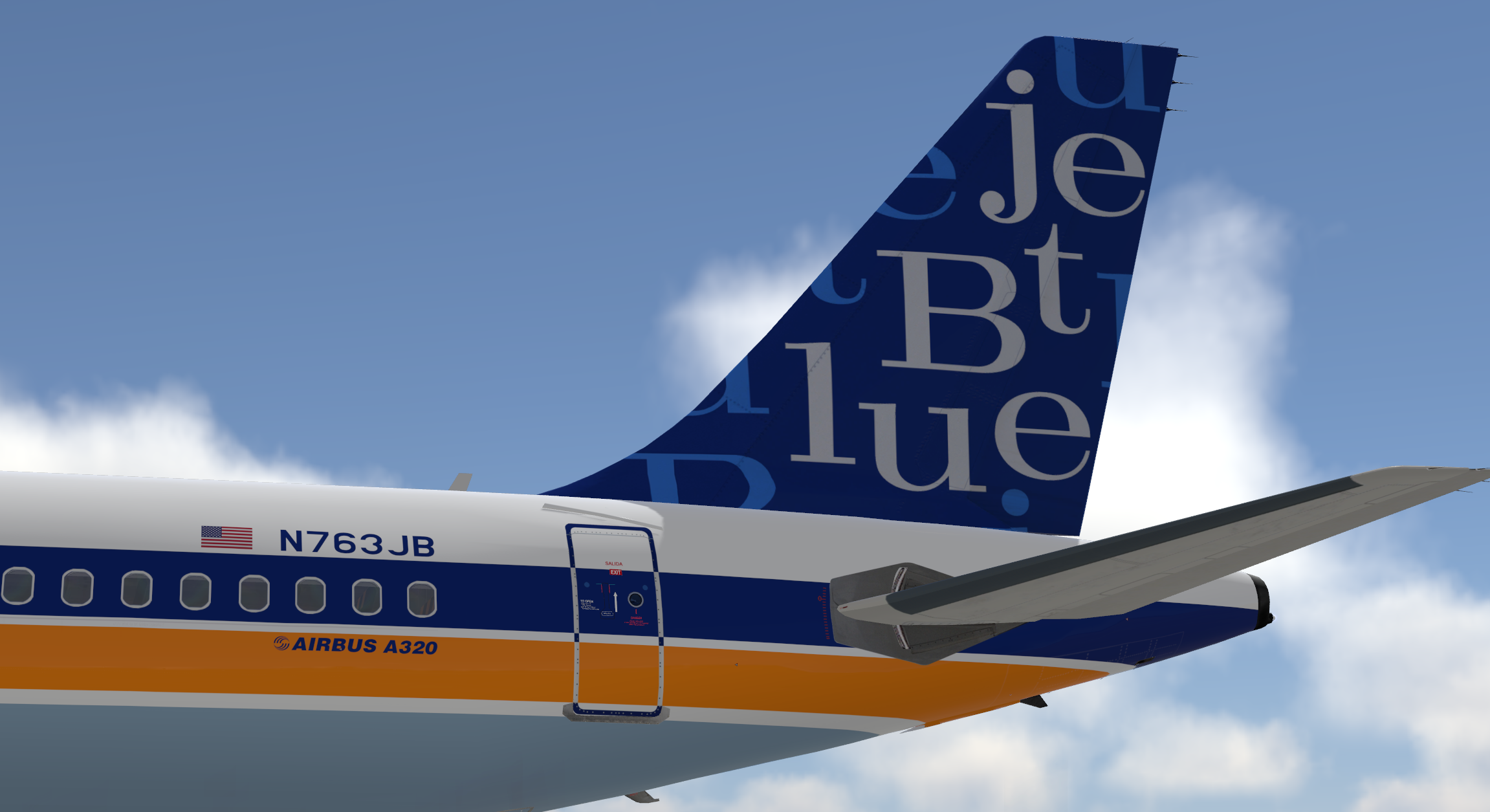
Jetblue Airways Airbus A320-232 N763JB 'Retro' 1.0.1

(2 reviews)

6 Screenshots

This is an accurate repaint of the Jetblue Airways Retro 60's Livery. Paint taken from actual photos as well as paint instructions sent to the actual aircraft painter used by Jetblue.

P3D v4/5 compatibility.  You can simply drop the Texture.XXX folder into your sim and the aircraft will automatically be added to the vehicles list.

-Accurate fuselage stencils
-Acutal Selcal code and MSN included in Flight Deck
-Updated with 162 seat configuration
-SATDOM NOT ACTIVATED (Still in Beta use at own risk)
-Only Compatible with A320 v5.0

What's New in Version 1.0.0

Released

No changelog available for this version.

User Feedback

Andrew Eastmond

Andrew Eastmond


Great Job.

Interesting about the satdome not activated, Jetblue's satdomes tend to be a bit more forward than fslabs current position which is probably the norm for other carriers. I wonder when its official if we will be able to choose where on the aircraft its installed

Response from the author:

You can activate the dome if you wish however it is still in testing and not ready for launch so any updates put out by FSL may deactivate it or cause other unintended consequences. Dome types and locations and quantities haven't been finalized. Since the dome is not a final product i chose not to include it :)

Artur Araripe

Artur Araripe

   1 of 1 member found this review helpful 1 / 1 member

Beautiful!

Account

Navigation

Search

Search

Configure browser push notifications

Chrome (Android)
  1. Tap the lock icon next to the address bar.
  2. Tap Permissions → Notifications.
  3. Adjust your preference.
Chrome (Desktop)
  1. Click the padlock icon in the address bar.
  2. Select Site settings.
  3. Find Notifications and adjust your preference.

