

Skip to content
View in the app

A better way to browse. Learn more.

Flight Sim Labs Forums

A full-screen app on your home screen with push notifications, badges and more.

To install this app on iOS and iPadOS
  1. Tap the Share icon in Safari
  2. Scroll the menu and tap Add to Home Screen.
  3. Tap Add in the top-right corner.
To install this app on Android
  1. Tap the 3-dot menu (⋮) in the top-right corner of the browser.
  2. Tap Add to Home screen or Install app.
  3. Confirm by tapping Install.

Aer Lingus A320 EI-CVA (New Livery) 1.0.2

(3 reviews)

1 Screenshot

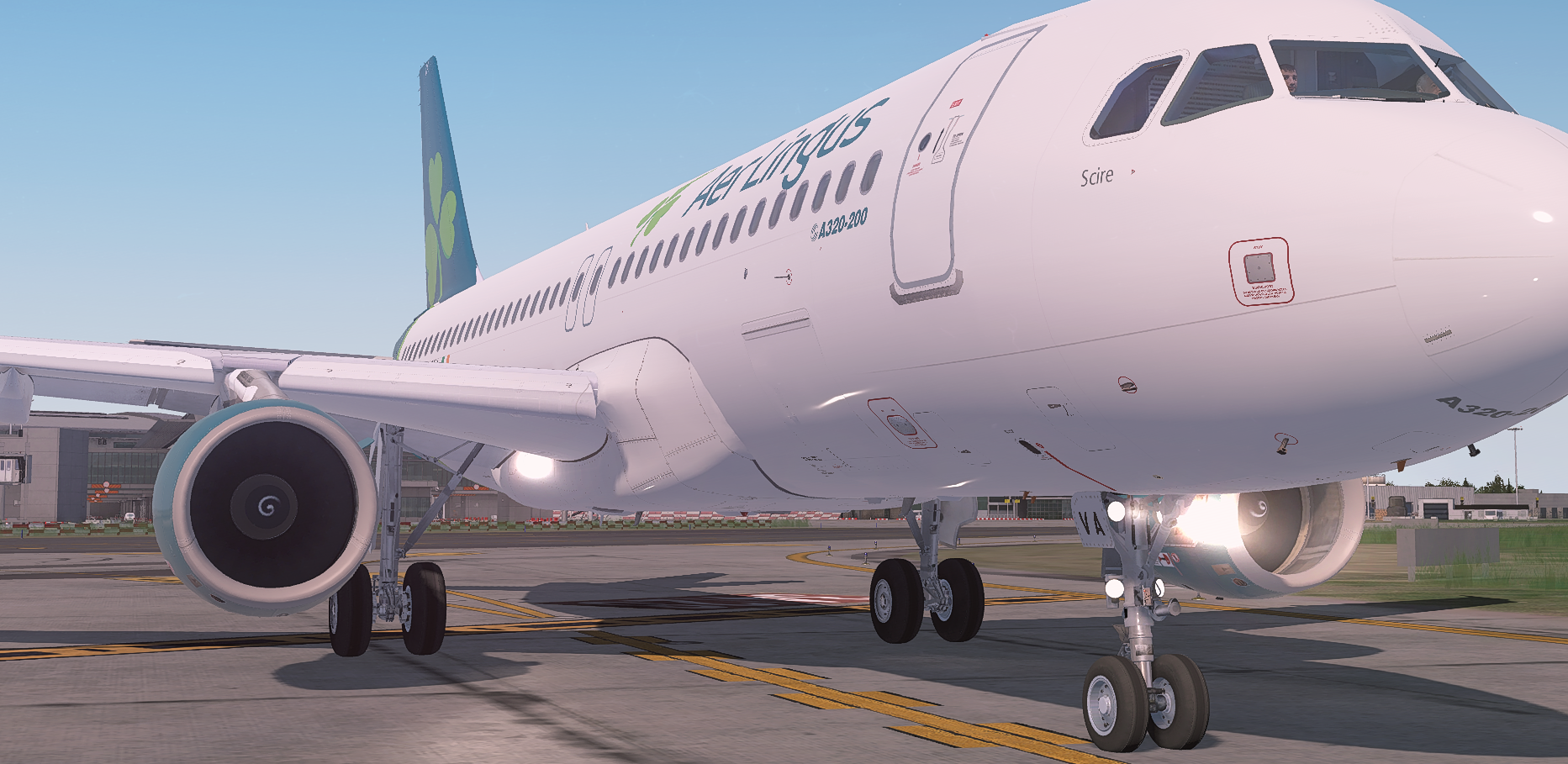
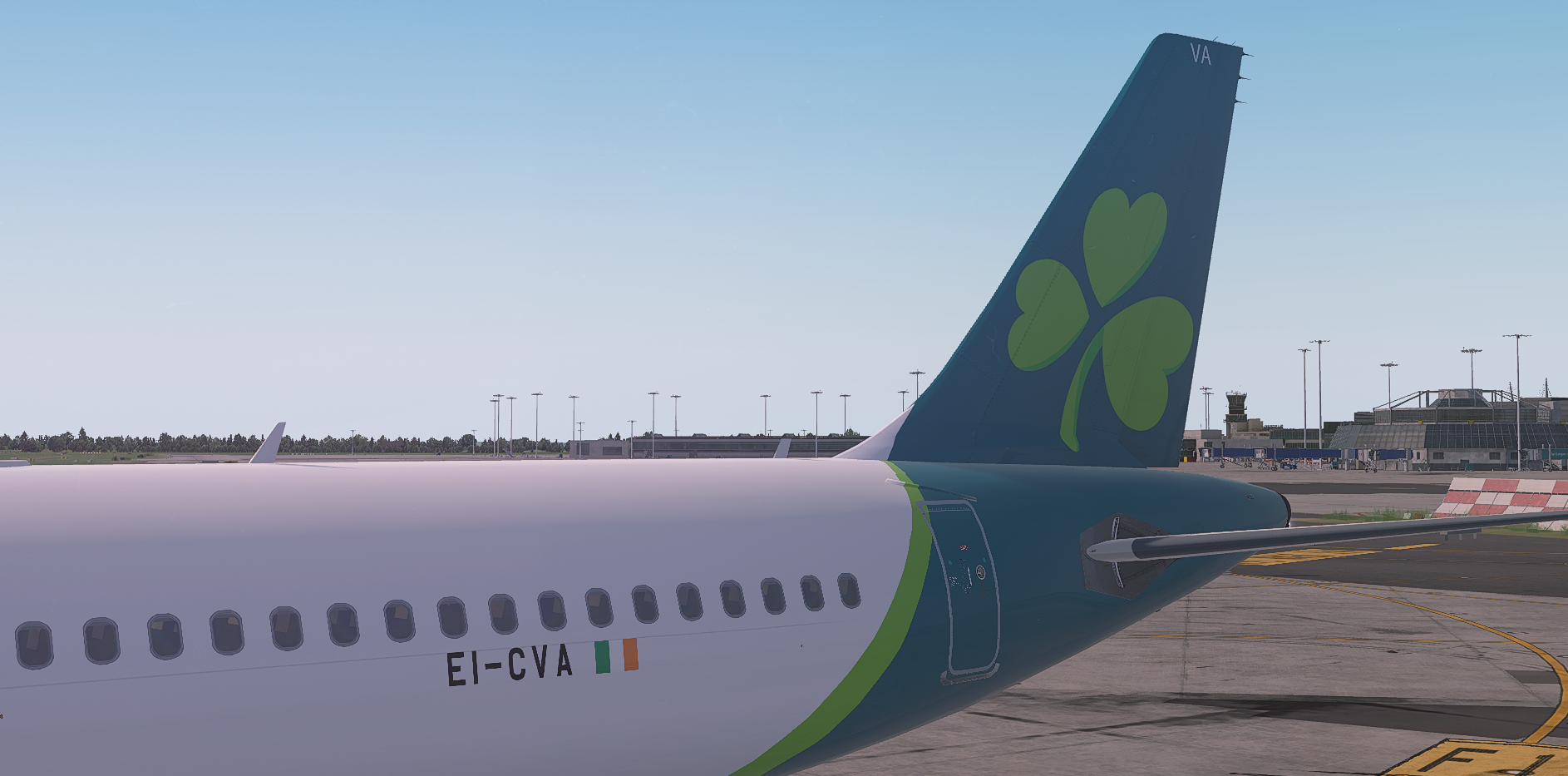
Aer Lingus A320 (New Livery)

EI-CVA

(v5.0.1.100+ required - PBR Update)
Prepar3D_xHns9Y0scH.thumb.png.c56e8e49a0c860b32762e38610589c3c.png

This is just a filler paint until somebody more talented decides to paint this livery, as there were none currently available. The major issue is the green curve on the back, I will try to get this fixed soon, however the rest of the paint is accurate to the real plane as best i could.

I am aware that the shamrock logo is too far from the 'Aer Lingus' text, this was a change on my part to speed up the painting due to the paint kit being a pain to work with.


What's New in Version 1.0.0

Released

No changelog available for this version.

User Feedback

Jack Peoples

Jack Peoples


Delighted to find this. I was worried that I might have to learn how to paint. :wacko:  Many thanks

Brandon Williams

Brandon Williams

   1 of 1 member found this review helpful 1 / 1 member

Good work sam <3

Morgan Western

Morgan Western


Very nice livery! First of many i hope :)

Account

Navigation

Search

Search

Configure browser push notifications

Chrome (Android)
  1. Tap the lock icon next to the address bar.
  2. Tap Permissions → Notifications.
  3. Adjust your preference.
Chrome (Desktop)
  1. Click the padlock icon in the address bar.
  2. Select Site settings.
  3. Find Notifications and adjust your preference.
