

Skip to content
View in the app

A better way to browse. Learn more.

Flight Sim Labs Forums

A full-screen app on your home screen with push notifications, badges and more.

To install this app on iOS and iPadOS
  1. Tap the Share icon in Safari
  2. Scroll the menu and tap Add to Home Screen.
  3. Tap Add in the top-right corner.
To install this app on Android
  1. Tap the 3-dot menu (⋮) in the top-right corner of the browser.
  2. Tap Add to Home screen or Install app.
  3. Confirm by tapping Install.

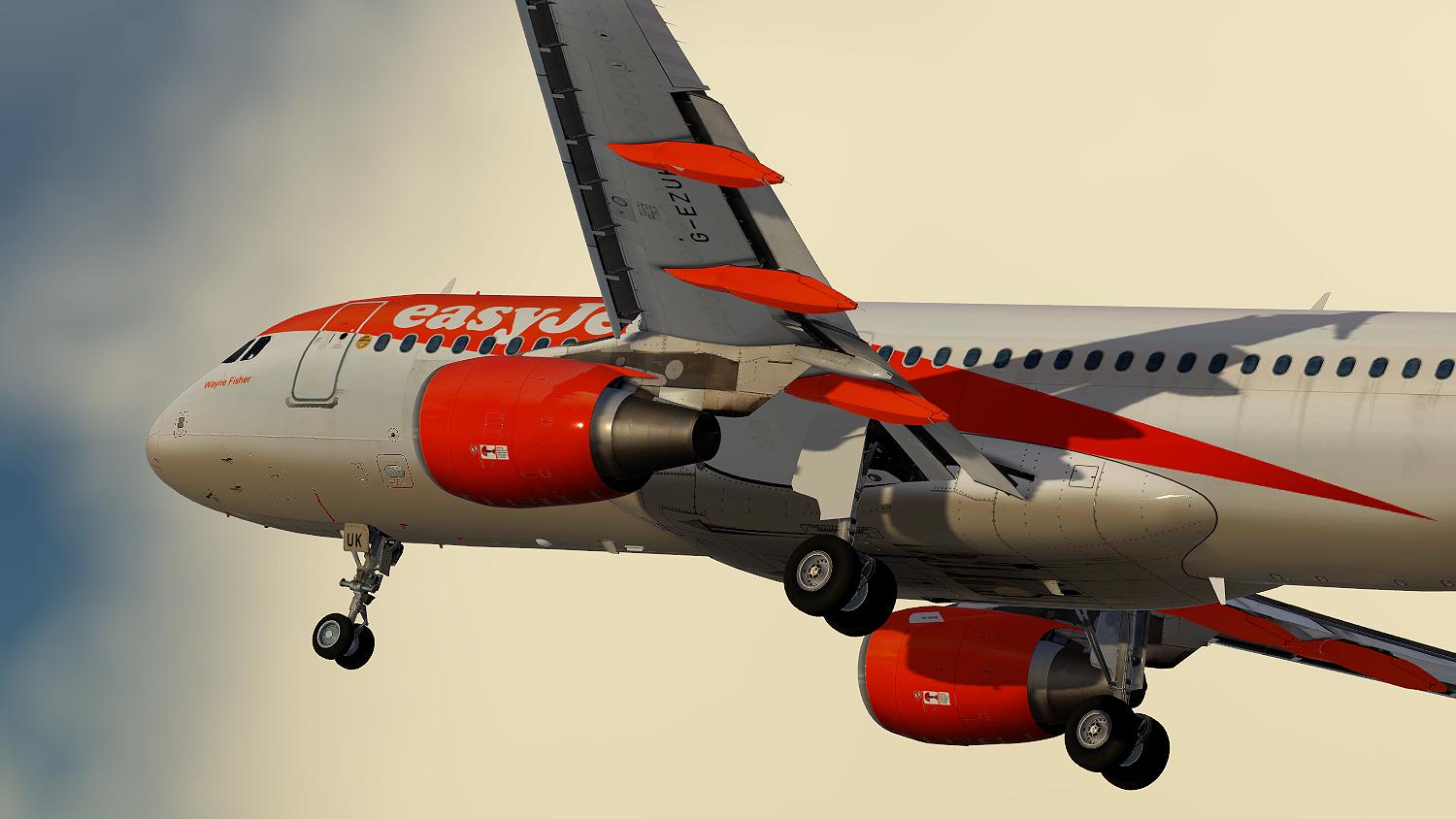
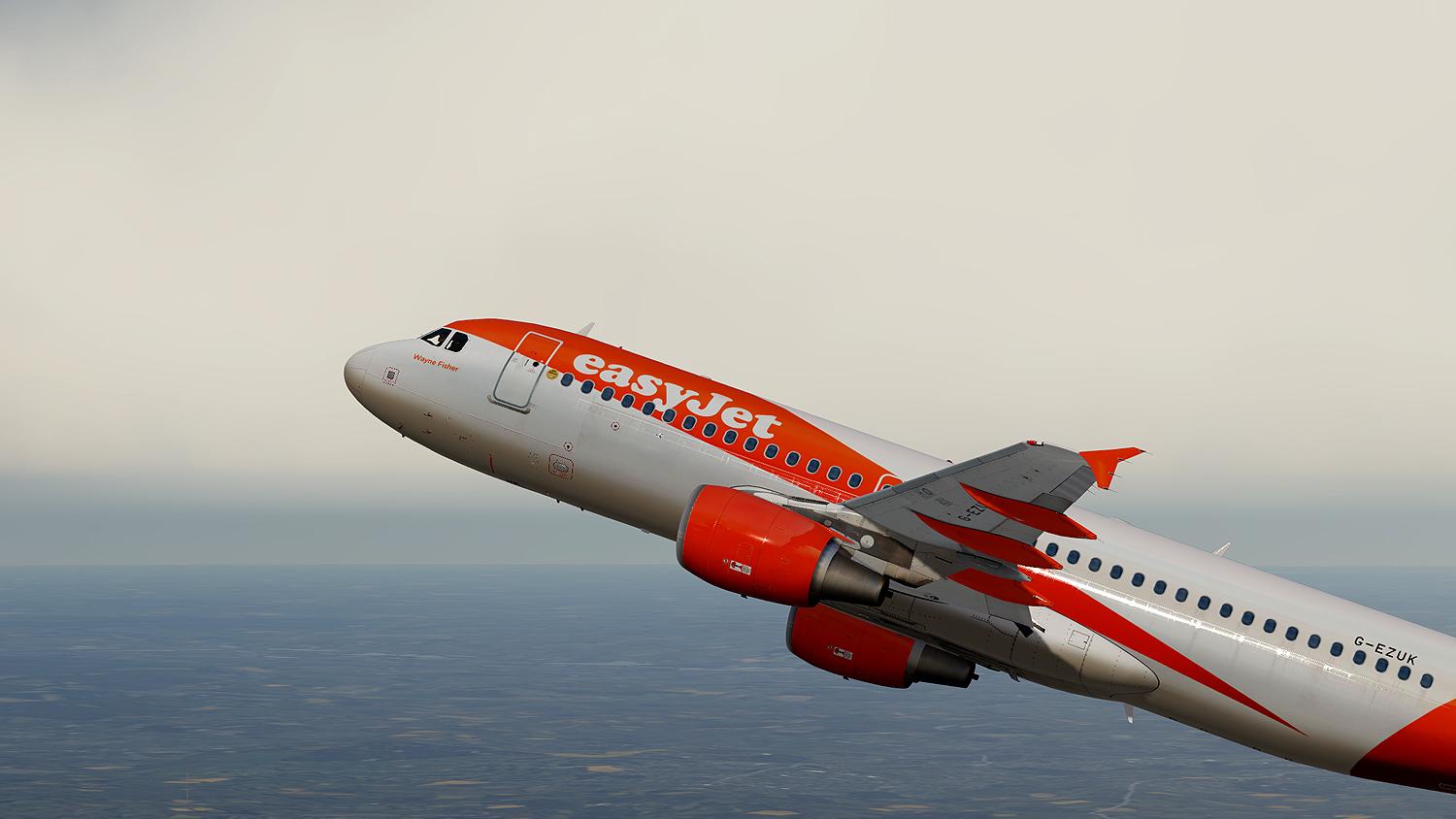
EasyJet UK A320-214 registration G-EZUK V5 1.0.3

(9 reviews)

3 Screenshots

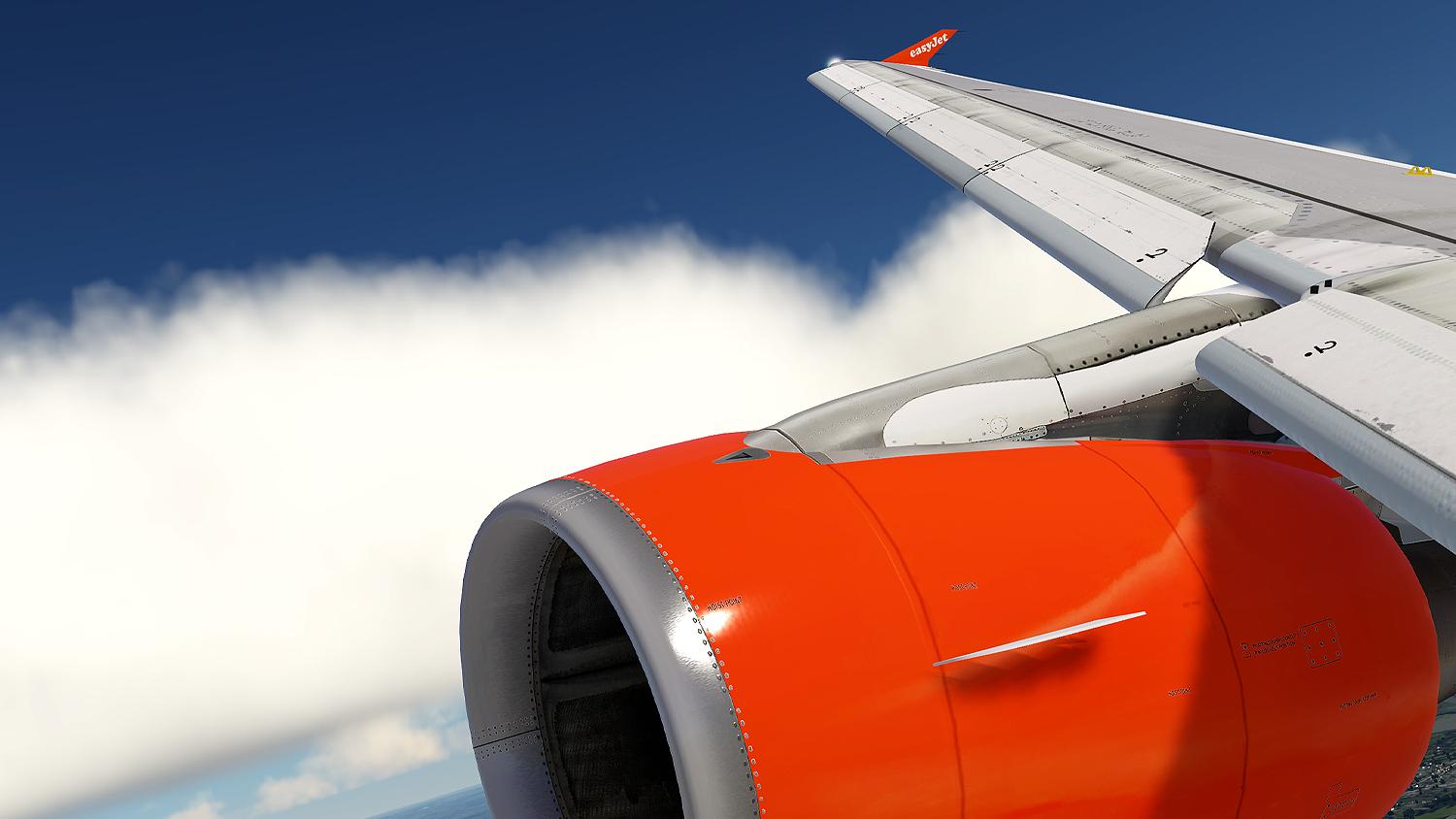
A brand new repaint from scratch. Depicting a realistic EasyJet UK A320-214 registration G-EZUK. All new spec, bump and metallic textures including realistic wings, engines, fuse, tail and much more! this repaint really takes advantage of the brand new PBR.

What's New in Version 1.0.2

Released

v1.0.0 First release

v1.0.1 General fixes, better naming convention, realistic config,  more accurate registration under wings.

v1.0.2 Fixed orange textures at the bottom of the fuse, reduced size of wing box details and fixed several alignment issues.

User Feedback

Sam Kharey

Sam Kharey


Thanks!

brendon powys

brendon powys

   1 of 2 members found this review helpful 1 / 2 members

Ben thanx for this livery,Outstanding work mate.

George Westwell

George Westwell

   2 of 9 members found this review helpful 2 / 9 members

How do I install the livery?

Morgan Thomas

Morgan Thomas

   6 of 6 members found this review helpful 6 / 6 members

Awesome livery, I'd recommend changing the IATA code in the FLTSIM.cfg to EZY though so it works with easyJet airline packs etc, but apart from that great work! Just did a nice 45 min hop in this, very vibrant colours!

Desktop Screenshot 2020.06.30 - 18.21.08.16.png

Lee Holdridge

Lee Holdridge

   2 of 2 members found this review helpful 2 / 2 members

Excellent, love the new PBR!

Artur Araripe

Artur Araripe

   2 of 2 members found this review helpful 2 / 2 members

Wow!!!

Lee Jones

Lee Jones

   2 of 2 members found this review helpful 2 / 2 members

amazing just like going to work :) 

Philipp Kreft

Philipp Kreft

   2 of 2 members found this review helpful 2 / 2 members

Thank you very much :)

Robert Ruprecht

Robert Ruprecht

   2 of 2 members found this review helpful 2 / 2 members

Just gets better and better

Account

Navigation

Search

Search

Configure browser push notifications

Chrome (Android)
  1. Tap the lock icon next to the address bar.
  2. Tap Permissions → Notifications.
  3. Adjust your preference.
Chrome (Desktop)
  1. Click the padlock icon in the address bar.
  2. Select Site settings.
  3. Find Notifications and adjust your preference.

