

Skip to content
View in the app

A better way to browse. Learn more.

Flight Sim Labs Forums

A full-screen app on your home screen with push notifications, badges and more.

To install this app on iOS and iPadOS
  1. Tap the Share icon in Safari
  2. Scroll the menu and tap Add to Home Screen.
  3. Tap Add in the top-right corner.
To install this app on Android
  1. Tap the 3-dot menu (⋮) in the top-right corner of the browser.
  2. Tap Add to Home screen or Install app.
  3. Confirm by tapping Install.

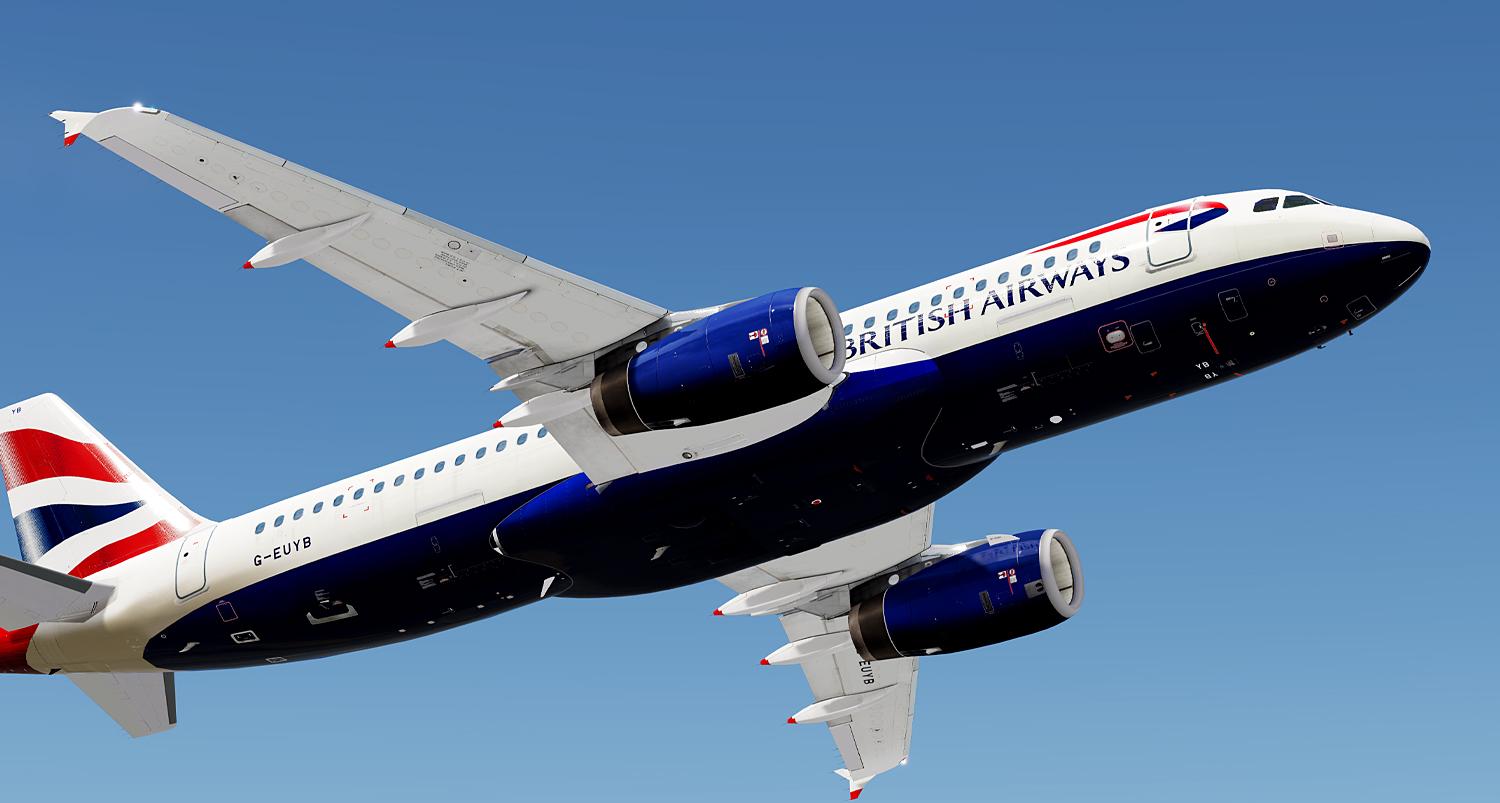
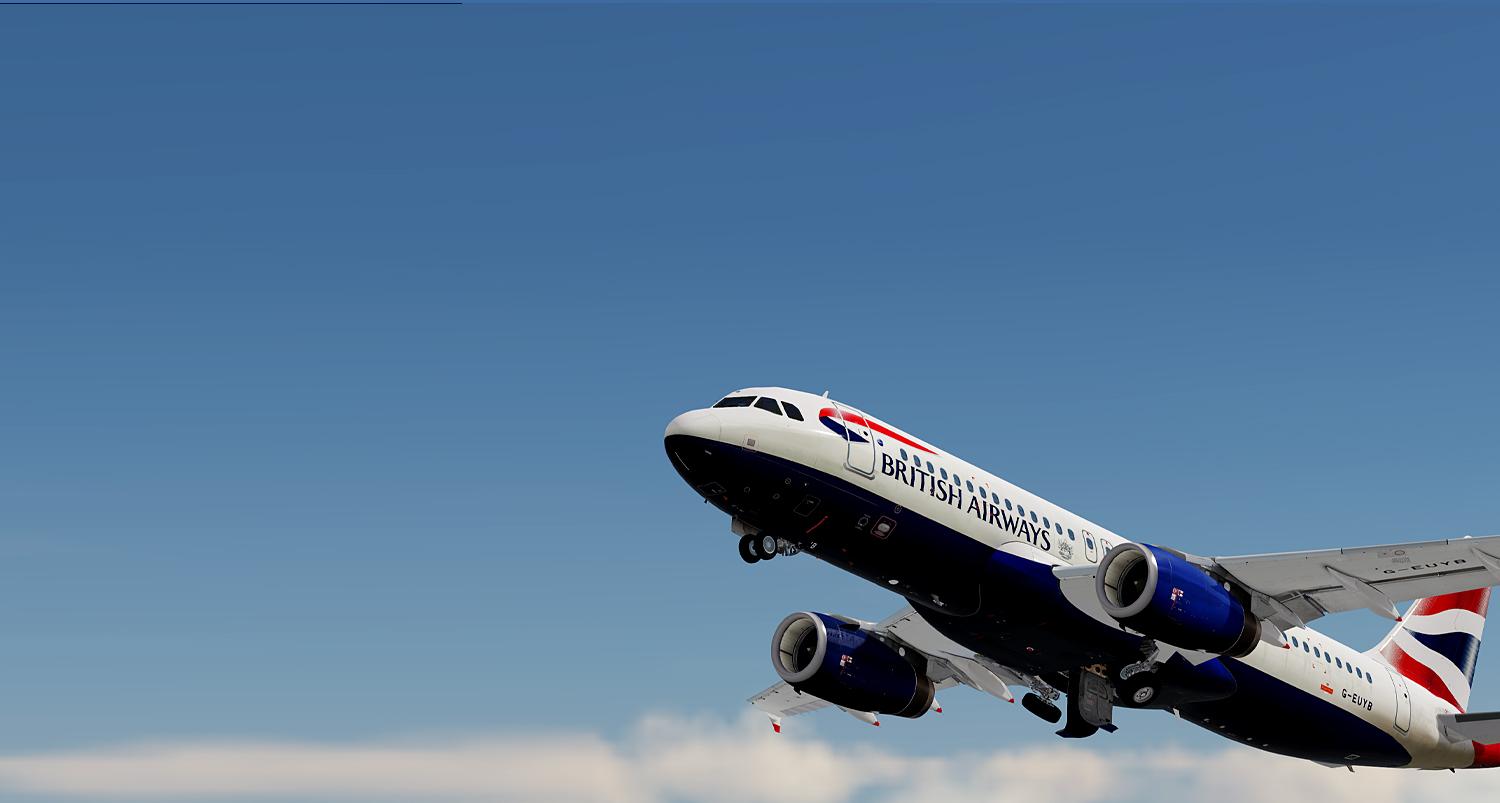
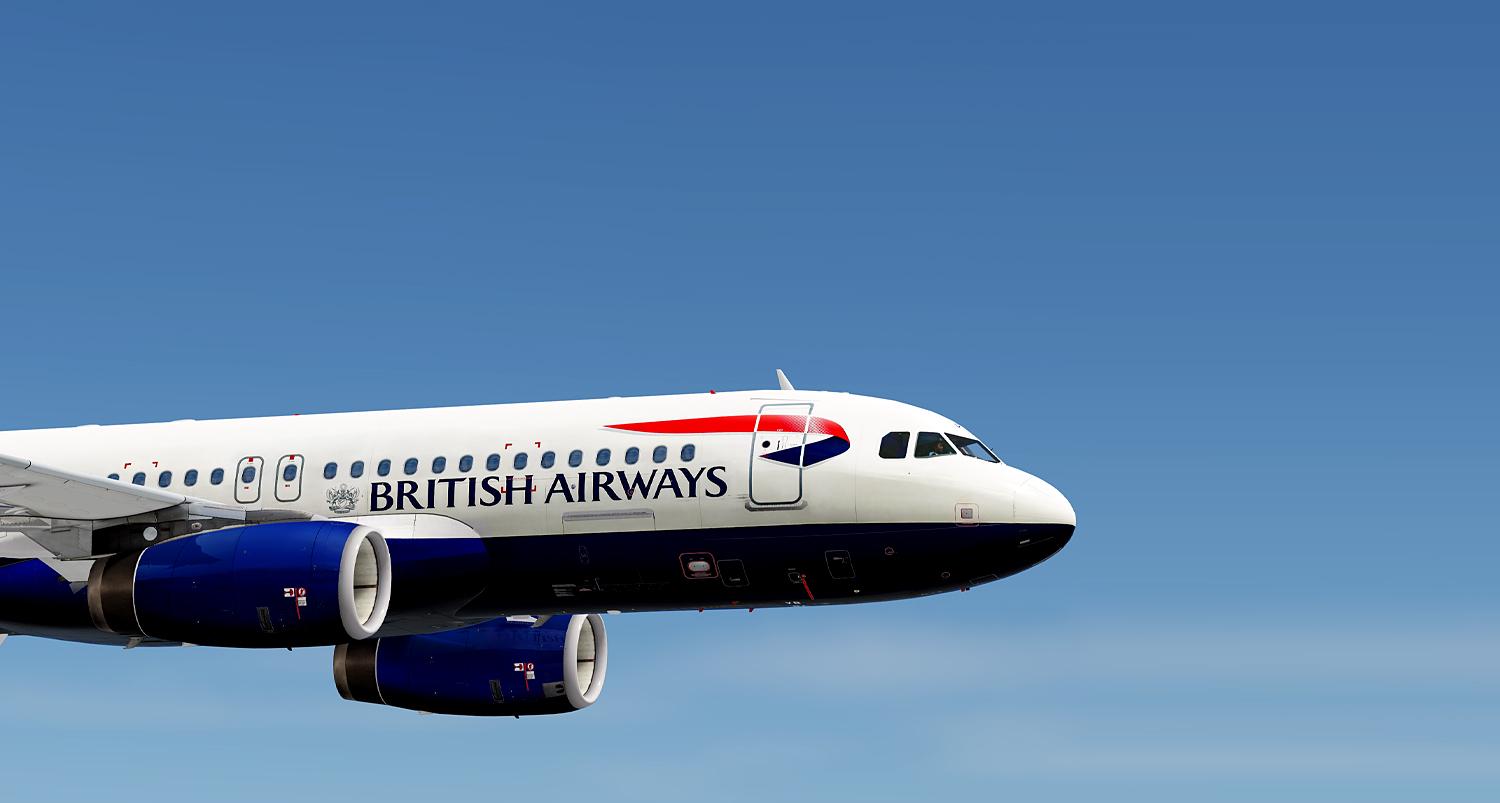
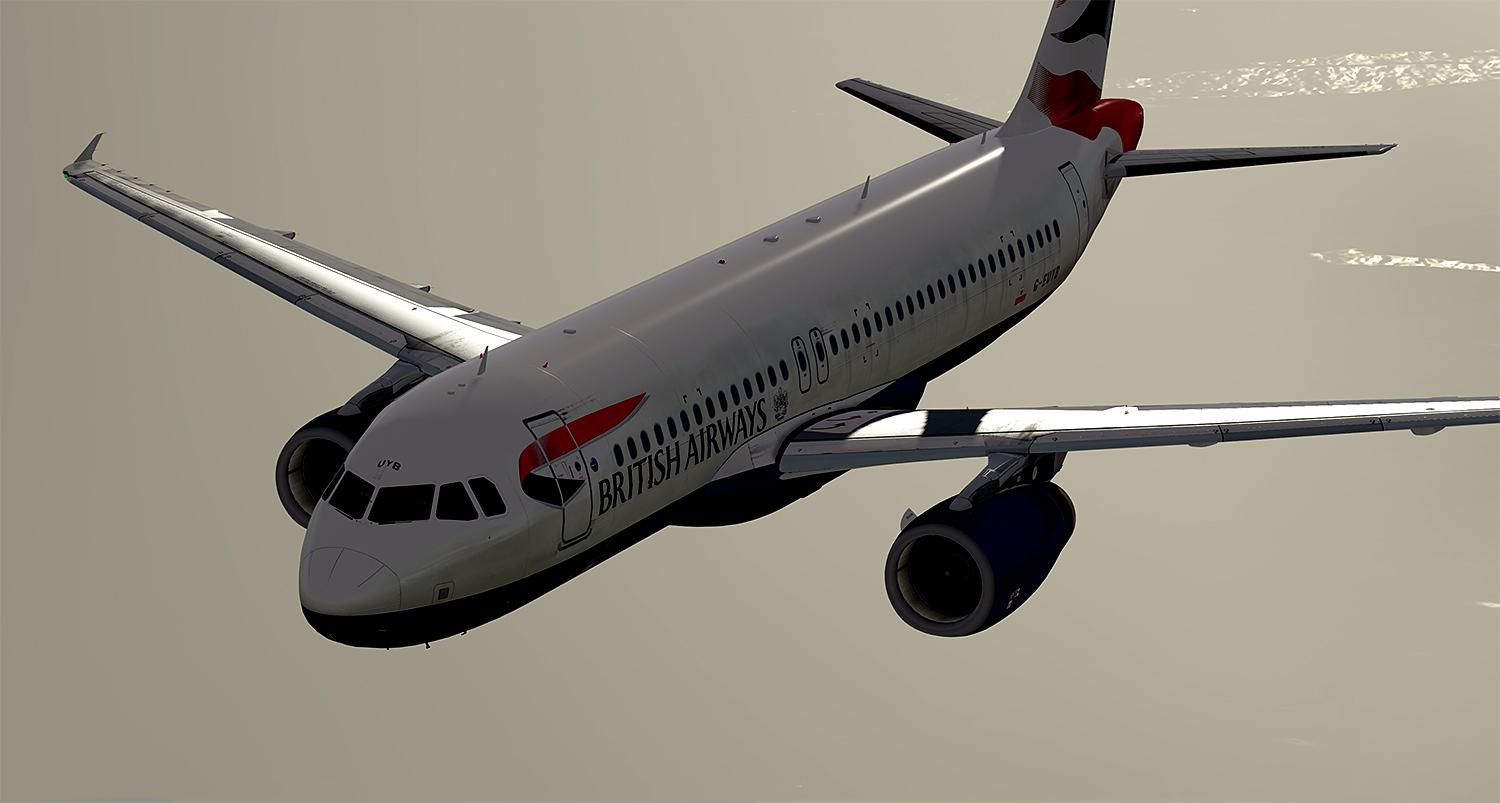
British Airways A320-232 G-EUYB for V5 1.0.3

(4 reviews)

5 Screenshots

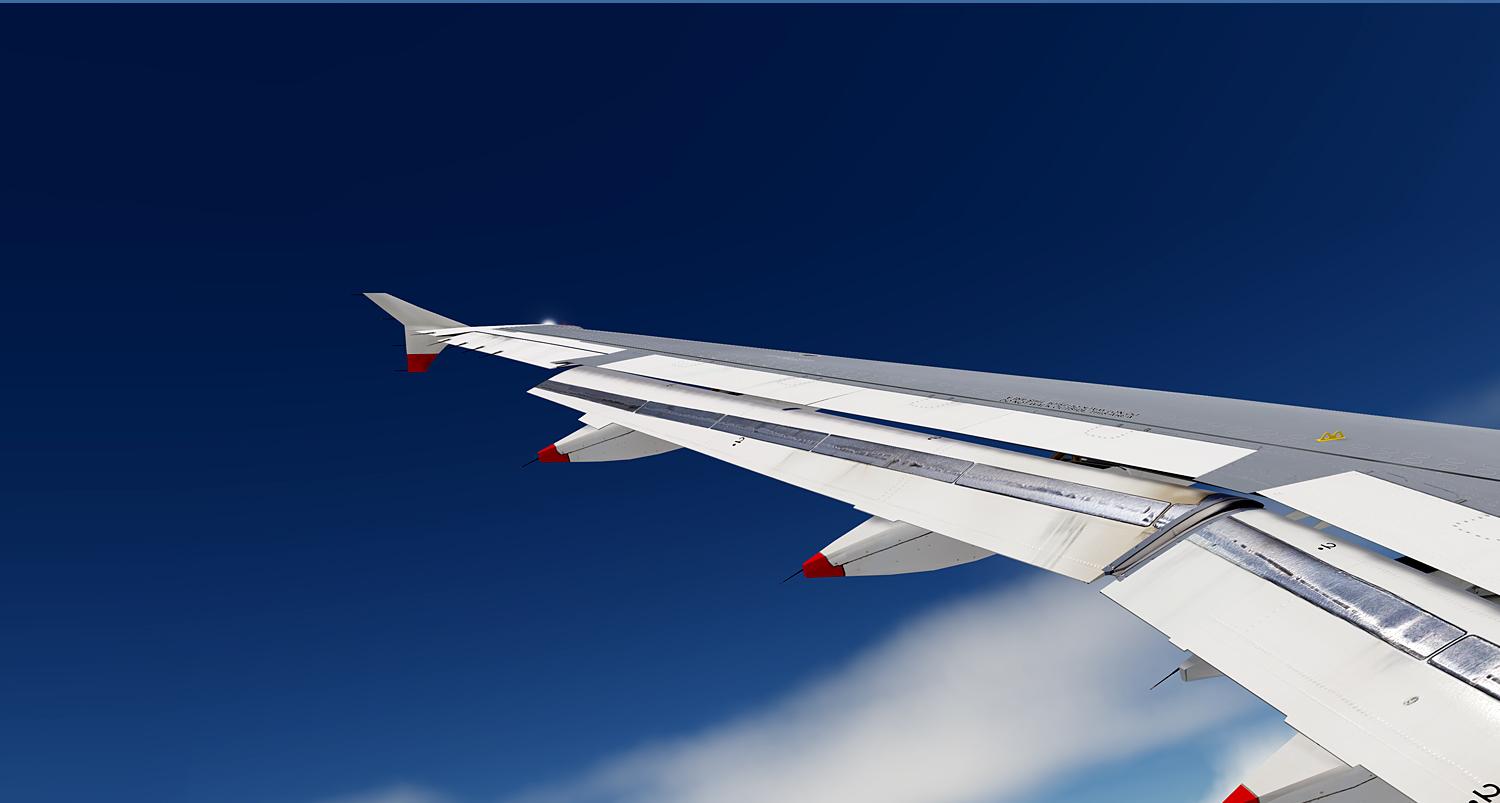
A brand new repaint from scratch. Depicting a realistic British Airways A320-232 registration G-EUYB. All new spec, bump and metallic textures including realistic wings, engines, fuse, tail and much more! this repaint really takes advantage of the brand new PBR.

What's New in Version 1.0.1

Released

General fixes, better naming convention, more accurate registration under wings.

User Feedback

Cai Bodden _belowtheline

Cai Bodden _belowtheline


First of All..... WOW!

Sam Kharey

Sam Kharey


Never seen wing textures look so good. Thanks for all the hard work.

Robert Ruprecht

Robert Ruprecht

   1 of 1 member found this review helpful 1 / 1 member

SuperB. thankyou for your hard work.

Jesper Larsen

Jesper Larsen


What a paint. All the details are amazing.

Well done.

Account

Navigation

Search

Search

Configure browser push notifications

Chrome (Android)
  1. Tap the lock icon next to the address bar.
  2. Tap Permissions → Notifications.
  3. Adjust your preference.
Chrome (Desktop)
  1. Click the padlock icon in the address bar.
  2. Select Site settings.
  3. Find Notifications and adjust your preference.

