
Skip to content
View in the app

A better way to browse. Learn more.

Flight Sim Labs Forums

A full-screen app on your home screen with push notifications, badges and more.

To install this app on iOS and iPadOS
  1. Tap the Share icon in Safari
  2. Scroll the menu and tap Add to Home Screen.
  3. Tap Add in the top-right corner.
To install this app on Android
  1. Tap the 3-dot menu (⋮) in the top-right corner of the browser.
  2. Tap Add to Home screen or Install app.
  3. Confirm by tapping Install.

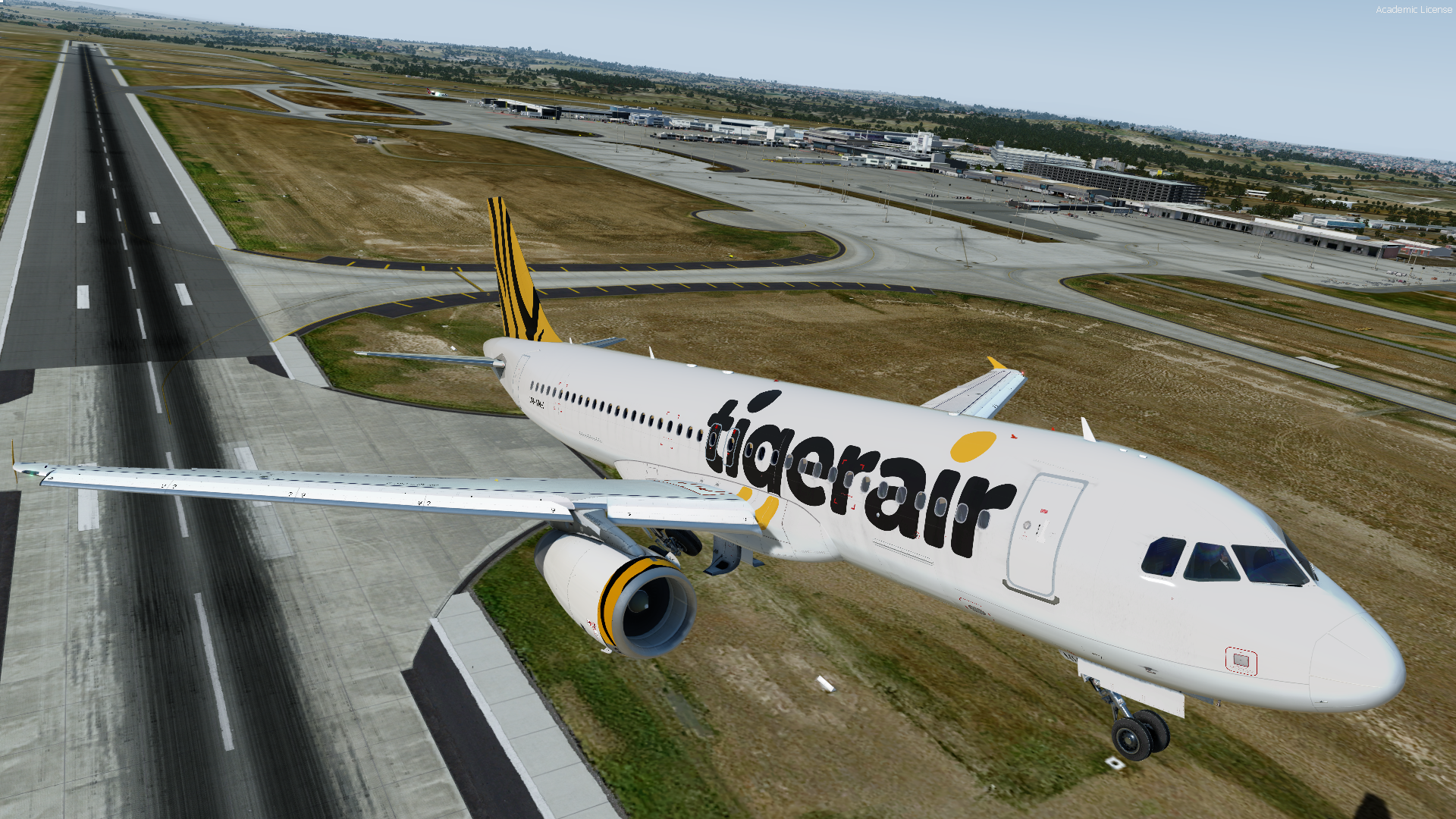
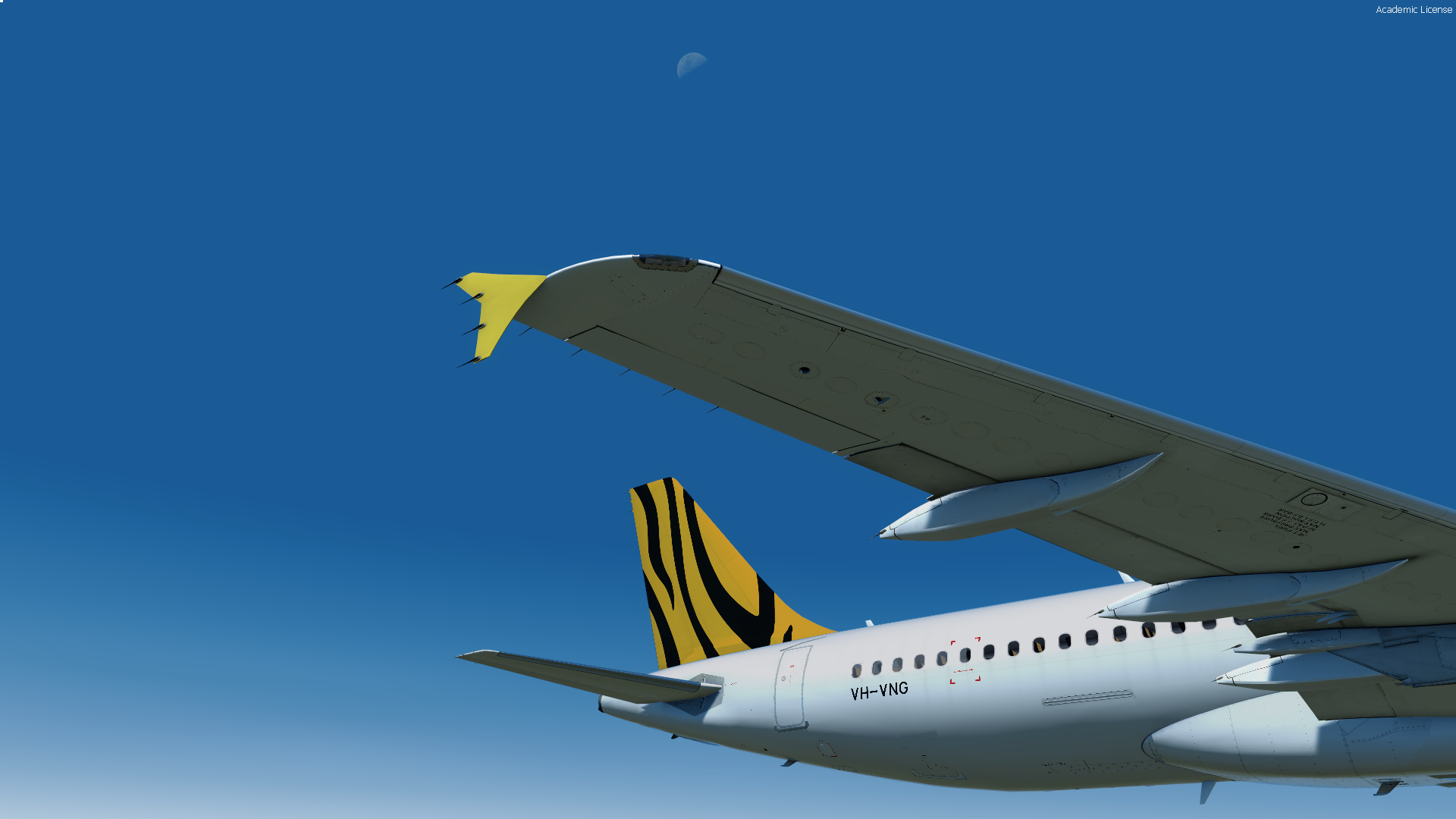
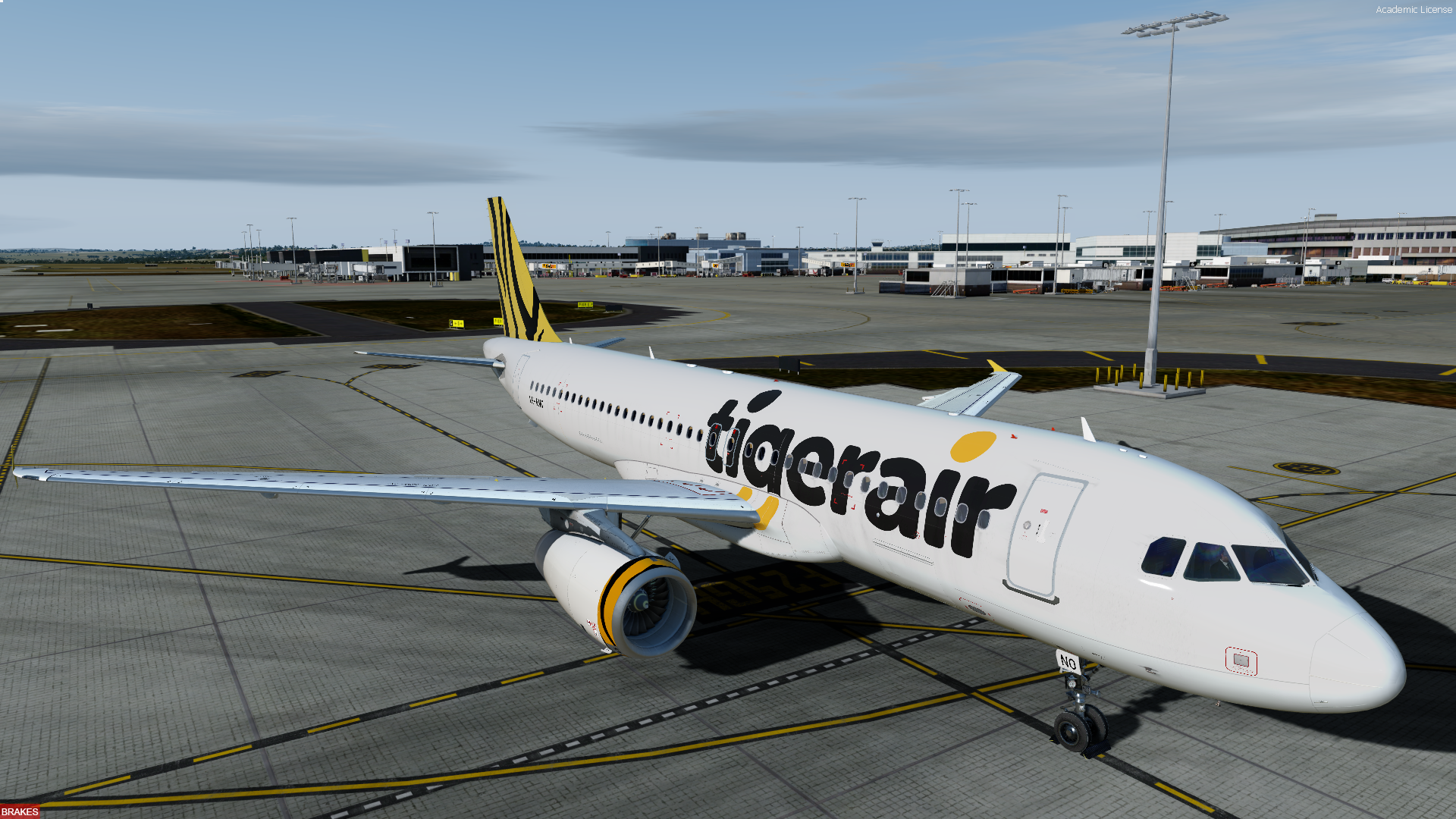
Tigerair Australia Airbus A320-232 2019 / 2020 Fleet-pack 2.0.1

(2 reviews)

4 Screenshots

Konfig Projects


Tigerair Australia A320 Fleetpack

Included liveries are:


VH-XUG 
VH-VNR 
VH-VNK 
VH-VNO 
VH-VNG 
VH-VNH 
VH-VND 
VH-VNC 


*note: VH-XUH is not included as it has Sharklets which are not present in the A320 currently.


https://konfigprojects.weebly.com/

What's New in Version 2.0.0

Released

Rnp Projects

What's New in this release:

New Engine Textures courtesy of John Tavendale!

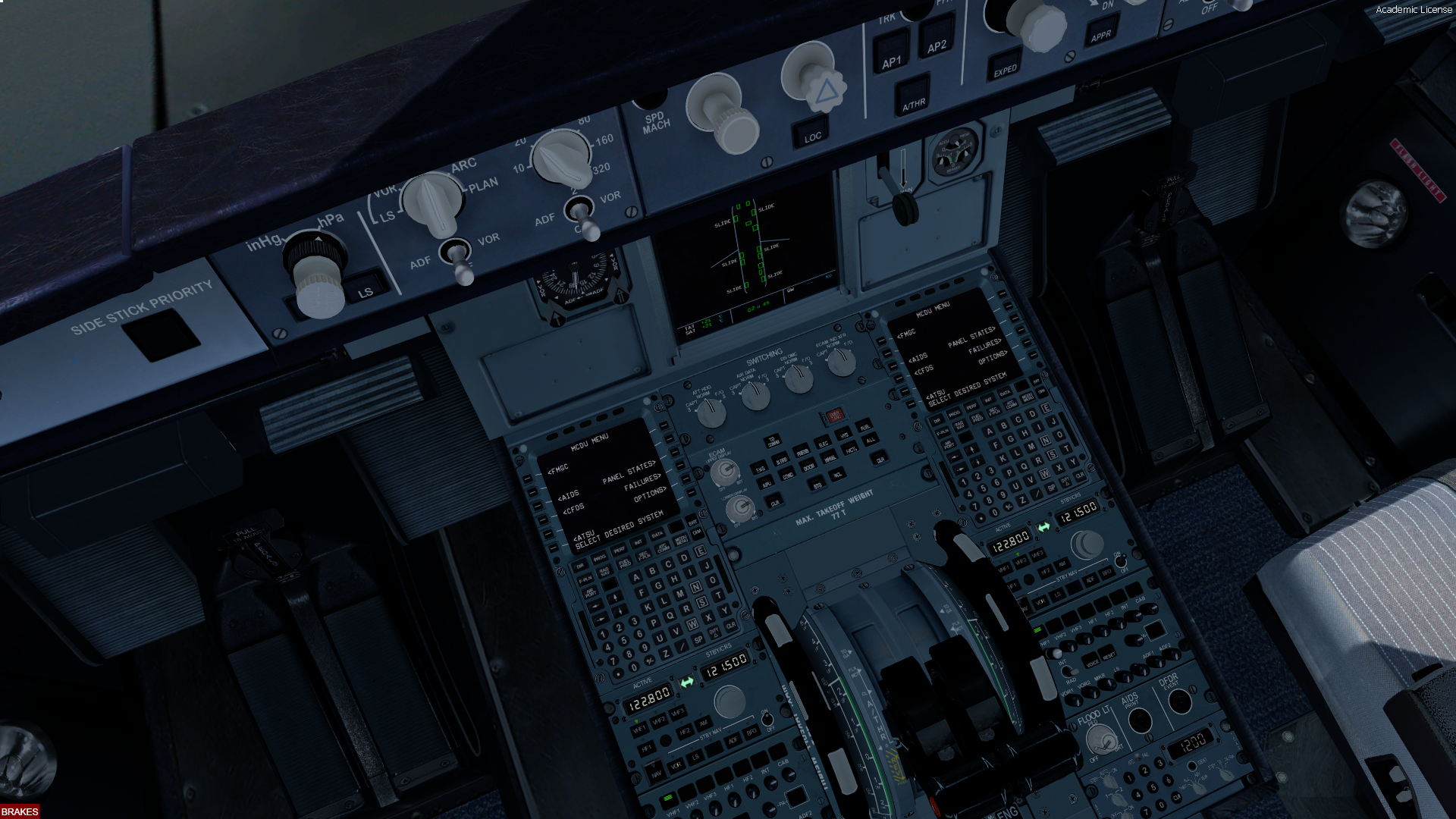
Adjusted the font of the placard Max. Takeoff Weight 77 T


note*; you may have seen I have re branded from Konfig Projects to Rnp Projects


Feel free to visit my website here @ https://rnpprojects.weebly.com/

User Feedback

Stirling Day

Stirling Day

   0 of 3 members found this review helpful 0 / 3 members

that didn't age well did it

Mackenzie Davis

Mackenzie Davis

   1 of 2 members found this review helpful 1 / 2 members

Awesome work!

Account

Navigation

Search

Search

Configure browser push notifications

Chrome (Android)
  1. Tap the lock icon next to the address bar.
  2. Tap Permissions → Notifications.
  3. Adjust your preference.
Chrome (Desktop)
  1. Click the padlock icon in the address bar.
  2. Select Site settings.
  3. Find Notifications and adjust your preference.

