



Skip to content
View in the app

A better way to browse. Learn more.

Flight Sim Labs Forums

A full-screen app on your home screen with push notifications, badges and more.

To install this app on iOS and iPadOS
  1. Tap the Share icon in Safari
  2. Scroll the menu and tap Add to Home Screen.
  3. Tap Add in the top-right corner.
To install this app on Android
  1. Tap the 3-dot menu (⋮) in the top-right corner of the browser.
  2. Tap Add to Home screen or Install app.
  3. Confirm by tapping Install.

Thai Smile Fleet Pack HS-TXA, B, C, D... 1.1.0

(5 reviews)

1 Screenshot

ONLY FOR V.2.0.2.300+

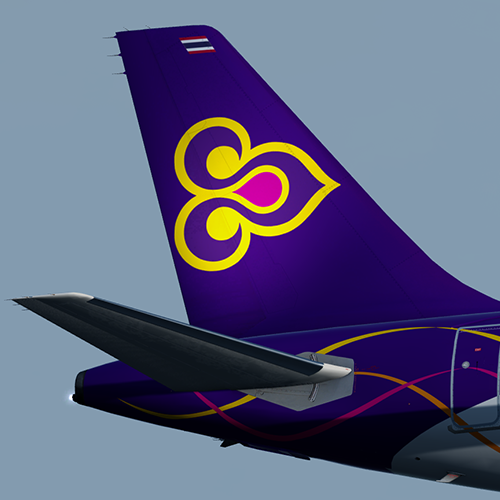
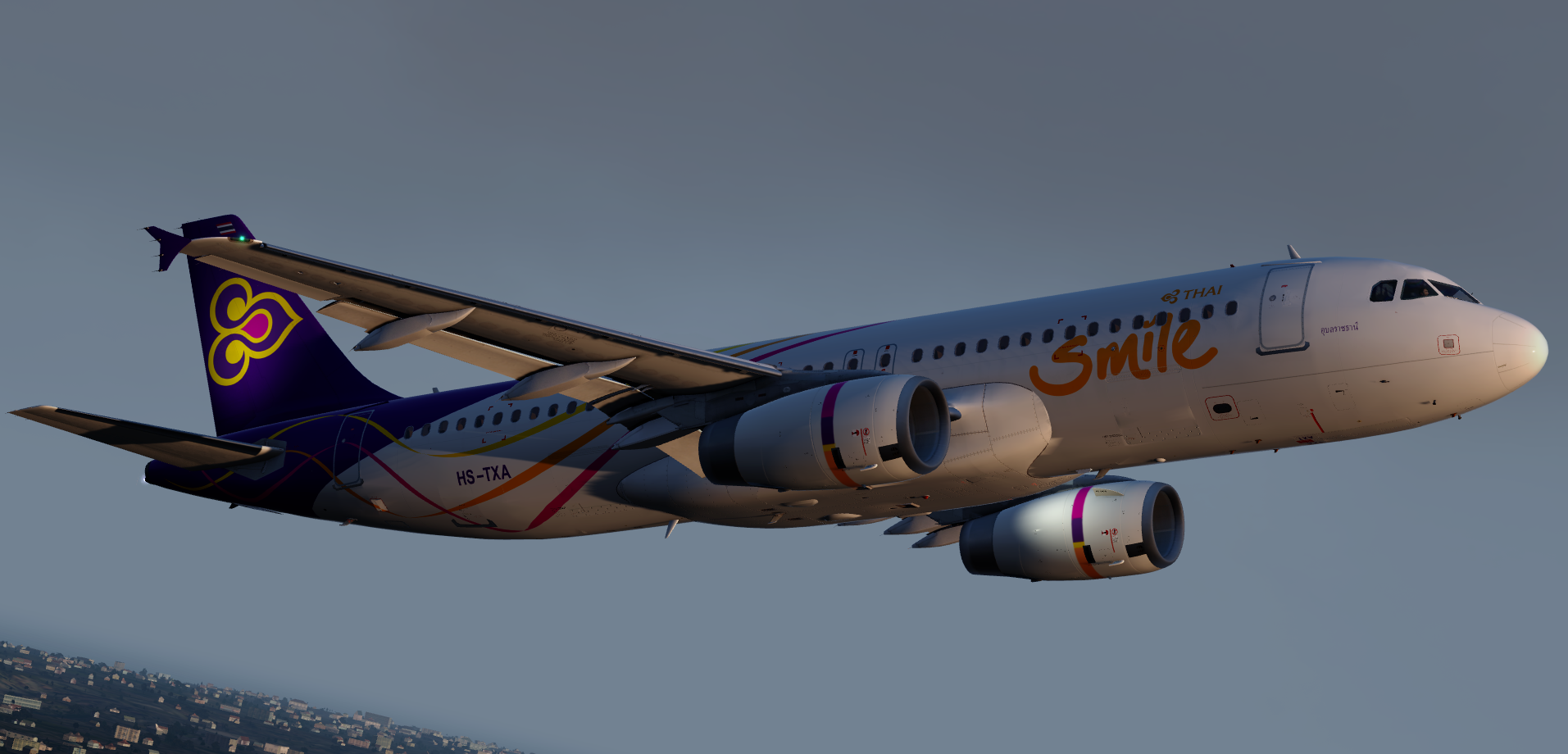
Thai Smile Fleet Pack A320-232

This pack contains:
HS-TXA, TXB, TXC, TXD, TXE, TXF

by outwithnade

HS-TXA_F_Screenshot.png

What's New in Version 1.1.0

Released

  • Updated specular maps
  • Now includes cabin textures

User Feedback

Morgan Western

Morgan Western

   1 of 2 members found this review helpful 1 / 2 members

stunning, absolutely fabulous

Wych!

Samuel Leonard

Samuel Leonard

   1 of 2 members found this review helpful 1 / 2 members

Pumping them out lately! Once again, top job on every single one of these :)

Harry Twine

Harry Twine

   1 of 2 members found this review helpful 1 / 2 members

Lovely Paints.

You seriously put a lot of effort into your work!

Smile :) 

Sveinung Kaurstad

Sveinung Kaurstad

   1 of 2 members found this review helpful 1 / 2 members

Stunning! :o

Amazing job as always! :D

Artur Araripe

Artur Araripe

   2 of 2 members found this review helpful 2 / 2 members

What is that streak of masterpieces?

Unstoppable! 


Response from the author:

Thanks!:lol:

Account

Navigation

Search

Search

Configure browser push notifications

Chrome (Android)
  1. Tap the lock icon next to the address bar.
  2. Tap Permissions → Notifications.
  3. Adjust your preference.
Chrome (Desktop)
  1. Click the padlock icon in the address bar.
  2. Select Site settings.
  3. Find Notifications and adjust your preference.