Skip to content
View in the app

A better way to browse. Learn more.

Flight Sim Labs Forums

A full-screen app on your home screen with push notifications, badges and more.

To install this app on iOS and iPadOS
  1. Tap the Share icon in Safari
  2. Scroll the menu and tap Add to Home Screen.
  3. Tap Add in the top-right corner.
To install this app on Android
  1. Tap the 3-dot menu (⋮) in the top-right corner of the browser.
  2. Tap Add to Home screen or Install app.
  3. Confirm by tapping Install.

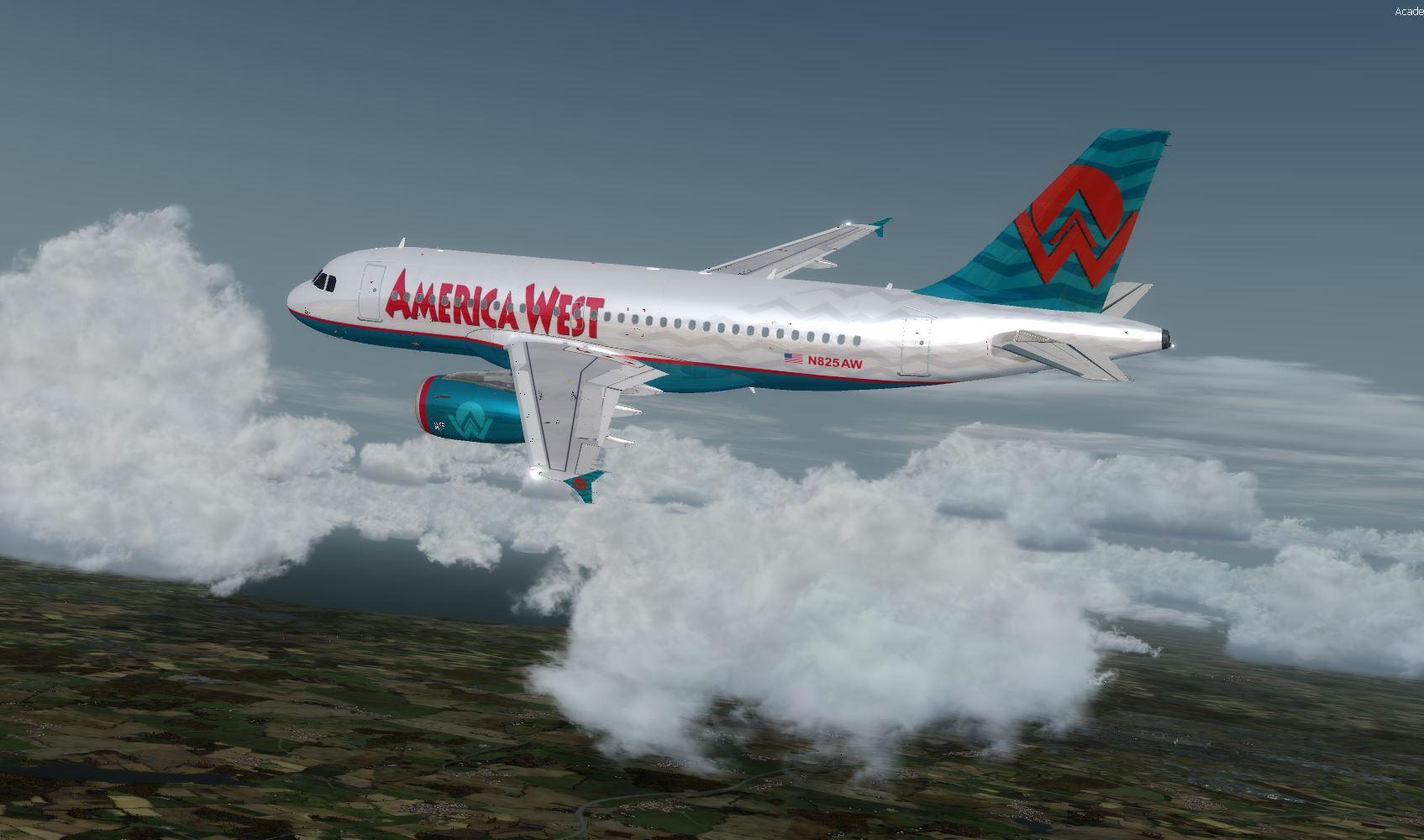
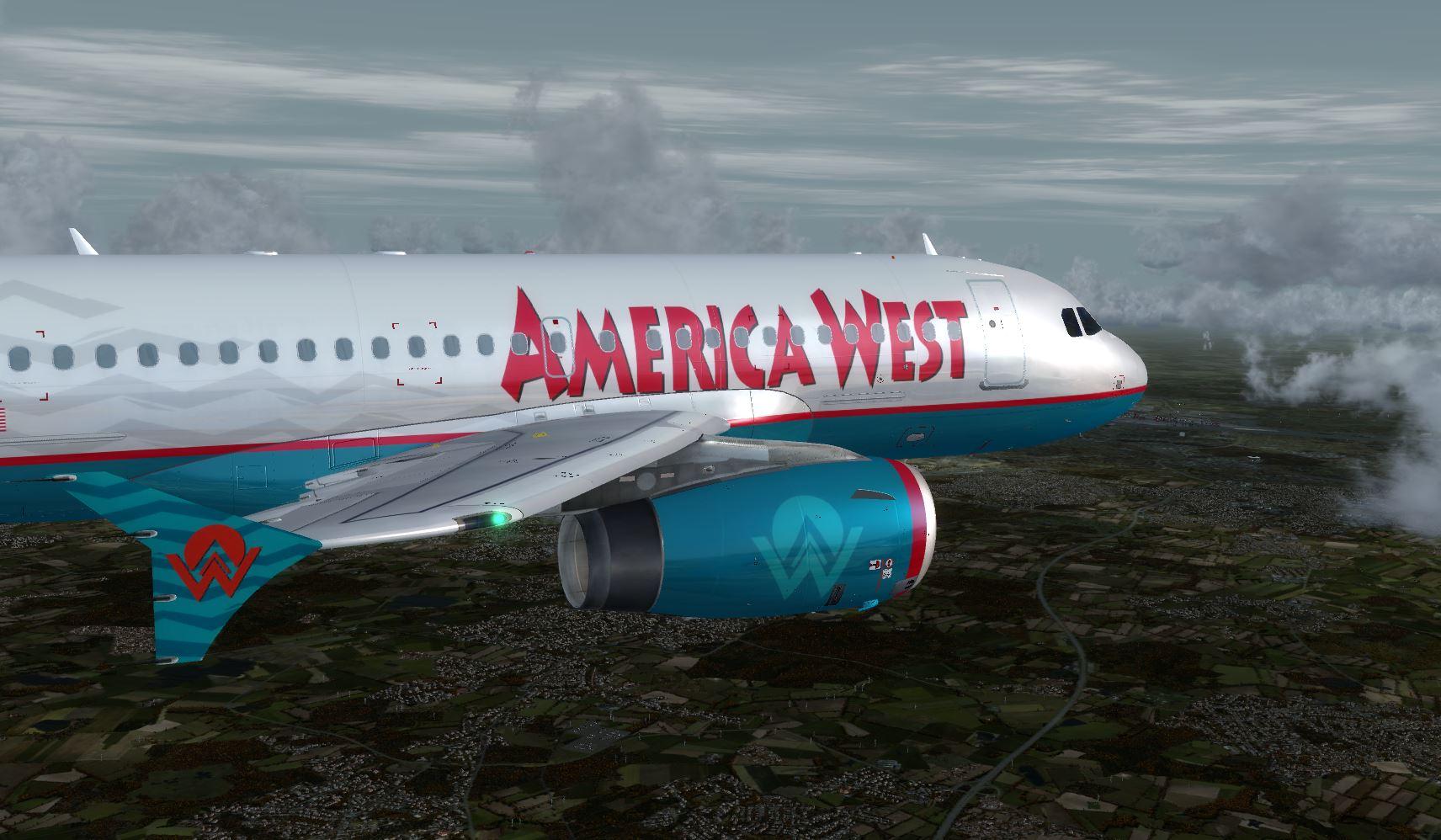
America West A319 N825AW 1.0.2

(3 reviews)

2 Screenshots

User Feedback

Kevin Weber

Kevin Weber


I would have loved to see this in v5 also!

Steven Riegel

Steven Riegel


Any possibility of bringing this to V5??

Response from the author:

Hi Steven,

thanks a lot for your message!!! But I´m sorry, I just left P3D and changed over to MSFS - so I deleted every stuff of P3D, thatsfor I can´t do your request. I´m so sorry...

But I´m sure that - if your gonna post a request - somebody will take over your request an will do a wondefull livery of AW!!!

I wish you a wonderfull tme, stay healthy and have fun!!!!

Yours Bob Rudi Karolyi

Brad Hammer

Brad Hammer


Thank you!! I've been waiting for this one for a while. Looks great!!

Account

Navigation

Search

Search

Configure browser push notifications

Chrome (Android)
  1. Tap the lock icon next to the address bar.
  2. Tap Permissions → Notifications.
  3. Adjust your preference.
Chrome (Desktop)
  1. Click the padlock icon in the address bar.
  2. Select Site settings.
  3. Find Notifications and adjust your preference.