

Skip to content
View in the app

A better way to browse. Learn more.

Flight Sim Labs Forums

A full-screen app on your home screen with push notifications, badges and more.

To install this app on iOS and iPadOS
  1. Tap the Share icon in Safari
  2. Scroll the menu and tap Add to Home Screen.
  3. Tap Add in the top-right corner.
To install this app on Android
  1. Tap the 3-dot menu (⋮) in the top-right corner of the browser.
  2. Tap Add to Home screen or Install app.
  3. Confirm by tapping Install.

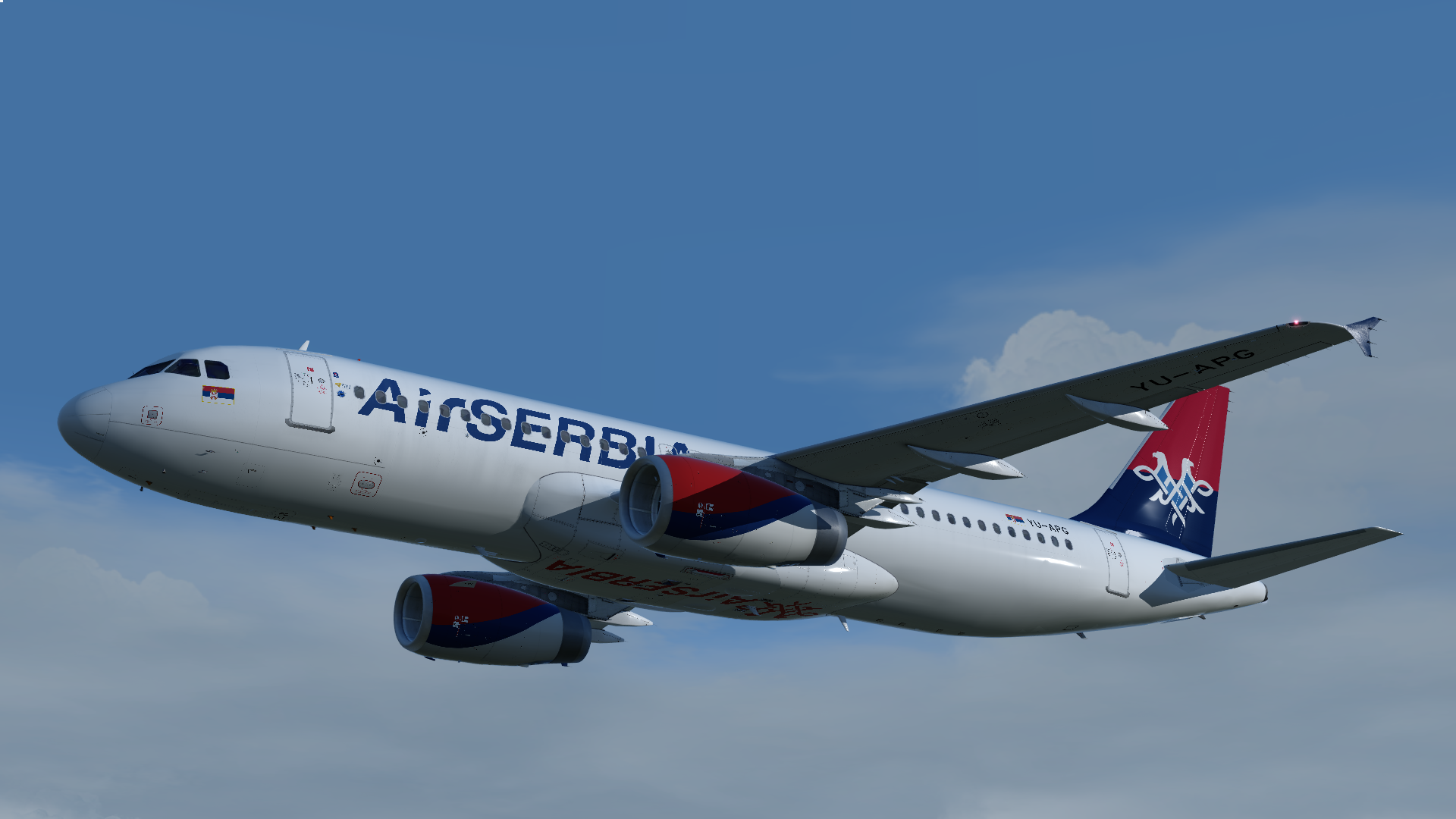
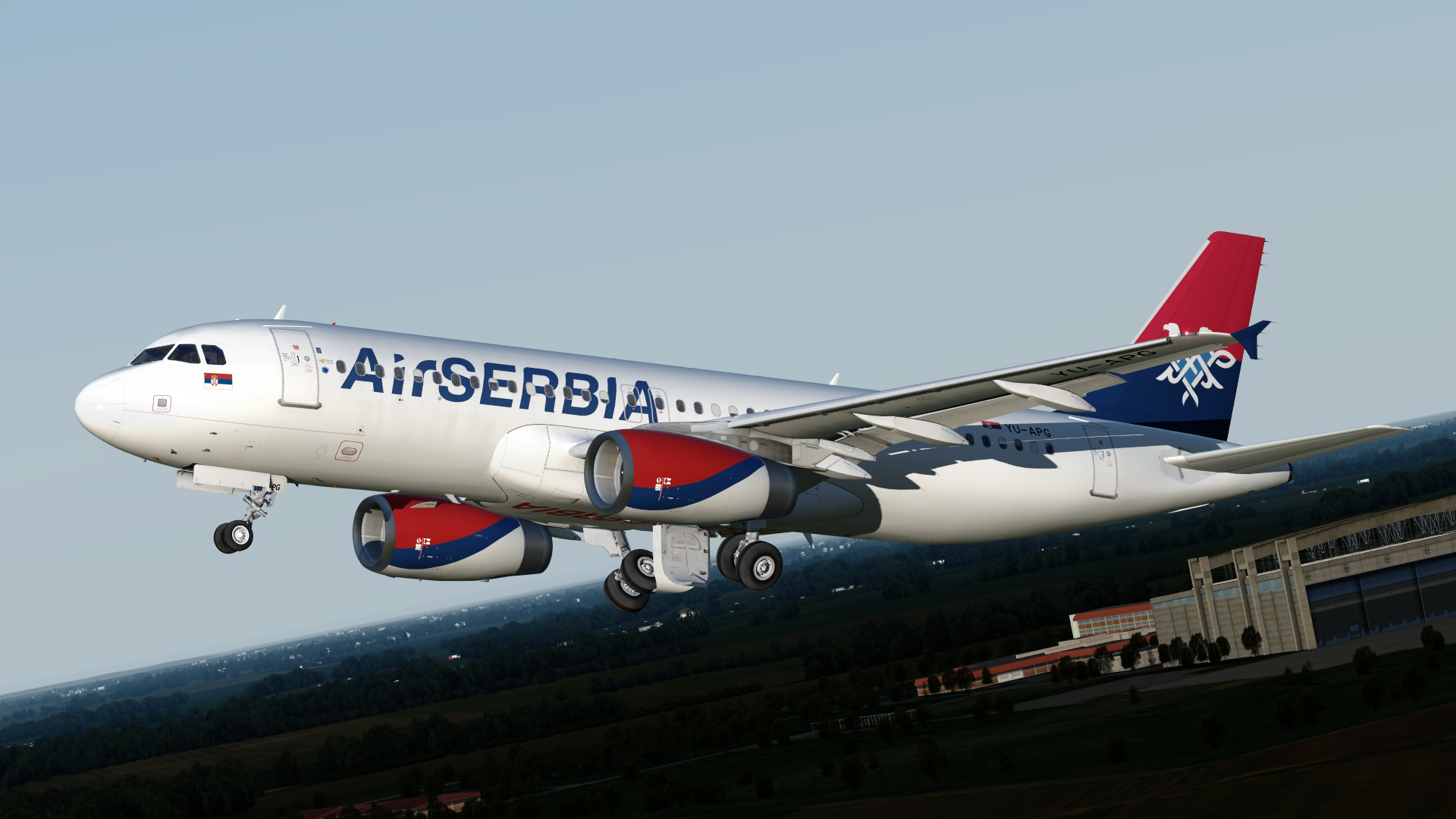
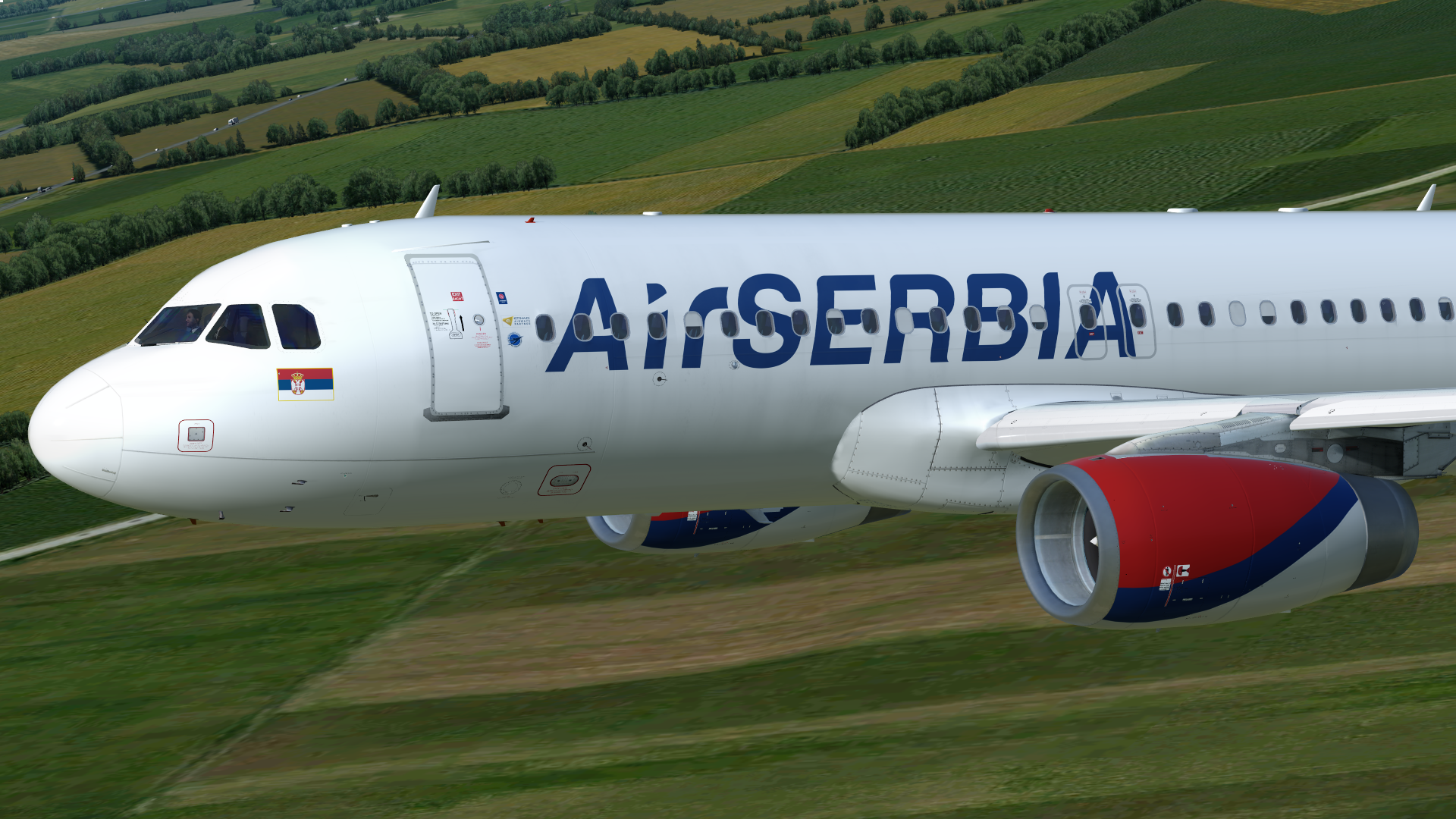
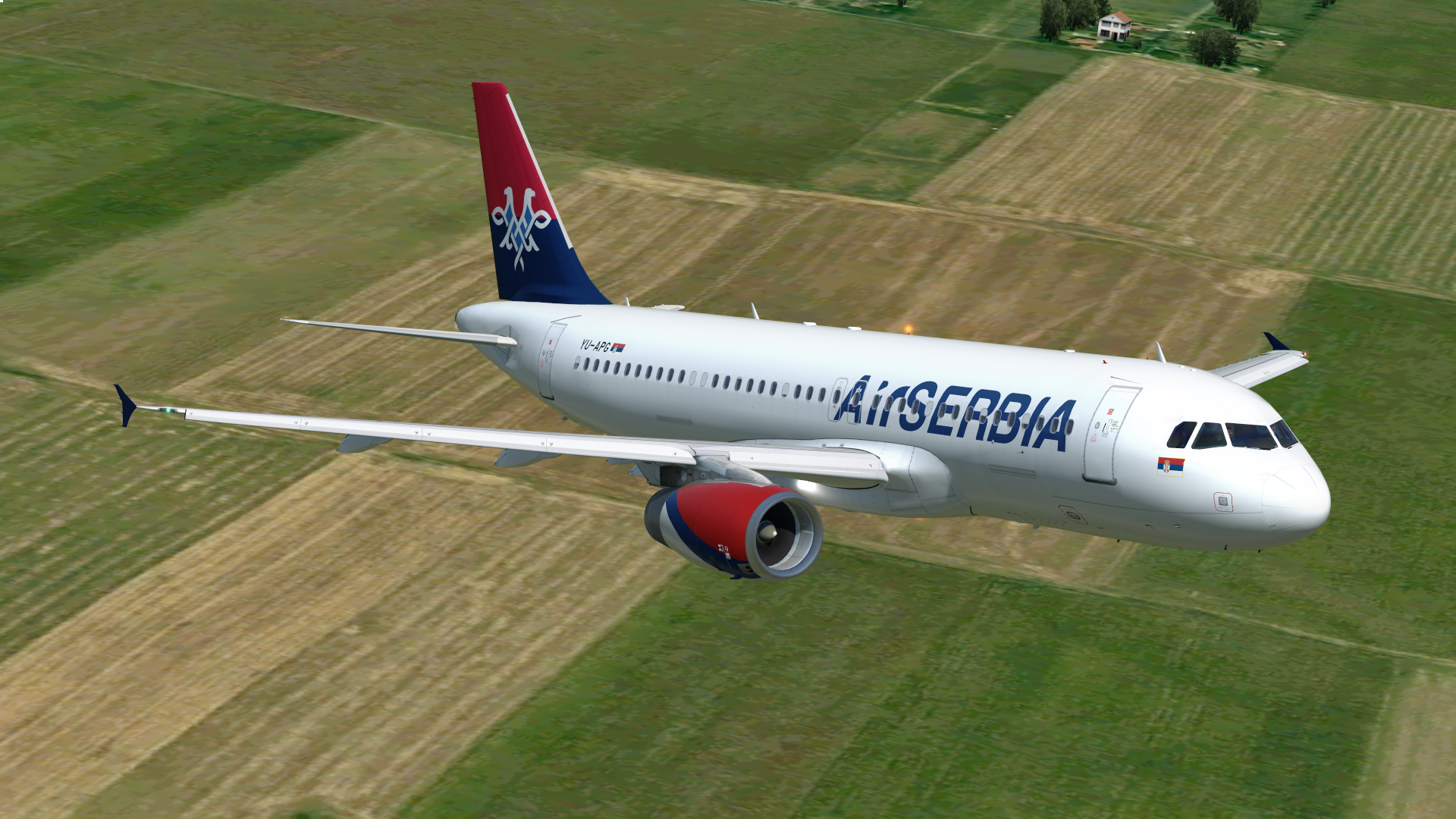
Air Serbia A320-232 YU-APG 1.1.0

(1 review)

12 Screenshots

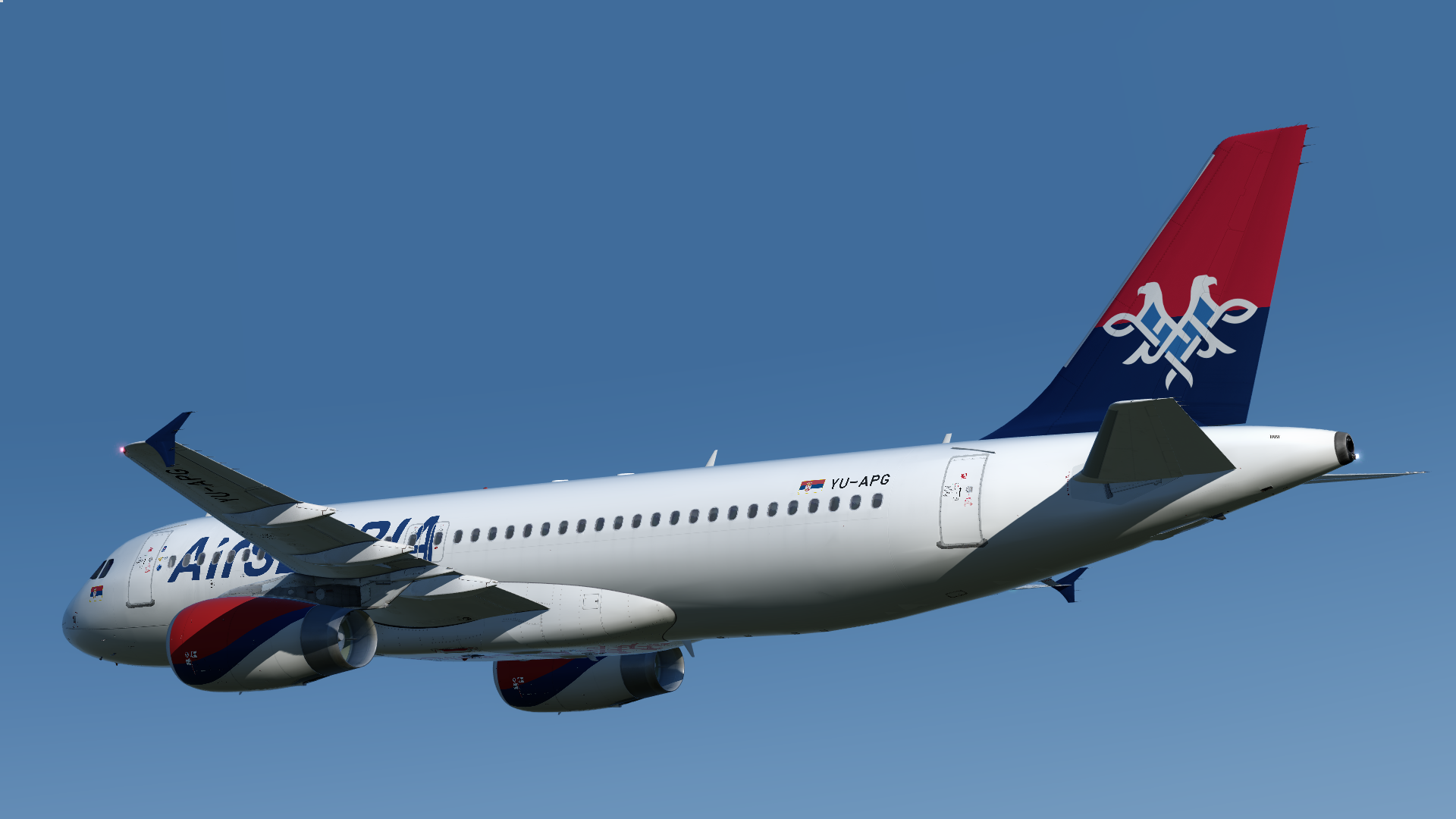
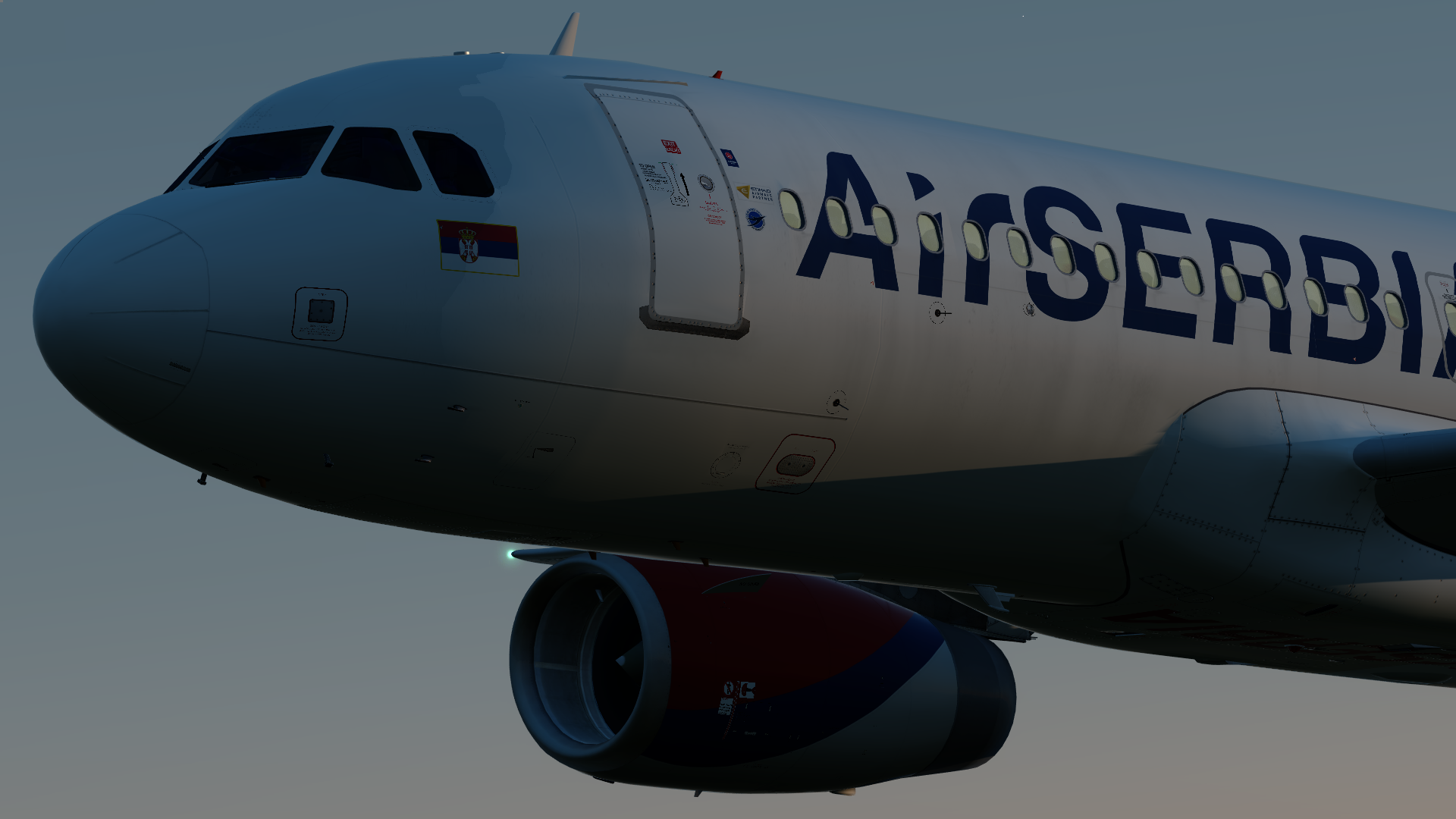
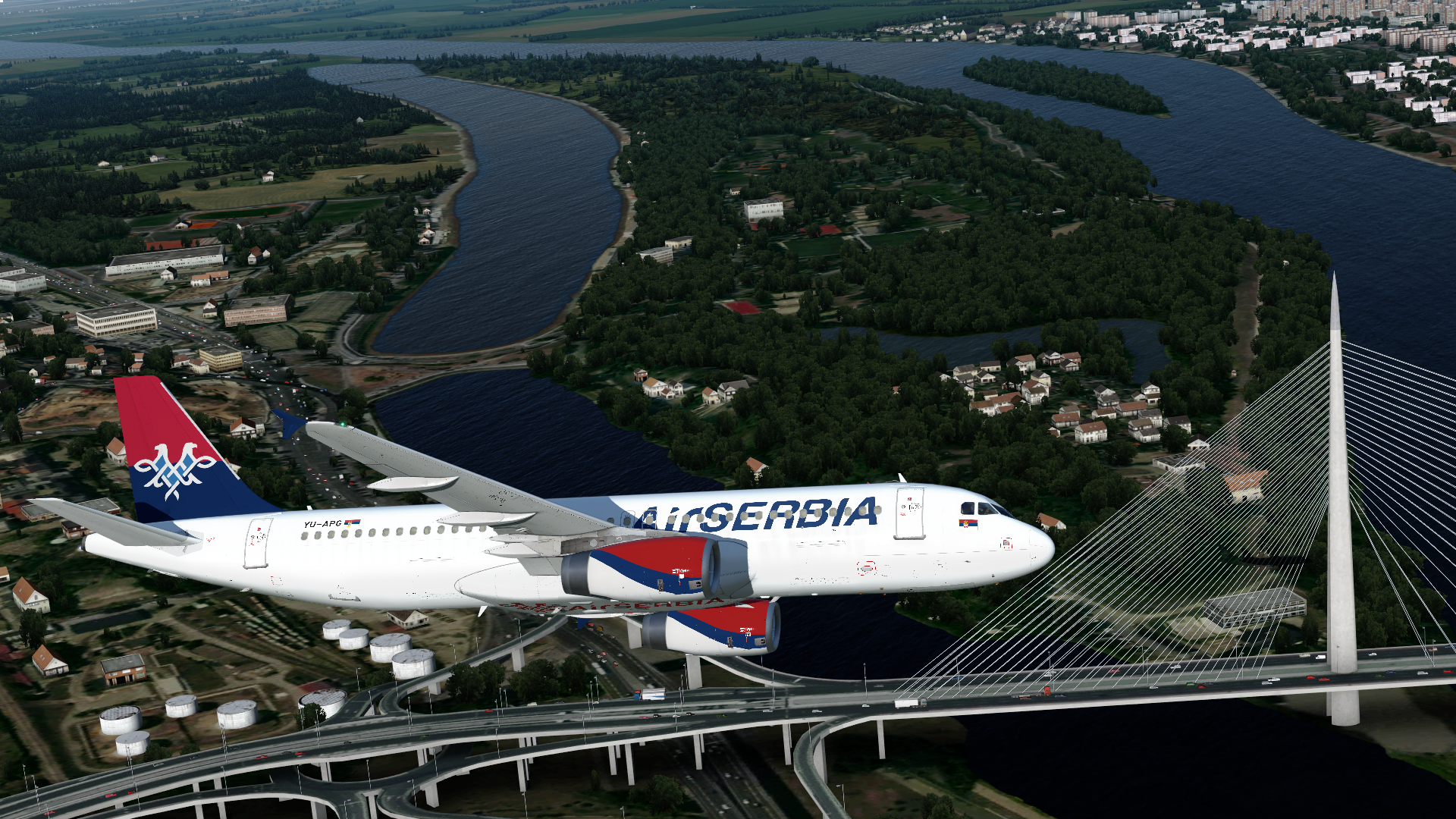
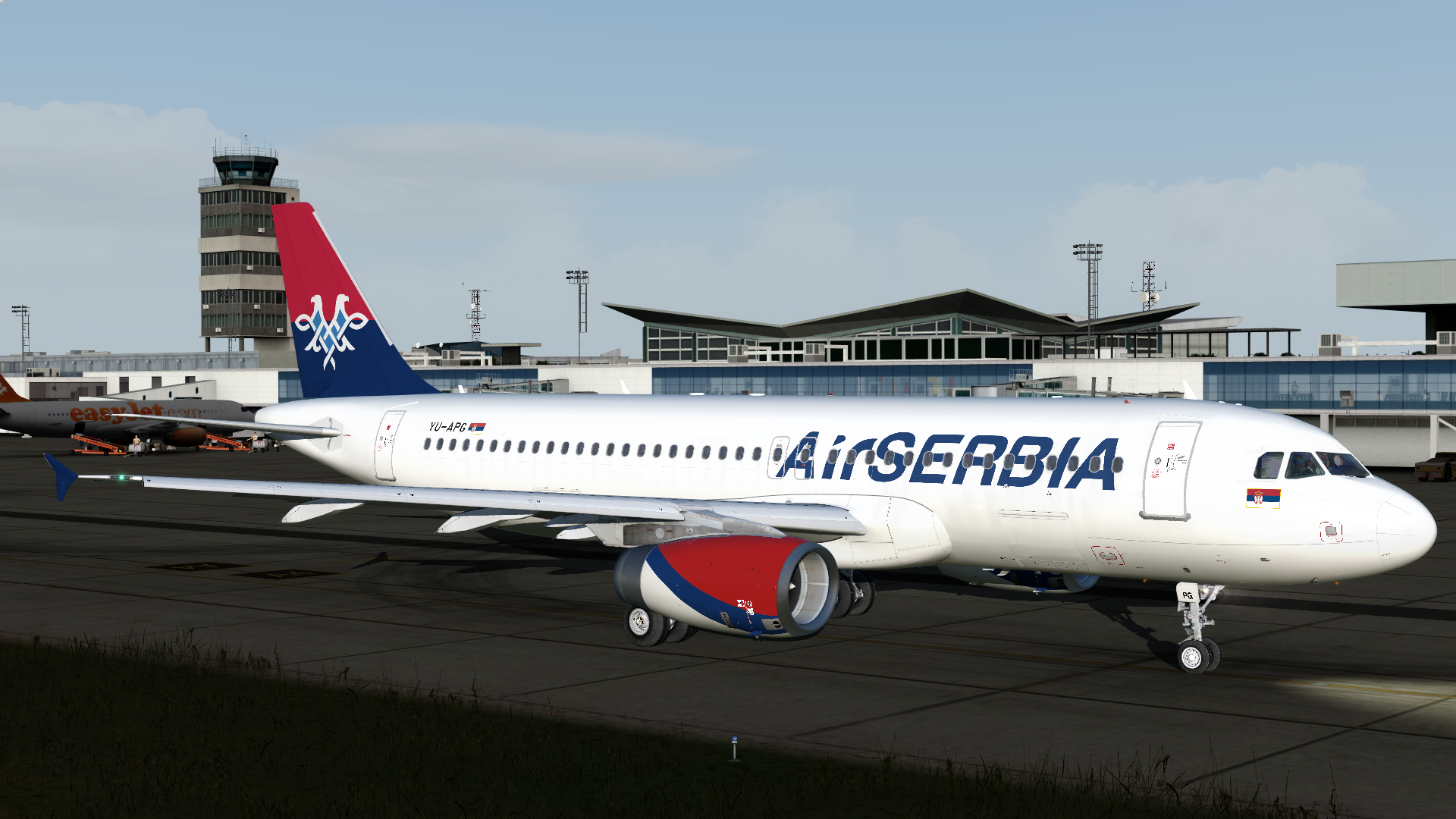
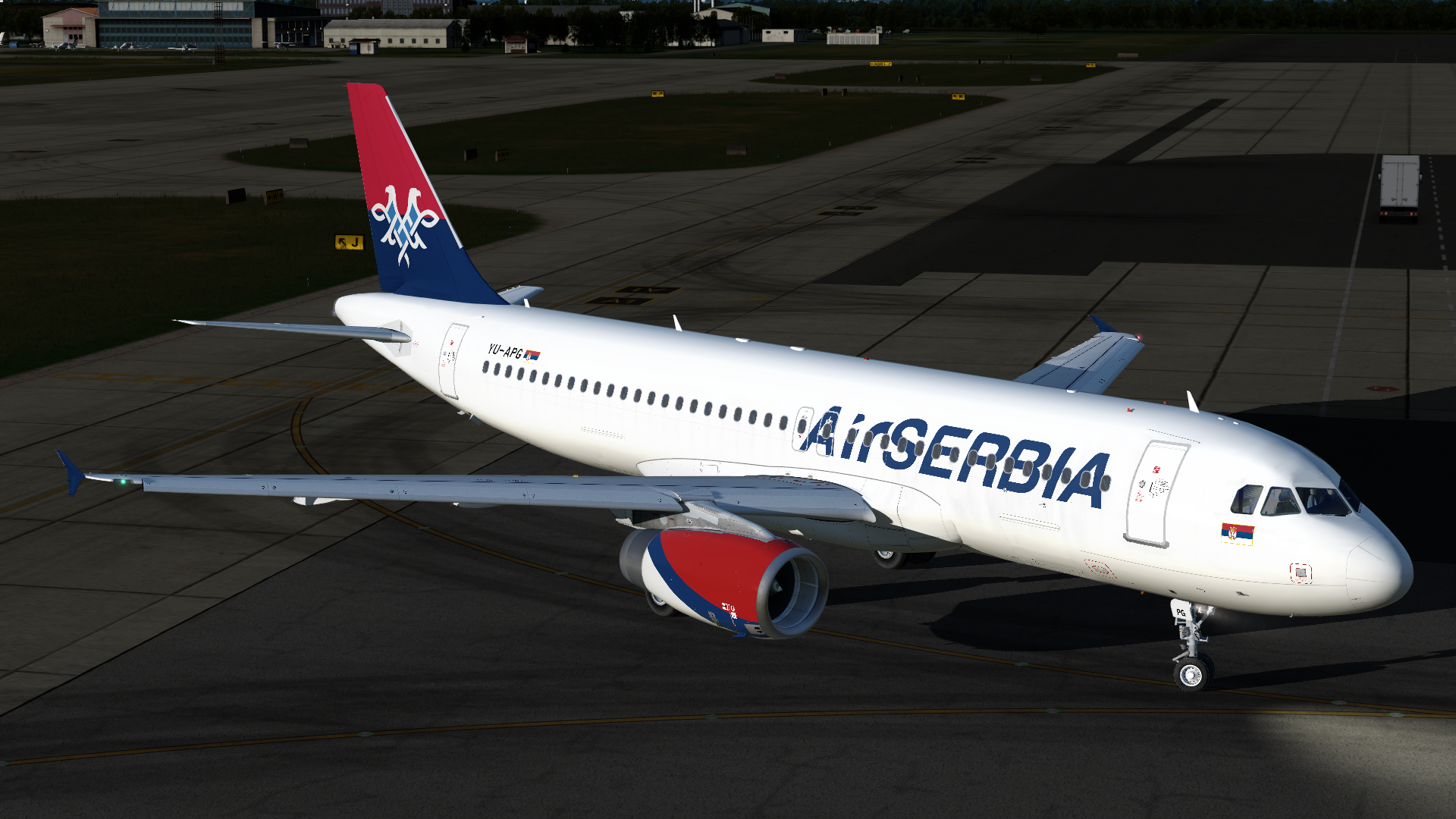
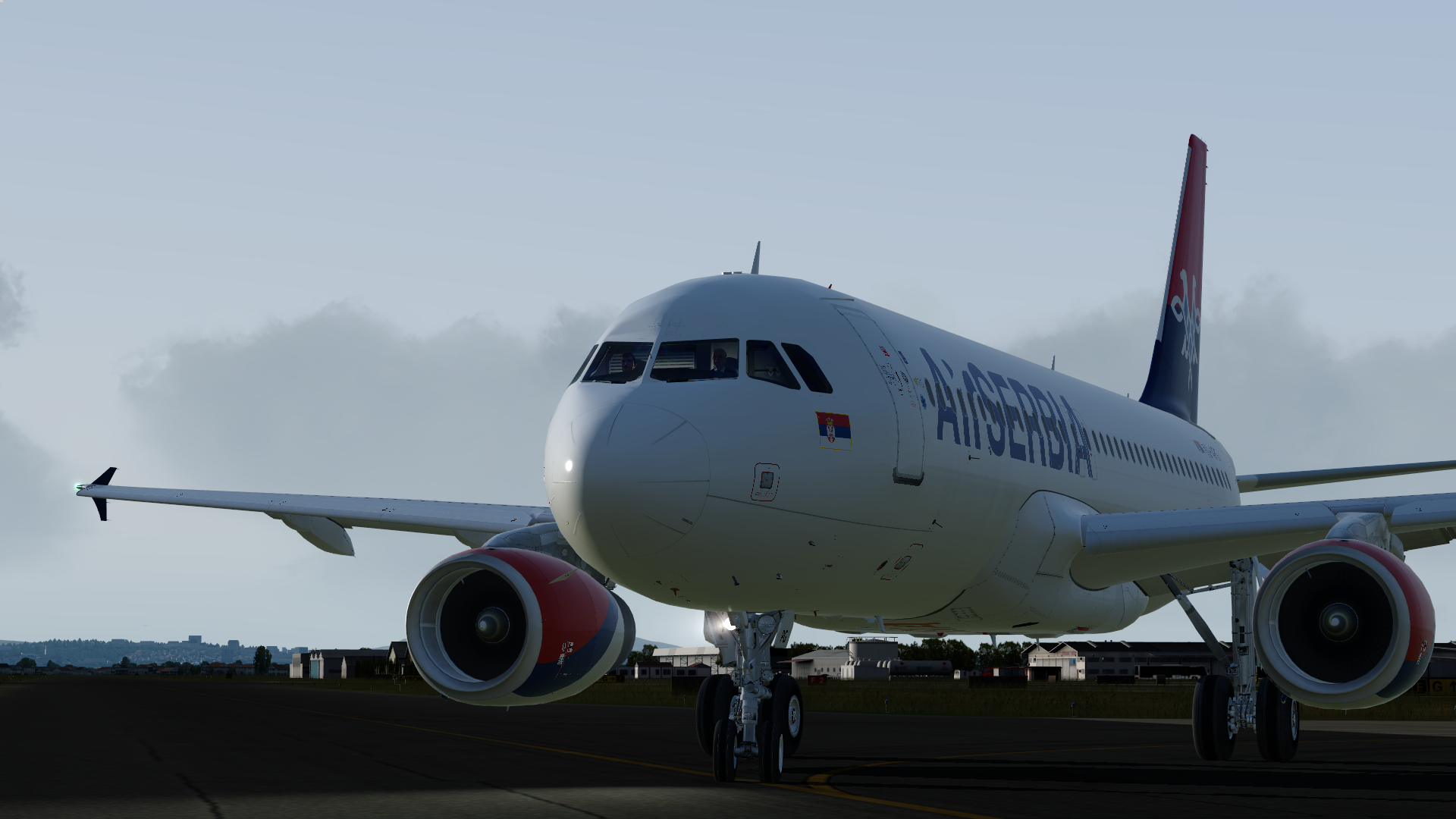
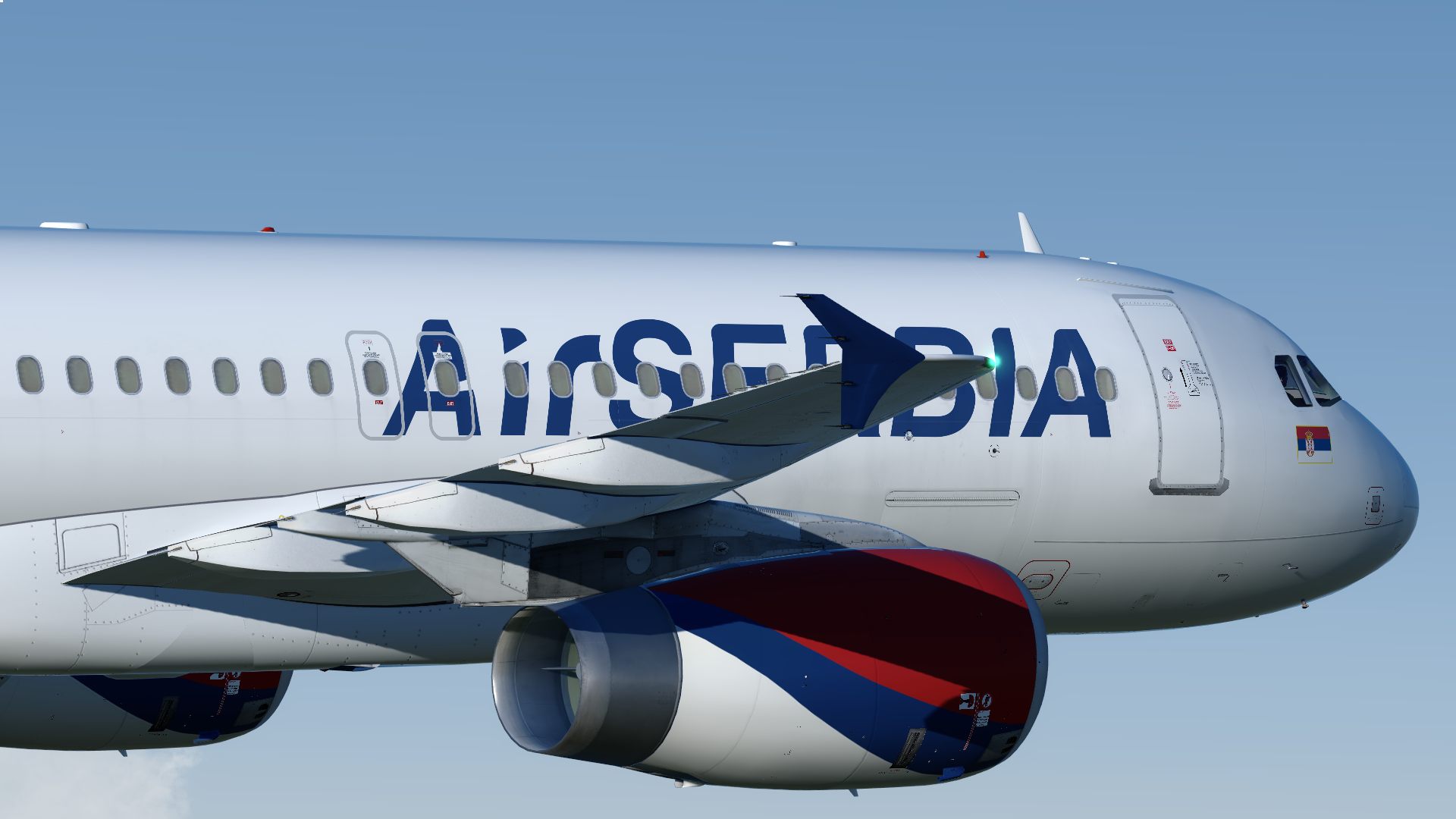
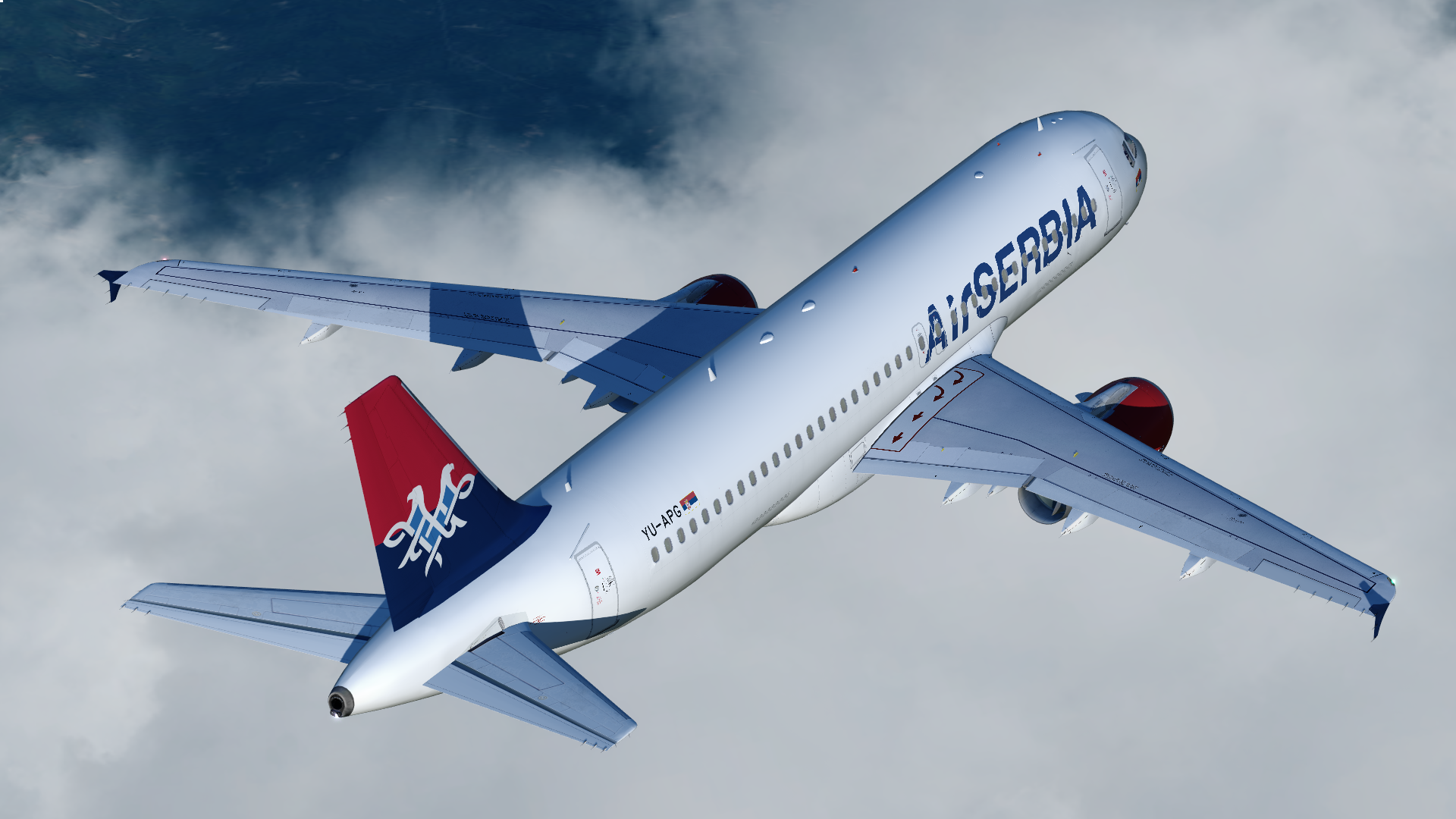
Air Serbia A320-232 YU-APG (IAE)

Installation is straightforward for Prepar3D v4 ONLY. Drop the folder 'Texture.YU-APG' into '...\Prepar3D v4 Add-ons\FSLabs\SimObjects\Airplanes\FSLabs A320 IAE'. When launching the simulator, the livery will be added to the aircraft.cfg automatically.

I've spent many days working on this paint to have it closely resemble it's real world counterpart as of 08/2019 with dirt, accurate decals and more.

Leave me a review to let me know what you think of this paint, it is heavily appreciated. Found an issue/mistake? Drop a comment and I'll work with you to resolve it as soon as I can.
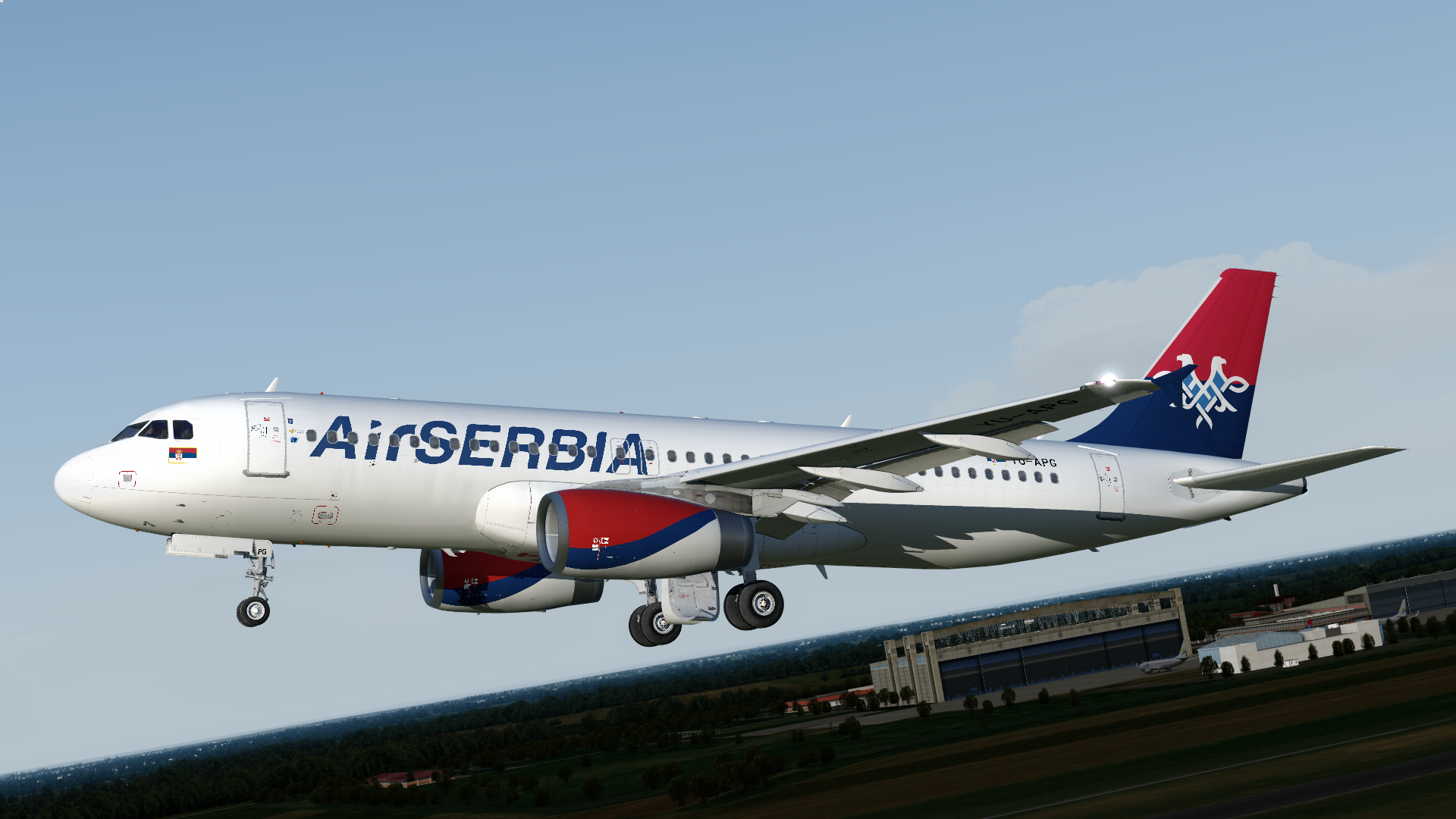
2019-8-28_1-0-36-368.png

What's New in Version 1.0.0

Released

No changelog available for this version.

User Feedback

Felix Caft

Felix Caft

   2 of 2 members found this review helpful 2 / 2 members

Very well done! Keep the great work up :)

Account

Navigation

Search

Search

Configure browser push notifications

Chrome (Android)
  1. Tap the lock icon next to the address bar.
  2. Tap Permissions → Notifications.
  3. Adjust your preference.
Chrome (Desktop)
  1. Click the padlock icon in the address bar.
  2. Select Site settings.
  3. Find Notifications and adjust your preference.

