

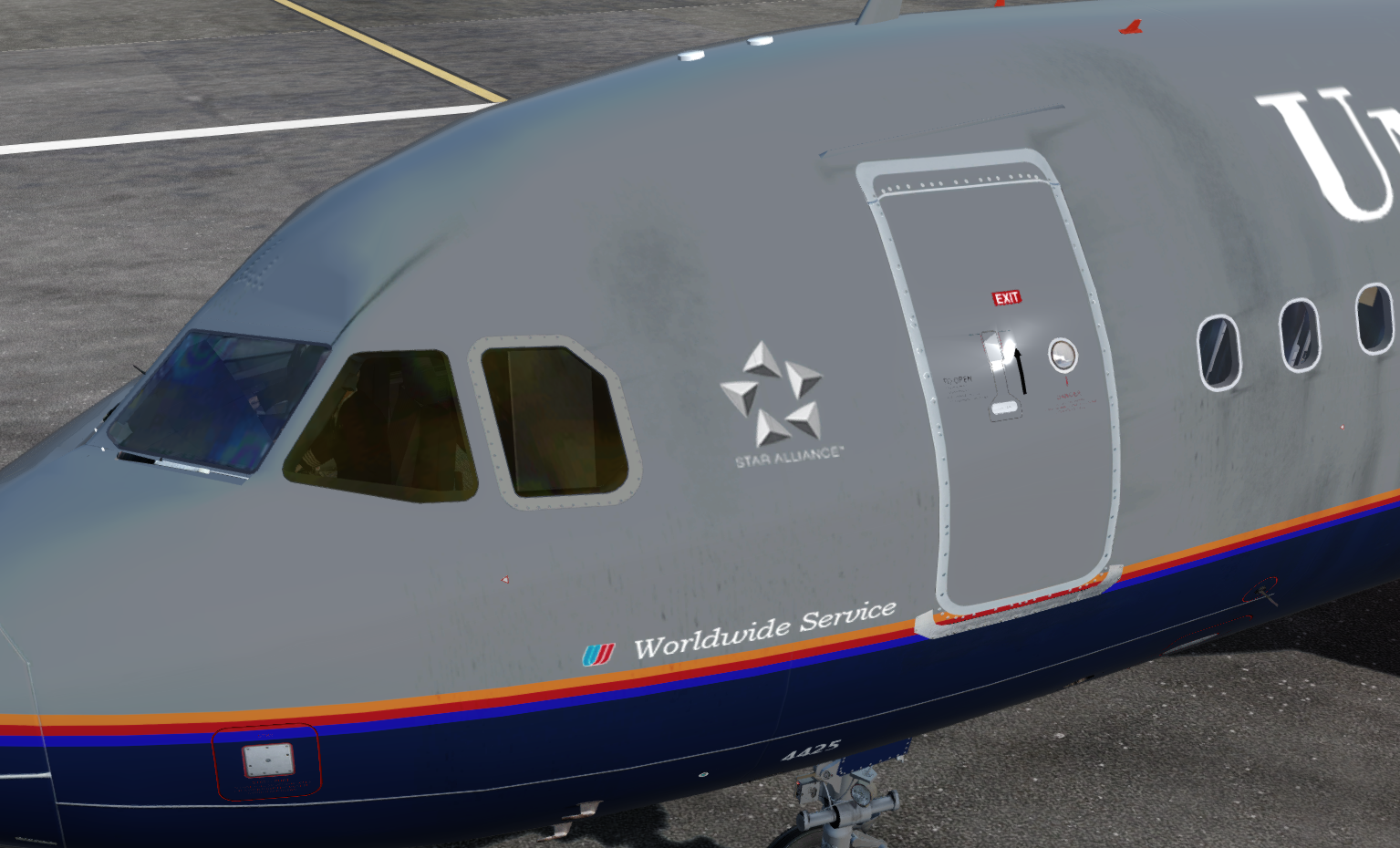
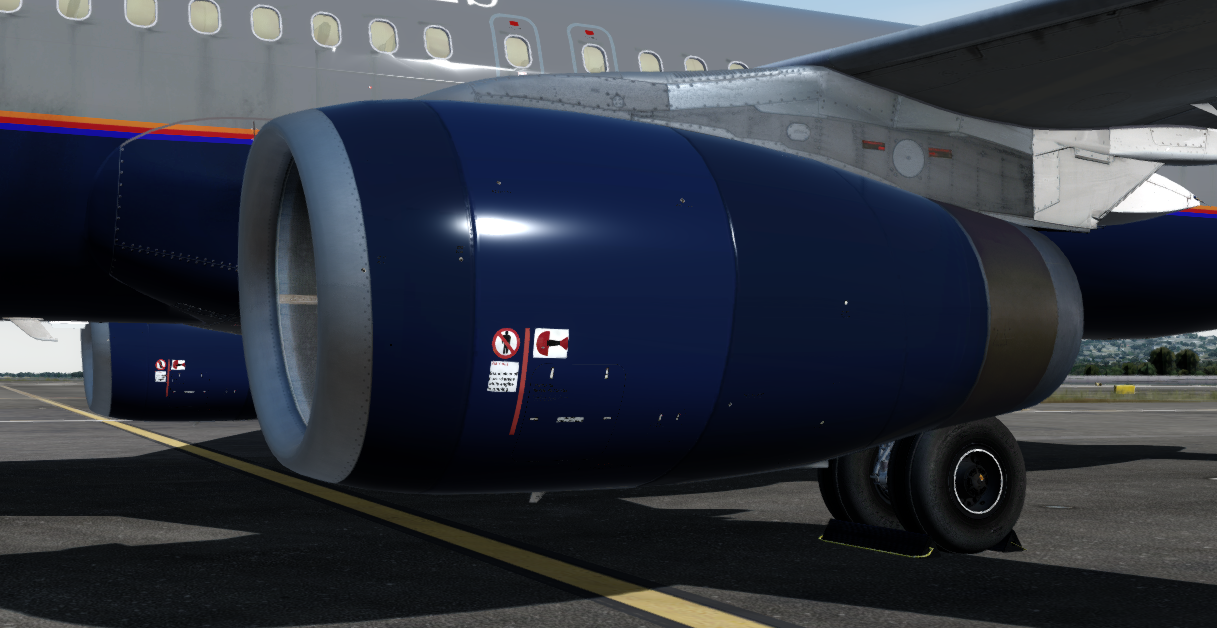
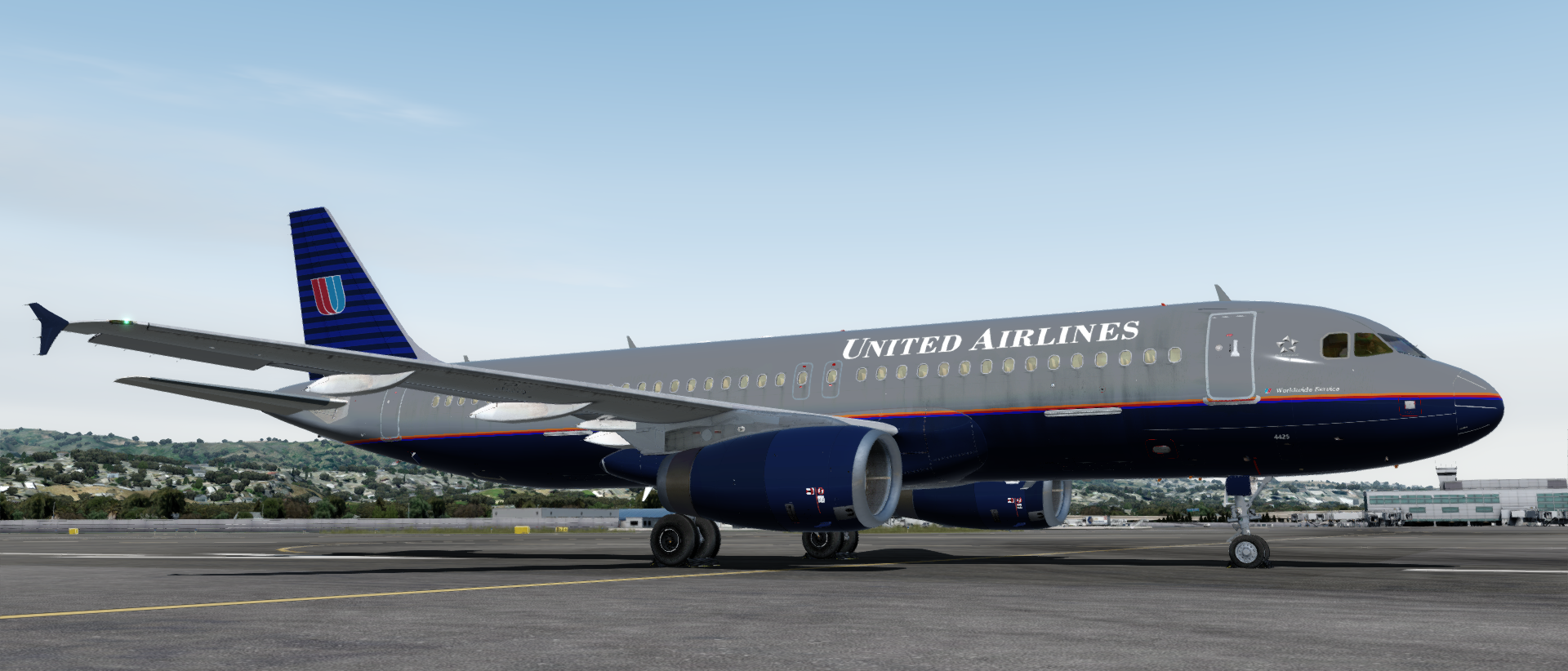
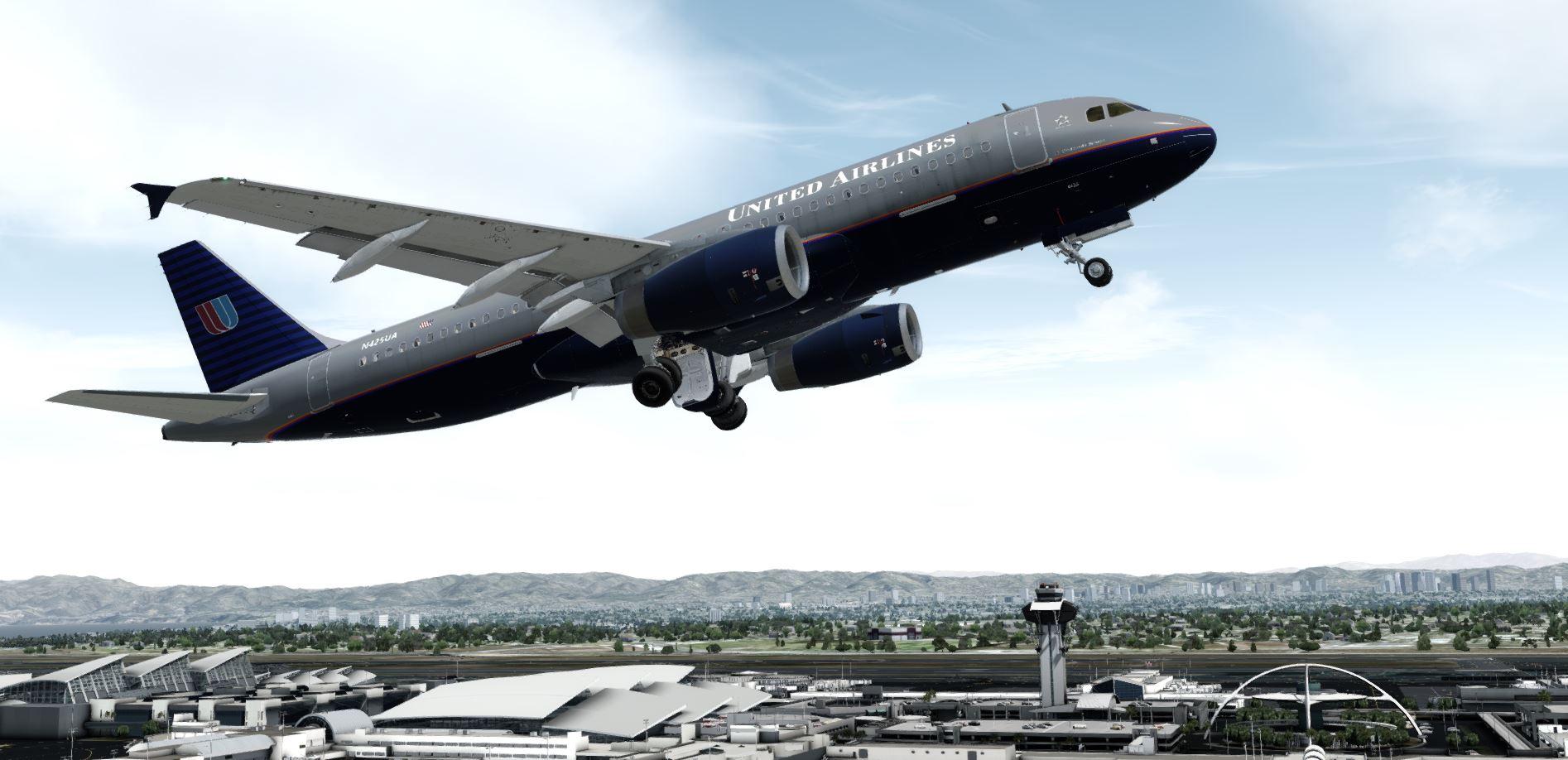
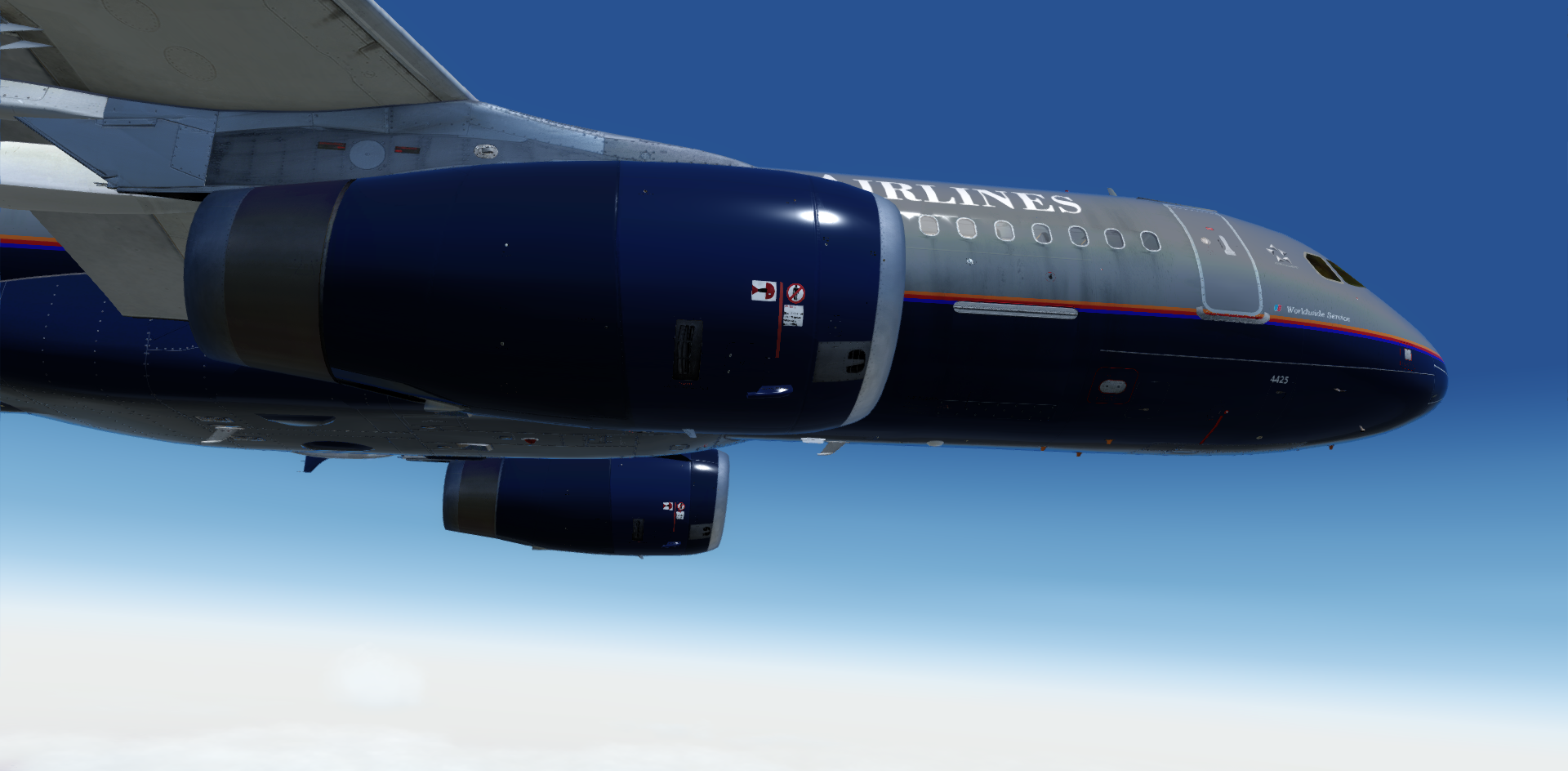
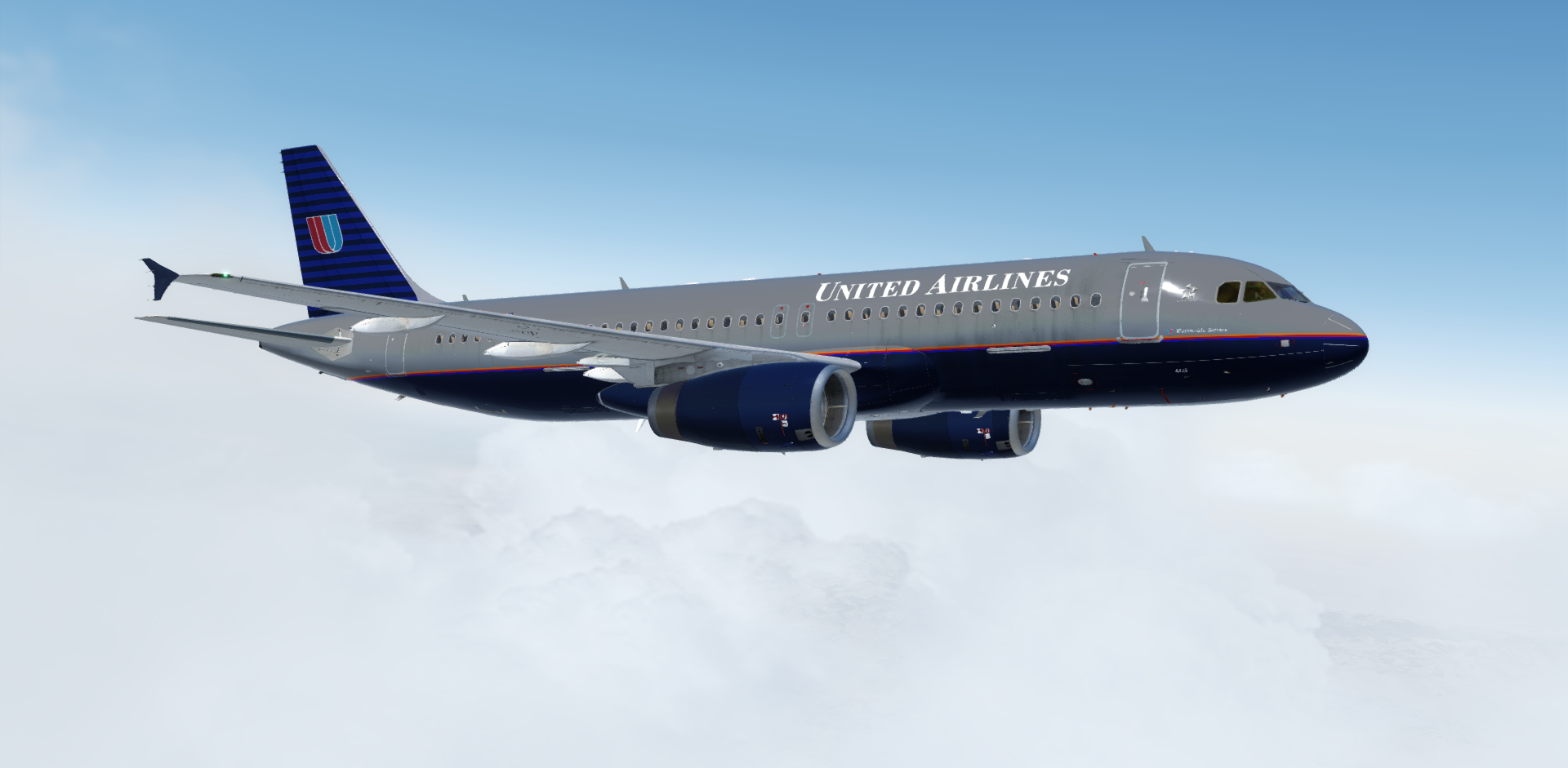
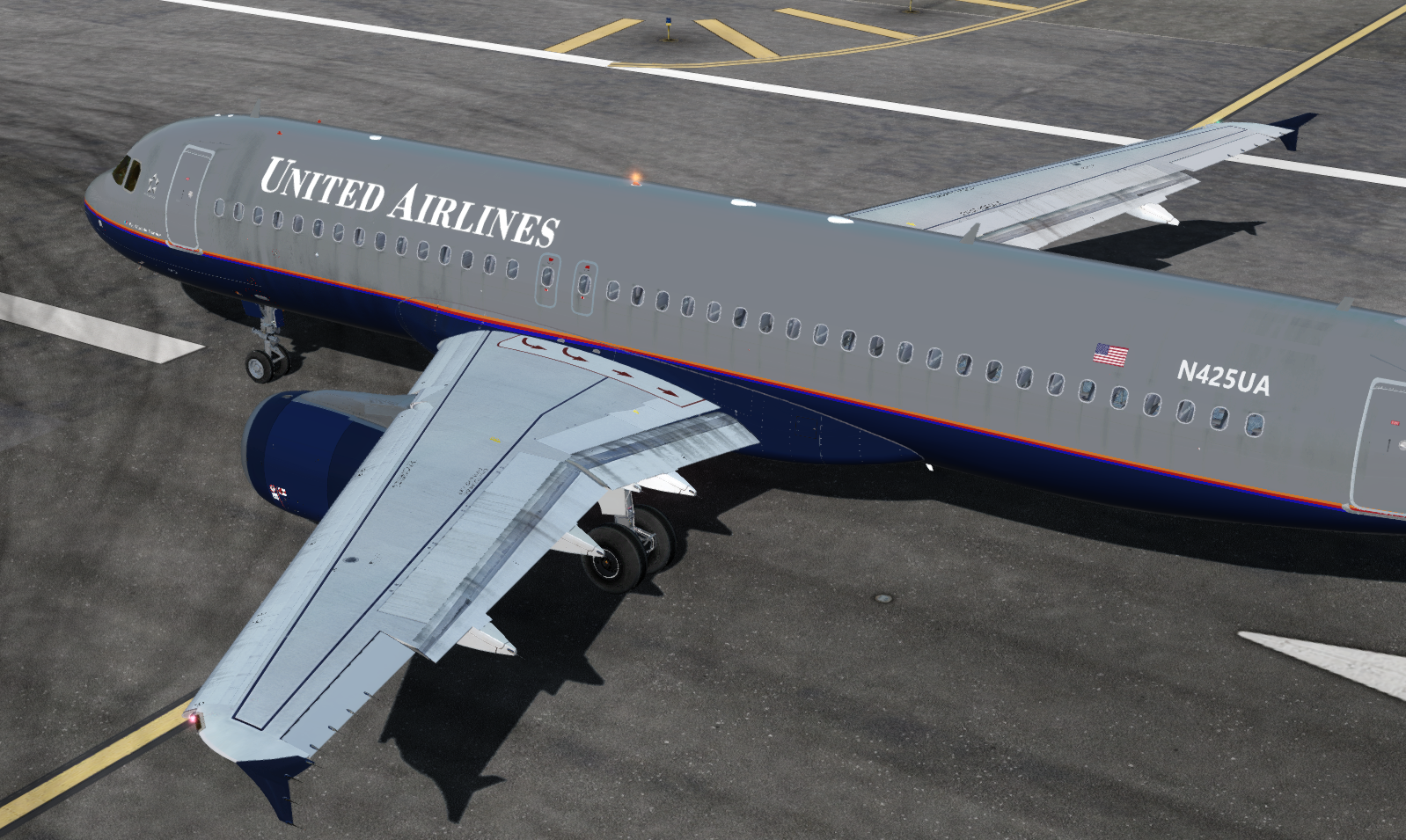
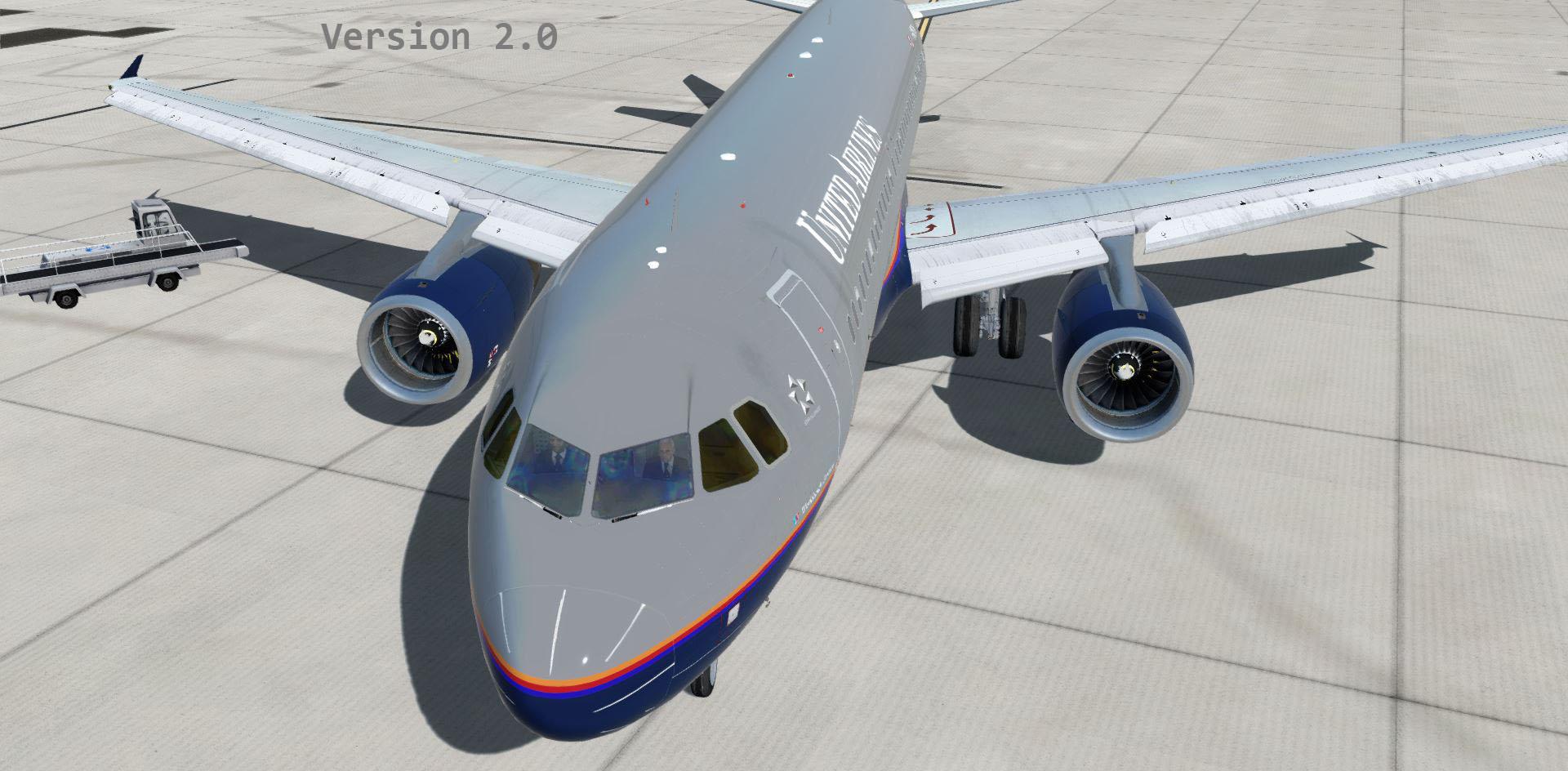
This is a livery for the A320x in the stunning United Airlines "Battleship" livery colors in tail number "N425UA" .
Installation: Drop the file "Texture.TED" inside of the the zip file you downloaded into your \FSLabs\SimObjects\Airplanes\FSLabs A320 IAE folder.
Features Include:
***Custom hand crafted Livery that was painted to match real world aircraft as close as possible***
- Custom Engine Exhaust and Engine Parts
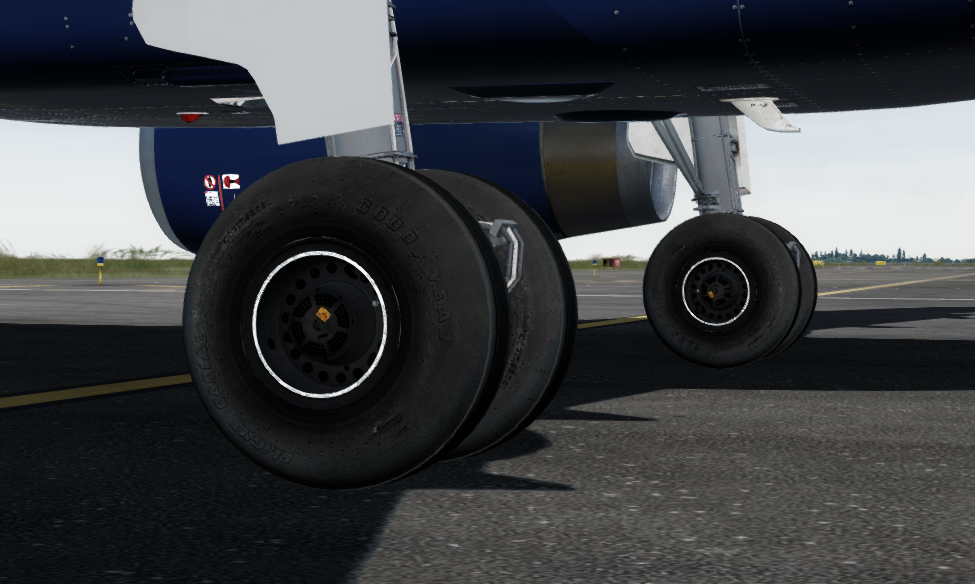
- Mismatched Engine fairings from maintenance over the years
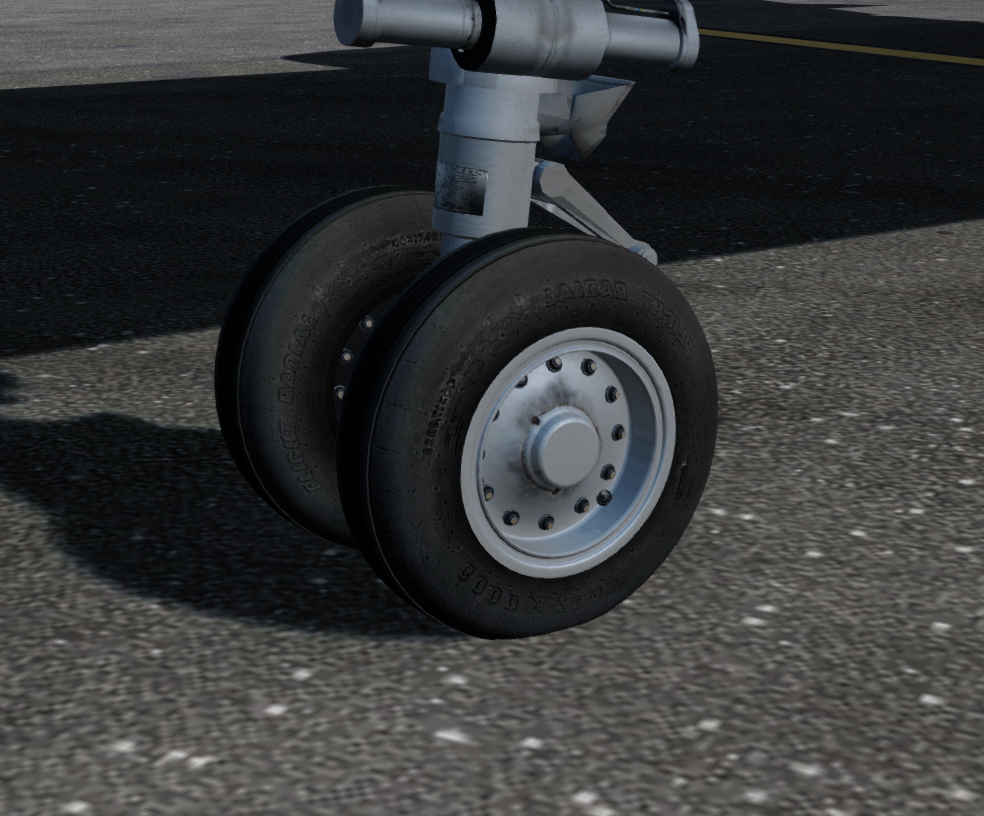
- Custom landing Gear with dirt
- Yellow tinted Side cockpit glass
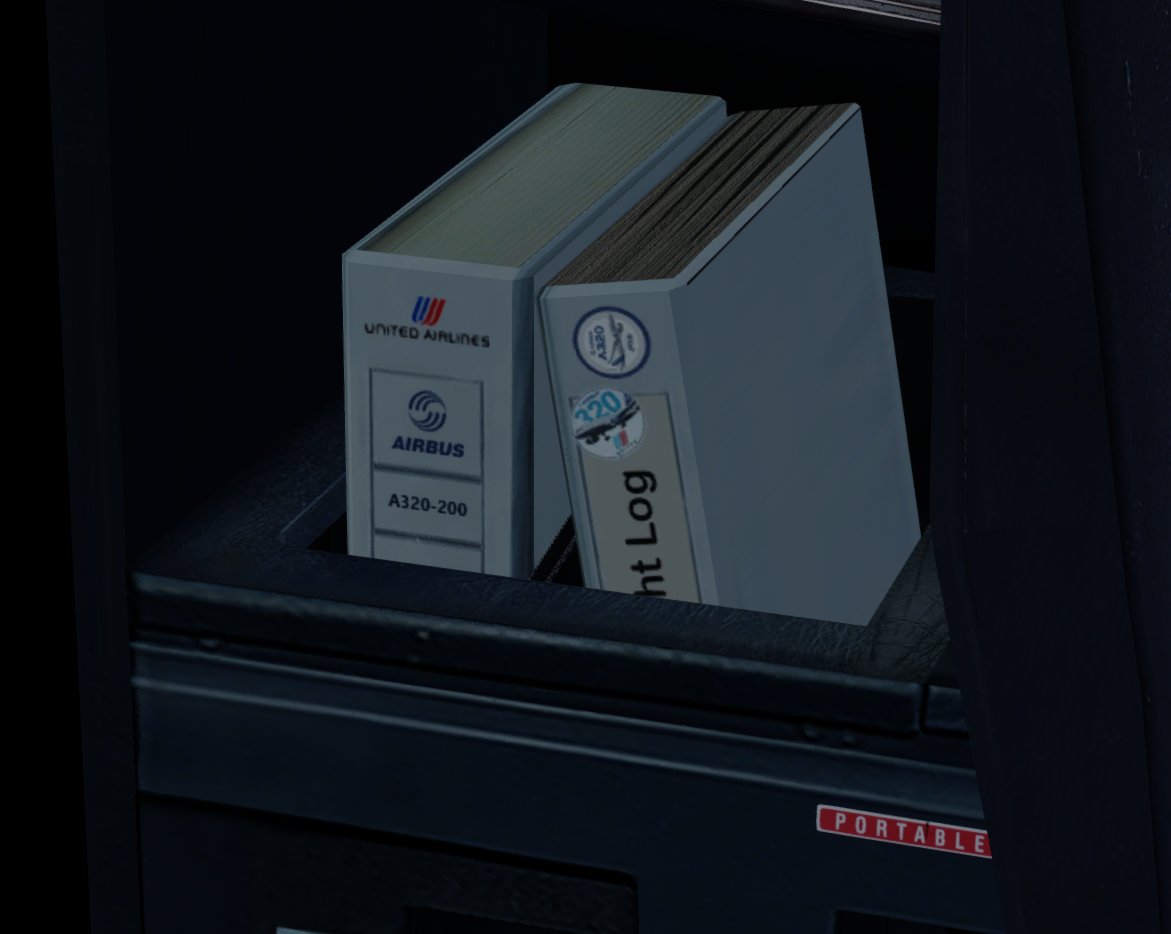
- Custom cockpit binders to add life to the cockpit
- Custom Exterior dirt
- Painted Static wicks
- WING DIRT overlay from Jonas Dahlke Wing Dirt Files
_____________________________________________________________________________
I really had a lot fun making this one and I hope you all enjoy flying it as much as i did making it! *IF you like my work and want to buy me beer feel free to donate here: paypal.me/Mach3Legend
ENJOY and as always Happy Flying! 
What's New in Version 2.0
Released
Update 2.0
- *Rebuilt livery with "Hugo Paint Kit" Thank You Hugo 
Added Rivets and lots of more detail
Added window shades
Added more wing dirt
- Brightened Engine Bezels to get more brighter metal effect
- Added chipped paint on engine cone
- Custom Cabin Interior
Update 1.1
- Made Engine Fan Blades more visible
-
 2
2
There are no reviews to display.