

Skip to content
View in the app

A better way to browse. Learn more.

Flight Sim Labs Forums

A full-screen app on your home screen with push notifications, badges and more.

To install this app on iOS and iPadOS
  1. Tap the Share icon in Safari
  2. Scroll the menu and tap Add to Home Screen.
  3. Tap Add in the top-right corner.
To install this app on Android
  1. Tap the 3-dot menu (⋮) in the top-right corner of the browser.
  2. Tap Add to Home screen or Install app.
  3. Confirm by tapping Install.

Condor A320 Fleet Package 2.0 2.0.2

(2 reviews)

6 Screenshots

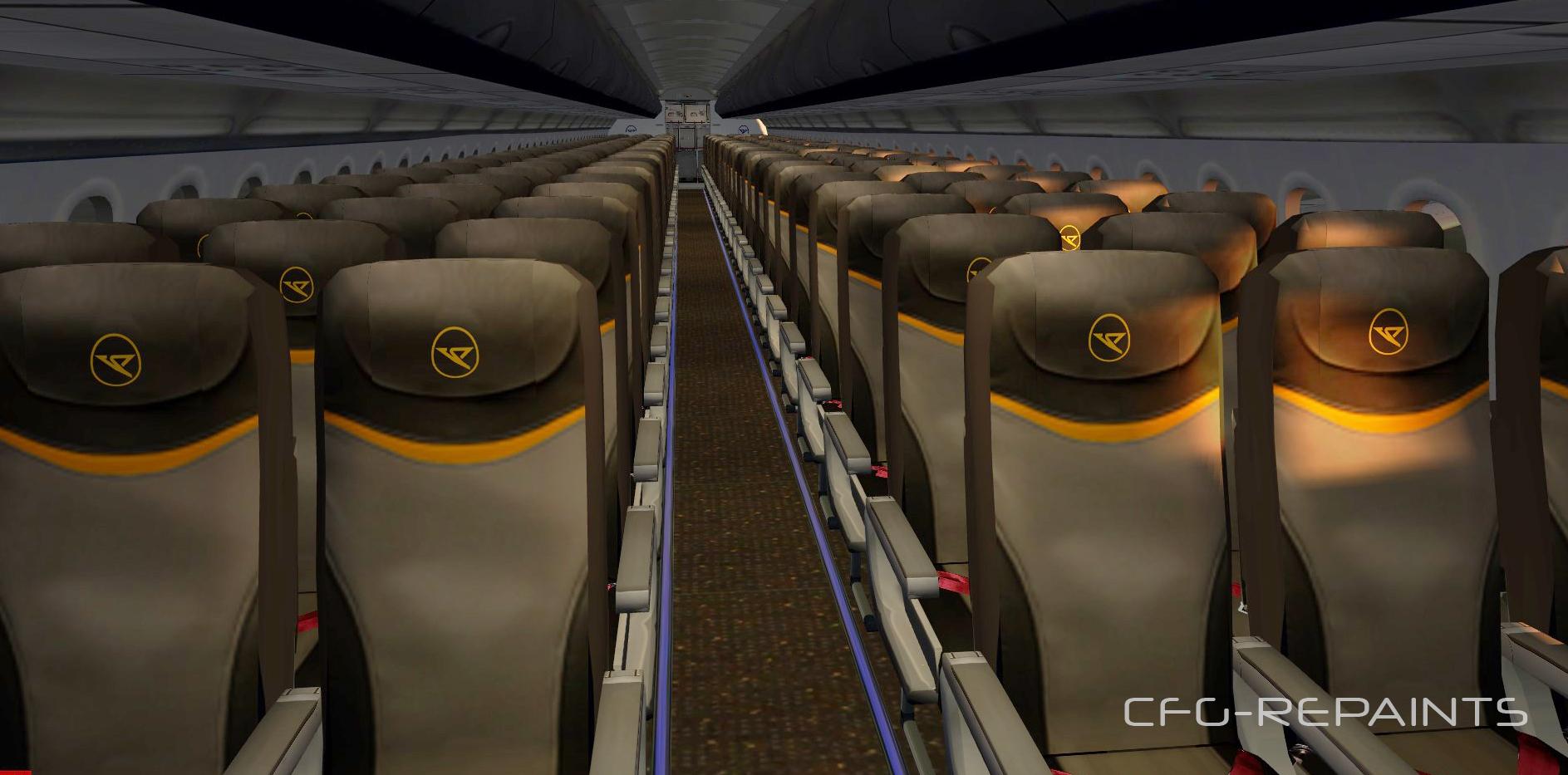
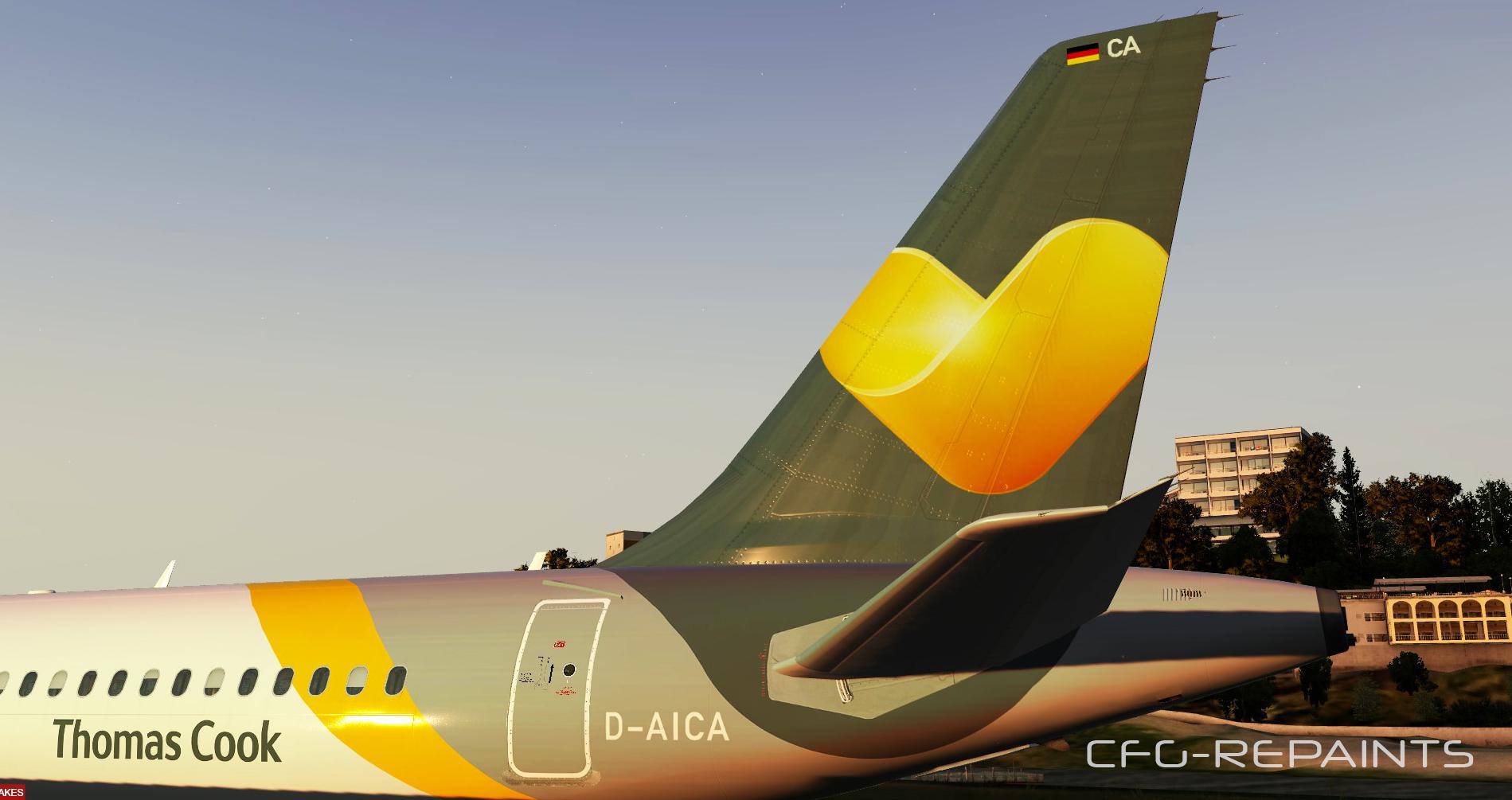
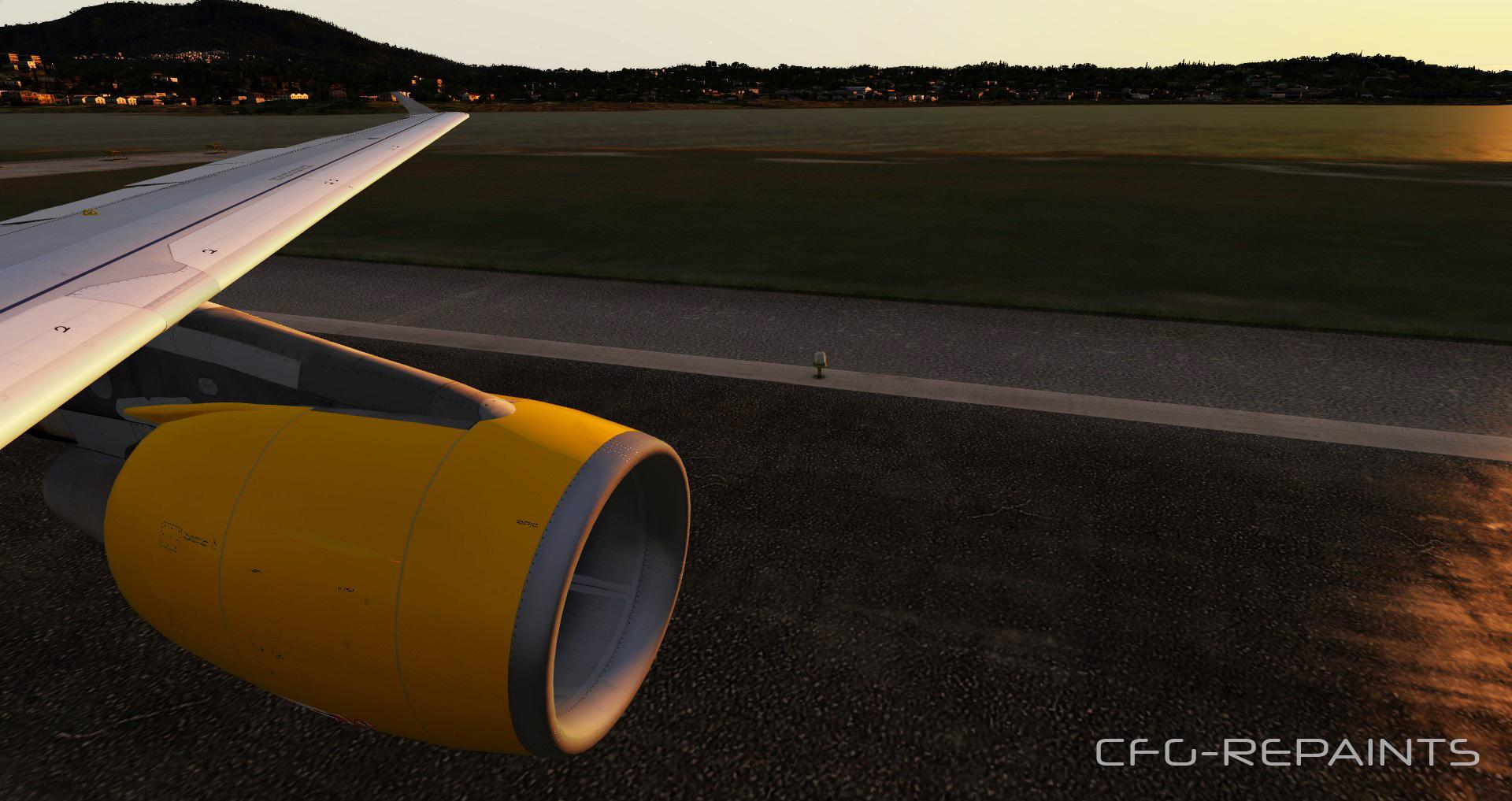
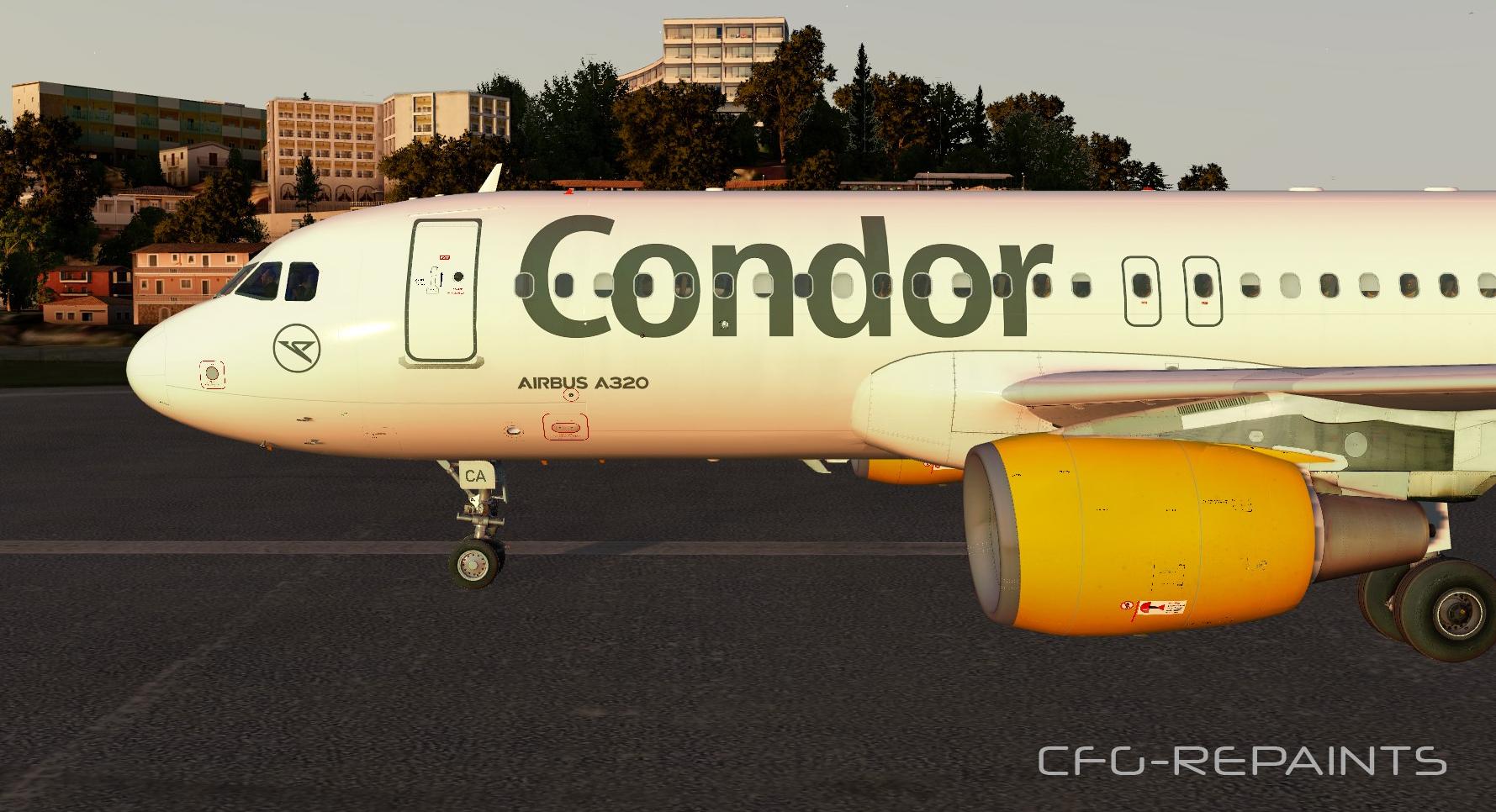
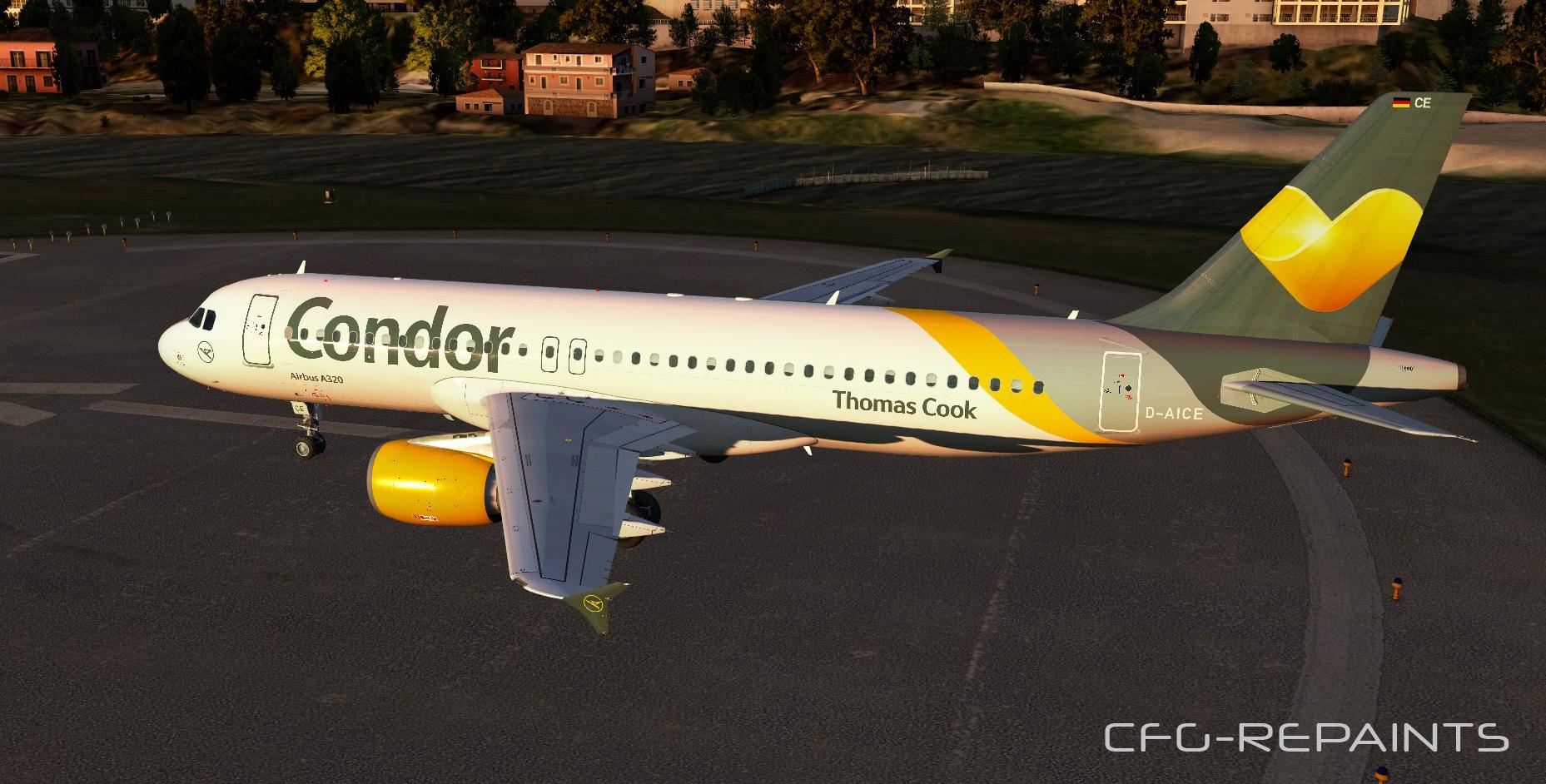
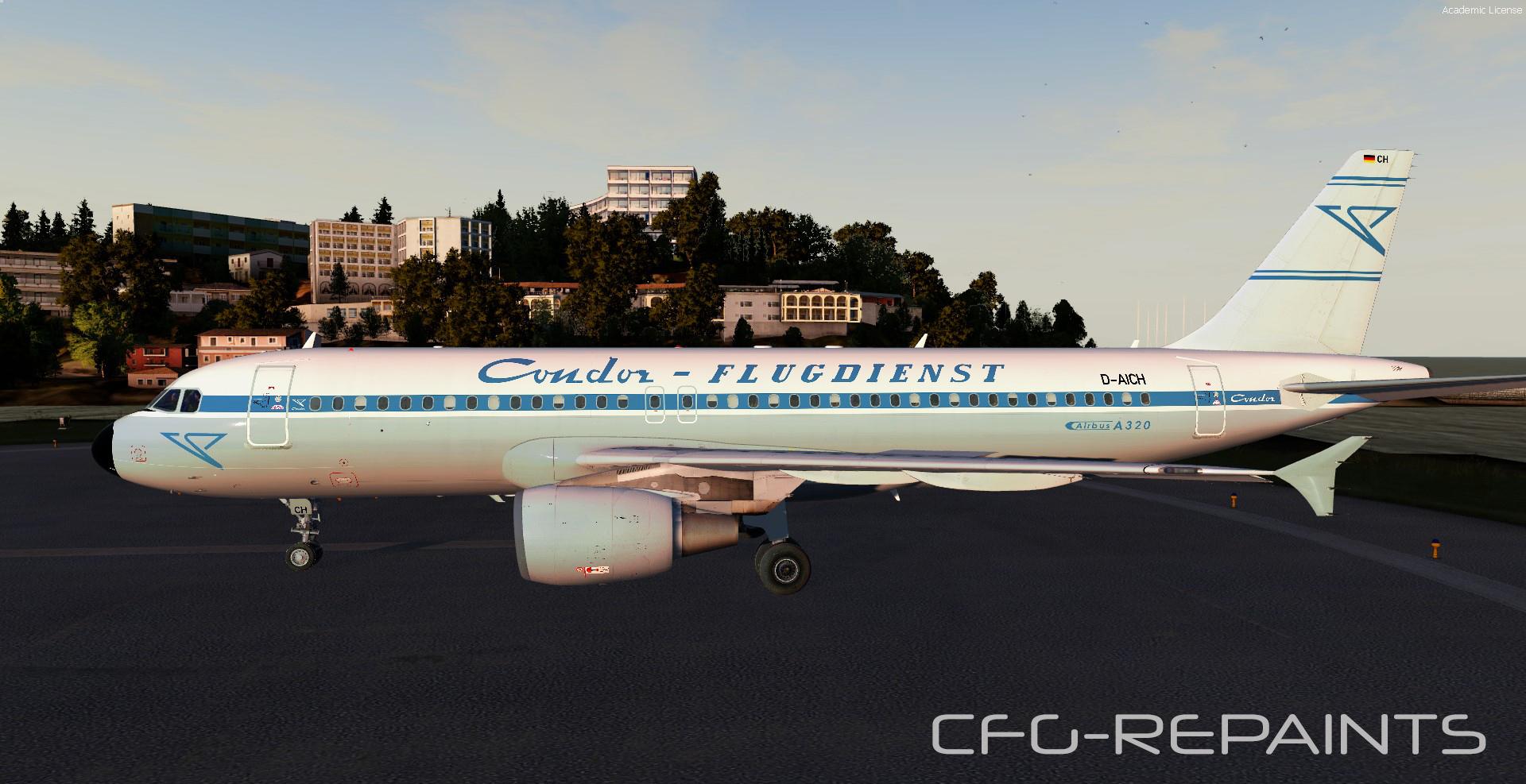
This package contains 7 Condor Airlines repaints, they are compatible with FSlabs A320X (only tested with P3Dv4)


Features:

- each paint is custom made as of 12.05.19

- accurate Condor cabin

- photoreal textures


The following paints are included: 


D-AICA        new grey Condor livery

D-AICC        new grey Condor livery

D-AICD        new grey Condor livery (dirty)

D-AICE        new grey Condor livery  (dirty)

D-AICF        new grey Condor livery 

D-AICG       new grey Condor livery 

D-AICH       retro c/s                


Thanks to @John Tavendale for using some parts of his textures and thanks to @Hugo Bicho for using his engine textures. 

A readme with instructions is included.


Also visit my Facebook Page CFG-Repaints

If you like my work and want to pay a little attention to mepaypal.me/cfgrepaints


What's New in Version 2.0.0

Released

No changelog available for this version.

User Feedback

Marvin Toepfer

Marvin Toepfer

   2 of 2 members found this review helpful 2 / 2 members

Sehr schön geworden! Bitte check aber mal die Registrierungen am Leitwerk. Bei der D-AICD ist das "CD" auf der einen Seite spiegelverkehrt ;)

Response from the author:

Danke für den Hinweis!

Habs gefixt

Thomas Klein

Thomas Klein

   1 of 1 member found this review helpful 1 / 1 member

Bester Mann!B)

Account

Navigation

Search

Search

Configure browser push notifications

Chrome (Android)
  1. Tap the lock icon next to the address bar.
  2. Tap Permissions → Notifications.
  3. Adjust your preference.
Chrome (Desktop)
  1. Click the padlock icon in the address bar.
  2. Select Site settings.
  3. Find Notifications and adjust your preference.

