
Skip to content
View in the app

A better way to browse. Learn more.

Flight Sim Labs Forums

A full-screen app on your home screen with push notifications, badges and more.

To install this app on iOS and iPadOS
  1. Tap the Share icon in Safari
  2. Scroll the menu and tap Add to Home Screen.
  3. Tap Add in the top-right corner.
To install this app on Android
  1. Tap the 3-dot menu (⋮) in the top-right corner of the browser.
  2. Tap Add to Home screen or Install app.
  3. Confirm by tapping Install.

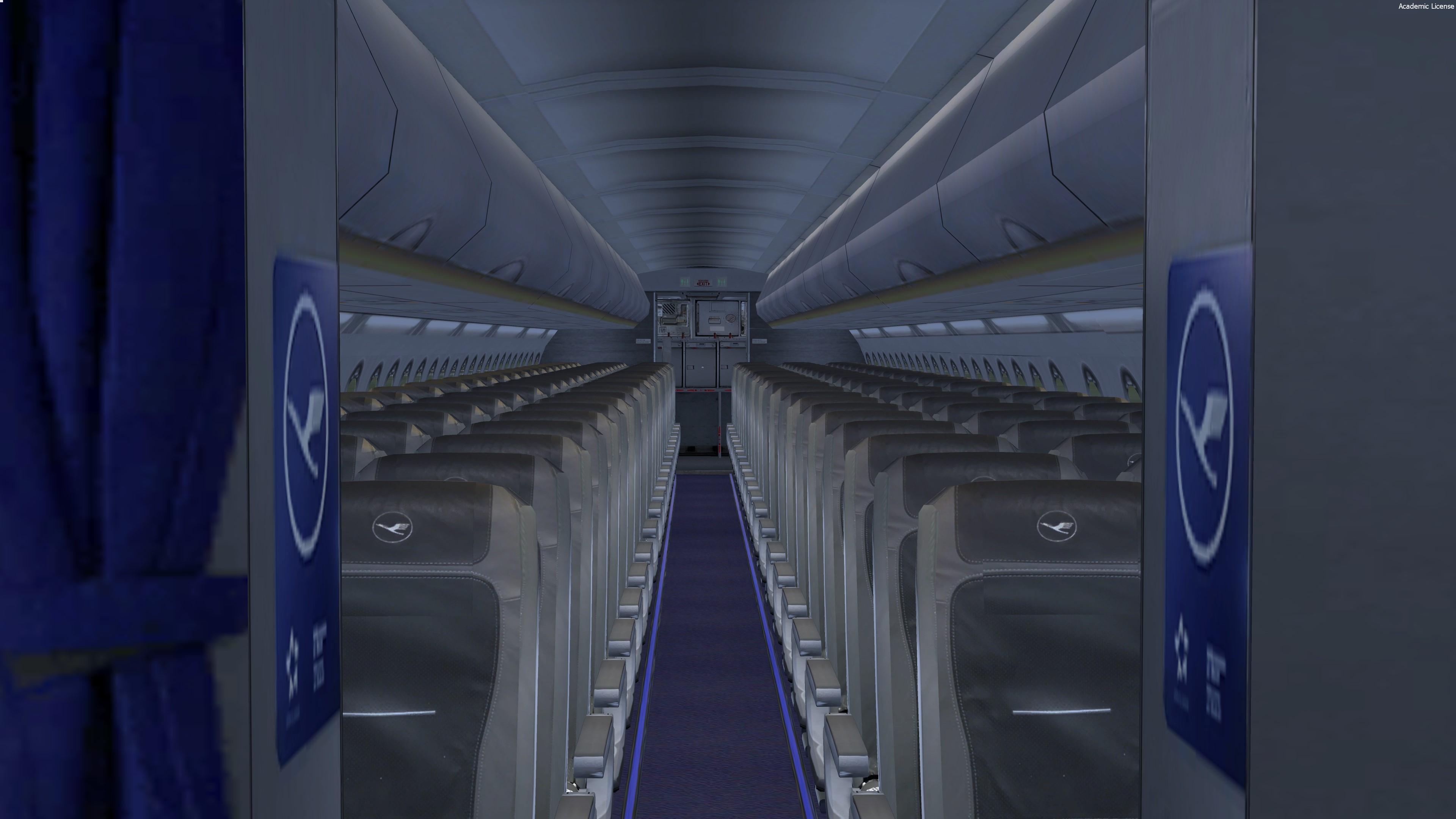
Lufthansa cabin textures (A319, A320) 1.0.2

(1 review)

5 Screenshots

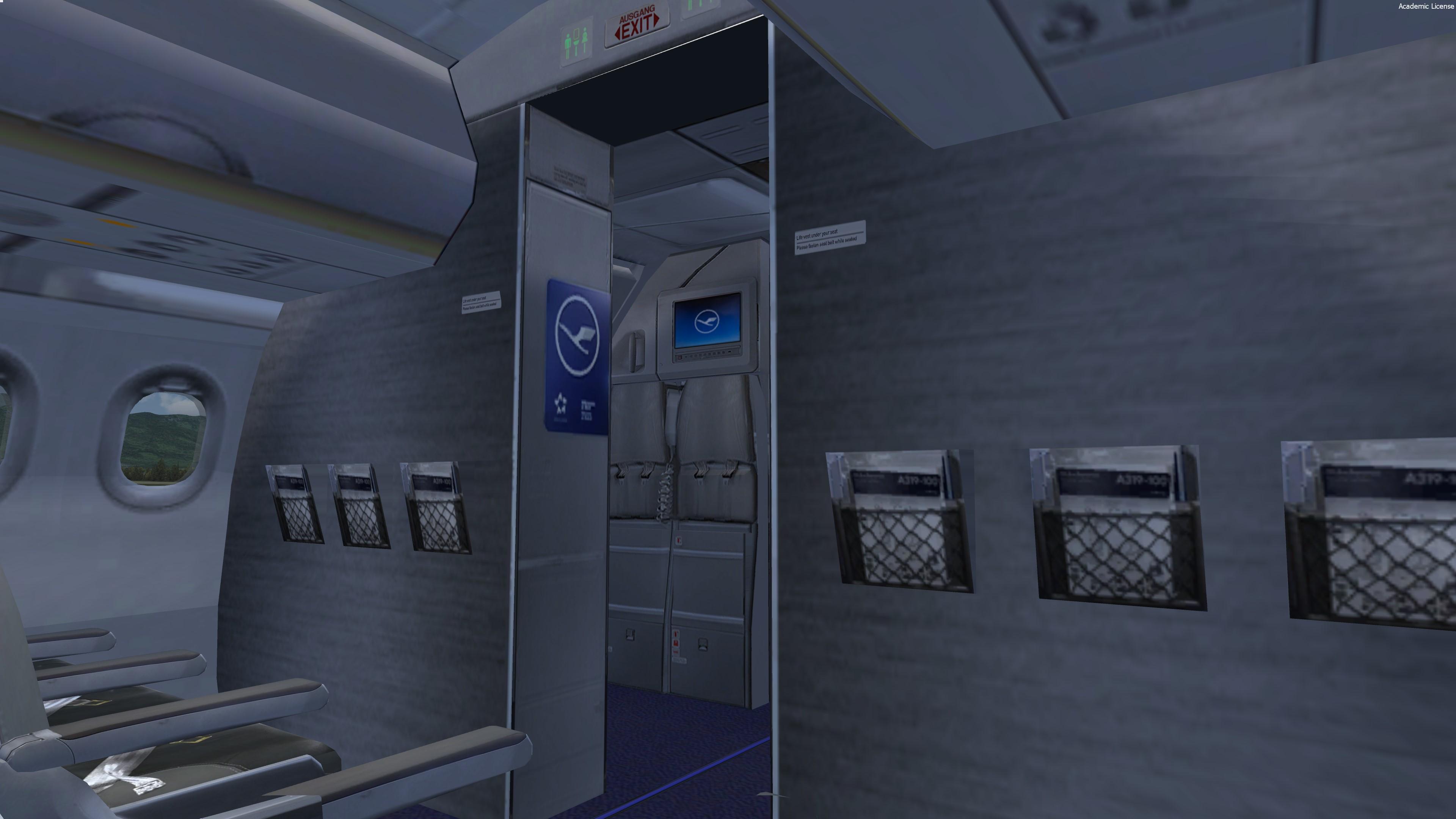
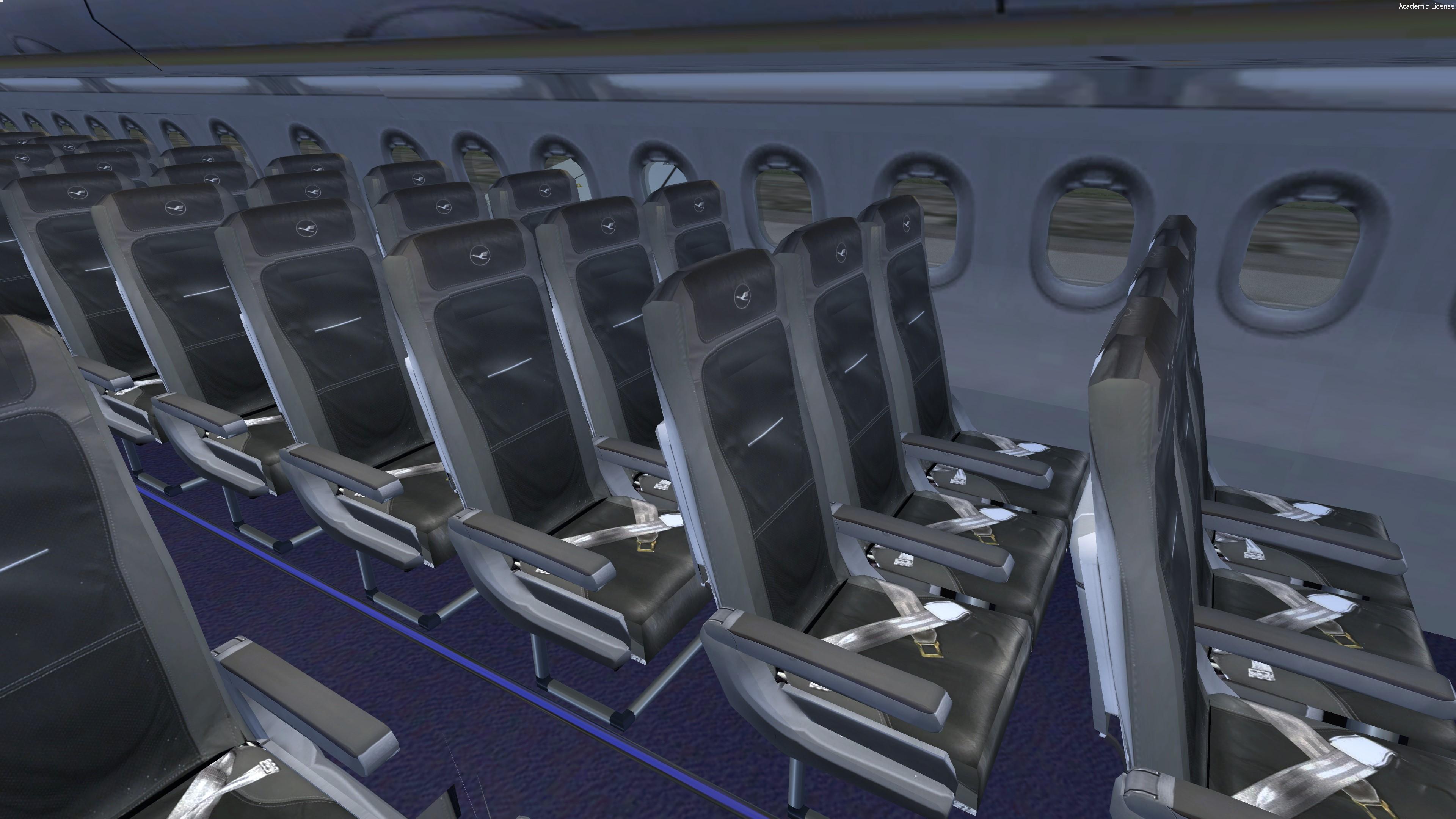
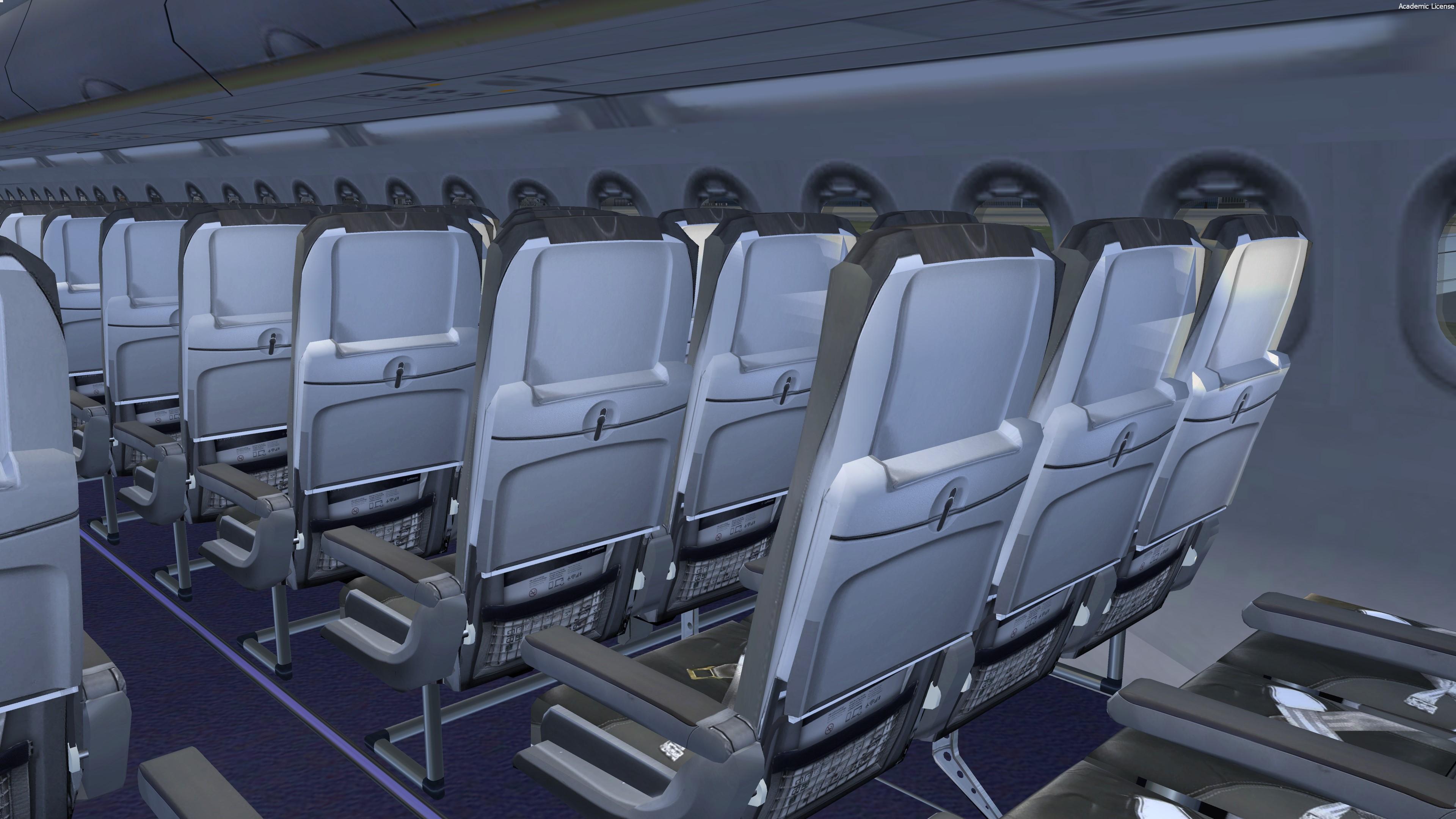
New cabin textures for Lufthansa.

Hope you'll like it B)


Featuring cabins that you'll find IRL on Lufthansa's planes !


by Hugo Bicho

- New cabin seats / all the cabin has been improved


Many thanks to @Pascal Ad


For remarks or some reports :

HB-TEXTURES on facebook

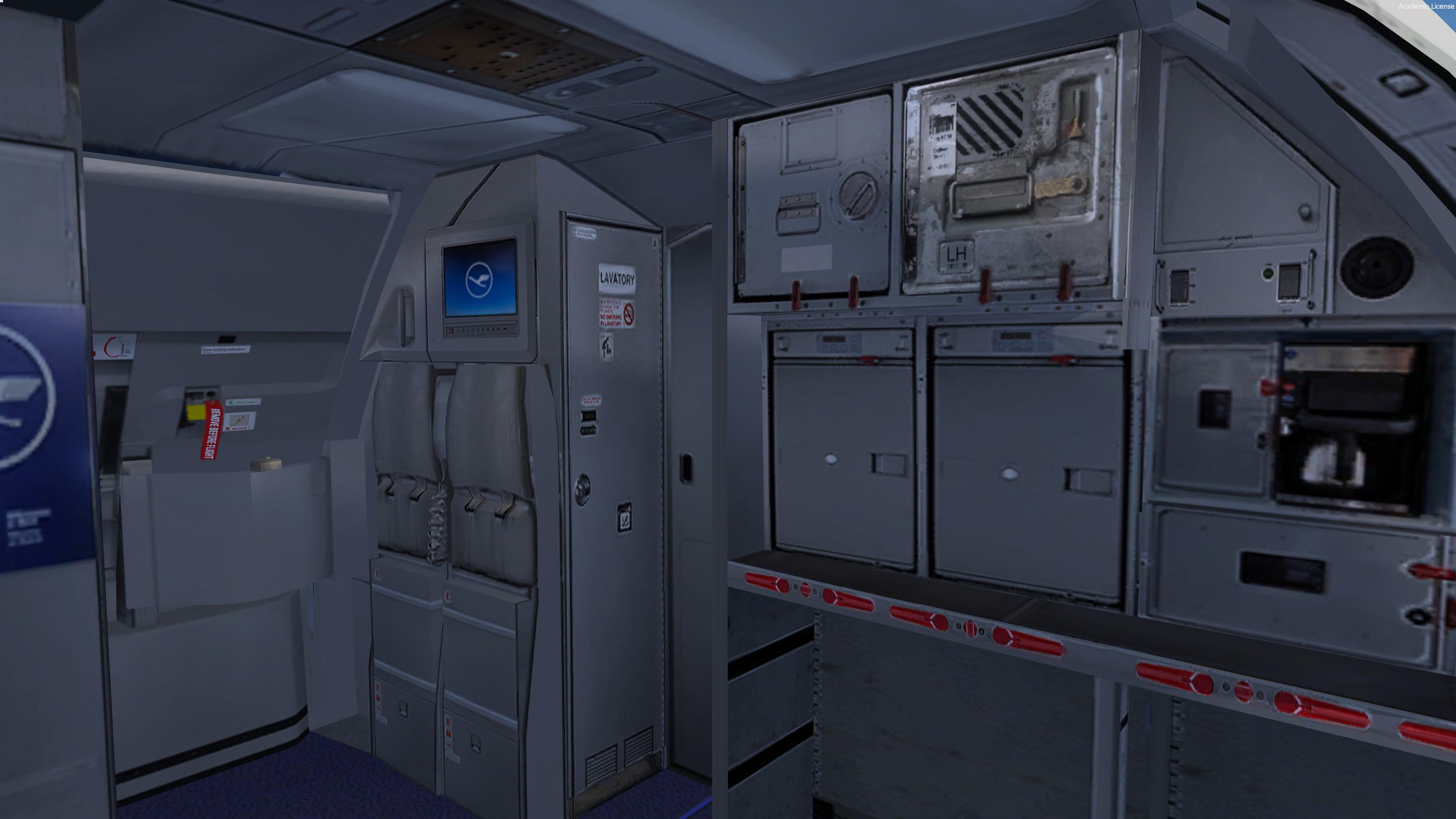
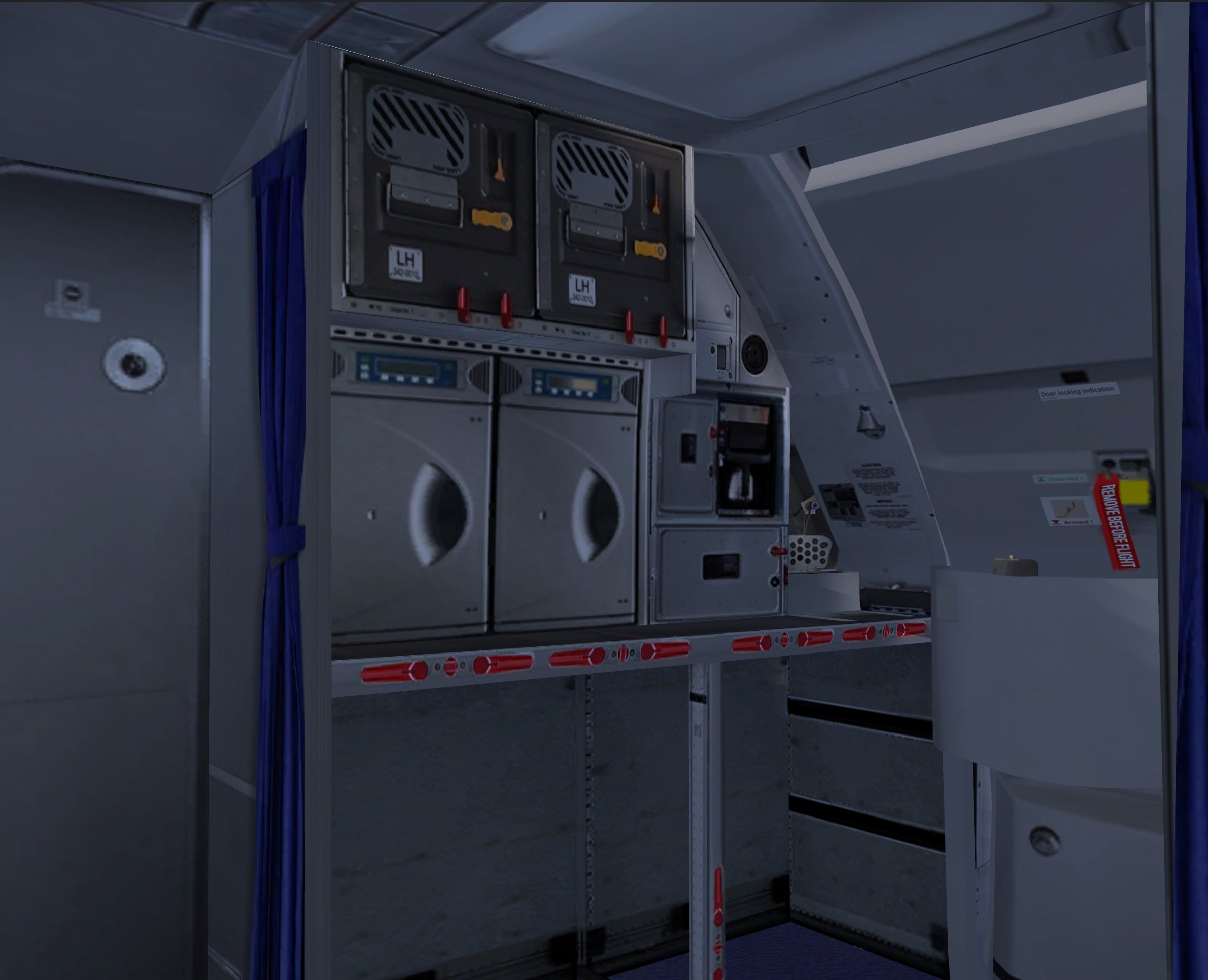
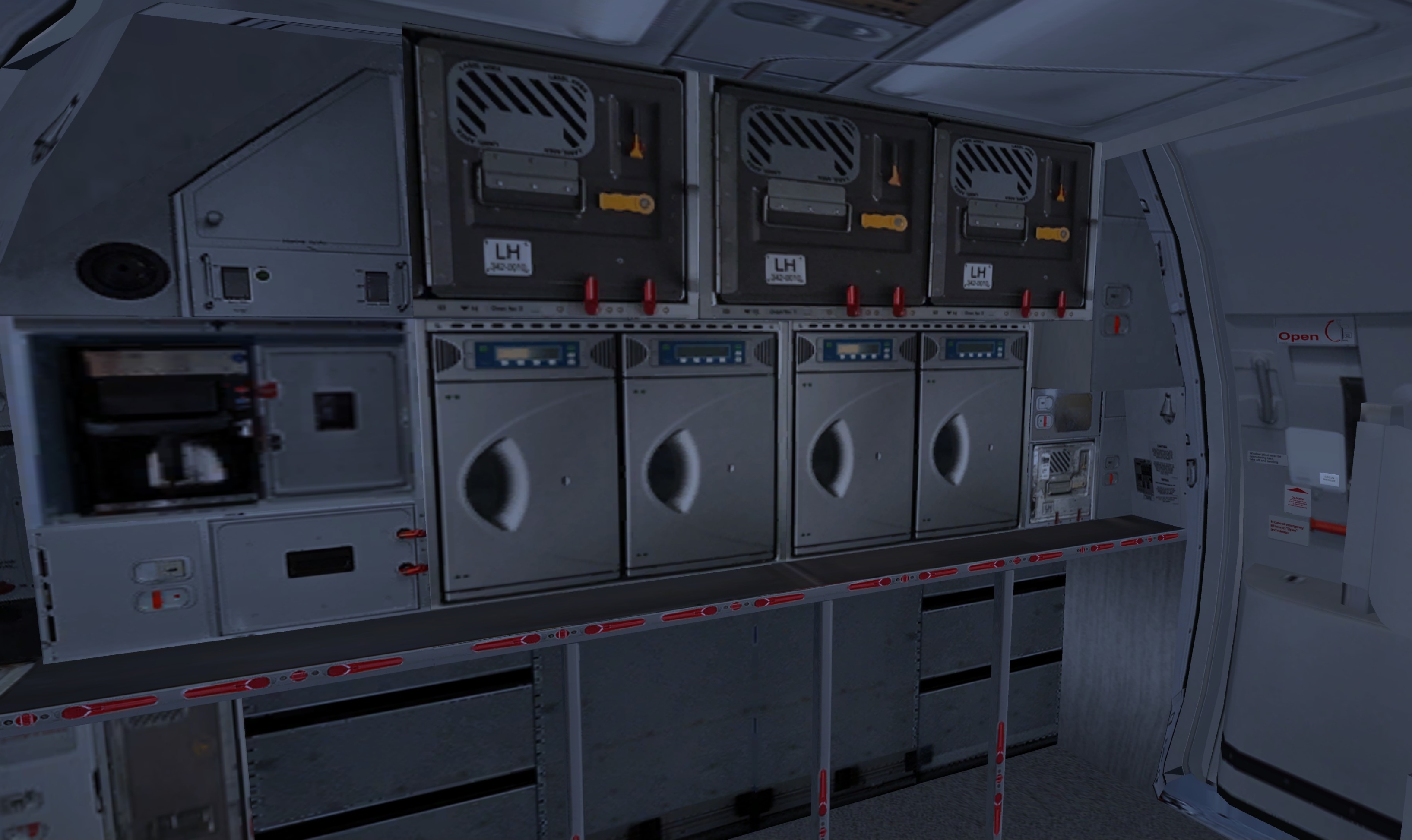
What's New in Version 1.0.1

Released

New galley textures :
dd281bc700ff30e7be71e1f3cf68e7c7.jpg


31dfc70e8dc038d5db93cad0501d5b04.jpg

User Feedback

Pascal Adelsberger

Pascal Adelsberger

   4 of 5 members found this review helpful 4 / 5 members

As always amazing!

Account

Navigation

Search

Search

Configure browser push notifications

Chrome (Android)
  1. Tap the lock icon next to the address bar.
  2. Tap Permissions → Notifications.
  3. Adjust your preference.
Chrome (Desktop)
  1. Click the padlock icon in the address bar.
  2. Select Site settings.
  3. Find Notifications and adjust your preference.

