Skip to content
View in the app

A better way to browse. Learn more.

Flight Sim Labs Forums

A full-screen app on your home screen with push notifications, badges and more.

To install this app on iOS and iPadOS
  1. Tap the Share icon in Safari
  2. Scroll the menu and tap Add to Home Screen.
  3. Tap Add in the top-right corner.
To install this app on Android
  1. Tap the 3-dot menu (⋮) in the top-right corner of the browser.
  2. Tap Add to Home screen or Install app.
  3. Confirm by tapping Install.

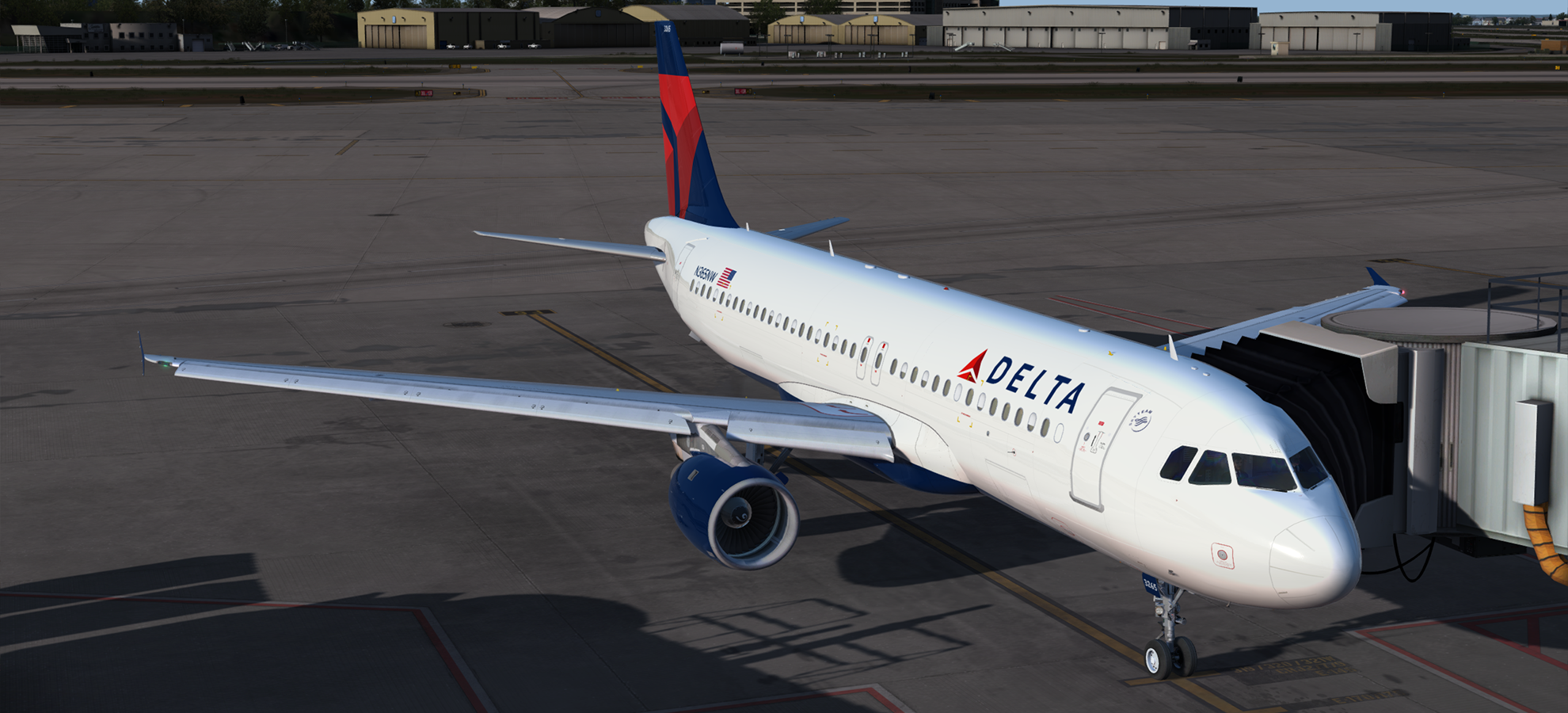
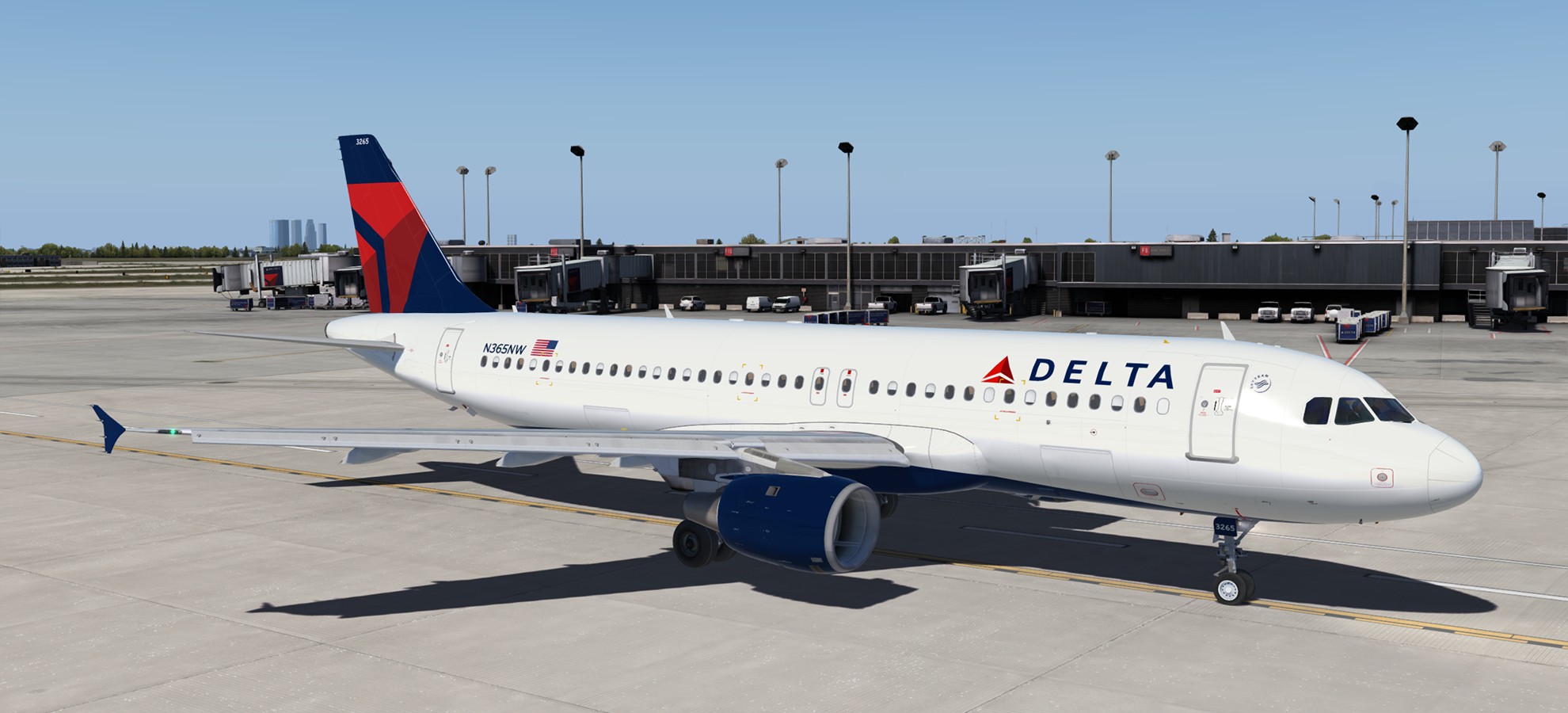
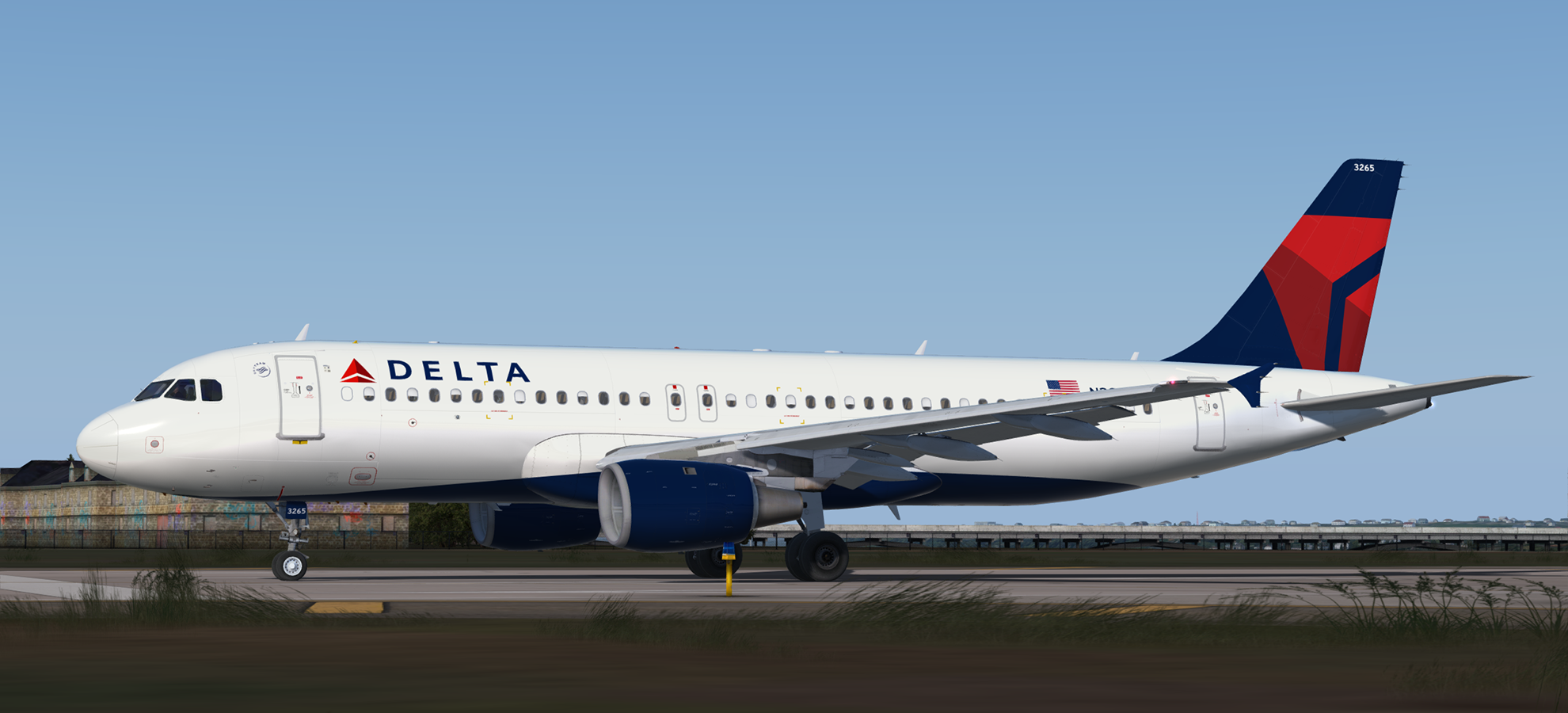
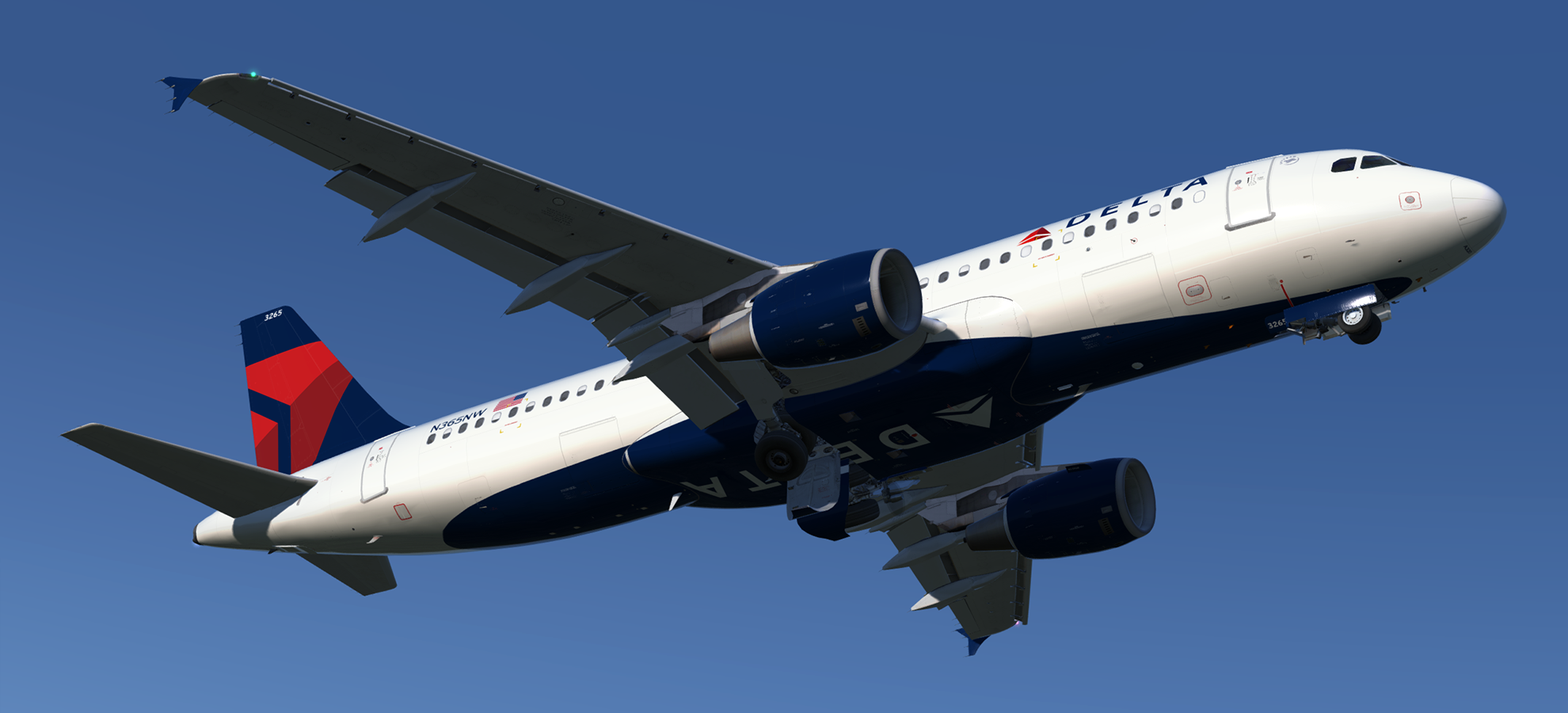
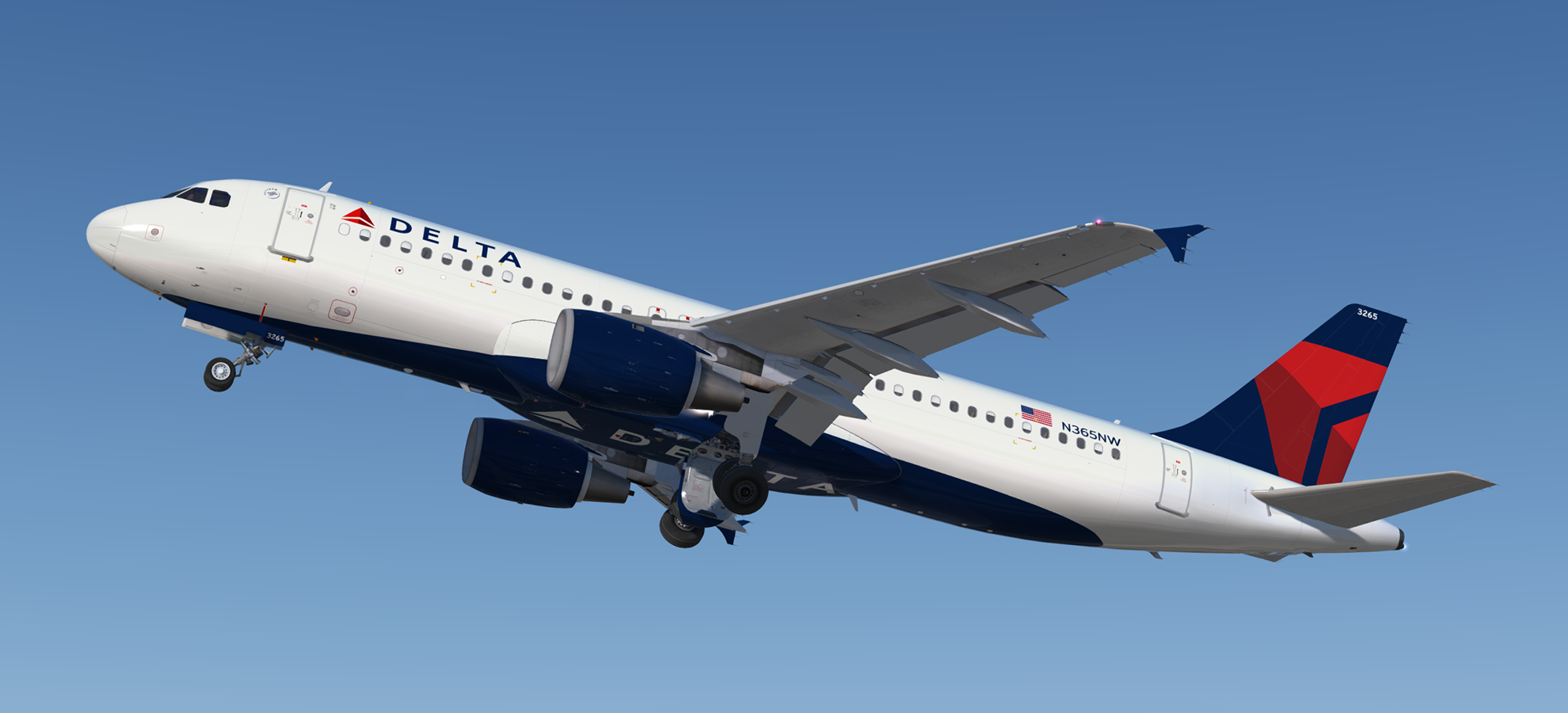
Airbus A320-212 CFM Delta Air Lines N365NW 1.0.2

(2 reviews)

5 Screenshots

A320-212 CFM in Delta Air Lines' current livery.  This airframe, N365NW (MSN 964), joined the Delta fleet through their acquisition of Northwest Airlines.  It was originally delivered to NWA on the 9th of March 1999.

NOTE: For use with FSL A320 version 2.0.2.300+ only.

Installation instructions included

What's New in Version 1.0.1

Released

  • Fixed wing specular map issue
  • Added metal strip to horizontal stabiliser leading edge

User Feedback

Deronn Smith

Deronn Smith


Best FSL A32X Delta livery out. Great support from author as well. This + the Delta airline package (by Andrew Wilson) are a must have for the widget flyers! 

Justin Paul

Justin Paul

   3 of 3 members found this review helpful 3 / 3 members

Repaint is of (nearly) unparalleled quality for the FSL A320. Easy installation and great support from the author (Also known as support), so I would highly recommend this livery for anyone wanting a Delta A320. My only gripe is that there is not an included interior, however not big of a deal.

Account

Navigation

Search

Search

Configure browser push notifications

Chrome (Android)
  1. Tap the lock icon next to the address bar.
  2. Tap Permissions → Notifications.
  3. Adjust your preference.
Chrome (Desktop)
  1. Click the padlock icon in the address bar.
  2. Select Site settings.
  3. Find Notifications and adjust your preference.