
Skip to content
View in the app

A better way to browse. Learn more.

Flight Sim Labs Forums

A full-screen app on your home screen with push notifications, badges and more.

To install this app on iOS and iPadOS
  1. Tap the Share icon in Safari
  2. Scroll the menu and tap Add to Home Screen.
  3. Tap Add in the top-right corner.
To install this app on Android
  1. Tap the 3-dot menu (⋮) in the top-right corner of the browser.
  2. Tap Add to Home screen or Install app.
  3. Confirm by tapping Install.

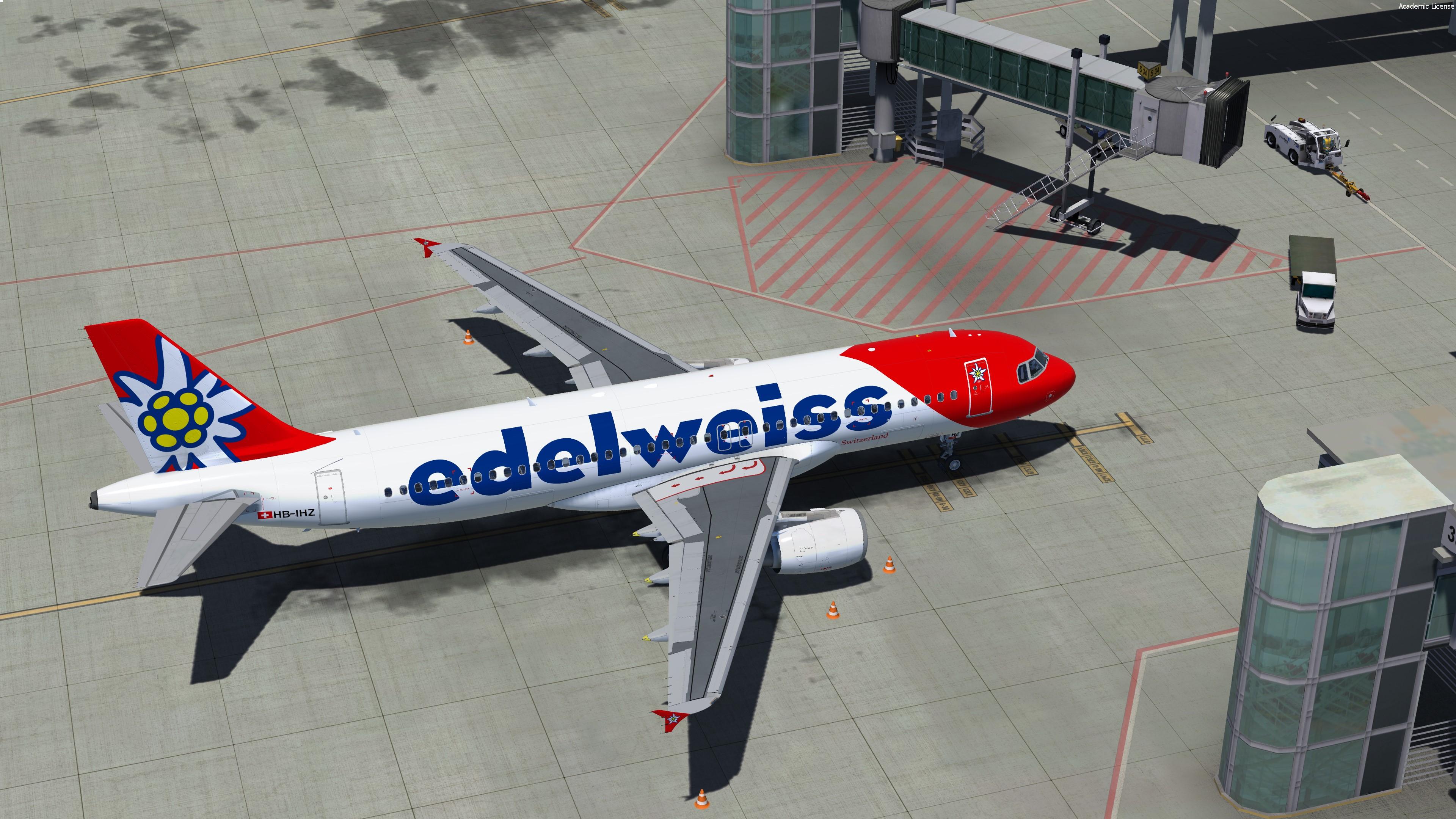
Edelweiss Air FLEET PACK A320 // REAL CABIN TEXTURE // v2.0.2.300+ 1.0.1

(3 reviews)

8 Screenshots

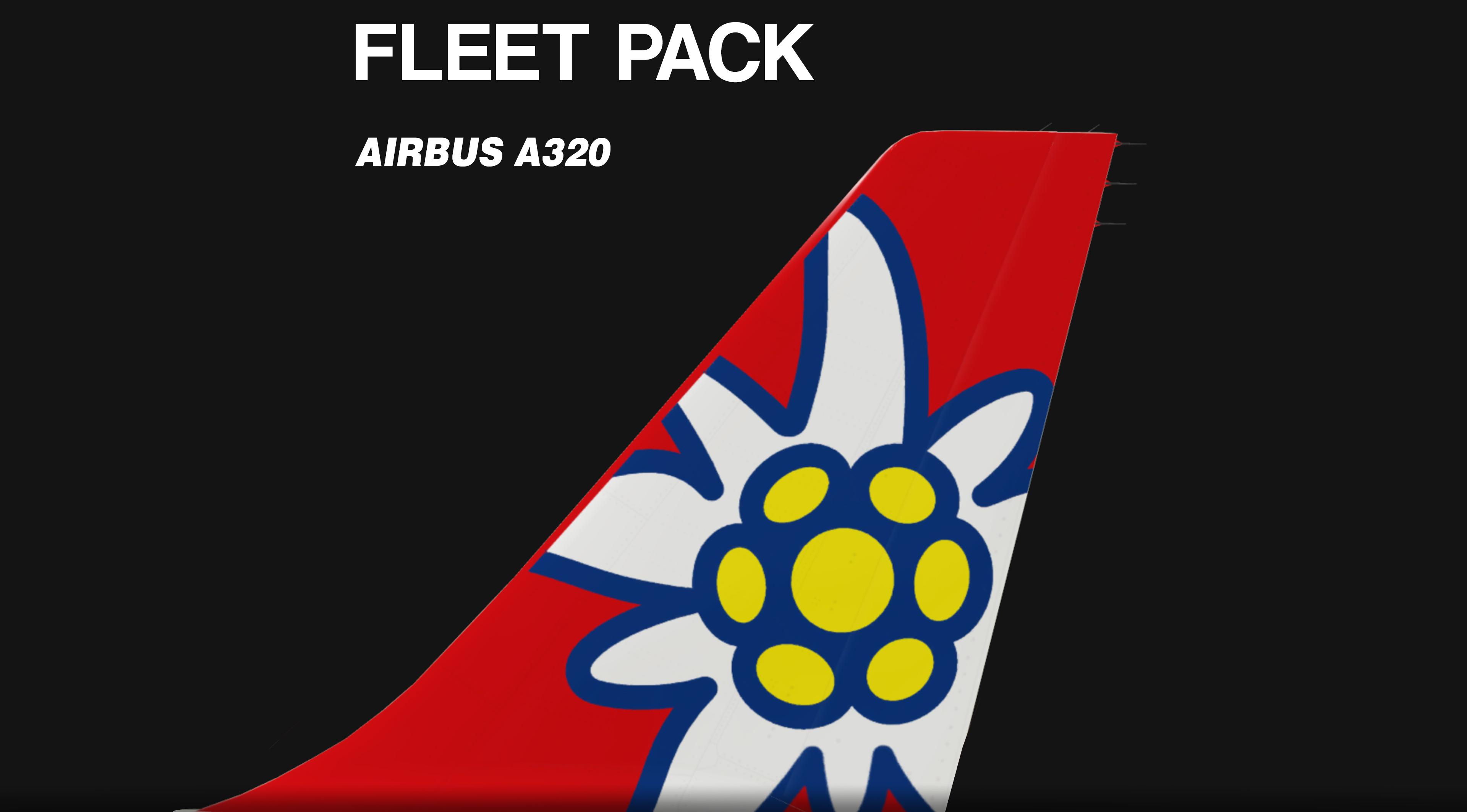
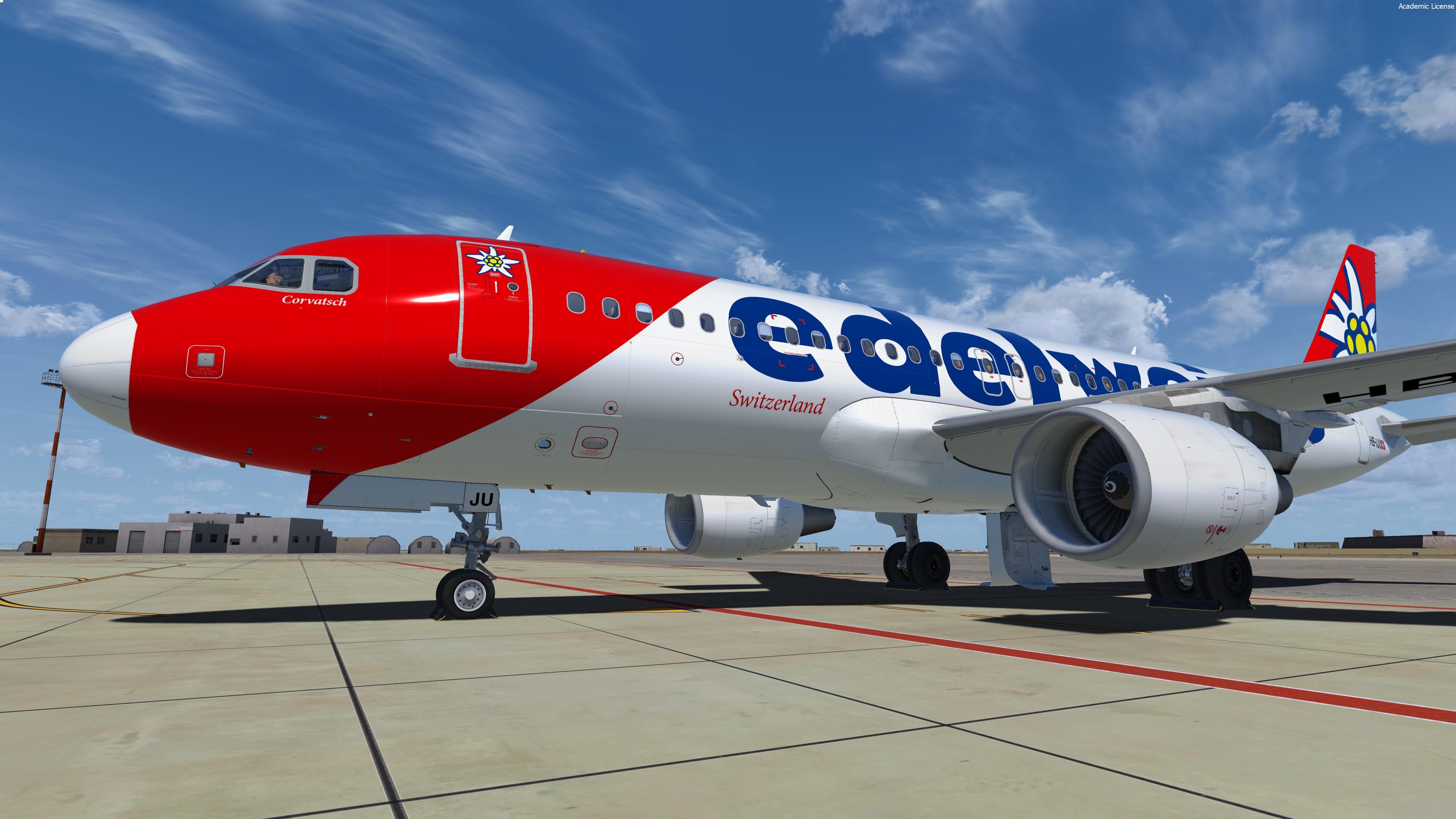
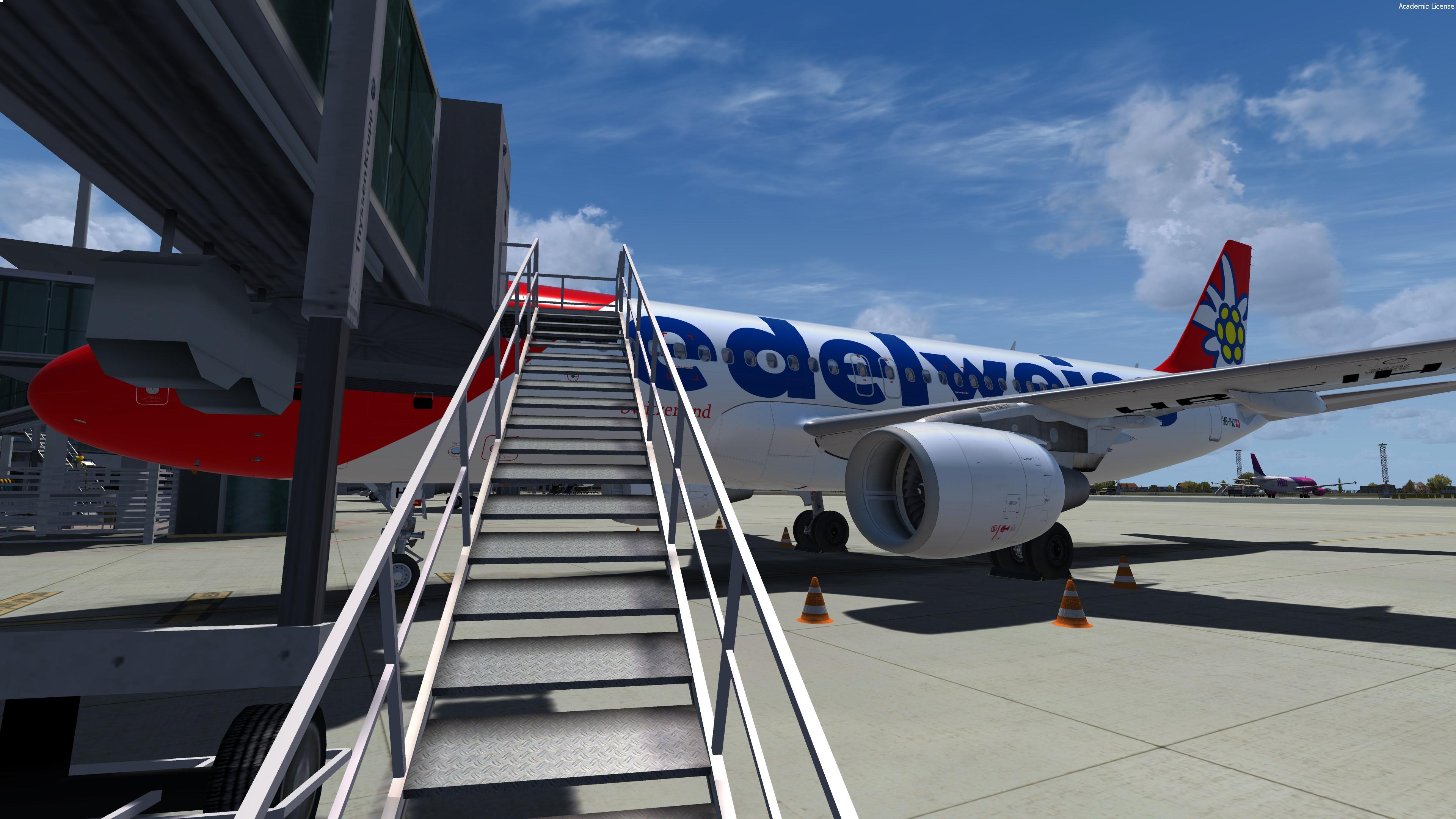
New Fleet pack from EDELWEISS's A320 ! Hope you'll like it B)

Featuring the new CFM engine texture/Paintkit V2.0 and the new airframe option !


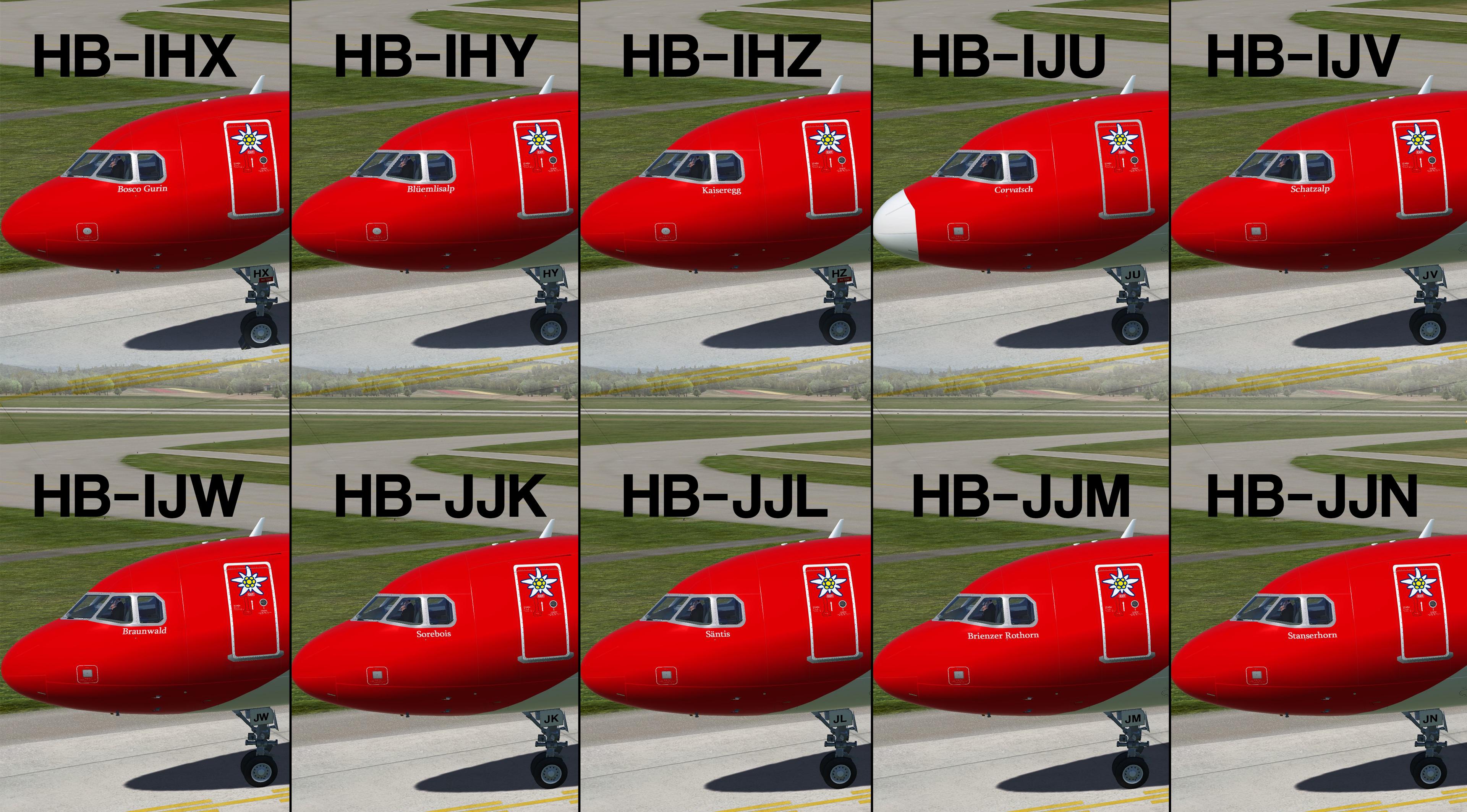
Every single reg is completely different !

EDW common file must be dragged like the textures files

P3Dv4 only - v2.0.2.300+


Airbus A320-214

  • MSN 942 joined SWISS in 1999 as HB-IHX, configured Y174
  • MSN 947 joined SWISS in 1999 as HB-IHY, configured Y174
  • MSN 1026 joined SWISS in 1999 as HB-IHZ, configured Y174
  • MSN 1951 joined SWISS in 2015 as HB-IJU, configured Y174
  • MSN 2024 joined SWISS in 2012 as HB-IJV, configured Y174
  • MSN 2134 joined SWISS in 2014 as HB-IJW, configured Y174
  • MSN 1692 joined Edelweiss in 2018 as HB-JJK, configured Y174
  • MSN 2606 joined Edelweiss in 2017 as HB-JJL, configured Y180
  • MSN 2627 joined Edelweiss in 2017 as HB-JJM, configured Y180 BER4EVR :( D-ABNW
  • MSN 4187 joined Edelweiss in 2019 as HB-JJN, configured Y180


Repaint by Hugo Bicho

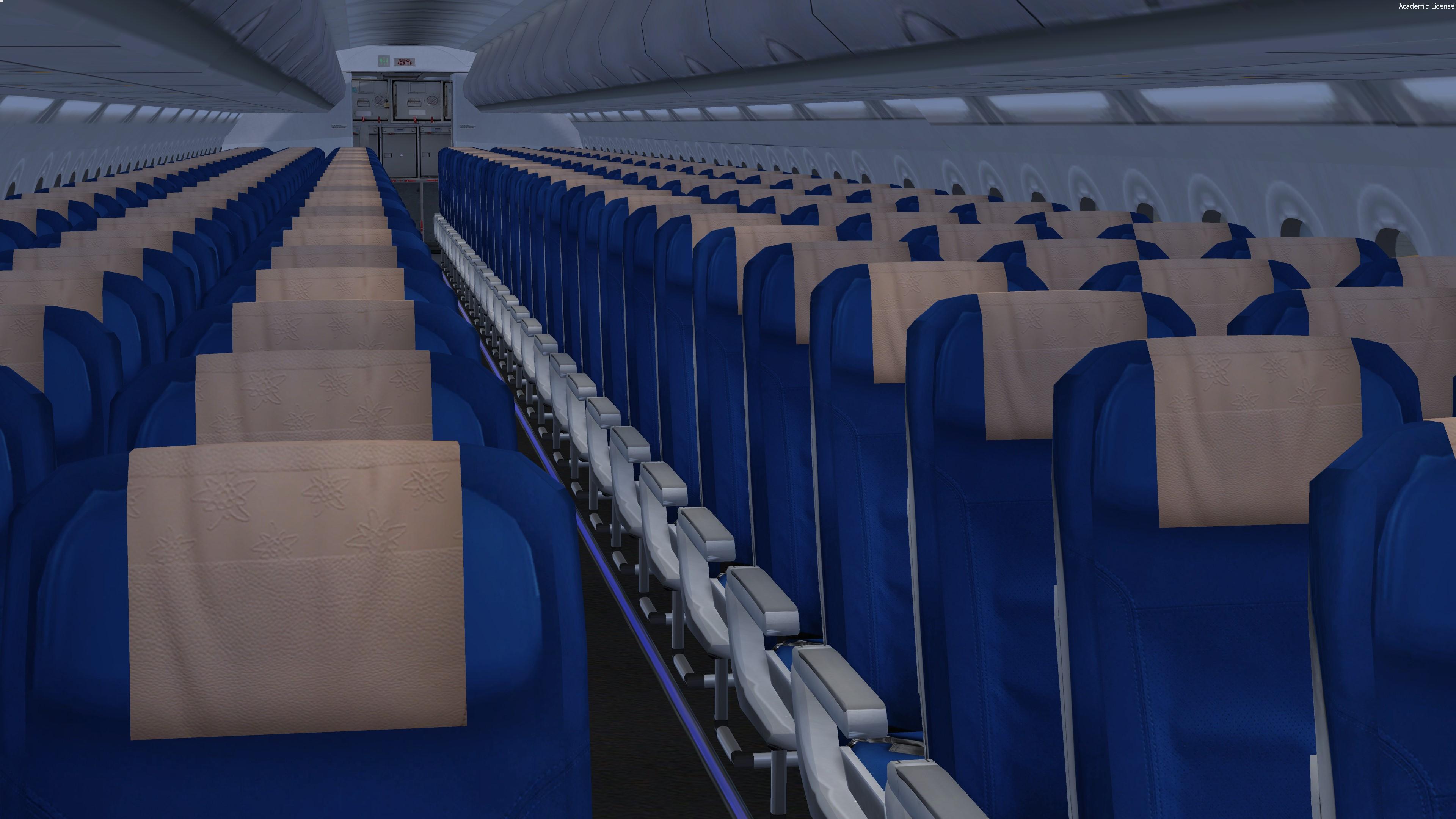
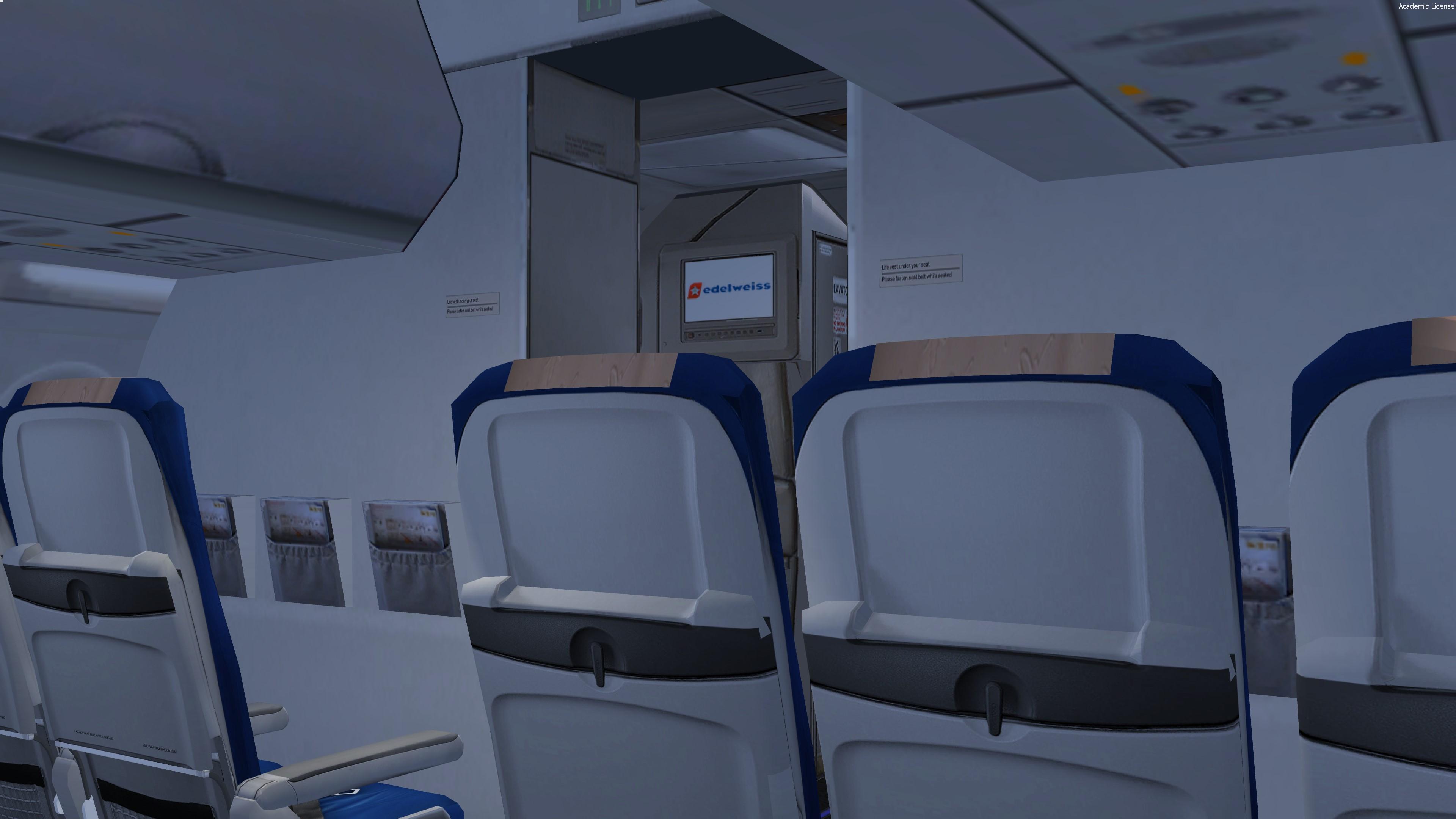
- New cabin seats / all the cabin has been improved
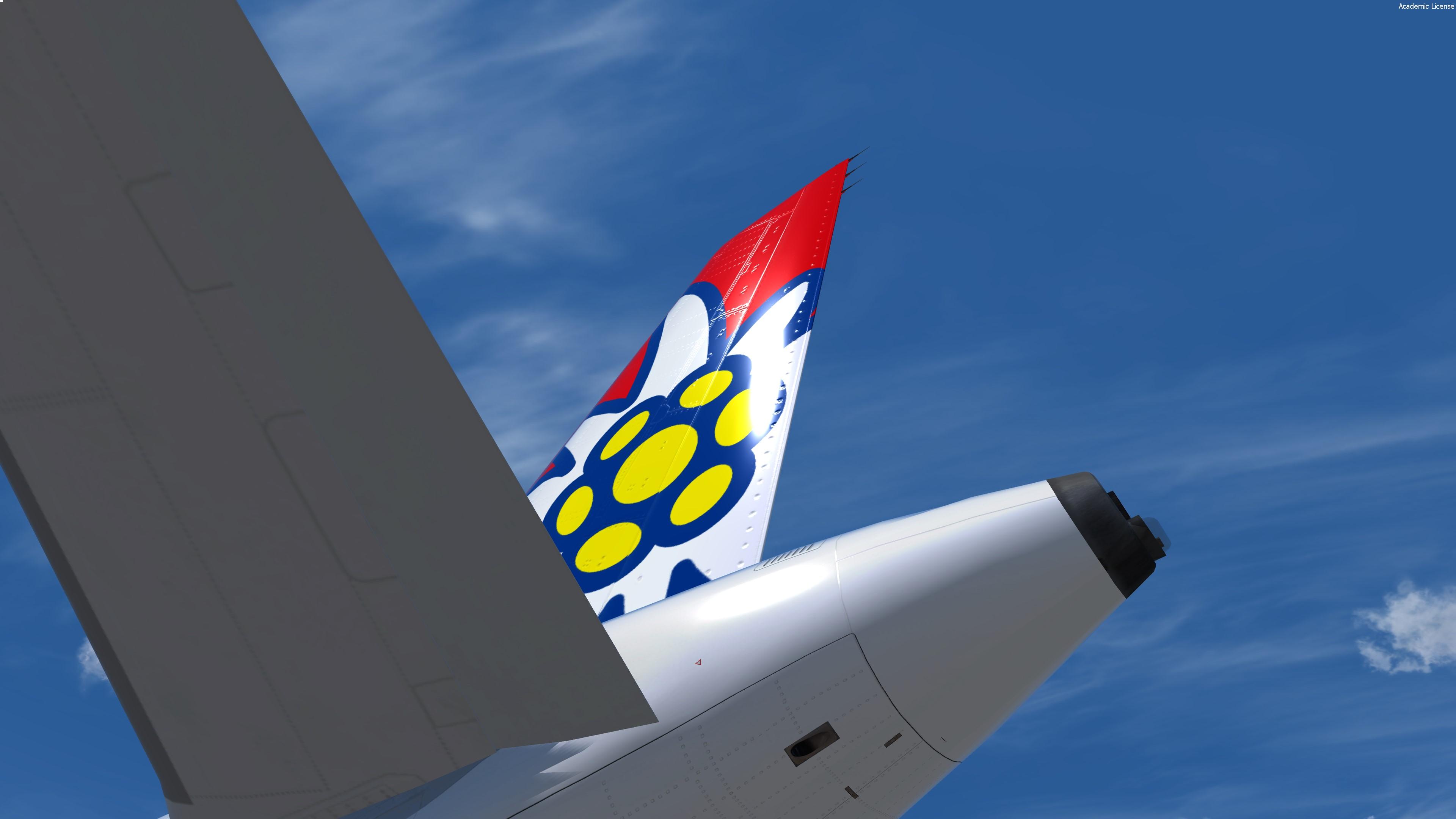
- New wing 4k texture !
- New CFM engine rim and pylon texture
- Custom bump, spec, paint kit
Improved shadows on the fuselage


For remarks or some reports :

HB-TEXTURES on facebook

What's New in Version 1.0.1

Released

- New features
- Tomato shade compatibility

User Feedback

Damian Grzywaczewski

Damian Grzywaczewski


Any chance for pbr version ?

Gregory Verba

Gregory Verba

   1 of 1 member found this review helpful 1 / 1 member

Thanks for great job Hugo!

Lev Furlan

Lev Furlan

   1 of 1 member found this review helpful 1 / 1 member

Thanks for all the effort ! Great job, very detailed and well done liveries. 

Response from the author:

Thanks for the kind word :) !

Account

Navigation

Search

Search

Configure browser push notifications

Chrome (Android)
  1. Tap the lock icon next to the address bar.
  2. Tap Permissions → Notifications.
  3. Adjust your preference.
Chrome (Desktop)
  1. Click the padlock icon in the address bar.
  2. Select Site settings.
  3. Find Notifications and adjust your preference.

