
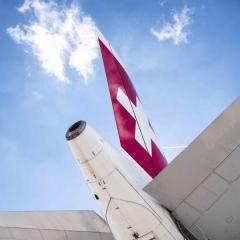
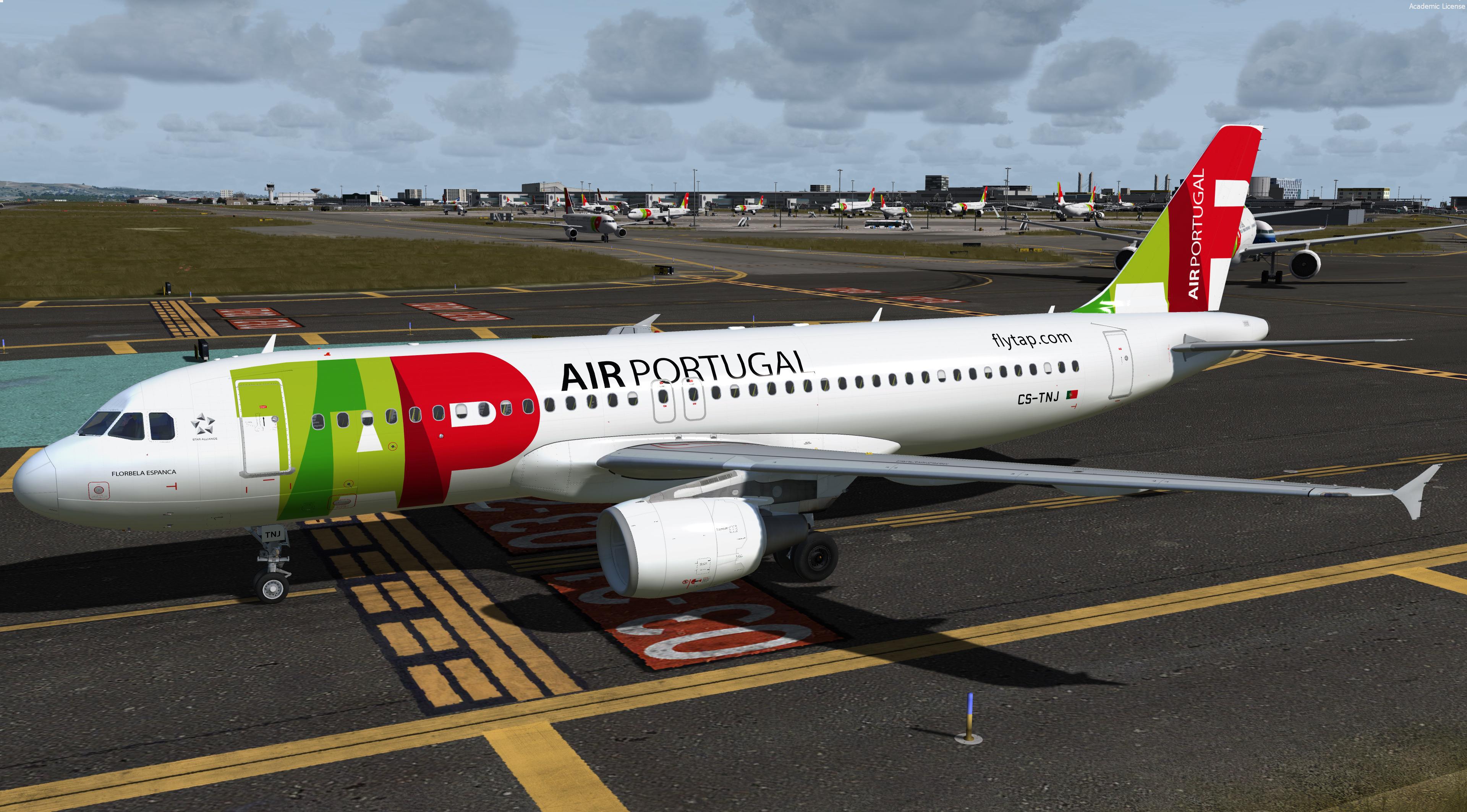
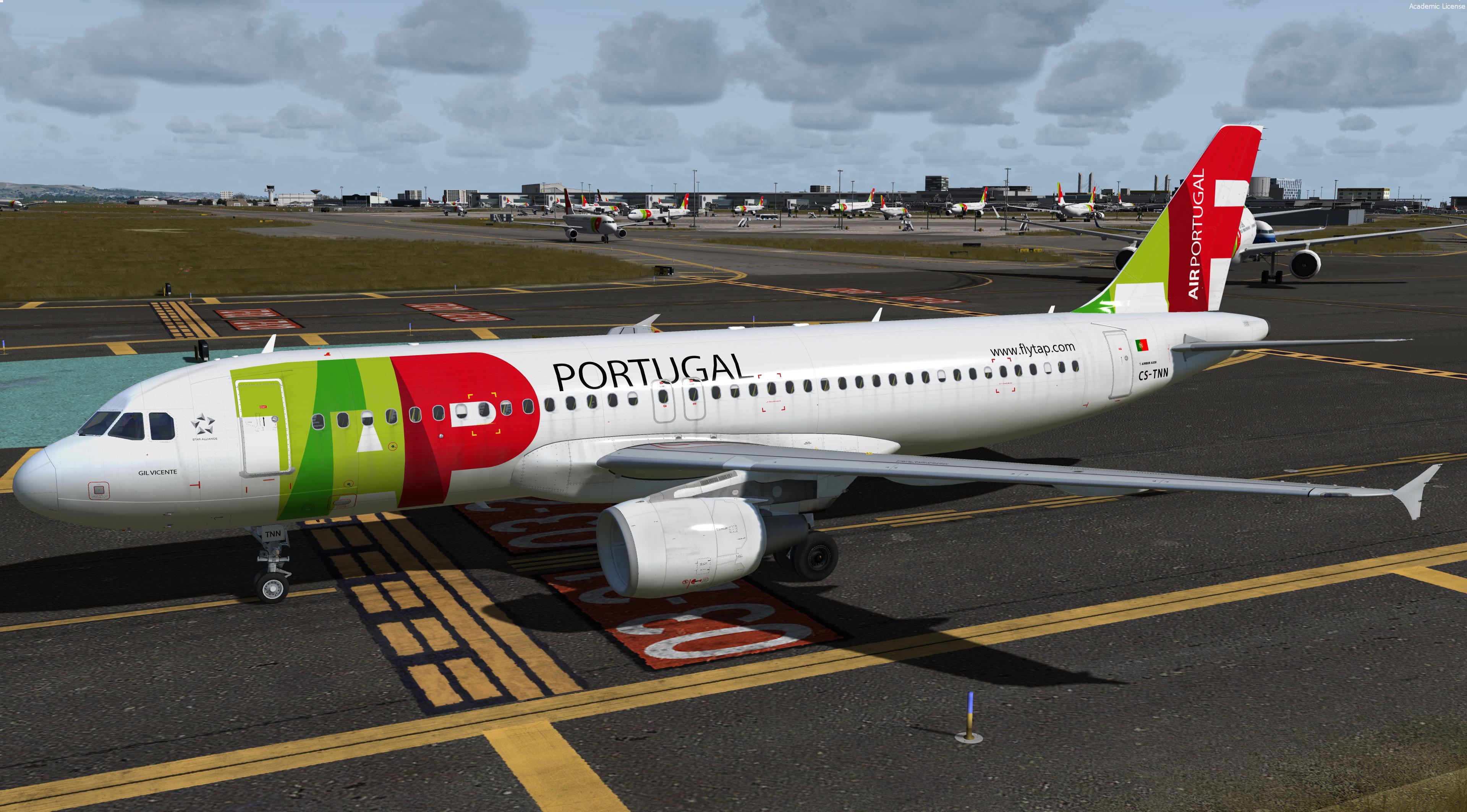
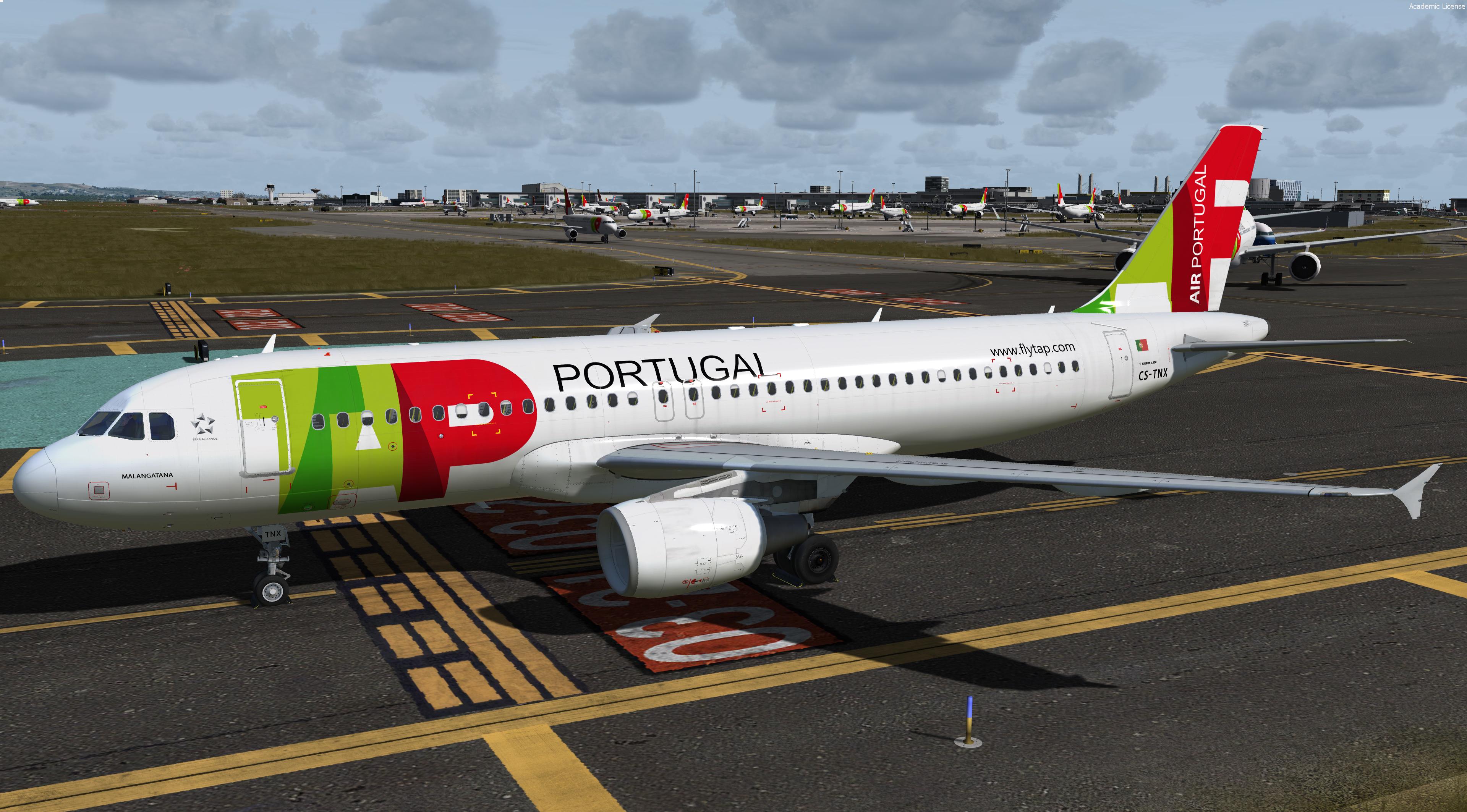
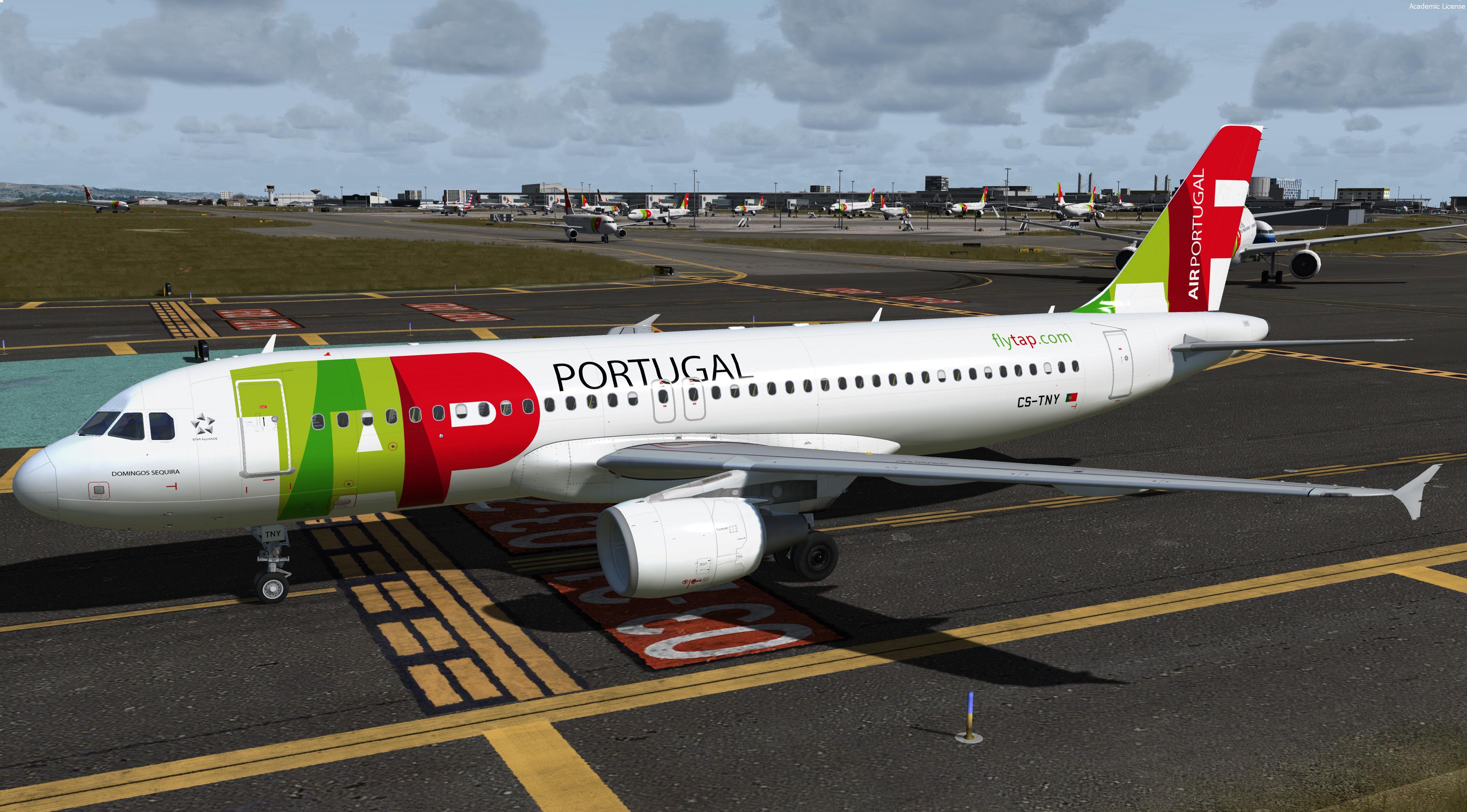
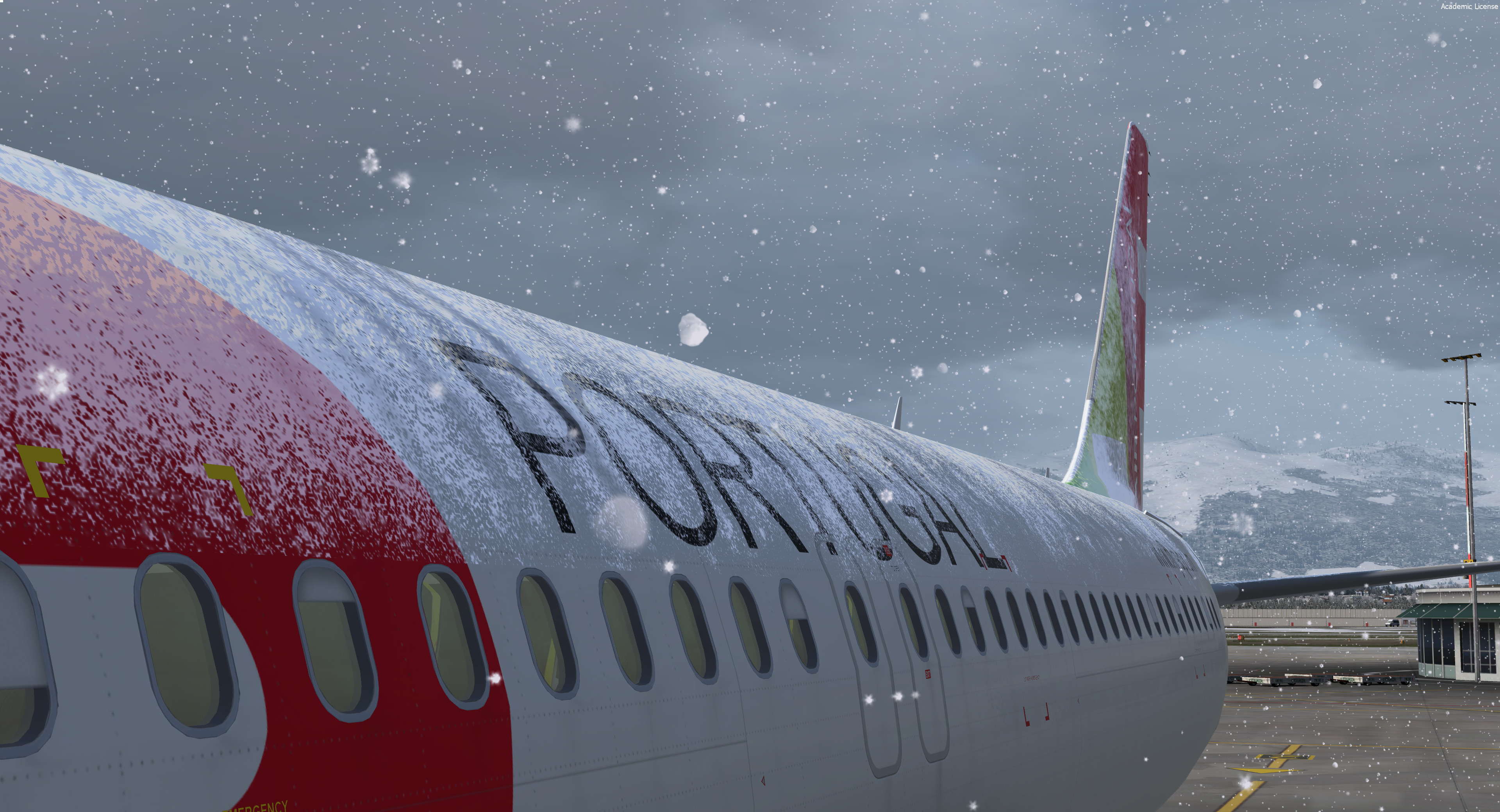
New 6 liveries pack from TAP AIR Portugal ! Hope you'll like it 
Featuring the new CFM engine texture/Paintkit V2.0 and the new airframe option !
TAP common file must be dragged like the textures files
P3Dv4 only - v2.0.2.300+
Airbus A320-214
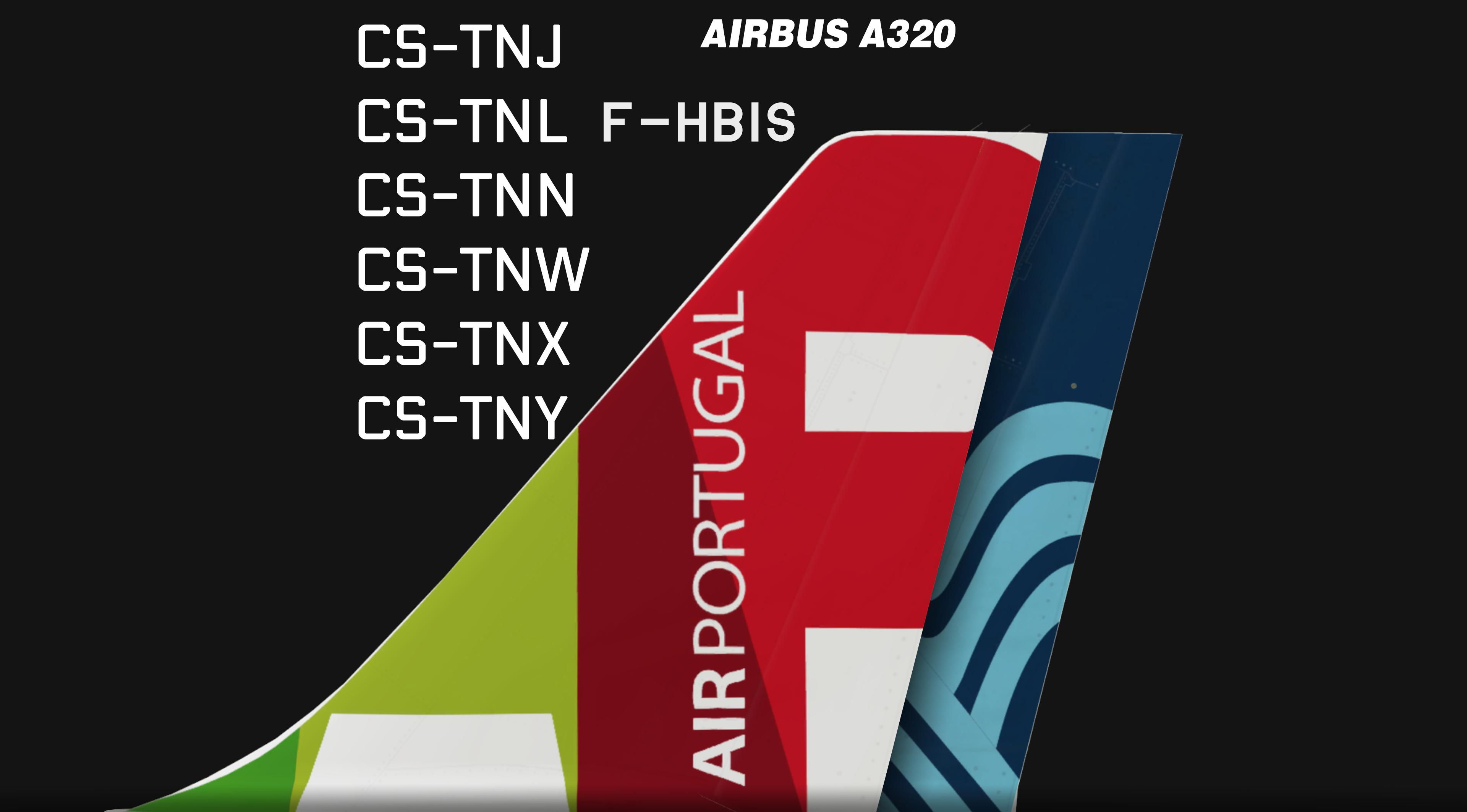
MSN 1181 joined TAP in 1999 as CS-TNJ, re-configured CY175 (2016) and got new livery with the "AIR" in fuselage in 2018
MSN 1816 joined TAP in 2002 as CS-TNN, re-configured CY174 (2017) old livery.
MSN 2792 joined TAP in 2014 as CS-TNW, re-configured CY174 (2017) got a slight different paint job as the other TAP's A320 due to an error during the delivery by Jazeer Airways.
MSN 2822 joined TAP in 2014 as CS-TNX, re-configured CY174 (2018) and got new livery with the "AIR" in fuselage in 2019
MSN 4742 joined TAP in 2017 as CS-TNY, configured CY174 kinda "new" livery.
MSN 3136 "joined" TAP in 2018 as F-HBIS (leased from Aigle Azur), configured CY180 white livery with the Aigle Azur logo on tail.
Repaint by Hugo Bicho
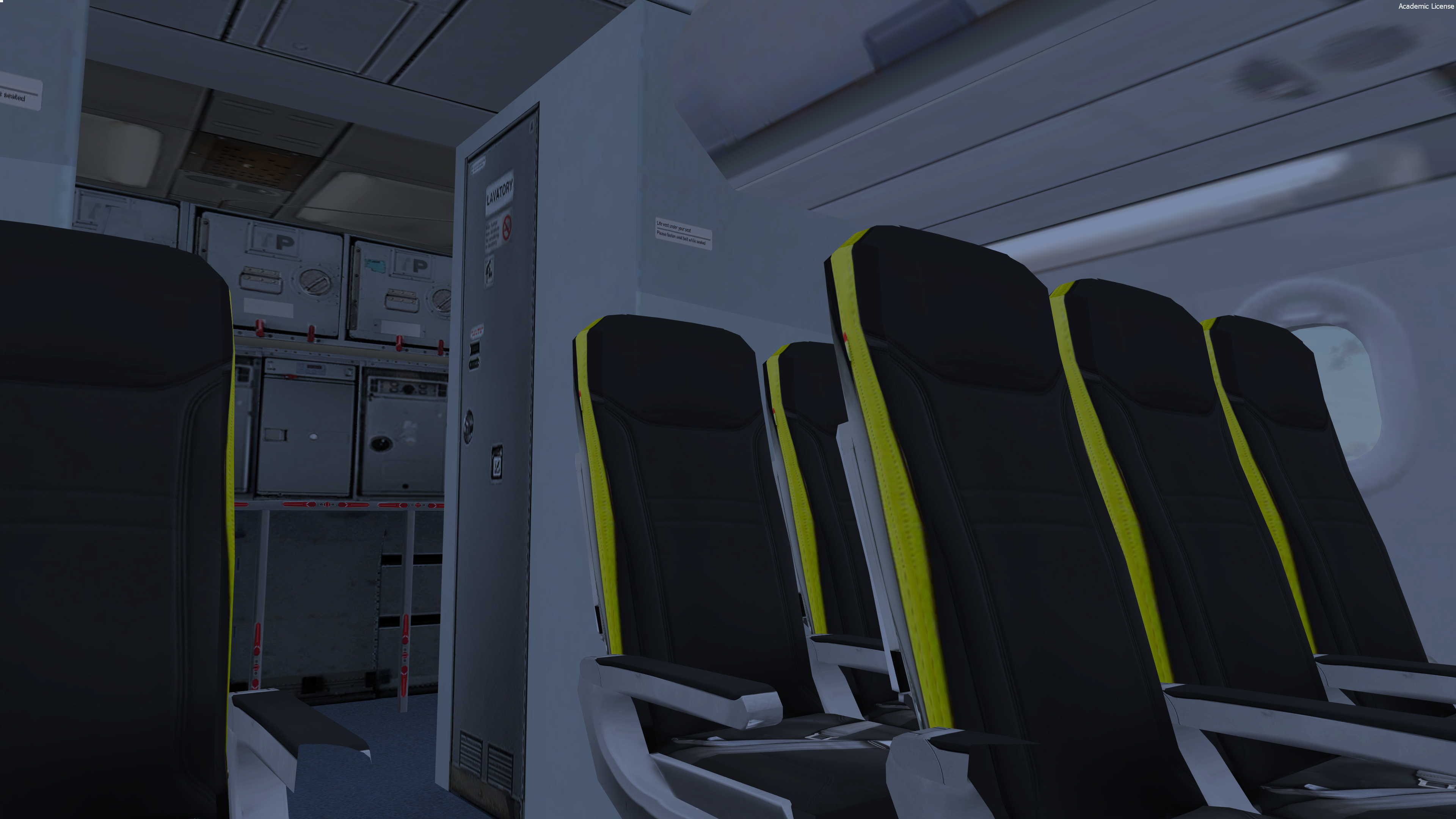
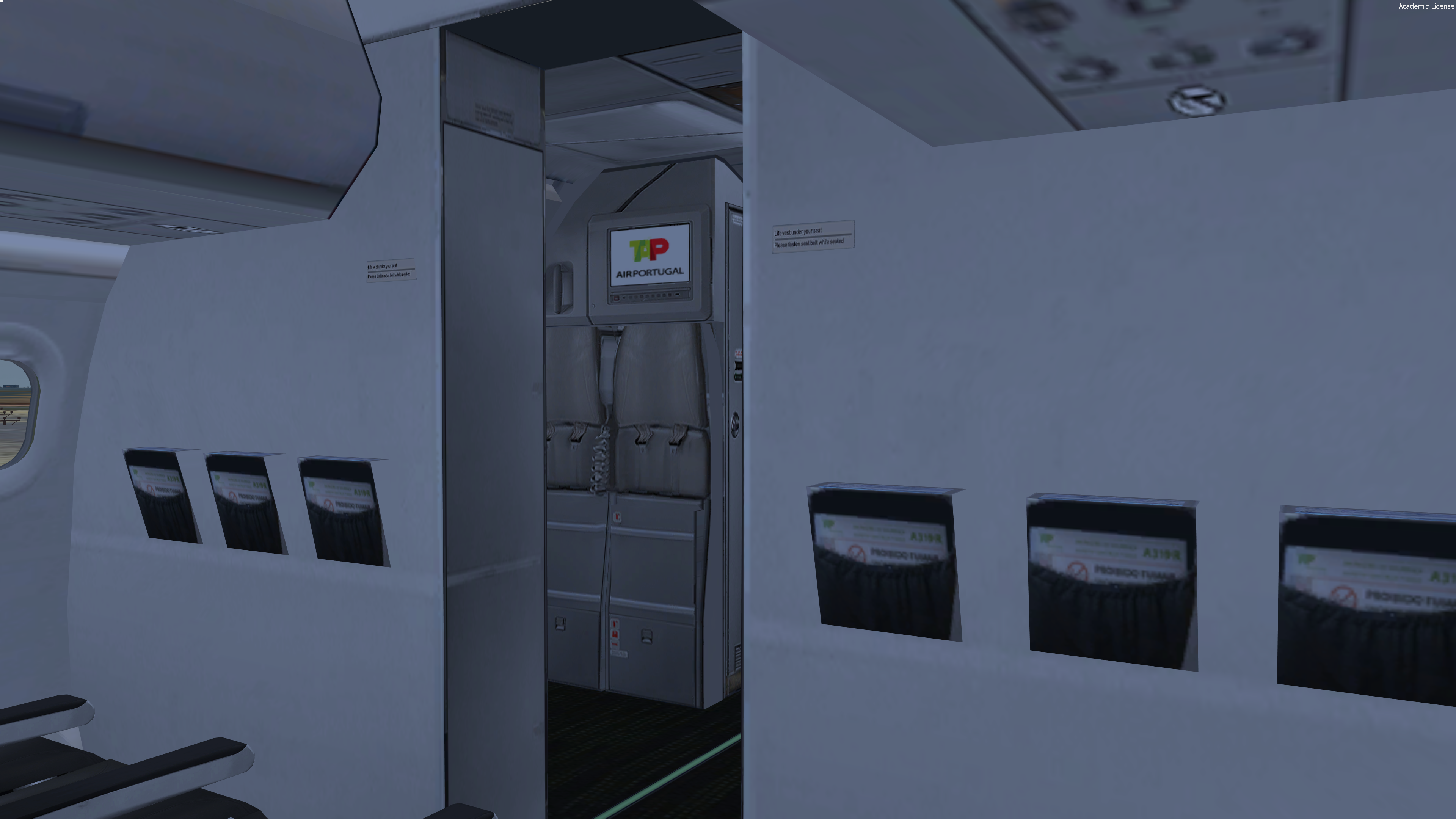
- New cabin seats / all the cabin has been improved
- New CFM engine rim and pylon texture
- Custom bump, spec, paint kit
- Improved shadows on the fuselage
For remarks or some reports :
HB-TEXTURES on facebook
What's New in Version 1.0.2
Released
- Added new weights as real tap's a/c
- Added new FMGC settings
Thanks to @Bernardo Reis
- Fixed the correct name of the CS-TNY
-
 1
1