

ReadMe included! Custom VC textures for IndiGo Airlines A320 (includes all sorts of stickers placed at correct positions) some stickers might be missing since I could not find some HD pictures if you have any Cockpit pics of the IndiGo A320 do mail me!
Due to copyright issues, it is not possible to add the Airbus logo to the manuals, I am researching if I can add the logo to the map light knobs..
ENJOY  more comping up for various carriers!
TOGAvc
Older pics below will update soon and remove this message..
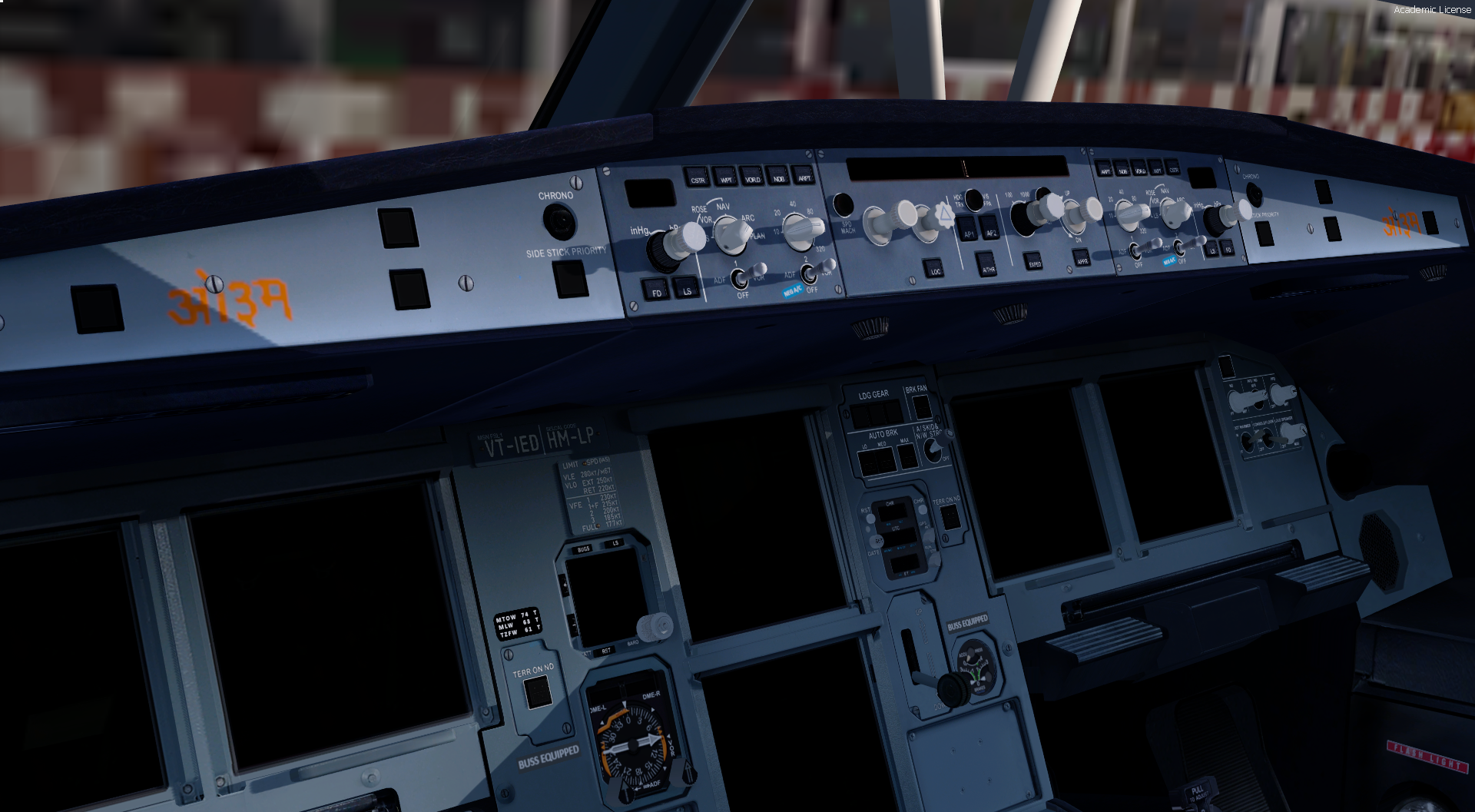
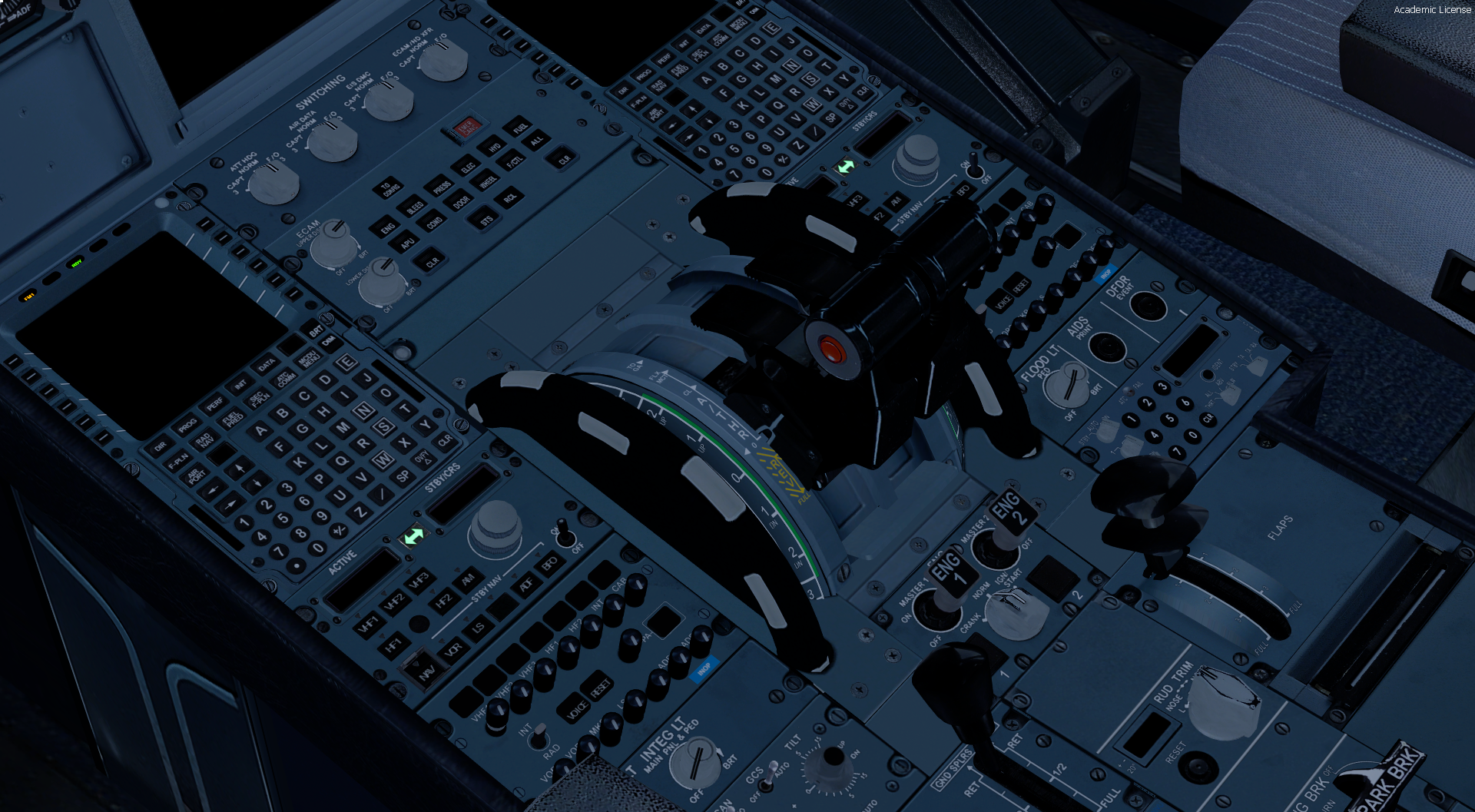
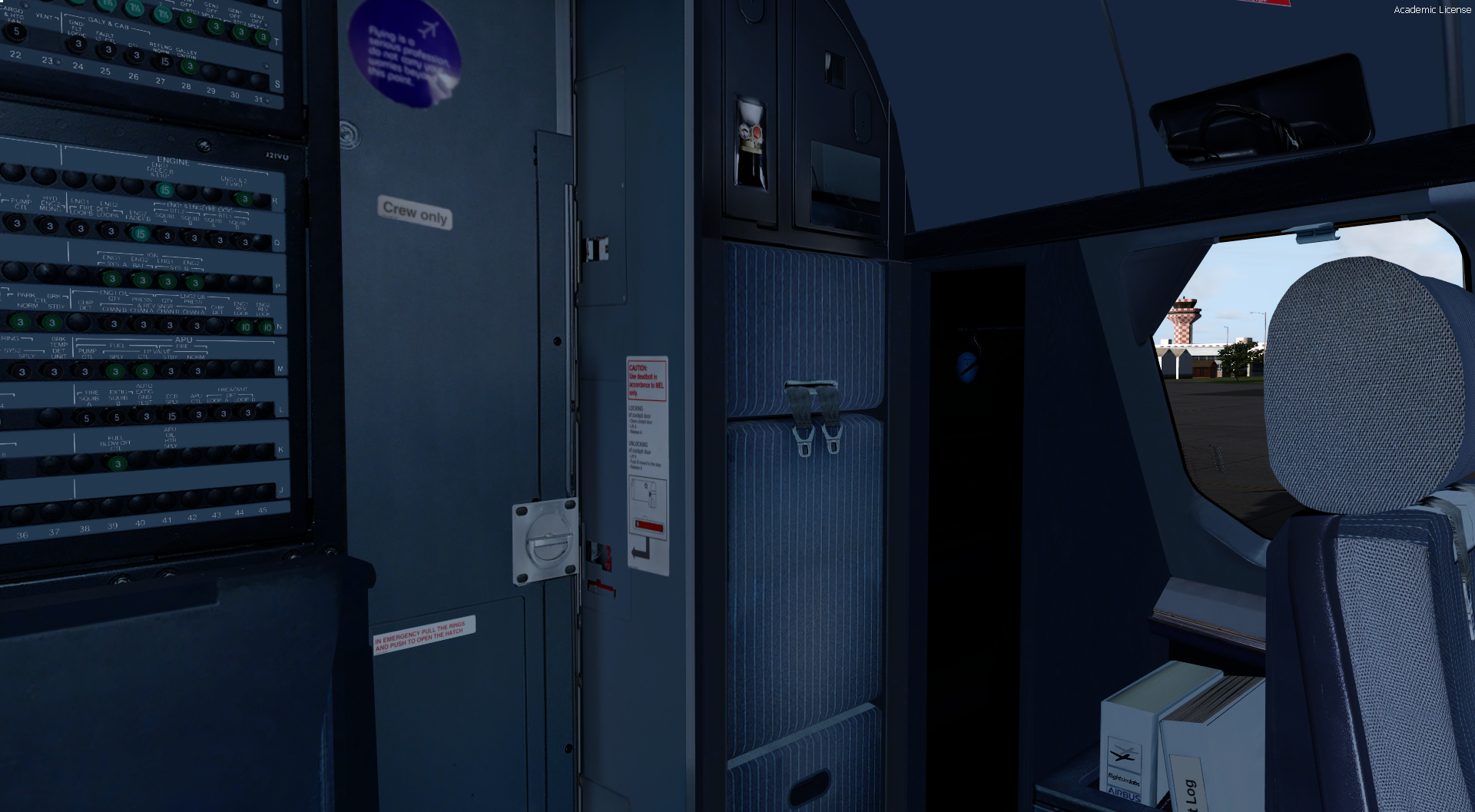

What's New in Version 1.1
Released
- Stickers look more High Definition
- Added randomization in sticker placement
- Corrected "Buss equipped" background sticker color (from grey to black)
- Corrected "TZFW" to "MZFW"
- OM sticker is now a bit more larger
- Reworked on the cabin door sticker placements made them a bit smaller and now are a bit more readable
# Upcoming VC texture projects
- Custom VC textures for SWISS/ AirFrance/ AirIndia if able
-
 4
4