


Skip to content
View in the app

A better way to browse. Learn more.

Flight Sim Labs Forums

A full-screen app on your home screen with push notifications, badges and more.

To install this app on iOS and iPadOS
  1. Tap the Share icon in Safari
  2. Scroll the menu and tap Add to Home Screen.
  3. Tap Add in the top-right corner.
To install this app on Android
  1. Tap the 3-dot menu (⋮) in the top-right corner of the browser.
  2. Tap Add to Home screen or Install app.
  3. Confirm by tapping Install.

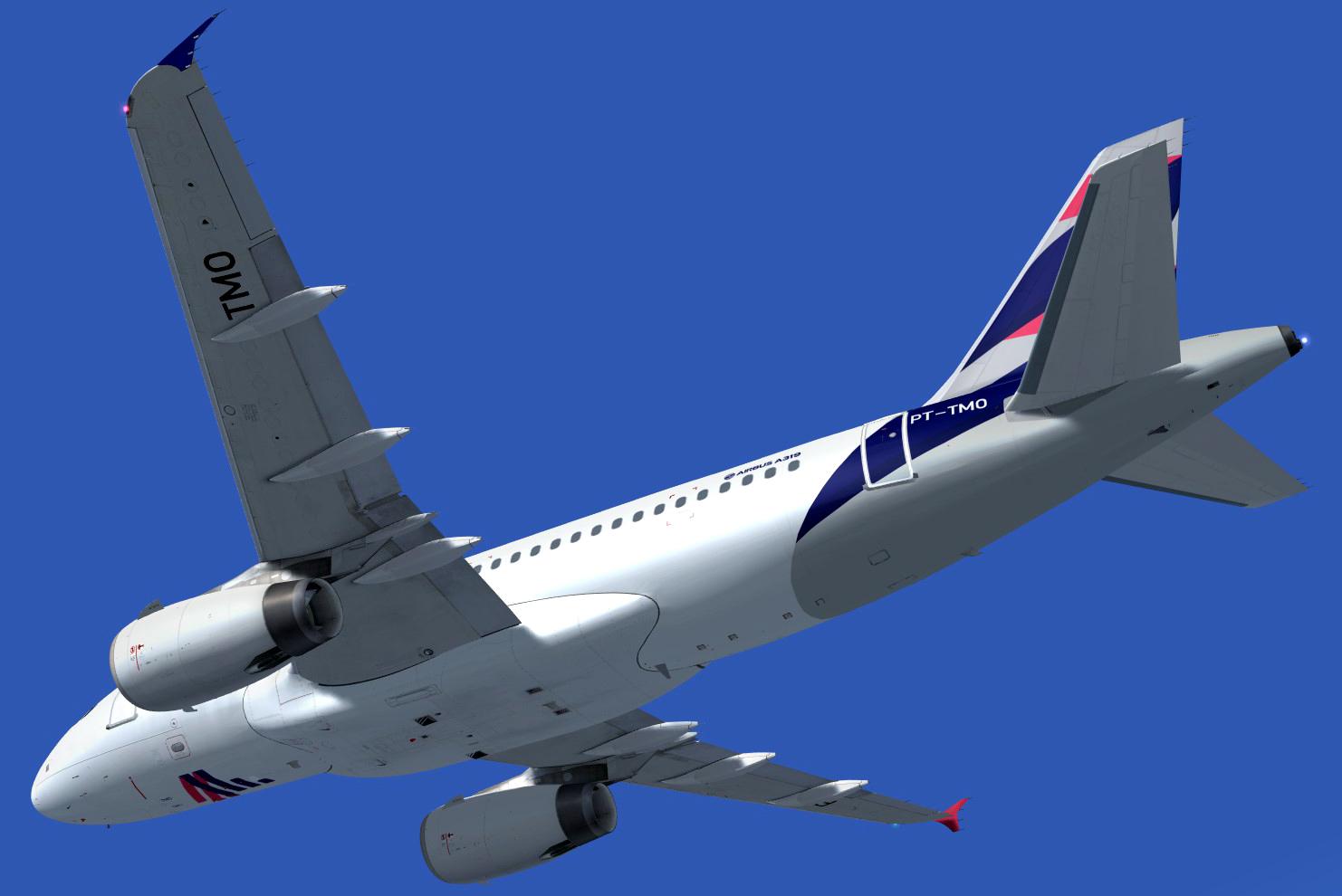
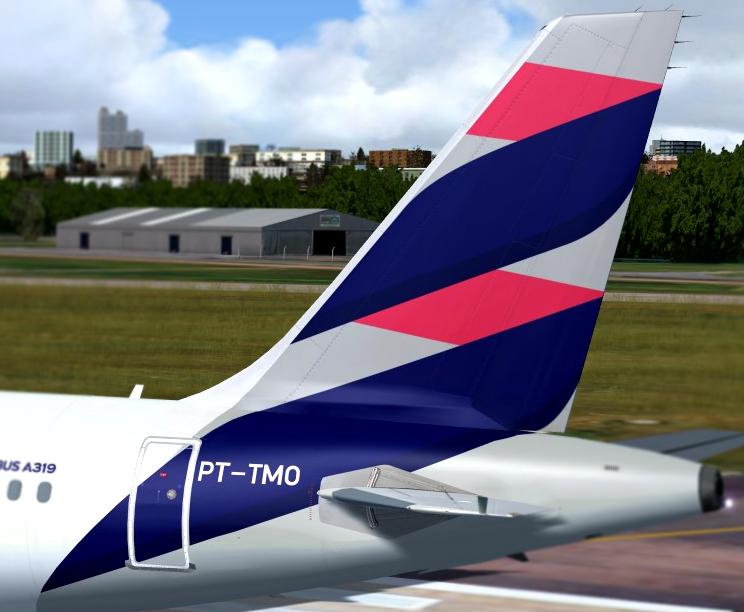
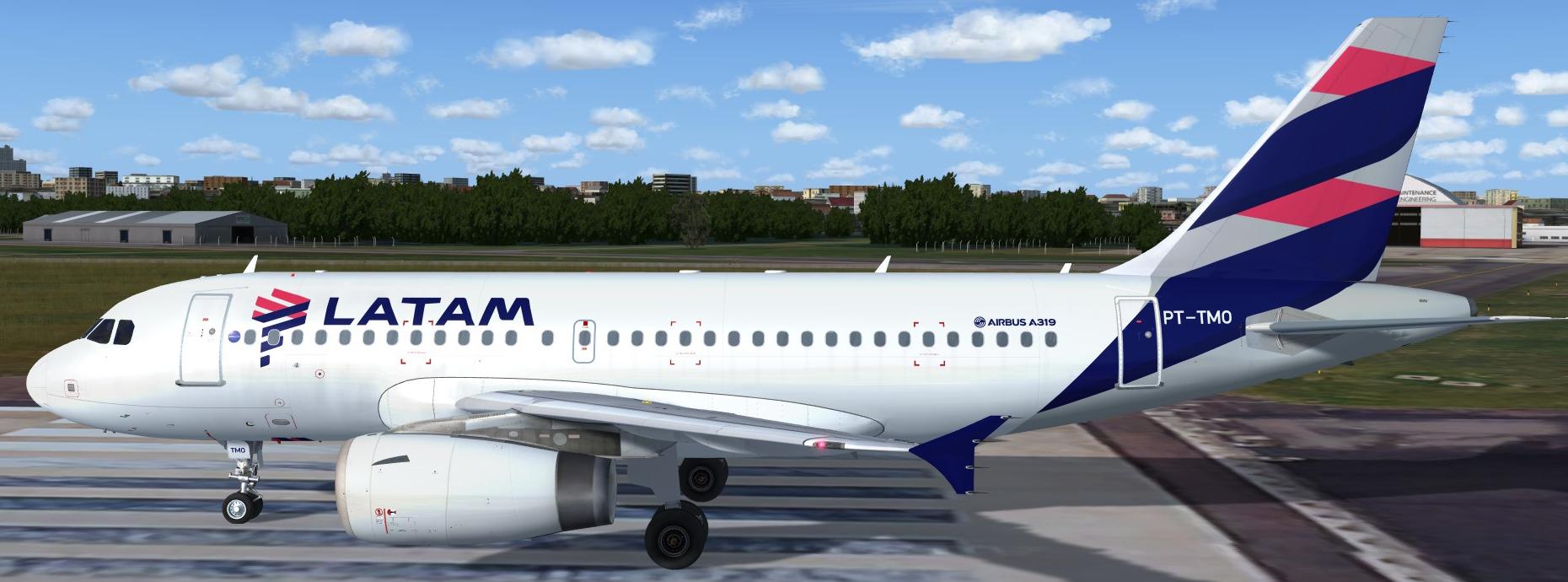
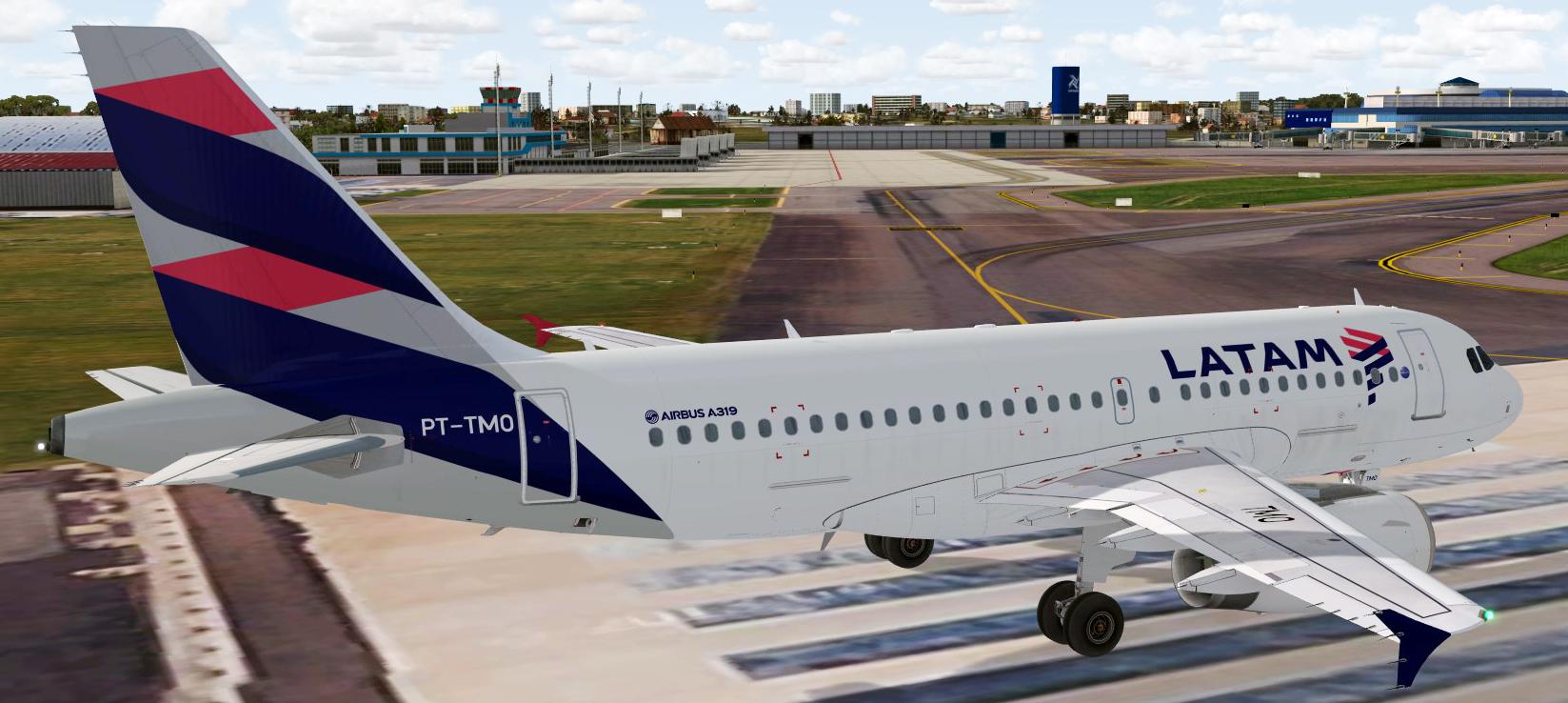
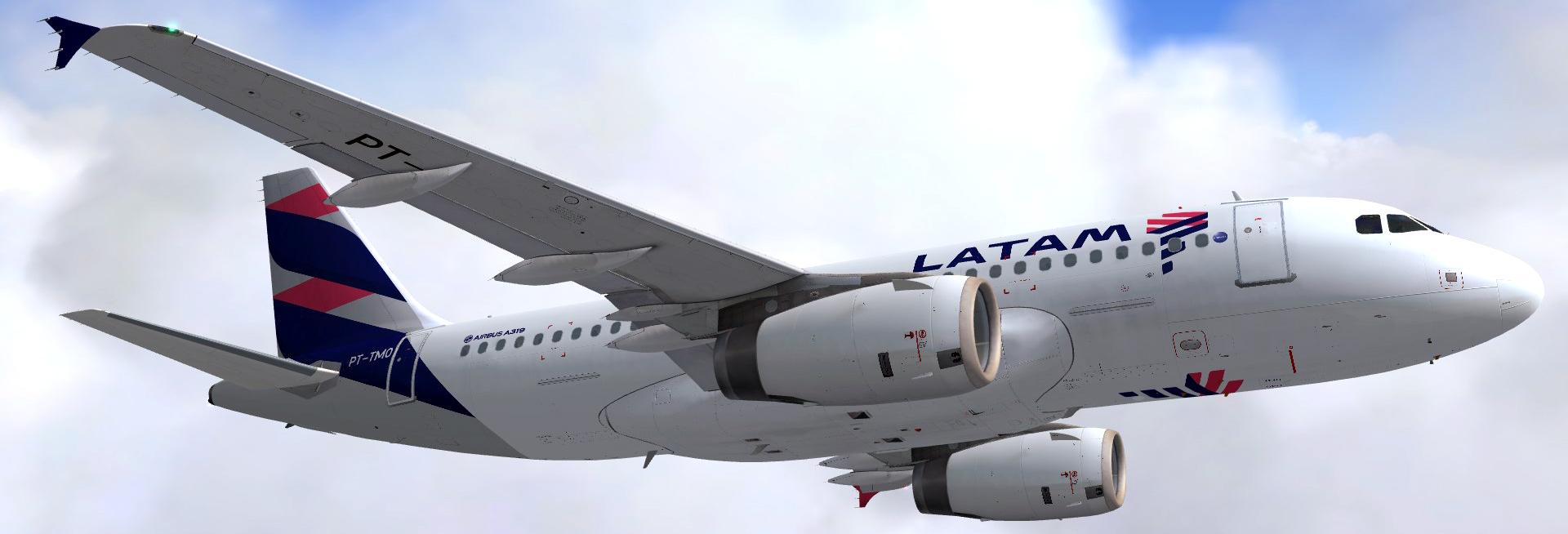
LATAM Brasil PT-TMO - A319 IAE 1.2.0

(3 reviews)

5 Screenshots

A319 IAE - LATAM Airlines Brasil repaint for the Fslabs A319 (P3D v4 only).
Thanks to John Tavandale for his fresnel map textures!
To install just drop the texture folder on the FSLabs A319 IAE folder.

What's New in Version 1.0.0

Released

No changelog available for this version.

User Feedback

Fabian Scherer

Fabian Scherer


Nicely done, thanks!

Edgar Luis Predabon Jr

Edgar Luis Predabon Jr


SBRJ, Let's go!!!!

Carlos Alberto Vieczorek

Carlos Alberto Vieczorek

   1 of 1 member found this review helpful 1 / 1 member

Great quality livery! Hope to get also Avianca Brasil colors.. Finally can fly at SBRJ with an airbus! Thank you!

Response from the author:

Thanks for your kidn words. Avianca Brasil on the way.;)

Account

Navigation

Search

Search

Configure browser push notifications

Chrome (Android)
  1. Tap the lock icon next to the address bar.
  2. Tap Permissions → Notifications.
  3. Adjust your preference.
Chrome (Desktop)
  1. Click the padlock icon in the address bar.
  2. Select Site settings.
  3. Find Notifications and adjust your preference.