

Skip to content
View in the app

A better way to browse. Learn more.

Flight Sim Labs Forums

A full-screen app on your home screen with push notifications, badges and more.

To install this app on iOS and iPadOS
  1. Tap the Share icon in Safari
  2. Scroll the menu and tap Add to Home Screen.
  3. Tap Add in the top-right corner.
To install this app on Android
  1. Tap the 3-dot menu (⋮) in the top-right corner of the browser.
  2. Tap Add to Home screen or Install app.
  3. Confirm by tapping Install.

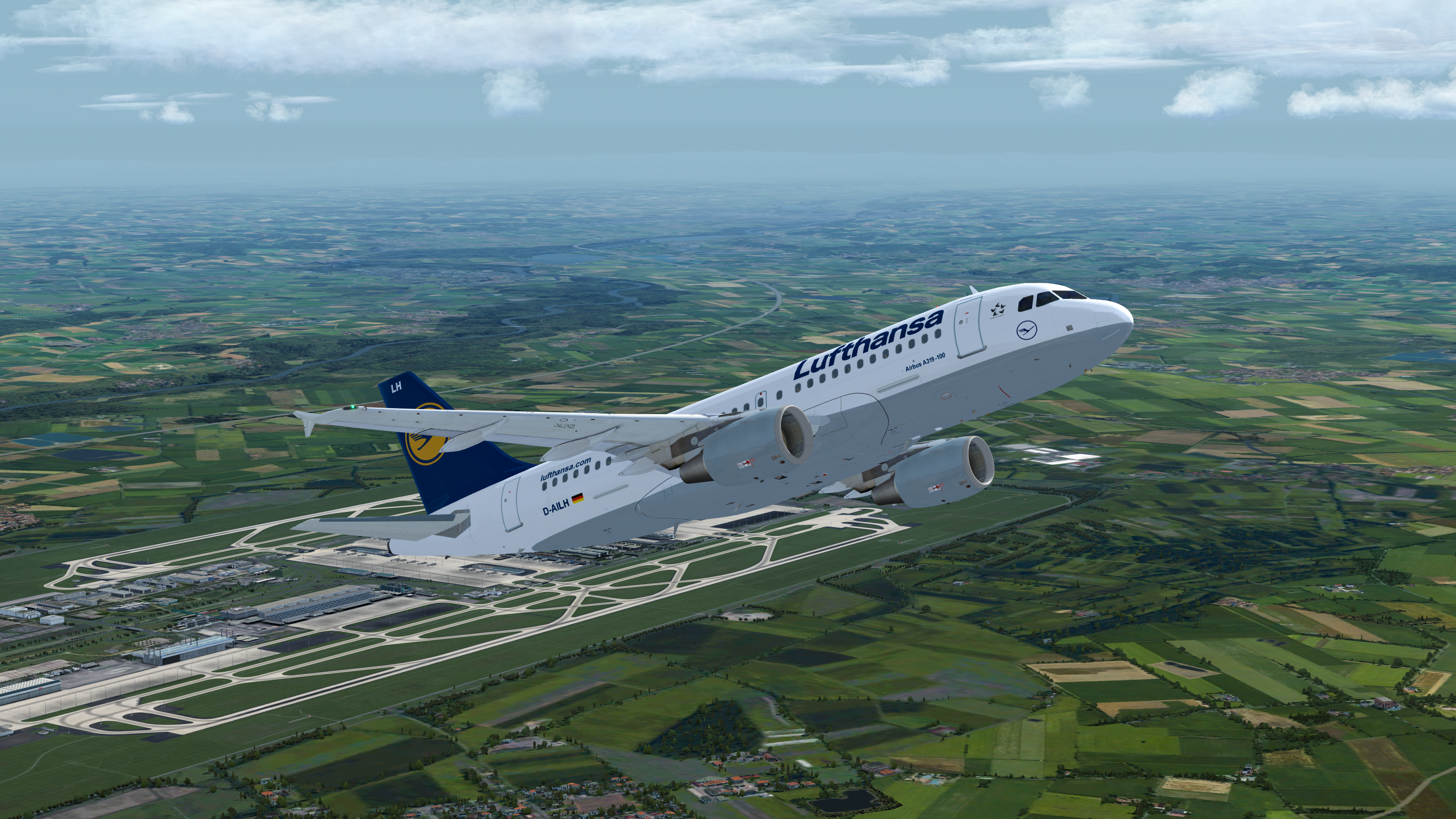
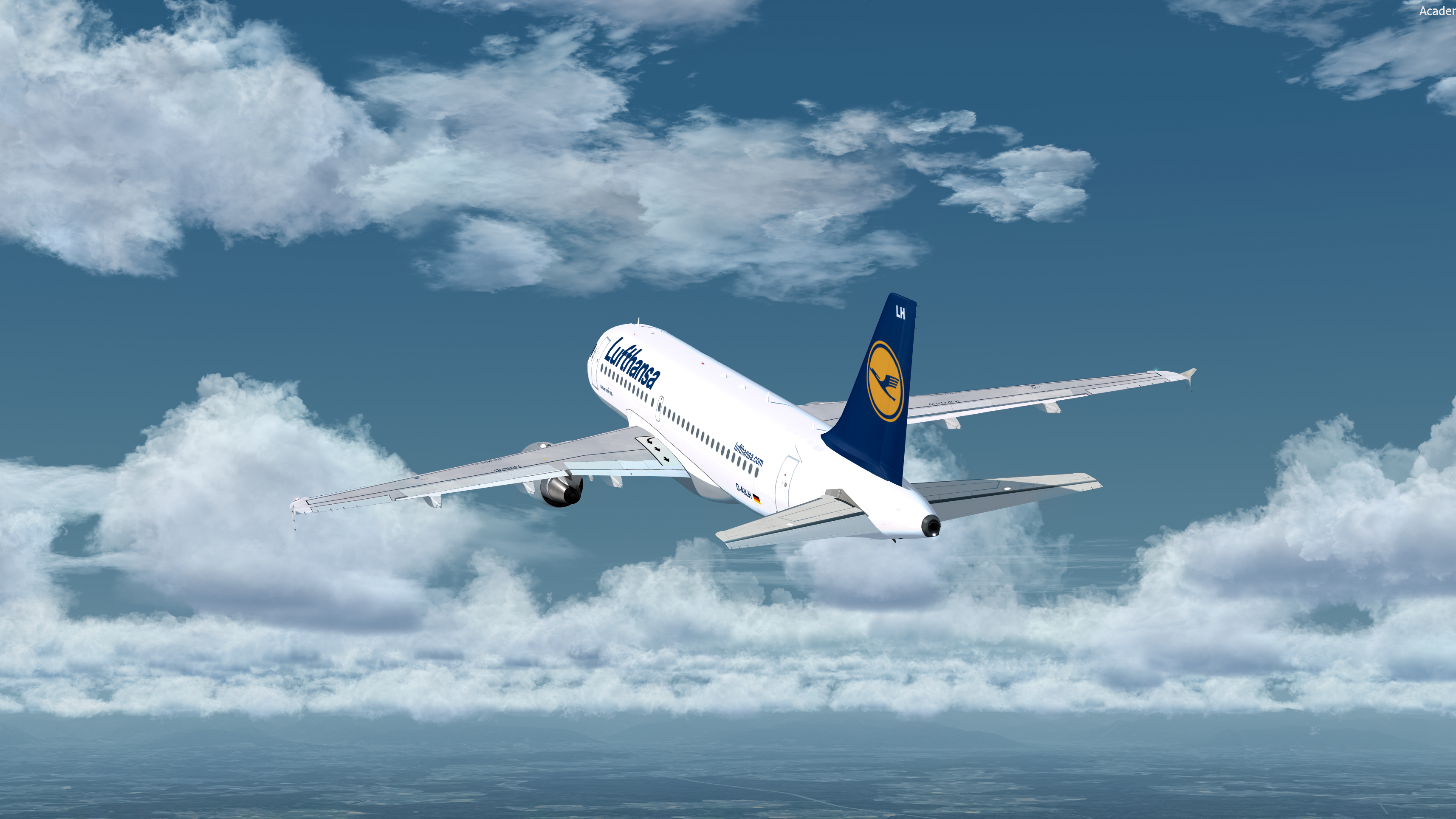
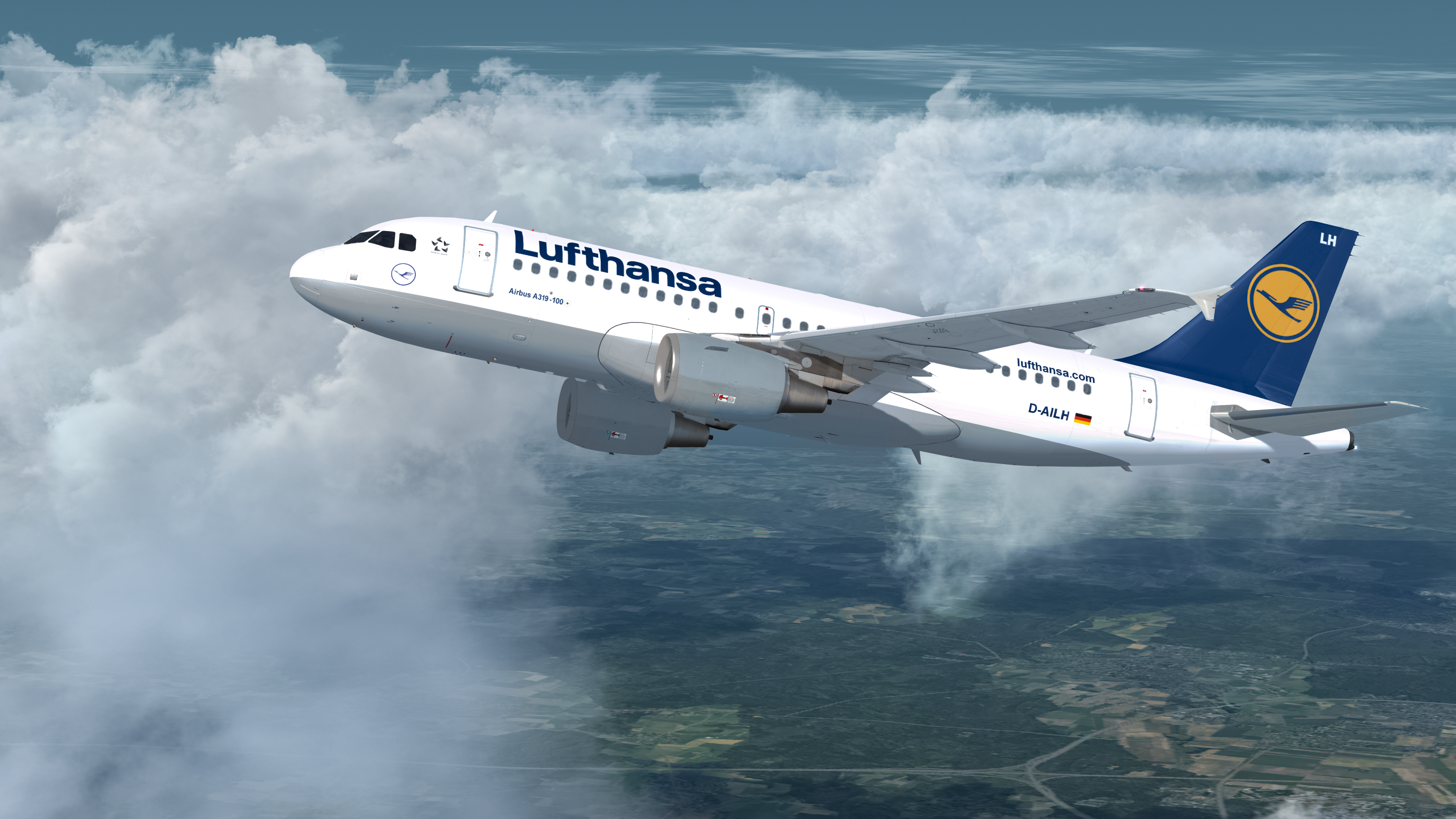
Lufthansa A319 CFM 1.5.0

(2 reviews)

4 Screenshots

Hello,

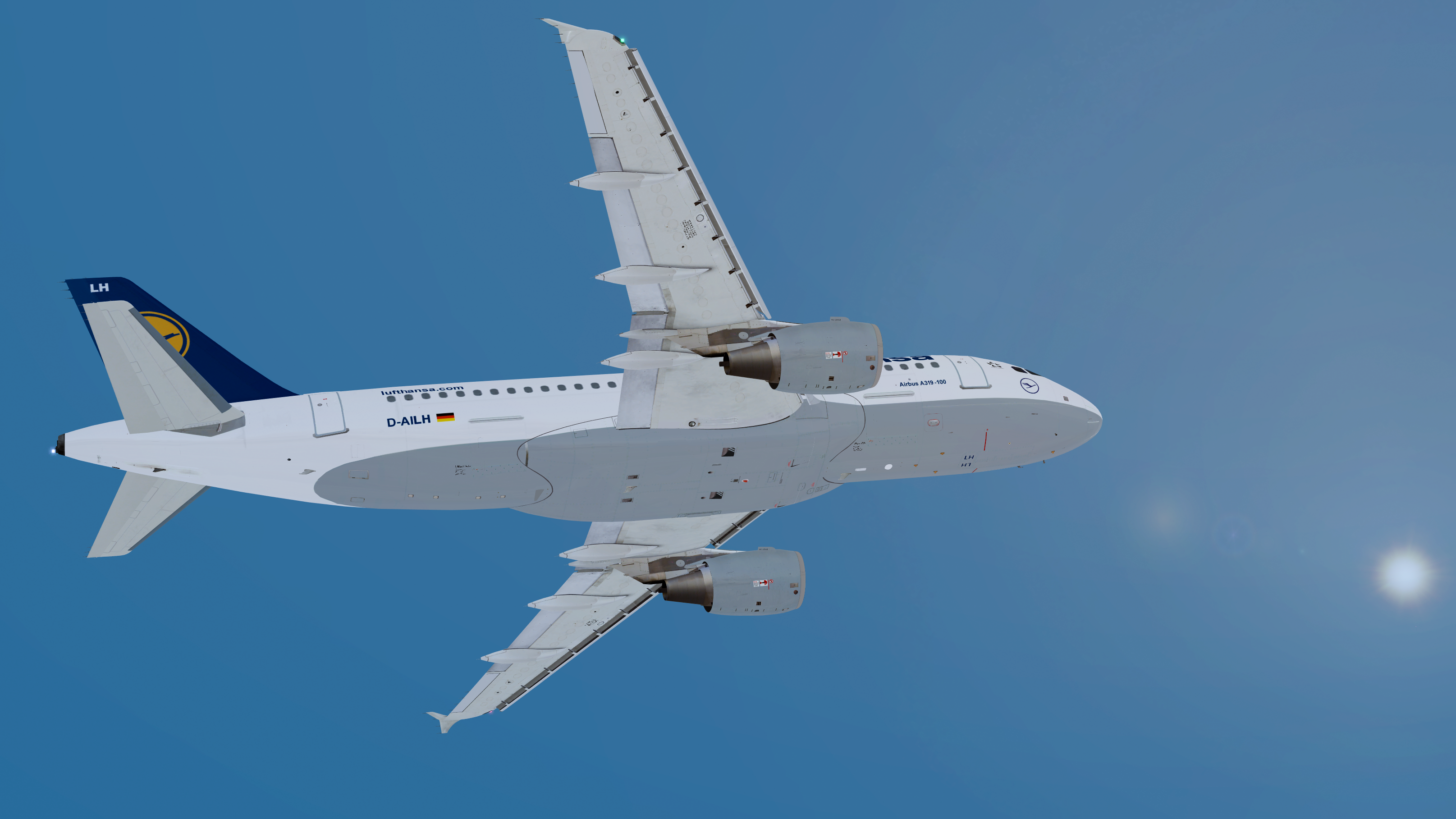
this is Lufthansa's A319 D-AILH. I hope you enjoy it. You may report any findings to me.

Have fun and thank you!

Known Bug:

Red colors the on drain masts are not very straight on the Edge, I will fix it soon.


best regards

Michael


What's New in Version 1.0.0

Released

No changelog available for this version.

User Feedback

Robin Locher

Robin Locher

   2 of 2 members found this review helpful 2 / 2 members

Top livery:), but normaly Lufthansa has got white wings:)
and yes Eurowings and Germanwings would be great:) and Germanwings also with white wings

Response from the author:

That‘s right, I just let them unpainted, because I thought they will be white in that case, actually I painted them white, already. This update will come soon, when I have a solution for the VHF2 Antenna, I painted it red, but it stays white. I think there is a bug from FSLABS Site. I already asked in the Forum, but there is still no response to it.


kind regards

adi_schell

adi_schell

   2 of 2 members found this review helpful 2 / 2 members

Top livery :)


Could you probably do a Eurowings livery?


Response from the author:

Sure, I‘m pretty busy the next days, but I‘ll try my best to finish it ASAP

Account

Navigation

Search

Search

Configure browser push notifications

Chrome (Android)
  1. Tap the lock icon next to the address bar.
  2. Tap Permissions → Notifications.
  3. Adjust your preference.
Chrome (Desktop)
  1. Click the padlock icon in the address bar.
  2. Select Site settings.
  3. Find Notifications and adjust your preference.
