
Skip to content
View in the app

A better way to browse. Learn more.

Flight Sim Labs Forums

A full-screen app on your home screen with push notifications, badges and more.

To install this app on iOS and iPadOS
  1. Tap the Share icon in Safari
  2. Scroll the menu and tap Add to Home Screen.
  3. Tap Add in the top-right corner.
To install this app on Android
  1. Tap the 3-dot menu (⋮) in the top-right corner of the browser.
  2. Tap Add to Home screen or Install app.
  3. Confirm by tapping Install.

Air Transat A320 C-GCKR 1.1.0

(1 review)

2 Screenshots

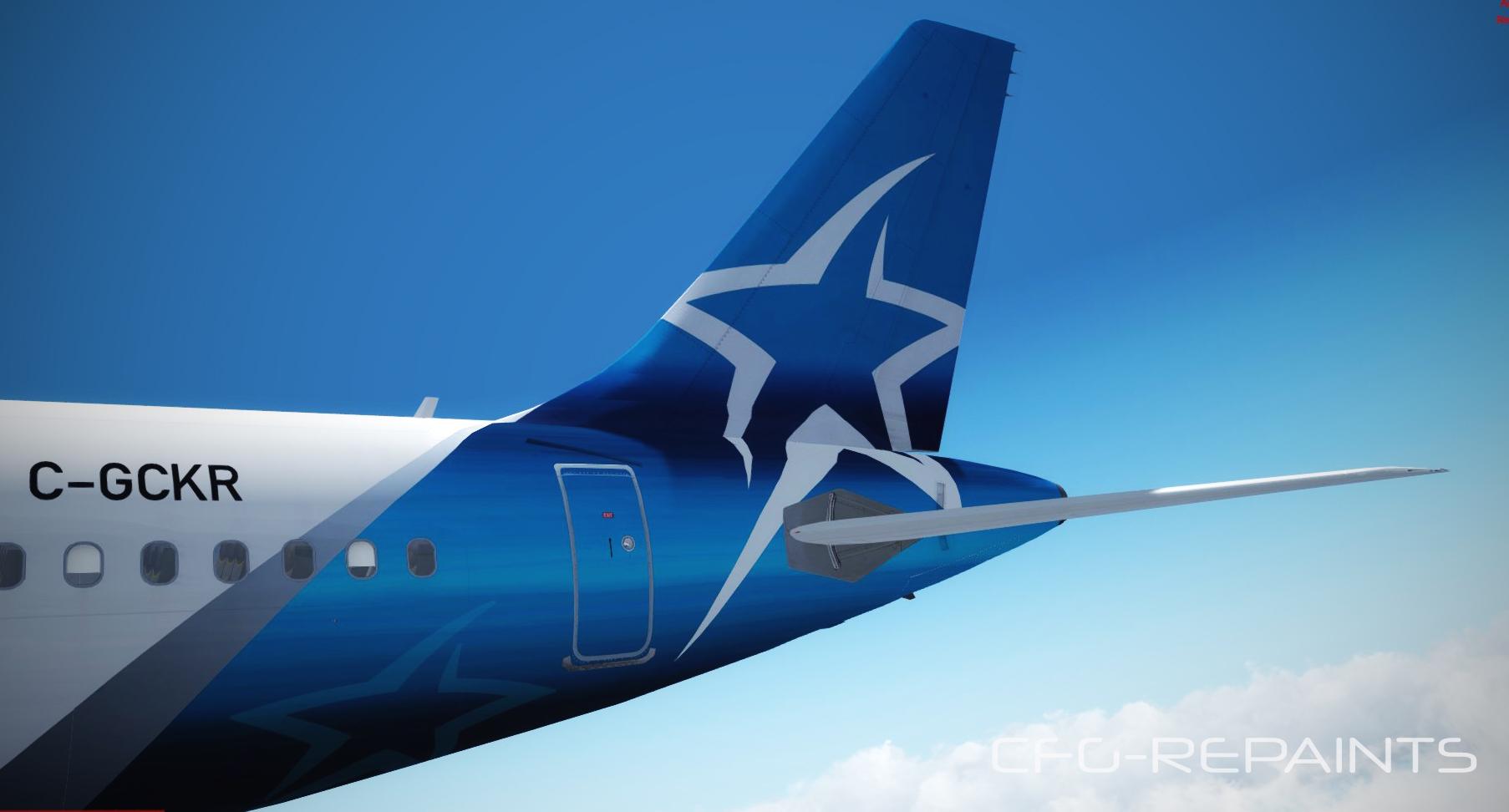
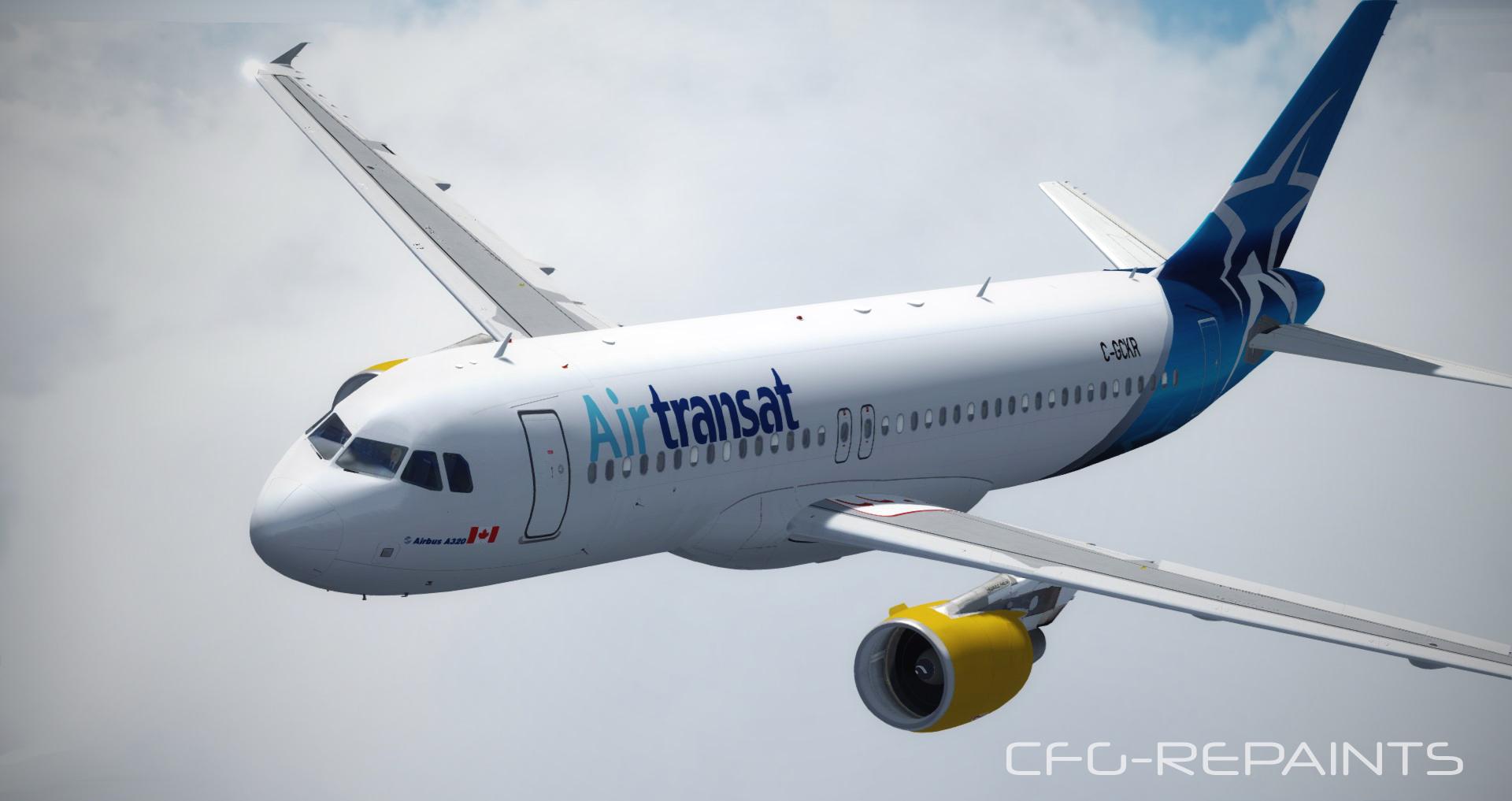
Air Transat A320 C-GCKR which is a wet-lease from Condor for the Winter Season 17/18 (ex D-AICK)


Thanks to @John Tavendale for using some parts of his textures and thanks to @Hugo Bicho for using his Engine textures. Also thanks to @Christian Mohr for using his wing textures.

A Readme with instructions is included.


More liverys at: FS-Kurier

Also visit my Facebook Page CFG-Repaints


What's New in Version 1.1.0

Released

- fixed tail 

- corrected logos and fonts

User Feedback

William Leblond

William Leblond

   1 of 8 members found this review helpful 1 / 8 members

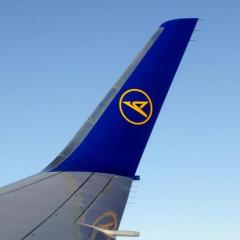
Livery was perfect until I saw the right side of the tail. :unsure:

STAR IS REVERSED. :(:( GOD DAMN, it should look like this ... #heart #broken

1/10 IGN

28660804_1741897485833218_32727692156264

Account

Navigation

Search

Search

Configure browser push notifications

Chrome (Android)
  1. Tap the lock icon next to the address bar.
  2. Tap Permissions → Notifications.
  3. Adjust your preference.
Chrome (Desktop)
  1. Click the padlock icon in the address bar.
  2. Select Site settings.
  3. Find Notifications and adjust your preference.

