
Skip to content
View in the app

A better way to browse. Learn more.

Flight Sim Labs Forums

A full-screen app on your home screen with push notifications, badges and more.

To install this app on iOS and iPadOS
  1. Tap the Share icon in Safari
  2. Scroll the menu and tap Add to Home Screen.
  3. Tap Add in the top-right corner.
To install this app on Android
  1. Tap the 3-dot menu (⋮) in the top-right corner of the browser.
  2. Tap Add to Home screen or Install app.
  3. Confirm by tapping Install.

Austrian Airlines A320-214 2.6.0

(3 reviews)

2 Screenshots

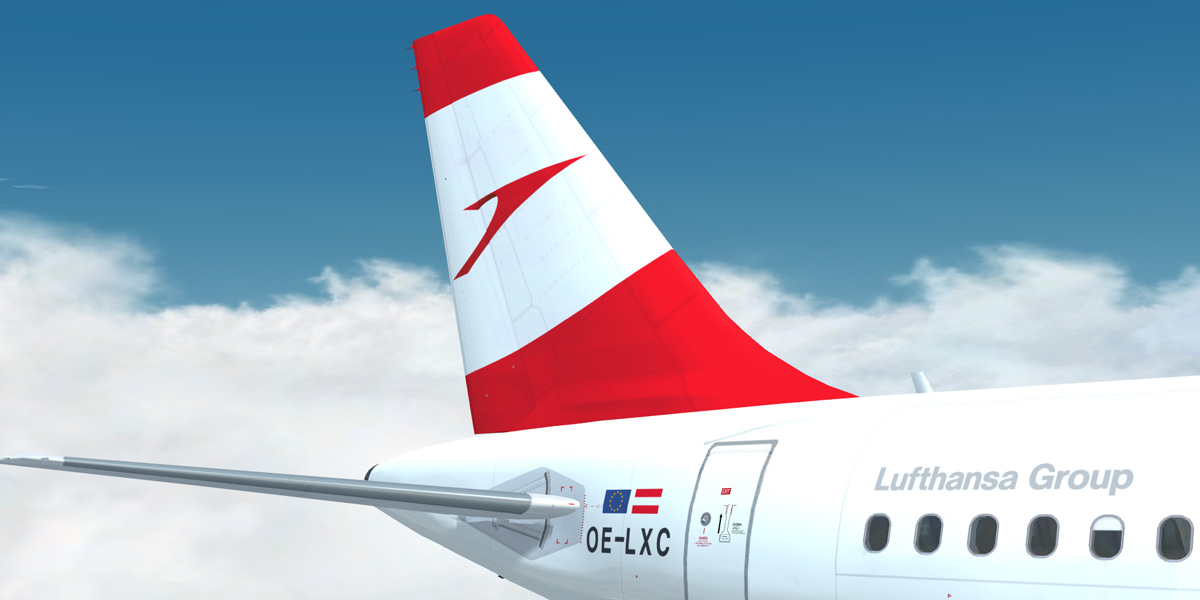
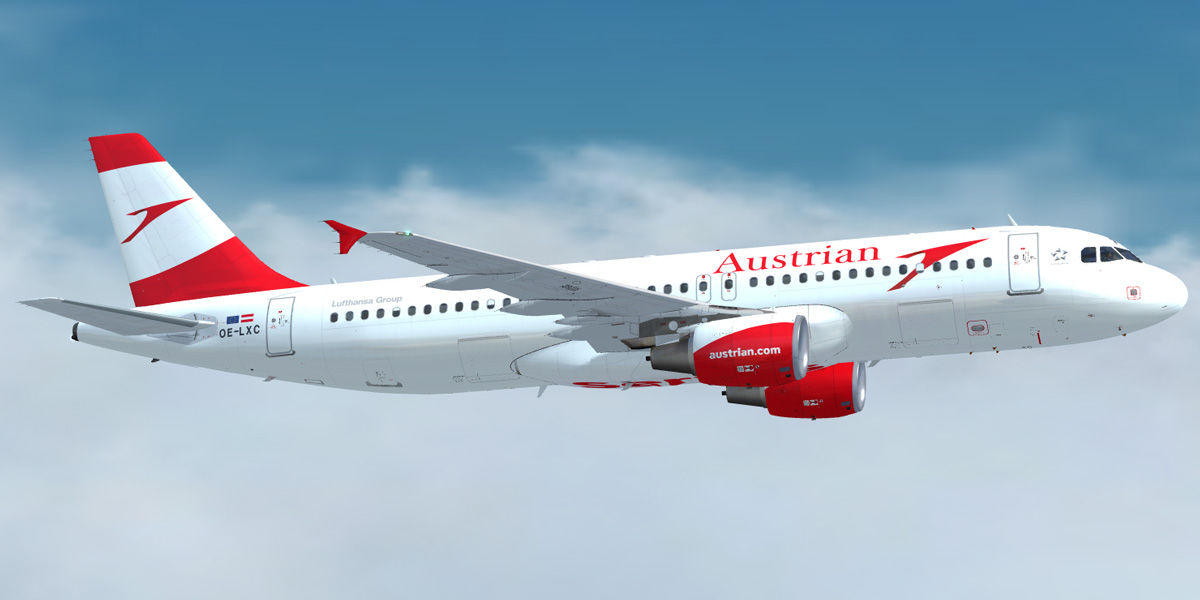
Austrian Airlines A320-214 [OE-LXC]

  •     The download contains a repaint of an Austrian Airlines' A320-214 [OE-LXC].
  •     Repaint comes with customized fuselage, engine and wing textures.
  •     For installation instructions check the included readme.txt.


What's New in Version 2.5.0

Released

  • Reworked fresnel ramp.
  • Reworked specular texture to give a more glossy look.

User Feedback

Jakub Golais

Jakub Golais

   0 of 1 member found this review helpful 0 / 1 member

Hey man you livery is awsome but is there possiblity to update it... it is little bit blurried


Bogdan Misko

Bogdan Misko

   1 of 1 member found this review helpful 1 / 1 member

Perfect rendition of the new red AUA arrow! B)

Mar:kus Czie:gler

Mar:kus Czie:gler

   2 of 3 members found this review helpful 2 / 3 members

Thank you so much Christian for making this beautiful repaint of my Homecarrier in its current livery!


First flight today out of LOWK somewhere over Slovenian airspace...


Greets,

Markus

AUA OE-LXC.jpg

Account

Navigation

Search

Search

Configure browser push notifications

Chrome (Android)
  1. Tap the lock icon next to the address bar.
  2. Tap Permissions → Notifications.
  3. Adjust your preference.
Chrome (Desktop)
  1. Click the padlock icon in the address bar.
  2. Select Site settings.
  3. Find Notifications and adjust your preference.

