
Skip to content
View in the app

A better way to browse. Learn more.

Flight Sim Labs Forums

A full-screen app on your home screen with push notifications, badges and more.

To install this app on iOS and iPadOS
  1. Tap the Share icon in Safari
  2. Scroll the menu and tap Add to Home Screen.
  3. Tap Add in the top-right corner.
To install this app on Android
  1. Tap the 3-dot menu (⋮) in the top-right corner of the browser.
  2. Tap Add to Home screen or Install app.
  3. Confirm by tapping Install.

Lufthansa (City of Büdingen) A320-214 1.6.0

(8 reviews)

3 Screenshots

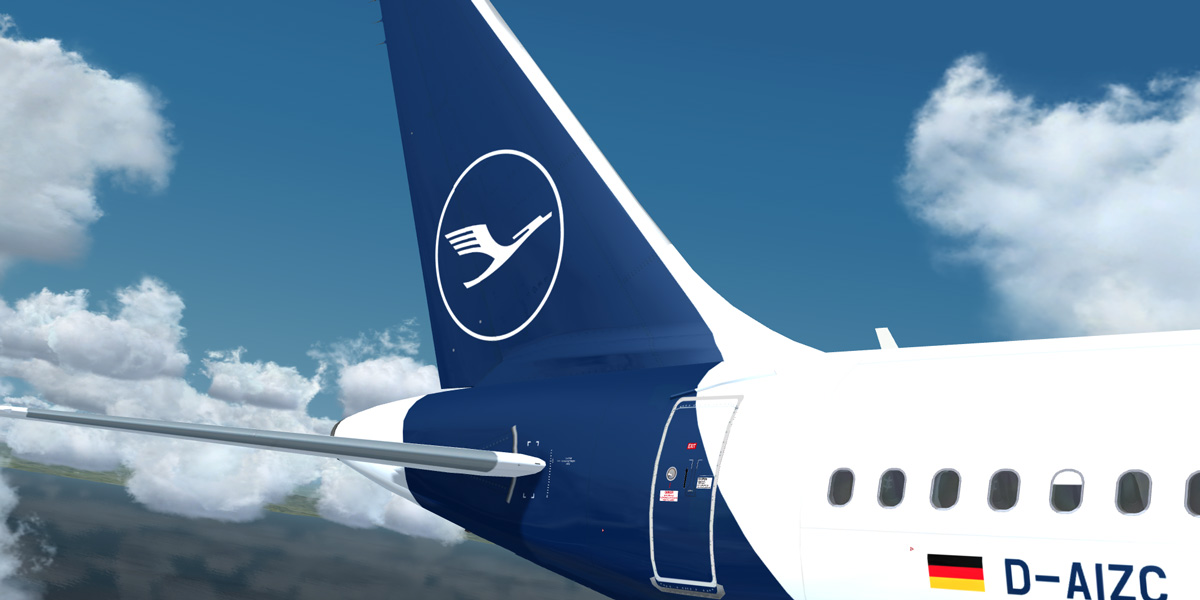
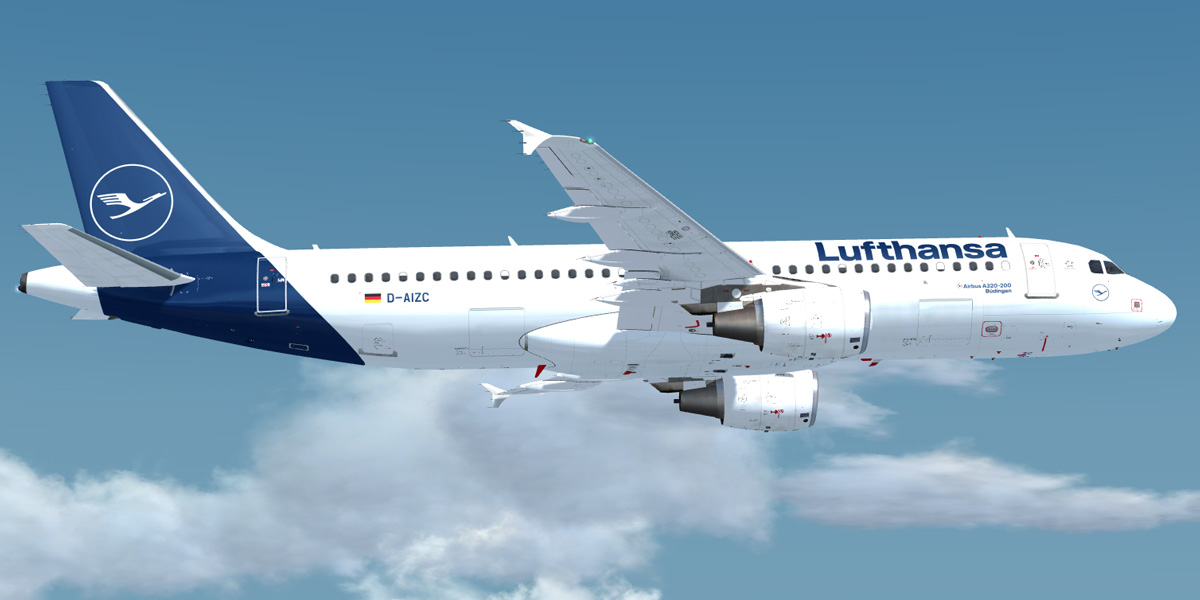
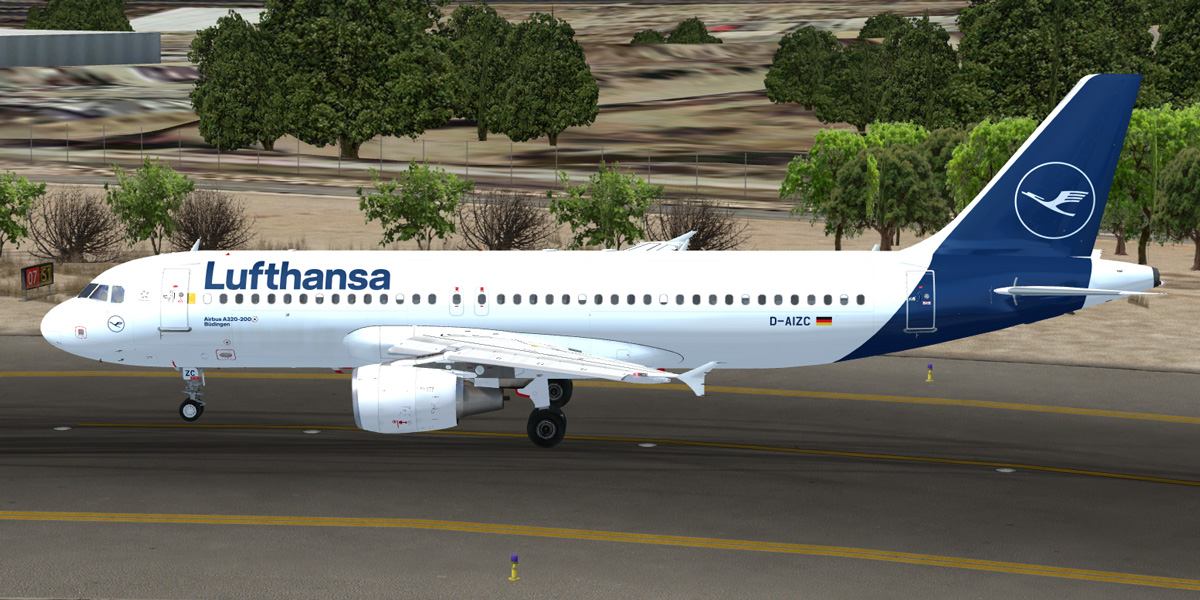
Lufthansa (Büdingen) A320-214 [D-AIZC]

  • The download contains a repaint of a Lufthansa (City of Büdingen) A320-214 [D-AIZC].
  • Repaint comes with customized fuselage, engine and wing textures.
  • For installation instructions check the included readme.txt.

What's New in Version 1.0.2

Released

  • Changed colour of the back door entries to completely grey.

User Feedback

pilotbin

pilotbin

   0 of 1 member found this review helpful 0 / 1 member

Well done

Mar:kus Czie:gler

Mar:kus Czie:gler

   1 of 1 member found this review helpful 1 / 1 member

Thanks again Christian for this beautiful livery...

5aaee7a940353_DLH2.thumb.jpg.24fd799f638f61f53d4d7ec101e9cc54.jpg

Greets,

Markus

TH0R5T€N KlRCHH€lM

TH0R5T€N KlRCHH€lM

   2 of 2 members found this review helpful 2 / 2 members

Well done, Chris ... it is good to see in the liveries section again

Fritz_Essono

Fritz_Essono

   2 of 2 members found this review helpful 2 / 2 members

Amazing work as usual. Thanks.

David Pascoe

David Pascoe

   1 of 2 members found this review helpful 1 / 2 members

Superb work Christian, your best yet; and especially impressive is the way you've managed to capture the ever so slightly changed corporate font. 

And I'm sure that the designers hoped that this is what the new 'Lufthansa blue' would have looked like in real world conditions, rather than the bluish black that one sees on the repainted planes under the overcast skies of northern Europe....

Ole H.

Ole H.

   1 of 3 members found this review helpful 1 / 3 members

Wow, just wow. Thanks Christian, your work is appreciated. Your repaint skills are simply amazing!

Bogdan Misko

Bogdan Misko

   1 of 2 members found this review helpful 1 / 2 members

Very nice! Even if I don't like the new livery at all in reality.

Simon Brinkmann

Simon Brinkmann

   3 of 5 members found this review helpful 3 / 5 members

What shall I say to this - It's a great repaint. Thank's Christian.

*5 STARS*

Account

Navigation

Search

Search

Configure browser push notifications

Chrome (Android)
  1. Tap the lock icon next to the address bar.
  2. Tap Permissions → Notifications.
  3. Adjust your preference.
Chrome (Desktop)
  1. Click the padlock icon in the address bar.
  2. Select Site settings.
  3. Find Notifications and adjust your preference.

