
Skip to content
View in the app

A better way to browse. Learn more.

Flight Sim Labs Forums

A full-screen app on your home screen with push notifications, badges and more.

To install this app on iOS and iPadOS
  1. Tap the Share icon in Safari
  2. Scroll the menu and tap Add to Home Screen.
  3. Tap Add in the top-right corner.
To install this app on Android
  1. Tap the 3-dot menu (⋮) in the top-right corner of the browser.
  2. Tap Add to Home screen or Install app.
  3. Confirm by tapping Install.

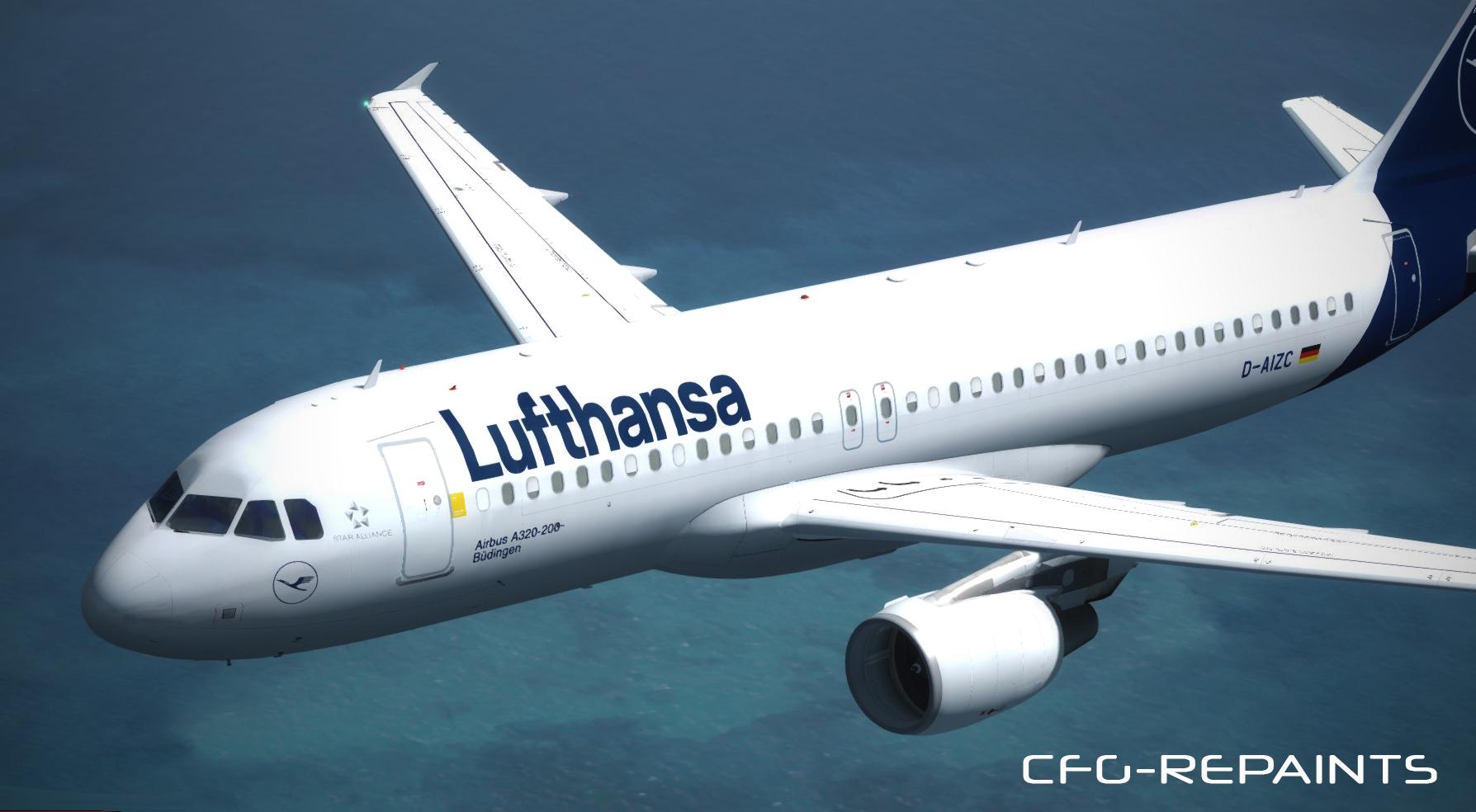
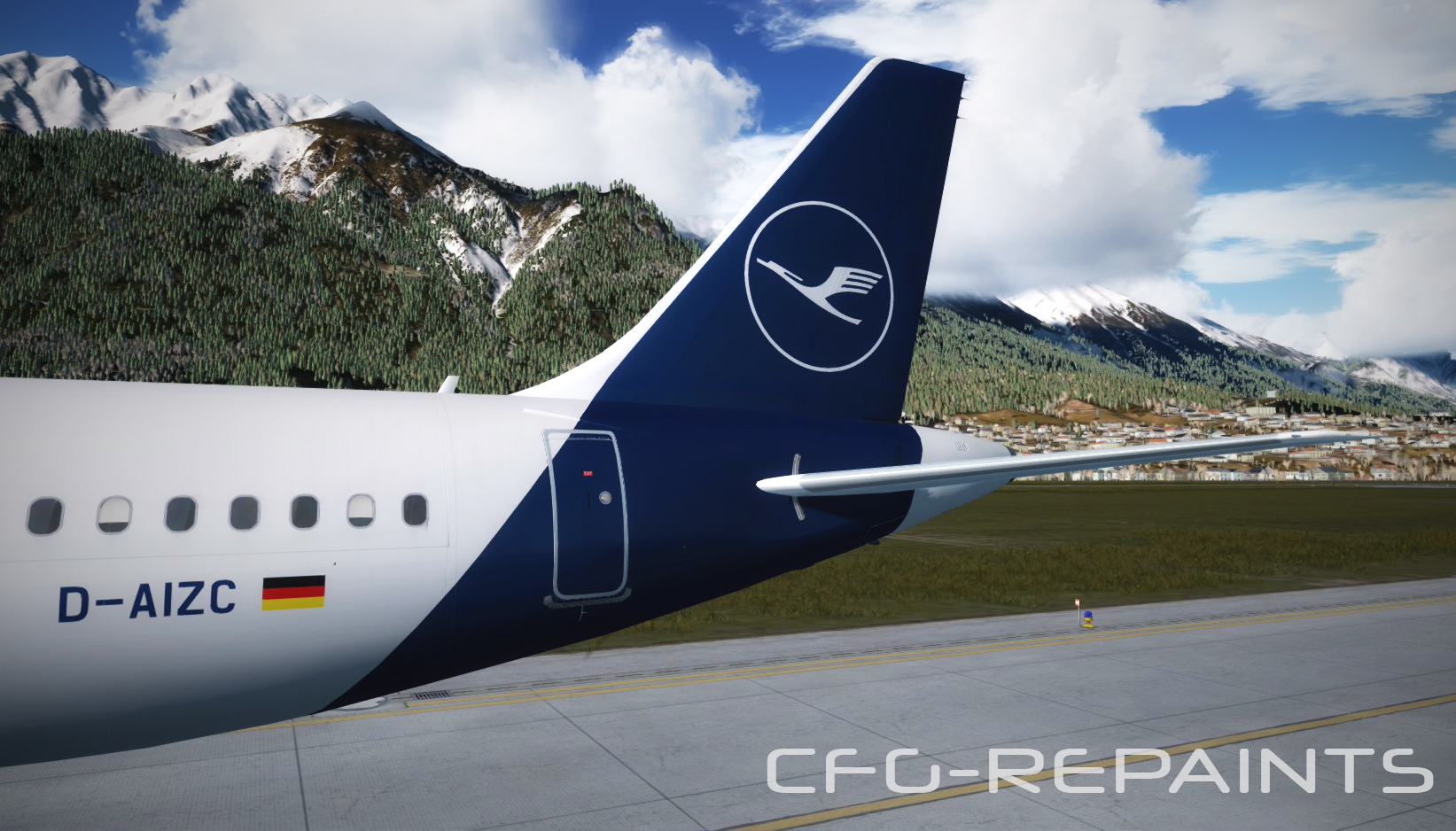
Lufthansa (New livery) A320 D-AIZC 1.0.2

(2 reviews)

2 Screenshots

The first Lufthansa A320 "D-AIZC" (named City of Buedingen) which received the new 2018 Lufthansa livery.


Features: 

- original Lufthansa fonts

- original colours

- added real marks and signs


Thanks to @John Tavendale for using some parts of his textures and thanks to @Hugo Bicho for using his Engine textures.

A Readme with instructions is included.


More liverys at: FS-Kurier

Also visit my Facebook Page CFG-Repaints


What's New in Version 1.0.0

Released

No changelog available for this version.

User Feedback

Thomas Klein

Thomas Klein

   2 of 4 members found this review helpful 2 / 4 members

@Ole H.
You are a big trash talker.
Just make it better or sh.. up.;)

Ole H.

Ole H.

   1 of 8 members found this review helpful 1 / 8 members

Not really accurate, lack of details.

Account

Navigation

Search

Search

Configure browser push notifications

Chrome (Android)
  1. Tap the lock icon next to the address bar.
  2. Tap Permissions → Notifications.
  3. Adjust your preference.
Chrome (Desktop)
  1. Click the padlock icon in the address bar.
  2. Select Site settings.
  3. Find Notifications and adjust your preference.

