
Skip to content
View in the app

A better way to browse. Learn more.

Flight Sim Labs Forums

A full-screen app on your home screen with push notifications, badges and more.

To install this app on iOS and iPadOS
  1. Tap the Share icon in Safari
  2. Scroll the menu and tap Add to Home Screen.
  3. Tap Add in the top-right corner.
To install this app on Android
  1. Tap the 3-dot menu (⋮) in the top-right corner of the browser.
  2. Tap Add to Home screen or Install app.
  3. Confirm by tapping Install.

Finnair A320-214 Retro - OH-LXM (Also With A Custom Nose Cone Version) 1.0.1

(0 reviews)

6 Screenshots

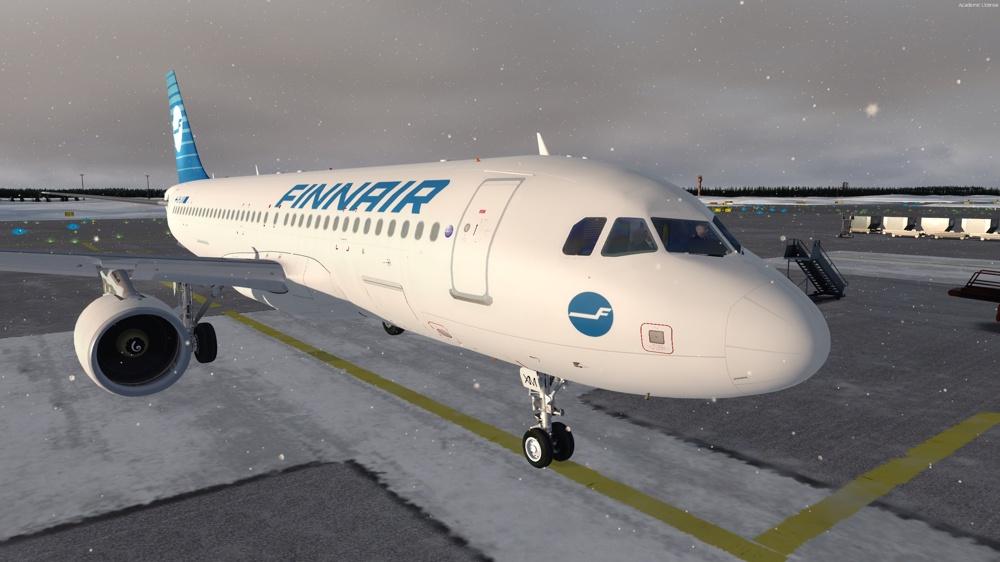
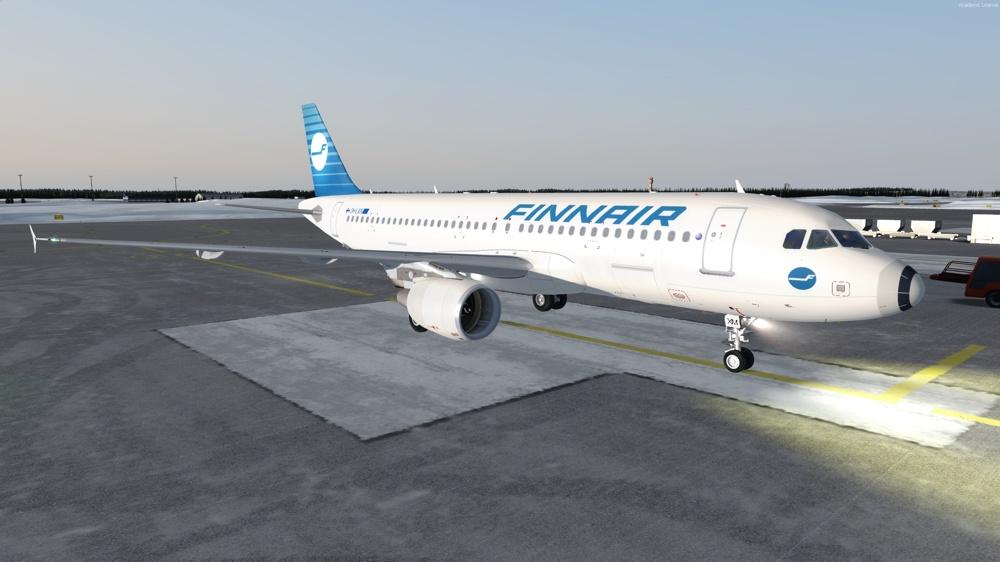
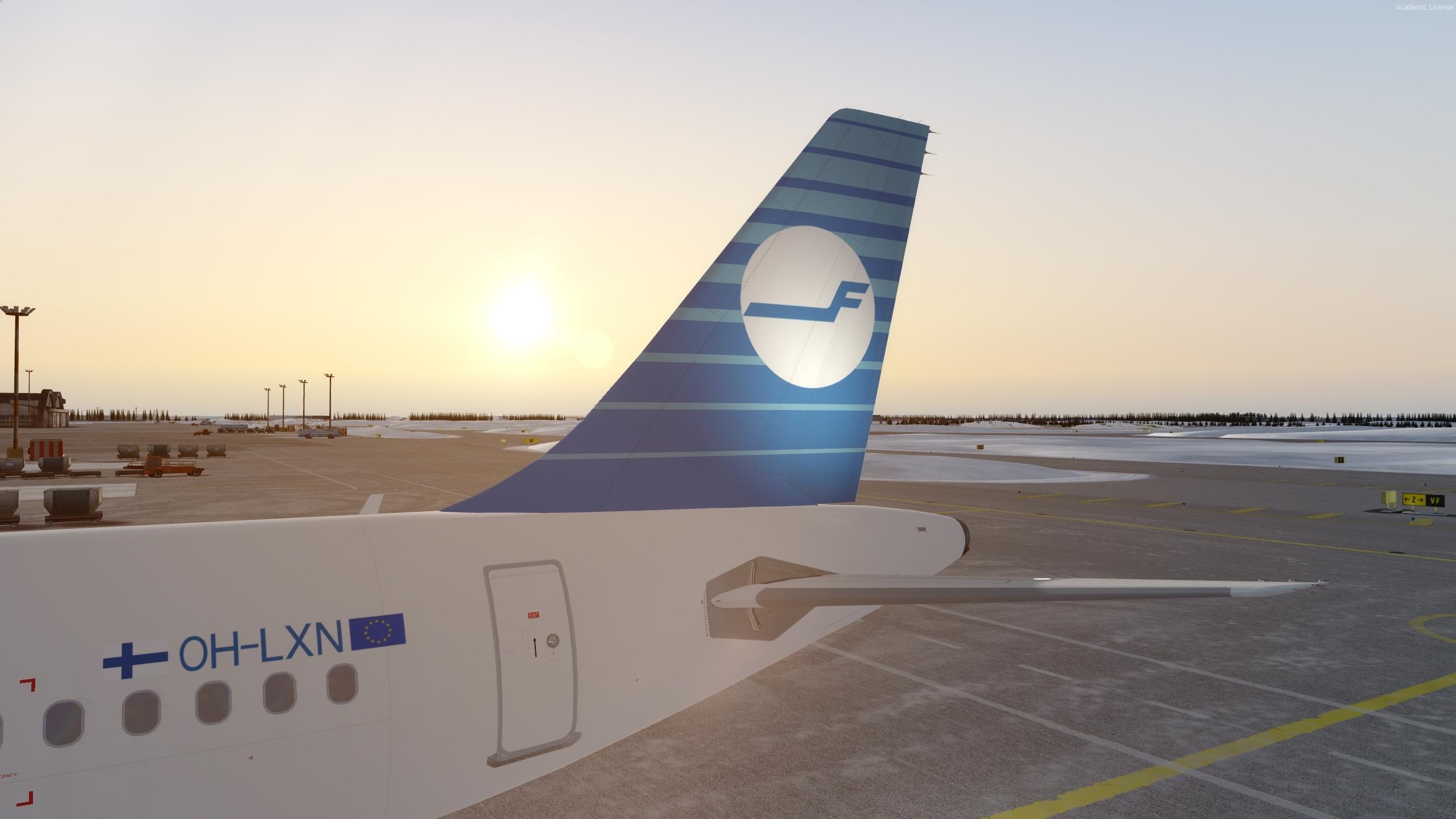
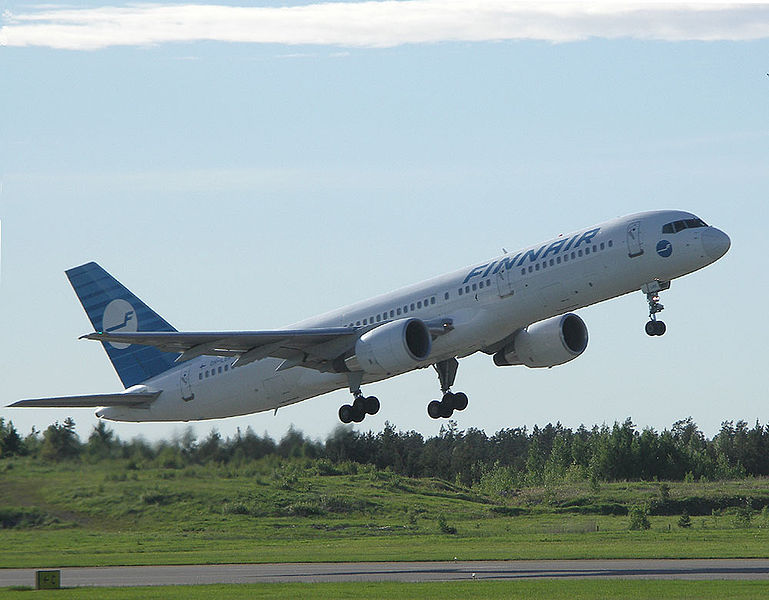
I used to fly retro Finnair 757s back in the day. I have now implemented the livery to FSLabs A320. 

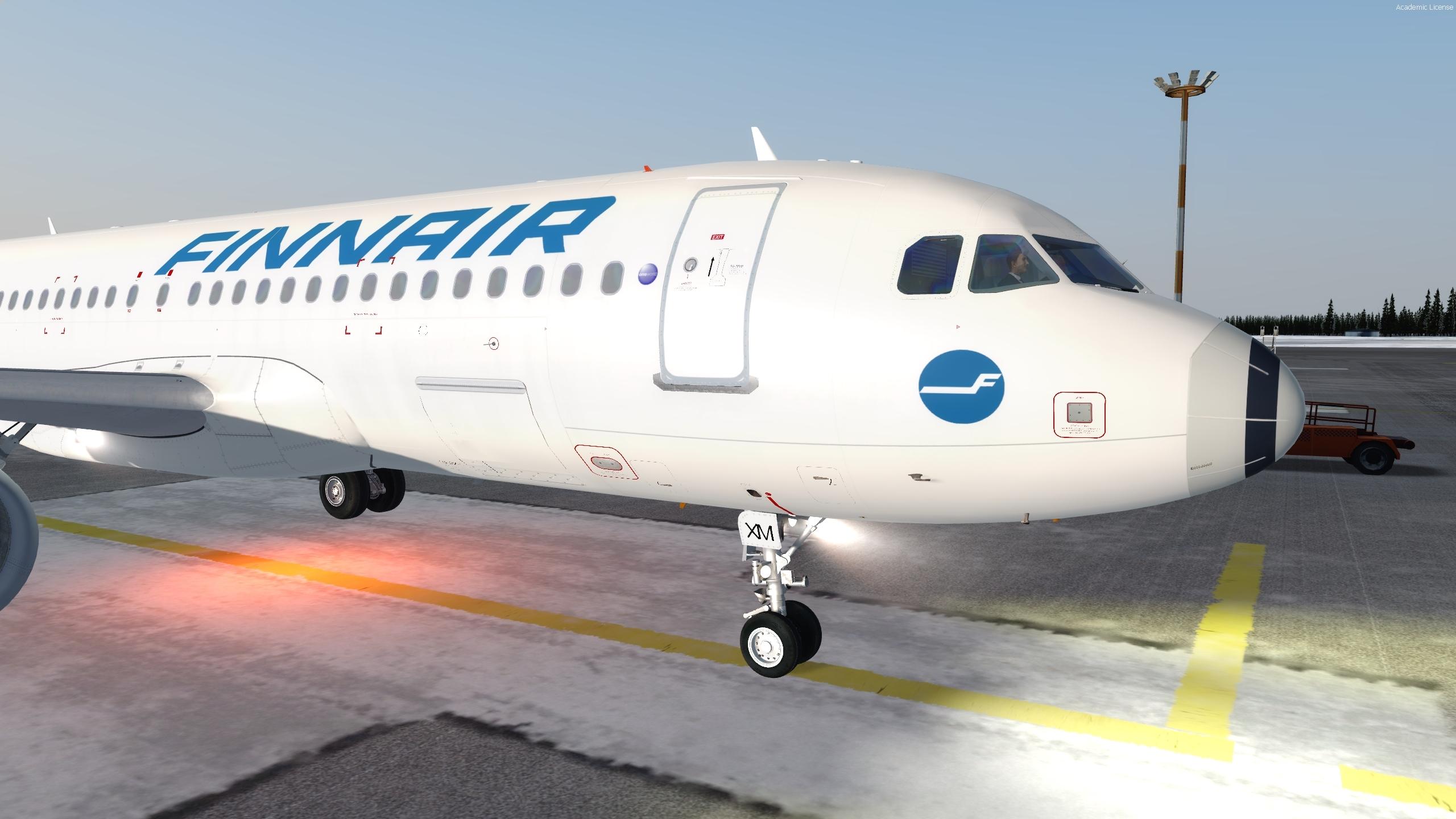
This version includes also a custom nose cone.

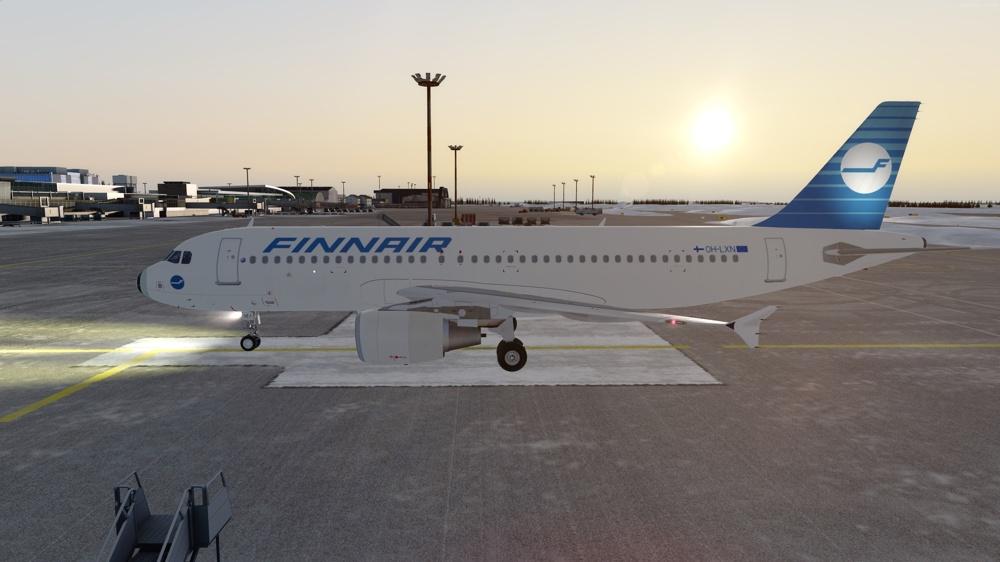
Fuselage has one error which may or may not be fixed (The registration is false OH-LXN when it should be -LXM). 

I have only added my own textures (fuselage, tail and engines) to Joona Toivola's OH-LXM (Finnair A320 Fleet 2.1.0) so everything else is his work (Thank you for letting me to use them).

IMPORTANT NOTICE:

Texture.FIN OH-LXM = With the custom nose cone as seen in the screenshot.

Texture.FIN OH-LXN = Without the custom nose cone as seen in the screenshot.

What's New in Version 1.0.1

Released

Alpha Channels corrected.

User Feedback

There are no reviews to display.

Account

Navigation

Search

Search

Configure browser push notifications

Chrome (Android)
  1. Tap the lock icon next to the address bar.
  2. Tap Permissions → Notifications.
  3. Adjust your preference.
Chrome (Desktop)
  1. Click the padlock icon in the address bar.
  2. Select Site settings.
  3. Find Notifications and adjust your preference.

