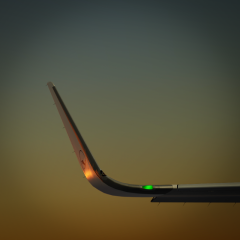
October 19, 20187 yr Looks good! Was it difficult to modify Tavers' paint to fit the updated model? Thanks.
October 19, 20187 yr He surely means that. We in Central and Northern Europe will be (un)lucky to then have to deal with slow or more be able to fly in snow with all the effects
October 19, 20187 yr We first need to see a cold front approaching from the north western direction but currently in my country we had like 20 degrees Celsius past week.
October 19, 20187 yr 1 hour ago, koen meier said: We first need to see a cold front approaching from the north western direction but currently in my country we had like 20 degrees Celsius past week. There have already been some, actually, and it even has already been snowing a bit in the mountains
October 20, 20187 yr Author I just meant the snow to come soon And no adjustment needed on the paint? Its the Eurowings paint for the A319. Thx for your upvotes!