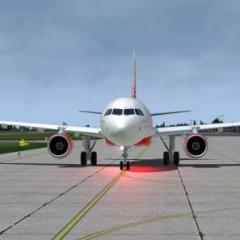
August 2, 20188 yr http://2018-8-2_9-58-2-808 by Roberto Haddad, su Flickr http://2018-8-2_9-57-44-312 by Roberto Haddad, su Flickr 2018-8-2_9-58-17-610 by Roberto Haddad, su Flickr 2018-8-2_10-14-55-672 by Roberto Haddad, su Flickr 2018-8-2_11-7-7-520 by Roberto Haddad, su Flickr 2018-8-2_11-6-50-493 by Roberto Haddad, su Flickr
August 4, 20188 yr Author Great Shots! Just wondering what are you using for your AI traffic models? I use traffic global now [emoji6]Inviato dal mio iPhone utilizzando Tapatalk
August 5, 20188 yr Roberto can I just ask how you’re getting the images to look as clear as photographs? It’s just my PC specs are similar to yours and my AA and image quality isn’t great - I get the feeling I’m not getting the best out of my PC. Or do youedit the photos to make them look that good/clear?