Leaderboard




Popular Content
Showing content with the highest reputation since 08/29/13 in Posts
-
Hello all, It's been a couple months since our last news, so I wanted to take this opportunity and give you an update of our current project development status. We've so far been very quiet as regards our MSFS development plans - we've taken some time to investigate the best possible way to bring our product family into the new platform while maintaining a common code base that still keeps a high level of realism and fidelity as regards the flight model characteristics our customer base has been used to up to now. Given the well documented state of the Microsoft Flight Simulator SDK we are continuing our efforts to innovate beyond the platforms' current limitations. Over the last eighteen months, FSLabs has undergone a period of growth where we've brought a number of new developers on board as well as a new support team member and this allows us to utilize functional teams to develop our products in parallel. A few words regarding our current product road map: We're very excited to be working on the A320 NEO which we expect to make available on the Prepar3D platform initially. The A320 NEO will join the A320-X Master Series line of products that we are working to bring onto the MSFS platform. We also expect to release the Concorde on Prepar3D first and again, we're working to release it to the MSFS platform. We will be excited to share more previews of this title as it enters beta testing in the next six to eight weeks! We're also happy to announce that the A3XX product that we've been teasing for a while now is in fact the Airbus A330. We've been working on this product along side our other development and we expect to give you more news on that later on. Last but not least, as promised in my last news announcement, we're excited to bring a functional update to the A319/A320/A321 WTF series that brings the EFB, and Jump Ahead feature to these aircraft (for owners of the Sharklets series) as part of today's update that will become available in the next few hours as part of our experimental channel. This update will also include more fixes and improvements to the FMGC logic as part of our continued commitment to supporting our existing product family. As always, thank you for your continued support!256 points
-
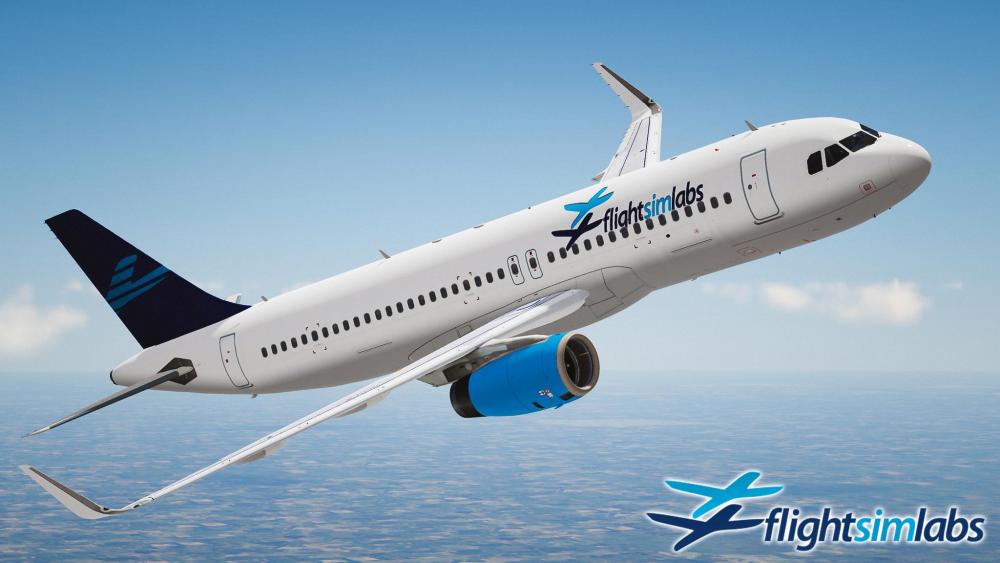
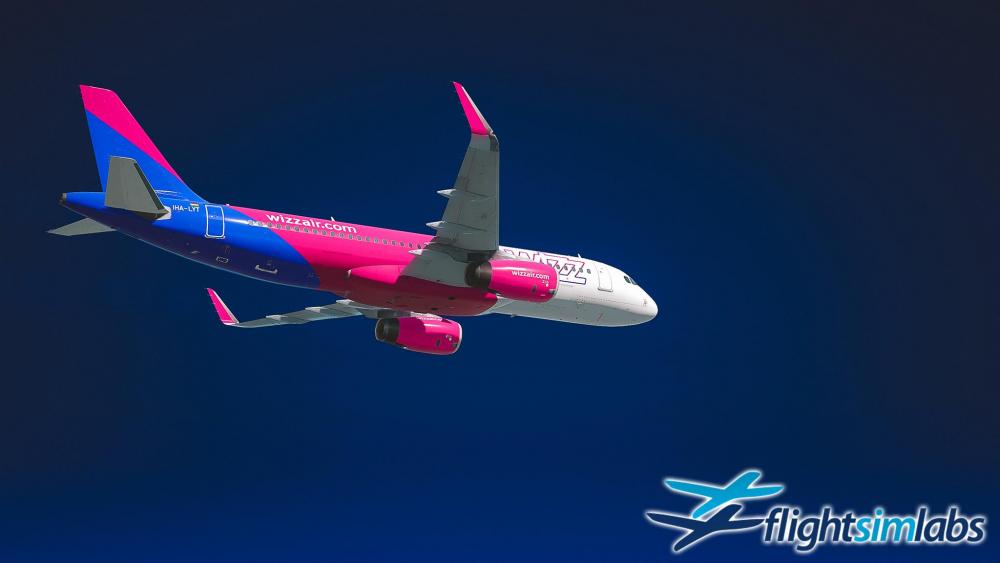
Hello everyone, I wanted to take the opportunity to first of all extend our hopes and wishes that everyone is feeling well and safe from the COVID-19 pandemic that has befallen the world. Please be careful to follow your government's instructions and advice so that this can become part of stories and folklore we all one day tell our grandchildren. Lockheed Martin's release of Prepar3D v5 is now behind us and I would also want to take a moment to discuss our roadmap regarding updates for the already released product line and a bit of detail on what the future holds regarding our upcoming releases. Prepar3D v4.5 - New HotFix 3 was released (did anybody notice?) First of all - while the spotlight has been on the P3Dv5 release - LM also sent out an update to P3Dv4, the new version being v4.5HF3. This will require that our existing products be updated to support it, so expect a quick compatibility-only update to roll out within the next few days, once our beta testers have taken some time to ensure everything still works as before. This update will strictly be for v4.5 HF3 compatibility reasons and will not add new functionality or features. NOTE: If you update to the latest P3D v4.5 HF3 before this compatibility update is released, we cannot and will not provide support for any problems that might surface, other than to say "please roll back until our compatibility update is out". Prepar3D v5 - What is new? What can work? We are deep in the process of testing our product line with the new platform. As a lot of you are also discovering now, there are a lot of underlying engine code changes in that base platform that are causing us to take time to ensure that we can safely release the products to you. Most of that effort revolves around the change from DX11 to DX12, but also there are some PBR modeling updates that we are looking to take advantage of as well, going into the P3Dv5 world. We are also investigating what the effect of DX12 will be on our testers with older / less powerful graphics cards, as reports are already coming in where users are running out of VRAM causing their sim to either crash unexpectedly or show the DXGI error that means their graphics card couldn't handle something and crashed the sim. We are aware that LM are also actively looking into this matter, so we'll make sure to keep you updated with our findings as well. Product updates and roadmap As I've explained in previous announcements, our development team focus has been on the new exciting Sharklets add-on, however we have also been adding new features and updating our existing product line in parallel with the Sharklets effort. We are looking forward to releasing these to you in the coming weeks - I would like to take the opportunity here to list the most significant of these additions and updates. Note that the order I am presenting the product line below is most likely going to be the order that our products will be rolling out, but this as always is tentative and subject to change at any time. FSLabs A320-X Those of you who have been with us since the FSX days know that we continuously update and improve on already released products for years after they first come out. The A320-X is a true testament to this philosophy, so we are going to be releasing several exciting features and new logic. Among the most notable of the updates and new features that the A320-X platform has received are: Added S8 software updates to the FMGS MDA/DH replaced with BARO/RADIO UPDATE AT deprecated IRS INIT page updated FIX INFO pages updated DMC updates for Profile/VDEV and approach identifiers Flight Guidance NPA logic revised Added CPDLC systems Added DCDU displays Several external model and virtual cockpit improvements All new PBR textures on the external IAE and CFM models That last part (PBR textures) requires that we release an updated paint-kit to go along with the updated model, to support the necessary PBR changes. We expect to also roll out new versions of our FSLabs-supported liveries for the models very shortly after the main product release that will feature those individual liveries in PBR textures. FSLabs A321-X We expect the A321-X product to be released relatively shortly after the A320-X update. It will also receive the updated S8 version of the FMGS logic and benefit from those code changes that the base A320-X platform receives. We're also looking into some PBR enhancements that can be added to the model, mainly for when it loads into the newer P3Dv5 platform. FSLabs A319-X While our testers are busy testing the A321-X update, we will also be updating the A319-X to receive the same amount of love and attention shown to its bigger brethren. This means we'll also be updating the external model to receive PBR textures and add the same FMGS, CPDLC and DCDU updates as in the other two aircraft variants. Expect this to drop sometime after the A321-X, followed closely with an updated paint-kit and PBR textured liveries, in a staggered roll-out release. FSLabs A320-X SL / A321-X SL "Sharklets" We have been paying special attention to our upcoming NEW expansion product, the "Sharklets", as it contains not one, but two aircraft variants, the A320-X SL and the A321-X SL, each having two individual engine variants - CFM and IAE, released together as a single product package, at an attractive price. I've been noticing several posts on social media asking why this is taking as long as it does as it's "just a few model changes on the end of the wings and some painting". Oh how I wish it were so... but it's not. Here's a by-far-not-all-inclusive list of the major differences / updates and new items that are in this product package: Electronic Flight Control System Load Alleviation Function (LAF) Aileron Anti-droop system Flight Model: Each of the four variants operates within a narrow margin of operational data, making this a true simulation of the specific aircraft, giving customers the unique opportunity to discover the intricate details and flying characteristics that until now, only pilots could comment on. FMGS S8 version update (as above) Fuel System: New fuel system supporting center tank jet pumps Updated FQIC and FLSCU logic Updated FWC to latest software standards Updated SDAC to latest software standards New ISIS model New DU LCD colorset for better contrast DDRMI now optional SATCOM Radome now optional iPad-style Electronic Flight Bag now optional Lighting: All lights are now LED Each LED light has accurate warm up / cool down times (exclusive FSL feature through FSLSpotlights technology) Anti-strobe blocker option to prevent cockpit glare Oh, and did I mention the sharklets added to the wings? Fun aside, the external model features many differences - some subtle, some not so much, like the upper wing to body belly fairing which is new... (see if you can spot them in the images below) Will there be a cost involved for the updates to roll into P3Dv5? No. The updates to all our existing products will be free of charge for existing customers, so you can continue to purchase P3Dv4 versions today and not worry that upgrading into P3Dv5 will cost extra. However, please keep in mind that this transition is not easy or simple for our development team, so there might be a period of time required while the details are worked out. Can I take my existing A320-X/A319-X/A321-X and copy the files over into P3Dv5? No. This will not work. If you manually attempt this and break your product by doing so, our support staff will not be able to assist you in recovering it, sorry, you're on your own! ---- One last thing, and as I do with most of my announcements: as a way of saying thank you very much for your continued support, I've added some screenshots the team collected for your viewing pleasure! Stay safe please!

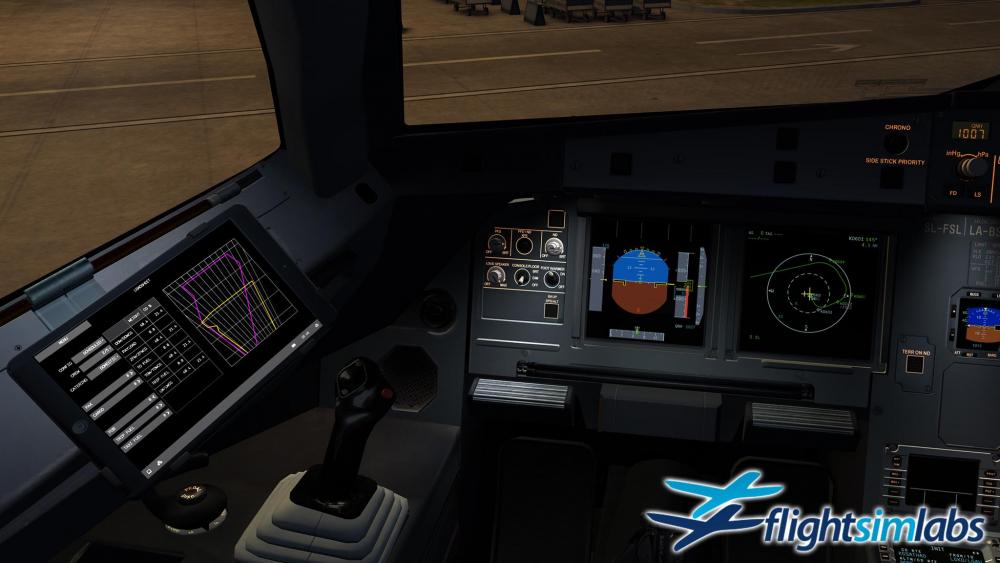
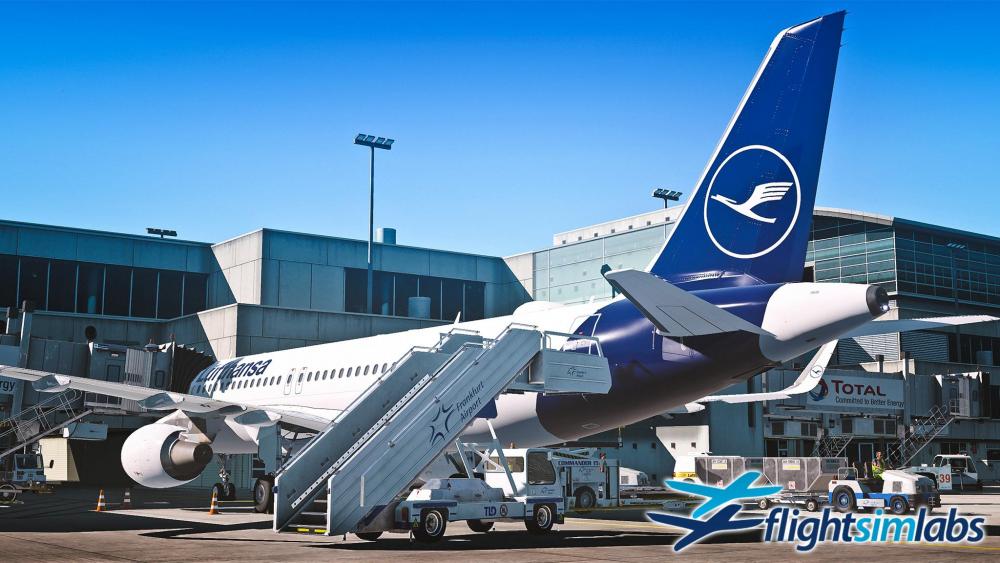
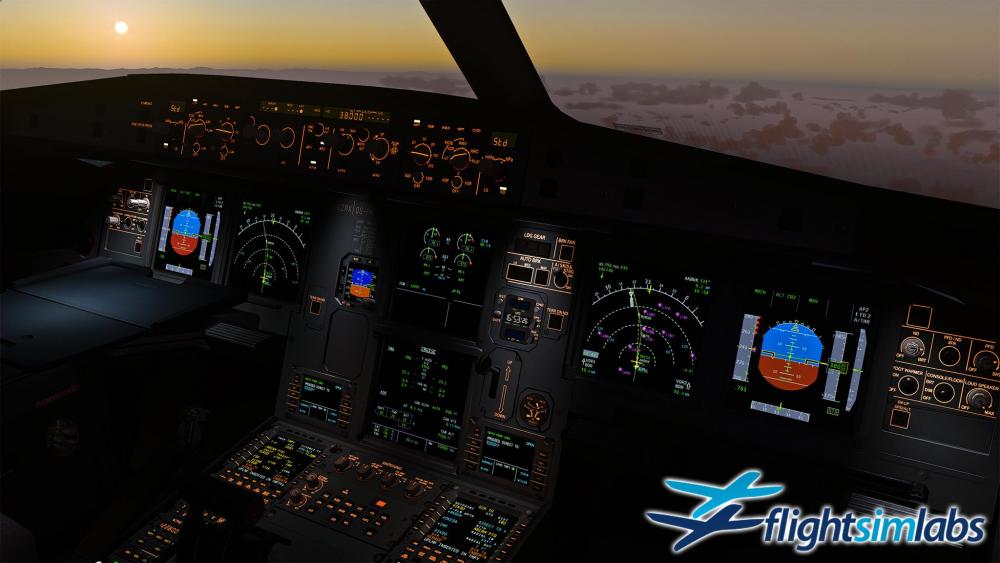
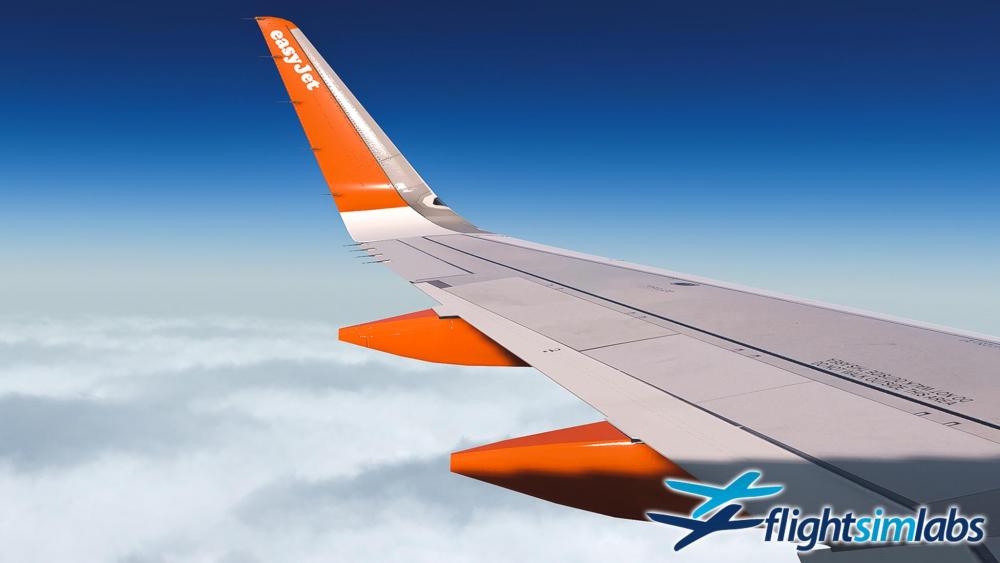
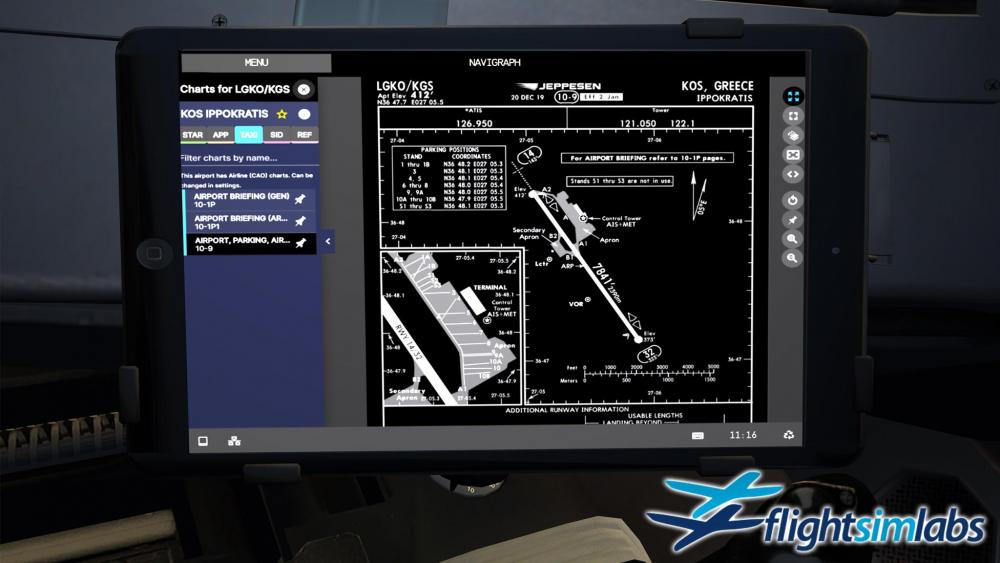

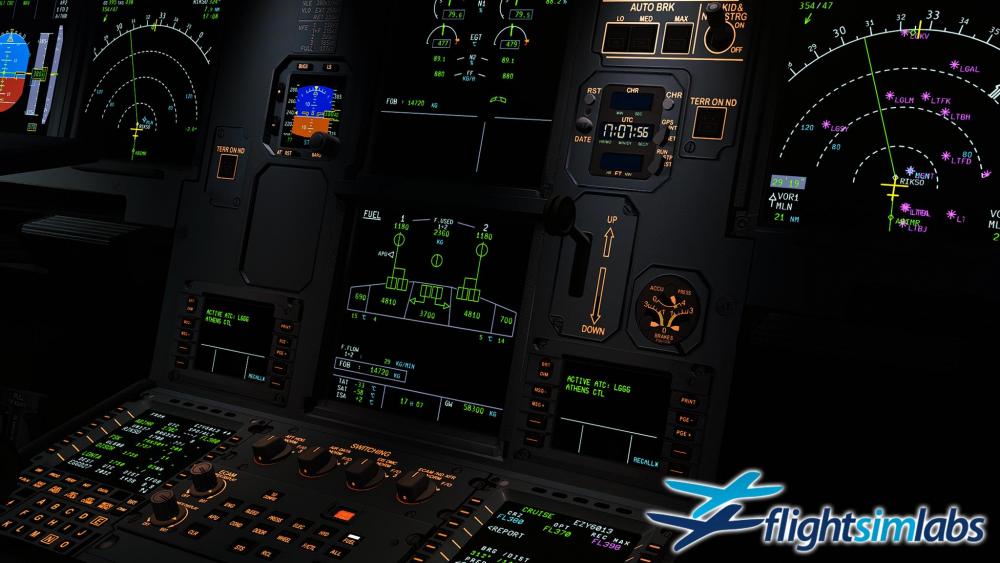
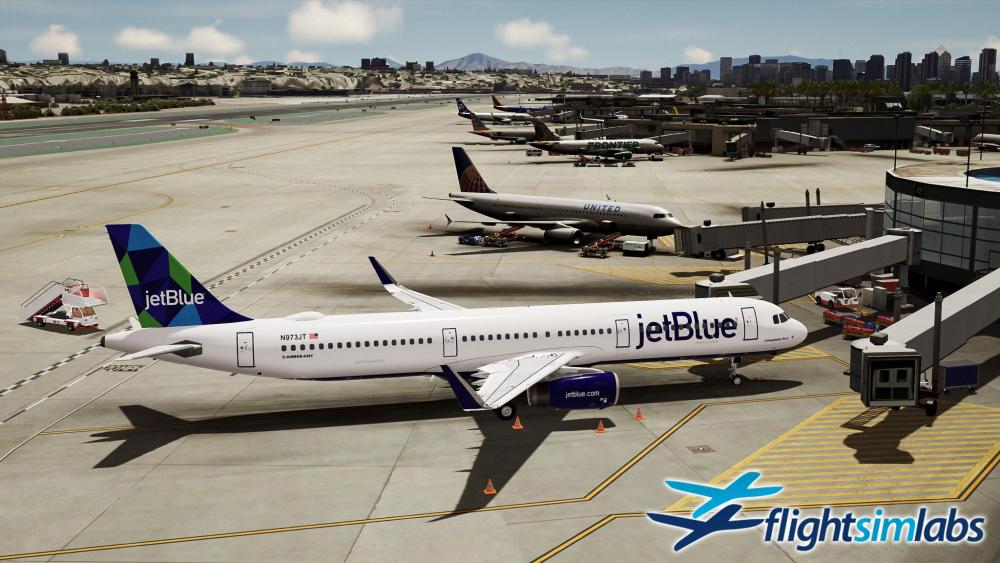
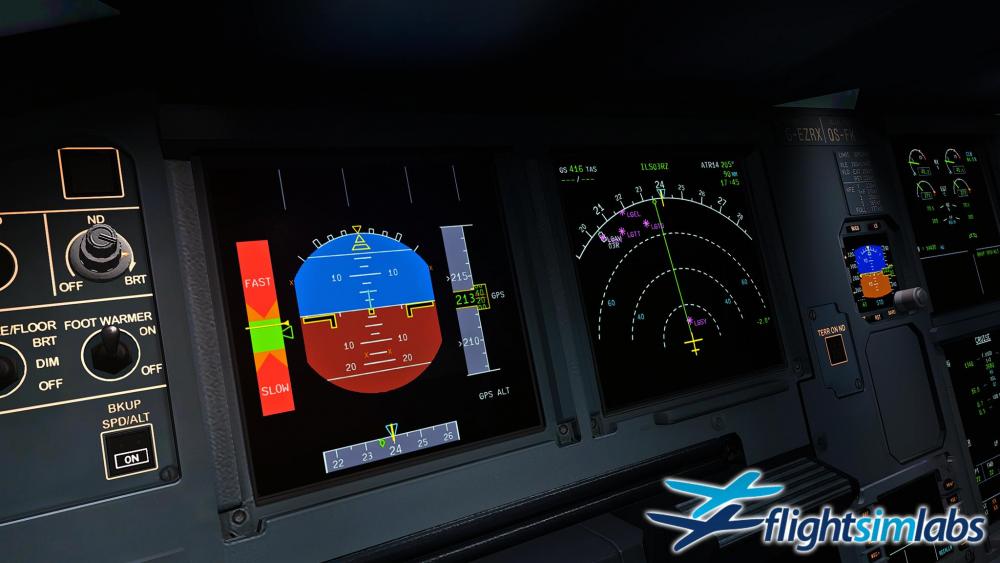
 249 points
 -
Hello everyone, I am happy to announce that our latest update (v5.0.1.126) for the A320-X, A319-X and A321-X for P3D v4 and v5 (64-bit) is now live and available through our download page. This is a maintenance update which fixes several issues identified since our last public release, mostly related with connectivity with GSX and some tweaks to the external lights (positions and light intensities). We also fixed the rain / snow effects showing through the Logo lights. I would also like to take this opportunity to wish everyone happy holidays from all of us at Flight Sim Labs - this past year has been trying for most of us with the Covid-19 pandemic changing our lives so much. We have all been greatly affected and we sincerely hope that you and your families have stayed safe and protected as much as possible. We hope and expect that 2021 will bring significant improvements for the world - the remedies that are now becoming available should return us to a semblance of normalcy and we hope to see you all again soon if and when the flight sim expos return (Cosford and others). On our little corner, we are looking forward to releasing the A320-X and A321-X Sharklets products in early 2021. A tremendous amount of work has been dedicated to putting together very comprehensive releases and we are receiving excellent feedback from our beta team on their progress. You will be getting more detailed views of what's to come soon, as we are coordinating with those of our beta testers who also stream regularly in order to showcase the multitude of new capabilities added to what we feel are the most feature-rich products so far to come from our development efforts. I would be amiss not to also mention the work that has been going into the Concorde-X which will also be released this coming year - there are impressive features added which deserve their own release note, so I will be doing that at some point soon. Once again - we wish you all the best and may the year 2021 bring happiness and joy - and some long-required reuniting with our friends who we have missed dearly! Thank you, as always, for your support!169 points
-
Hello all, As with most everyone else globally, we've felt the effects of the pandemic and we wish that you and your families are all safe now that things are starting to clear up again. A quick update on some developments and where we’re at with certain projects: The A320-X Series: We’ve been making progress on implementing new features within the FMGS. Last month we pushed out some new infrastructure that included lateral offsets – and our team are currently reworking some of the logic around holds. Expect to see more features trickle out as this line of work continues. We have received a lot of feedback from our A320-SL customers that they would love the ability to use our EFB within their Wing Tip Fence aircraft. So - in our next update (I will advise when it's available through the experimental channel), any customer who owns one of our SL titles will also be able to use the EFB in any of our A320-X series aircraft. The A3XX Series: Work has been steadily picking up pace on this project and as resources become available, they are now being allocated onto this variant. Expect an announcement later this year. Concorde: We’ve been full steam on this title for some time now – and excellent progress is being made by our teams on the all new modeling (external as well as virtual cockpit). We’re excited to begin showing some previews soon. This new title is now packed full of all the features, detail and immersion that our customers have come to expect from Flight Sim Labs. Oh - and if you wish to see something else we've been working on... check out our Facebook cover Thank you once again for your continued support as always!152 points
-
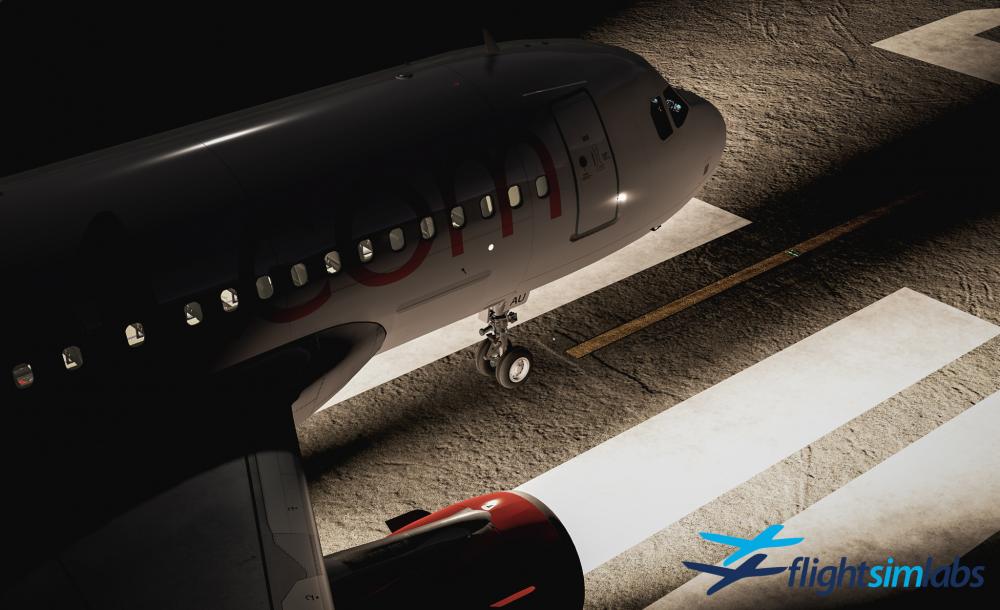
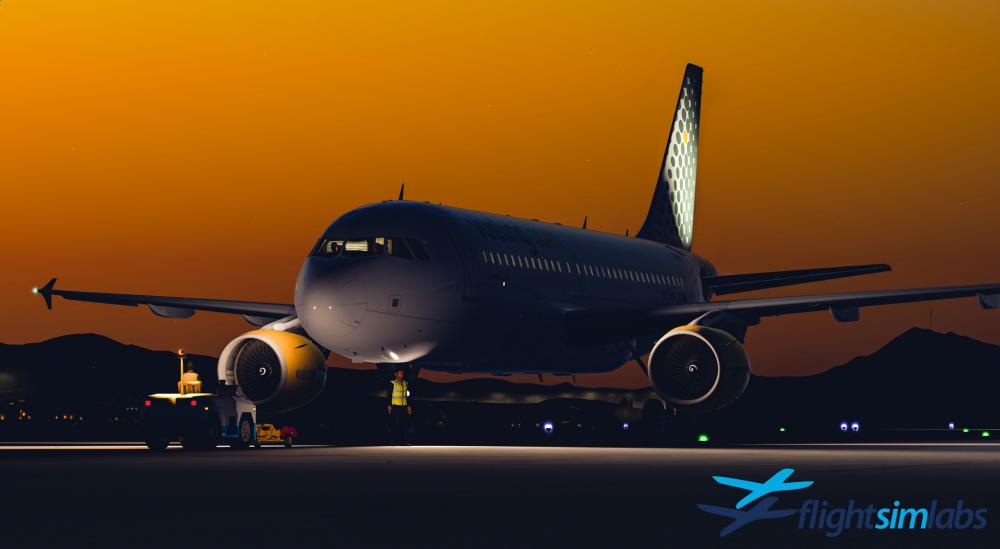
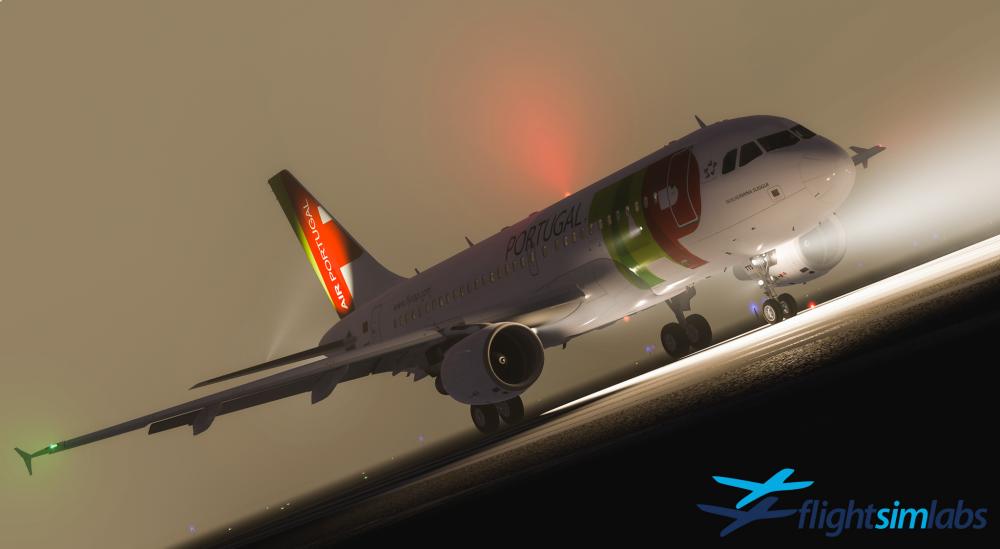
Hello everyone, I am happy to announce that our latest updates (v5.0.1.114) for the A320-X, the A321-X as well as the A319-X now, are live and available through our download page. This is the first update that makes the A319-X compatible with P3D v5, which brings improvements in performance, as well as several updates and fixes to the base code. In this update, we spent significant time to update the external model with PBR texturing for the A319-X, to bring it up to v5 standards, adding several improvements which follow the A320-X and A321-X updates, such as dynamic cabin window blinds logic, newly tuned dynamic lights, effects and splashes, overlays redone using PBR techniques, contrail fixes for P3D v5 and other small cosmetic fixes which add to the immersion. We also added several fixes to the code, such as S8-related FMGC updates to the PERF TO and AC STATUS pages, FADEC improvements for manual start crank logic, updates to P3Dv4 external lighting effects, PFD "STALL STALL" message added, and others. Liveries for the A319-X are also updated, so please feel free to download your favorite airline colors from the relevant download section, as previous livery versions are not compatible with this update (they should be available within the next hour or so). Together with those improvements, we’ve continued to work with FSDT on the integration with their new Ground Power Unit. In order for our aircraft to integrate properly with the new service systems, we needed FSDT to extend GSX further to facilitate our requirements, which is an ongoing process. You can therefore expect to see our titles fully integrated with the electrical system that GSX offers in due course. We are also very happy to now announce that our entire Airbus product line is now fully compatible with the Thrustmaster Airbus hardware line of products. Beginning with this update and upon first detection of a TCA Airbus SideStick or TCA Thrust Quadrant, our software will automatically configure and allow full functionality of all knobs and switches found with the corresponding simulated counter-part, with no action necessary on the part of the user (small exception to this is calibration of the thrust levers, as described in our documentation for any comparable hardware thrust levers out there). AP and AT disconnect, Engine Master Switch On/Off, Ignition Mode Switch, and the upcoming Speed Brake and Flaps axes, Gear Lever, Autobrake, Rudder Trim and Parking Brake knobs are all recognized and compatible with our Airbus line of products directly with no setup necessary. I would be remiss not to mention that development of the Concorde-X is once again well under way and the initial release will be for Prepar3D v4/v5, using latest modeling techniques available in the P3D v5 SDK update. As usual, we don't offer release dates, but we expect to be putting out some more information for you soon. Last but not least, I wanted to touch a bit on our plans for Microsoft Flight Simulator, as well. As we've mentioned before, we have been enjoying a very close collaboration with the good folks at Asobo and Microsoft. They have been requesting, and we have been providing information on all the technical aspects that are required to make our product compatible with this new platform. As many of you are aware however, the complexity of migrating products with such a high level of fidelity as ours requires that the underlying platform, and particularly the development kit for aircraft add-ons needs to grow and mature before it can sufficiently host them at the level required. We are confident that the Asobo team has the talent to make that a reality. Until that time, we are going to keep our focus very strongly on getting our upcoming product line for Prepar3D released as previously announced. Here's a more complete list of the improvements and updates that are part of this release: ATSU Various updates and fixes to takeoff performance system DMC Logic update to immediately sync PFD/ND on return to internal views STALL STALL added to PFD messages Effects Updates for V4 external lighting Added GPU smoke effect FADEC Fix for manual start crank logic GSX GSX Services integration improved GPU now callable Input handling Now allows keyboard as well as joystick button inputs to be set Auto configuration for Thrustmaster Airbus hardware FMGC Perf TO page S8 updates AC Status S8 updates Inhibited PERF APPR page insertion below 700R Inhibited RADNAV ILS data below 700R and not on ground As always, and as a way of saying thank you very much for your continued support, I've added a few screenshots the team collected for your viewing pleasure!
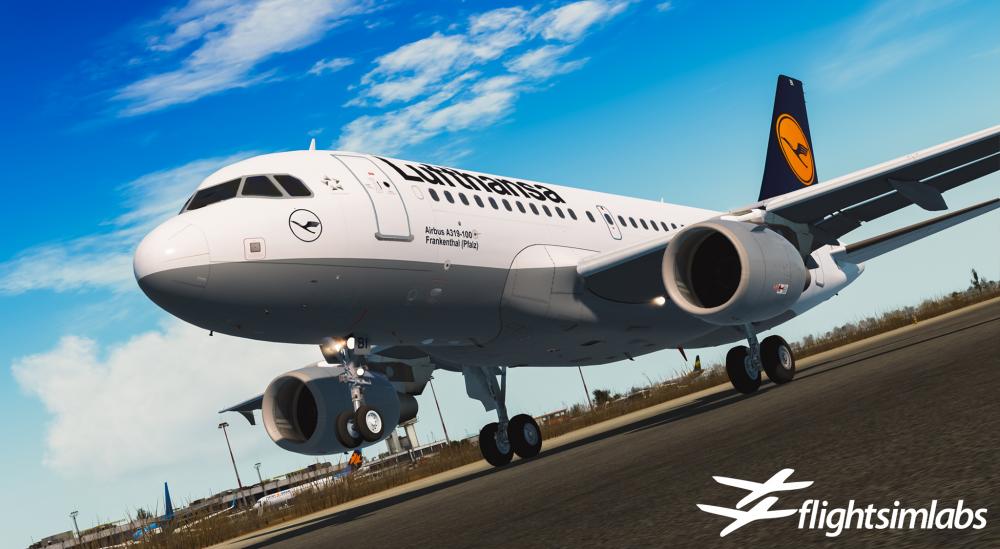
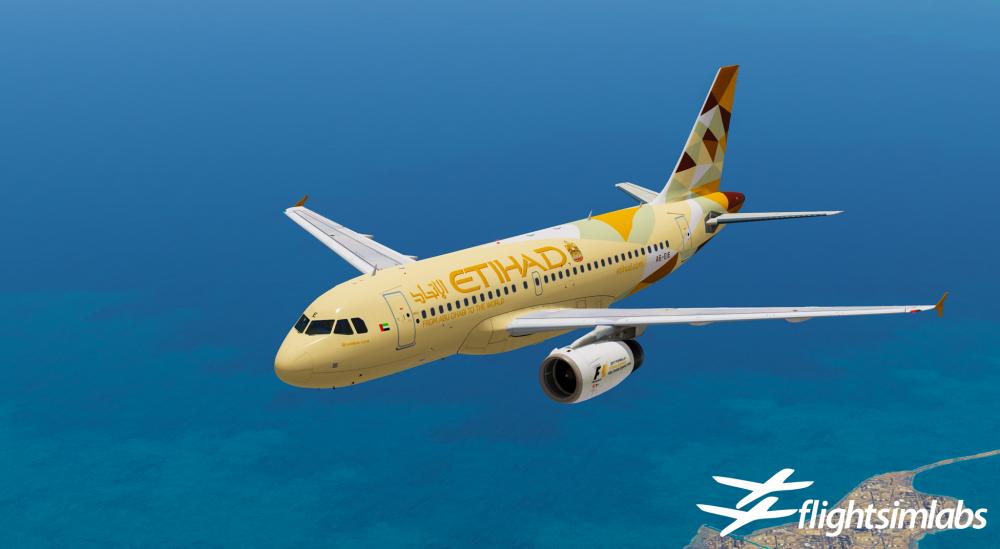
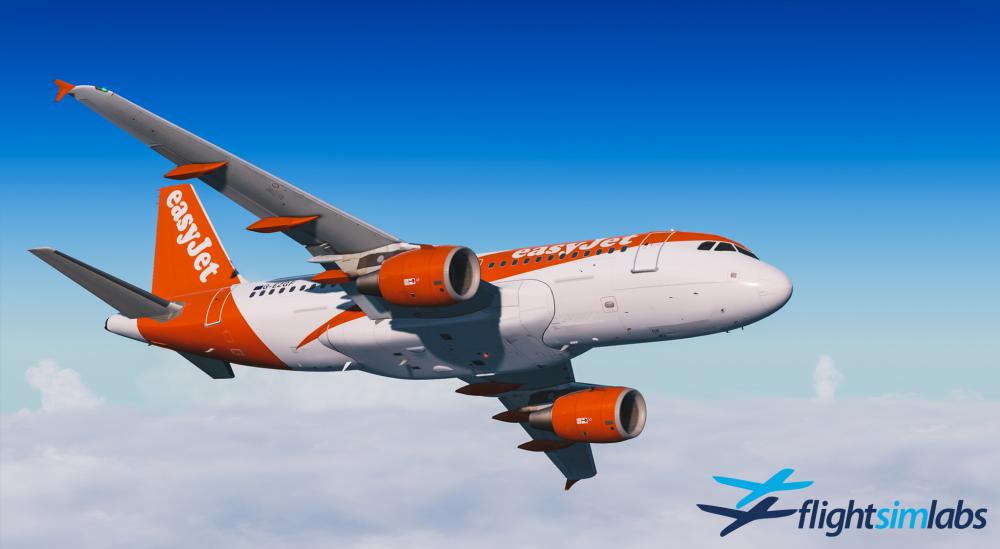
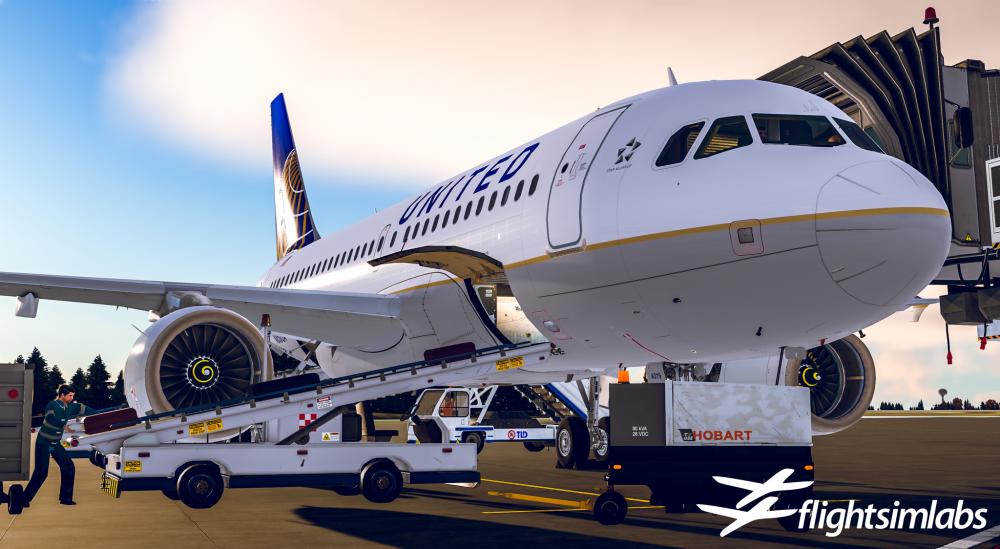 136 points
 -
Hello everyone, I am happy to announce that our latest update (v5.0.1.151) for the A320-X, A319-X and A321-X for P3D v4 and v5 (64-bit) is now live and available through our download page. This is a maintenance update which fixes several issues identified since our last public release and in preparation for our upcoming A320-X and A321-X Sharklets products which are soon to be released. In this release, you will find that we have expanded our Input Controls management and handling logic greatly, to allow and include all Airbus input device controls, such as dual side stick input, dual tiller support, spoiler and flap axis input controls, rudder and brakes handling as well as more complete management for the Thrustmaster TCA Airbus series of hardware (A320 side stick, Thrust Quadrant as well as TQ add-on axes, like flaps and spoilers, together with the landing gear lever, auto-brake control and parking brake etc). In the input controls management dialog, support was also added for slope and null zone handling as well as axis reversal. We also fixed several small issues on our external models, reported since our previous release. You should also notice a smoother wing-flex model which we feel looks and behaves better than the previous rendition - this took quite a bit of effort, as it is work that carries forward into the Sharklets models and their wing structure. A notable fix for the external lighting is the one where beacons / strobes would sometimes freeze depending on dynamic light allocations around scenery. This is now taken care of as well. Modeling improvements are also to be found in the Virtual Cockpit, where animations were added to the AP Disconnect buttons (it was long-time coming and the addition of dual input control handling with AP DISC button management only made it more obvious that they were missing) and we added logic to dynamically provide proper numbers on the speed placards for all variants, depending on aircraft Maximum Takeoff Weight configuration. For those of you who wish to connect two side sticks simultaneously (we are aware of several sim cockpit enthusiasts who are expanding their hardware collection) you will notice that input priority logic is now fully incorporated into the product line, with associated warnings and control allocation according to the real world counterpart. Speaking of hardware - very soon after we make this update available to you, we will also be releasing the updated Hardware Interface which brings compatibility with the full complement of the Skalarki hardware suite. We have been promising this for awhile and we are quite excited to make it happen! If you look at the detailed changes and improvements log that I am adding below, you will notice that we're continuously adding and improving FMGC logic as well. We made several improvements regarding VAPP logic recalculations, fuel prediction fixes, a fix for TROPO entry causing predictions to be lost, as well as several FG fixes, such as protection logic improvements. We are still working on some more major fixes, more notably among them are some shortcomings in HOLD logic as well as adding OFFSETs which are two of the often discussed items in the FMGC. We are hoping to have more on these in coming releases. For those of you who fly online, we have updated our AOC logic to follow new VATSIM protocols and we fixed some connectivity issues when users were on non-English Windows setups. You will also find that D-ATIS now checks/pulls FAA source as well. For the failure-minded among you, there were quite a few fixes in several failure conditions. For example, the aircraft will now correctly switch to DIRECT LAW with FLAPS 2 instead of Gear Down, when all 3 SEC computers are failed or off, as Gear Down digital signals are not carried over when all SEC computers are off, so the system has to rely on FLAPS 2 conditions to switch to direct law instead. A small fix, you might think, but one that indicates the level of detail found in the product line (this one was a favorite of mine as it involved spending quite a bit of time inside the Schematics manuals and configurations - thanks Sam!). We also fixed a small issue where the AIRAC cycle was incorrectly reported on the MCDU - most years have 13 cycle releases, but last year was a fun exception with 14. This condition will not reoccur for "quite a long time" and it's now fixed. For those of you using our PANEL STATE logic in the MCDU, you will find it has been extended: Customers will now find a new AUTO DETECT state listed under the DEFAULT STATE options page on the MCDU. This mode will allow the aircraft to detect if the simulator is loaded on the runway, in which case the aircraft will load ‘Engines running’ – or at a gate/on stand, where the aircraft is loaded ‘Cold and Dark’. It was a feature brought in primarily for testing purposes – but we considered it beneficial to our customers too. Please note that this system relies on your Runway.bin being up-to-date. On a separate note, I'd like to mention that I am now the proud owner of a HP REVERB G2 VR set (which I fully recommend for those of you who feel the need to spend 800 Euro on a whim!). I find the product very solid - it introduced me to a world that is full of possibilities and opportunity in how flight simulation will evolve from here (but also showcased some glaring omissions from P3D itself, like the absence of proper VR controller handling, unless I am missing how they are connected / working in the sim - please feel free to tell me in a separate forum post). I mention this purchase, so as to inform everyone that we also fixed the issue where a large white rectangle would appear in front of the VR virtual cockpit - this was due to our cockpit light sensor which we now made transparent so as not to block your view while in VR. A small fix, but a good one at that! The complete log of fixes and improvements follows below. I would also like to mention that work on the Concorde-X continues - I mentioned in our previous announcement that it "will be released this coming year" - please replace the "will" with "may" as life in general sometimes might not agree fully with our planning strategy, just so that expectations are not set in a way that people become upset and disappointed. Rest assured that our priorities have not changed and we're still working very hard towards its release. On a closing note I'd like to take the opportunity to mention that the Covid pandemic has taken a toll on everyone. While I am among the very fortunate ones (so far) to not have experienced any direct loss of life in immediate family or friends, there have been several people in my immediate circle who caught the bug and it was very distressing to go through this ordeal. Please continue to exercise caution and care in how you protect yourself and those around you and, if you have that ability, please vaccinate. If not, mask wearing and distancing helps a lot! I am not going to turn this note into a political one, but health and safety should always be above any political opinions and beliefs. Please - please! - take care of yourself and family! We also like to wish everyone a Happy Easter (ours is coming in May, but there are quite a few of you celebrating next week)! As a way of saying Thank you, as always, for your support, here are a few new images of our product family for your viewing pleasure! ----- 2D Panels Flap placard spds now correct on F/O side 2D panel now draws BRAKE FAN only when installed ACP Fix for 2D and VC knob lighting in test model AOC Updates to follow new VATSIM protocols VATSIM Connectivity with Non-English Windows fixed Fix for Lat/Lon points on FPLN uplink D-ATIS now checks/pulls FAA source ATSU Uplink optionally omits SID/STAR CVR Updated test logic DMC SD F/CTL page fix for THS fluctuations Alternate law detection logic fix EFCS SPD BRK DISAGREE with SEC1 off now appears SEC 1+2+3 FAIL/OFF now causes DIRECT LAW with FLAPS 2 Effects Contrails tweaked for night time EFIS FD engage on ADIRS align ELAC Logic improvements for FG loop control Fix for stick input during flaps movement Elevation model Fix for memory leak above certain altitudes Engines / FADEC CFM Engine start logic updates (IGN and FF) IGN FAULT START message logic improved (IAE) IAE EEC ARINC output fix for BMC fault conditions External model Inner wing fairings gaps fixed Wing metallic textures updated Logo light texture updated Various improvements / fixes External lights Fix for beacon / strobe logic issue which caused lights to freeze sometimes FAC Fix for VLS when BUSS is active Flight Model Spoilers correctly dump lift on ground FMGC FM: PAGE PERF DES now allows spds up to .82 Mach VAPP logic recalculation improvements Fix for Fuel predictions Fix for TROPO entry predictions lost issue Fix for PERF TO page CHECK TAKEOFF DATA message conditions CHECK TO DATA message conditions corrected SET MANAGED SPEED message logic improved XXX IS DESELECTED message logic added PERF APPR page data entry logic improved FG: AP 1+2 INOP / CAT2 conditions logic tweaked Protection logic improvements Automatic speed protection logic improved FSL Config Check for DirectInput if any joystick axis detected Small fix in airframe parsing logic logic for Direct Input requirement when TCA hardware used Glareshield Chrono button logic tweak for right-click/release functionality Input Controls Added all input axes in FSL Input Controls dialog Brakes Rudders Spoilers Flaps Thrust levers Tillers Fix for crash when joystick was being set up the first time sometimes Fix for axis detection to now use relative movement (1.5% change now used) Gate Controller logic fixed for engines off scenarios AP DISC logic tweak Null zones / slopes consideration for single-sided axes (brakes) ISIS Improvements in timer logic (NEW ISIS) ALT flag logic corrected MCDU Fix for LAT/LON printing when minutes at 59.95+ User options Single/double digit entry now considered Tonnes or Thousands of Lbs. User options Added EXT CTRL GSX page for control over GPU Panel States SEAT BELTS / NO SMOKING off on Cold & Dark state New "AUTO DETECT" Panel State added Fix for loss of flaps / slats conditions Fix for cabin/cargo/eng oil temps on GPU/C&D states Panels Added popup ISIS and DDRMI (disabled by default need to edit panel.cfg) Radio Management Panel Fix for Seat Selection control of VHF1/VHF2 knobs SFCC dual hyd loss prevents halfspeed flag from turning true G+B HYD FAULT further logic improvements ALPHA LOCK logic improved Sounds AEVC and DUAL INPUT sound infra improvements Fix for sound disappearing briefly on VC view change SSTU Dual flight stick support added Virtual cockpit Added animation to AP DISC buttons Speed plackard now shows proper speeds for all variants depending on MTOW RESET BTN text clipping fixed Various gaps fixed Virtual Reality Tweaked sensor transparency to make it invisible while using VR devices
 121 points
 -
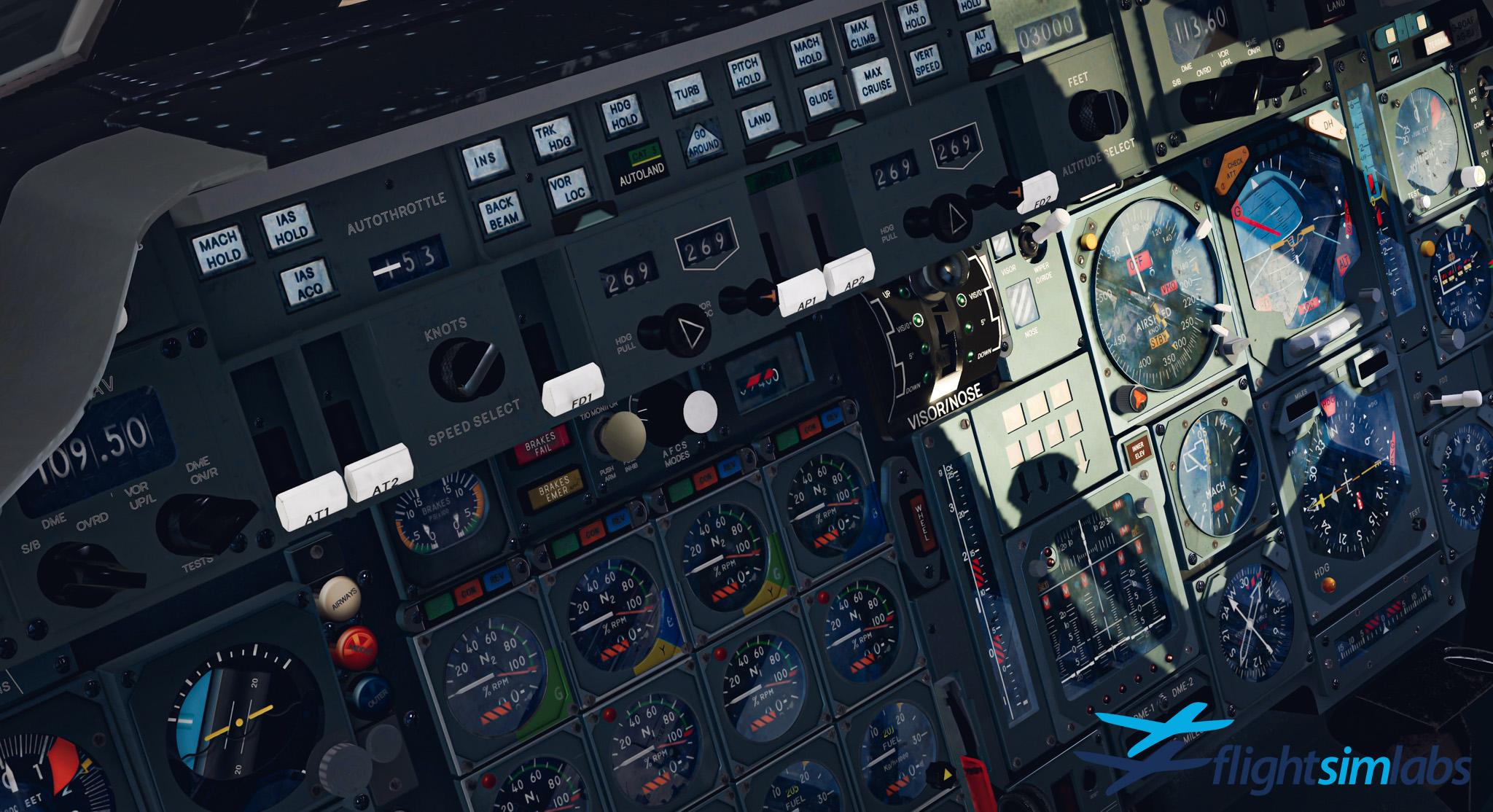
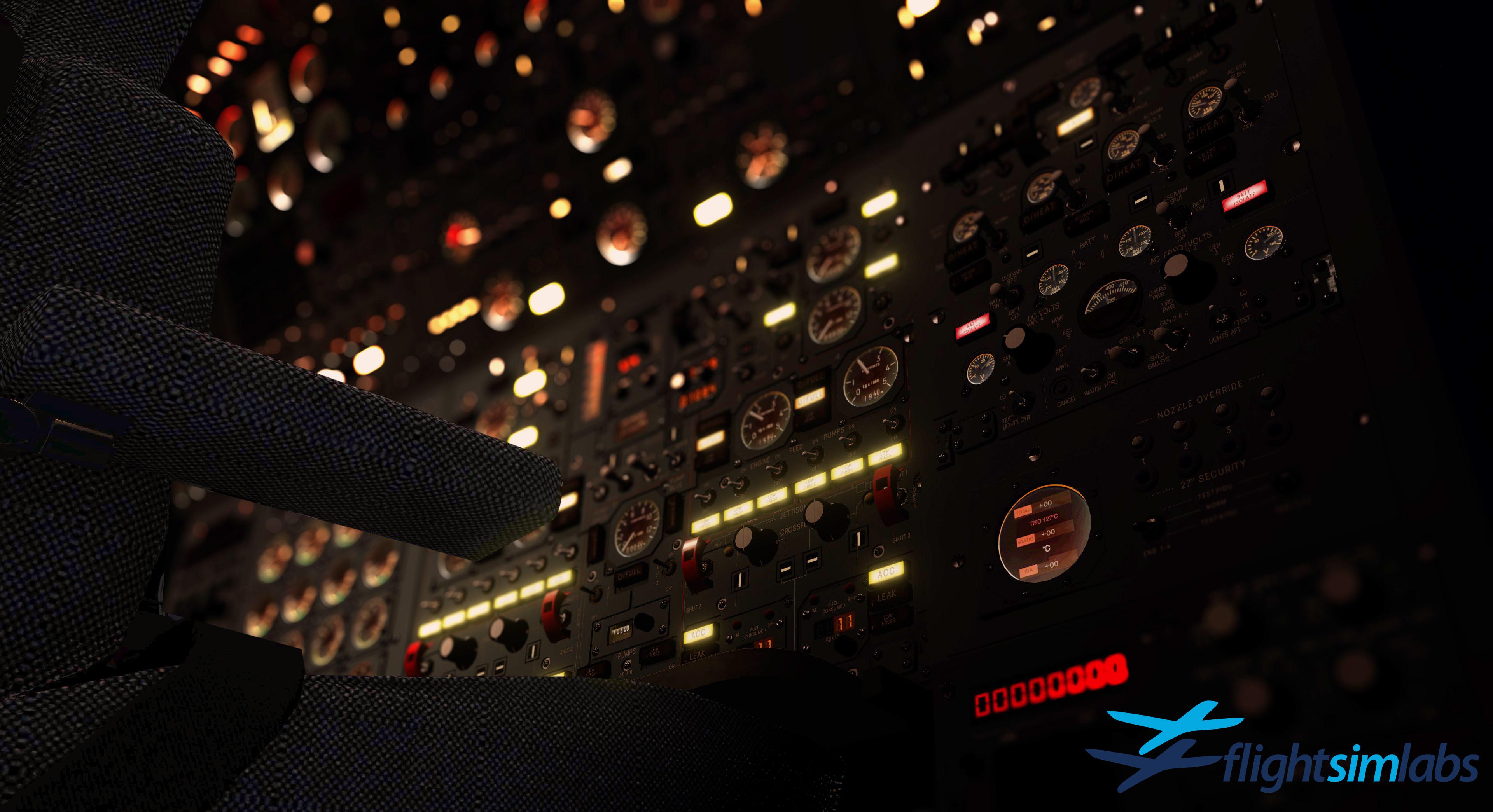
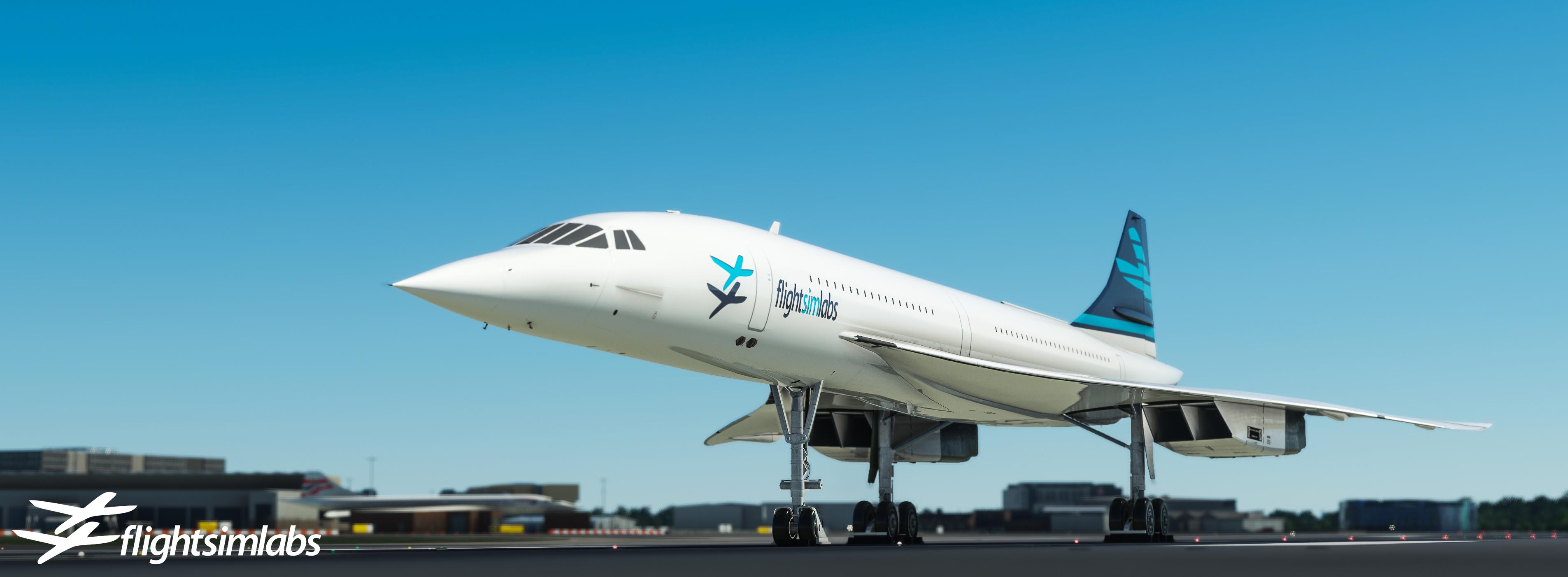
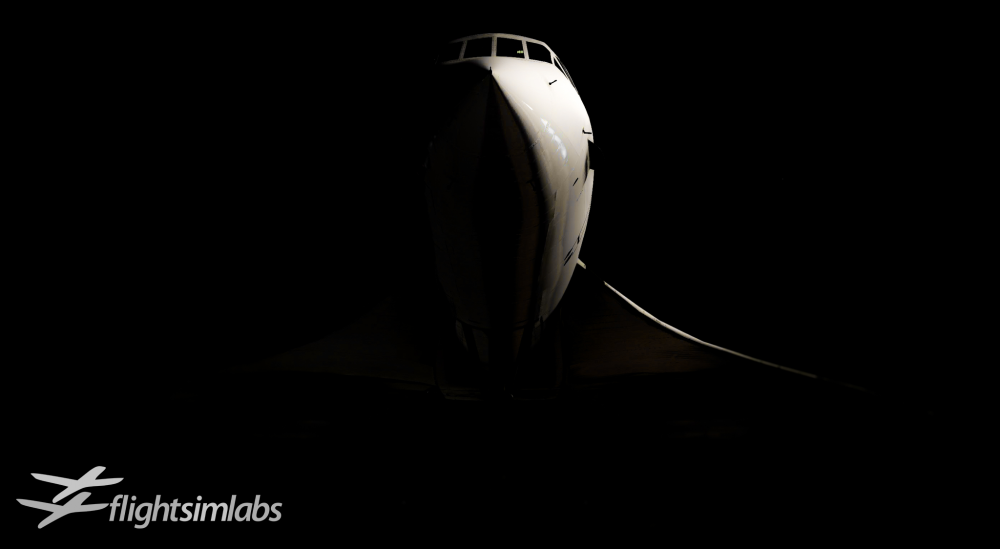
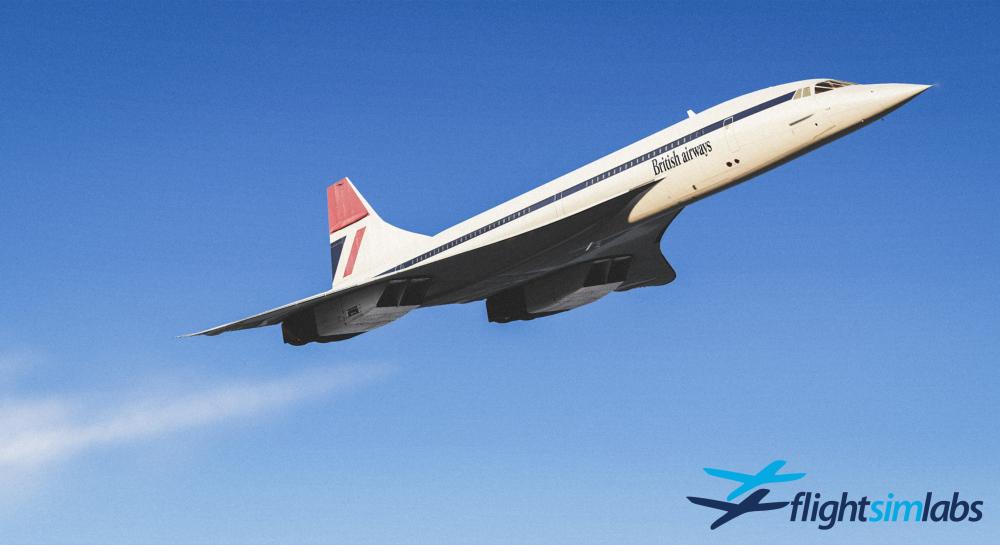
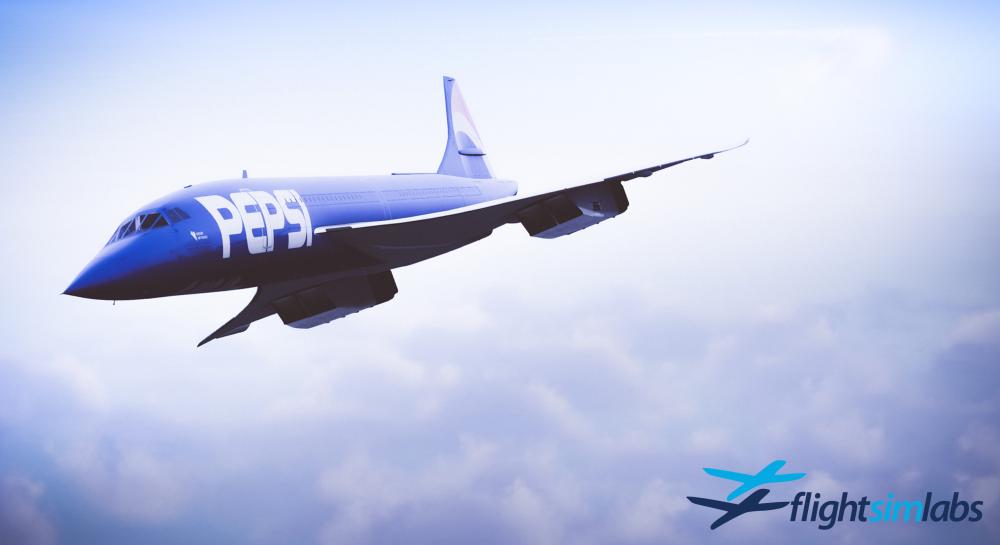
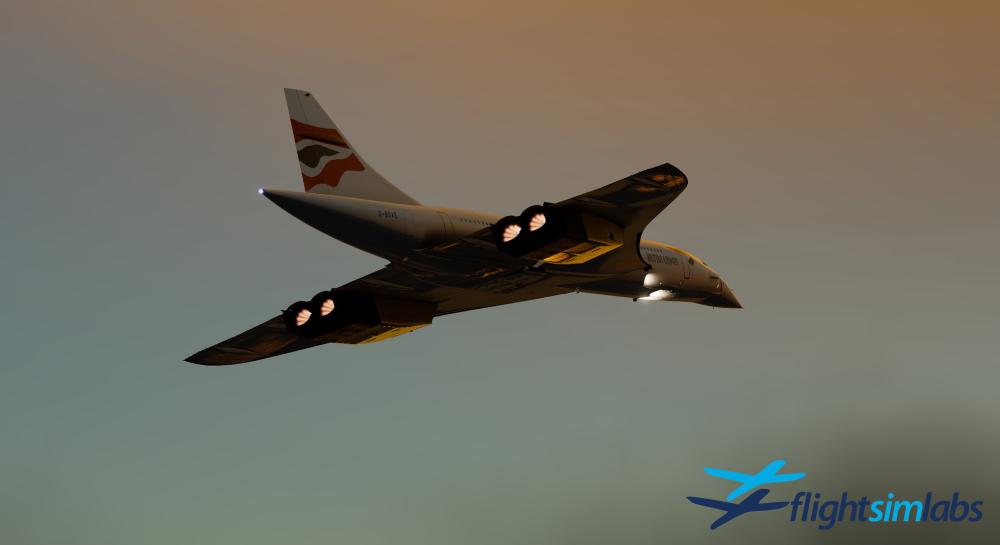
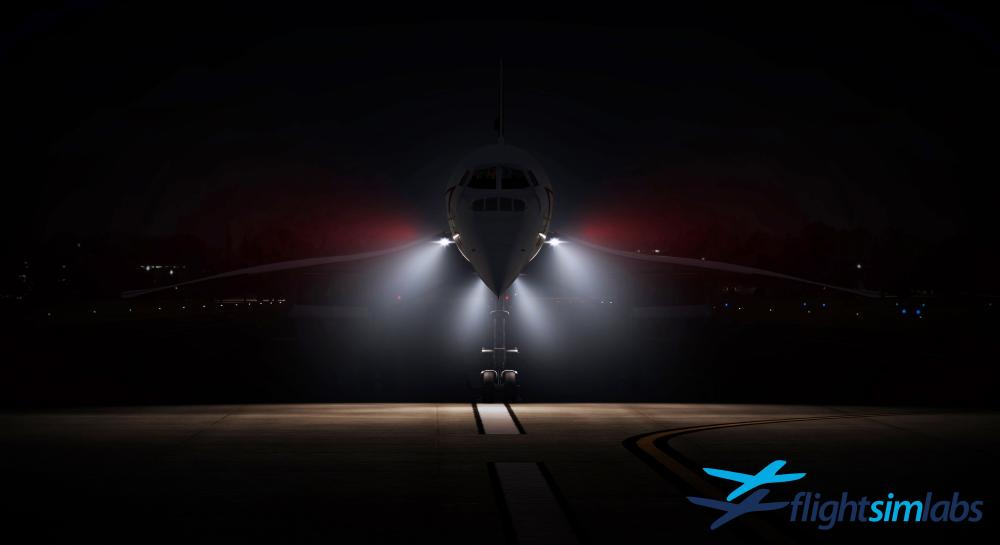
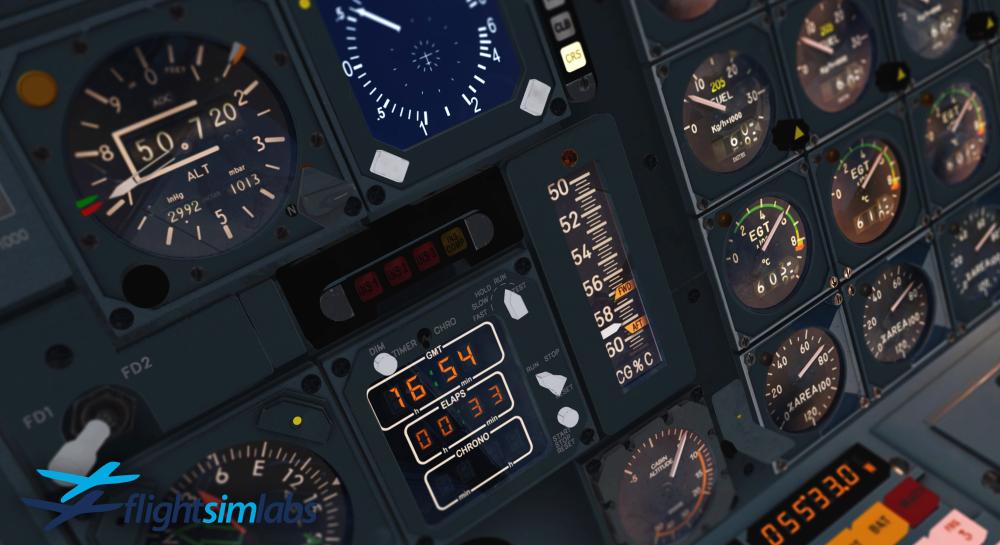
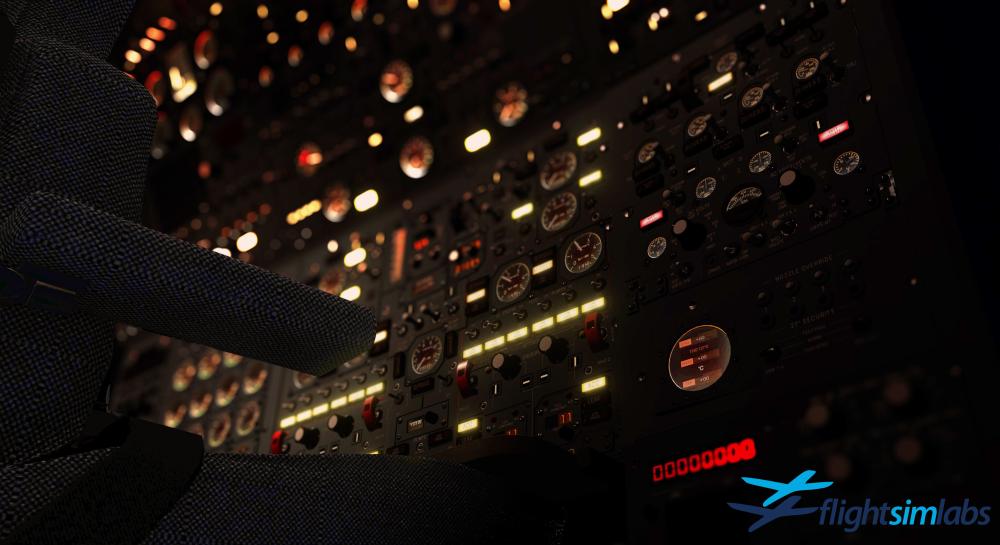
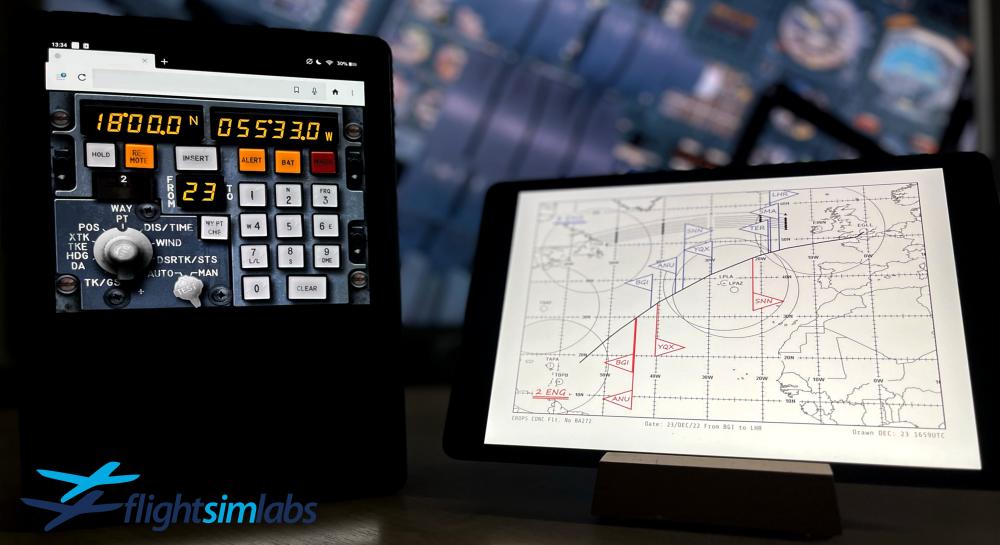
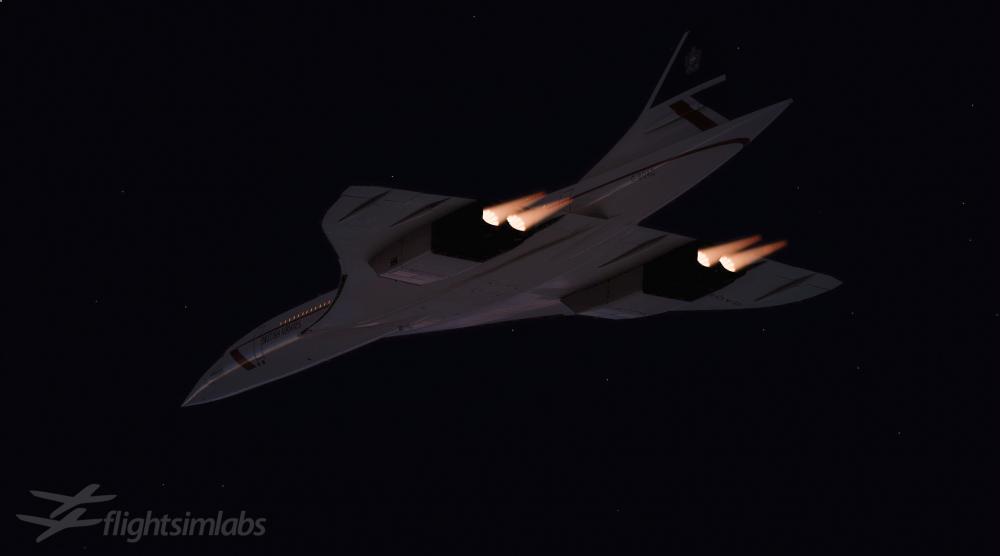
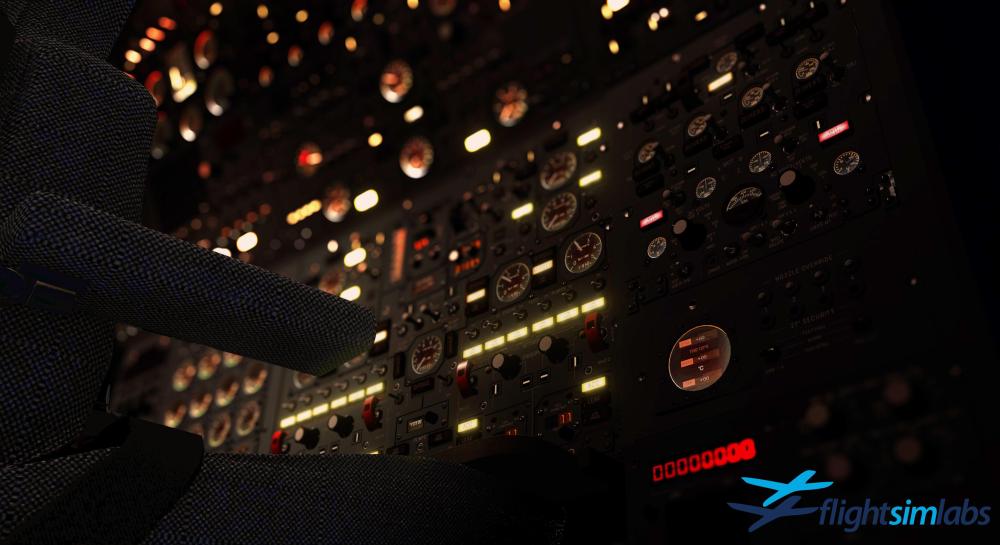
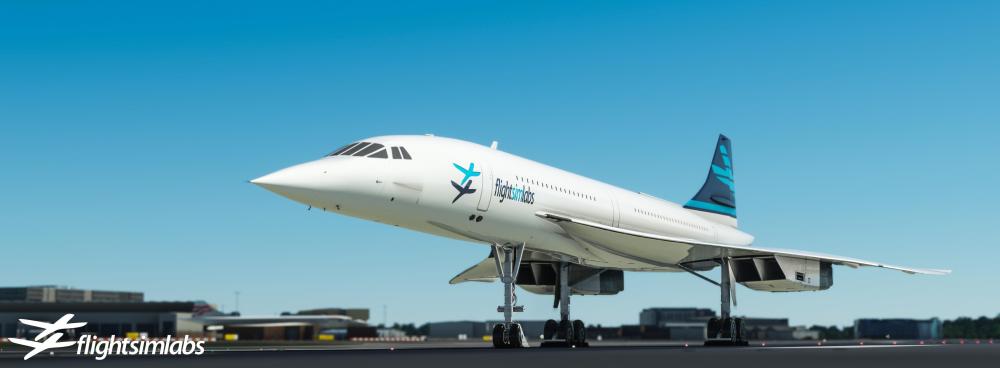
I had promised some previews before the year end – so allow me to share a few details on some of the features you can expect to see: Here’s a shot of G-BOAA flying in the British Airways Negus livery. We’ve painted all the liveries the aircraft flew in – even the hybrids that operated between livery transitions. Not only that – but each airframe (fourteen production aircraft) has been configured with its retrospective weight and balance properties; resulting in unique handling characteristics. Any of the fourteen airframes can be repainted – and will automatically inherit British or French configurations depending on its MSN. The external model has been reworked using the latest PBR technologies offered in P3Dv5 – which are used extensively to render the correct lighting characteristics around the airframe. This shot of the famous Pepsi livery worn by ‘Sierra Delta’ gives me an opportunity to mention another feature we’ve implemented; this livery was restricted to twenty minutes at Mach 2 – as the darker paint on the fuselage caused the skin to retain more heat (the speed at which Concorde flew would heat the nose to just under 127C). We thought it would be a neat feature to implement this – so our simulation checks the colour of the fuselage/wings and heats the airframe appropriately. Of course, this will then lead to significant consequences – and with the help of ex-Concorde flight and ground crews, we’ve devised a probable chain of failures that will result from exposing the airframe to excess heat. It means that any custom repaint will need to give this careful consideration – just as was done in real life – as it was the primary reason why most of the liveries designed for Concorde in its lifetime were white. Here we have a shot of ‘Alpha Echo’, on what I presume is a 27R departure from London Heathrow given the early left turn with the reheats still lit. As with all of our titles – we include a whole range of special effects – and the reheat system designed for this title utilises our latest technologies. The reheats are completely dynamic, reacting to ambient lighting conditions to vary their appearance. In daylight you’ll see the reheat spray rings and pre-ignition sequence as each reheat lights up in stages. At night – the diamond cone effect extends to illuminate the aircraft and its surroundings, throwing sparks as the aircraft thunders down the runway. The Olympus 593’s MkII’s weren’t the cleanest of engines, so we’ve included various special effects for engine smoke that also varies with atmospheric conditions and engine power. This one is my #BeaconShot – landing in reduced visibility, where our volumetric lighting effects can be seen. As with our other titles, each light carries a whole range of special effects, including volumetric properties that can be seen during inclement weather operations, custom warm-up and cool-down times, in addition to custom lighting properties that integrate with the surrounding ambient conditions. The main landing lights situated at the forward wing root were seldom used in daylight operations due to the buffeting they created – something we have also simulated. Onto our brand-new virtual cockpit, designed from the ground up especially for P3Dv5 and MSFS. Each instrument has been built using high-definition texturing and includes dynamic lighting that reacts to both ambient lighting and any of the various lighting systems on the aircraft. In this shot you’ll note the rather inconsistent instrument lighting – each instrument is rendered with its own individual lighting characteristics. This shot was taken shortly into a supercruise on a Barbados return to London; you can see the aircraft is climbing initially at a healthy rate given the very cold troposphere around the equator and will ‘settle’ into a cruise climb which is simulated so precisely that, for any given weight and ambient temperature, the aircraft is never more than 50ft from the calculated profile. Most of our efforts with this new virtual cockpit have been on modelling the new flight engineer station. Every single switch, dial, rotary selector is simulated. The task of the flight engineer can be left to our new ‘virtual flight crew system’ and our virtual Flight Engineer (and First Officer) will carry out their duties exactly as per real world procedures. In fact, one of my favourite areas of this simulation is triggering this process on a cold and dark aircraft and then watching the systems come to life and witnessing the various warnings flashing and sounding as the Safety and Cockpit Preparation flows are executed; a process that goes on for a good twenty minutes or more which is enough time to plan your route using our new planning utilities. Here we have two external devices. The left showing a remote connection to any of the three INS CDU’s which can be used to operate and monitor the INS system throughout the flight. The device on the right is showing a page from the tactical part of the generated flight briefing. In this instance, the Concorde EROPS chart. This chart, rendered and generated automatically for any given route, depicts the diversion commit points. The blue flags signify the viable alternates for a 3-engine diversion and the red flags for a 2-engine diversion. Each point is calculated meticulously using weather and aircraft performance data, accompanied by a two page digital printout of tactical data that formed part of the British Airways crew flight briefing. Any time a flight plan is generated, a tactical plan is calculated and provides all the data required to make a comprehensive decision for a diversion field. You’ll also note the current NAT tracks are rendered on the chart, although Concorde operated above the North Atlantic Track system, the crews needed to be aware of where these were for any given flight over the North Atlantic, in the event of an emergency descent. I hope this has provided a small glimpse of what you can expect from our new Concorde title. I’ve hardly scratched the surface of what’s included – and we’ll be excited to reveal more details in the coming weeks as we progress towards a release. From all of us at Flight Sim Labs – thank you for your continued support and we wish you a Happy New Year. (Reposted from our Concorde General forum - head over there to discuss!)
 116 points
 -
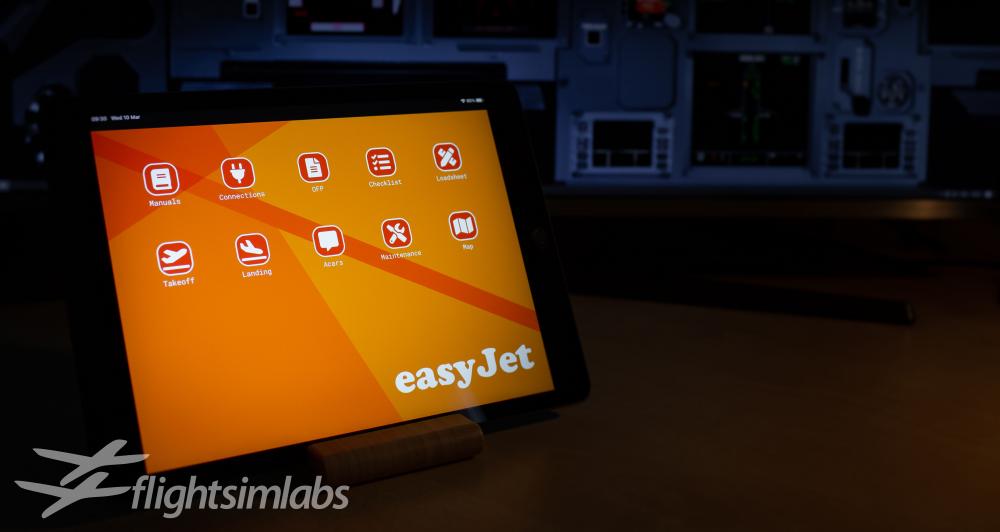
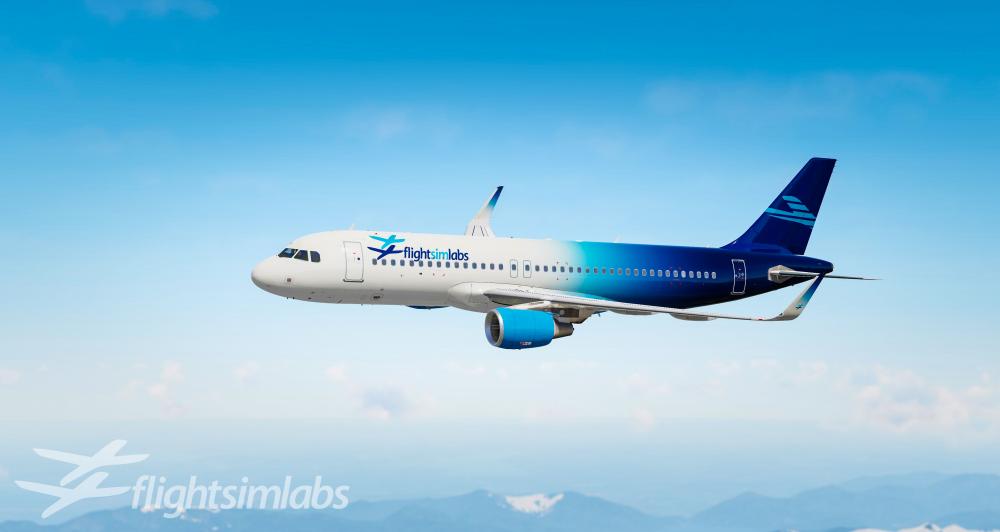
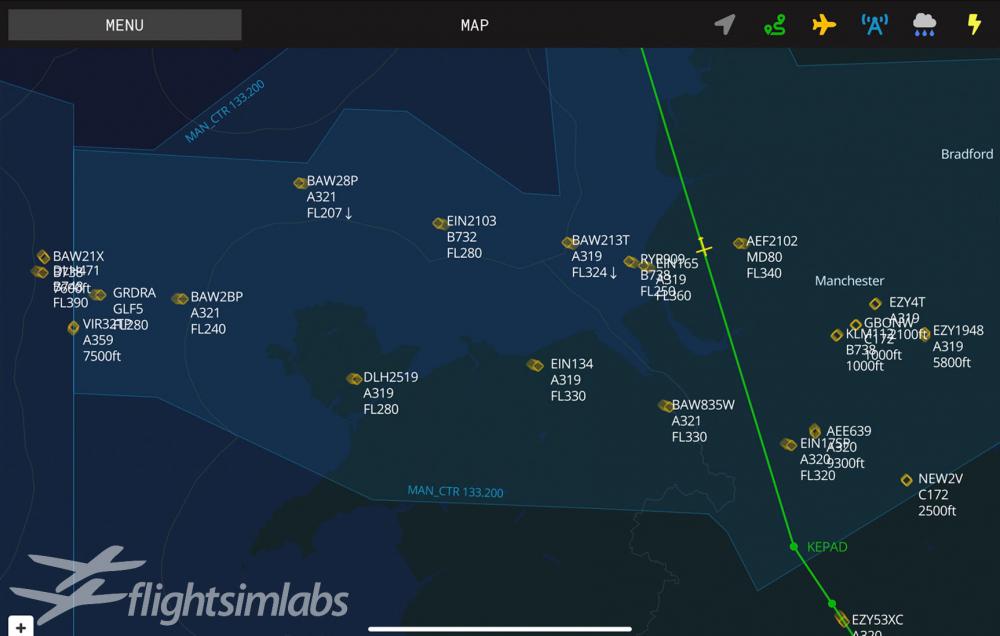
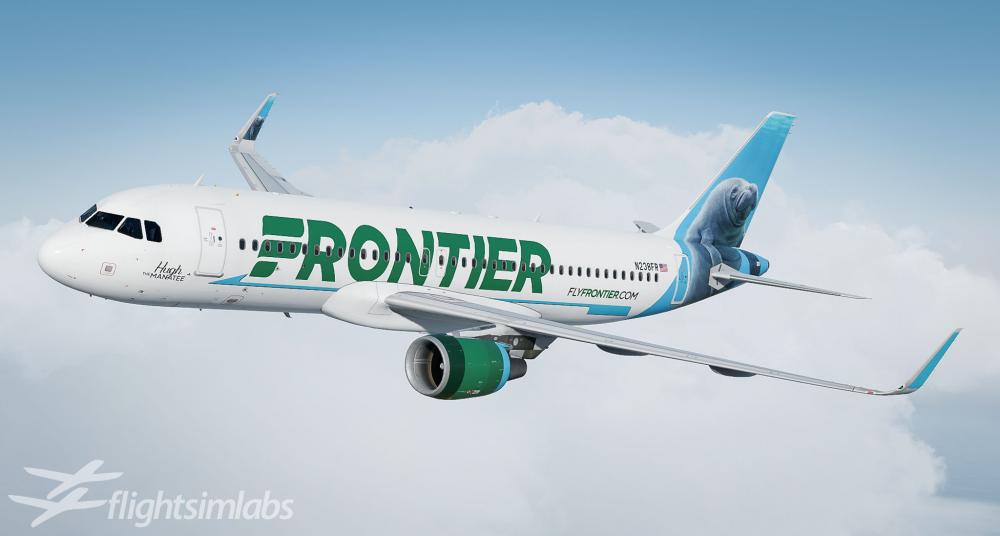
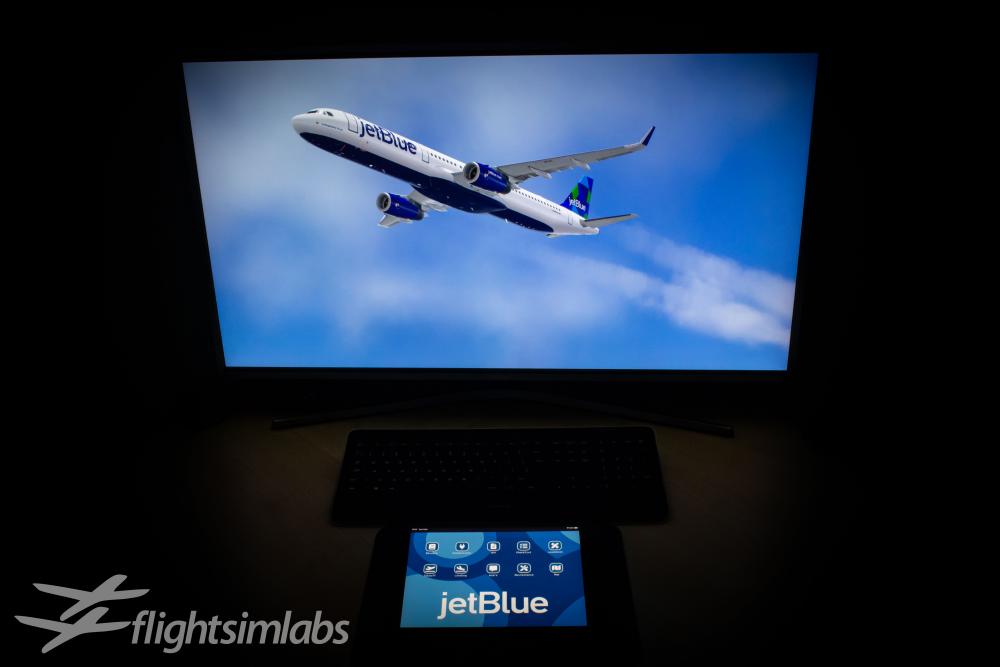
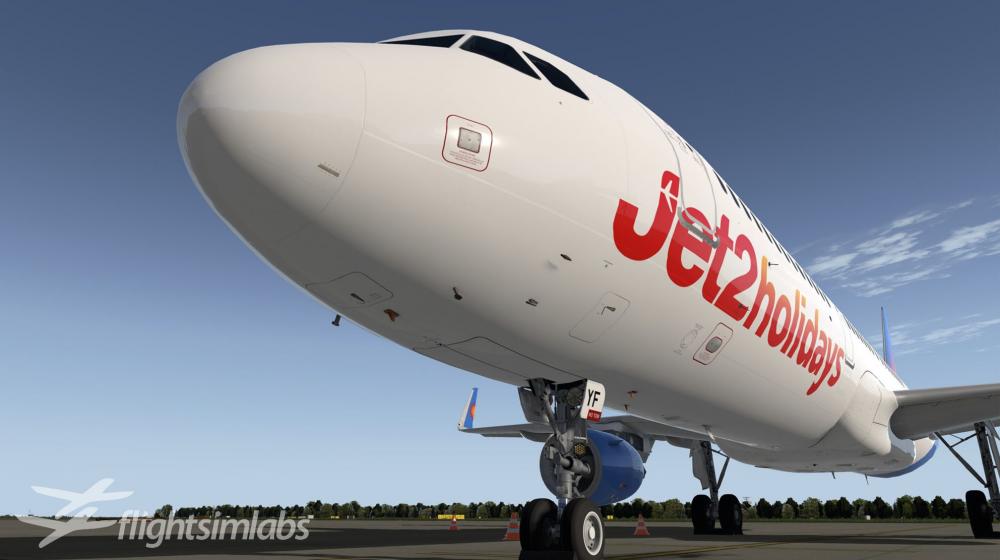
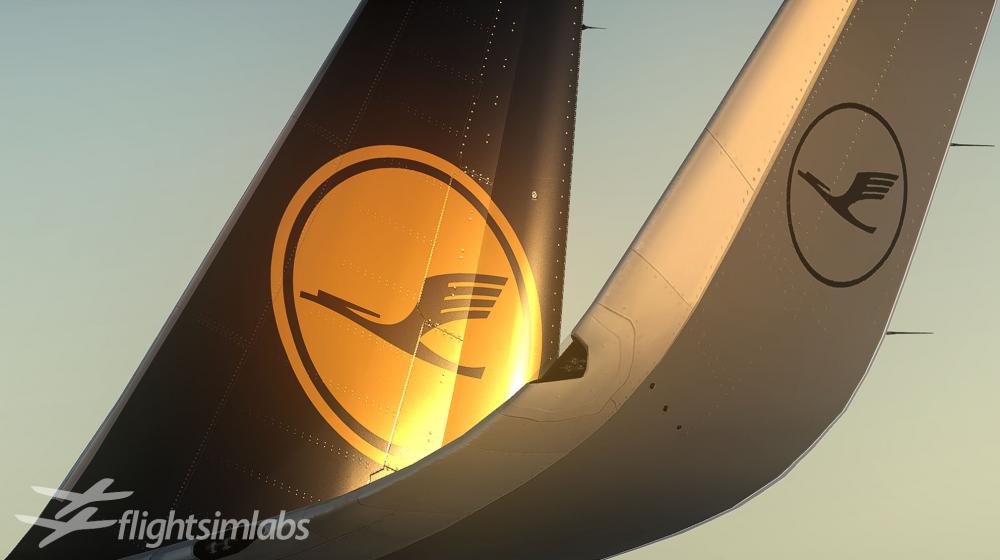
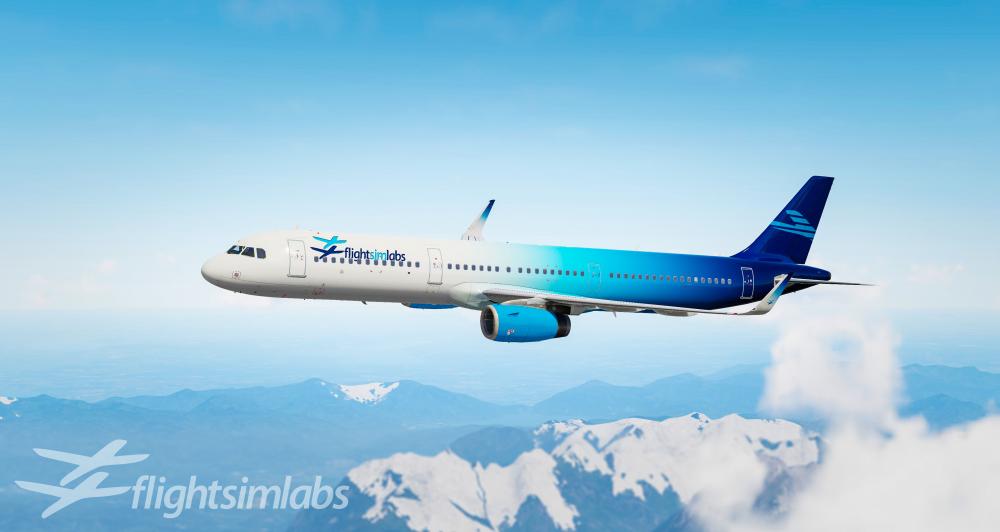
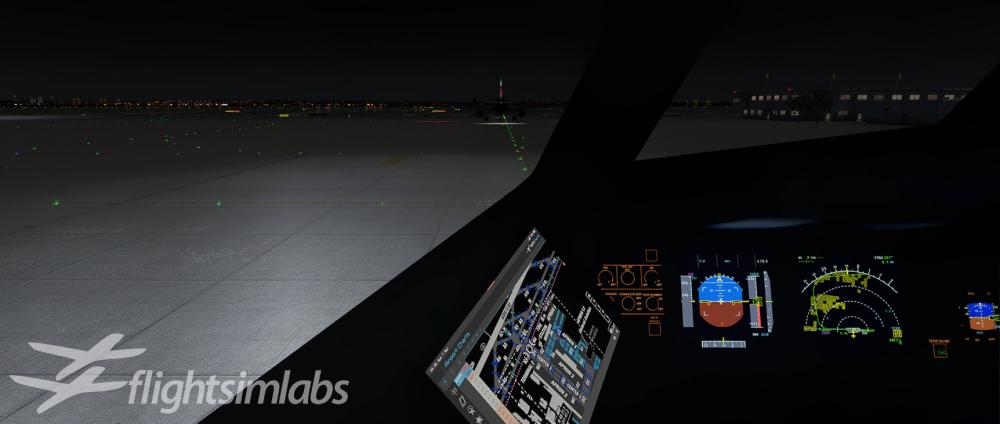
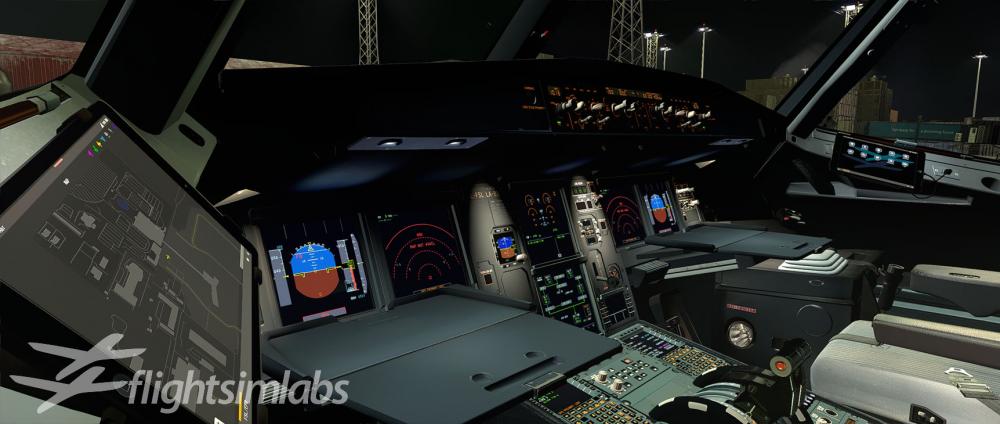
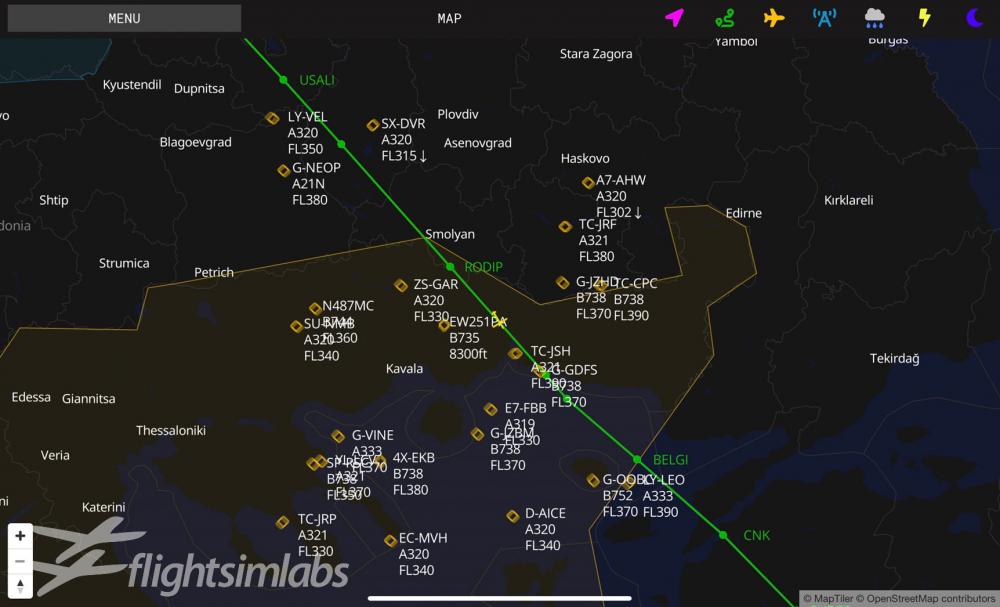
Hello everyone, I am happy to announce that our latest update (v5.0.1.160) for the A320-X, A319-X and A321-X for P3D v4 and v5 (64-bit) is now live and available through our download page. This is a maintenance update which fixes a few issues identified since our last public release, which I will include at the end of this note. More importantly, you will need this update installed because... We are now happy to announce that we are pushing the boundaries of desktop flight simulation even further with the release of our A320X-SL and A321X-SL for Prepar3D x64 (v4 / v5)! Built on entirely new visual models – the A320X-SL and A321X-SL bring the latest technologies to flight simulation – including an electronic flight bag suite, accessible not only from within the virtual cockpit, but also from any external device using a web browser, adding a completely new dimension to the simulation experience. Equipped with a whole suite of tools available in the palm of your hands, the EFB not only increases situational awareness within the simulator but also allows for tasks such as flight planning, performance calculations and communications to be conducted without leaving the virtual flight deck. Furthermore, the EFB can be loaded onto any external device using a web browser – such as what you can find on Apple, Windows or Android tablets, for an increased immersion experience! The newly released aircraft carry an extensive list of changes to its predecessor – a completely new fuel system modeled on the newer ‘jet-pump’ design – new Fuel Quantity Indication Computer and Fuel Level Sensing Control Unit components, Flight Warning Computers and SDAC updated to F9C standards. New ELAC L97+ computers featuring Load Alleviation Function and Anti-Aileron Droop. Updates to the Flight Management Computers – including a new ‘Jump Ahead’ feature for skipping down route. With a combination of range, capacity and increased performance thanks to the sharklet fins – the A321-SL is the ultimate airframe in our A32X series. Practice short-field operations in the Greek islands with the newest A321X-SL title from Flight Sim Labs, and experience the thrill of getting a 90-ton aircraft out of a tight spot! New custom sounds, animations and lighting effects differentiate the Sharklets from our other titles, both inside the cockpit / cabin as well as outside, with new LED lighting. Differences that collectively, create the immersive simulation experience our customers have become accustomed to. Particular attention has been given to the subtle differences in aircraft handling – increased lift generated from the 2.3-meter sharklet fins will see you out-climbing the rest of the Airbus fleet. They also extend the range and performance of the aircraft, making it ideal for short field operations. The Flight Sim Labs Sharklets aircraft represent the latest effort in simulating a modern-day airliner – now you can experience the thrill of flying some of the most popular airframes in our skies today. As a way of saying Thank You, as always, for your support, here are a few images of our newly released products for your viewing pleasure! A320X-SL: A321X-SL: and some inside shots: and... on to the next one: Update notes for v5.0.1.160 (that very few people will read now ): ATSU Updates for LBs option CIDS Updated / Improved logic External model / Virtual cockpit Cabin lighting improved Fix for beacon lights in P3Dv4 Various small fixes FMGC FG: Updates for Go around logic FSL Configurator Fixed case where corrupt registry settings would cause crash Improved logic to handle airframes Added error logging FWC "Dual Input" pin programming now persistent IDG Temperature logic fix Input Controls Tweaked axis detection logic MCDU Payload page fix User options - FWC dual input option now persistent SFCC Issue with slat angle reporting fixed
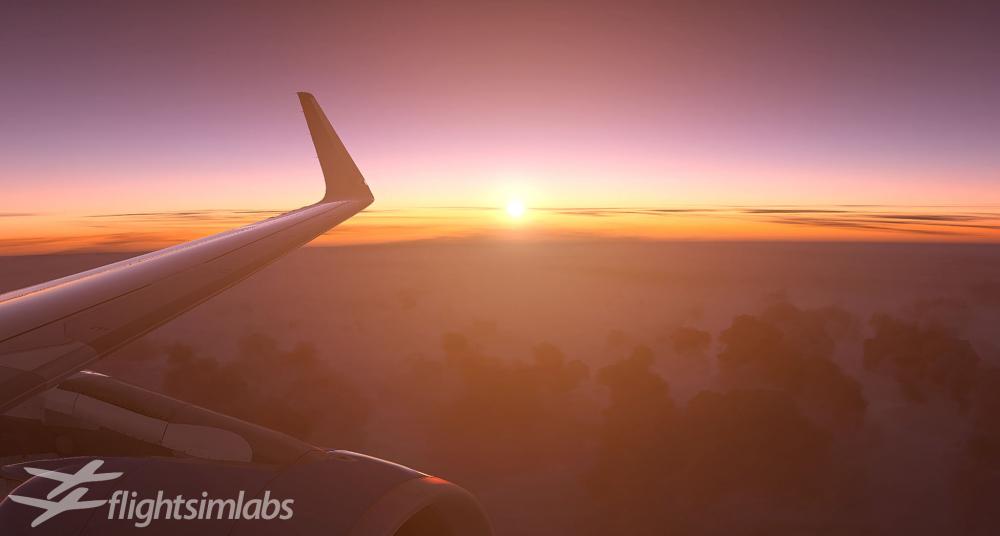
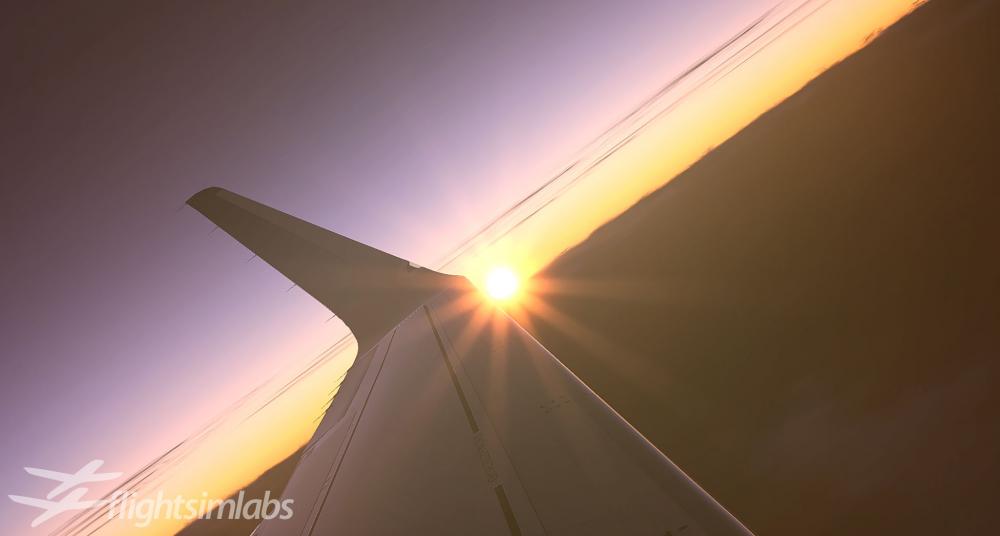
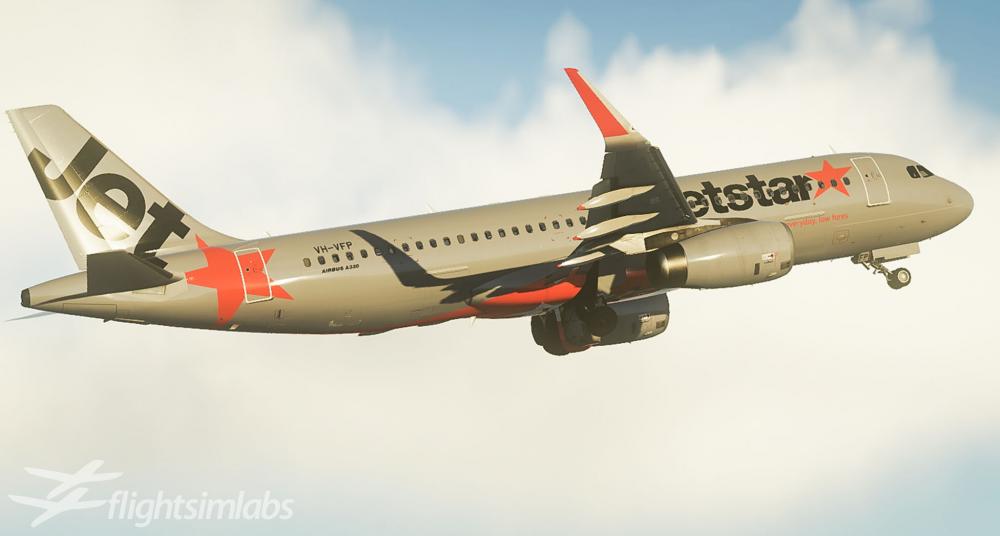
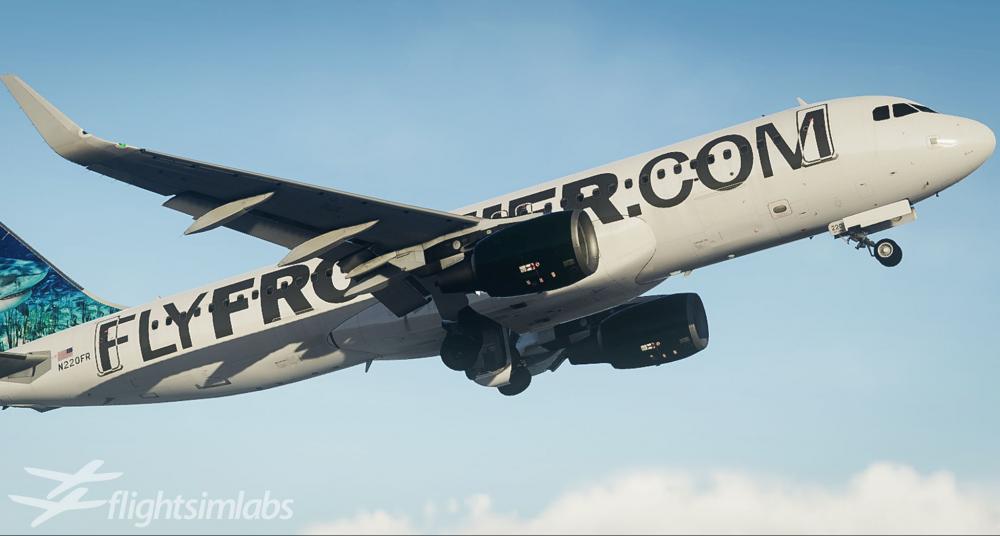
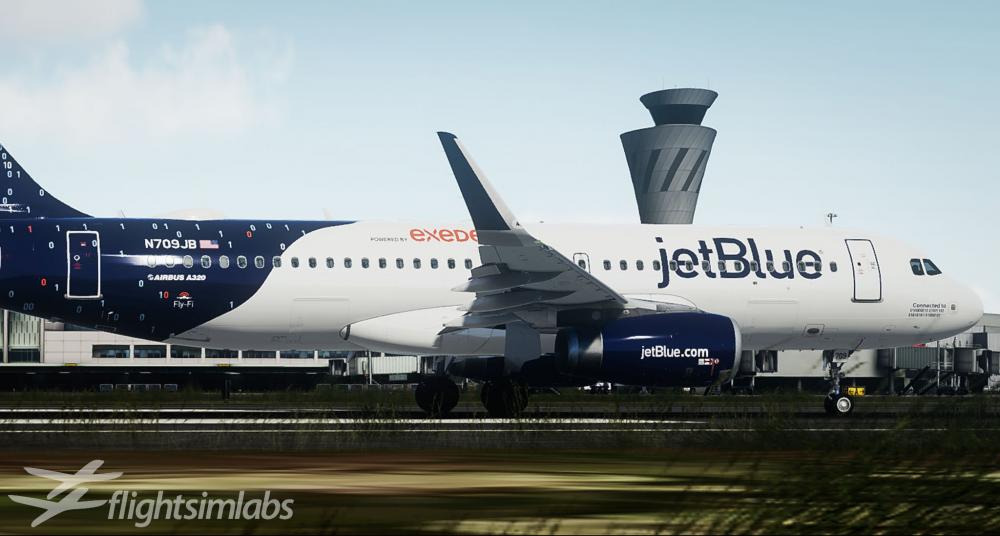
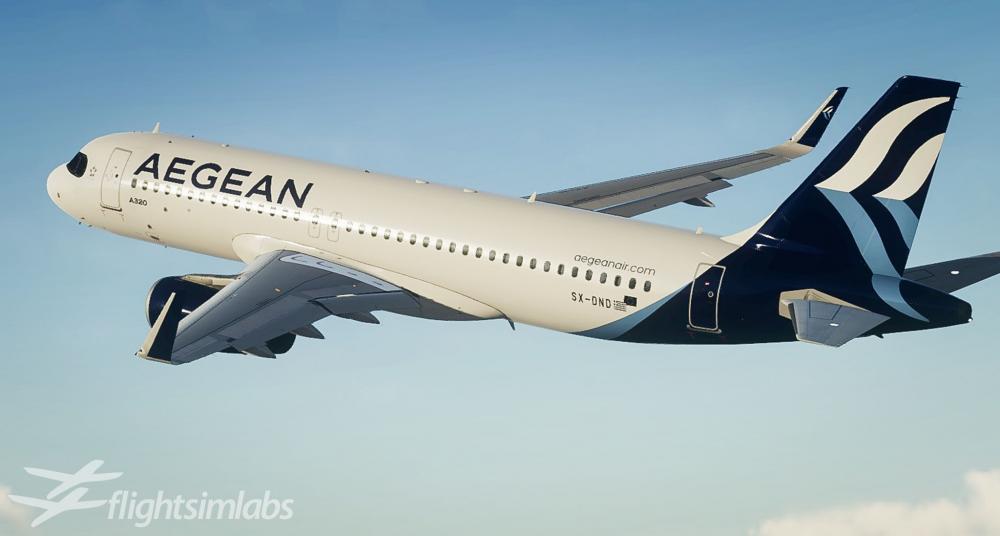
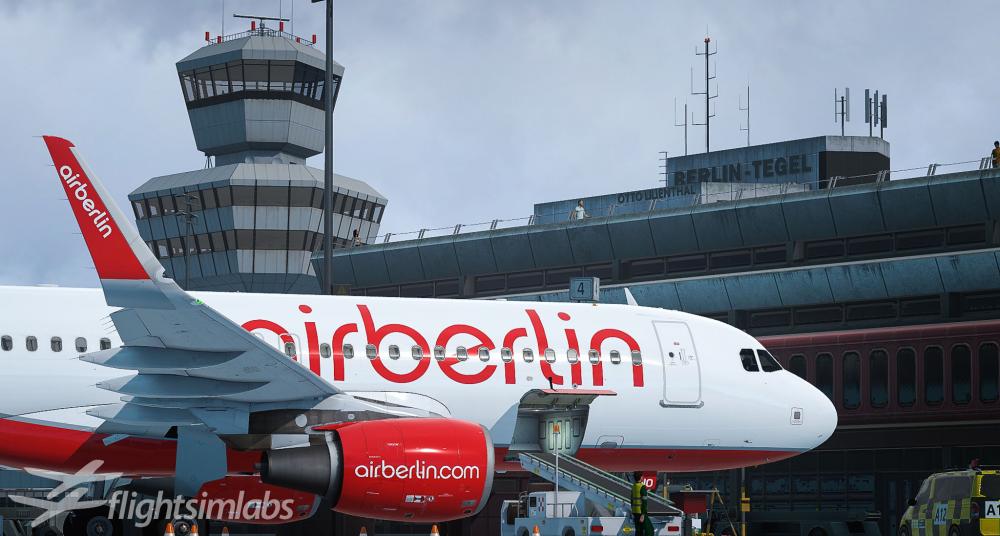
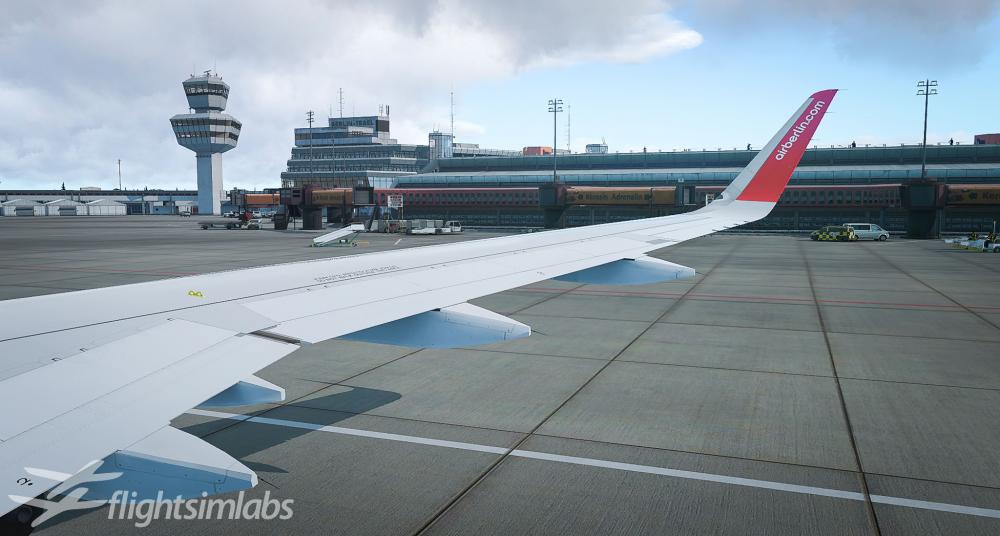
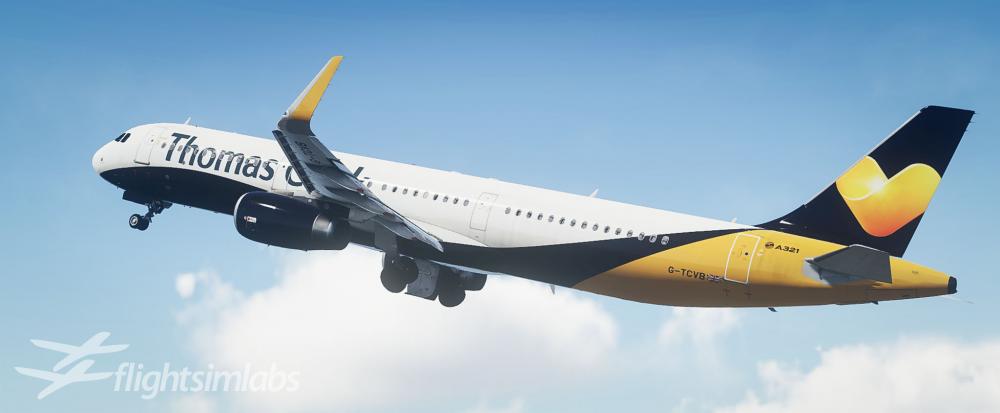
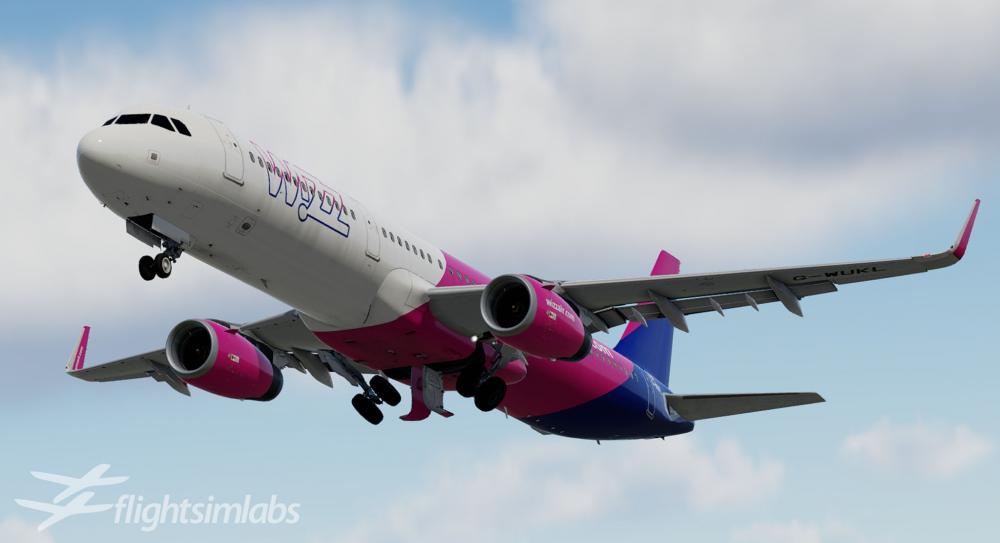
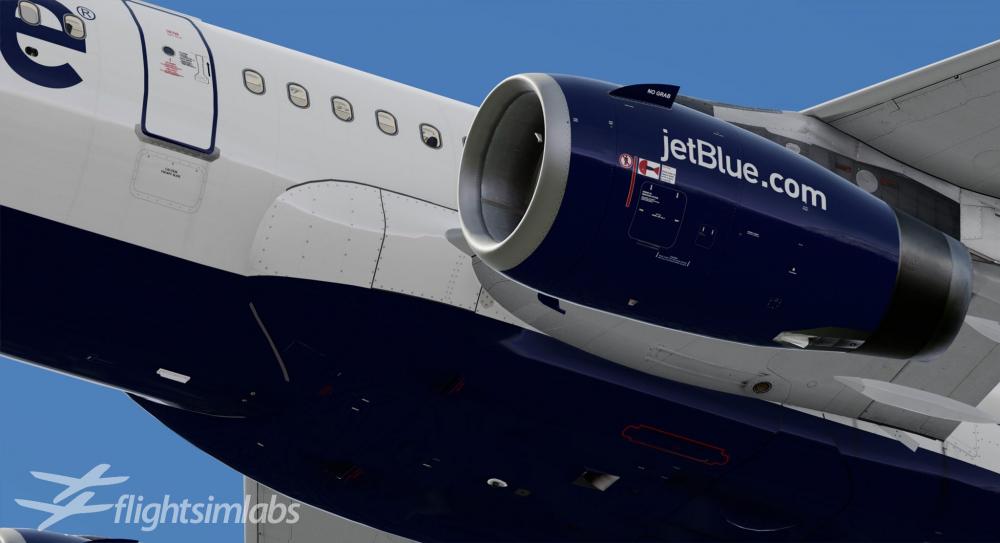
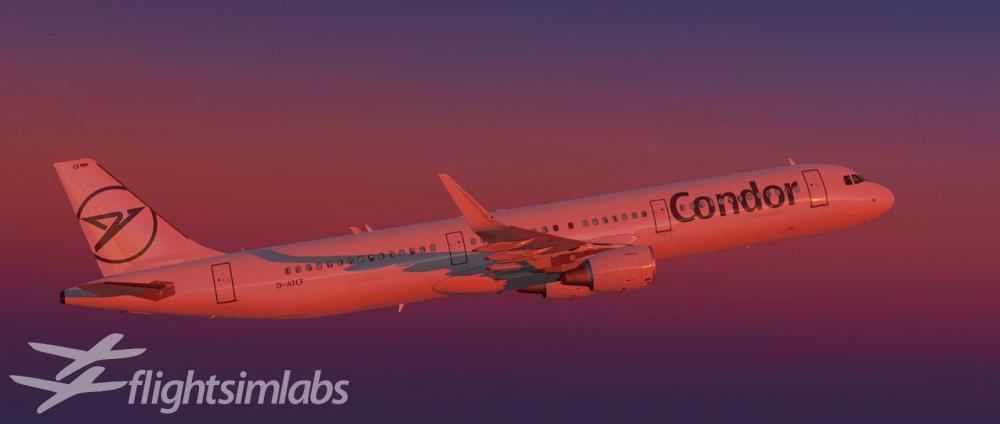
 116 points
 -
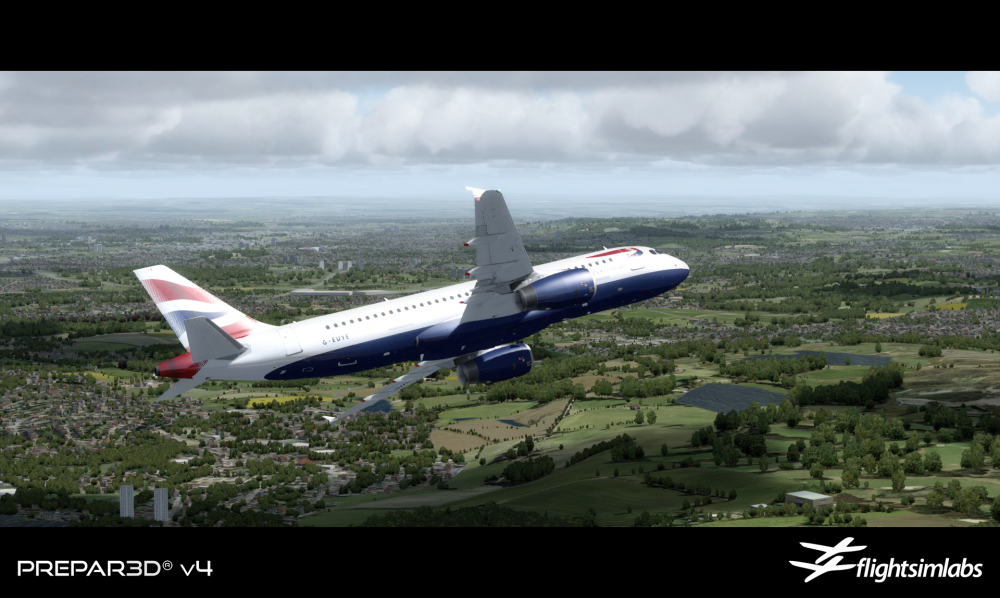
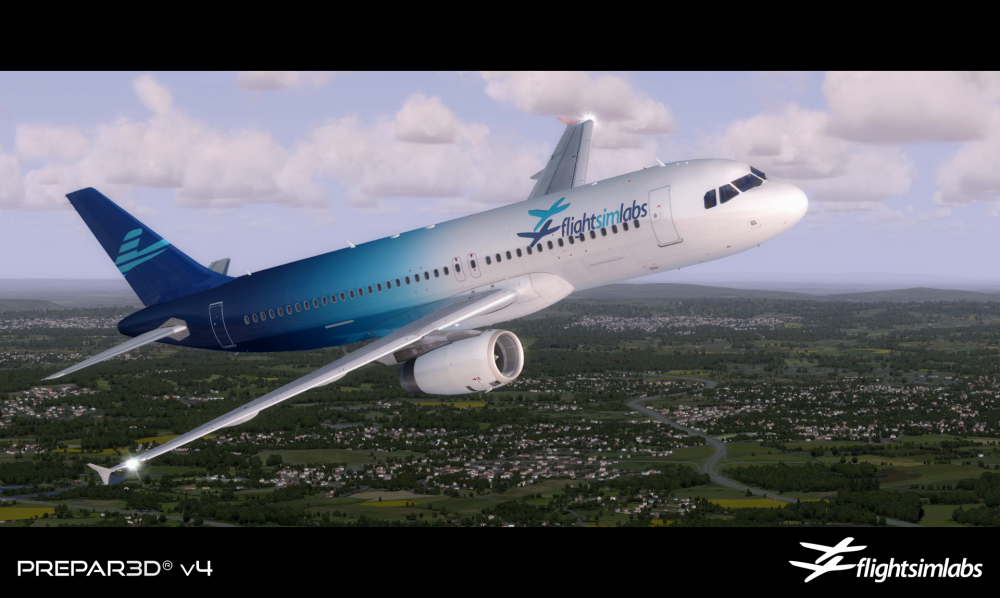
Hello everyone, Lockheed Martin's official announcement of Prepar3D v4 means we are finally free to share and discuss what we've been quietly working on for the past few months. Keeping up with LM's familiar methodology of incremental upgrading of the core platform, P3Dv4 brings a lot of small updates but also a few very significant ones, with the transition into a 64-bit code base being the most important. This means the platform is now able to take advantage of the underlying hardware without being artificially limited by the 32-bit memory space of 4 Gigabytes. Word of caution, however: This does not mean "no more OOMs" - if add-on developers are not careful, we will soon realize that as soon as users turn everything to maximum, there is still a very real possibility of 8GB or 16GB of installed RAM not being enough any more to support 4096 texture sceneries, full autogen, ultra 7cm resolutions, etc - not to mention that nagging will now be transformed from "oh - my bleeping thing OOMed!" to "oh - my bleeping thing is crawling at 4 Frames Per Year (tm)". This is what progress is all about, however and we welcome it wholeheartedly. As a matter of fact - and with the NDA finally lifted - we're now free to disclose that we've been working closely with LM on the v4 beta for quite some time now, so as to make the transition as smooth as possible for our A32X product line. Here's what our road-map looks like for the remainder of this year and into 2018 therefore: FSLabs A320-X - As soon as Prepar3D v4 releases, we will be able to share our x64 compatible A320-X version with our beta testers. There has been very significant and complex code changes to allow for x64 support so we want to take some time to ensure that everything works out smoothly before rolling the product out to our customers. - Once the P3Dv4 A320-X is released, it will be available FREE OF CHARGE to all existing A320-X P3Dv3 customers *** as of that date ***. - Around the time the P3Dv4 A320-X is released, the upgrade discount path from FSX into P3D (any version) will be discontinued. - We have been working on the A320-X Service Pack roll-out for quite some time now. A lot of the bug fixes will find their way into the A320-X x64 release as well as into an interim update for the 32-bit versions. This update will be in the hands of our beta testers very soon as well. - Support and bug fixes of all versions of the A320-X will continue normally - we expect that Service Pack 1 will be the last major update with new functionality for 32-bit versions of the product line and our focus will shift to the 64-bit platform(s) afterwards. - We are working to identify and correct the Enigma protection error that has been an issue with a few customers. This is very much on our cross-hairs and we're doing our best to fix it. FSLabs Application Manager Facility - We have been working on our FSLabs Application Manager facility which will be our one-stop installation and product support facility for our aircraft and liveries. Once this facility goes live, all updates and support of our products will be provided online through this feature. - We anticipate releasing the FSLabs Application Manager facility sometime after the initial x64 A320-X release. FSLabs A319-X - We have been working on the A319-X add-on to our A32X product family. As of today, we expect that the A319-X will be offered on both 32-bit and 64-bit platforms, but we'll make a more firm commitment on the platforms once the A319-X is at a later beta stage. Pricing for the A319-X will be announced around that time as well. FSLabs XXXX-X - There is another FSLabs aircraft add-on product in the initial stages of development at the moment. We will not say much more about it however, except that it can take... well... more fuel than the A320-X series :). ---- Some more bits of information that I'd like to share with everyone that don't fit our road map above: - Prepar3D v4 is a major release and as such, it is bound to be followed by a few fixes or updates. We have been working with LM to get some internal simulator functionality exposed and will continue to do so for their later updates. Once those appear, we have a few new lovely features to showcase that we are still keeping secret in our continuing efforts for innovation. - A note for our FSLabs A32X Home Cockpit and Professional Versions future customers: We are working with select hardware providers who have been eager to lend us their products so that we can ensure full and correct compatibility. Delays in releasing compatibility kits have been inevitable due to the various simulator platforms being released simultaneously. We hope and expect to have something for our customers by the end of the year. - We understand that our Concorde-X customers might be feeling a bit left-out with the absence of any information regarding the Concorde-X for P3Dv4. We are looking into that possibility but at the moment, we need to focus entirely on our A32X product line as we need to be very carefully administering our development resources. We would love to revisit the Concorde-X however, so that door is not closed for good yet. We will make a decision on this matter once the new x64 platforms have been stable for awhile. - Some of our friends noticed that we updated the text on our Facebook page to include Dovetail simulators as part of our target platform group. We enjoy a close relationship with Dovetail developers but at the moment, we do not have any significant news to offer on that front as the platform is still in early release mode. ---- As a way of saying thank you very much for your continued support, we added a couple of A320-X images from P3D v4 for your viewing pleasure! Cheers!
 110 points
 -
Hello everyone, I am happy to announce that our latest update (v5.0.1.119) for the A320-X, A319-X and A321-X for P3D v5 (64-bit) is now live and available through our download page. This update should also fix a couple of small issues (namely, the NEW CRZ ALT rounding issue and a few other niggles). EDIT: There are some GSX related updates as well that I forgot to mention: Once loaded in on stand, click MECH HORN to setup the aircraft. This will: - Call Stairs followed by GPU on remote stands - Or Call Jetway into position - This process can take up to 20 seconds When you switch from EXT PWR to APU, if the GPU is connected, it will be removed For departure without pushback, once all aircraft doors are closed and on APU: - Press MECH HORN to remove Jetway/Stairs and Chocks For departure with pushback - if the GPU unit is connected, it will be removed before GSX Push is invoked. When arriving onto a remote stand: - The GPU and Stairs will be requested first - Once the GPU is connected and the truck is clear of the aircraft, deboarding will be invoked - This process can take up to 60 seconds Note: If EXT PWR is connected when GSX removes Jetway or GPU power, the EXT PWR source will trip Please make sure you have updated to the latest version of GSX! As always, thank you very much for your continued support!109 points
-
Hello everyone, I am happy to announce that our latest updates (v5.0.1.166) for all variants of the A320-X family, including our Sharklets, are live and available through our download page. This update mainly allows compatibility with the newly released P3D v5.2, as well as several updates and fixes to the base code. ***NOTE*** YOU WILL NEED TO UPDATE FSL Spotlights to v5.0.0.3 for P3D v5.2!!! You will also be happy to know that we restored the EFB Map functionality which was temporarily disabled in our previous release. To once again receive this EFB Map functionality, you need to upgrade with today's release. For the Skalarki hardware users among you, please note that the Hardware Interface software is also updated to support v5.2 as well as the Sharklets products, fixing several small issues along the way too. Thank you, once again and as always, for your continued support! ---- Here's a more complete list of the improvements and updates that are part of this release: - Prepar3D v5.2 compatibility - Base code support logic improvements - Compatibility with Hardware Interface v123+ ACP Added logic for PA Xmit button double-click functionality External model / Virtual cockpit - Various cosmetic fixes Performance Model - Fix for DC ESS FAULT flaps / slats recognition - Fix for B+Y HYD RSVR LEAK flaps / slats position recognition Sharklets-specific ELAC - Anti-droop logic improvements Electronic Flight Bag - MAP stability fixes - MAP Rendering optimizations - Drag/scrolling functionality fixed108 points
-
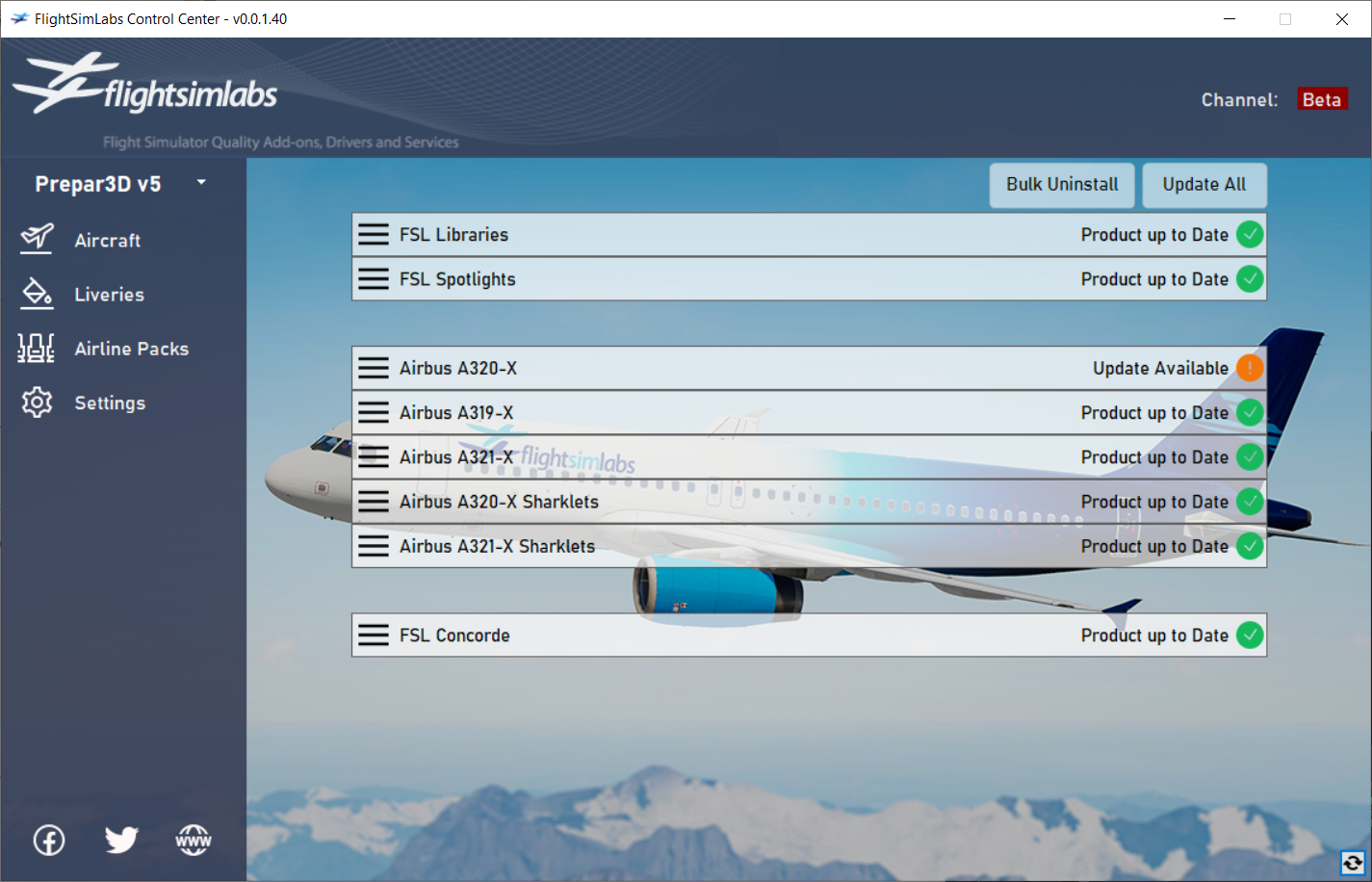
Hello everyone, I would like to take this opportunity to announce that our latest v213 update for the Libraries and A320-X product family is now live and available (through the experimental channel) through our FSL Control Center ONLY. This update fixes several issues reported by our customers, primarily with CTR TK FEEDG erroneous FWC messages, Auto Trim issue and the CLR button light on the ECP not extinguishing properly. Performance should also be improved as well. Our Concorde aircraft for Prepar3D v5 is in its late beta stages and we are anticipating it to be promoted to "Release Candidate" status within the next few days. Once that happens, we will focus entirely on fixing issues that are blocking release, so we expect it to reach your hands soon after that. I would also like to take a minute to discuss our plans to integrate our products into Lockheed Martin's newly released Prepar3D v6 (P3Dv6) simulation platform: As mentioned before, while development of our Concorde title was ongoing, our development and innovation efforts have focused in bringing all new versions of our existing product lineup to Microsoft Flight Simulator (MSFS). MSFS, with its sophisticated graphics, real-world mapping, and an immersive user experience, aligns well with our aim to provide customers once again with highly realistic and engaging flight simulation experiences. We believe that our product range will significantly enhance the capabilities and realism of MSFS, thereby offering added value to our users. While we understand and acknowledge the potential of P3Dv6, at this point in time, our resources and attention are devoted to maximizing the features and compatibility of our products with MSFS. Therefore, given the significant amount of work required to bring full compatibility to our products for P3Dv6, we have decided to revisit the possibility of adapting our lineup for P3Dv6 once we have successfully executed our current focus. It is important to clarify that this does not imply any permanent disassociation from the P3Dv6 platform. Rather, it's a strategic decision to prioritize resources, assuring that we bring forth the best possible product enhancements to our users, one platform at a time. P3Dv6 remains a vital element in our long-term platform strategy, and we look forward to exploring its potential in due course. We appreciate your understanding and patience and promise to keep everyone abreast of our progress. We eagerly anticipate the successful introduction of our product range to MSFS, followed by a careful consideration of any possible P3Dv6 adaptations. As always, thank you for your continuous trust and support!103 points
-
In Loving Memory of Michael Ackermann It is with deep sadness and heavy hearts that we inform you of the passing of our esteemed team member, Michael Ackermann. Michael was not just a team member at FlightSimLabs, but also a cherished friend whose presence and contributions enriched our team and community in countless ways. He left us on the 9th of June, leaving behind a void that will be difficult to fill. Michael played a vital role as a hardware beta tester, displaying an exceptional passion for his work. His commitment to ensuring the highest standards and wealth of knowledge will be sorely missed by everyone around him. Those who interacted with Michael can attest to his infectious spirit, warmth, and genuine kindness. He consistently went above and beyond to lend a helping hand, offering guidance and sharing his expertise. His dedication to the team and unwavering support made him an invaluable asset to our community. As we come to terms with the loss of our friend, it is important for us to remember the incredible impact Michael had on our lives. We extend our deepest condolences to Michael's family, friends, and loved ones during this difficult time. Our thoughts and prayers are with them as they navigate through this profound loss.97 points
-
We are thrilled to introduce our latest offering, Flight Sim Labs Concorde, exclusively for Prepar3D v5. This release marks the culmination of three decades of relentless dedication. Drawing upon a wealth of acquired resources, we present not only the most comprehensive and intricate Concorde desktop simulation but arguably one of the most sophisticated airliner simulations to date. Our objective with this title has been to transport our customers to a golden era of aviation, devoid of electronic flight aids, datalinks and moving map displays. Instead, the experience revolves around copious paperwork and meticulous planning, supporting a three-person flight crew. Immerse yourself in this bygone era, where precision and preparation were paramount in flying the world’s only supersonic commercial airliner. With the Flight Sim Labs Concorde, we have faithfully recreated the reliance on paper-based materials in our simulation by authentically depicting the resources and tools Concorde crews had available to them during this era, even down to the palm-top hand-held computers that were used for various Concorde performance calculations. By faithfully simulating this aspect of the aircraft's operations, we have captured the essence of what it was like to fly Concorde and transport users back in time to experience the thrill of navigating with traditional, yet precise, means. Flight Sim Labs Concorde features brand new visual models, utilising cutting-edge PBR texturing and graphics technology to meticulously render the aircraft's every detail. Every switch, lever and dial has been faithfully modelled based on 3D scans captured from the real aircraft cockpit. Step into the aircraft cabin and take your seat in front of Concorde's captivating flight information displays. Witness the mesmerising sight of the ‘Distance To Go’ displays rapidly ticking away as you soar through the skies at an astonishing speed of over 20 miles per minute. At the heart of this simulation lies our revolutionary Virtual Crew System (VCS), an innovation that meticulously recreates the roles of the First Officer and Flight Engineer. The VCS breathes life into the cockpit with an authenticity that's second to none. Each virtual crew member performs exact cockpit flows and checklist items, placing you (the Captain!) in the heart of a dynamic three-person crew. Drawing from the experiences of both British Airways and Air France crews, you'll feel like an integral part of Concorde's legendary legacy. Our brand-new Concorde sound set captures the unique nuances of the four Olympus 593 MKII engines, incorporating authentic recordings from the aircraft's final year of service. Immerse yourself in a truly unique soundscape, from the rhythmic hum of gyroscopes and the constant whir of cooling fans, to the subtle undertones of electronic equipment powering a mass of 1960's technology on the flight deck. Experience our new sound-cone simulation as the aircraft flies faster than the speed of sound, dropping the iconic double-boom in its wake. With over 100 individually crafted Concorde routes to choose from, each based on real-world data, you can embark on a journey that's both thrilling and educational. Load any flight plan into our planning system to generate a comprehensive flight briefing. The generated briefing includes essential paperwork that all flight crews' took onboard with them, from loadsheets to navigation logs, tactical planning materials to refuelling sheets, and everything in between. Experience the thrill of navigating without electronic aids, and marvel at how pilots conquered the skies in a time before digital advancements. Flight Sim Labs Concorde isn't just a simulation; this is a living embodiment of the Concorde legacy, meticulously crafted to surpass anything that has come before. Every rivet, every control surface, every nuance of flight behaviour has been scrutinised and fine-tuned to mirror Concorde's essence with unmatched precision. Welcome aboard to the most authentic Concorde simulation experience ever conceived! And lastly - we cannot wait to start showing more previews on what we've also been working on For anyone waiting for that version - we are going to be offering a discount to all our loyal P3Dv5 Concorde customers once that product is available in the future!
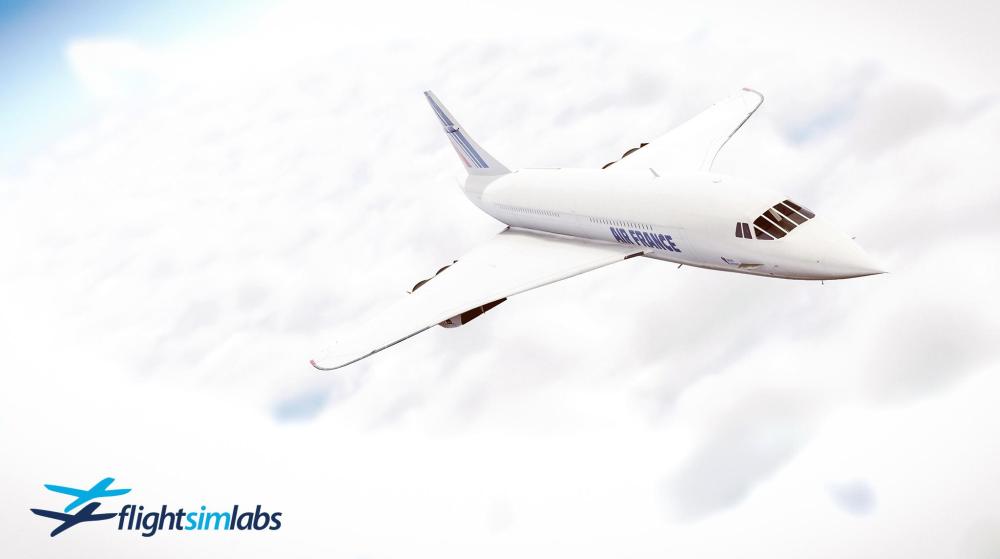
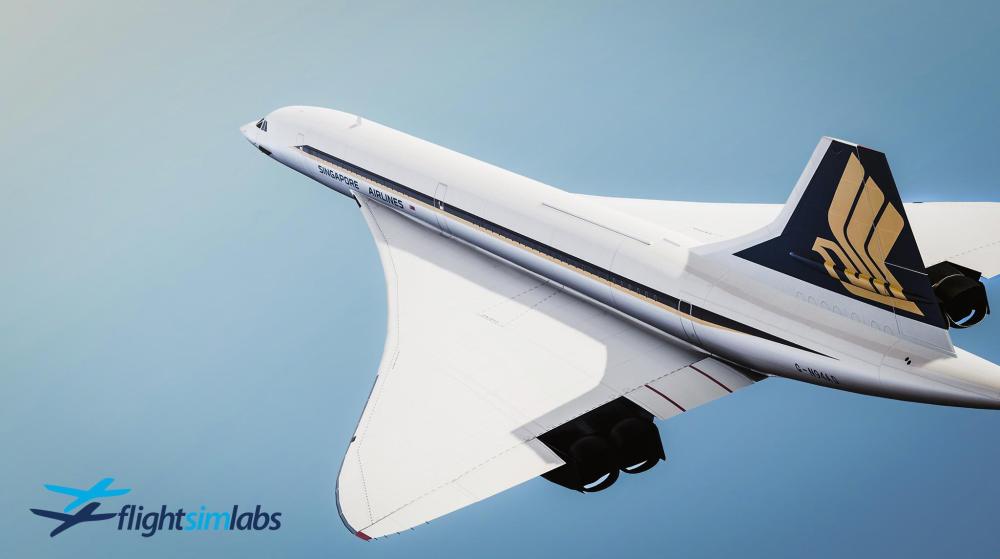
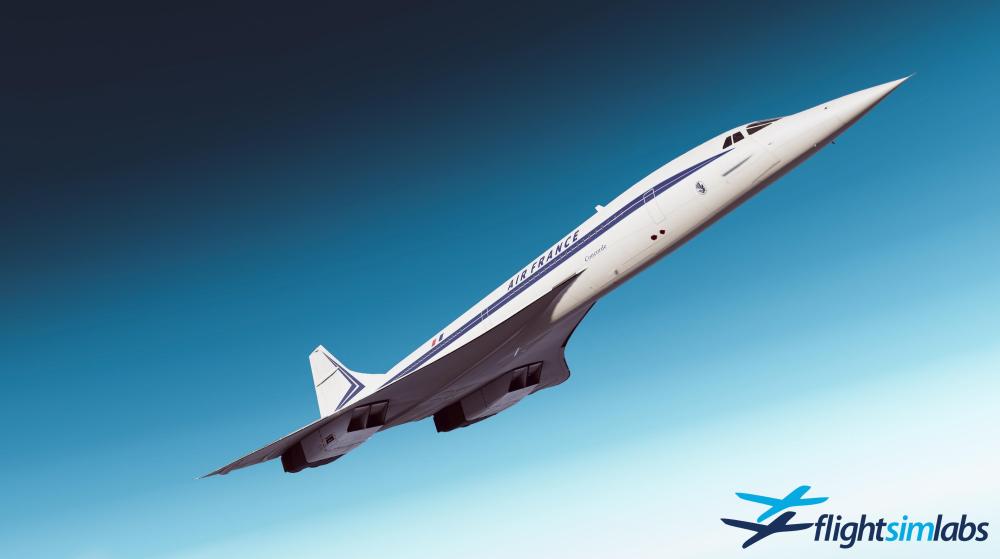
.thumb.jpg.246371410f838acca59d30dce58b684d.jpg)
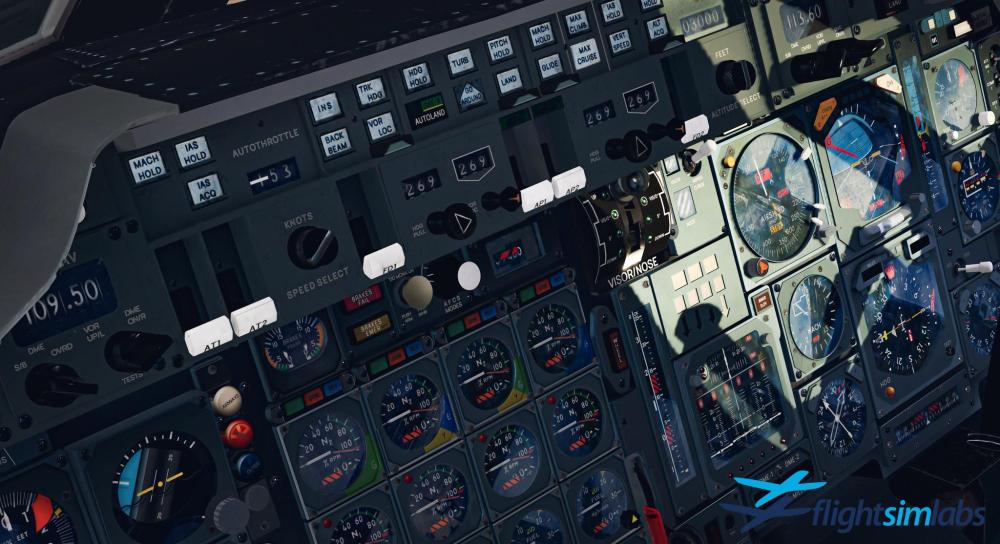
 92 points
 -
Hello everyone, I am happy to announce that our latest update (v5.0.1.169) for the A320-X product family for P3D v4 and v5 (64-bit) is now live and available through our download page. This update brings compatibility with Prepar3D v5.2 HF1 which was released a couple days ago. As always, thank you very much for your continued support!85 points
-
Pratt & Whitney Power Comes to the A321neo For more information, please read our blog post here. Flight Sim Labs is proud to announce the release of our Pratt & Whitney powered A321neo for Microsoft Flight Simulator. This highly anticipated free update to the A321neo product line brings a new level of authenticity, delivering a fully modeled Pratt & Whitney GTF engine variant alongside major system enhancements, visual upgrades, and significant performance gains. Developed with the same uncompromising attention to detail that defines our products, this release further elevates realism, immersion, and operational depth for MSFS 2020/2024 users. This update is available now through the FSLabs Control Center experimental channel only and will become available to the general release channel in a few days. Thank you for your continued support! ------------- A complete update and bug fix list follows for your reading pleasure. A21N: Fix for EIU engine start logic (PACK FAULT related) A21N: Fix for FADEC ATHR with WAI/NAC A21N: Fix for LEAP engine starts A21N: Ground model and acceleration tuning. Flap Full CL reduced. A21N: Fix for Nose Gear Slamming on Derotation A21N: Lift Tuning for Flap Full. A21N: Updated engine models with recalculated bleed config tables. A21N: OWE Hinges Added. A21N: AP TCAS FCU logic updated A21N: EEC fix for N1 CMD A21N: ENG1(2) HIGH VIB Limits A21N: Fix for Flap Full lift issue on approach A21N: Fix for X-Bleed starts A21N: Updated F3 VLS A21N: Updated FULL VLS. A321: CEO Rotation Tweak. (less jump off the deck) ALL: Derotation Tweaks. ALL: End Flight freezing issue resolved ALL: Fix for VLS issue in cruise. ALL: Fix for engine sim temperature limits ALL: Ground yaw acceleration tuning ALL: ISIS colors updated ALL: Payloads save/load state fixed ALL: Transponder save/load state fixed ALL: AP TCAS Added. ALL: ATSAW Added. ALL: Grid MORA Added. AOC/ATSU: Adds SayIntentions as Weather and ATIS Source. AOC: Fix for LDP Runway Exit selection when ASDA is 0 but LDA has a value. AOC: Half deg wpt parsing in Simbrief route AOC: NOAA API update ATHR: Responsiveness improved. ATSAW: Improved Altitude Reporting for online traffic. ATSU: Blocks OOOI Messages when using Beyond ATC ATSU: Correction to A21N MZFW/MTOW Mass and Balance Charts ATSU: Fixes for loadsheet and perf request ATSU: ITA/AZ Added. ATSU: WMT and IBS added. ATSU: IATA - Reads Fltsim.cfg as priority before checking ATSU db ATSU: Fix for non sequential Provider numbers. Bleed: NEO N1 Bump for X-Bleed Start Fixed. Bleed: Supplementary Air Conditioning Start Logic Fixed. Brakes: Pedal input mapping revised. Brakes: Updated Keyboard Braking effectiveness. CDLCU: Cockpit Door closes at the end of boarding if its still open. CDLCU: Logic for door locking / unlocking for NEO / cabin aircraft CEO: Adds PFD Tailstrike indicator CIDS: Cabin Lighting Power Interrupts for AC Source Change CIDS: No Smoking and No Portable Elecs Logic Fix. CIDS: Repeated Chimes not playing Fixed. CIDS: Residual Cabin Pressure Warning Light logic added CIDS: Residual Cabin Pressure Warning Light logic added CIDS: Seatbelt/No Smoking/No Ped/Gear Downlock Chime timing corrected. CIDS: Stops Cabin Ready being reset for Type 2 at 2000ft. CIDS: IFE Emissive Control CPDLC: Adds Beyond ATC Support CPDLC: Fix for CPDLC Sending Logoff during station handover. Console / Floor lighting now properly powered DMC: Fuel used reset for NEO PW DRAIMS: FO INT/RAD Sw Fixed. DRAIMS: Fix for BRT/DIM Issue DRAIMS: BRT/DIM logic fix DRAIMS: F/O side RAD/INT switch Asobo-style no longer affects CPT side instead DUs: Colour Updates for CEO And NEO. DUs: ND WX Radar drawing smoothness improved ECAM: FUEL SD - Fixes 1 ACT Fuel Feed Lines. ECAM: Stop Overflow and STS Dwg on top of each other. ECAM: Fix for LEAP AVAIL Flags ECAM: ENG SD Data Values set correctly when FADEC is unpowered. ECP: save/load state fixed EWD/SD brightness ECU LEAP: Correction to Minimum Cool Time for Low EGT. ECU LEAP: Correction to Motor Timing exit paths. EFB: 3ACT Fuel load displayed correctly on EFB EFB: Briefing - Fix for Briefings not reloading when starting a new flight. EFB: Cache location warning corrected EFB: Fix for opening multiple documents in the viewer EFB: Fix to make Doc scrollbar visible EFB: Fixes for Bow Tie on W+B Chart due to compression at Low GW. EFB: Larger on-screen virtual keyboard EFB: Lockscreen letter alignment fixed EFB: Manuals - Column Hide and Add Manuals work again. EFB: Map - Aircraft Type Name filters. EFB: PW W+B Graph Formed Correctly. EFB: W+B - A21N W+B Data Corrected. EFB: W+B - Graph is now drawn based on aircraft MTOW/MZFW in cfg. EFIS: Pressure Set back to Simconnect 1013.15/or set value. EIS: NEO MSN 12000 or later is default fitted with F/S Speed out of Scale. Can be overriden by FltSim.cfg Options - eis_sf_spd=0 EIS: S/F Speed Out of Scale added. Selectable via Options>Various>Pg3 EIU: Randomise Time Since Shutdown when loading in. ELAC: ELAC flare law improved on NEO ELAC: Roll logic improved ELAC: NEO fix for ELAC flare law ELAC: With Dual LGCIU Failure CONF 2 triggers Direct law (was CONF3). Engines: Ground acceleration rates tuned for PW and LEAP FAC: Mach Buffet tables corrected FAC: Fix for Dual FAC Fault. FAC: Added protection limits to tail strike function FADEC: Boot Timings fixed for all engine types. FADEC: Ground breakaway and accel tuning. FADEC: Updated with PS3 Shadow logic. FCDC: Forwarding of GND SPLR State to FWC. FG: RNP path fixed FG: Pitch command and FD loops - gains adjusted FM: GS Mini: Correction to GS Mini Additive for NEO aircraft. FMGC: Time Markers added FMGC: ETP Added FMGC: NAV logic fixed for initial turn direction. FMGC: SEC INIT A - Cosmetic and functional differences. FMGC: AC STATUS Change Code Logic Corrected FMGC: AC STATUS Idle Value Shared between FMGCs FMGC: AC STATUS NavDb Format changed FMGC: AIRWAYS Cosmetic changes. FMGC: ALL - TIME to UTC Transition now respects if a ETT is entered on an RTA page. FMGC: APPR PERF - SEC VLS/VAPP not linked to PRI VLS/VAPP FMGC: APPR phase FPA limits rules modified for constant speed segments FMGC: ATC COMM: CDPLC Inhibit when no DCDU installed FMGC: Added DB Holding FMGC: Added Save/Load and Autosave FMGC: Adds override to FMGC TMPY prompt for no Left ASCII and arrow instead. FMGC: Airways - Title Formatting. FMGC: Airways - To/Via Formatting FMGC: Alt Prefixes should retain color in SEC FPLN FMGC: Altn Fuel Preds added to Fuel Pred page. FMGC: Amber EFOB Applicable to ACT FPLN Only. FMGC: CHECK MIN DEST FOB Conditions Changed. FMGC: CHECK MIN DEST FOB active for PRI FPLN Only. FMGC: CLB - Presel Display formatting when presel is below 100kt. FMGC: CLB - Presel Input Params. FMGC: CMS - Fix for CMS Requiring two Clicks to Open FMGC: CRZ ALT PROG PAGE fix FMGC: CRZ PERF - Fix for Title Format FMGC: CRZ PERF - Presel Validation FMGC: CRZ PERF - T/D Dashes when no CRZ Alt Entered. FMGC: CRZ PERF - TD Time not orphaned FMGC: CRZ PERF - TD not displayed when not computed. FMGC: Can only access DIR TO Pg with Valid FMGC Position. FMGC: Check Min Dest EFOB S-pad msg. FMGC: Closest Airports EFOB/Wind Added FMGC: Colour Updates for CEO and NEO. FMGC: Constant Mach - Removing Start WPT when opened from a Non-CRZ WPT removes MACH if entered. FMGC: Constant Mach - Cosmetic updates FMGC: Constant Mach - Entry Formats updated to "0.NN" or ".NN" or ".N" or "NN" FMGC: Constant Mach - Manually entered Wpts Large Font FMGC: Constant Mach - Removing start WPT when opened from a CRZ WPT, reverts to Autofilled WPT. FMGC: Constant Mach - SEC Title Size Corrected FMGC: Constant Mach - prepopulates Start waypoint FMGC: DEST EFOB BELOW MIN active for PRI FPLN only. FMGC: DIR TO - Adds --END-- Message. FMGC: DIR TO - Adds S-Pad message if FMGC lose Position whilst on DIR To Pg. Kicks out to FPLN pg. FMGC: DIR TO - Bracket Size and alignment. FMGC: DIR TO - END should only be shown if list has contents. FMGC: Deleting SEC FPLN resets Init A/B FMGC: Dir To - Font Format for Automatically Generated Rad-In/Out| FMGC: Dupe - Added ILS Suffix FMGC: Dupe - Adds Freq Header for NAVAIDs. FMGC: Dupe - Adds Lat Long Header. FMGC: Dupe - Corrected ADF Freq Format. FMGC: Dupe - Corrected Inval Dashes for Distance FMGC: Dupe - Corrected NM Format. FMGC: EFOB - EFOB Turns Amber immediately, 2min delay on S-pad message. FMGC: EFOB below Min Dest Fuel Amber conditions and S-pad message conditions fixed FMGC: EIS/FM added UTC CSTRS (RTA) lines in CSTR indication for ND FMGC: ENABLE ALTN based commit forcing CL phase FMGC: ENABLE ALTN/NEW DEST FORCED CL PHASE disabled while in DONE or PREFLIGHT FMGC: ETP: New ETP Status Logic FMGC: ETP: Sequenced Update FMGC: ETP: Wind Reset on Load FMGC: ETP: Winds Initialse correctly. FMGC: ETP: Fix for NaN Timings. FMGC: ETP: AC To ETP Seq Added. FMGC: FMP: Min Dest FOB Synced between FMGCs FMGC: FPLN: / Colour follows Alt. FMGC: FPLN: Alt " for Repeated Constraints Fixed FMGC: FPLN: Correction to EFOB Dashes. FMGC: FPLN: EFOB Dashes Corrected. FMGC: FPLN: ETT goes green when passed ETT FMGC: FPLN: FROM WPT should not have --- under Speed. FMGC: FPLN: Key Input Logic Corrected. FMGC: FPLN: Manual Wpts Dashed Preds. FMGC: FPLN: PPOS Wpts should not show speed. FMGC: FPLN: Repeated SPD/ALT Constriants do not have / FMGC: FPLN: SEC MAPT Colours Fixed FMGC: FPLN: T.WIND Corrected FMGC: FPLN: V1 on FROM WPT when On Gnd. FMGC: FPLN: WPTs with CMS Show CMS MACH in SPD FMGC: FPLN: When ETT entered, ETT is listed as FROM UTC time. FMGC: FPLN A: FPLN Dist Dashed if FMGC PPOS not valid. FMGC: FPLN B: Dist Units Logic Corrected. FMGC: FPLN B: Correction to Slash colours. FMGC: FPLN B: EFOB Location Corrected. FMGC: FUEL PRED: Final Time Entry Validation FMGC: FUEL PRED: Fix for NOT ALLOWED When entering fuel page. FMGC: FUEL PRED: Phase 1 - Blanked Preds for PRI FPLN. (Work after Eng Start) FMGC: FUEL PRED: Placeholders when units are Lbs. FMGC: FUEL PRED: SEC FPLN Fuel Pred Page Layout FMGC: FUEL PRED: SEC FPLN Page Title. FMGC: FUEL PRED: Sec Fuel Pred Scroll Keys FMGC: FUEL PRED: Sec ZFW/ZFWCG Input FMGC: FUEL PRED: ZFW Amber Slash. FMGC: FUEL PRED: ZFWCG Max CG Corrected (45) FMGC: FUEL PRED: LW Dashes Format fix. FMGC: Fix Info: DTG renamed DIST. FMGC: Fix for EFOB Value not going Amber in SEC FPLN FMGC: Fix for SEC FPLN TIME to UTC Transition FMGC: Fix for SEC INDEX Title FMGC: Fix for total dropouts caused by certain SIDs FMGC: FixInfo: Fix for negative time. FMGC: Fixes for Manually Entered ALTN FUEL for ALTN PREDs. FMGC: Fuel Pred: Fix for No Dashes on LW in SEC FUEL PRED. FMGC: Fuel Pred: Pri Fuel Pred - Data entry in FWC Phase 1 inhibited except in RSK3. FMGC: Fuel Pred: Unit Weight Selections set in placeholders. FMGC: Fuel Pred: Ability to set a Min DEST FOB below computed level FMGC: Further last time/fuel fixes FMGC: Handle STYs during STR removal FMGC: Handle STYs/STEs as part of the STR during STR/STY collapsing FMGC: Holds: Added COMPUTED Function to reset manually edited holds. FMGC: Holds: Fixed behaviour with no FMGC Pos. FMGC: Holds: LastExit Time takes in the account Time at 1st Wpt, regardless if FMGC is in UTC or TIME mode. FMGC: Holds: Removed CLR Function on LSK1/2/3 FMGC: Holds: Temp Color of Computed fixed. FMGC: Holds: Fixed Time Insert FMGC: Holds: Adds Computed. FMGC: Holds: Adds Last Exit FMGC: Holds: Cannot insert hold without Valid FMGC Position FMGC: Holds: Dist entry greater than 99.9 inhibited FMGC: Holds: Fix for Time/Dist Entry and Computed Clear. FMGC: Holds: Fix for Time/Dist Entry and Computed Clear. FMGC: Holds: Fixed Last Exit behaviour with Extra Fuel less than 0. FMGC: Holds: Fixed Last Exit behaviour with Extra Time less than 0 in UTC mode. FMGC: Holds: Fixed Last Exit behaviour with negative extra time in FMGC TIME mode. FMGC: Holds: Fixes Brackets FMGC: Holds: Fixes TMPY Colours FMGC: Holds: Fixes Title FMGC: Holds: Fuel Dashes Corrected. FMGC: Holds: Hold Distance not calcuated when preds are invalid fixed. FMGC: Holds: If User Entry MIN DEST EFOB then that is used in predence over Extra Fuel for Calcs. FMGC: Holds: LAST EXIT FUEL cannot be below FOB at 1st Wpt FMGC: Holds: Last Exit Min Fuel Func Corrected FMGC: Holds: Last Exit Min Time Func Corrected FMGC: Holds: Manual Entries blocked without FMGC POS. FMGC: Holds: SEC Title FMGC: Holds: SEC WPT Formatting FMGC: Holds: Time Formatting FMGC: Holds: Time entry greater than 9.9 inhibited FMGC: Holds: time/dist below 0 will now give a FORMAT ERROR FMGC: Holds: Last Time Fixed with a User Entry and Computer Min Dest EFOB. FMGC: INIT A: Fix for not Allowed Inputs. FMGC: INIT A: INIT REQ Availability. FMGC: INIT A: Input Handling FMGC: INIT A: Access Winds. FMGC: INIT B: FUEL PLANNING TITLE. FMGC: INIT B: MIN EFOB CALC Corrected. FMGC: INIT B: SEC Title. FMGC: INIT B: Title Position Corrected. FMGC: INIT B: User Entry for ALTN is blocked if no ALTN Dest in FPLN. FMGC: INIT B: Title Fixed. FMGC: INIT B: Final Time Entry Validation FMGC: INIT B: Fix for Input Conditions on RSK1. FMGC: INIT B: Placeholders when units are Lbs. FMGC: INIT B: Unit Weight Selections set in placeholders. FMGC: INIT B: ZFWCG Max CG Corrected (45) FMGC: LL XING functionality added FMGC: Lat Rev: AC Position Invalid S-Pad msg fixed when selecting ppos hold with no fmgc position FMGC: Lat Rev: Corrections to Keyinput Validation to remove ghost pages FMGC: Lat Rev: DEPT WPT shown as LEG_IDENT until Phase is greater than Preflight FMGC: Lat Rev: DISCO Wpt Lat/Long Removed. FMGC: Lat Rev: DISCO Wpts title fixed. FMGC: Lat Rev: Enable Altn Disabled on Manual Wpt. FMGC: Lat Rev: Enable Altn conditions Fixed. FMGC: Lat Rev: FROM Wpts have Lat/Long FMGC: Lat Rev: Hold with FMGC POS Unavail sets S-pad msg. FMGC: Lat Rev: LL XING Position Fixed. FMGC: Lat Rev: Manual Wpts do not have FIX or NEW DEST. FMGC: Lat Rev: NEW DEST Conditions Fixed. FMGC: Lat Rev: NEW DEST Position Fixed. FMGC: Lat Rev: No FMGC Pos Hold inhibit for PPOS wpts only. FMGC: Lat Rev: SEC Co-ords White. FMGC: Lat Rev: Title Position Fixed. FMGC: Lat Rev: MANUAL Waypoint Formatting FMGC: MIN EFOB: Logic Updated. FMGC: NEW DEST based commit should force CL phase FMGC: New Navaid - Title adjustment FMGC: PERF CRZ - Adds Titles to T/D, S/C, S/D Preds. FMGC: PROG REPORT - Fix for EFOB/FOB Dashes being swapped. FMGC: PROG REPORT - Title Location Fixed. FMGC: PROG report page updates FMGC: Preds - Min Dest EFOB fuel calc corrected. FMGC: Prog Report - SAT Only avail from Takeoff Phase FMGC: Prog Report - T WIND Only avail from CRZ. FMGC: Prog Report - Unit Weight Selections set in placeholders. FMGC: RAD NAV Fix for ADF and ILS ID Positions FMGC: RAD NAV VOR ID Alignment. FMGC: RAD NAV Accepts /XXX.X frequencies. FMGC: RAD NAV Cosmetic updates FMGC: RTA: DIST Dashes added & ETT Dashes added FMGC: RTA: DIST Label Position and display conditions FMGC: RTA: ETT and UTC switching fixed FMGC: RTA: Fix for not being able to compute RTA in some circumstances. FMGC: RTA: Managed Speed Mode with no Predictions FMGC: RTA: SEC Formatting FMGC: RTA: SEC Title Corrected. FMGC: RTA: Title Formatting FMGC: RTA: UTC Time Corrected FMGC: RTA: Whole page Formatting FMGC: S-Pad: Fix for A/C Pos invalid amber not populating on offside FMGC FMGC: S-Pad: Fix for TIME TO EXIT Msg. FMGC: S-Pad: Logic for AC Position Invalid Amber fixed. FMGC: S-Pad: Not in Database Corrected FMGC: S-Pad: Adds Time To Exit Check FMGC: S-Pad: AWY/WPT MISMATCH Corrected FMGC: S-pad: Fixes non returning messages for AC POS INVAL. FMGC: SC/TC handling when IP is invalid FMGC: SDY/SID/SDE Collapsing Updated. FMGC: SEC AIRWAYS Page Cosmetic and Functional Differences. FMGC: SEC FPLN: Auto Fill Default CI if Init B filled. FMGC: SEC FPLN: V1 Speed Colour Fixed. FMGC: SEC INIT A: Init Req Avail in all phases. FMGC: SEC INIT B: Title Fixed. FMGC: SEC TO PERF: Disables Uplink FMGC: STR/STY collapsing Updated FMGC: Step Alts - Fix for NO OPTIMAL FMGC: TO PERF Max EO/ACC/THR RED Altitudes. FMGC: TO PERF TO SHIFT with no FROM/TO FMGC: TO PERF Transition Altitude with no FROM/TO FMGC: TP Leg should be treated as a PPOS in Vert/Lat and FPLN Pgs FMGC: TRA - TMPY FPLN Fix FMGC: Updated SEC FPLN formats FMGC: VERT REV: Fix for RTA Availablity. FMGC: VERT REV: Fix for Title Location to avoid SEC clash. FMGC: VERT REV: SEC SPD LIM has RTA Func. FMGC: VERT REV: Corrections to Keyinput Validation to remove ghost pages FMGC: VERT REV: Dest Wpts Fixed. FMGC: VERT REV: RTA/CONT MACH removed from PRI/SEC ALTN Routes FMGC: VERT REV: SEC EFOB/EXTRA Fuel Colour fix. FMGC: VERT REV: SEC Step Alts avail FMGC: VERT REV: SPD LIM - CONST MACH and RTA Avail. FMGC: VERT REV: SPD LIM and DES LIM availability changes. FMGC: VERT REV: Wind Data Avail on Missed Appr Wpts - Fixed FMGC: VERT REV: Cosmetic Issues FMGC: VERT REV: Option Availability FMGC: VERT REV: Title fixed. FMGC: VERT REV: MANUAL Waypoint Formatting FMGC: VERT REV: Title Format. FMGC: VOR CRS - Enabled on Startup FMGC: Fix for fmgc_nd_mora state. FWC F10D: Fix for AFT SMOKE CAB FAN condition FWC F10D: Fix for AFT SMOKE ECAM trigger FWC F10D: Fix for FWD SMOKE CAB FAN condition FWC F10D: Fix for AFT SMOKE CAB FAN Condition FWC F10D: Fix for AFT SMOKE ECAM Trigger FWC F10D: Fix for FWD SMOKE CAB FAN Condition FWC F10D: Fix for HYD-GREEN + YELLOW SYS LO PR FWC F10D: Fix for Improper ATHR OFF ECAM (INVOL) FWC F10D: Fix for Improper RETARD Calls. FWC F10D: Fix for Speeds Not Inserted ECAM FWC F10D: Fix for V1/VR/V2 Disagree ECAM FWC F10D/F9C: ECAM Proc Fixes for GREEN + YELLOW SYS LO PR FWC F9C: Fix for G+Y SYS LO PR FWC F9C: Fix for Speeds Not Inserted ECAM FWC F9C: Fix for V1/VR/V2 Disagree ECAM FWC F10: Missing C/B TRIPPED logicsheets added FWC F10/F9C: AP TCAS related ECAMs and Logic. FWC F10/F9C: Revised C-Chord Logic. FWC F10: ENG1(2) HIGH VIBRATION ECAM fixed FWC All: Fix for STS Reminder. FWC All: Fix for AP1+2 INOP with LGCIU1+2 fault. FWC All: Status Normal timer duration updated to 3s from 5s FWC All: Fix for Status page not displaying "NORMAL" when the page is open and a fault is cleared. Fuel: Fix for Fuel Transfer for 1ACT Config Fuel: Fix for FuelCG Arm calculations with ACTs installed. GCU: Fix for NEO GEN Minimum N2 GCU: NEO LEAP - Gen only connects after Avail Flag is shown GPS: Crash when GPSSAT file is corrupted fixed. GPWS: Inop if LGCIU is faulty. GSX: Cleaner service added to turn around GSX: Fix Crash in Reverse search when Profile has UTF-8 Char in string GSX: Fix for parsing gate number when 0 is in the middle (e.g. 505) GSX: Gate selection fix Hardware: Added Handling for Momentary and Latched IR Buttons. Hardware: Added Missing ECP PB Event. Hardware: Hardware Events for MIP Hardware: Hardware Events for WW Minor Airbus Throttle and PAC-32 Hardware: Simconnect Events added for AIR Hardware: Simconnect Events added for ATASW Hardware: Simconnect Events added for ELEC Hardware: Simconnect Events added for FUEL Hardware: Simconnect Events added for HYD IR: Quick Align Logic Fix. Lights: DOME Light Power Interrupts for AC Source Change Lights: Fix for 2 Tail Nav Lights showing Lights: Corrected Light Positions for Logo and Tail Nav. Lights: Beacon light location updated on top of all models MCDU: Additional Changes to TO PERF Page MCDU: Adjusted Logic for entering a PDB Bearing, to require 3 digits. MCDU: Adjusted Logic for entering a PDB Distance, to require a leading digit. MCDU: Fix SEC TO PERF Size/Colour MCDU: Fix V1/VR/V2 Disagree S-pad Logic. MCDU: Fix for SEC FPN page not opening under some conditions with a custom EO Proc loaded MCDU: Fix for V1/VR/V2 Disagree Message MCDU: Lat Rev - TMPY Fpln > changed. MCDU: NAVAID - Freq Location for VOR/NDB MCDU: NAVAID - Removed FOM for ILS and LOC NAVAIDs. MCDU: New Route - RTE can be saved with no name, and defaults to SRTEn where n is 1-5. MCDU: New Route - Store ACTIVE FPLN Requires a FROM & TO Airport in the ACTIVE FPLN MCDU: New Route - Store SEC FPLN Requires a FROM & TO Airport in the SEC FPLN MCDU: RUNWAY - Changed ILS to LS. MCDU: Various Options: Fixes Cycling of Brake Fan Options MCDU: WPT - Co-ordinates are Large font MCDU: WPT - Title Updated MCDU: RADNAV Accepts /XXX.X frequencies. MCDU: RADNAV Cosmetic updates Model: Updated NEO Cabin. Model: Added ACF cabin D3 door visibility option Model: Corrected NEO Wear Pin Locations. Model: Adds BrakeFans with Covers to option list as well as no Brake fans, and Brake Fans. Model: Adds Strobe Blockers on sharklets ND: ADS-B ONLY Message added. ND: ADS-B Only Targets added. ND: CSTR Alt placement fixed. ND: Fix for ND Redraw ND: Fix for WX radar going outside clip area ND: Symbol Tweaks ND: Wpt CSTR Alt Alignment fixed. ND: WX Radar drawing smoothness improved PFD: Fix for localizer not received on choosing dep rwy Payloads: Revamped Cargo distribution to target - will now attempt to distribute the payload as per the loading guidelines within CG Envelope. Payloads: Fix for Max Num Passengers only (no zones written) in the FltSim Cfg corrupting the payload system Protections: Improved aProt limits during heavyweight turns. SD Display: COND page - Temps displayed in even numbers SD: CRZ Temps rounding correction SEC: Reverse Thrust 1(2) Inhibition with Dual SEC 1+2(1+3) Failure. SEC: GND SPLR Fault status. Sounds: Cabin PA volume increases after first engine start. Sounds: Cabin Power Interrupts for PA. Sounds: Fix for no sounds playing in MSFS 2024 SU4 and beyond when Mute Audio in Background selected in FS options Sounds: Improved Cockpit Wind Sounds. Sounds: Stop Disarmed Doors being played on taxi out in some conditions. Sounds: Fix for touchdown sounds playing in flight Sounds: All sound files bit rate updated, elec sound updates Sounds: PW engine start cabin sounds added TCAS: REDUCE RANGE TA message only shows on ND if TCAS is in TA or TA/RA TCAS: DMC Comparison function updated. Tiller: Updated Turning Rates VC: DU screen tint reduced 50% to allow clearer low brightness settings VC: Fix for Mismatched DU Splashes on FCU VC: Updated DU and Window Glass. VC: glass reflections updated VC: Fix for flickering VC: Improved Trim wheel smoothness. VC: Fixed EMER CANC and STBY NAV guard glass VC: NEO Removes MID CALL button from ACF. VC: Fixed 1ACT Panel. VR: Fixes for OpenXR WHC: Icing build up on cockpit windows with aircraft unpowered Wingflex: Updated Wing Model. Wingflex: Updated Wingflex Physics model. XPDR: save/load state fixed82 points
-
****PLEASE READ - CONTAINS INFORMATION ABOUT PRODUCT END-OF-LIFE AND INSTALLER UPDATES FOR EXISTING PRODUCTS**** Hello Everyone, I wanted to take a moment to update everyone regarding news on upcoming products, information on older products being retired, our plans going forward and offer some comments on the latest announcement from Microsoft. Transition from eSellerate to FastSpring As all of our customers know, we've relied on eSellerate for all our product sales and transactions. We've enjoyed a very solid relationship with them for over ten years now and have been very happy with their professionalism and support. Unfortunately, Digital River, the parent company of eSellerate, have globally decided that eSellerate discontinue any new sales operations starting June 30th, 2019, while retaining product activation/deactivation capabilities for existing customers until September 30th, 2019, at which time the eSellerate infrastructure will no longer be available. As soon as we were informed of this news, we started looking for the most appropriate eCommerce provider to match our customers' requirements. After a thorough market search, we selected FastSpring (www.fastspring.com) as they rate very highly in customer satisfaction and have a stellar reputation in handling payment processing in a fast and efficient manner. I'd like to provide some details on how we're going to transition from eSellerate to FastSpring and how this affects you as a customer below. To do so, first I'd like to discuss what will happen to our existing products: Prepar3D v4 (P3Dv4 - 64bit) All our products for P3D v4 will continue being sold and supported through our web site. This includes the A320-X (P3Dv4), the A319-X (P3Dv4) and the upcoming A321-X (P3Dv4). Existing installers for purchases before June 30th will continue working until September 30th, 2019. Starting June 30th, existing customers will be able to transition to new installers by following a free license transfer process through our web site to receive new activation keys that the new installers will require. We aim to make the transition process as easy as possible - details on the transition mechanism will also be available as a separate announcement and email. We expect that our upcoming A320-X update will be part of this transition. Prepar3D v3 (P3Dv3 - 32bit) We will stop selling any P3Dv3 products (Concorde-X / A320-X) effective June 30th. At the same time, we'll stop providing free upgrades from P3Dv3 to P3Dv4 for our A320-X product line. Support will continue for at least one year (June 30th 2020) and product activation will continue working with existing installers until September 30th, 2019. After that date, we will provide updated installers through our Redownloads page which will allow activation without contacting eSellerate's activation mechanism. Flight Simulator X (SP2/XPack/Steam - 32bit) As with the P3Dv3 products, there will be no further development work done on the FSX products, but sales of the A320-X for FSX only will continue until September 30th. This will conclude sales of all FSLabs 32-bit products as they have reached end-of-life and development for them will no longer take place. As with the P3Dv3 products, we will provide updated installers through our Redownloads page which will allow activation without contacting eSellerate's activation mechanism. As a result, effective June 30th, all new sales on our web site will no longer be processed by eSellerate and will be handled through FastSpring's popup storefront system. How does this affect you as a customer? New customers (purchasing after 30 June): Only 64-bit products will be available for purchase. All sales will be handled by FastSpring. Sales through eSellerate will no longer be possible. Concorde-X (32-bit) will no longer be offered for sale for any platform. We expect that the A320-X for FSX will no longer be offered for sale after September 30th, 2019. Existing customers who have already purchased one of our products: 64-bit product updates released after June 30th, 2019 will use installers that will require FastSpring order IDs (starting with "FLI") and new activation keys. Details on this will be provided in a separate announcement and email. We are aiming to make the transition as easy as possible to better serve and support you going forward. Upcoming products Work continues on the A321-X - we will provide a separate announcement with more details on exciting new features and new functionality as time goes by, but we think the A321-X is shaping up to be our finest product yet - we know it’s a favourite amongst pilots and we’re sure our customers will develop an equal appreciation for this airframe with its rather unique characteristics. The model already looks superb and the liveries that Vassilis has been producing are shining with their new Physics Based Rendering textures. I expect several preview pictures to follow in the coming months, along with some lovely surprises in the cockpit. The Concorde-X for 64-bit is now officially on pause. While we received some strong support from customers regarding future sales on P3Dv4, we have to ensure that we align our business model with the significant development news that we received from Microsoft, and since the aircraft is so specialized, we prefer to evaluate further once there are more details on the new platform. The A3XX-X is also in its early stages of development, we'll have more news on that when available. "Microsoft Flight Simulator 2020" (working title) We were very happy to read the announcement of the new Microsoft Flight Simulator platform (which most now affectionately call "MSFS 2020"). It signals the return of one of the most prolific products that our good friends in Redmond have developed and we are all very excited to take a preview look into what looks to be technologies bringing the simulated world to a new level of immersion. We've seen the same previews as you have and they are certainly breathtaking! We cannot, however, provide any details or answer any questions about "MSFS 2020" at the present time, other than to say that our excitement about this next version is the same as yours! That's all for now, expect more details on the transition to FastSpring these coming days! Thank you always for your continued support!66 points
-
Gents- this is not going to be product-related... and it's not going to be customer-related either. As it's a nice Sunday evening and I am sure everyone is now enjoying their favorite sim aircraft, I'd like to give a small word of thanks to the people who are selflessly answering your questions, queries and support requests. Our staff of volunteers who could actually be doing something else on their Sunday but instead they are here. Helping. Answering. Configuring. Managing the forums. Posting replies on FB. John. Tim. Karl. Norm. George. Fritz. Simon. You guys are awesome and I want to thank you... you deserve all our gratitude. The entire FSLabs development and QA team loves you... and I personally bow before you. Thank you again!65 points
-
For detailed information, please read our blog post here. Flight Sim Labs is pleased to announce the release of v11.0.1.326 for our A321ceo and A321neo series, marking the first update following the PW A321neo release. This is an interim update primarily focused on performance, stability, and refinement, alongside a wide range of targeted system, handling, and visual improvements driven by both internal testing and customer feedback. This update is available now through the Flight Sim Labs Control Center in the Experimental Channel. Performance Improvements A major focus of this release has been improving overall performance through strategic reductions in texture sizes and optimization of both GPU and CPU load, particularly within the cabin and external models. In support of these performance gains, we have introduced a multi-stage cabin and model optimization strategy. Users now have the option to disable performance-impacting cabin items entirely via the Cabin Lite option in the Control Center, significantly reducing VRAM usage when the interior is not required. For external views, we have implemented model-level optimizations that substantially reduce memory and polygon overhead compared to the fully detailed internal cabin representation. At a deeper technical level, we have reduced overall model node counts by intelligently grouping elements that do not require individual nodes, improving rendering efficiency without impacting visual fidelity. Finally, targeted texture resolution reductions have been applied where appropriate, delivering measurable memory savings while preserving overall visual quality. We will, of course, continue to drive further improvements in these areas as required. Handling and Flight Guidance Refinements From a handling perspective, braking behaviour has been refined with updated pedal curves, delivering a more accurate and progressive deceleration feel. A further update is planned to address slow-speed stopping behaviour in the near future. We’ve also resolved several SRS and LOC capture issues on the NEO, improving flight guidance consistency during critical phases of flight. We also have a suite of additional flight-guidance updates currently under validation, which we plan to bring to you in an upcoming release. Systems Enhancements and Fixes This update includes multiple system-level improvements across Engines / FADEC, EIU, DMC, and supporting systems, reflecting both customer feedback and internal validation efforts. We’ve addressed several issues impacting FMGC stability. To support ongoing robustness, the FMGC logging architecture has been redesigned, allowing improved isolation and diagnosis of any future edge-case issues. A Continuing Commitment to our Customers and Products This update is available now via the Experimental channel in the FSLabs Control Center. As always, thank you for your continued feedback and support — it directly shapes the refinement and direction of our development. ------------- A complete update and bug fix list follows for your reading pleasure. Aircraft & Systems A21N: Fix for Speed Runaway A21N: SRS Commanded pitch Fixed. A21N: Pack FCV Delay Corrected A21N: BLEED Supp AirCon Start Corrected. ACP: Fix for PA knob on ACP3 to be turned off ACP: Fix for PA mic pushbutton to work on FO side Animations: Animated blinds now optional through MCDU Options Animations: Fix for Brake Accumulator pressure to be in the green band AOC: Mitigation for BATC CPDLC Ingest error. AOC: Updated SayIntentions Wx endpoints AP TCAS: Inhibition logic improved ATSU: Gate/Landing Latch for ATSU ATSU: Fix for AOC Providers with non sequential Provider IDs Brakes: Improved pedal curves Brakes: Added Messier curve to pedal logic CIDS: Timing updates DMC: Upper ECAM: Revised N2 Rounding logic for PW DC 9.9->9.0->10.0 issue. DMC: NEO Sidestick Cross logic updated DMC: PFD: Sidestick Indicator on PFD requires NLG Compression. DMC: PFD: Fix for the Alt target box going white with GS and GS* now in the PFD Alt tape DMC: PFD: TCAS ARM Priority changed. DMC: ND: Fix for wind arrow turning the long way around DMC: ND: WXR range shortened to 179.9 degrees DMC: ND TCAS: TCAS Messages not overwritten by ATSAW Targets. DMC: ND: Offset data drawing added DMC: Small fix for gear compressed values DRAIMS: Fix for sby logic box inputs ELAC: Lateral logic tweak for NEO Electrics: Potential stability fix for transient drops that cut out sounds as well (APU Fire Test, Eng Master switch crank, Fuel pumps, etc.) Engines: Corrected Engine Load in data Engines: LEAP: Cooling Times Tweaked Engines: PW: Fix for Dual Cooling Slave Engine N2 Rising above 10% during shutdown. Engines: PW: Correct PW N1/N2 Hysteresis during Shutdown. Engines: PW: Updated N2 values FMGC: FG LOC capture and LOC TRACK gains updates FMGC: Holds FM/TCM/HM IB MANUEVER ON SECTOR(3/TEAR) : Geometrical stability improvement. FMGC: FM/TCM ( L/TF OFFSET ) -> Force nearfield calculations to avoid mathematical instabilities in case entries are completely trash. FMGC: LAT REV - STAR Constraints Fixed. FMGC: Crash fix for STEP-related logic FMGC: Exception Protection added for FIX INFO radius check state FMGC: FIX INFO nearfield estimation for TO WPT FMGC: Further code protections added FMGC: INIT B Fix for Trip Time with ETT FMGC: RTA - ETT reset on FMGC reset FMGC: Normalized TPP Scheduler, added task/queue and task pool for improved threading FMGC: Wind table unwind is now internally asynchronous with task cancellation in place Lights: Updated Dome Light Brightness MCDU: Hold -> Can Insert Crs without aligned. Payloads: Fix for Cargo not loading completely ROW/ROP: Switch Forced to Dry. Save/Load: lat/lon precision improved ServoControl: Fix for Spoilers popping up during Engine start Sounds: Fix for not muting sounds when sim in background, if MSFS option is checked SRV: ROPS2 - ND RWY Status Logic Updated to account for Autobrakes. TCAS: Fix for non-ASCII chars showing TCAS: TA Only below 890ft on Arr, and below 1110ft on Departure. External Model: Cabin Lite version: Further optimization removing uneeded galleys and overhead bins Cabin N/NX updated: Atlas Container texture fix N cabin Premium seats IFE screens fixed Seat model texture color improvements NX Fuselage Model Updates: Fwd Entrance Area Texture Fix Door 3R Modeling fix Cargo Door Actuators fix Cockpit window glass color modified for MSFS 2020. Exterior seats model LODded to reduce polygon and texture usage Wings: Wicks and fairing logic updated for NEO vs CEO VC: Dual Cooling button no longer masked in FSL-style interactions PW Engines: Oil Door Latches, Blades improved. Blade and Spinner Lighting issues fixed. Top decal positioning fixed. Liveries New: FFT: N610FR, N642FR, N645FR (NEO PW) FIN: OH-LZL (IAE SL) Updated: AEE: SX-NAD, SX-NAM ANA: JA133A BAW: All NEOs CFG: All NEOs EIN: All NEOs FIN: OH-LZR, OH-LZF HKE: B-KKL KAL: HL8509, HL8557 KLM: PH-AXA TSC: C-GOKH VLG: EC-NYE, EC-NYF WZZ: All NEOs64 points
-
Hello all, I am happy to announce that our latest update for the Libraries, Spotlights and A320-X product family for Prepar3D is now live and available (through the Experimental Channel) through our FSL Control Center ONLY. This update brings full compatibility with the latest Prepar3D v5.4 update that was recently released. You should also notice some improvements with performance as we fixed some issues that caused stutters for some customers. As always, thank you for your continued support!64 points
-
Hi everyone, After our pre-release note on September 6th, I am very happy to now announce that our FSLabs Control Center, our new utility which allows easier management of our product family and simplifies tasks such as installation and uninstallation of FSL aircraft, liveries, airline packs and utilities (e.g. FSL Spotlights), is now available for download to all our customers! Its primary aim is to allow for a one-stop update facility for our product line and improve the customer experience by providing micro-updates and rollbacks without the need for individual installers or long downloads, allowing our customers to update their entire product line with a few simple clicks. Multiple simulation platforms are supported and a search facility for official liveries is provided to allow for a quick selection and installation of your favorite airline colors. It features an 'Update All' simple, one-click update function which allows streamlined downloading of any new available updates for all the customer-installed products, rather than having to download individual installers each time we update our product line. There is also a bulk uninstall feature which allows the customer to uninstall all products at once, so that license keys are once again deactivated and ready for future use in preparation of hardware changes or replacements with no need to contact support to request license reactivation. Apart from the stable public release channel, a provision is made for an "experimental" channel as well, whereby the customer can, at their option, choose to be part of our upcoming open testing channel, whenever available. Last, but not least, the opportunity to enter optional items such as your Hoppie ACARS logon and Simbrief username is available through FSL Control Center, as well. As you make your way through FSLabs Control Center, we would love to have your feedback in the newly added FSL Control Center forum - go through the FAQs and User Guide you will find there and feel free to let us know your first impressions as well as any issues you might find. As always, we thank you for your continued support!
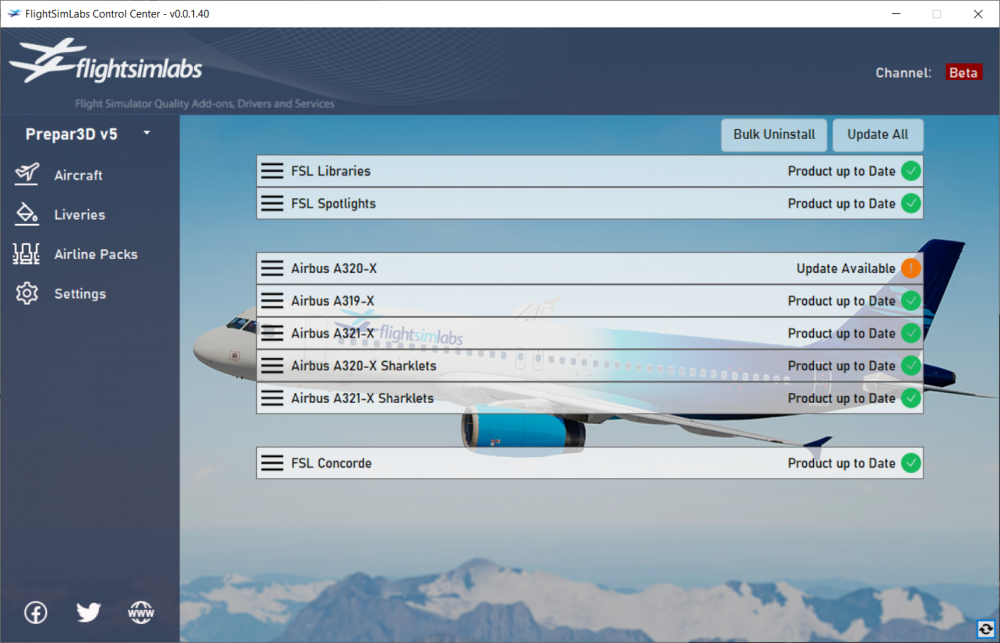
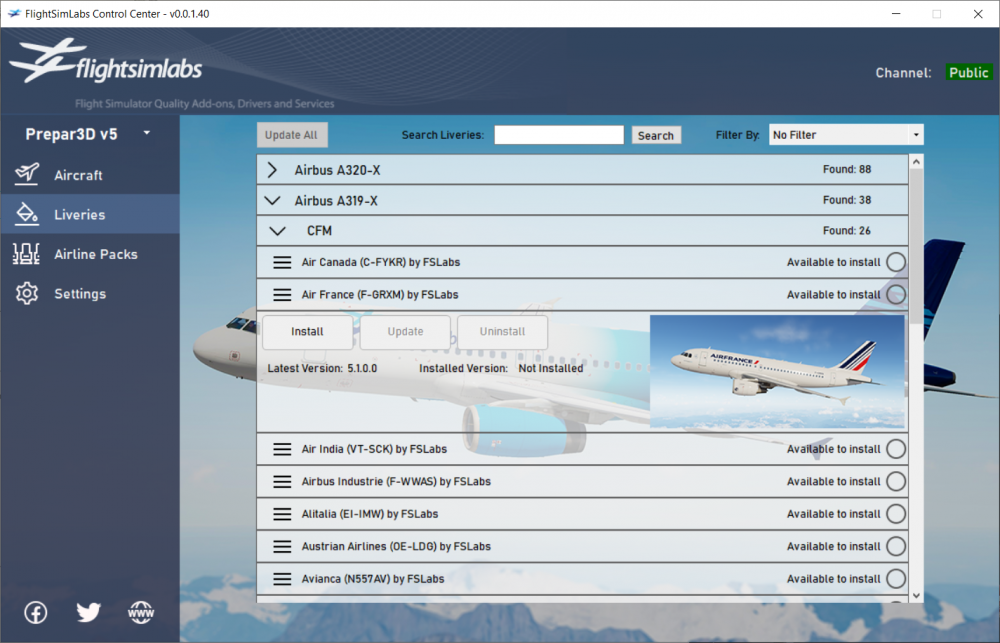
 60 points
 -
Hello everyone, I am happy to announce that our latest update (v5.0.1.115) for the A320-X, A319-X and A321-X for P3D v5 (64-bit) is now live and available through our download page. This is a compatibility update to bring the product family up-to-date with Prepar3D v5.1.8.26742. As always, thank you very much for your continued support!57 points
-
Hello all, I am happy to announce that our latest update for the Libraries, Spotlights and A320-X product family for Prepar3D v4/v5 is now live and available (through the Experimental Channel) through our FSL Control Center ONLY. This long-awaited update restores compatibility with Navigraph Charts through the Electronic Flight Bag (EFB). It also brings full compatibility with 8.33KHz VHF communications (they were working only some of the time before). NOTE: I am sure you'll all be curious about our Concorde progress (as well as other products on the pipeline) - our development teams are very hard at work on these and more announcements will be coming when the time is right . As always, thank you for your continued support!55 points
-
Hello all, We’re pleased to announce the release of version 2.0.1.258 of our A320-X for Prepar3D v4.2 and v4.3! Along the way we’ve been listening to all your feedback on problems and ideas for improvements, and we’re confident that this update will solve a great deal of those little niggling issues that some have experienced. One important thing to note is that this new updated version will support P3D v4.2 and v4.3 only. v4.1 users will need to update their sim to take advantage – something which we recommend everyone does in any case, as each incremental update to Prepar3D brings numerous fixes and improvements to the overall sim experience. As is often the case with these things, there are literally too many little changes, fixes and improvements to list in detail, but overall we think you’ll enjoy a smoother, more stable experience. You’ll find a non-exhaustive list of the main highlights below. You can get the updated installer by heading to our redownload site and entering your A320-X license information. FSLSpotlights v2.0.0.9 Alongside the A320-X, we have also updated FSLSpotlights for Prepar3D v4 to v2.0.0.9. This version includes P3D v4.3 support and is required for v258 of the A320-X to work correctly. As a reminder – as we announced in our last update, Spotlights is now a totally free product and you’ll be able to use it in all your add-on aircraft, not just the A320-X. You can download it from here. A319-X for Prepar3D v4 One of the reasons we were keen to get the A320-X update out is because it includes a great deal of infrastructure which will be required for the upcoming A319-X. The good news is that we are now wrapping up the very final stages of testing the A319-X and provided no last-minute showstoppers leap out at us we hope to have the Baby Bus in your hands very soon! A320-X 32-bit Update We are still in the final stages of beta testing the update for 32-bit platforms and we hope to have this in your hands soon after the release of the A319-X. A320-X v2.0.1.258 Changelog - P3D v4.3 compatibility update - FSL Configurator: - Logic improved when SSAA / FXAA entries missing - Policy Ignore logic fix - External model: - Fix for IAE fan animation logic - Fix for CFM fan animation logic - Improved CFM cone geometry / texture - Nose Gear Inner part textures reworked - Parking brake light added - Various small cosmetic fixes - Virtual cockpit: - Pedestal ACP click events updated - Side windows updated / improved - Guarded switches initial position logic fix - Trim wheel animation improvements - Trim wheel indicator texture / lighting reworked - Main panel lettering quality improved - Captain window shader fixes - Various small cosmetic fixes - GSX: - Auto-door logic implementation - Fix for crash when loading/unloading with GSX - Autoflight: - Fix for FCU Speed Selected - FMGS: - FM: - Fix for NAV->HDG downgrade crash bug - RNP translation fixed (requires updated nav database) - OPT FL during CRZ CLB/CRZ DES fix - Pause at TOD now at 20nm before TOD - Lateral fix for nearly codirectional segment flaw during path minification - DIR TO fixes when pseudo waypoint exists between TP and TO - APPR PERF page fixes - Fix for intl date line logic bug - X424 updates for APT listing - Radial Fix Info page RETURN logic fixed - FG: - Tuning for Autopilot in ALT* modes - Radios: - COM Radios tune to 122.8 / 118.1 by default now - Oil Temp: - Several logic fixes - Fuel: - Several logic fixes - FRV Flow rate reverted to 300Kg/h - Fuel tank sun exposure area improvements - Fuel Temperature model overhauled. Main features: - Fuel Pumps affect temperature - IDG thermal model added - Sun power and shade logic added - Sounds: - Several logic improvements - Fuel pump sounds tuned - APU Volume reverted - IAE Sounds improved - CFM Engine sounds improved - PA logic improvements - Fix for multiple sound device related crash - IDG: - New thermal model completed - DMC: - E/WD Fuel ECAM page fix - Fuel used logic fix - Fix for Chrono running in Paused state - BSCU: - Autobrake MED distances / deceleration tuned - AOCService: - Minor fixes and enhancements and new file detection algorithm As always, thank you very much for your continued support!53 points
-
Hello everyone! We wanted to share a brief update and clarify a few points that have come up frequently in recent discussions. We appreciate the growing anticipation for our next update to our A321-Neo product line, including the Pratt & Whitney engine variant, and we understand why many of you are eager for clearer information. Development and testing are ongoing, but a combination of technical challenges and continued changes introduced through MSFS 2024 Service Updates have required additional work and validation time. At the same time, we’re actively supporting both MSFS 2020 and MSFS 2024, while also laying the groundwork for a future, fully MSFS 2024–integrated product line. Maintaining compatibility across both platforms means that changes on one side often need to be carefully evaluated and tested on the other. While this inevitably adds complexity, it’s important to us that customers on both platforms receive stable and consistent updates. Because of this, we prefer to resolve issues thoroughly before release rather than pushing updates out prematurely and addressing problems afterward. We’d also like to set expectations around timing: we do not expect to release a major update before Christmas, as releasing close to the holidays can place unnecessary strain on our QA and support teams, and we want to ensure that when an update does ship, we’re fully available to support it properly. Development and testing will continue over this period, and we’ll share further information once we’re confident about timing. As always, we genuinely appreciate the patience, passion, and feedback from our community – and we remain committed to communicating openly as development continues. With the holidays approaching, we’d also like to take a moment to wish everyone a peaceful and enjoyable festive season! As a way of thanking you for your continued support, we’d like to share a few in-development preview screenshots from current work-in-progress builds, to give a visual snapshot of ongoing development. Please head to our web site blog here to view them!48 points
-
Hello everyone, I am happy to announce that our latest update (v5.0.1.116) for the A320-X, A319-X and A321-X for P3D v5 (64-bit) is now live and available through our download page. This update should fix a performance issue noted in P3D v5.1 and also allows the installer to properly detect older P3D v5.0 versions. Note that we anticipate another update once Lockheed Martin release their P3D v5.1 hotfix in the coming days. As always, thank you very much for your continued support!48 points
-
Hello all, Please wait for our announcement, but since people are already leaking images, I might as well post one of my favorites: And another that our devs really love: Also- some of the info that "leaked" is incorrect because it's been placeholder... so take everything you read around the internets with a grain of salt . More to come very soon! Thank you!
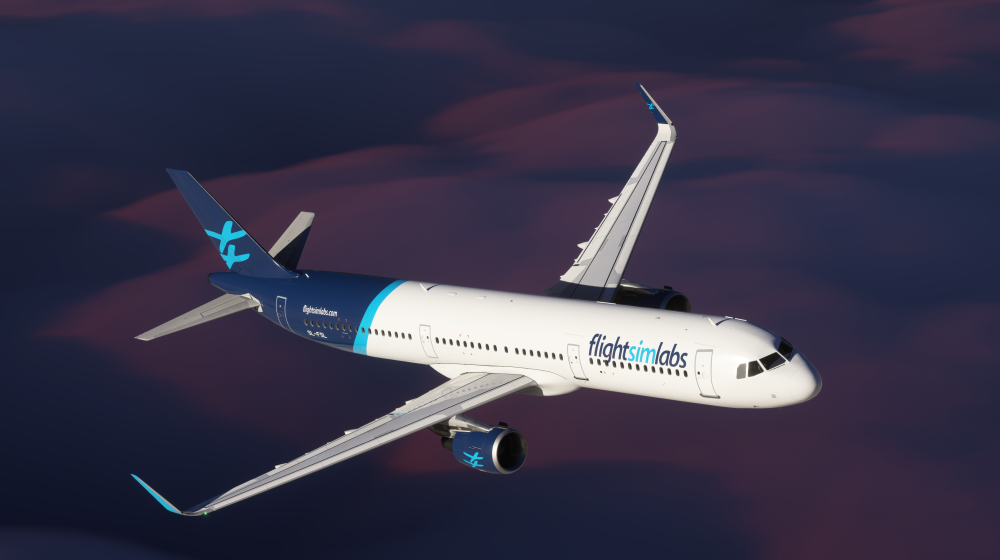
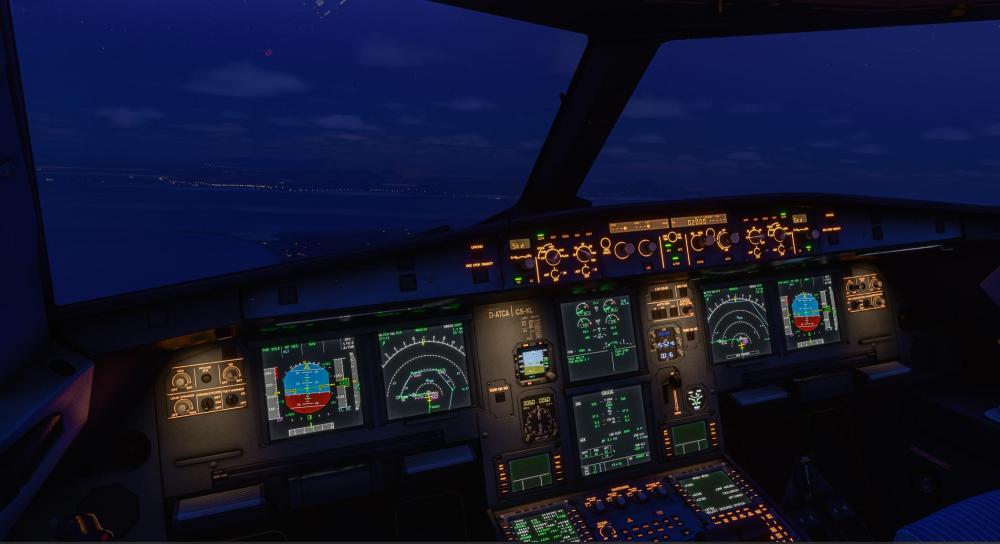 42 points
 -
We are excited to announce the release of v11.0.1.309 for our A321ceo and A321neo series – a comprehensive interim update focused on stability, visual performance, and real-world handling accuracy that continues our dedication to delivering the highest standards of realism, performance, and simulation fidelity. One of the primary goals of this interim release is to improve performance and VRAM usage, particularly for users running in high-resolution or multi-monitor setups. This optimization helps ensure smoother performance and better headroom in memory-constrained environments, especially when flying complex approaches or in dense scenery areas. We’ve also addressed several critical crash-to-desktop (CTD) issues, including those triggered by aircraft reloads and specific TCAS traffic situations. These changes improve the robustness of the simulation, making it more reliable across extended flights and varied operating conditions. From a handling perspective, we’ve worked closely with airline partners and pilot feedback to correct an issue affecting yaw behavior during the landing roll, and have retuned brake effectiveness based on measured stopping distances from real-world A321 aircraft. These refinements offer a more authentic feel when decelerating after touchdown and enhance the overall realism of landing dynamics. Alongside these improvements, this update also brings enhancements across a wide range of systems, including FMGC protections, NEO engine logic, ROPS behavior, and various smaller fixes to increase system fidelity and usability. For the complete list of fixes and additions that form this update, now accessible via the Experimental channel in the FSLabs Control Center, please go to our News post here. As always, thank you for your continued support!39 points
-
First and foremost, a huge thank you to our incredible community. The excitement and enthusiasm surrounding the release of our A321neo has absolutely blown us away. From the moment we launched, your support, your feedback, and your passion for high-fidelity flight simulation have made all the hard work worthwhile. We’ve thoroughly enjoyed reading your comments, seeing your screenshots, and hearing about your first flights with the A321neo. Whether you’re cruising high above the clouds or mastering complex approaches, knowing that you’re enjoying the aircraft as much as we enjoyed building it is incredibly rewarding for the whole team. Your words of encouragement, detailed reviews, and thoughtful suggestions have meant the world to us – thank you. Of course, we’ve also been listening very closely to your feedback. As with any major release, there are always areas where improvements can be made, and we are committed to addressing them swiftly and thoughtfully. Since launch, we’ve been prioritizing the most pressing issues based on what the community has highlighted. We’re pleased to say that several key updates are already in the works – with fixes and enhancements aimed at delivering an even smoother and more immersive flying experience. Our goal has always been to build simulations that strike the perfect balance between authenticity, performance, and usability. Your input plays a critical role in helping us achieve that. Whether it’s small visual tweaks, fine-tuning systems, or broader usability improvements, your feedback guides our development efforts – and will continue to do so moving forward. For the complete list of fixes and additions that form this update, now accessible via the Experimental as well as the Public channel in the FSLabs Control Center, please go to our News post here. As always, thank you for your continued support!38 points
-
Hello everyone, I am happy to announce that our latest update (v5.0.1.187) for the Libraries and A320-X product family for P3D v4 and v5 (64-bit) is now live and available through our FSL Control Center ONLY. This update brings compatibility with Prepar3D v5.3HF2 which was released very recently.38 points
-
We’ve just released version 11.0.1.302 of our A321ceo for MSFS, bringing the long-waited compatibility with both MSFS 2020 and MSFS 2024, further refinements and enhancements based on your feedback. This update focuses on performance improvements, system fixes, and additional polish to ensure the most immersive experience possible in both MSFS2020 and MSFS2024 (Sim Update 2 and above). If you're flying the A321ceo, you’ll want to check out what’s new! Full details available in our latest blog post: 11.0.1.302 release of the A321ceo. : As always, thank you for your continued support and feedback!37 points
-
Simbrief This week we coordinated with Simbrief and asked for some changes to be made to bring the OFP AOC Uplink more inline with real world procedures - and, more importantly, in an effort to mitigate some of the issues customers were seeing with uplinking their route into the aircraft. It also means that customers will only need to configure the Simbrief Downloader only once. You'll note that the destination folder has changed from the AOCService folder, to something like this: C:\Users\Public\Documents\FSLabs Data\Routes Please restart your Simbrief Downloader tool for these changes to take affect. You should then see the following: Once the file is saved into the FSLabs Data\Routes folder, you'll then be able to uplink the plan at your convenience from the A320-X series. Navigate to INIT A on the MCDU (press INIT button) Enter the ICAO FLT NBR (this should match the callsign in the filename you exported, in this case TCX430). Press INIT REQUEST* The OFP will be uplinked to the aircraft PFPX Using PFPX, the OFP can be saved to the FSLabs Data\Routes folder: Select the down-arrow next to Print Flight Plan (OFP) to select Save. Save the file to your C:\Users\Public\Documents\FSLabs Data\Routes folder and follow the steps listed above to uplink. It is important that the file name begins with the ICAO Flight Number - the default file name PFPX provides is fine, example: TCX430 EGKK-LTAI (19 Feb 2019) #1.txt AOC Auto-uplink will continue to function, should you wish to continue to print your OFP's to the FSLabs\AOCService\Uplink directory.
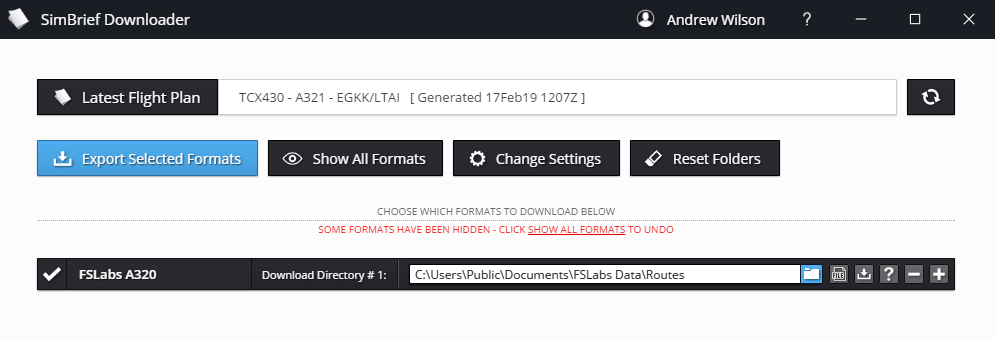
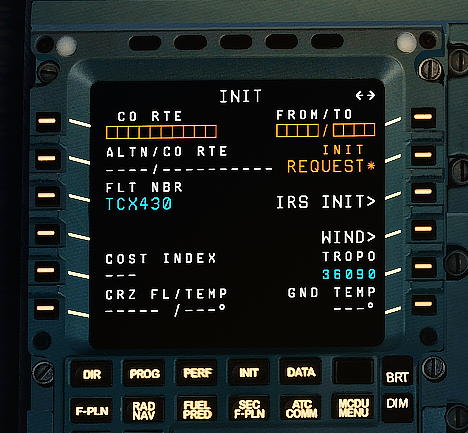
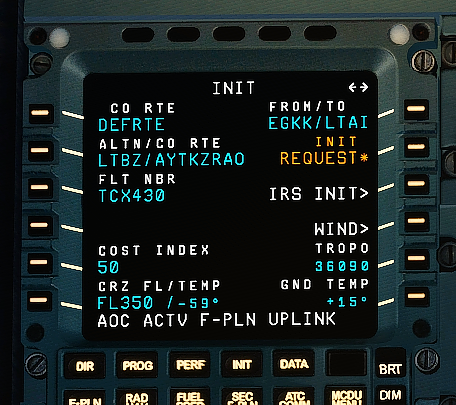
 37 points
 -
Introducing Our A321neo: Now Available! We're incredibly proud to unveil our most ambitious aircraft release yet - the A321neo, meticulously crafted to deliver a next-level experience in Microsoft Flight Simulator. From the detailed flight dynamics and advanced cockpit systems to enhanced visual fidelity and immersive audio design, this release reflects our passion for aviation and dedication to sim realism. Whether you're flying short hops or stretching its range across continents, the A321neo is built to impress - with a deep attention to every operational nuance. Read the full story and get behind the scenes: https://www.flightsimlabs.com/index.php/out-now-a321neo/ Fly the future. Fly the Neo.35 points
-
Hello everyone, We are pleased to have now pushed our v292 update to our experimental channel within the FSL Control Center this afternoon for our FlightSimLabs A321ceo product line. This update reflects our ongoing commitment to enhancing the simulation experience by introducing new features and resolving a wide range of issues that have been reported by our dedicated community. In this release, we’ve worked hard to implement several exciting additions that further elevate the realism and functionality of the A321ceo. Alongside these new features, we’ve addressed numerous bugs and made important refinements based on our customers valuable feedback. Whether it’s improved system integrations, smoother performance, or more reliable behavior in challenging scenarios, this update is packed with enhancements designed to make your virtual flights even more immersive and enjoyable. New WXR-2100 Weather Radar Building on the innovative technology provided by Asobo, we’ve seamlessly integrated the Rockwell Collins WXR-2100 system into the A321ceo’s avionics suite. This collaboration leverages Asobo’s exceptional weather engine and our commitment to delivering unmatched fidelity in systems simulation. The radar functionality has been meticulously designed to interact with the live weather environment in Microsoft Flight Simulator, ensuring that pilots can experience accurate radar returns that reflect real-world conditions. From auto-tilt adjustments to customizable range settings, the radar system offers a comprehensive set of tools for route planning and in-flight decision-making. With this update, Flight Sim Labs continues to set the benchmark for high-fidelity aircraft simulation. Our development team has worked to ensure that every aspect of the WXR-2100’s integration is true to life, from the realistic radar display to its ergonomic interface in the flight deck. The result is a simulation experience that not only enhances the realism of flying the A321ceo but also provides a deeper understanding of the complexities of modern aviation technology. Hardware Integration We are excited to share that our code has been expanded to work seamlessly with popular systems like WinWing, MiniCockpit, WingFlex, and more. This update allows users to fully tap into our extensive LVARs list and events tables, making it easier than ever to enhance and personalize your simulation experience. Whether you’re setting up a home cockpit or exploring new ways to bring your simulation to life, this compatibility update opens up exciting possibilities for deeper immersion and creative customization. ---- Currently, customers can access this update via the Flight Sim Labs Control Center, through the experimental channel (instructions here). To read the full version of the announcement and to see key highlights of this update, please visit this link: Update V11.0.1.292 - Flight Sim Labs34 points
-
Hello all, If you have been following our forums, you might have noticed me replying to several posts asking for updates and information that "I will be coming out with more news soon". I've refrained from doing so until now, not because we've had nothing to show, but because there was a lot of work involved and I wanted my update to have some significant details on where we are at and what is to be expected - a roadmap, if you will. Lots of things are happening simultaneously in the sim world as we speak: New versions of sim platforms, for example: Dovetail released a FSX Steam update a few weeks ago and Lockheed Martin came out with a new Prepar3D v3.0. This is wonderful news for the industry, however at the same time, it means there are now five different simulation platforms to be supported in the future, all with a common ancestor, Microsoft Flight Simulator X. We have SP2, XPack, Steam, P3D v2.5 and P3D v3.0 now, one or more instances of which is running on customers' setups. As such, we need to remain vigilant on our goals for the FSLabs product line, to ensure we keep you satisfied with our upcoming releases. This is where our product line stands as of the time of this writing: FSL Spotlights We just recently released a new version (available for free download on our servers) that is compatible with ALL simulator platforms. This means FSX SP2/XPack, FSX-Steam Edition, but also Prepar3D v2.5 and Prepar3D v3.0. This version improves significantly on the quality of spotlights that can be seen in the virtual cockpit, especially so for low-polygon models that suffered jaggy artifacts in previous versions. Feel free to download and test it for yourself - just place your aircraft at LGAV airport and the product will work 100% unrestricted. Once you're satisfied, you can purchase a license to unlock it for the rest of the world - do so inside the FSL Spotlights Manager (as instructed in the documentation). FSL Concorde-X Someone already spilled the beans (*cough cough* Andy): We have already released a couple v1.3 candidates to our Concorde-X beta testers. This upcoming release contains the following new features and updates: - Compatibility with FSX-Steam Edition. - Significant memory management improvements (300-350MB of VAS savings compared to the previous version) - Full DX10 compatibility for FSX and FSX-SE (windowed mode as well as full screen) - New and improved Virtual Cockpit lighting thanks to FSL Spotlights (you *will* need to download FSL Spotlights!) - Sonic boom effects heard in external view - Several bug fixes: - Yaw Trim not showing on Elevons - Virtual Flight Engineer fixes - Increased drag for supersonic descents - Autopilot roll control improvements - Most FSX crashes on exit fixed Barring any unanticipated delays with the Concorde-X testing, we expect that this version will come out on our eSellerate servers within the following weeks. As such, anyone who's purchased the Concorde-X with eSellerate download protection in the past 365 days from the day of release will be able to download the new full version for free. For those who have purchased it more than a year ago, we've made a special purchase available at a token price tag (4.99) which covers our ISP providers' cost and ensures continued support. Our Concorde-X roadmap will also bring the Concorde-X to Prepar3D. This will be a separate SKU at a similar price tag as the FSX version. While we'd wish to provide upgrade paths from one product line to the other, the significant work involved to support both product lines does not allow this. We expect that we'll be able to provide a bundle price if both products are purchased together. FSL A320-X (Be honest, did you just jump here directly?) We've made quite a bit of progress. Some information to set the mood and set up some expectations: - We have aimed to be realistic in all aspects of the A320-X. If you have watched my videos from "a few months ago" at that conference, we wanted to ensure the aircraft feels, breathes and behaves like its real counterpart. This is one of the reasons why we took such a long time developing it - we tried to make it feel like an A320 in its flight behavior and in its dynamics all around. Not all of us are A320 pilots, but for those who are, we hope that you will "sense" the A320 in your flight sticks, rather than feel something that is "eh, like one, possibly". This was really important to us. Manual flight should behave and feel the same, in EFCS normal laws, but also in alternate and direct law as well. - Once we were happy and satisfied with how the bird flies "by hand", we needed to adapt this sensation to its automatic counter-part. Since this is a VERY computerized aircraft, this meant we had to observe, identify and reproduce a multitude of scenarios, setups and patterns which identify the nuances and characteristics that make the A320 so very unique but also so very "easy to fly". We learned these past few years that "easy to fly" means "quite difficult to program". We believe we've achieved that to our satisfaction now. In fact, rather than continuing on with my thoughts, I asked our testers to provide some feedback on what's coming your way and what their thoughts are on the A320-X. Here's a few select tidbits of what they had to say so far: "The autopilot and ATHR are phenomenal. You watch YouTube videos of how they react in the real plane, and that's what you're getting in the FSLabs one. The transitions in vertical modes? Smooth as silk." "Sounds - engines fading away in cruise and the wind noise getting noticeably louder; it feels so immersive. Same with electrical contactors etc. When the engine goes available on upper ECAM and you hear the contactor bringing that engine's GEN online. Also switching from ground to APU power and you hear the electrical hum change frequency slightly". "Batteries - noticed last night the load on the batteries starting the APU (and stanby compass going nuts). Again, these are only little things that add to the immersion factor". "Fuel system - pitching down from T/D caused the OUTR TNK XFR ECAM warning when the main tanks were getting towards low". "Single engine handling - both this and general static thrust (crew-only payload and <5t fuel means you'll be on the brakes nearly all the time when taxiing)". "One of my favourite aspects of the A320X simulation is the immersion factor you’ve achieved with the sounds in this product. Audio dynamically fine tunes to represent the different phases of flight with great results. From boarding - where you can hear the hustle and bustle of passengers in the cabin, dings from the CIDS, the whirring of the hydraulic and fuel electric pumps and the distinctive whistling of the packs running. To the blowers below the flight deck keeping the racks of electrical equipment cool – and not forgetting the ‘barking dog’ sound from the PTU on push and start". "Once on the move the aircraft really comes to life – thundering down the runway, the thud of each runway light sends rattles through the cockpit as the aircraft accelerates. The nose wheel below the flight deck begins to resonate as you approach takeoff speed and peaks as it breaks free from ground contact. Climbing out, the characteristic buzz saw from the engine fans as the tips rip through the air at supersonic speeds, gently begins to fade away as the atmosphere gets thinner – replaced by the rush of wind noise on the flight deck". "My favourite part is descent – the engines slowly reduce to modulated idle, which sends another low-frequency resonance through the aircraft. Soon after, we’re at ‘top of bracket’ on the PFD speed tape and the FMGS commands true thrust idle – the resonance produce by the engines falls away and we’re gliding. Only the distant turbulent sound of the spoilers can be heard in the background as the automatics chase our descent profile". "The individual systems, you can see most of the wonders implemented behind the scenes appear at power-up. Once you get some AC power online, the Display Units come to life, you see the self-test screen and then they come on properly. For the next few minutes you can see and hear the multitude of computers coming online, either through quick flashes on the overhead PBs or the FIRE TEST master warning upon startup". "The quality of TERR ON ND. Absolutely brilliant - I love that the "sweep" is accurate, and only updates terrain during turns when the sweep reaches that part of the display as per the real aircraft. The clarity of the display is also excellent, and the waypoints showing correct details (purple outline for constraints etc)". "Immersion is so important to most serious simmers, and that's what the A320-X brings in spades. Other already available products are either incomplete in aspects beyond just failures or are unabashedly designed to be "lite" in many respects, such as FMGS modeling and aircraft systems beyond the most basic. The A320-X brings it all home at last and at a level at least equal to any airliner simulation available today." "I love the immersion factors such as the rich and varied sound set, which animates the cockpit environment in spectacular fashion. I love that the MCDU menus are complete and authentic as compared to the real deal; thus putting me in a virtual cockpit all the way. The A320X brings all of these details to life." "Trip times, fuel burn in the FMGS is simply to the spot - no nonsense. I'd tried some other products - they were way off. In the A320-X, you will not have to be playing guesswork with the numbers, it's correct from pre-flight to landing". "So MANY details really: 1. The engine simulation is by far the best I've seen in FS. Realistic (and immersive) startups down to secondary engine parameters. Effects of bleed demands (packs, anti-ice) on engine (individually) and thrust on the ground and in the air. Smooth single engine taxi. Spoil up/down timings - The ATHR is genius. Everyone needs to fly gusty/windy approaches and see Ground Speed Mini in action. 2. External model animation and sounds all properly linked to their appropriate systems. Rudder weathervane in the wind. Drooped surfaces react to wind direction and speed. Inlet/outlet doors animations. 3. First real Airbus FWCs simulation. Just SICK: Hundreds of messages generated from real interactions of the sim systems. 4. Proper pressurization system - you can play with it on the ground and the air and expect high levels of simulation. 5. EFCS: Simply the best. The end of the "Airbus can't be done in FS" curse. FINALLY !!! The smoothest, yet the most reactive. A joy to hand fly. All laws, degradations are there. 6. Excellent representation of Airbus Display Units. Perfect ratios - Colors are very close to the real thing. Great fonts, great smoothness". Personally, I feel those comments are seriously enthusiastic - however, I've not been able to find a single comment to be 'exaggerated' or 'over-the top'. As you can see, our testers are actually really enjoying the A320-X so far. In fact, so much so, that I am wondering if I might not crack the whip a bit now to get them to find more bugs, so we can give you as much of a smooth experience as possible come release day! Oh - and by the way... We released a new video, see what you think of that part at the very end that says "Now in...". I'm embedding it here. Don't cheat - watch it first, then read on below. (Watch in full screen, 1080p resolution for best experience) Did you cheat? Oh well. If you did, shame on you! If not: Yep. It's true. We're in BETA now! This means we've frozen all new code development and have gone 100% into bug fixing mode for the features that made the v1.0 RTM cut. Our beta testers have been given the OK to actually start flying the aircraft online on VATSIM/IVAO so if you see them around, be kind and don't make them break their NDA, or I'll have to kick them from the beta testing team! Pity them therefore! We'll be opening up the beta applications process very soon as we now want to get a few more simmers as well on board. Expect more info on this in a separate post. Oh - and a final note. A thank you goes to Airline2Sim for helping us out with this latest video - they are awesome! In fact, we are hoping that our initial collaboration will extend to a more fruitful relationship - they've liked what they saw in the A320-X so much, that they're going to be producing their next training series with it, to be taught by a team of real world A320 pilots! But for this, I'll let Ben Weston describe their plans more when he is ready! I promise I'll keep updating everyone with beta progress regularly now! Hope you liked what you've read so far! It's not long now!32 points
-
Hello all, a small update to let you know that we've updated the latest version of the A320-X for Prepar3D v4.2+ to 2.0.1.260, to improve and correct a small list of items you reported these past two days. The most "visible" change is that we adjusted the windshield glass tint which was reported as "too gray", but we also fixed a few small items as per the changelog below. The issue with the 'banding' or 'horizontal line' on the Virtual Cockpit glass that some users are reporting while under certain time and weather conditions on the ground is actually one that LM have verified as an issue in Prepar3D itself. More information, as well as a possible workaround until they fix, in the Prepar3D forum thread here and in our FSLabs forum thread here. To download the latest version, please visit our redownloads web page here. Here's the changelog for v2.0.1.260: - External Model: - Wing fairing and nose gear door small fixes - Sounds: - Various small fixes - ECB: - APU flap visual fix - Virtual Cockpit: - Adjustment in window transparency level - GSX: - Small fix for pax boarding / deboarding state As always, thank you for your attention and for your continued support!32 points
-
I guess I'm now a gamer then!31 points
-
Hi all, With the NDA lifted I can showcase what I've been up to the last few weeks. I consider this my COVID-19 furlough project as I was off work for almost a month and a half but I'm back into the fold now thankfully! I spent my time off working on an all-new 4K PBR-enhanced fuselage kit and am combining it into a full-featured kit in collarboration with @Hugo Bicho and @John Tavendale. This is leveraging Hugo's wings, engines, pylons, stabs and other bits. I've completely reworked the entire fuselage, including panelling, rivets, wing box, doors, landing gear struts, tires, cockpit area (including wipers), cabin windows with accurate shape and applied PBR custom effects where needed. The venerable @John Tavendale has been providing input too and I borrowed some of his bits (cargo doors, etc), so thanks John! He will also be doing the normal maps for the fuselage, which is still pending but coming soon. A lot of work has gone into this and I hope you can appreciate the finer details We are in the process of finalising it so that we can start pumping out liveries. But here are some WIP shots of some liveries I've got in the works Disclaimer: These are still WIP and may not represent final product. Air France F-GKXG Air New Zealand ZK-OAB Cheers, Daniel
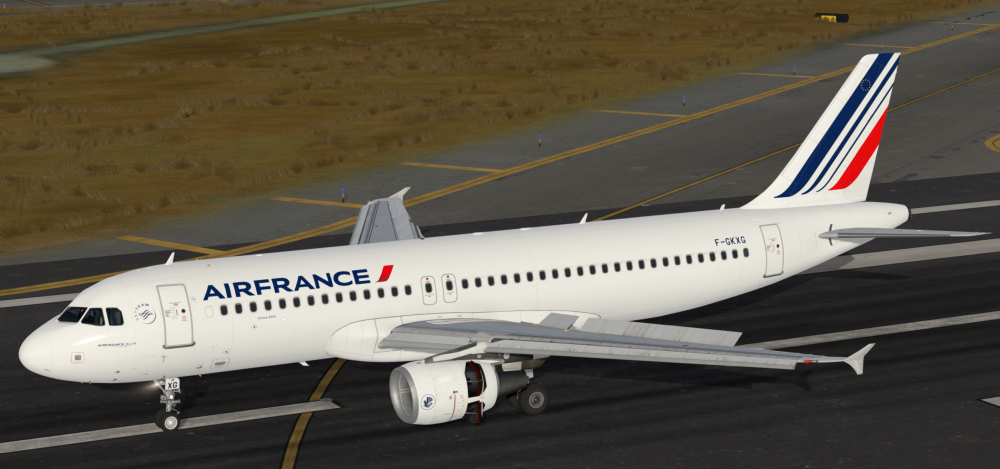
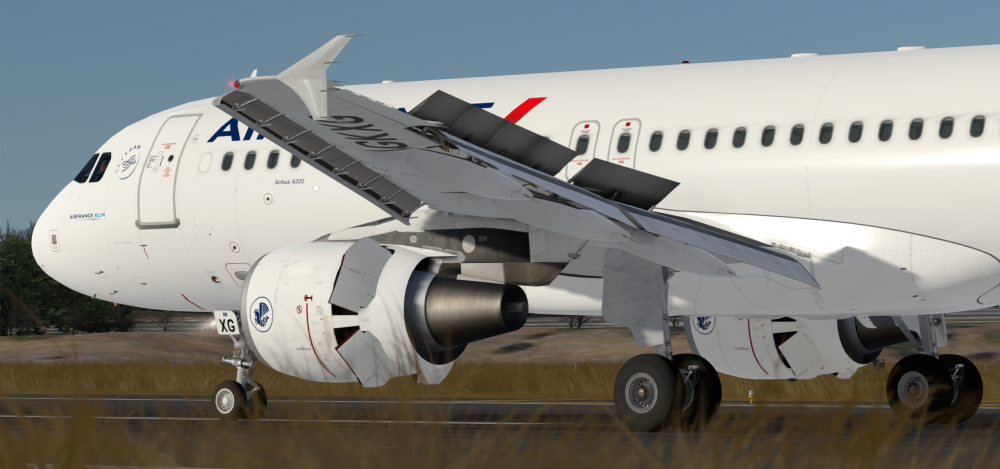
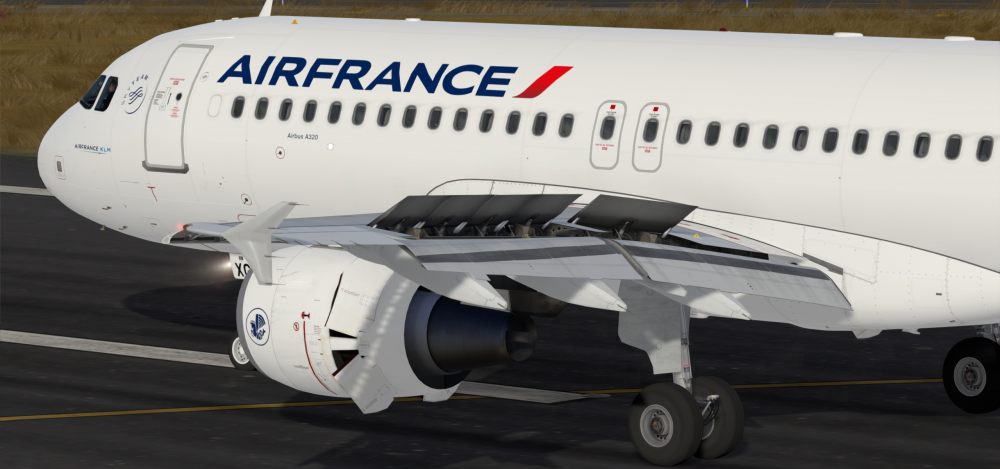
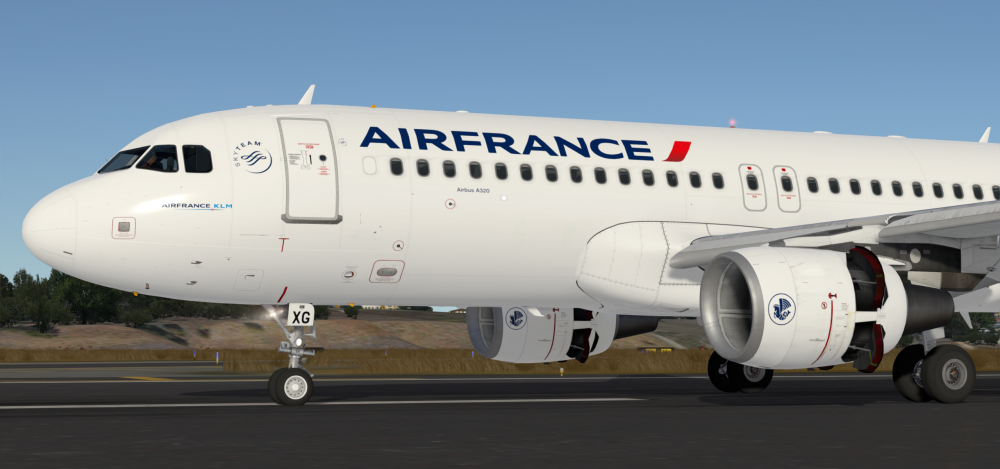
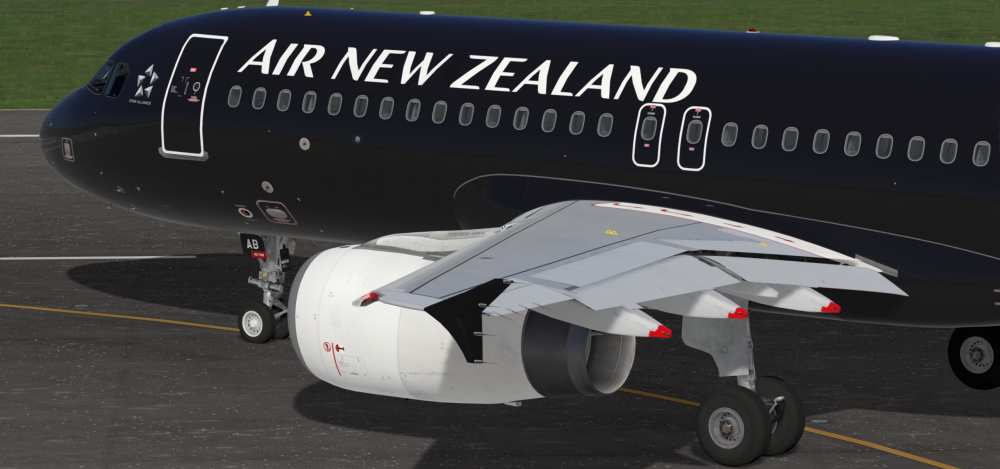
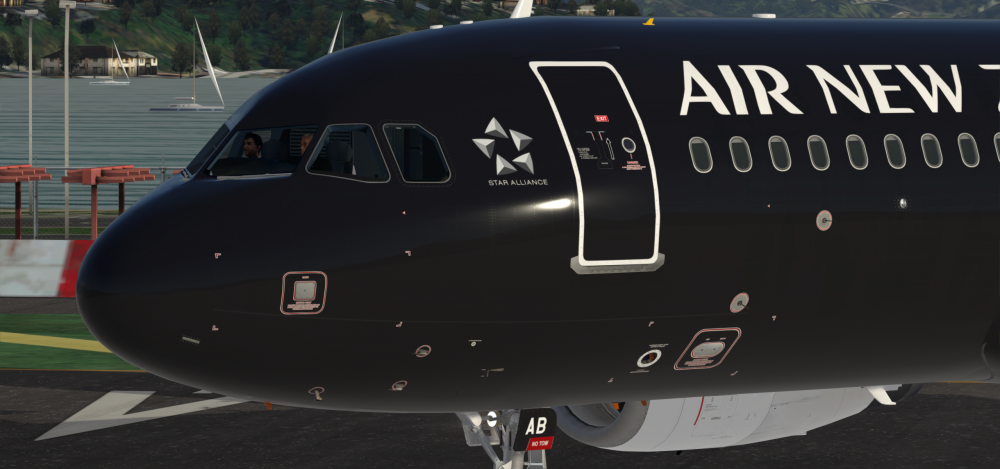
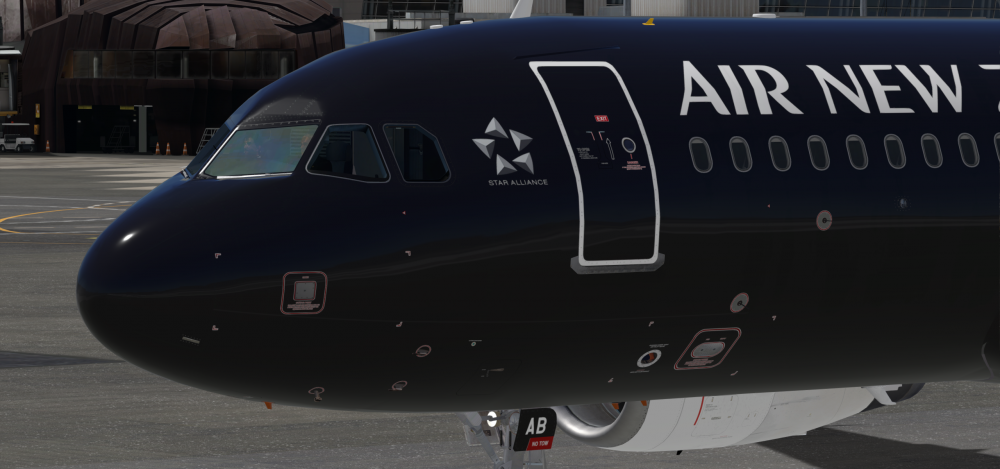
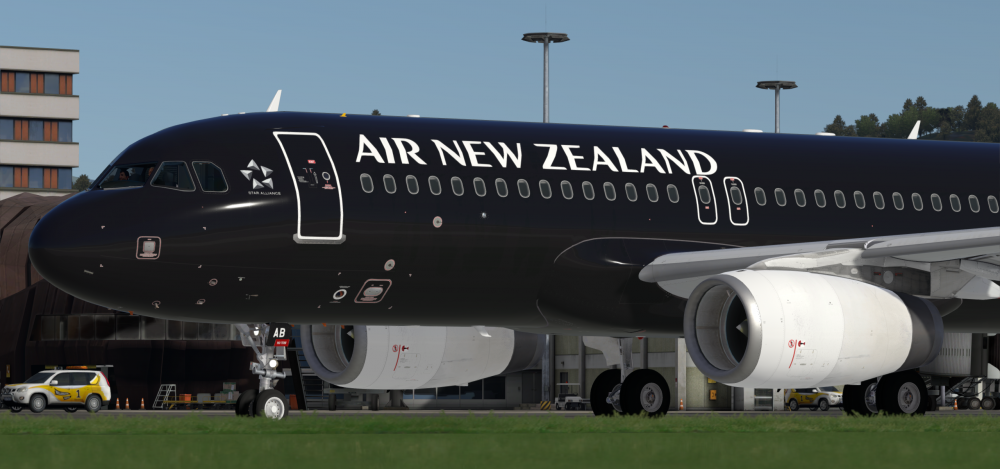 30 points
 -
Hello all, another small update to let you know that we've updated the latest version of the A320-X for Prepar3D v4.2+ to 2.0.1.266, with further improvements and fixes. There are further performance improvements, associated with sound engine updates. We also fixed several other items, such as the FSL Configurator issues that popped up with fresh Windows installs, several external model and VC cosmetic issues, an issue with the FWC sometimes splitting the warning and caution lights and other small issues. Also, for those of you on the Windows Insider Preview Slow path, the crash on load should no longer be happening. The full changelog appears below. A reminder that the issue with the 'banding' or 'horizontal line' on the Virtual Cockpit glass that some users are reporting while under certain time and weather conditions on the ground is actually one that LM have verified as an issue in Prepar3D itself. More information, as well as a possible workaround until they fix, in the Prepar3D forum thread here and in our FSLabs forum thread here. To download the latest version, please visit our redownloads web page here. NOTE: Please ensure you are on the latest version of GSX to take full advantage of the new integration features. Here's the changelog for v2.0.1.266: V2.0.1.266: - FSL Configurator: - Fixes for installation paths - Content error fixes - External Model: - small issues with overlays fixed - Inversed engine overlay fixed - Cabin interior lighting bleed through fixed - Virtual Cockpit: - Glareshield selector knobs texture improvements - Various small fixes and improvements - SEC: - Roll spoilers on yellow logic fix - PFD: - ATHR Blue on T/O fix (redraw issue) - Sounds: - Nose scrub logic fix - Airport environment sounds added - Avionic inlet sounds fix - Engine sounds performance updates - CIDS: - Default options revised - FWC: - Fix for MAST WARN / MAST CAUT split light conditions - Doors: - GSX Auto door logic improvements - Door 1L close logic fix - Further fix for Door 1L auto logic with GSX29 points
-
For detailed information, please read our blog post here. Flight Sim Labs is pleased to announce the release of v11.0.1.330 for our A321ceo and A321neo series, a hot-fix update which also brings compatibility with MSFS 2024 SU5 beta. This is a new interim update primarily focused on stability and refinement. This update is available now through the Flight Sim Labs Control Center. Low-speed Braking action Refinements The previous update included refined braking behaviour with updated pedal curves, delivering a more accurate and progressive deceleration feel. As promised in our previous blog post, this update introduces new slow-speed stopping behaviour with reworked brake controls which should now feel a lot more natural to the user at speeds below 5kts and until stopping. We also have a wider suite of additional flight-guidance and handling updates currently under validation, which we plan to bring to you in an upcoming release. Systems Enhancements and Fixes This update continues on the previously introduced system-level improvements on the DMC and supporting systems, reflecting both customer feedback and internal validation efforts. We’ve also addressed two issues impacting FMGC stability, and we expanded the logging architecture to allow improved isolation and diagnosis of any future edge-case issues. We also fixed a rare crash that occurred when switching from a NEO to a CEO aircraft within the same simulator session. Alongside these enhancements, we added extra logic for compatibility with MSFS 2024 Service Update 5 beta, as there were changes made impacting users who purchased the MS Store version. A Continuing Commitment to our Customers and Products This update is available now via the Experimental channel in the FSLabs Control Center. As always, thank you for your continued feedback and support — it directly shapes the refinement and direction of our development. Change Log Systems: MSFS 2024 SU5b2: MS Store version now Loads correctly General: Crash when changing model types in the same session Brakes - Reworked Brake Control for low-speed stopping. (below 5kt) PFD - WHITE ALT SEL Conditions fixed PFD - TCAS ARMED Flickering Potentially fixed. PFD - SET MANAGED SPD Fixed. FM - Fix for FMGC Dumping when pressing managed descent with a non-executed OPT STEP ALT in. FM - Fix for FMGC Infinite Loop with ETP FM - LMax Limited to (1) LastSegment only (2) to LastSegment.Length FWC - Fix for GEN 1 EMER LINE missing logicsheets Model: Fix for Wing Decal Updated fallback door decals.27 points
-
We are happy to announce the release of v11.0.1.310 for our A321ceo and A321neo series – a small interim update focused on stability, visual performance, and enhancements. The primary goal of this interim release is to improve stability, mainly related to some crashes that were related to TCAS code. This update also corrects a typographical error in the aircraft.cfg file which caused the aircraft to be incorrectly allowed to be used as AI traffic sometimes, causing extra load on the simulator, thus helping ensure smoother performance and better headroom in memory-constrained environments, especially when flying complex approaches or in dense scenery areas. From a handling perspective, we’ve fine-tuned autobrake distance handling and have corrected an issue with brakes ‘grabbing’ on touchdown under some circumstances. These refinements continue to extend the authentic feel when decelerating after touchdown and enhance the overall realism of landing dynamics. Alongside these improvements, we are continuing to extend hardware compatibility across overhead and pedestal panels so events can be used in Mobiflight or other similar add-ons. For the complete list of fixes and additions that form this update, now accessible via both the Experimental as well as the Public channel in the FSLabs Control Center, please go to our News post here. As always, thank you for your continued support!27 points
-
Hello guys, we all are still facing a bad pandemic, everyone of us is affected differently.The time I needed to spent at home, not able to see people, I was working on paints for our loved FSLabs Airbus or took the Airbus myself for a virtual spin around the world. It helped to spent the "prison-time" at home and it gave me a smile to see people enjoying my paints. A lot of you even donated my work which is really much appreciated! Thank you so much for that! And those donations are the reason for this topic now. I decided to donate every single penny of your donations in 2021 to a child hospice in Düsseldorf, Germany. Of course, I could just do it without any notice but I feel like you guys should know what happened with your money. It was not spent by me on pizza or a coffee but it will be spent on things for kids who are facing the death in near time and who should have whatever they need or want to have. I texted with many of you and to be transparent on those donations, you gave me the approval to link your name here. If I didn't had the approval to link you or no answer at the moment, you will just see your initials A big thank you goes to: Rob Simmons -- 15,72€ Alexander Polcher -- 5€ Holger Teutsch -- 5€ Chris Kreuzbichler (vewg.net) -- 30€ P.M -- 50€ J.S -- 20€ N.B. -- 5€ C.T. -- 15€ N.F. -- 3,21€ Thats a total of 148,93€ which found their way already. All future donations will be transferred as well. Thanks again for all your support! And of course: paints will remain free of charge for you to enjoy them! Stay safe, Marvin
 27 points
 -
Let me add a small 0.02 - the person starting that thread has been known to deliberately create misinformation as he's holding a grudge towards us for being banned for abusive and disrespectful behavior in our forums in the past. He has attempted to create many duplicate accounts since but they've all been deleted (as they would be). His latest attempt is this fun at AVSIM. Thankfully, Jim and the other forum administrators there are also very quick to discover and uncloak such attempts. We are very thankful towards them for keeping the decorum required among civilized people and not turning AVSIM into an arena for people who have nothing better to do than that. As for our future - thank you all for your continued support! We're doing very well, soon we'll have some very cool news to share with all .27 points
-
Hello everyone, We are pleased to have now pushed our v293 update to our experimental channel within the FSL Control Center this afternoon for our FlightSimLabs A321ceo product line. This update reflects our ongoing commitment to enhancing the simulation experience by introducing new features and resolving a wide range of issues that have been reported by our dedicated community. Key Highlights in this update include a fix for some memory issues when the Weather Radar is active, a new way to set up Thrust Lever detents via our MCDU OPTIONS page making it much easier to configure by moving the lever to the appropriate position and a single-click on the appropriate gate (new documentation section included) and several other fixes for issues observed by our community. A non-exhaustive list for the fixes here: Weather Radar memory fix IR shutdown timing fix FMGC PROG PAGE RNP 0.0X format corrected FMGC Printer function page time out issues fixed LIGHTS Cabin lights fixed LIGHTS Landing Light fix for when Pin 1 is INOP TCAS Aural warnings inhibited when unpowered DU PANEL Default WX brightness set to 0.75 PANEL STATES Fix for panel state saving PITOT HEAT electrical system fixes PFD TCAS RA not showing fixed MMR/IR Fix for AP1+2 INOP when loading on APU state MMR Fix for Load on Rwy MMR fault XPDR Added ADS-B and XPDR 2 messages to ARINC MAINT bus MCDU OPTIONS – TLA gate set up now via single-click – Documentation updated to include Thrust Lever Detent config new logic PACKS sound updates for cockpit Currently, customers can access this update via the Flight Sim Labs Control Center, through the experimental channel (instructions here). To read the full version of the announcement and to see key highlights of this update, please visit this link: Update V11.0.1.293 - Flight Sim Labs As always, thank you for your continued support!26 points
-
26 points
-
G-NIKO working the MT1161, preparing to taxi out at Kos heading back to Gatwick on Friday evening.
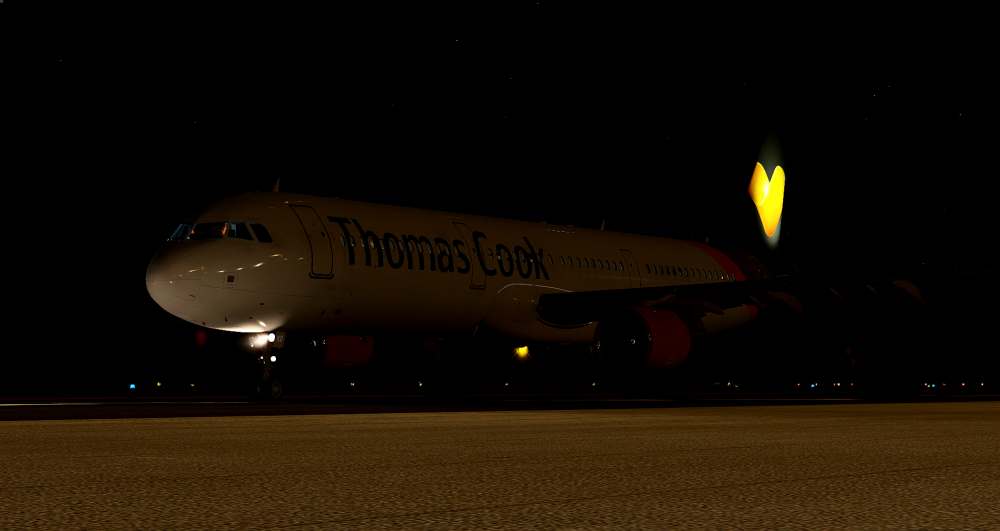 26 points
 -
26 points
-
25 points
-
25 points
-
Hello all, another small update to let you know that we've updated the latest version of the A320-X for Prepar3D v4.2+ to 2.0.1.261, to improve and correct a small list of items you reported these past few days. The primary fix is a performance improvement, above FL280 particularly and also in rainy conditions, but we also fixed a few small items as per the changelog below. A reminder that the issue with the 'banding' or 'horizontal line' on the Virtual Cockpit glass that some users are reporting while under certain time and weather conditions on the ground is actually one that LM have verified as an issue in Prepar3D itself. More information, as well as a possible workaround until they fix, in the Prepar3D forum thread here and in our FSLabs forum thread here. To download the latest version, please visit our redownloads web page here. Here's the changelog for v2.0.1.261: V2.0.1.261: - Performance: - Fix for FPS drop above FL280 and in rain - Cabin Temp model: - Fix for stuck cabin temperatures - Sounds: - Various fixes for Hyd pump, Pack and APU sounds As always, thank you for your attention and for your continued support!25 points


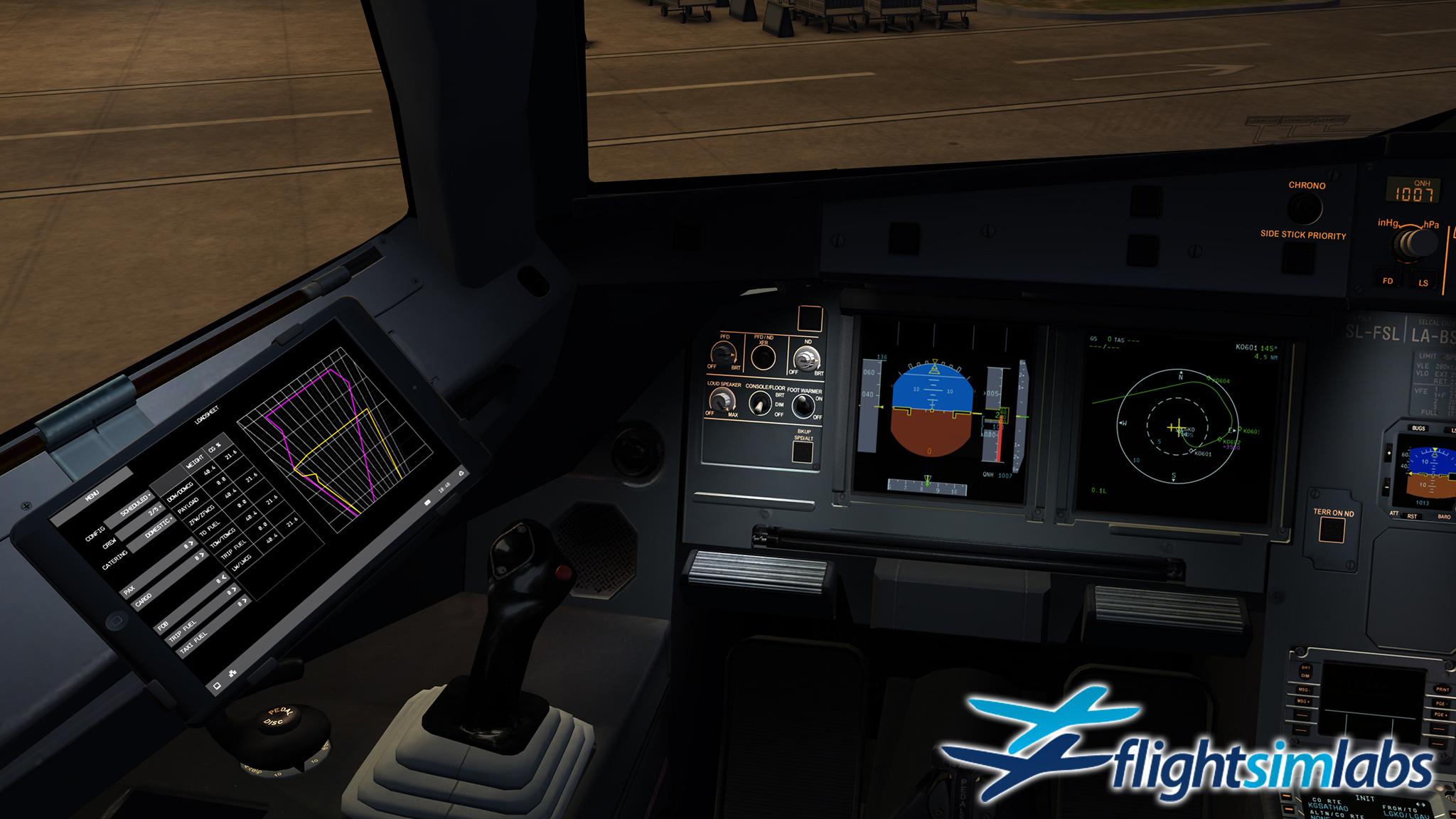
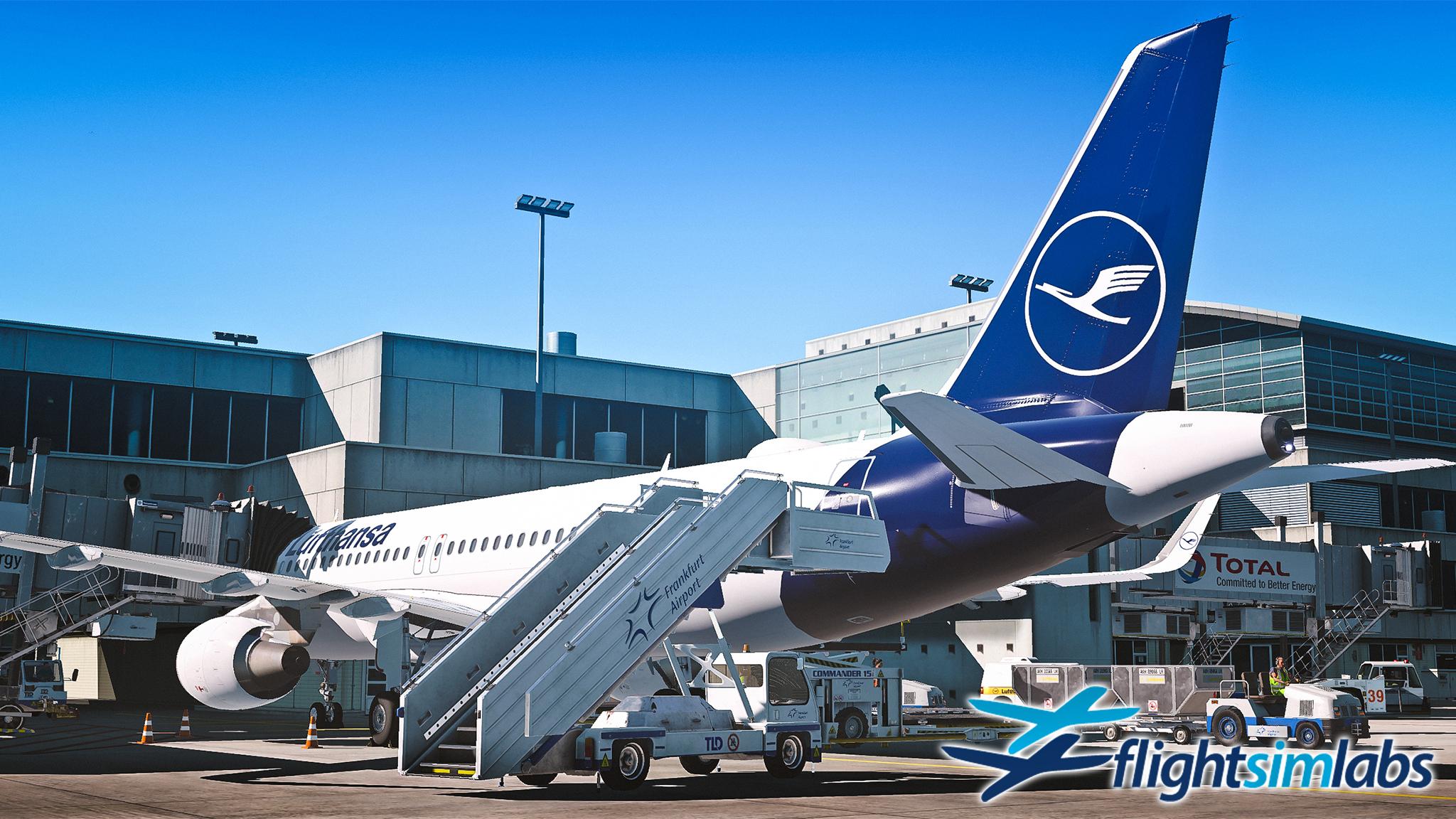
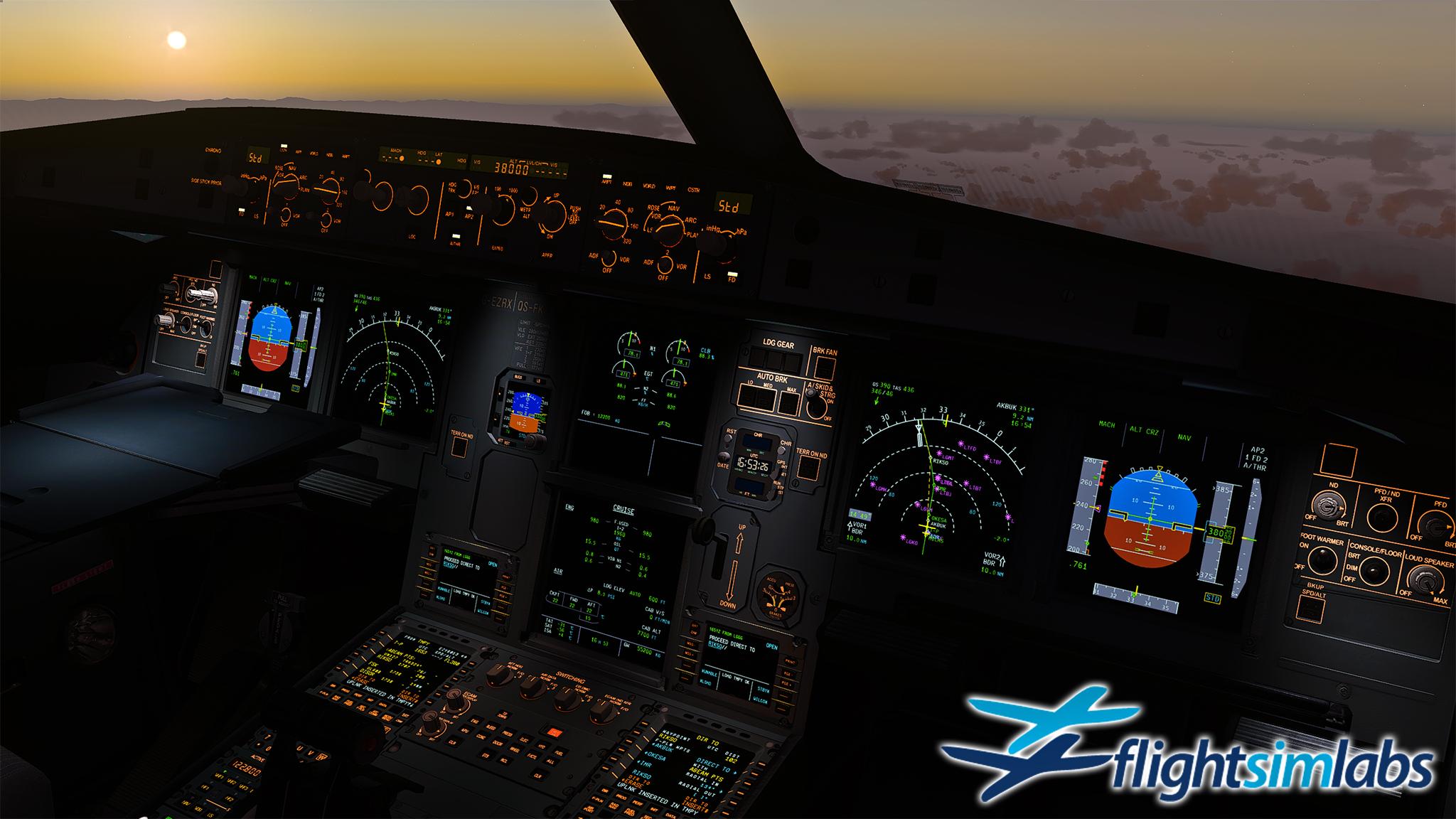
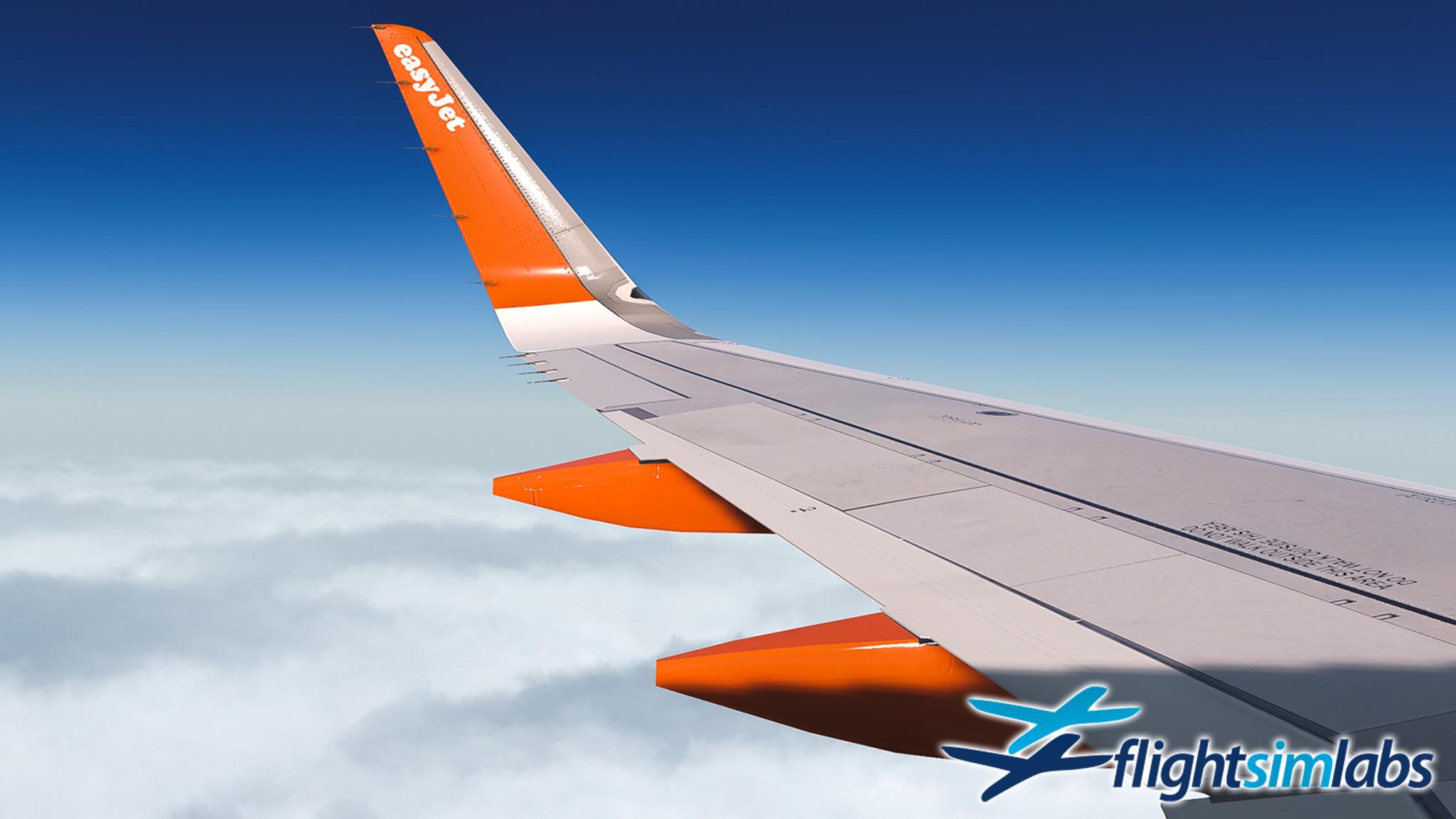
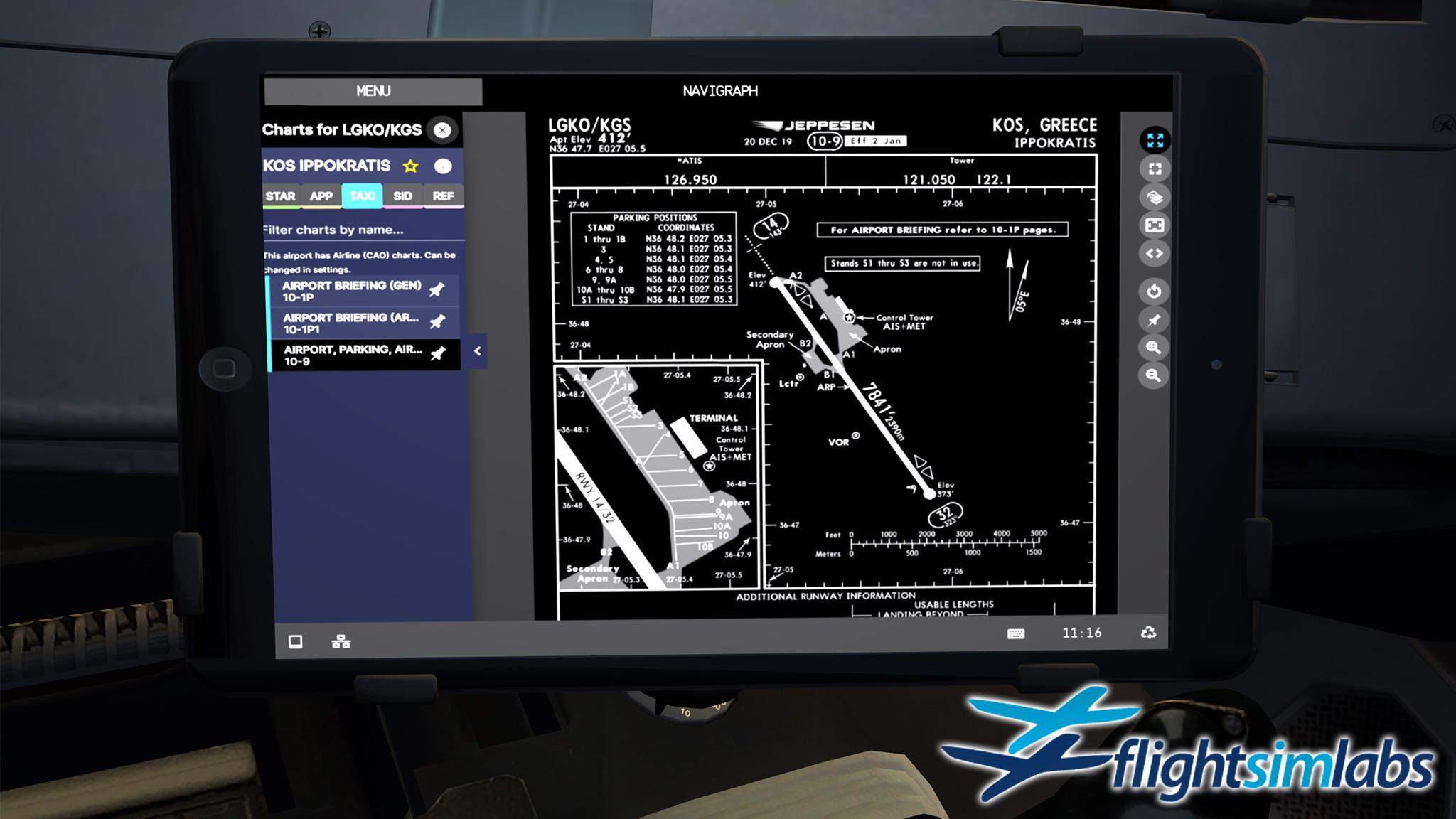

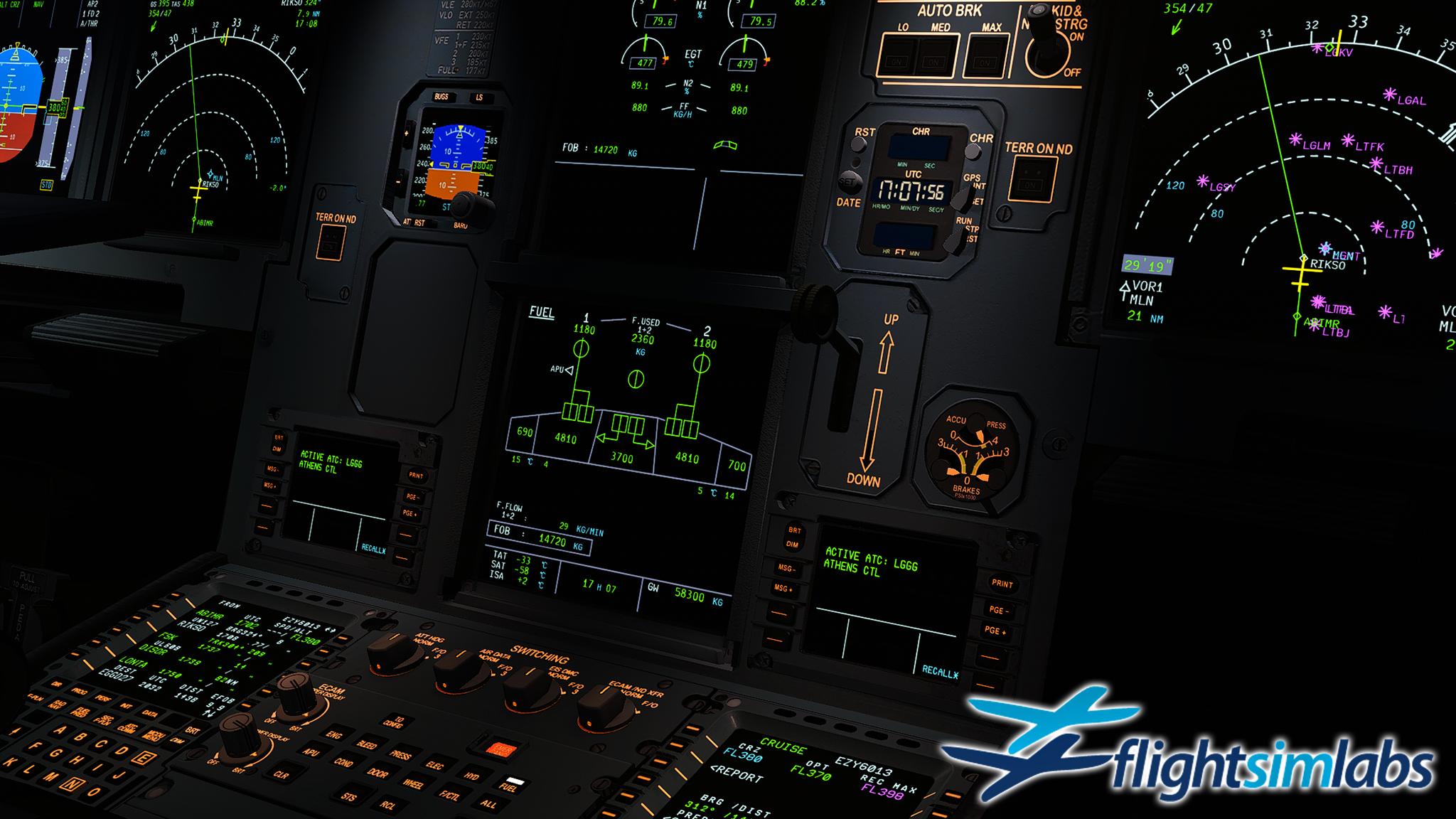
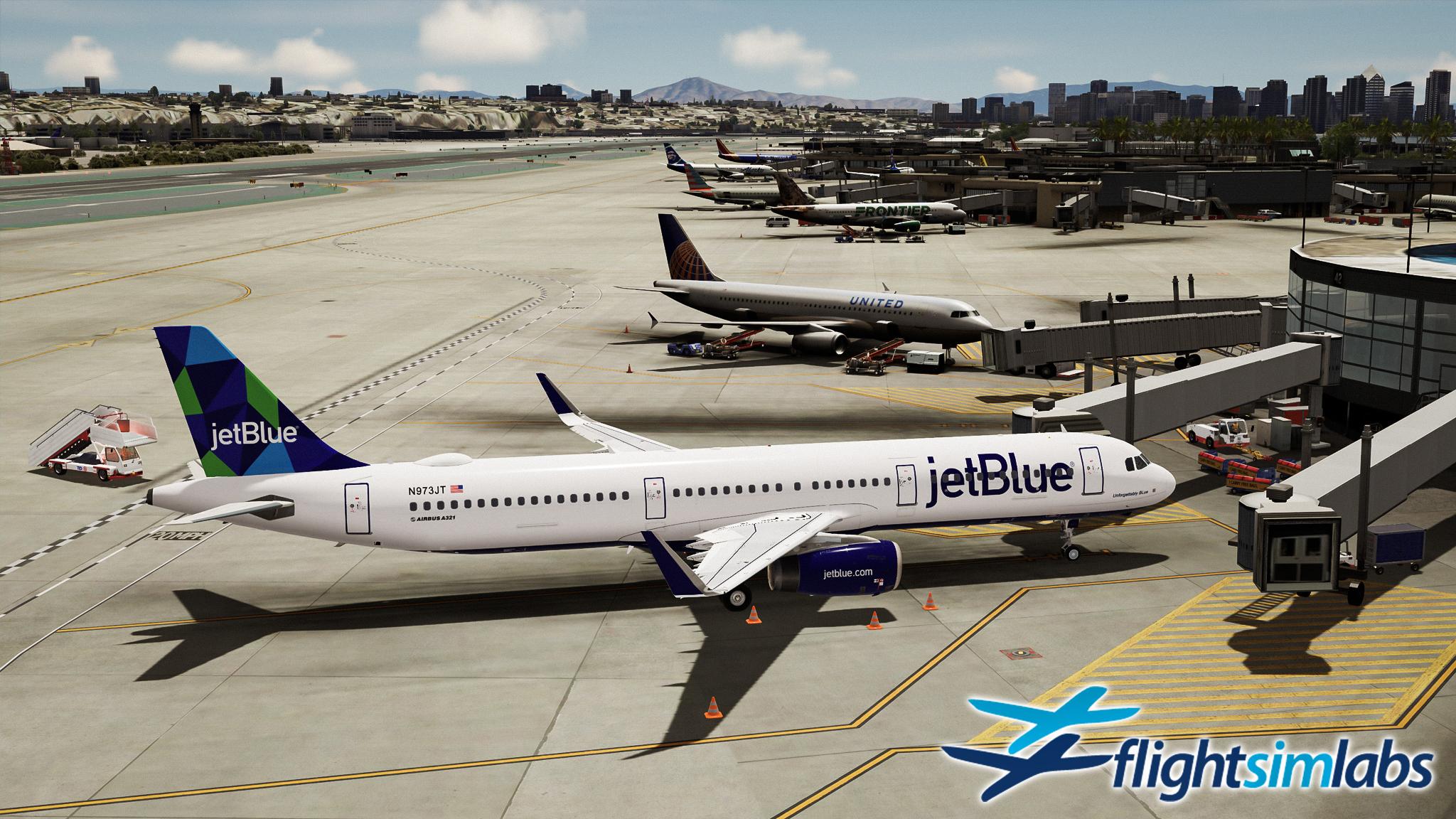
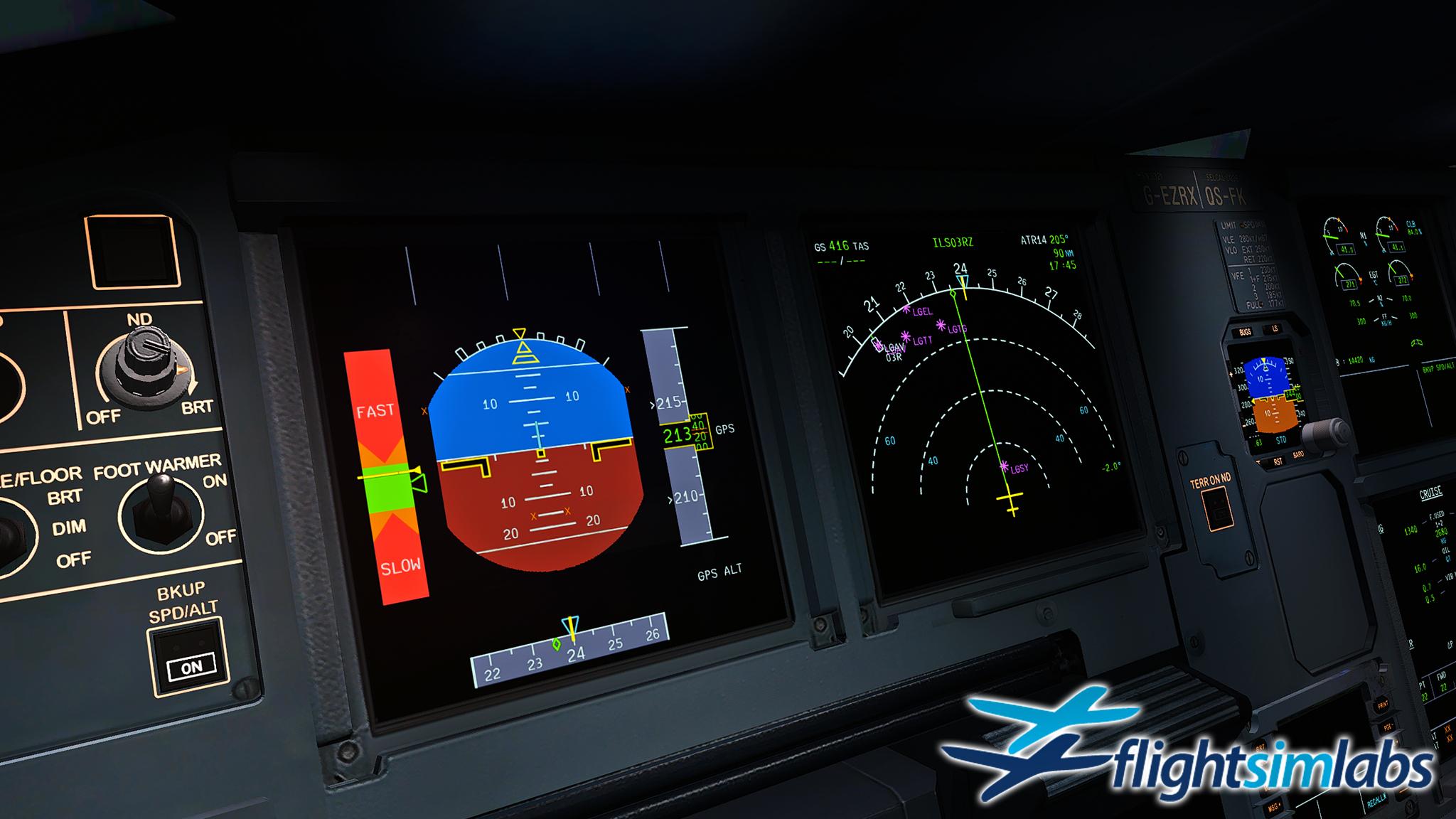

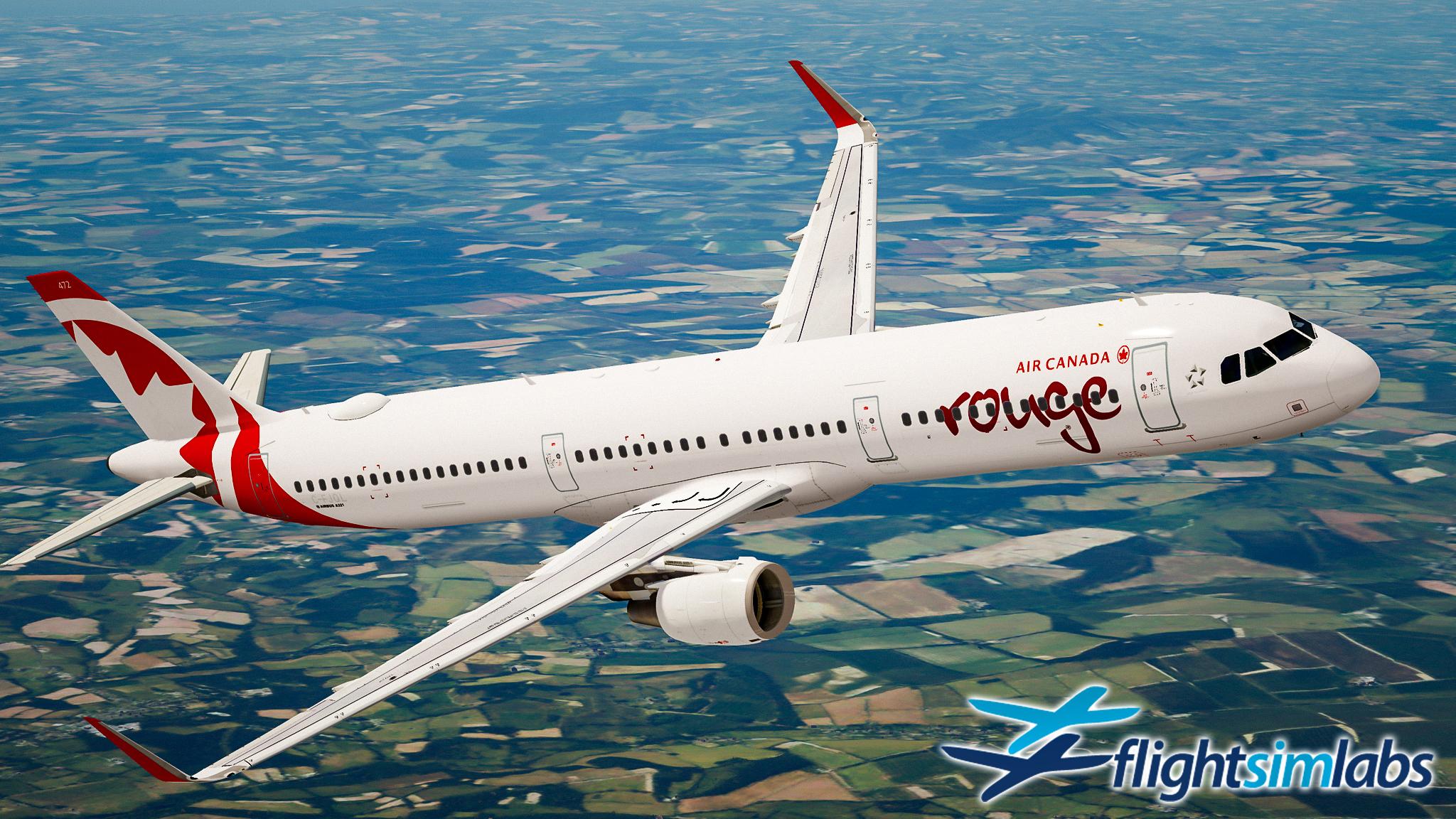
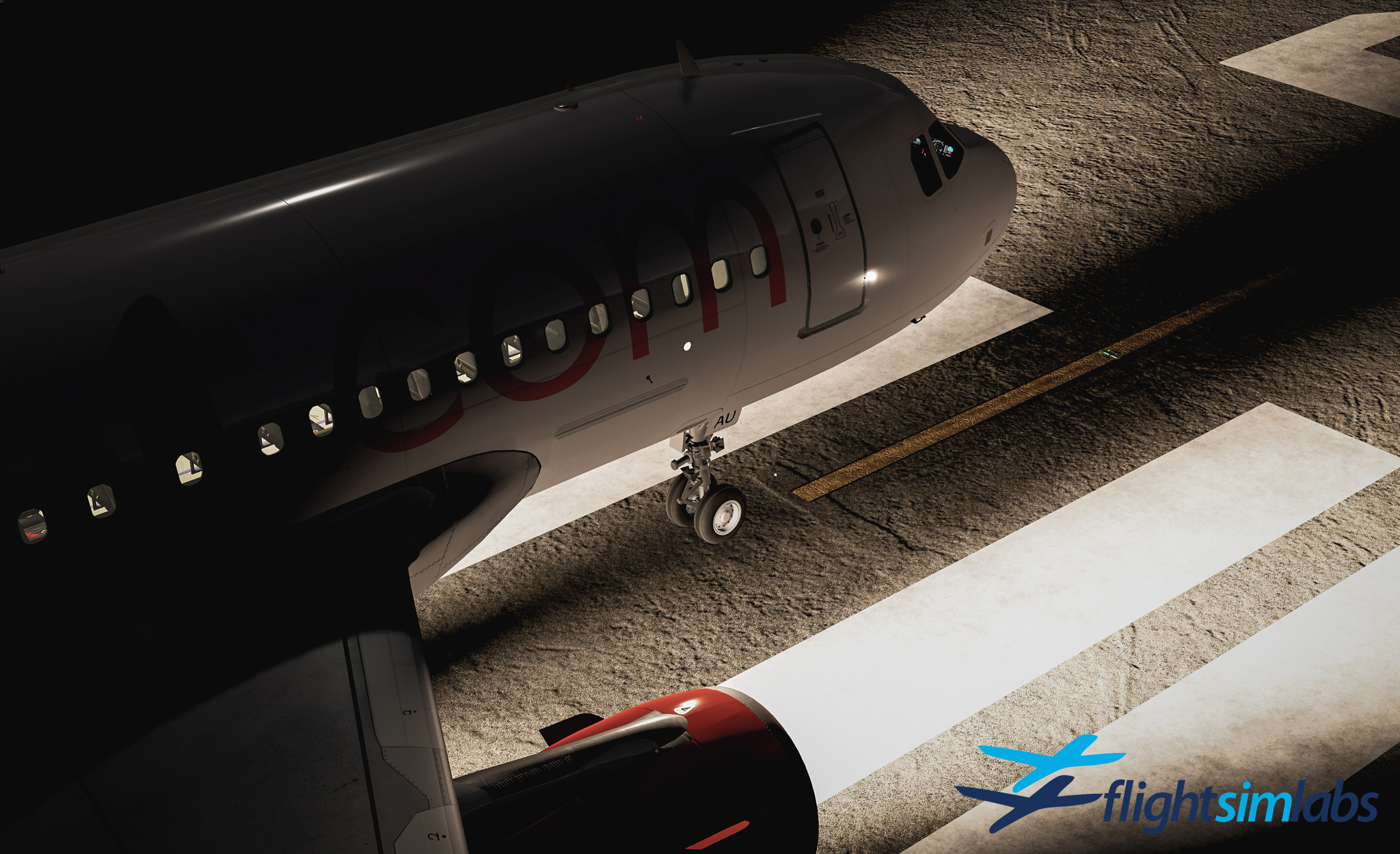
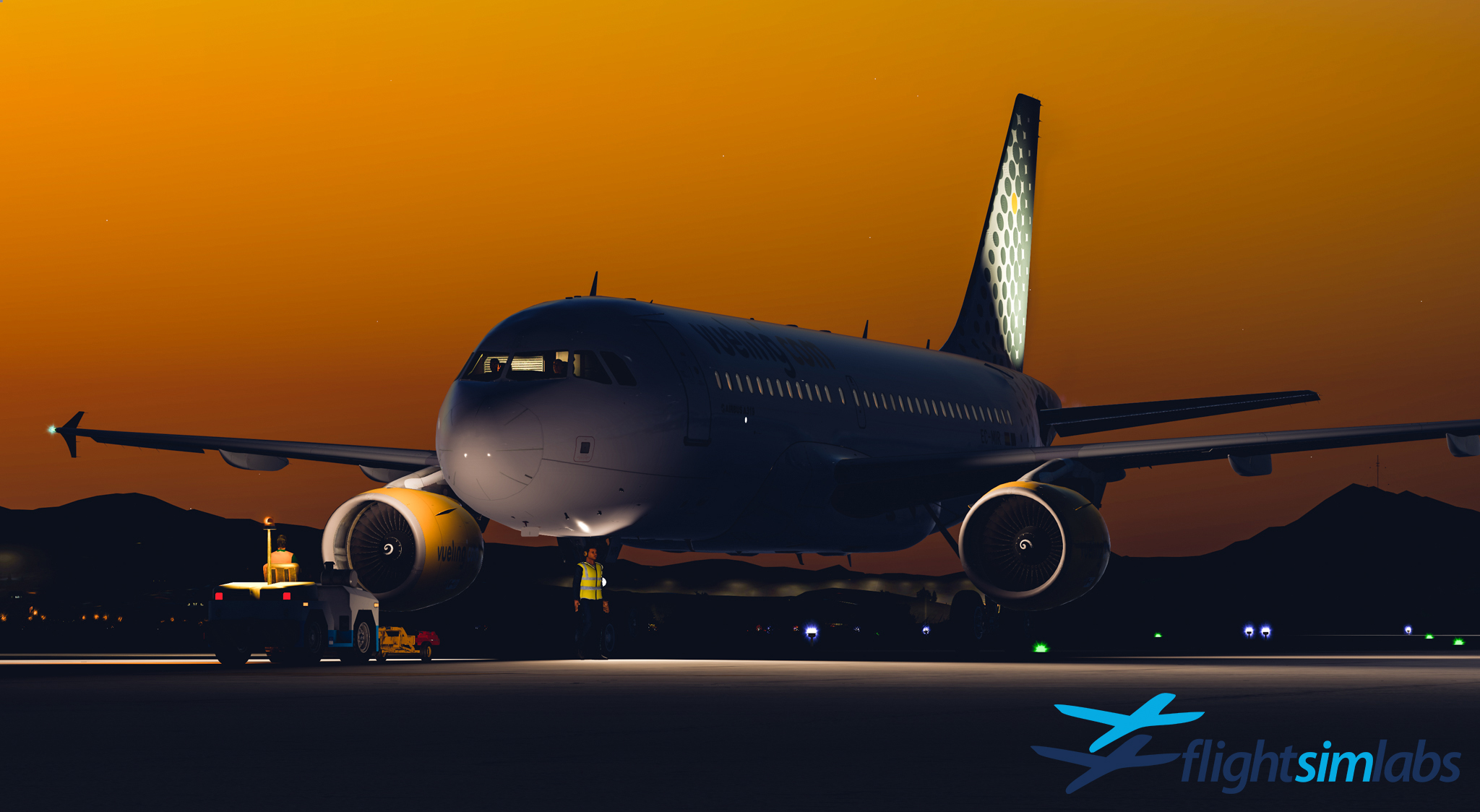

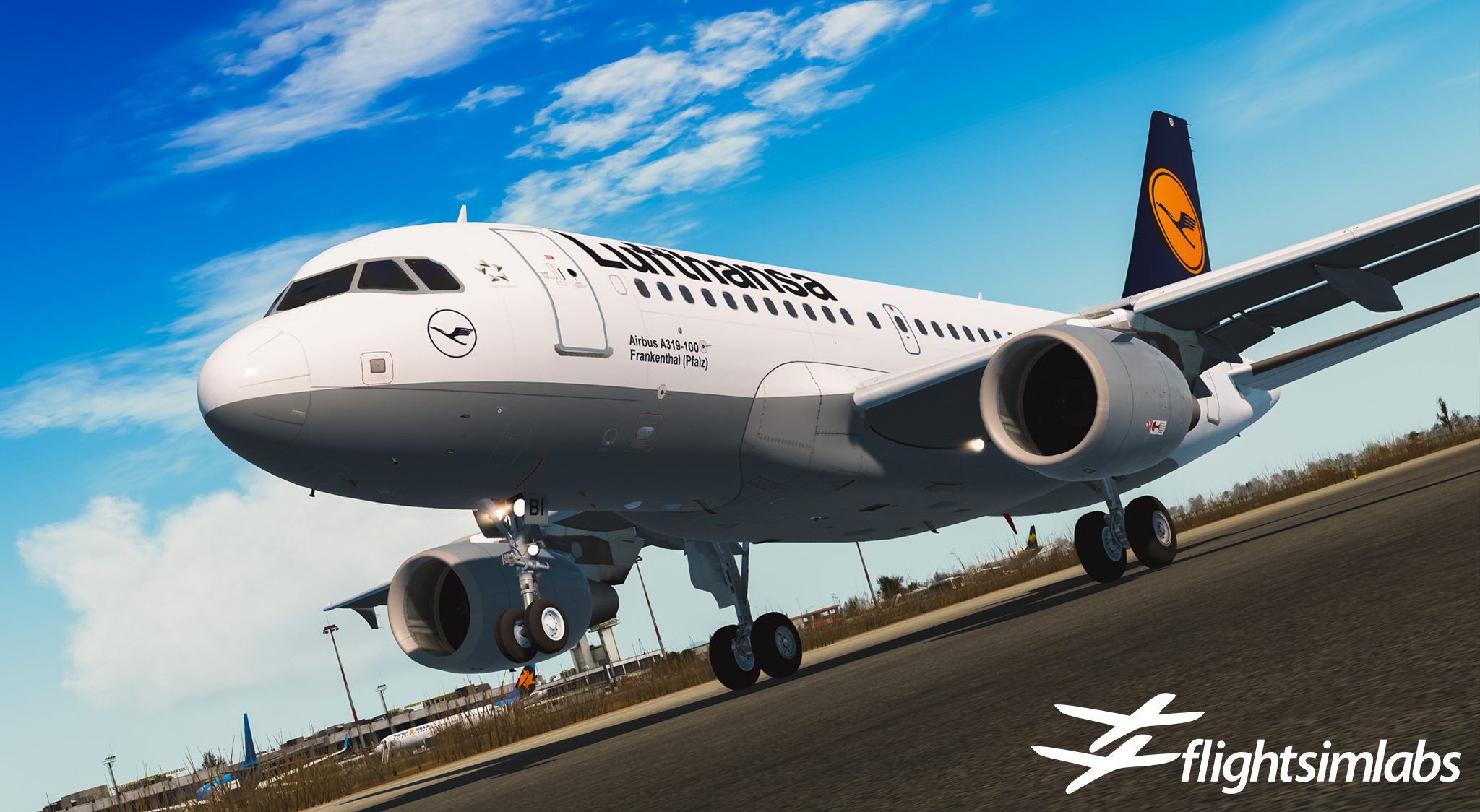


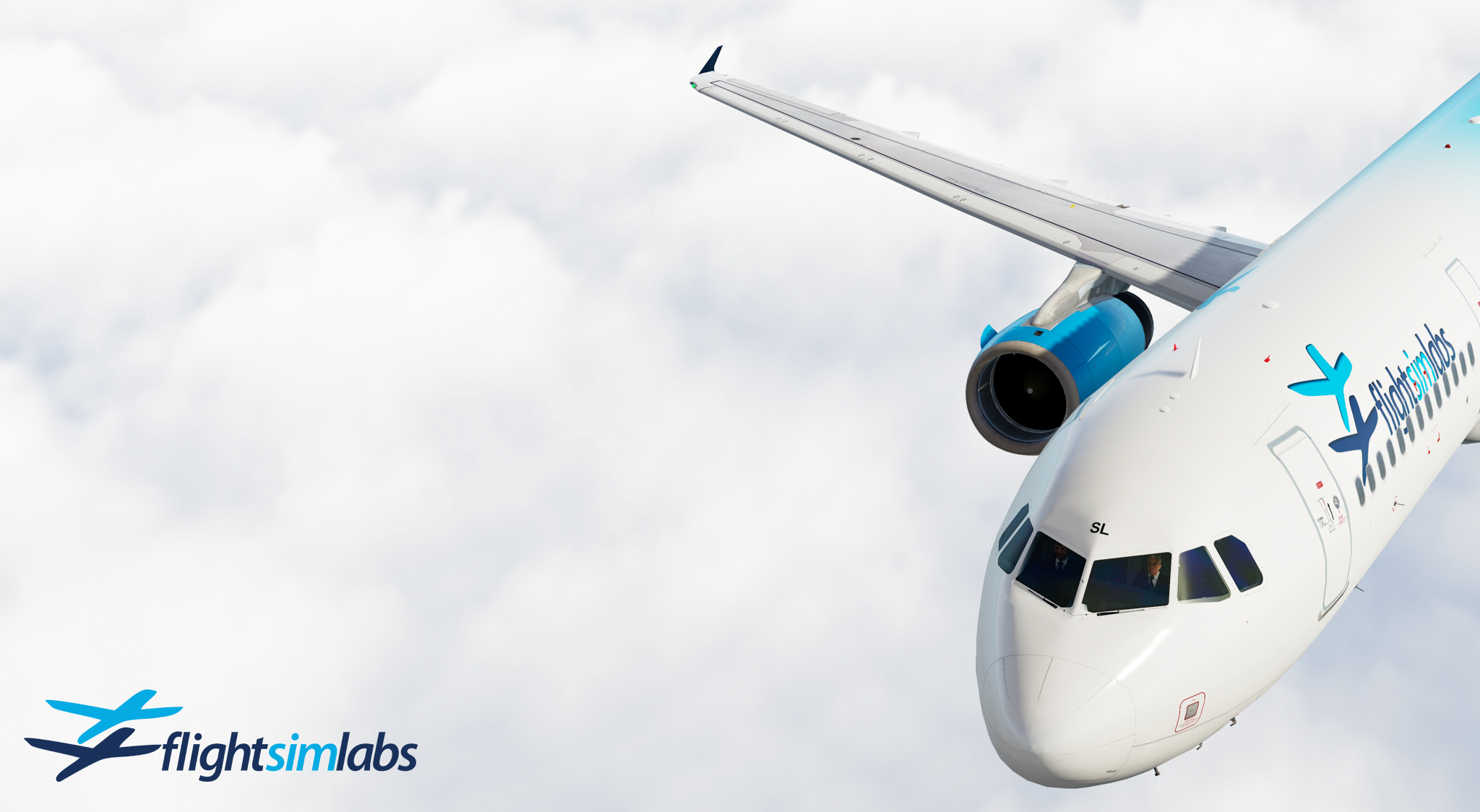
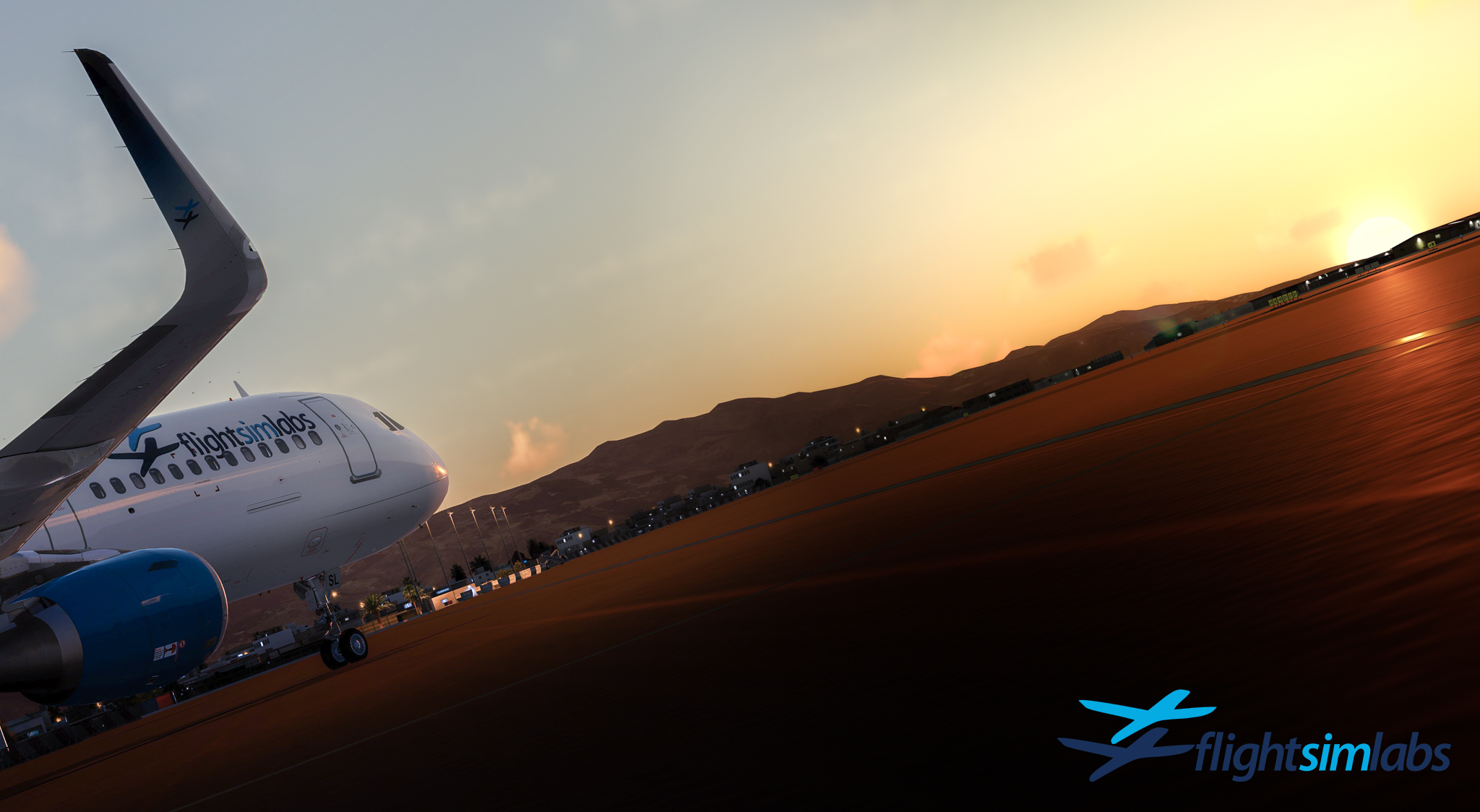
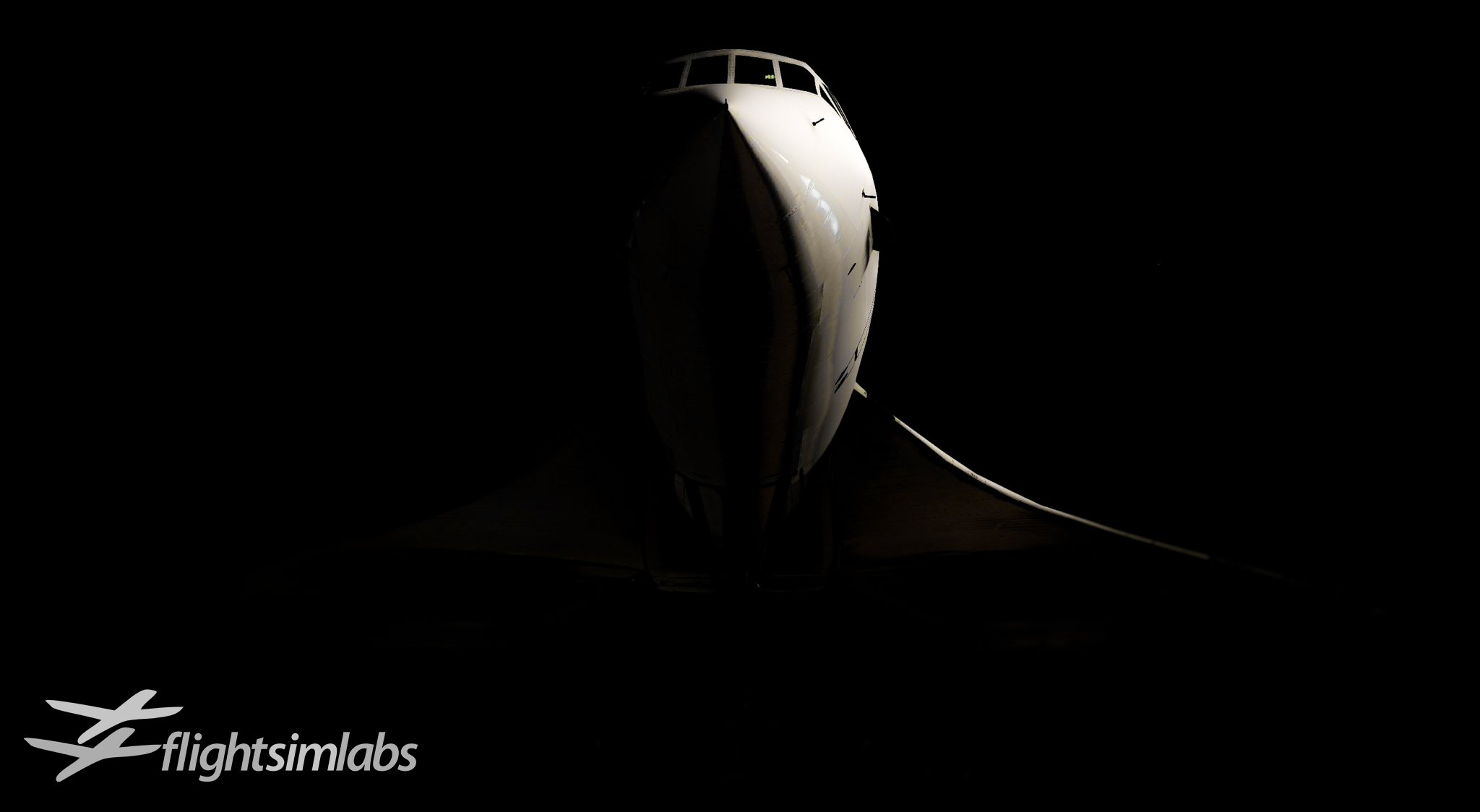
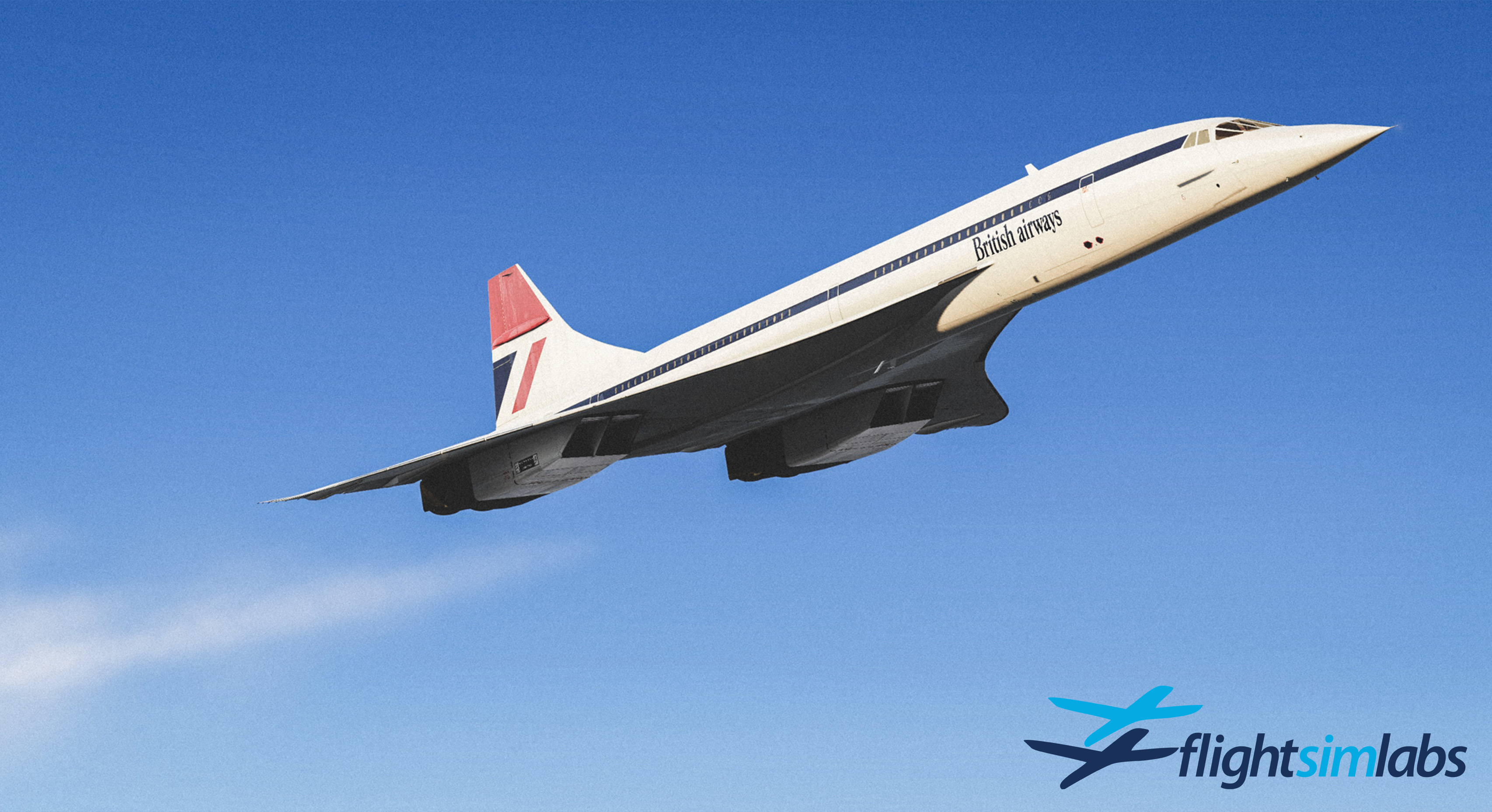
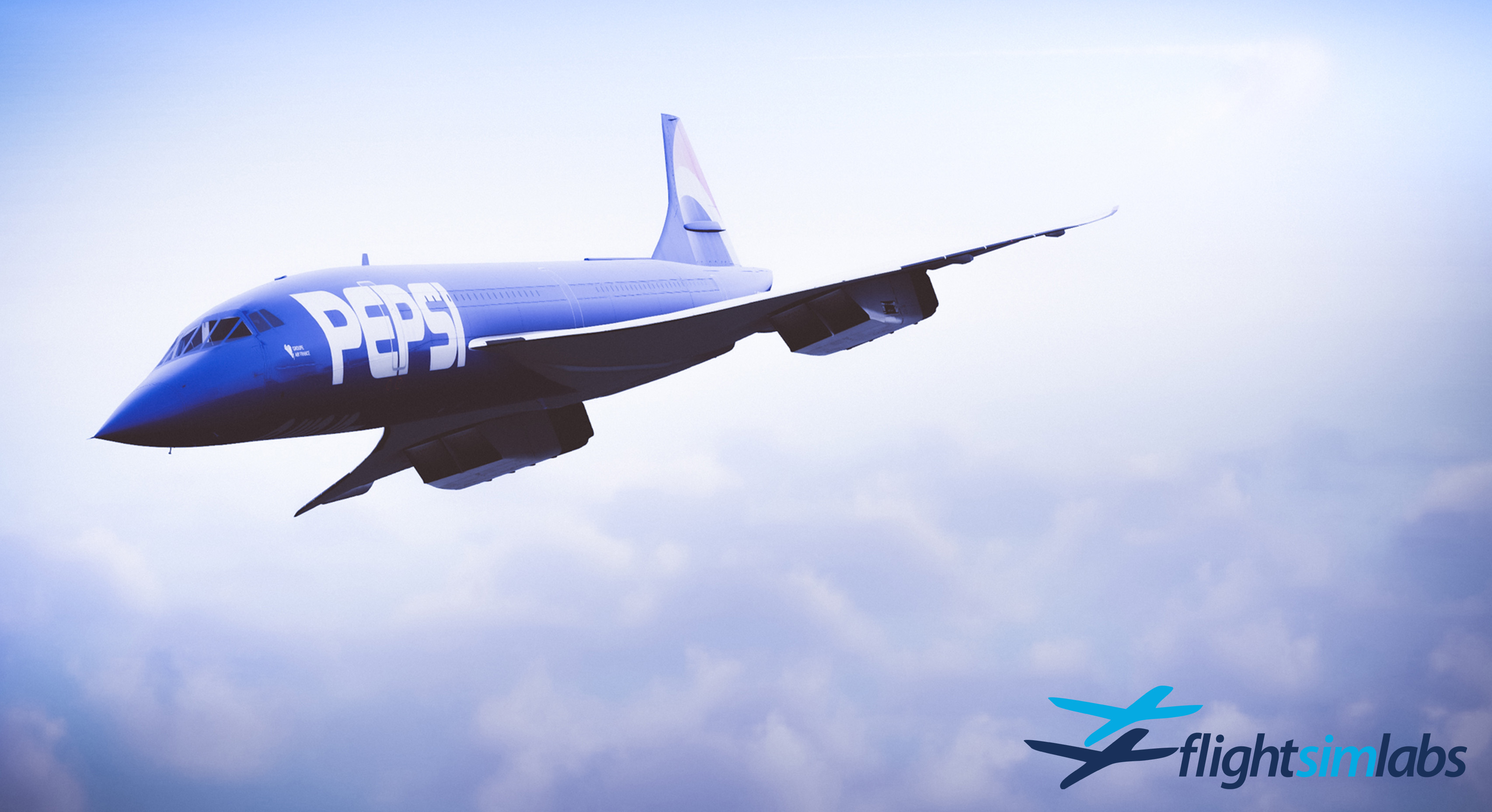
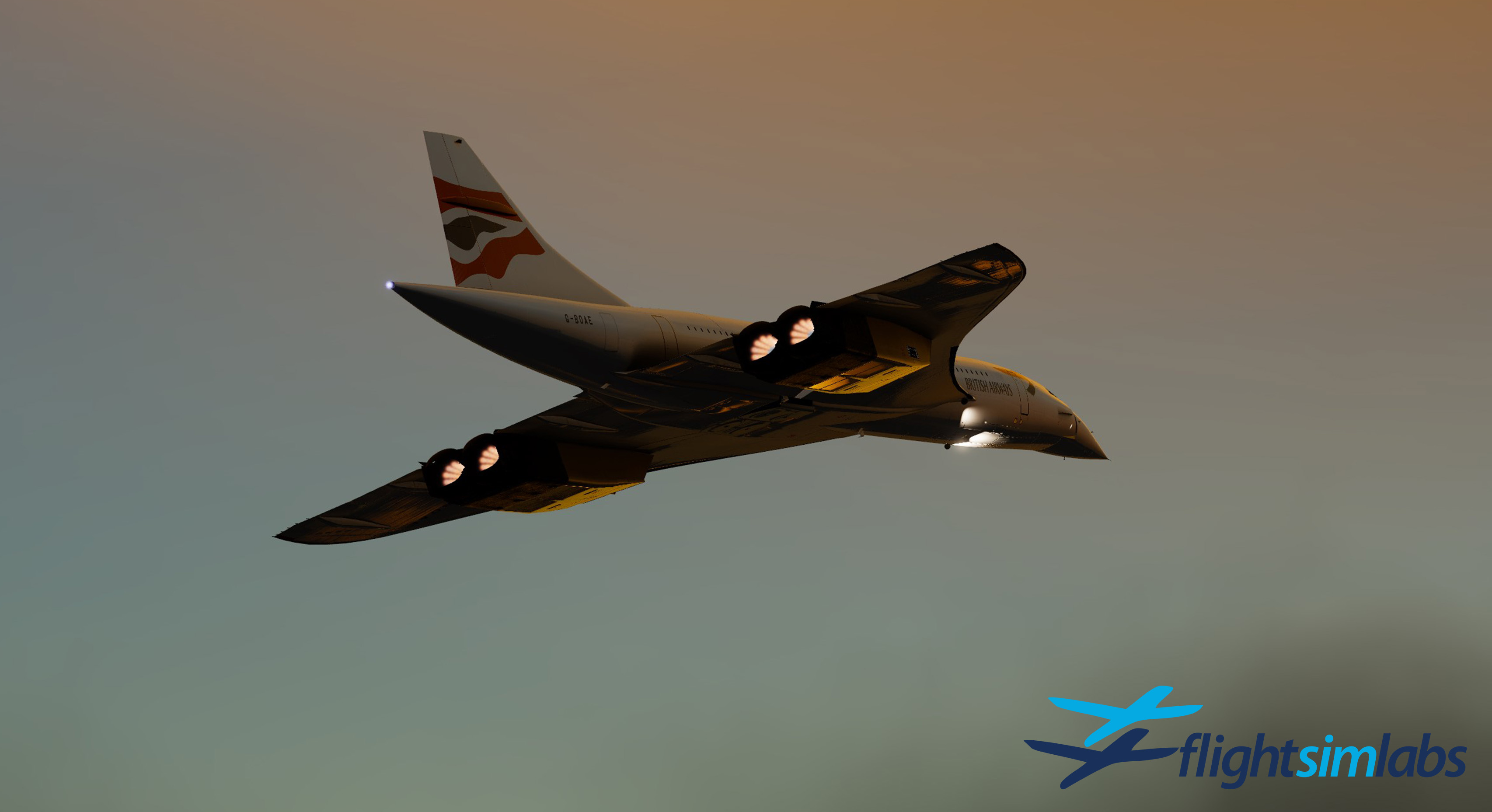
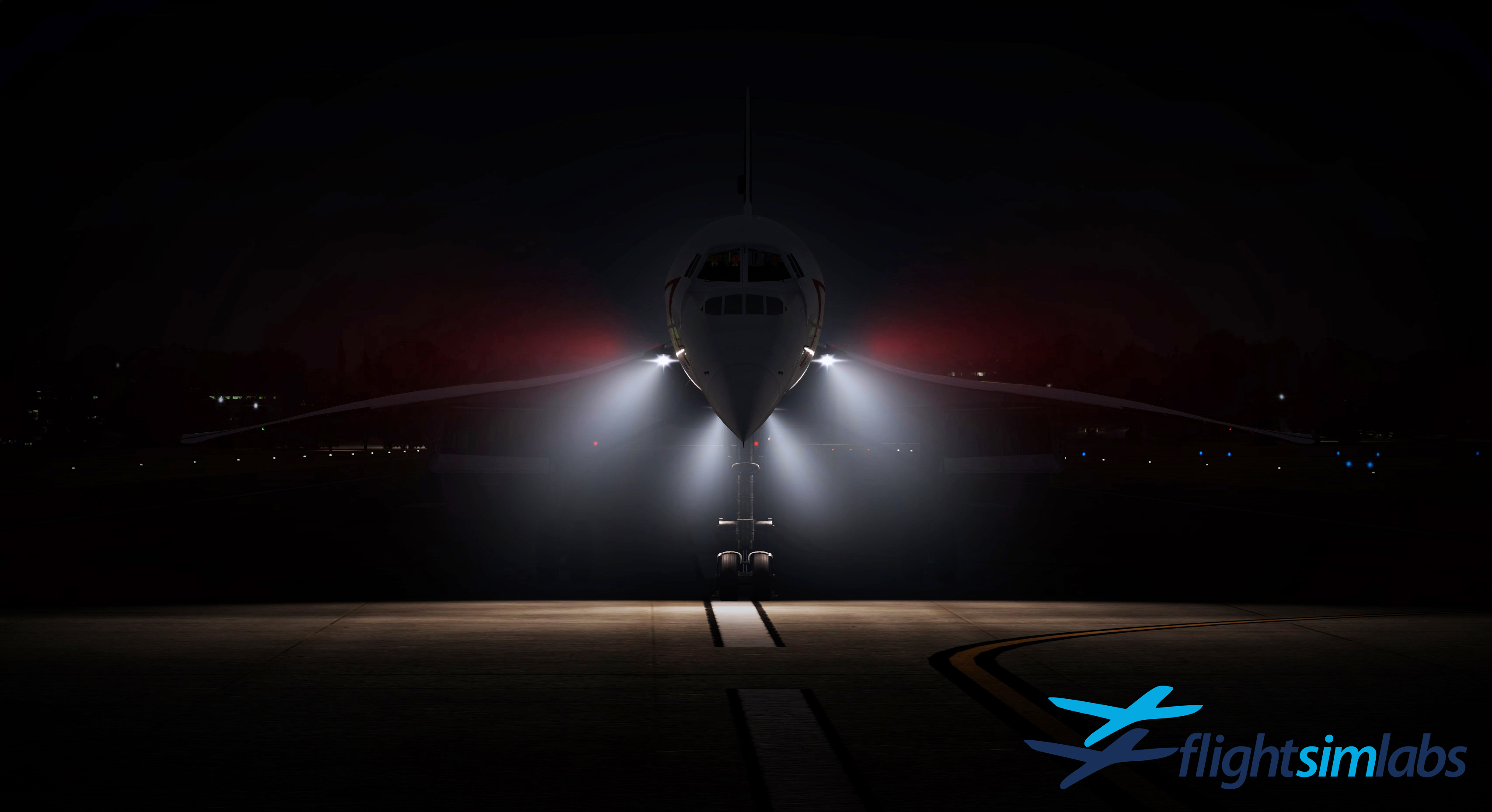
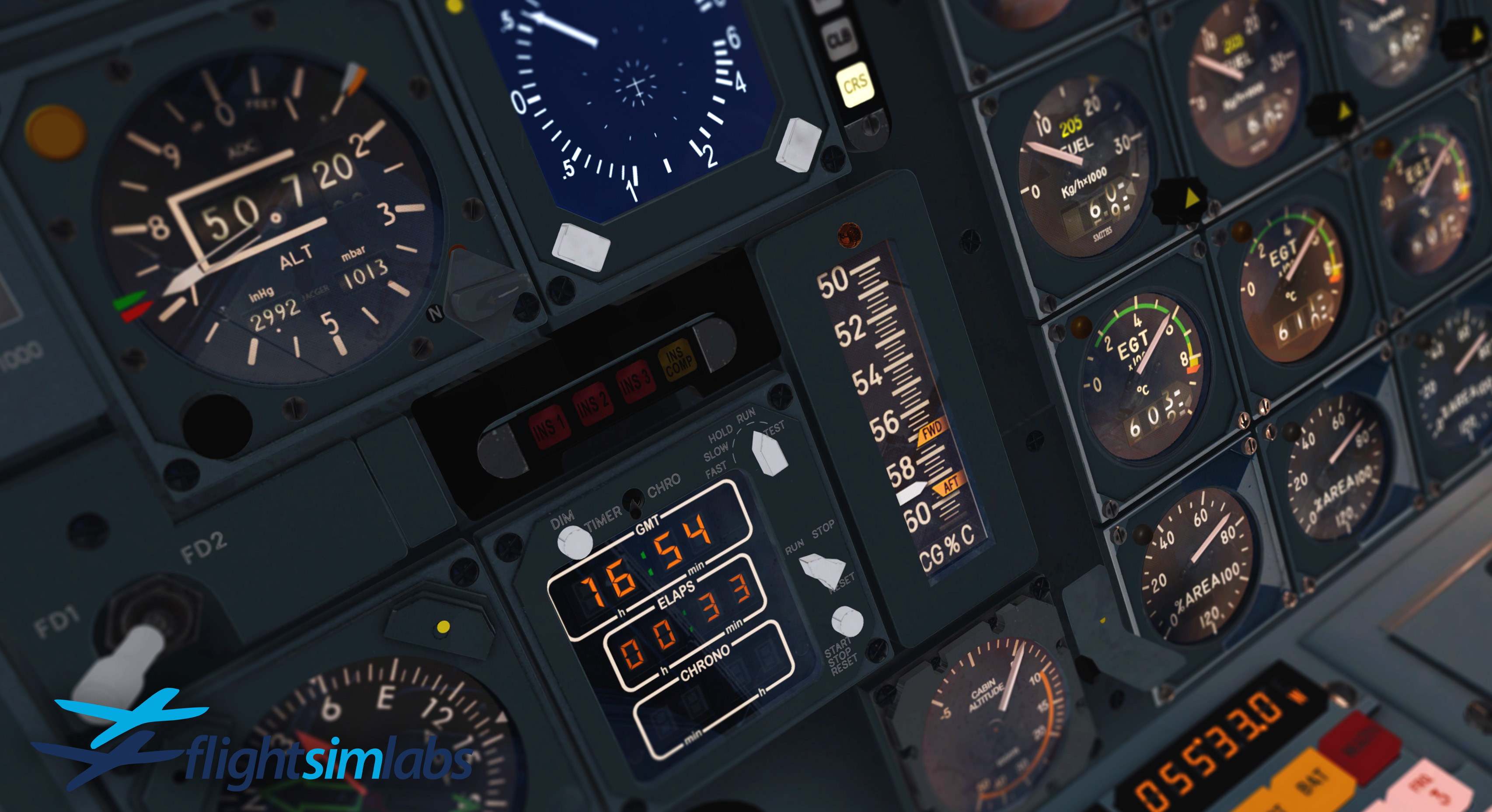

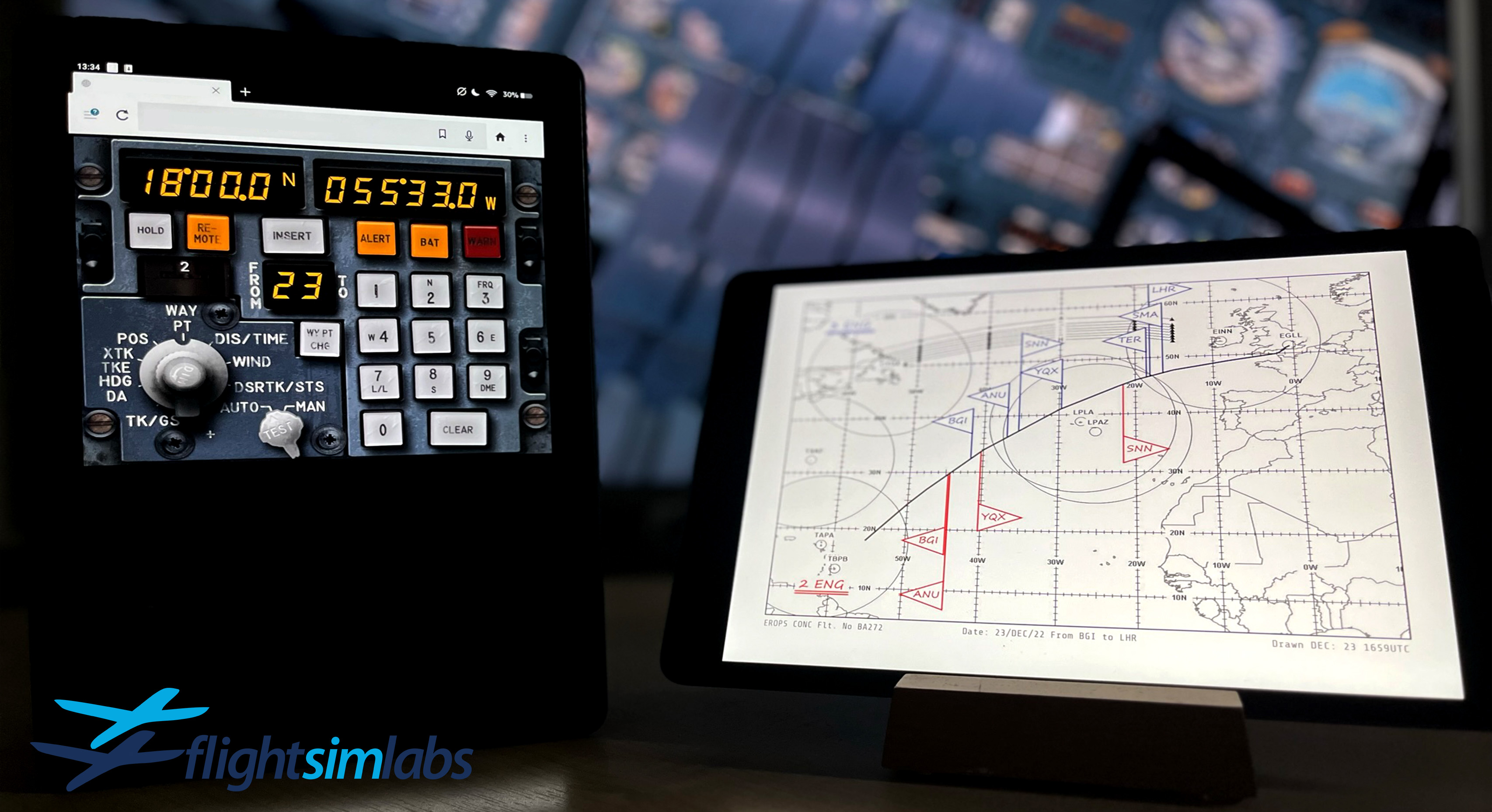
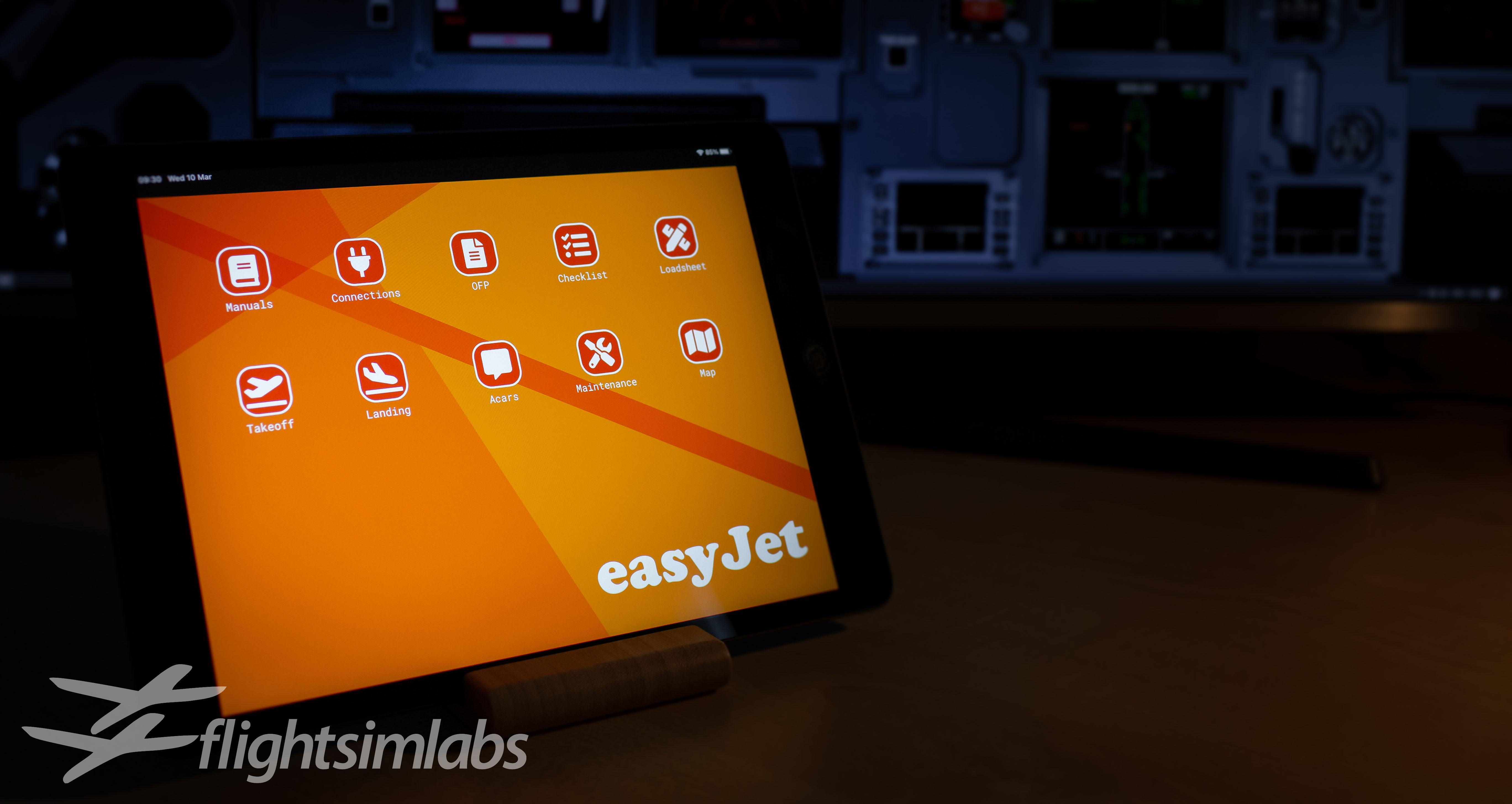

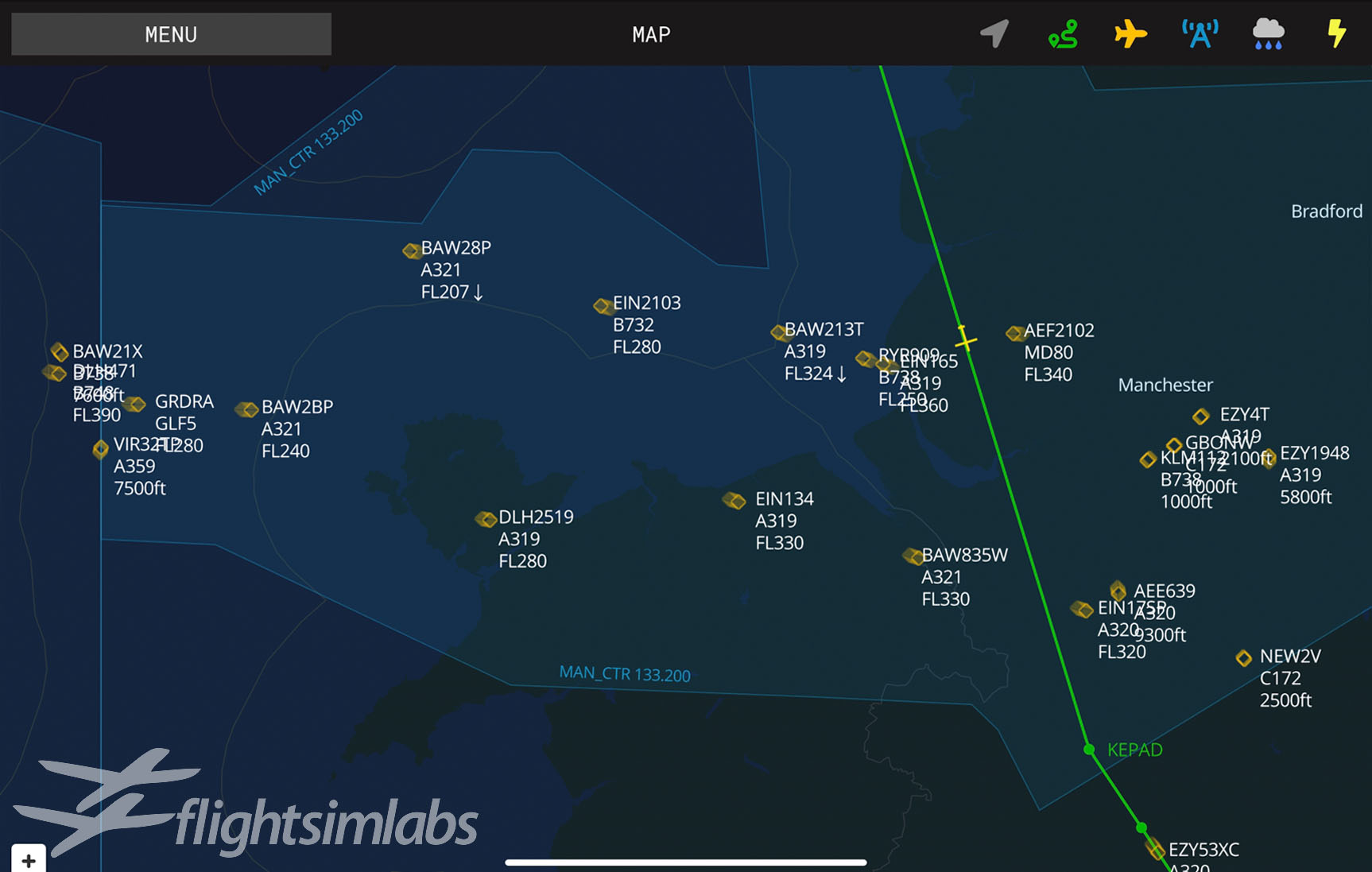
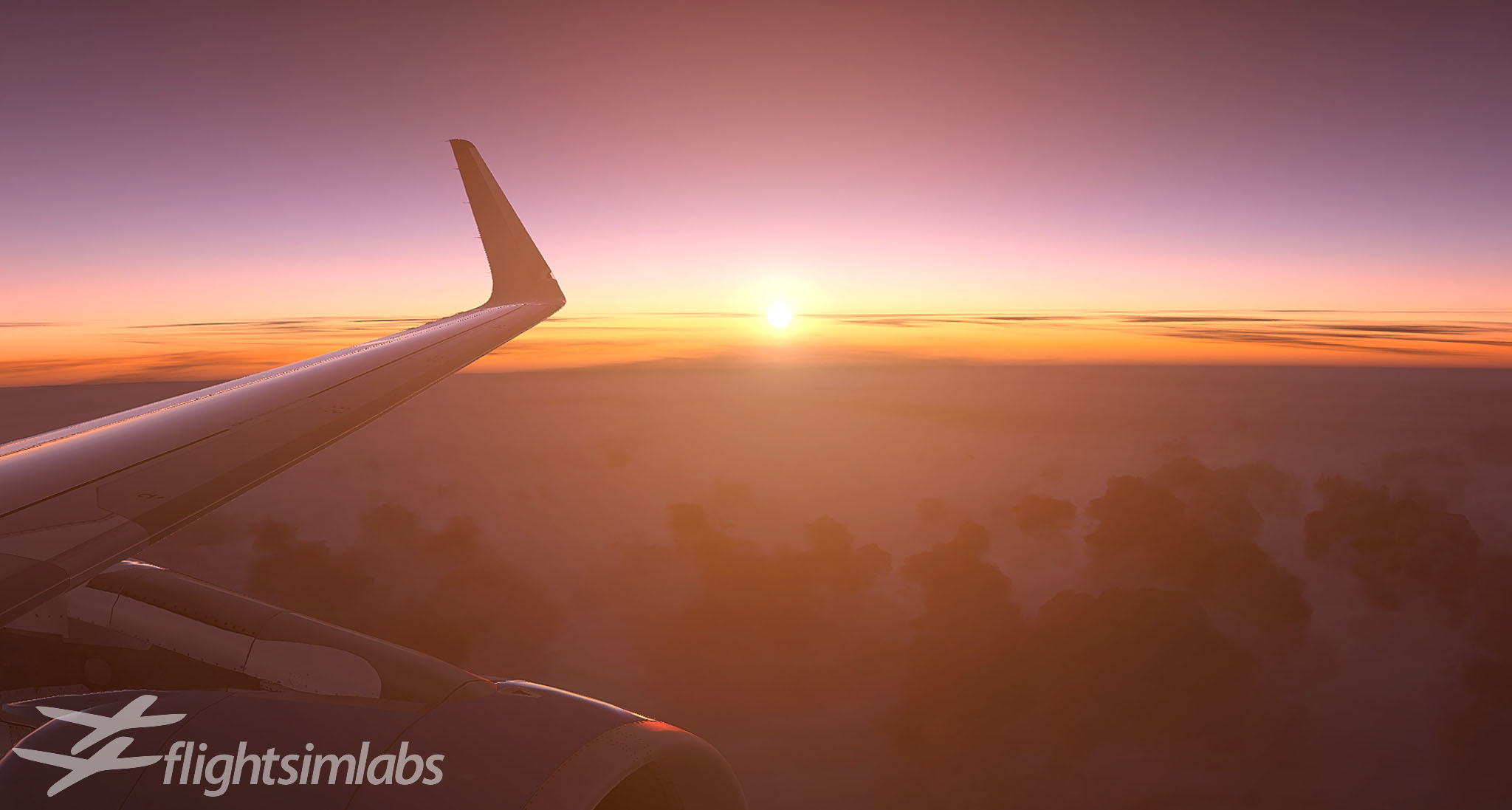


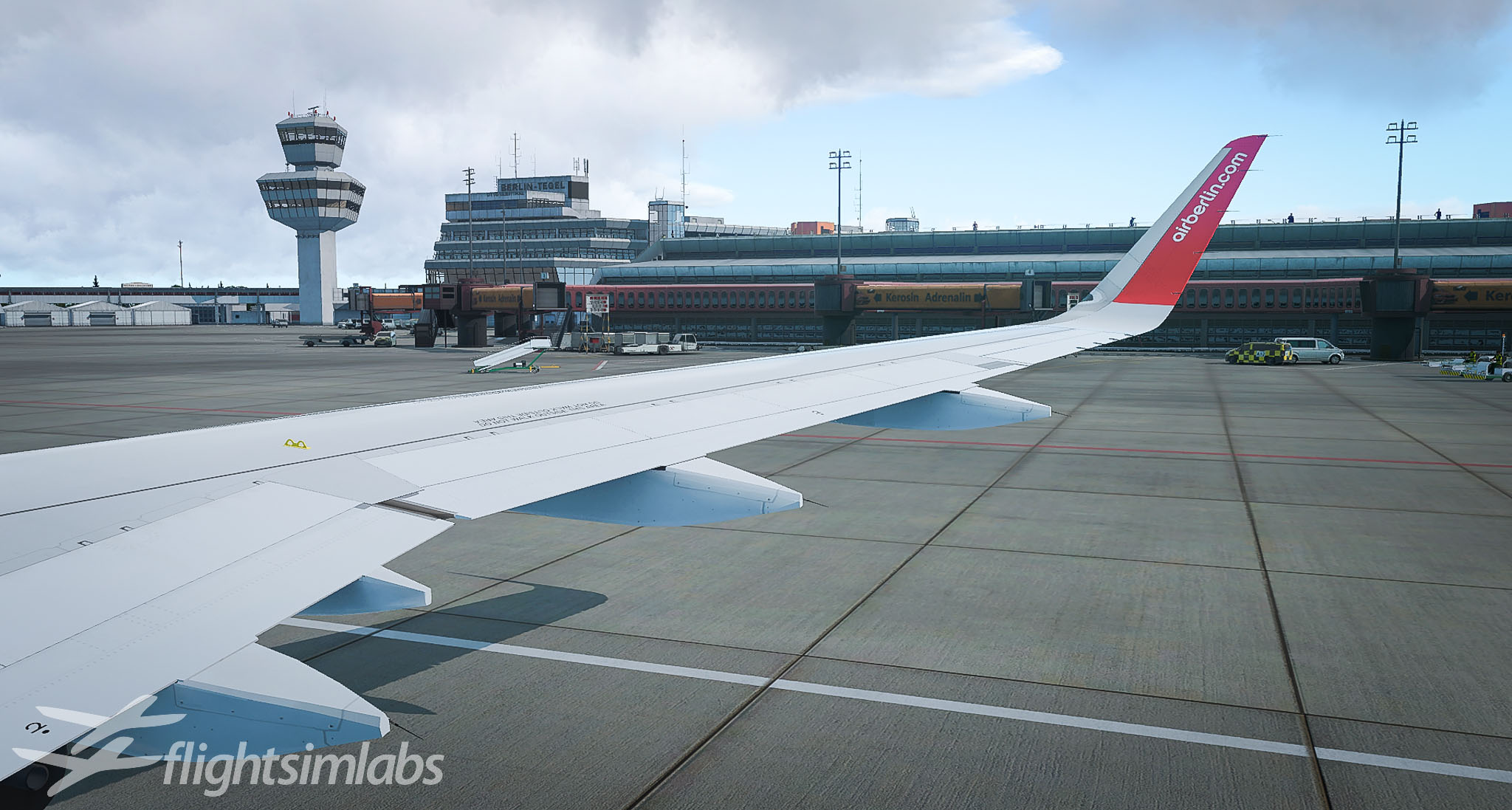
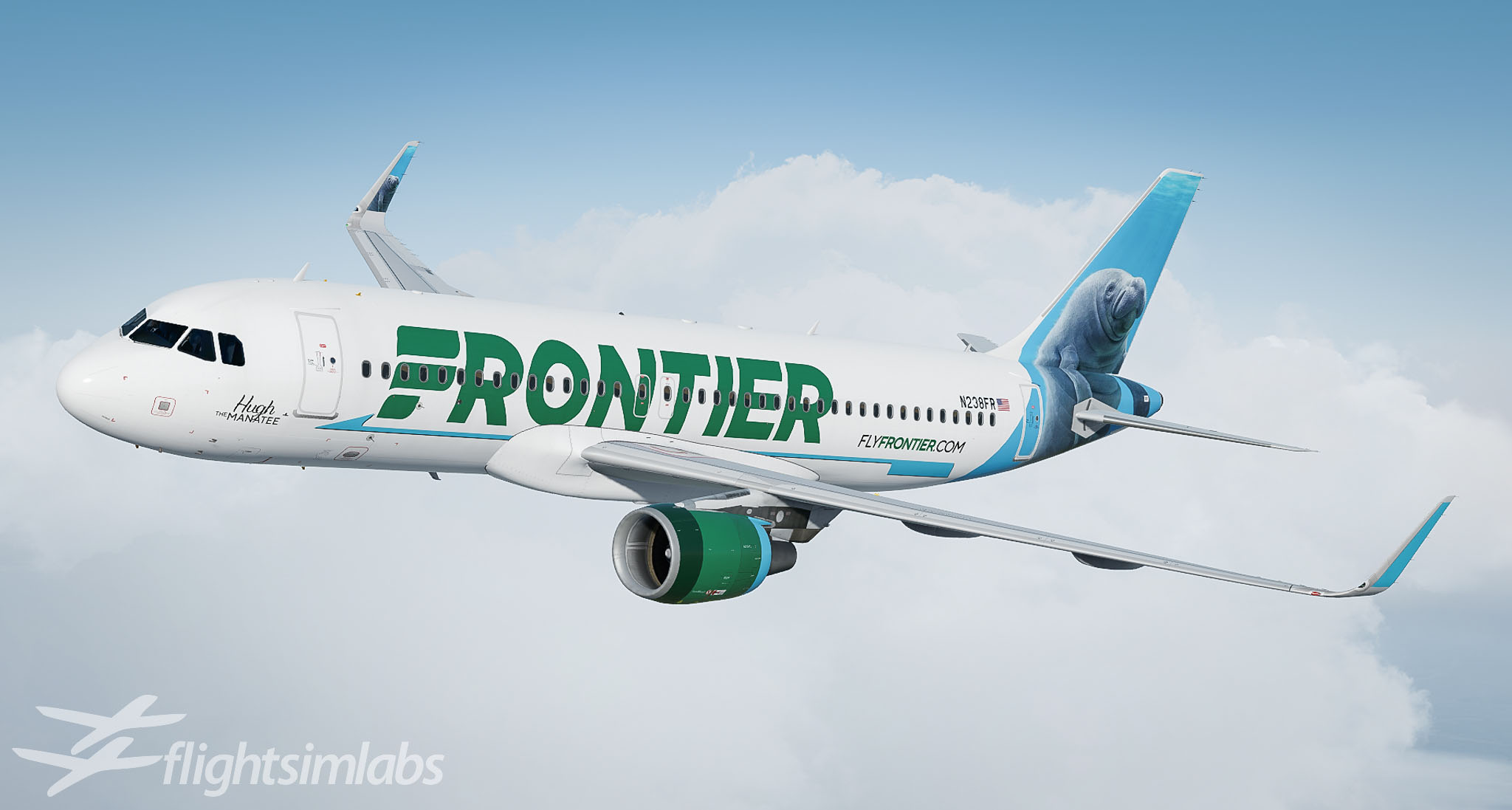
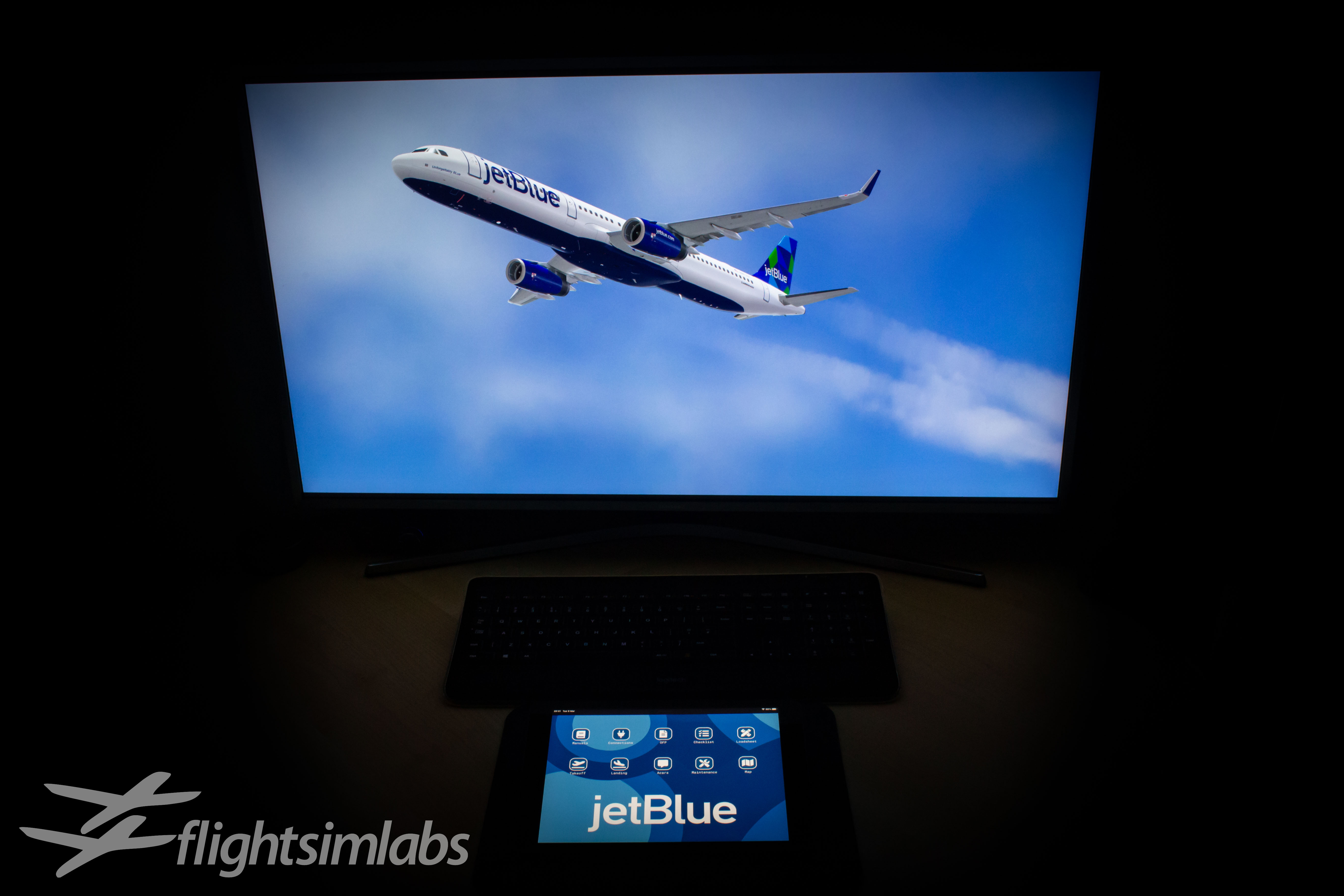
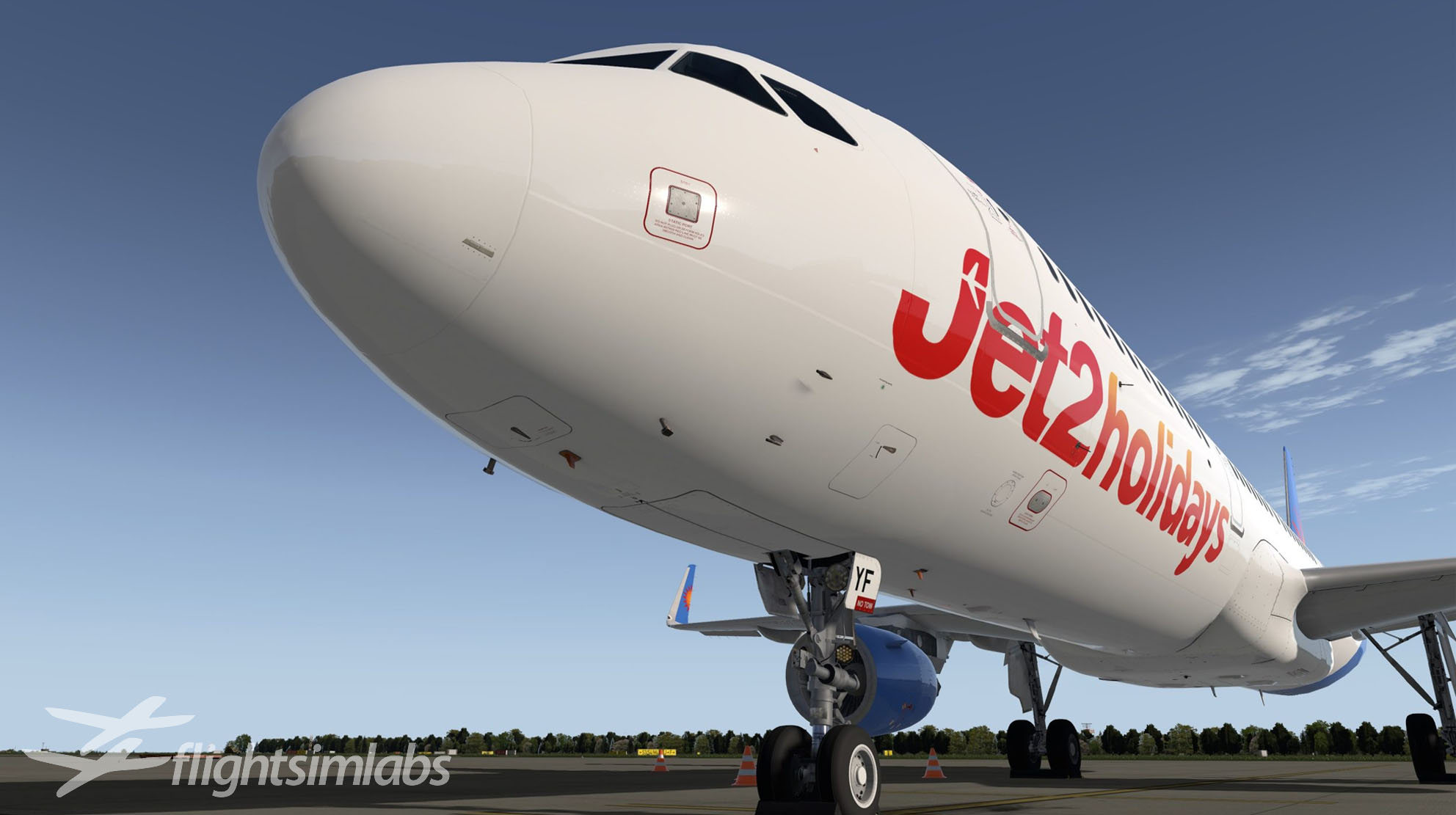
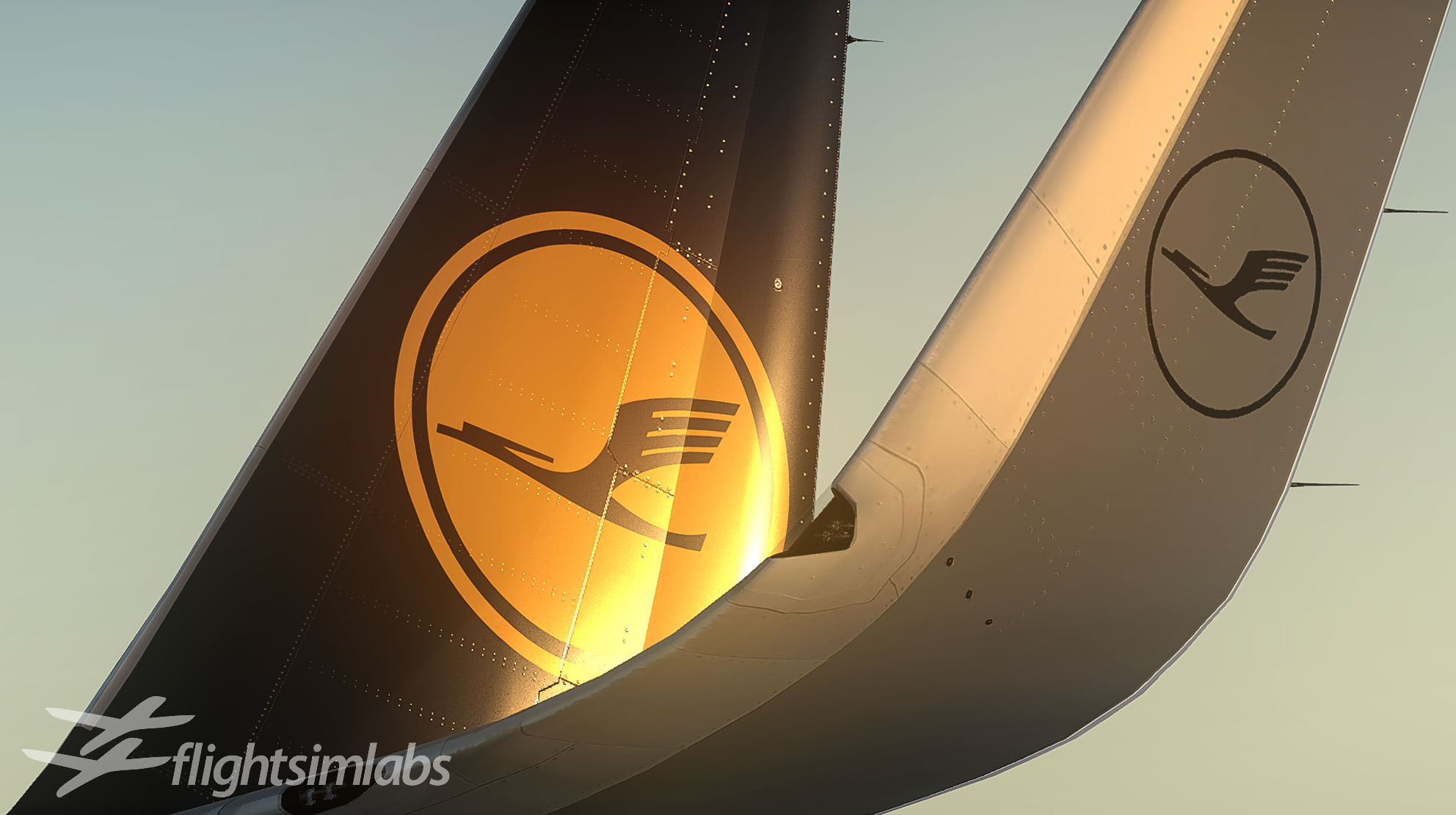
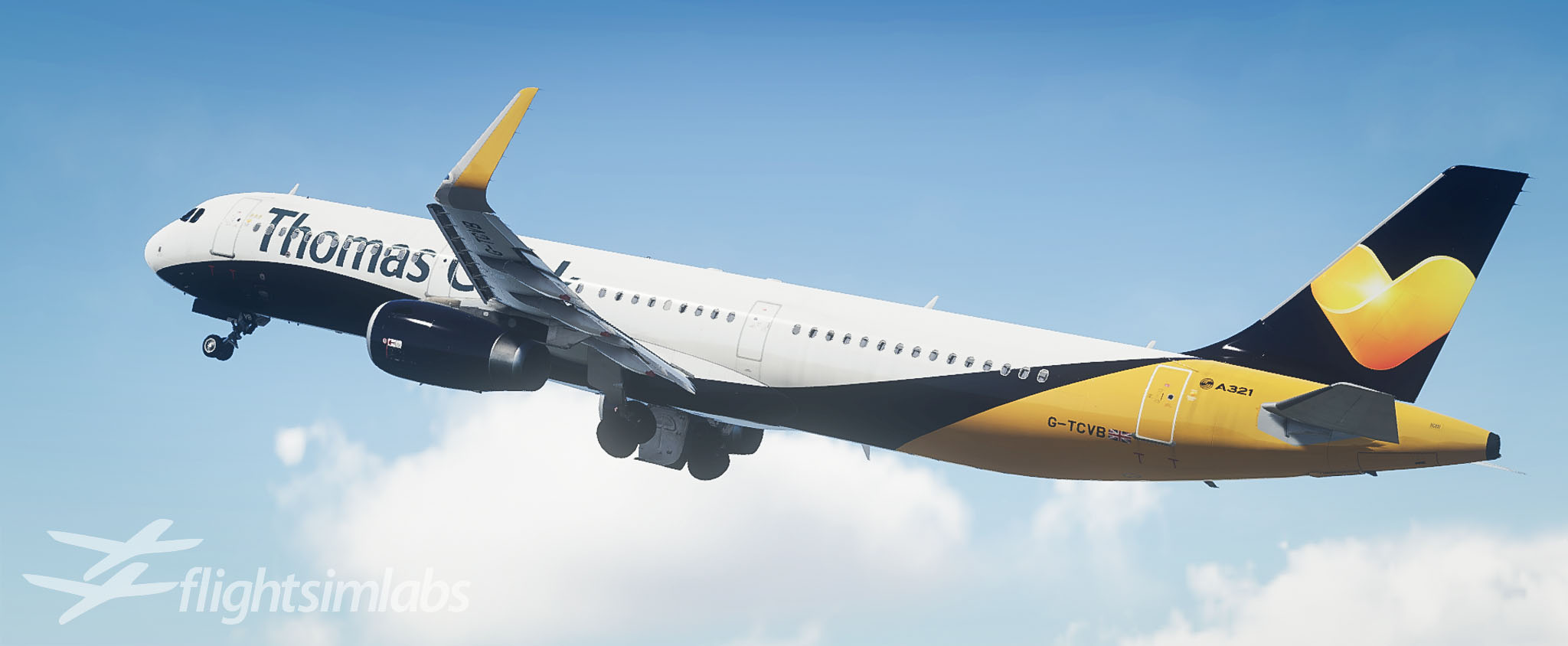
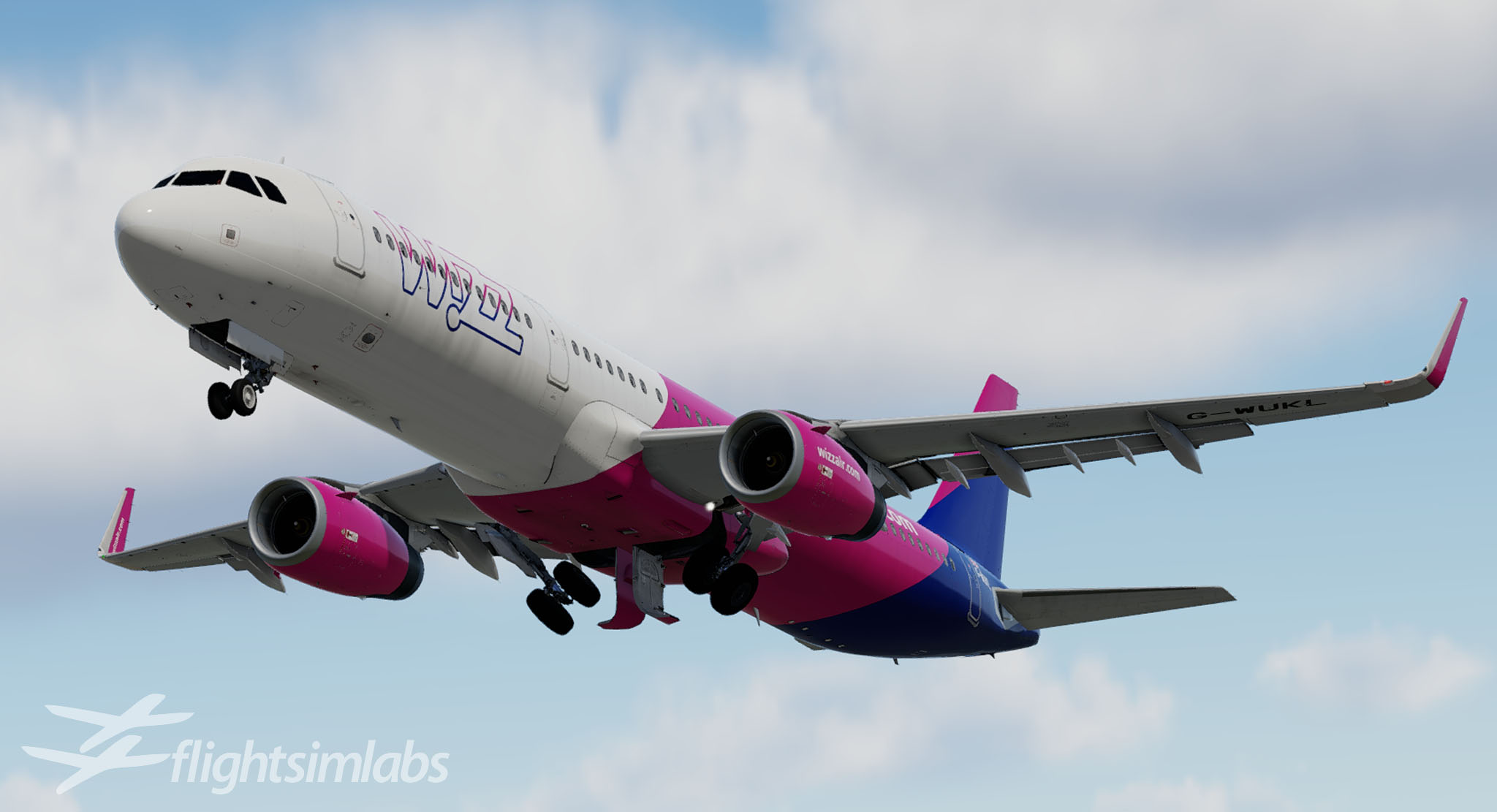
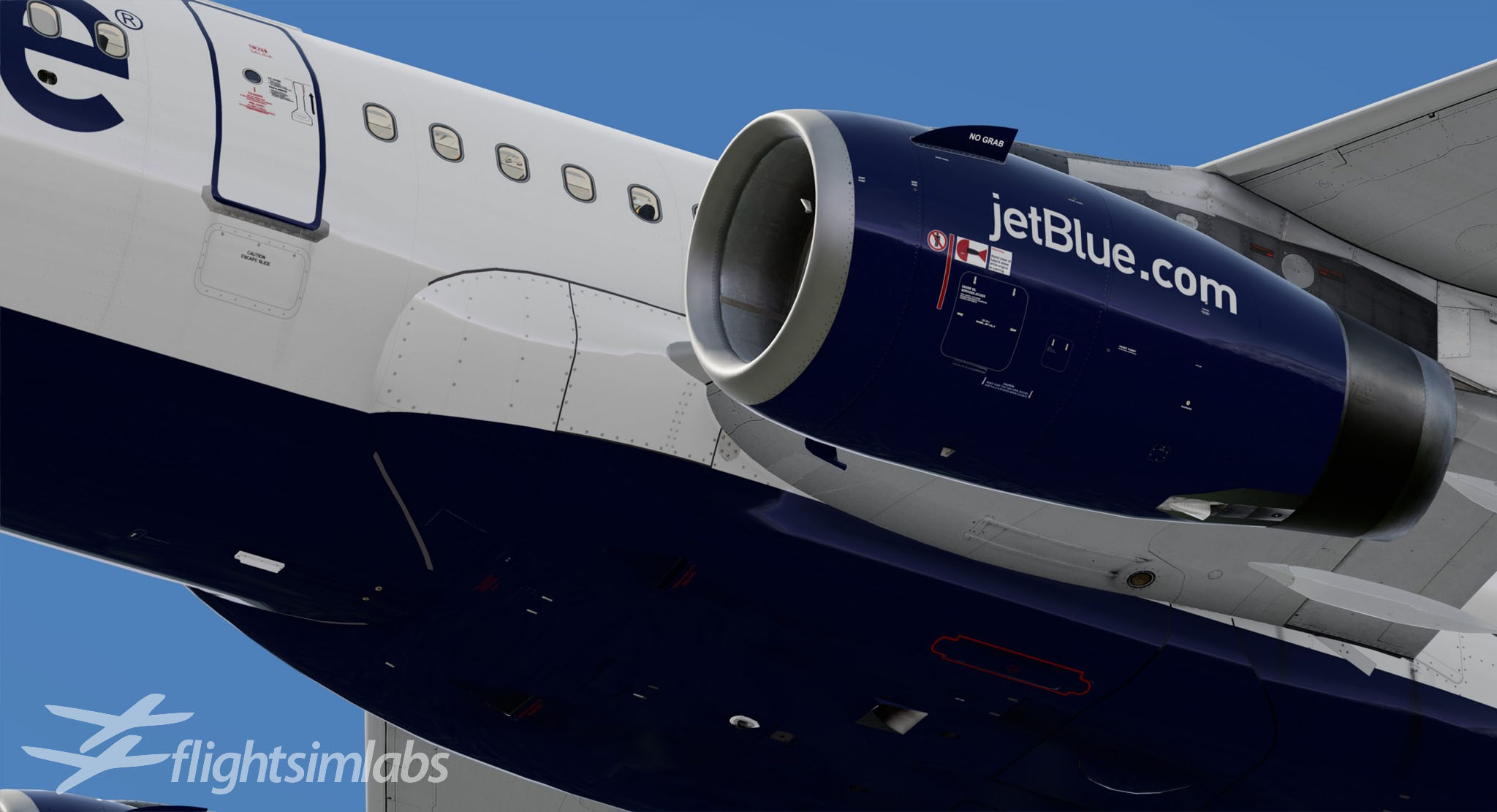


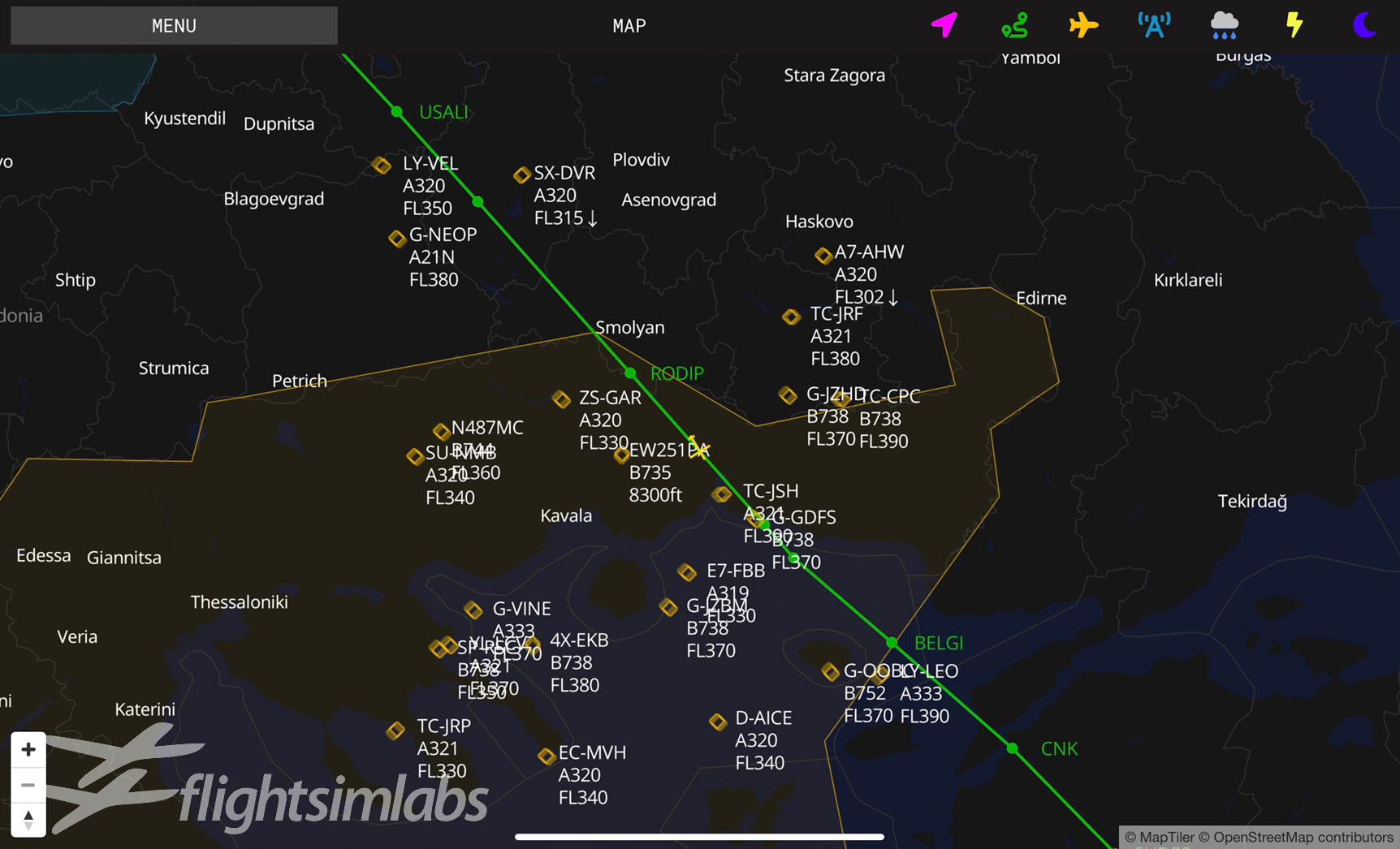



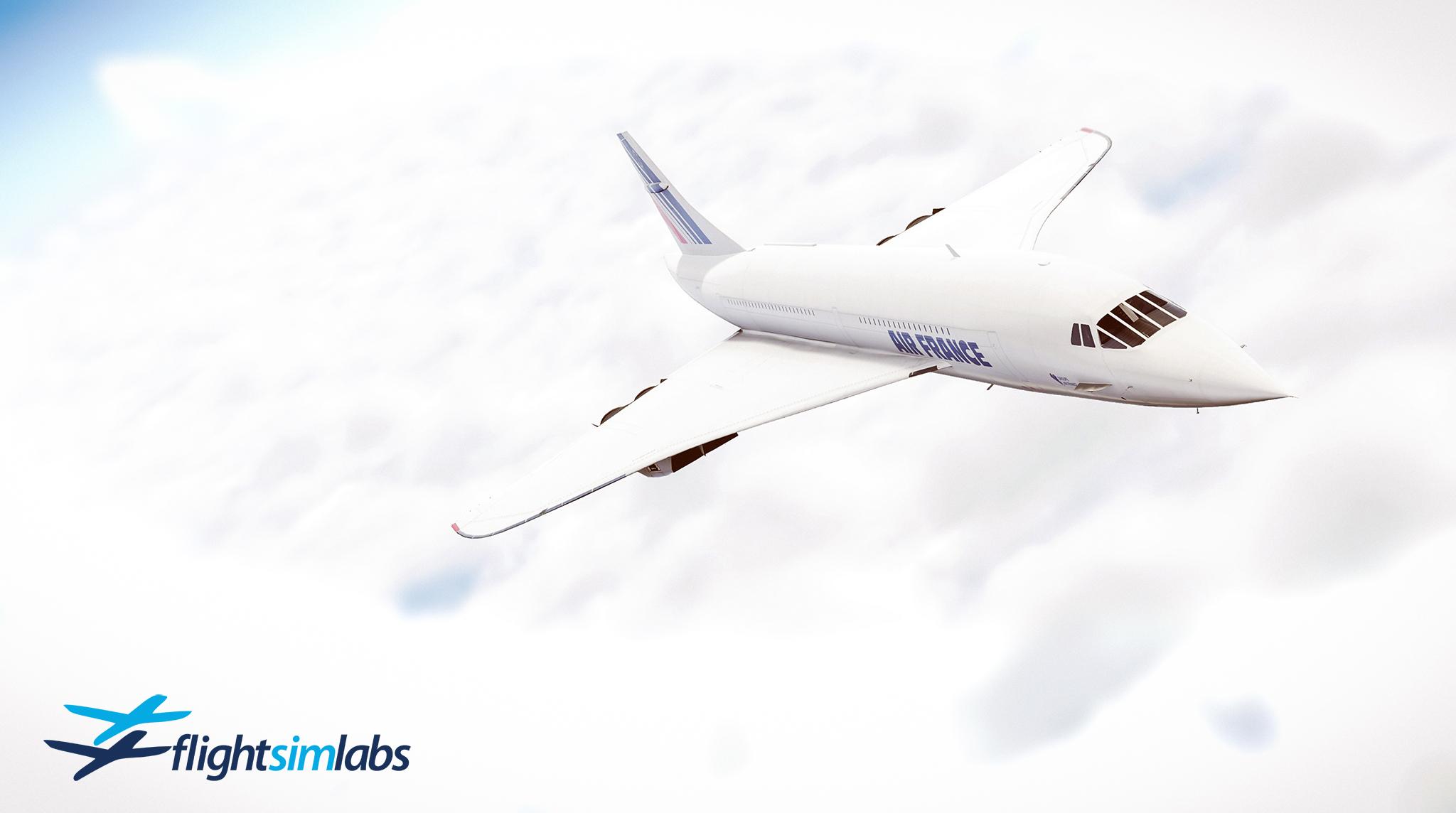
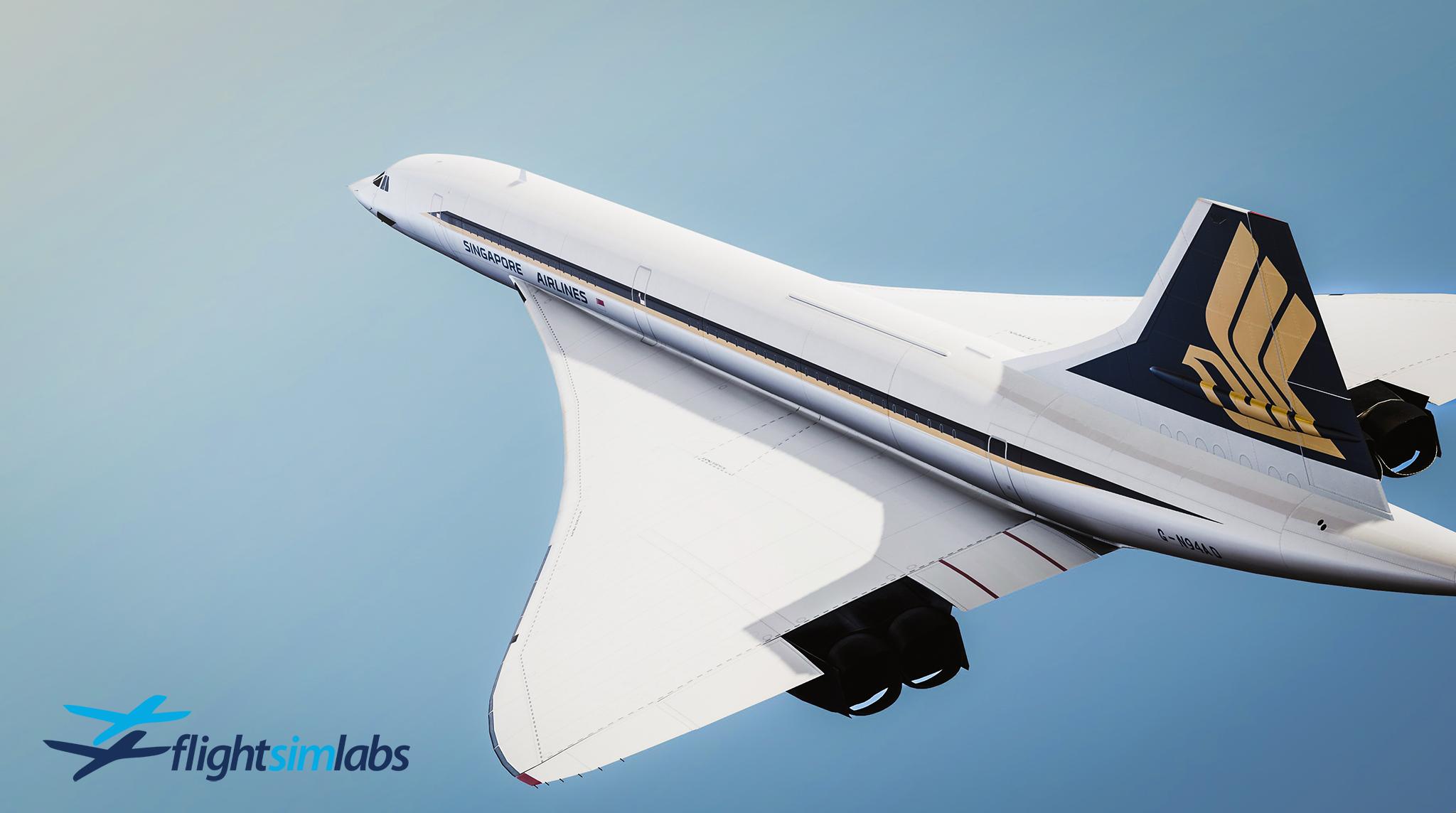
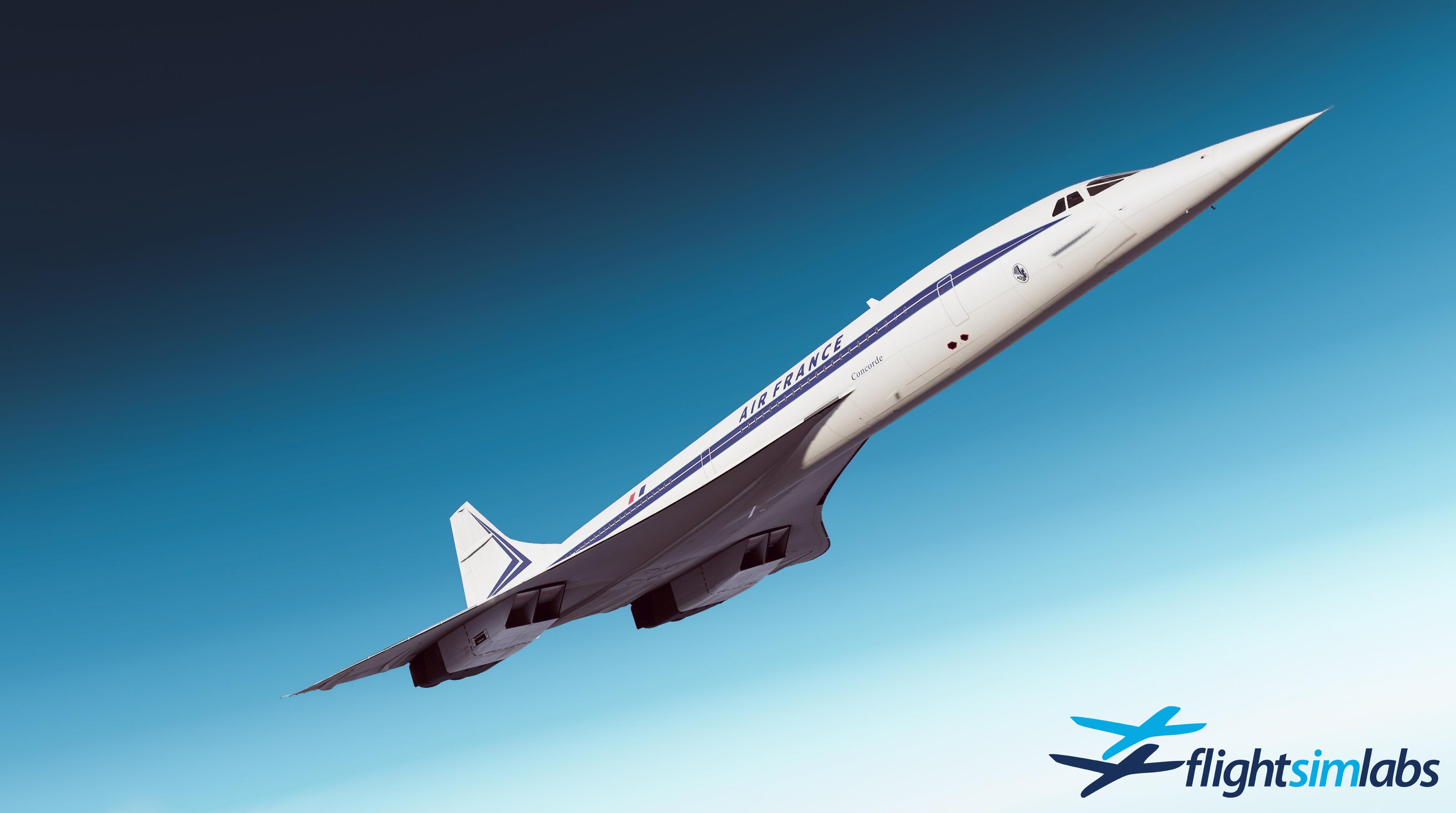
.jpg.e71f08c0f8025ad095ed3d7c9f1f553a.jpg)