

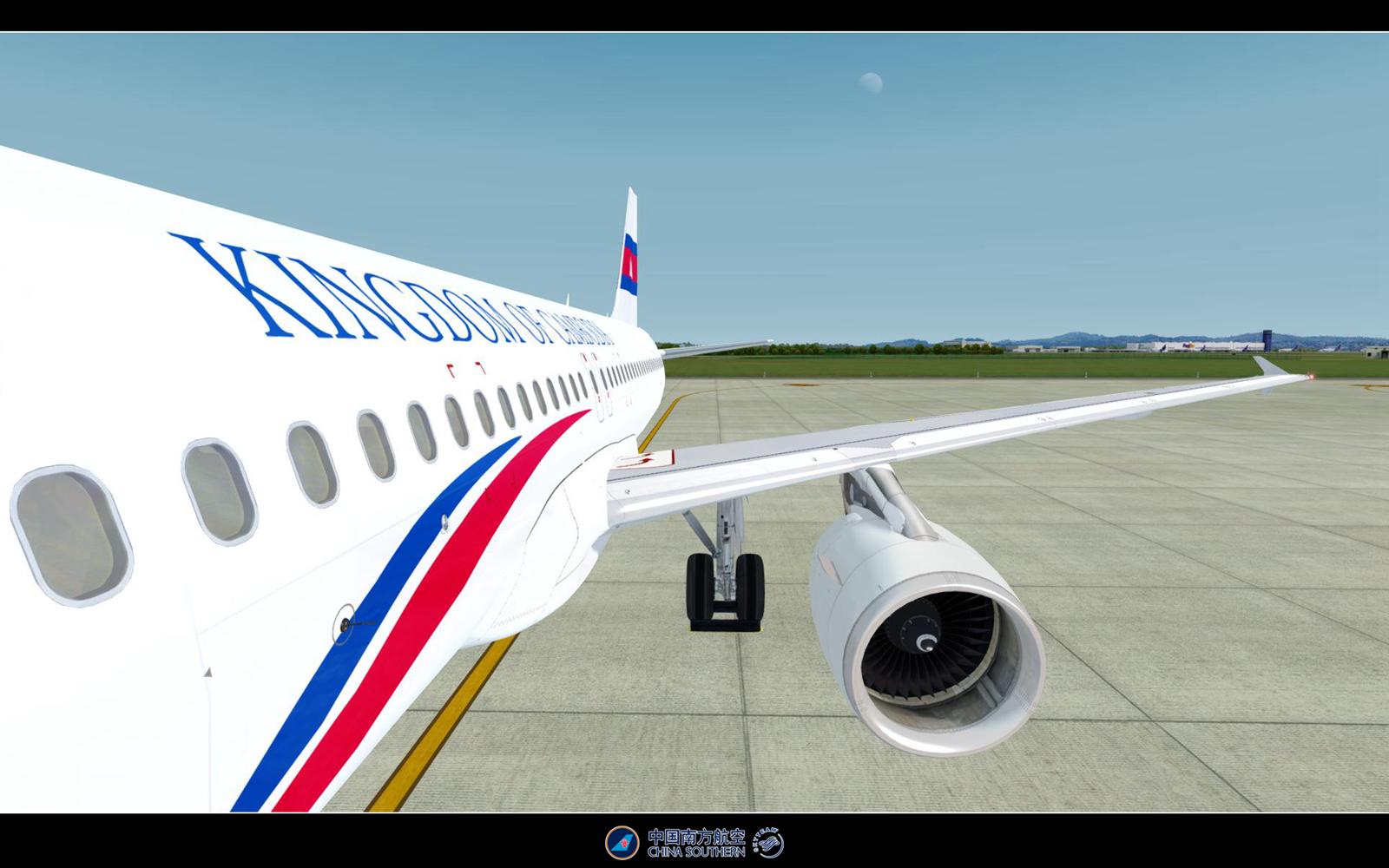
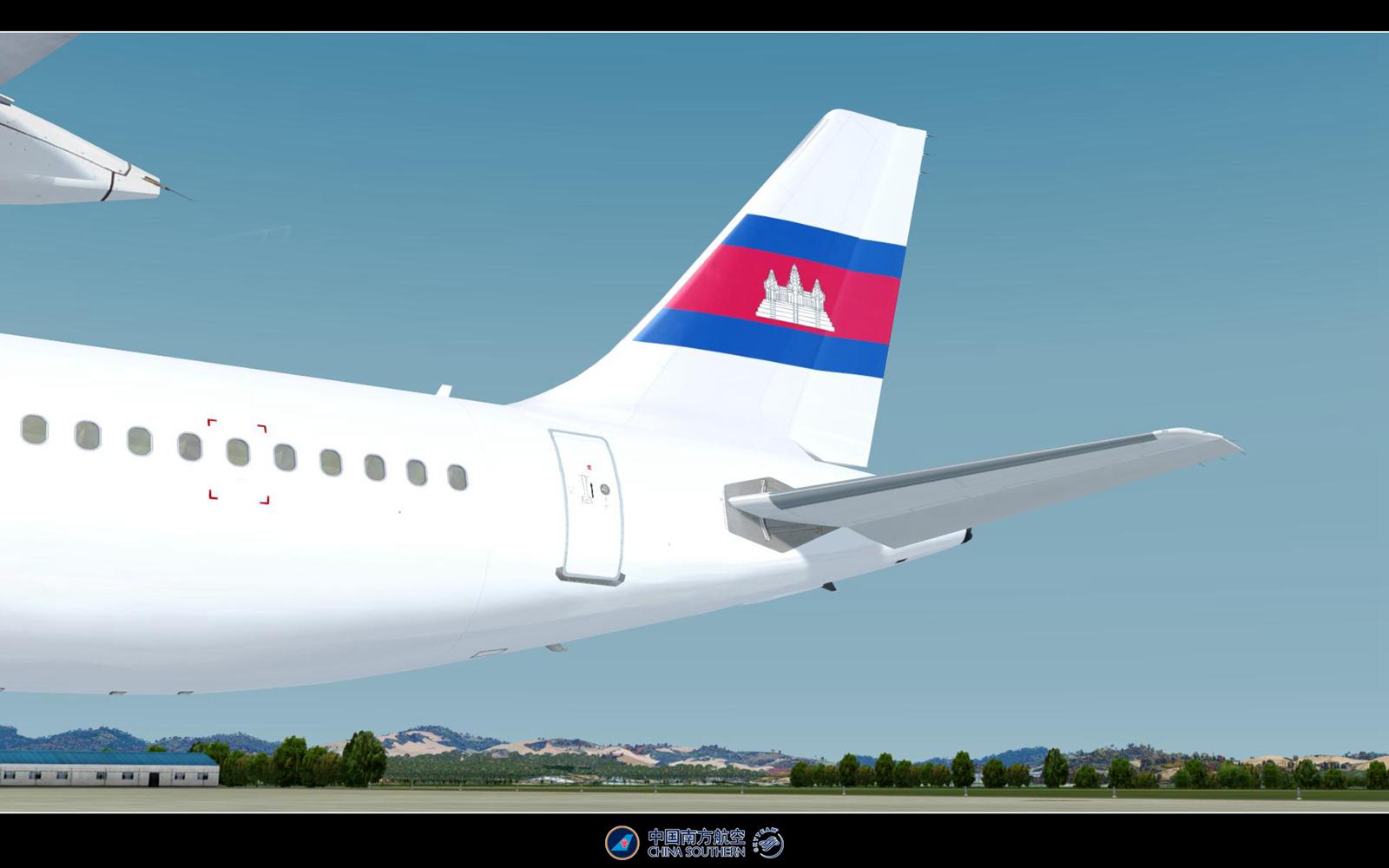
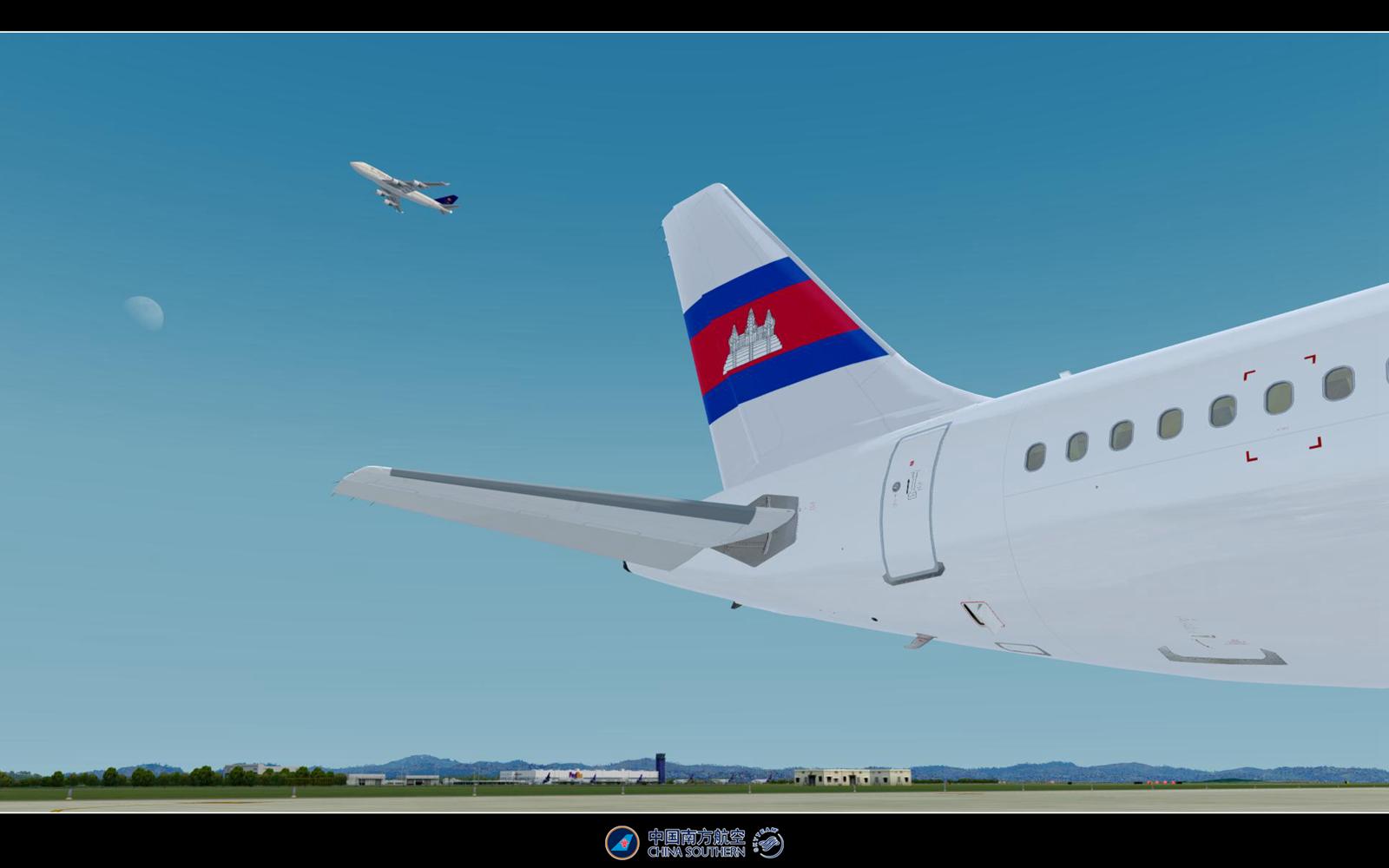
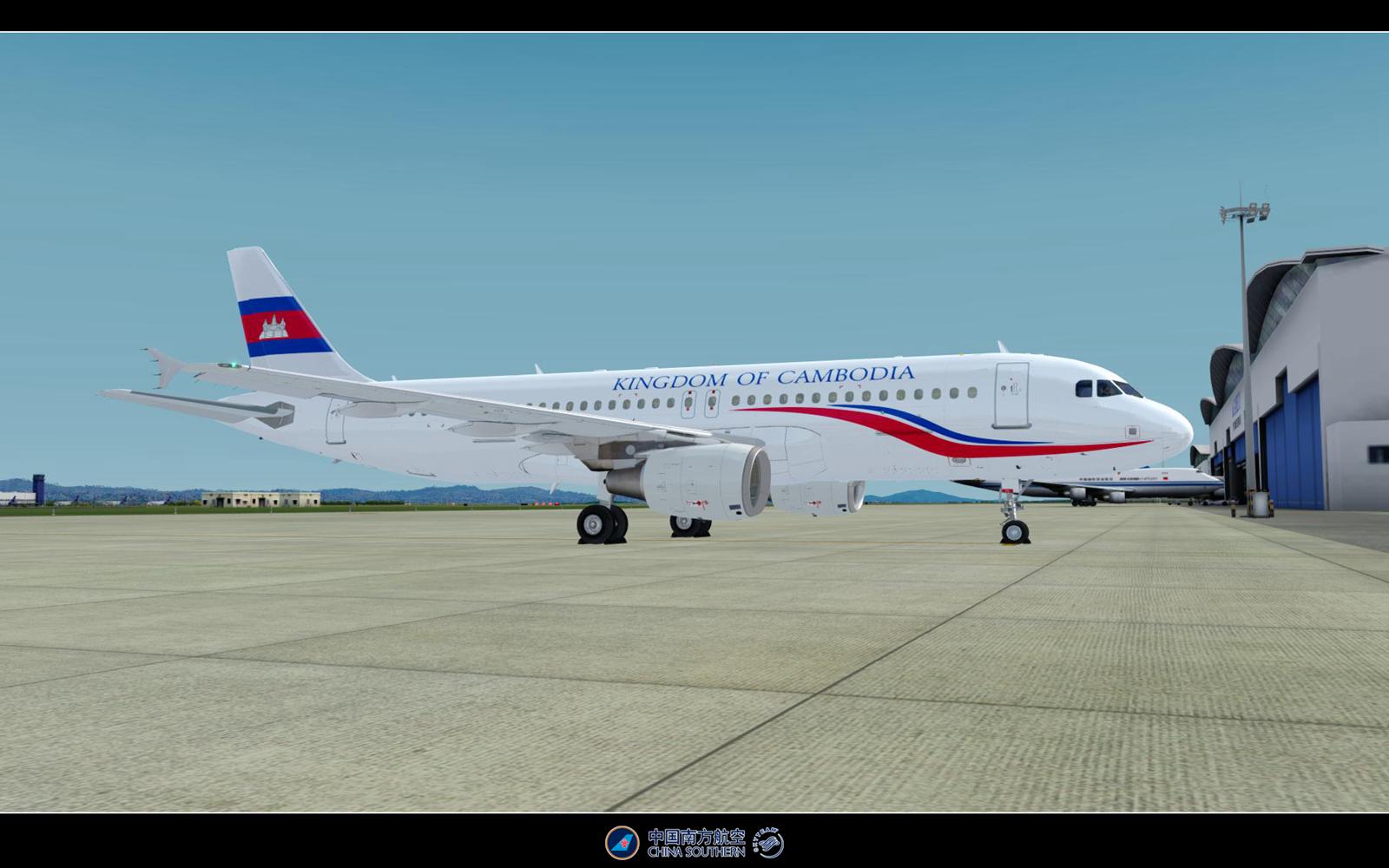
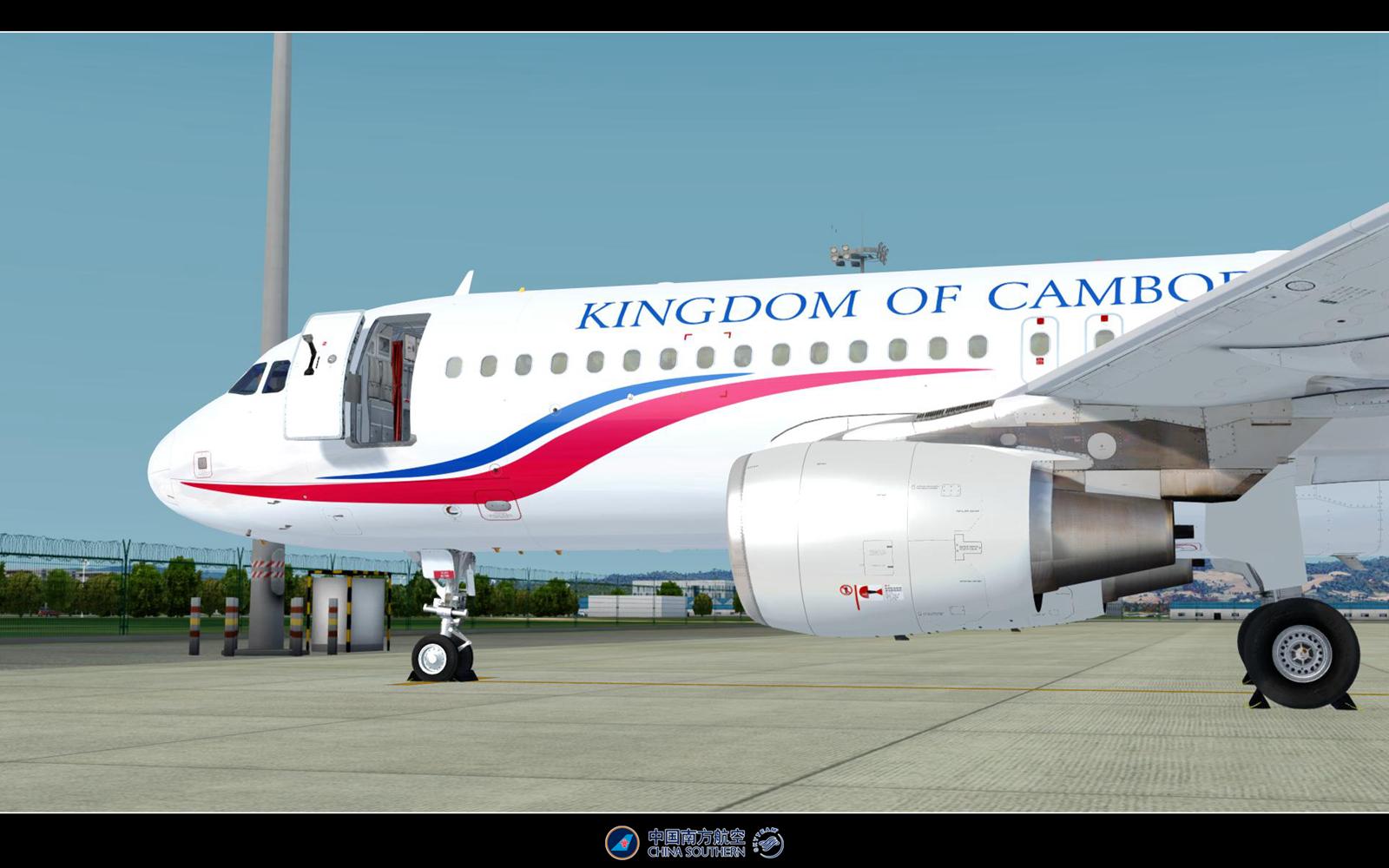
Kingdom of Cambodia Airbus A320-214 (B-6738)
B-6738 was bulid in Tianjin (TSN) on 25,Feb 2011.
On Feb 2013,B-6738 transfer to Kingdom of Cambodia.
________________________________________________________________________
Modified
Cabin and cockpit texture
Placards(In Chinese)
________________________________________________________________________
Thanks to @By Yi_Lewis for allowing me to use his excellent A320 fuselage_master textures and to @By Jonas Dahlke for use his dirty wing textures.
________________________________________________________________________
[fltsim.X+1]
title=FSLabs A320X CFM - Kingdom of Cambodia B-6738
sim=A320
model=
panel=B-6738
sound=
texture=B-6738
kb_checklists=AirbusA320_check
kb_reference=AirbusA320_ref
atc_model=A320
atc_id=B-6738
atc_airline=Kingdom of Cambodia
atc_flight_number=FSL1
atc_type=Airbus
ui_manufacturer=Airbus
ui_type=A320-214 (CFM)
ui_variation=Kingdom of Cambodia B-6738
ui_typerole=Commercial Airliner
ui_createdby=Flight Sim Labs
atc_parking_types=GATE
description=FSLabs A320X - CFM56 - 180 passengers version OEW 43.662 KG and 29.3% CG - FSLabs\nFlight Sim Labs - www.FlightSimLabs.com
engine_variant=CFM565B4
system_variant=EIS2
selcal_id=CM-GR
version=1
airline_iata_code=CSN
There are no reviews to display.