
Skip to content
View in the app

A better way to browse. Learn more.

Flight Sim Labs Forums

A full-screen app on your home screen with push notifications, badges and more.

To install this app on iOS and iPadOS
  1. Tap the Share icon in Safari
  2. Scroll the menu and tap Add to Home Screen.
  3. Tap Add in the top-right corner.
To install this app on Android
  1. Tap the 3-dot menu (⋮) in the top-right corner of the browser.
  2. Tap Add to Home screen or Install app.
  3. Confirm by tapping Install.

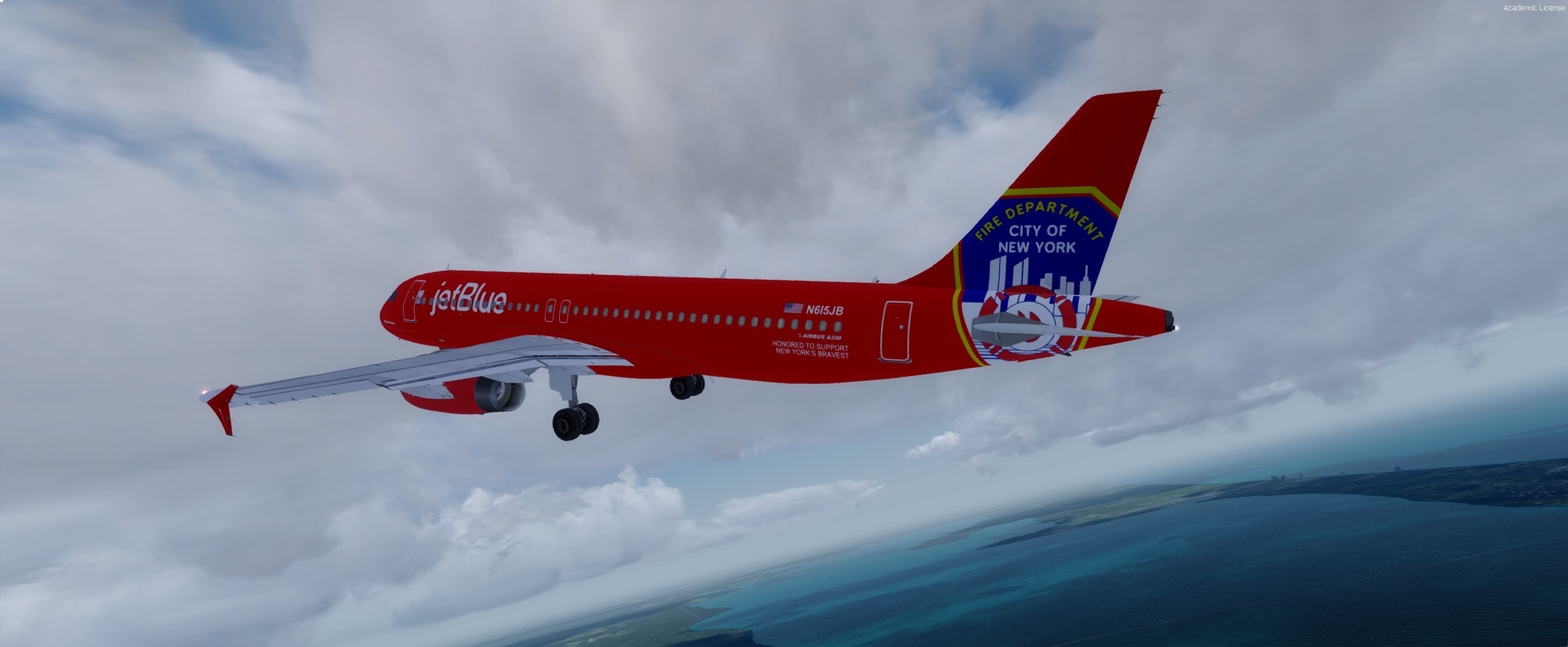
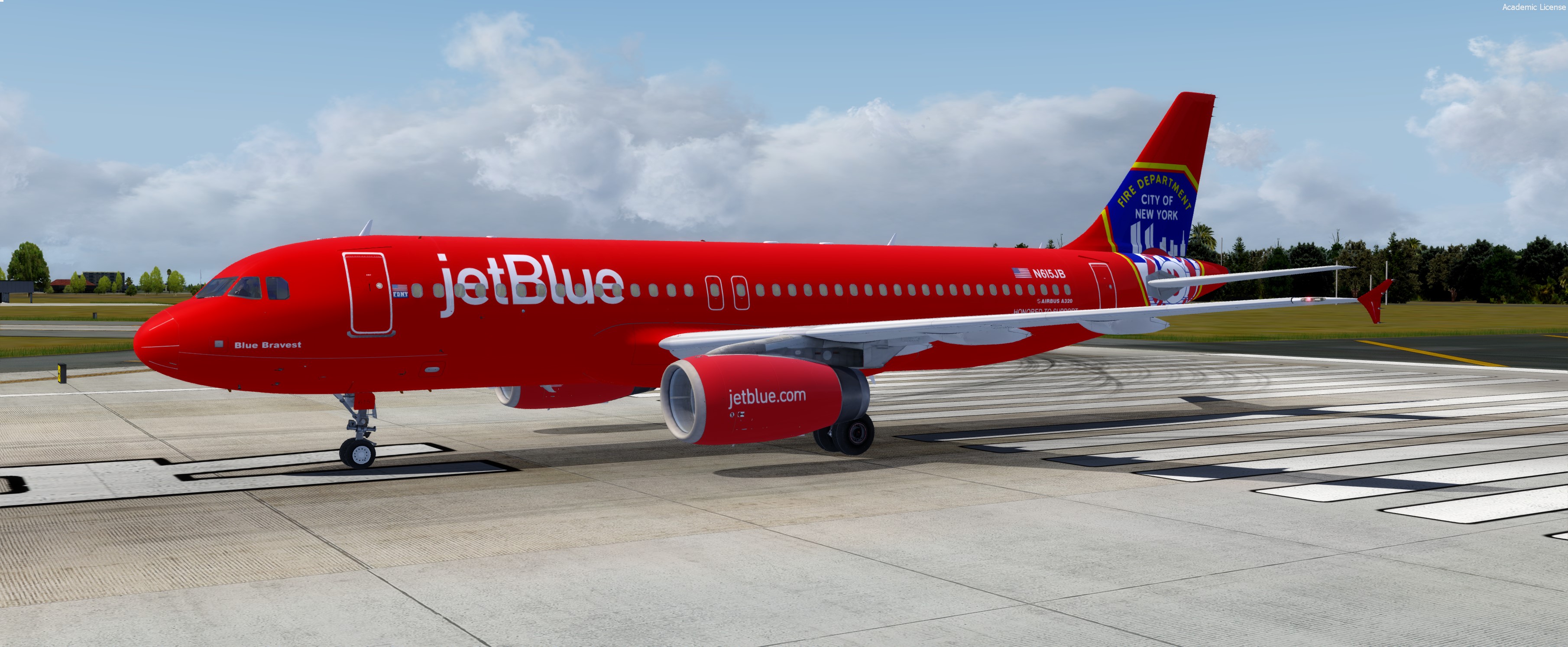
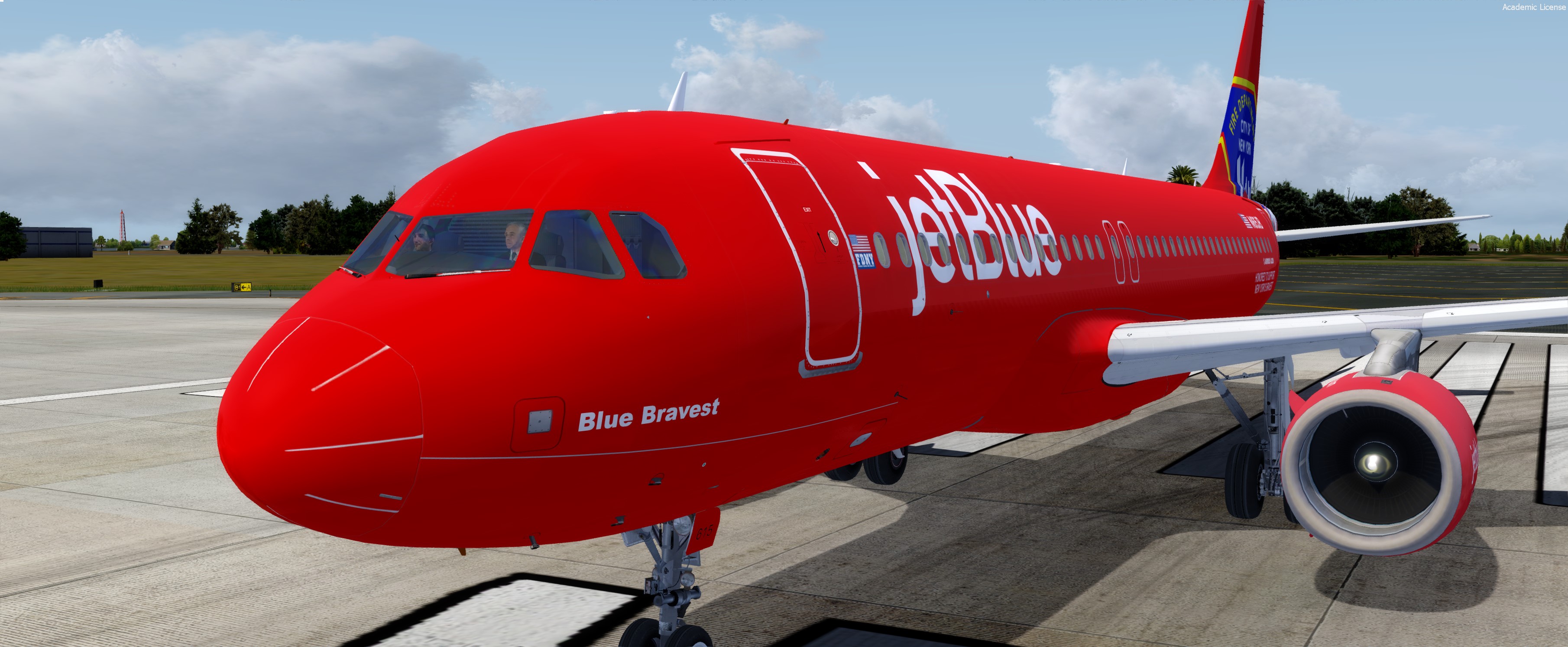
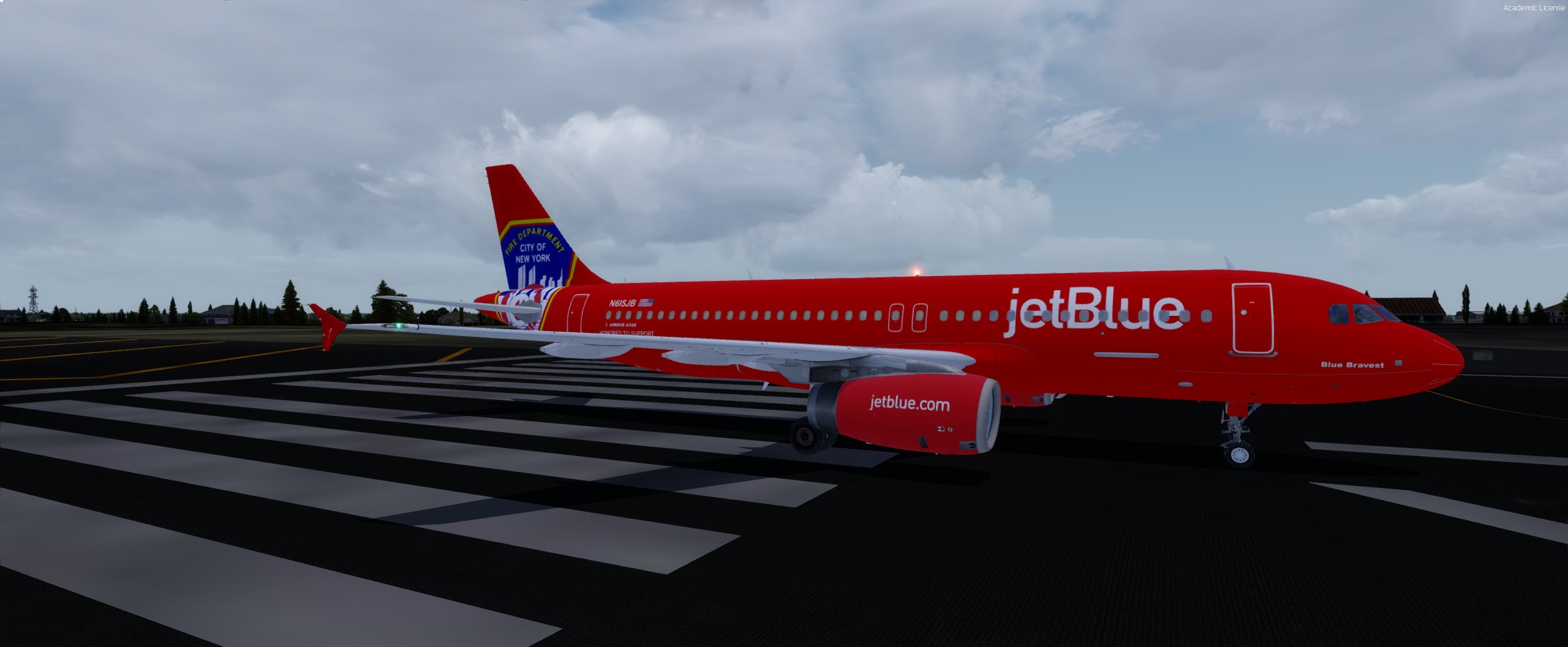
Jetblue "Blue Bravest" N615JB 1.0.1

(1 review)

7 Screenshots


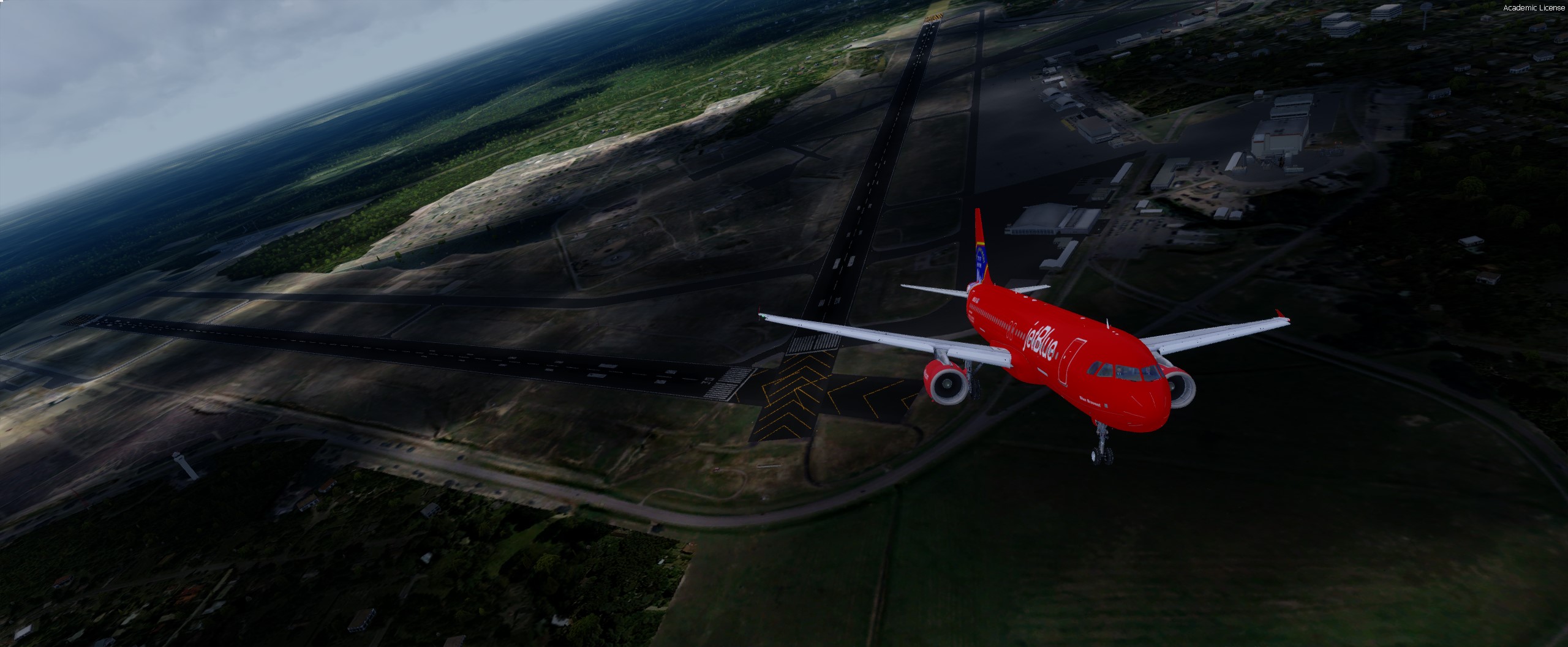
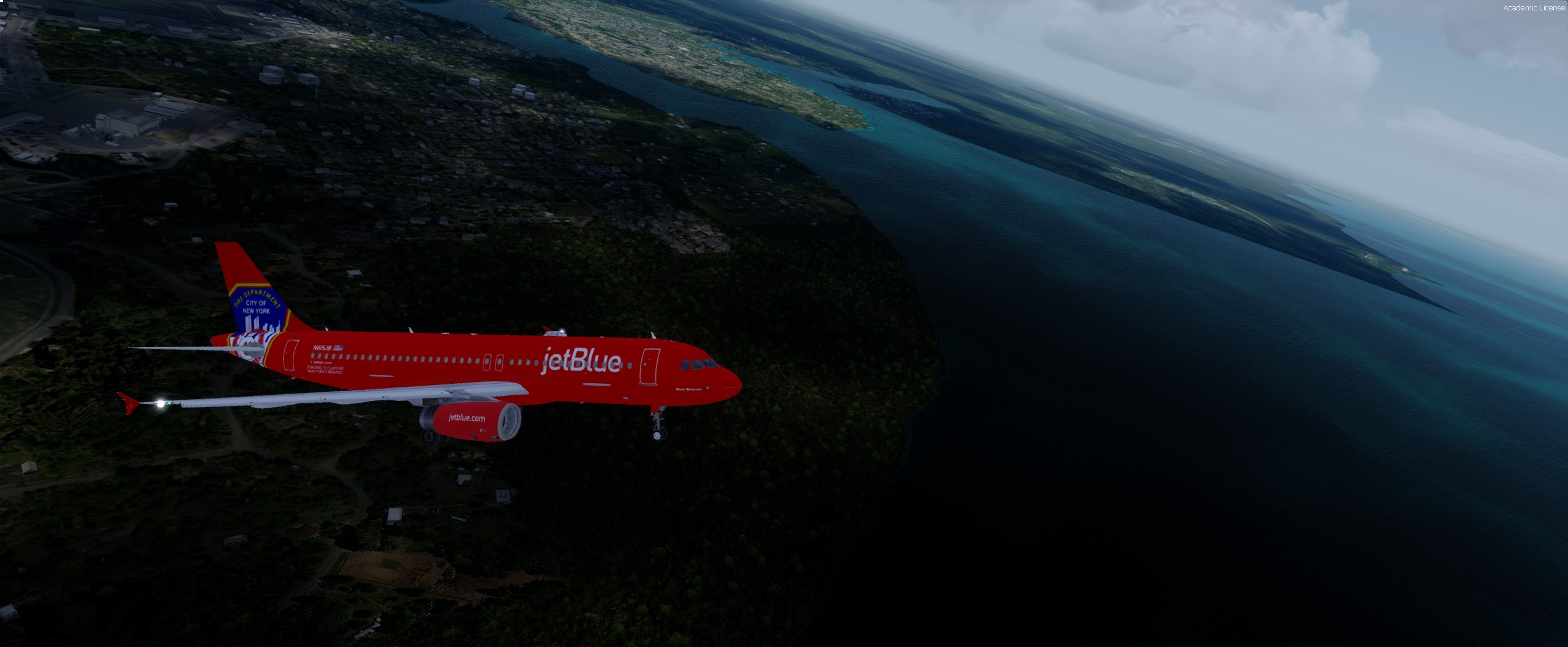
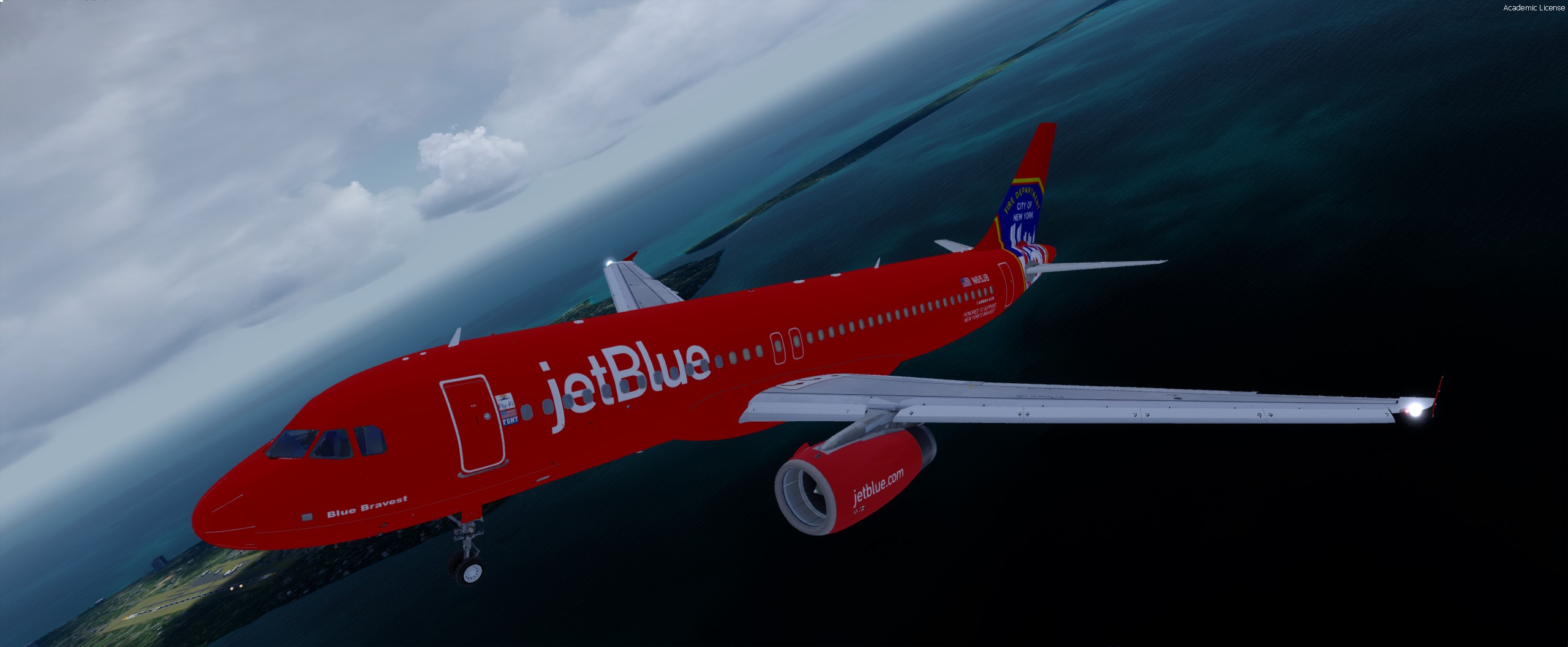
Now you can enjoy your flights with the only Jetblue aircraft that's not in blue. The dedicated livery to the men and woman of NY's Fire Department  has custom textures in the tail and fuselage to represent the beautiful and stunning real world aircraft. 

Don't forget to rate and review!


Installation
Simply place the folder [TEXTURE.JBU N615JB] in your (FSLABS A320 INSTALLATION DIRECTORY)\SimObjects\Airplanes\FSLabs A320 IAE\
The repaint should appear on your P3Dv 4.x under "Jetblue Blue Bravest"

Please enjoy!


What's New in Version 1.0.1

Released

  • FLYFI LOGO ADDED
  • FIXED RIGHT HAND SIDE TAIL TEXTURES
  • FIXED AIRBUS LOGO ON WRONG SIDE 

User Feedback

Brett Pyle

Brett Pyle


Thanks!

Account

Navigation

Search

Search

Configure browser push notifications

Chrome (Android)
  1. Tap the lock icon next to the address bar.
  2. Tap Permissions → Notifications.
  3. Adjust your preference.
Chrome (Desktop)
  1. Click the padlock icon in the address bar.
  2. Select Site settings.
  3. Find Notifications and adjust your preference.
