
Skip to content
View in the app

A better way to browse. Learn more.

Flight Sim Labs Forums

A full-screen app on your home screen with push notifications, badges and more.

To install this app on iOS and iPadOS
  1. Tap the Share icon in Safari
  2. Scroll the menu and tap Add to Home Screen.
  3. Tap Add in the top-right corner.
To install this app on Android
  1. Tap the 3-dot menu (⋮) in the top-right corner of the browser.
  2. Tap Add to Home screen or Install app.
  3. Confirm by tapping Install.

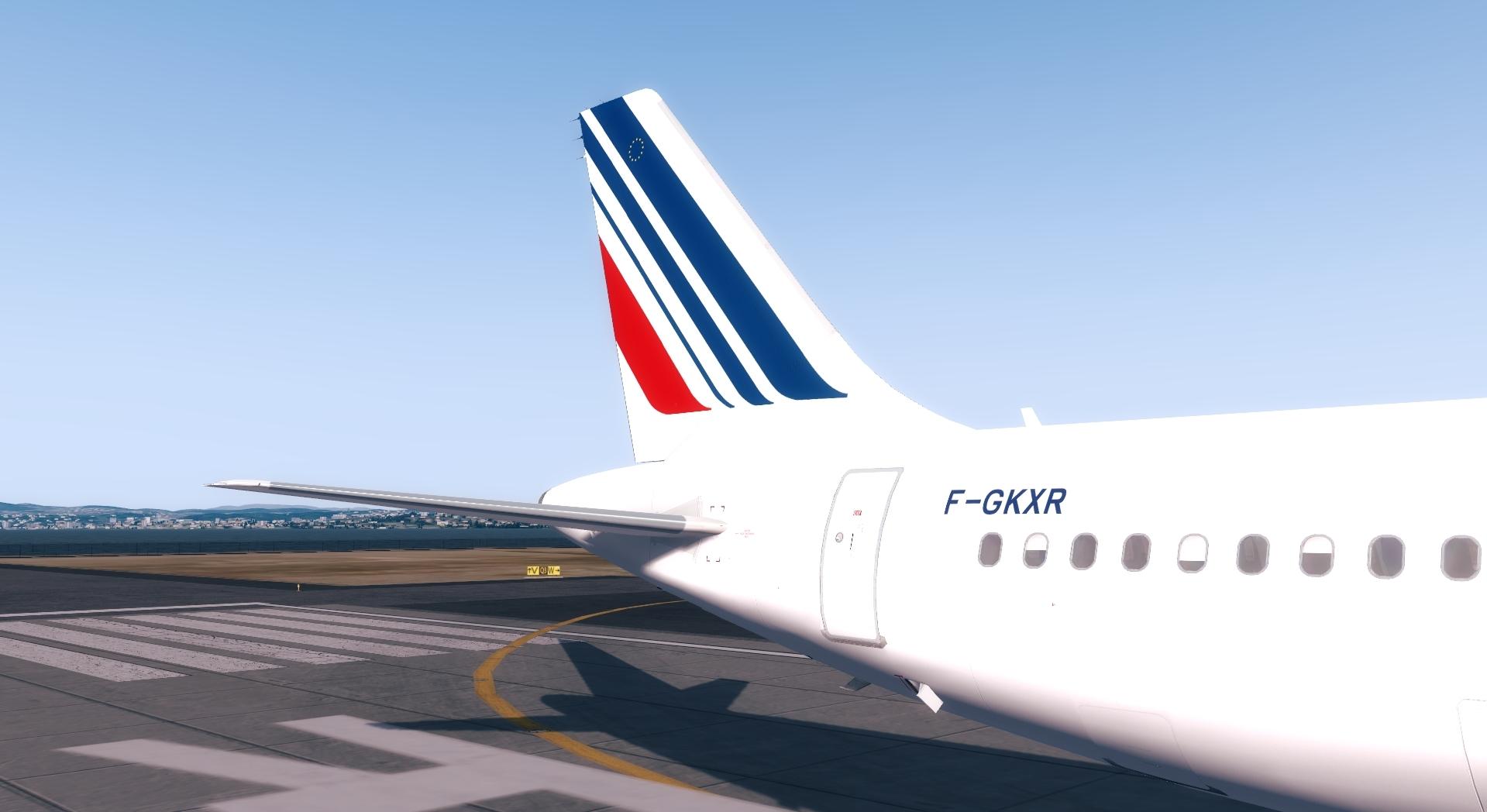
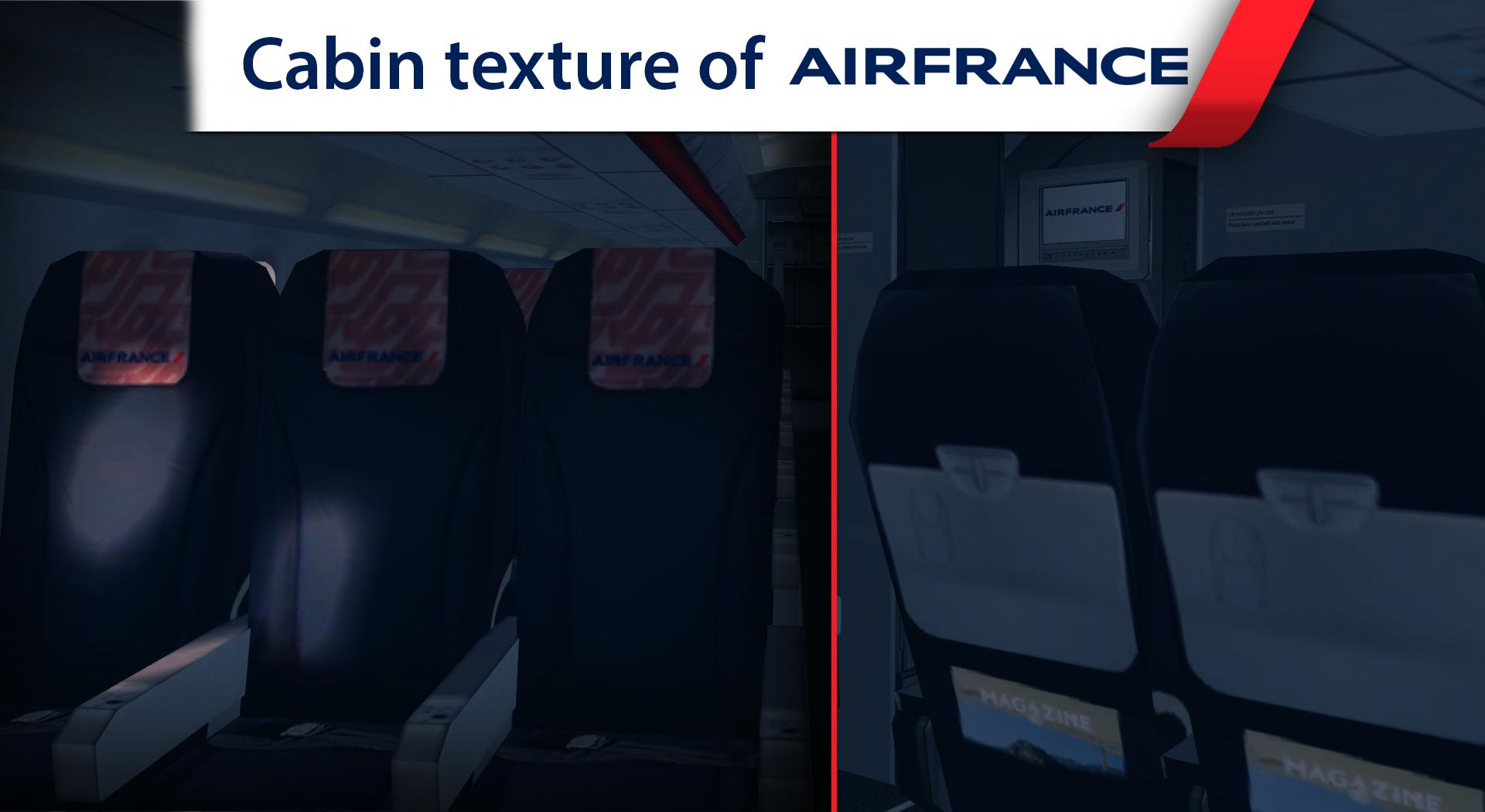
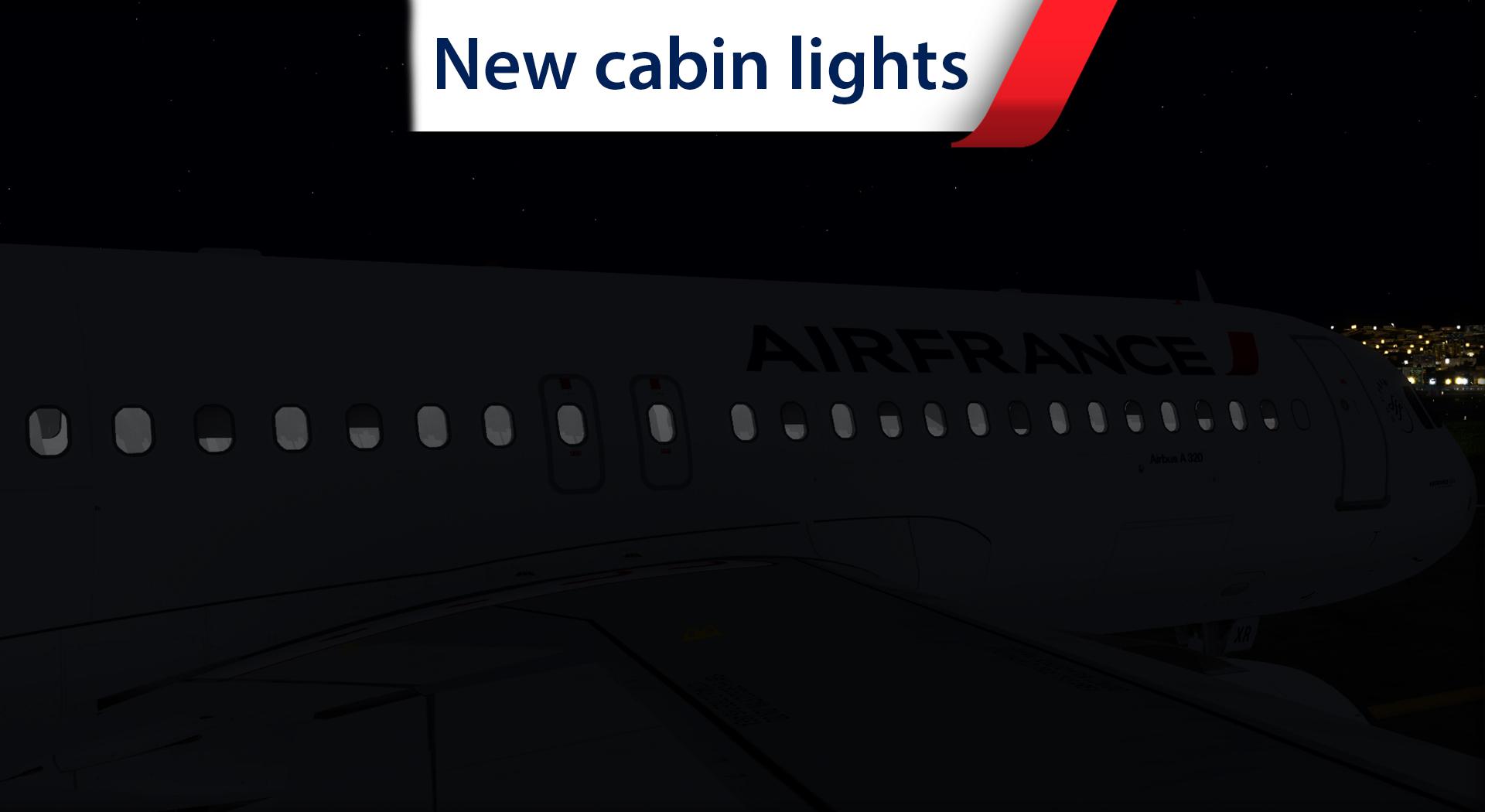
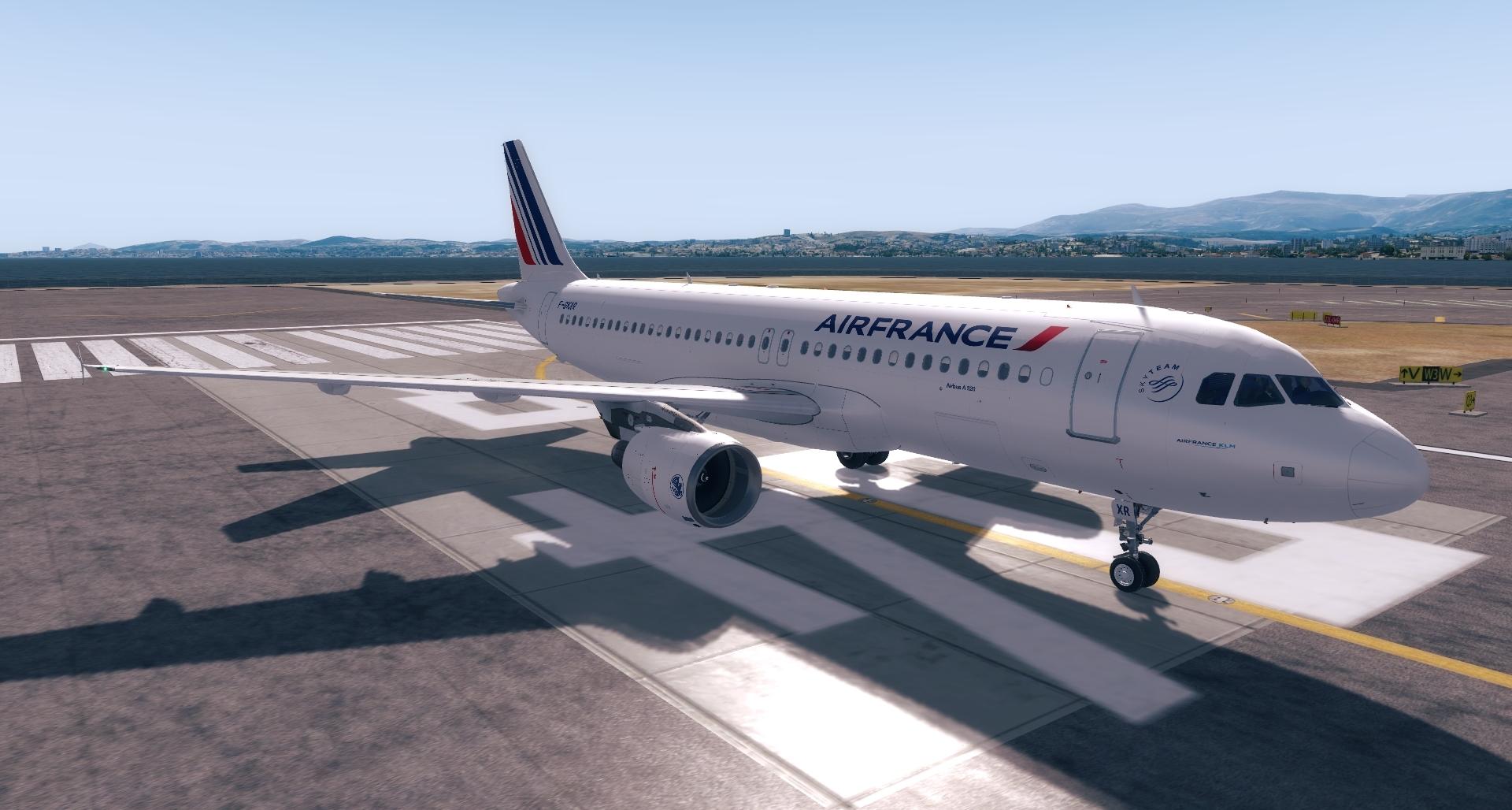
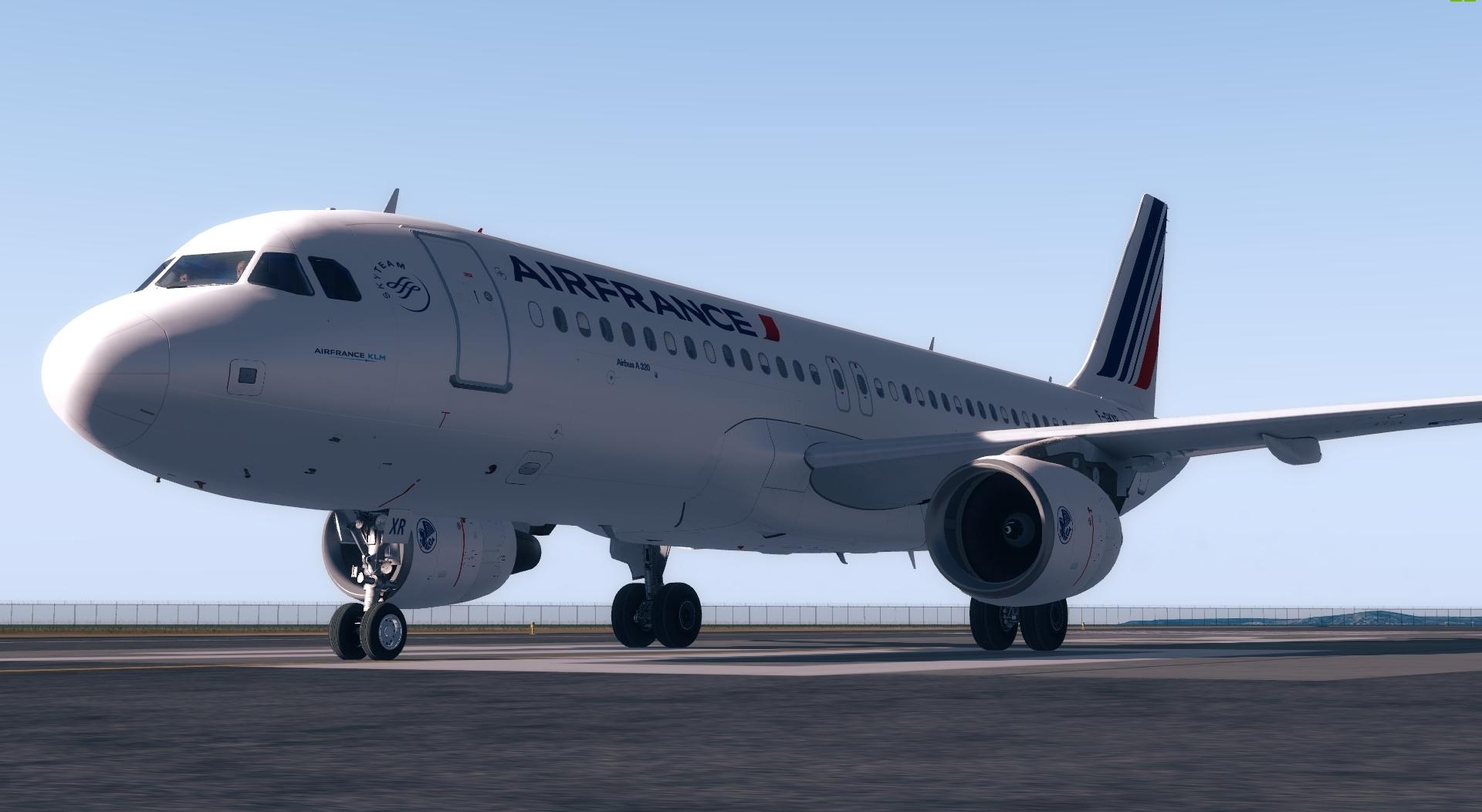
Air France // A320 CFM // F-GKXR // NEW CABIN SEATS and LIGHTS 1.0.0

(8 reviews)

5 Screenshots

F-GKXR

A320-214

Config "CY165" 

MSN : 3795

8.5 years old
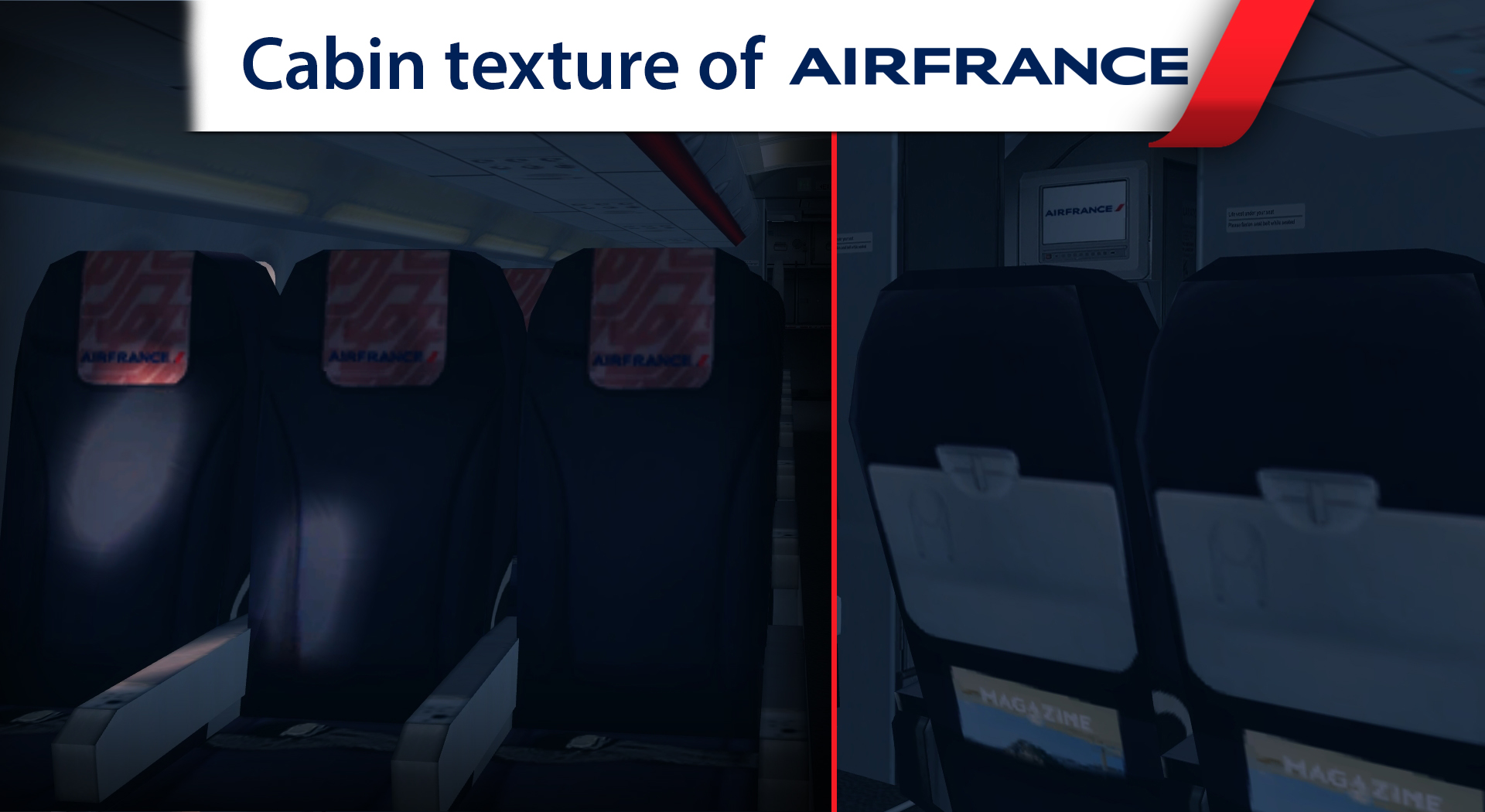
 

597a3d6087355_Cabina320AF.thumb.jpg.051b426ae3db013dd5d23bd8f82cb9e2.jpg

597a3d87b5243_NewPromosystem.thumb.jpg.03f12edd14c24f915fe0d32c3785bc3a.jpg


Repaint by @Hugo Bicho (modification of the fuselage,new cabin seats, new tail texture and light cabin, turbine-metal, Imporved shadows on the fuse)


Thanks to @John Tavendale for according me to use his A320 textures of Air France

and @Christian Mohr for layout on the pylon of the engine


For remarks or some reports :

adocube.studio@gmail.com


Enjoy your fly !!!

User Feedback

Jean-Michel TALBOURDET

Jean-Michel TALBOURDET


Merci bcp pour le partage !!

Comment faut il l'installer sous P3D v4.3 ??

Merci

Response from the author:

Voici un lien expliquant comment :


Brett Pyle

Brett Pyle


Just installed, Thanks!

Fabrice Rossi

Fabrice Rossi


Merciiiiiiii je suis aux anges !

Dominique LAMBERT

Dominique LAMBERT

   0 of 1 member found this review helpful 0 / 1 member

Bravo pour cette livrée magnifique et qui correspond à la véritable livrée d'AIR FRANCE.

Si je peux faire une proposition, pouvez vous indiquer dans un fichier txt, comment entrer dans la Cabine, Merci

bernard hauck

bernard hauck

   4 of 4 members found this review helpful 4 / 4 members

bravo - très belle réalisation - merci de nous en faire profiter;)


Alexandre Guerbette

Alexandre Guerbette

   3 of 3 members found this review helpful 3 / 3 members

Awesome !!!

Noah

Noah

   3 of 5 members found this review helpful 3 / 5 members

WONDERFUL REPAINT ! Congrats Hugo :D

Jeffrey Smith

Jeffrey Smith

   6 of 8 members found this review helpful 6 / 8 members

Very realistic, I can assure you it's 100% accurate to the real F-GXKR! Excellent job Hugo! :D

Account

Navigation

Search

Search

Configure browser push notifications

Chrome (Android)
  1. Tap the lock icon next to the address bar.
  2. Tap Permissions → Notifications.
  3. Adjust your preference.
Chrome (Desktop)
  1. Click the padlock icon in the address bar.
  2. Select Site settings.
  3. Find Notifications and adjust your preference.
