
Skip to content
View in the app

A better way to browse. Learn more.

Flight Sim Labs Forums

A full-screen app on your home screen with push notifications, badges and more.

To install this app on iOS and iPadOS
  1. Tap the Share icon in Safari
  2. Scroll the menu and tap Add to Home Screen.
  3. Tap Add in the top-right corner.
To install this app on Android
  1. Tap the 3-dot menu (⋮) in the top-right corner of the browser.
  2. Tap Add to Home screen or Install app.
  3. Confirm by tapping Install.

Air Canada New 2017 Livery 1.0.0

(2 reviews)

9 Screenshots

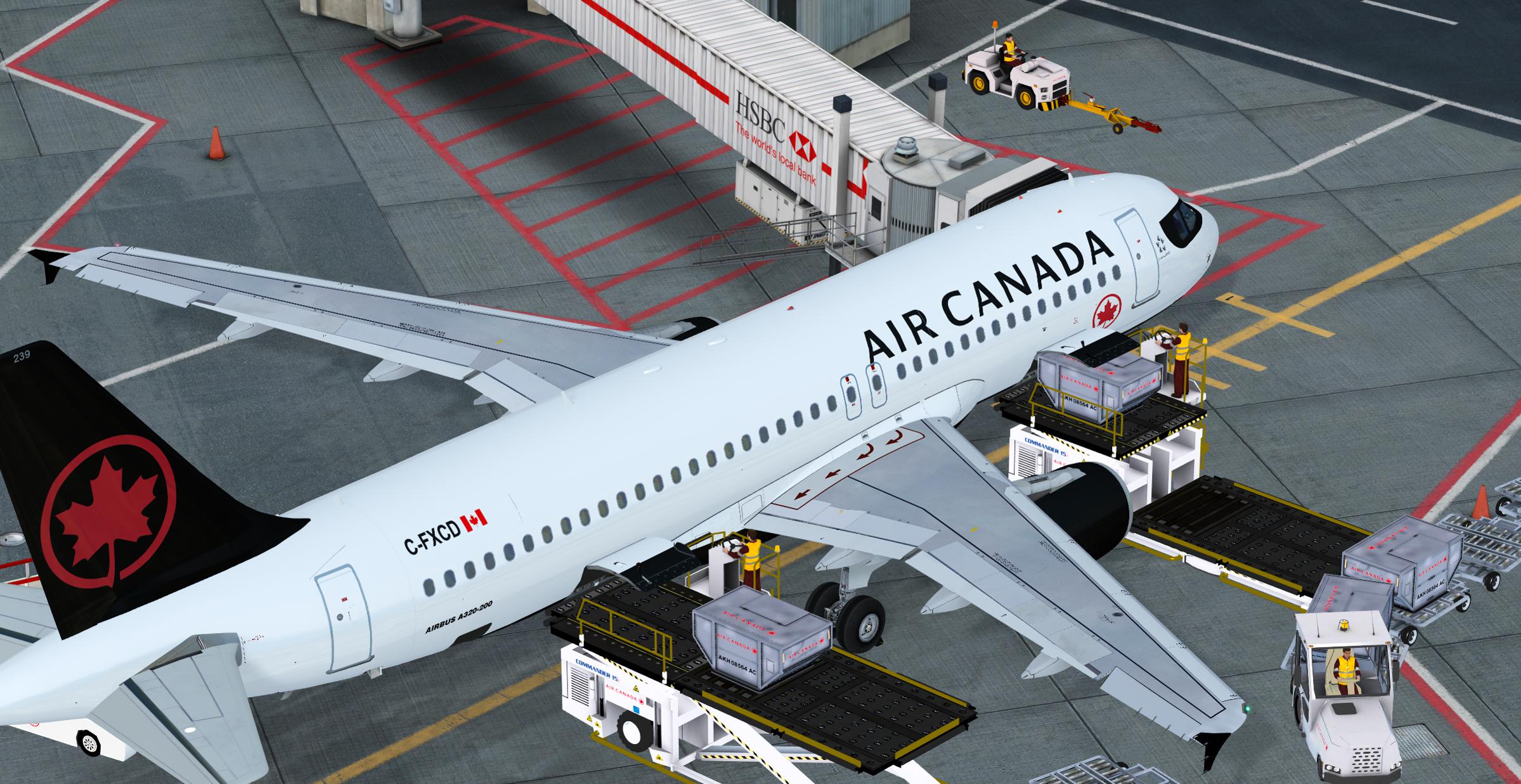
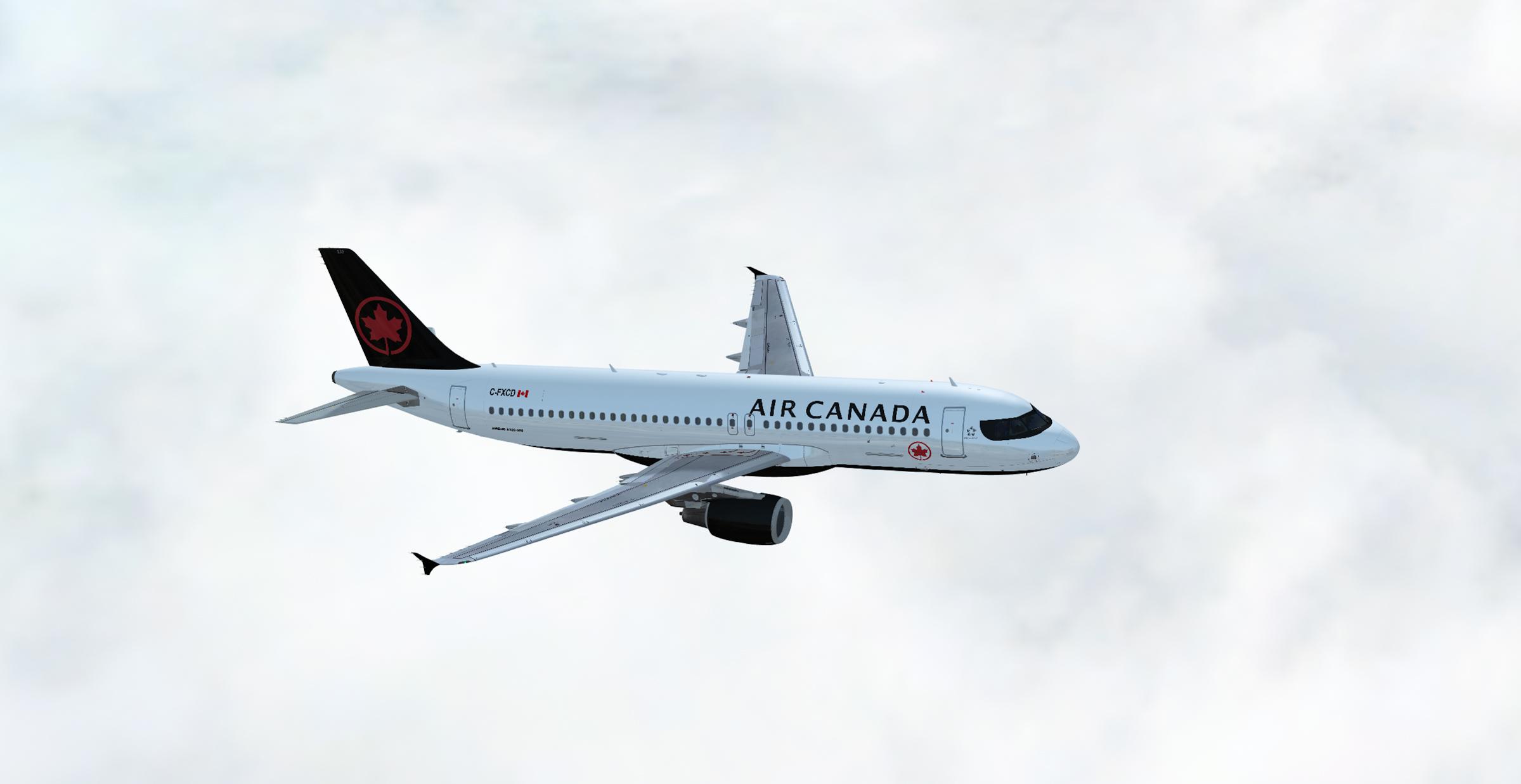
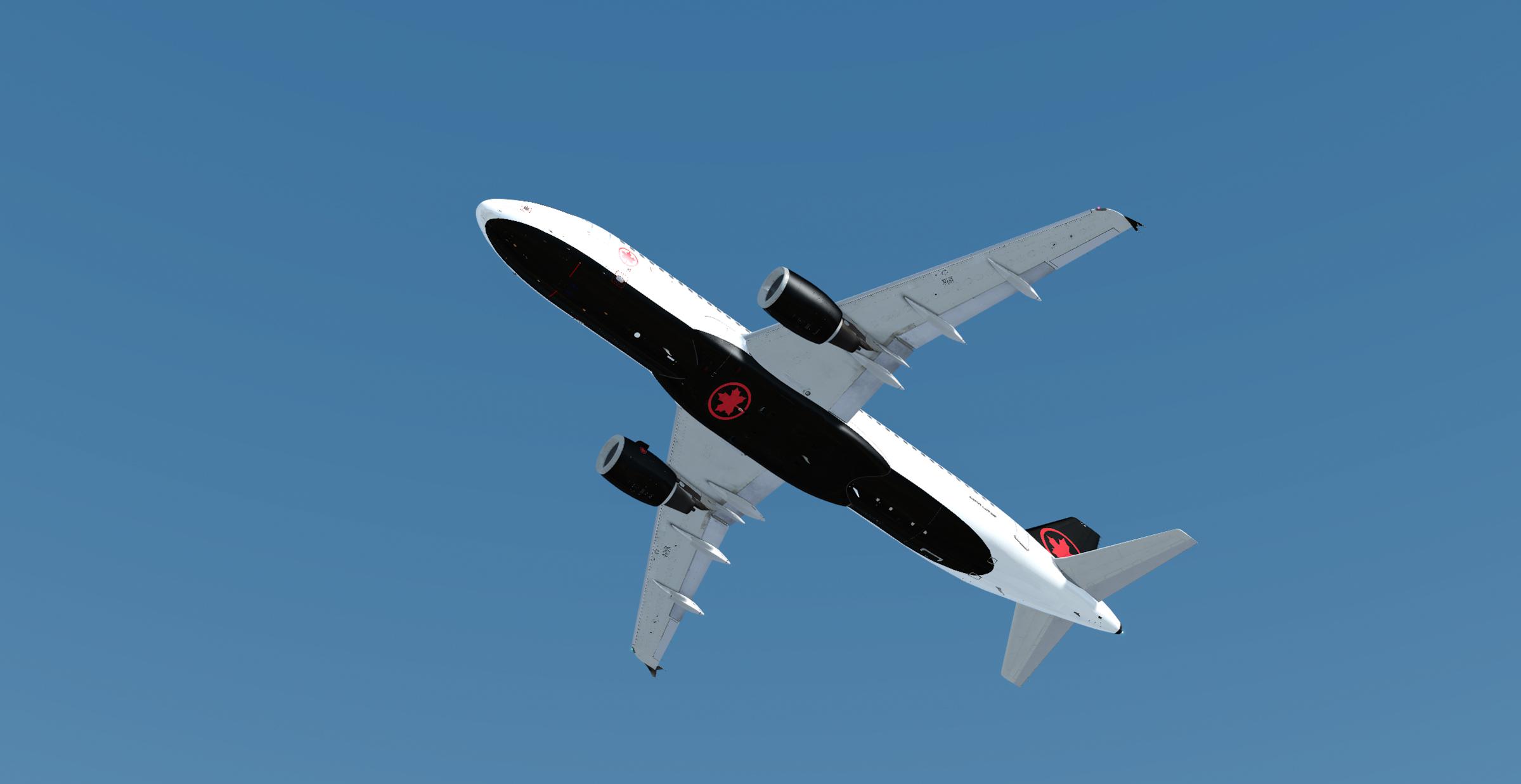
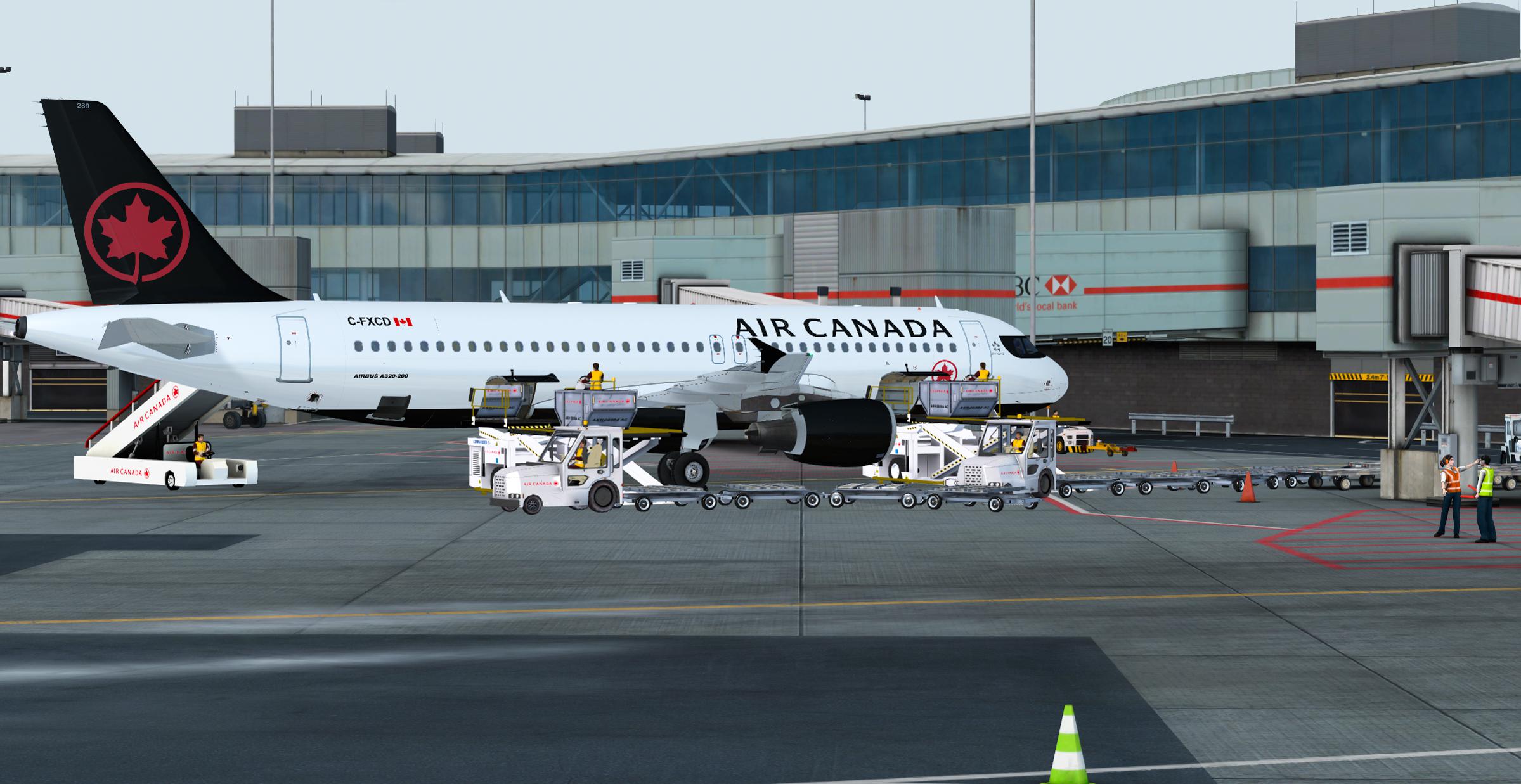
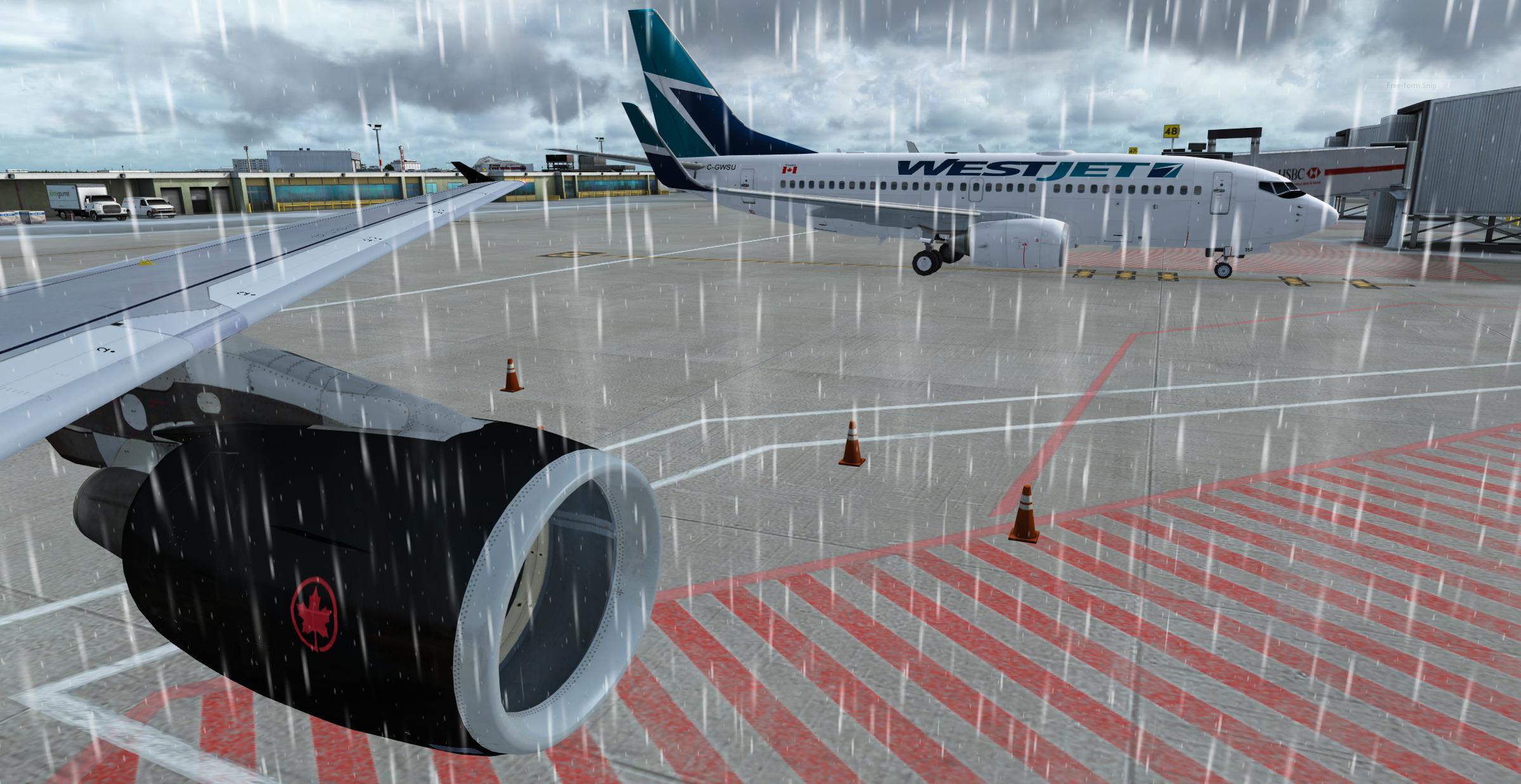
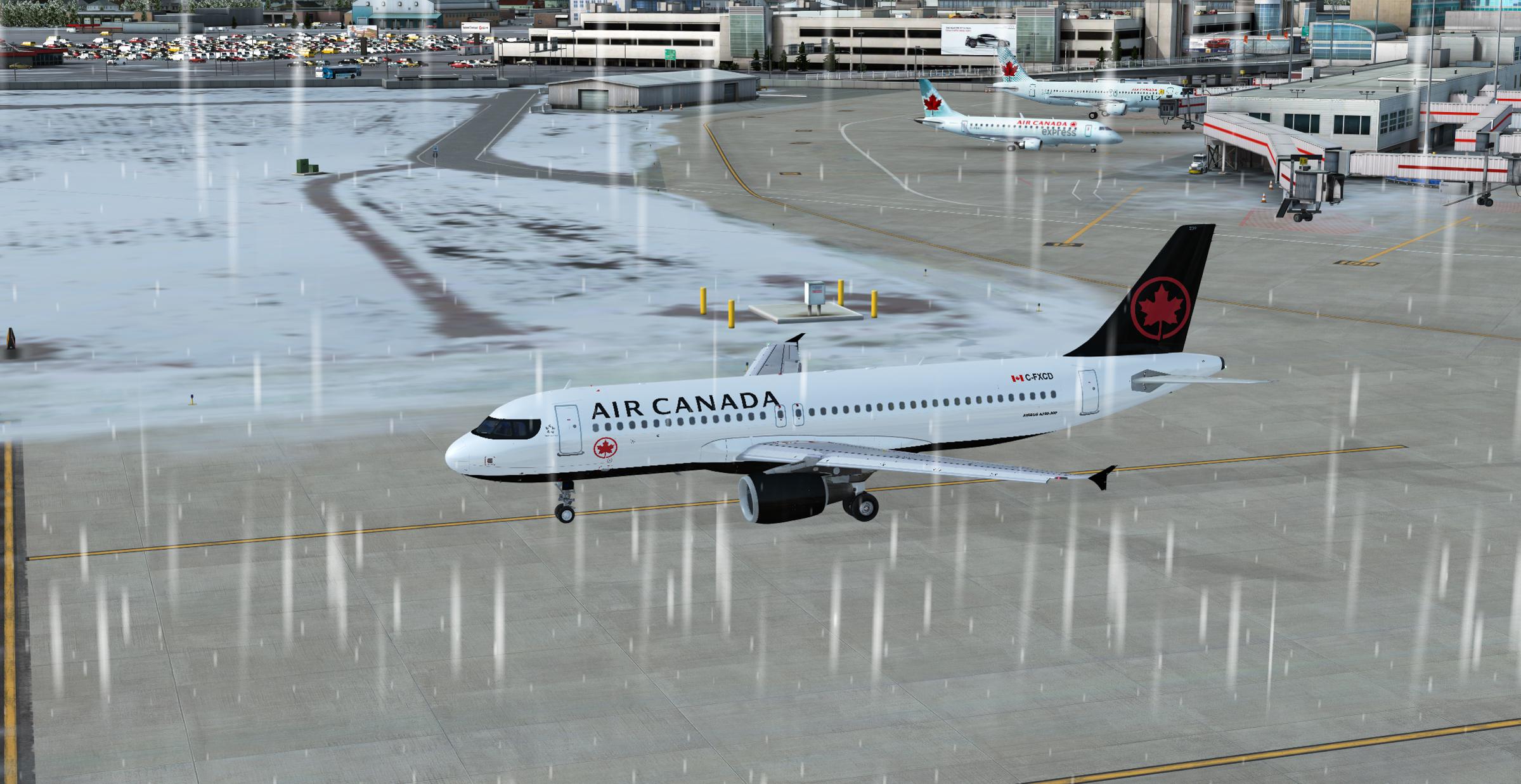
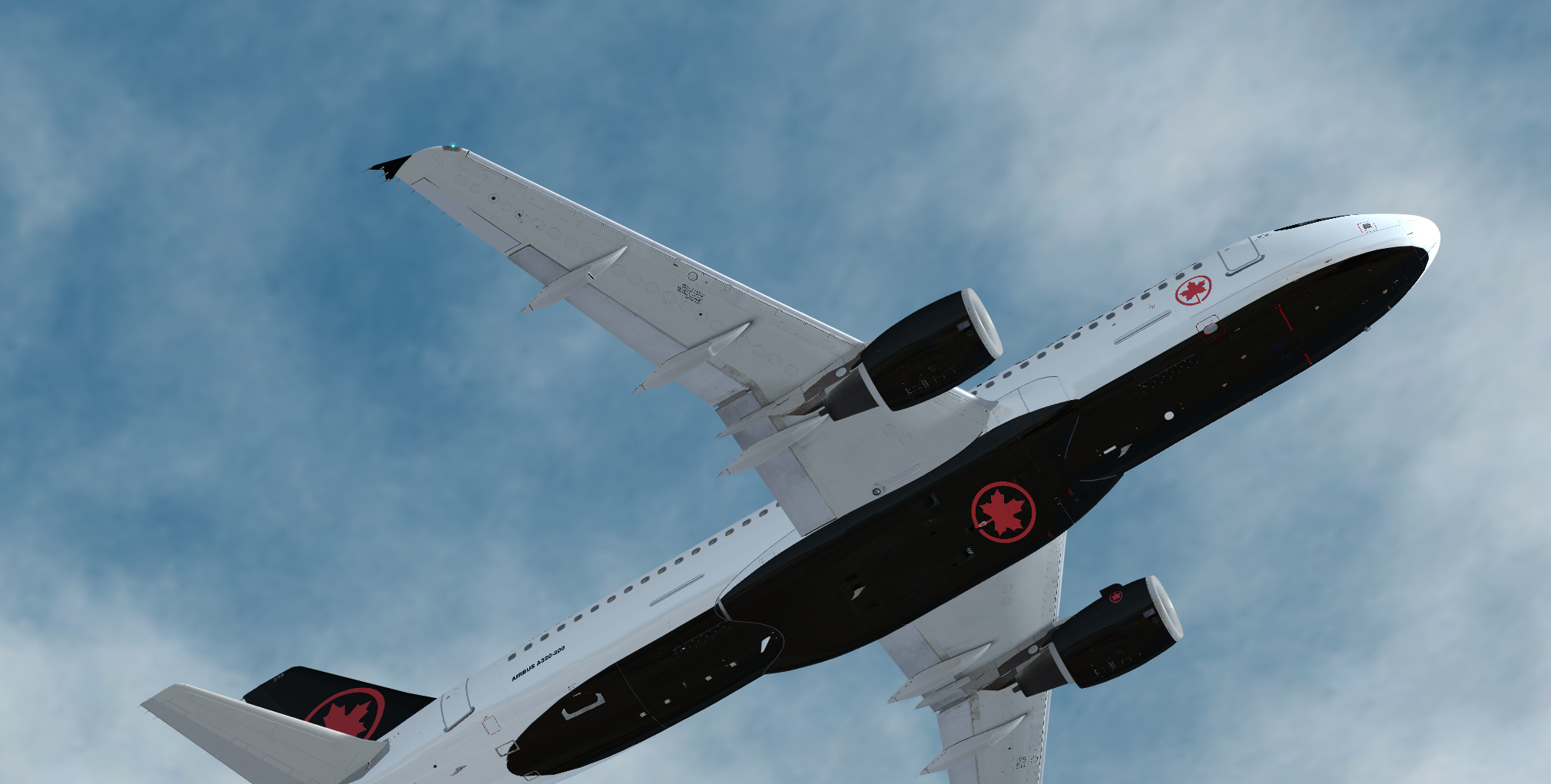
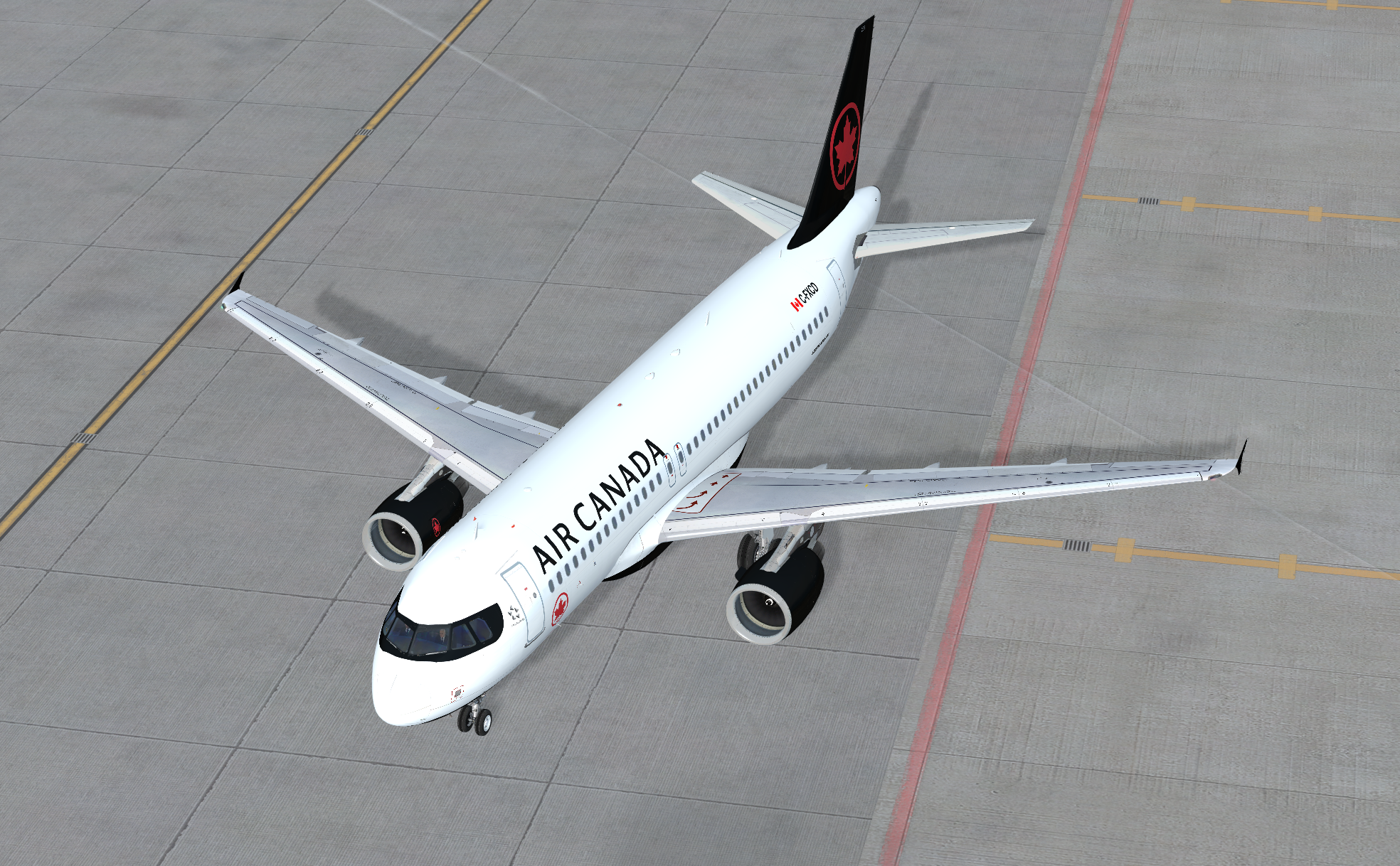
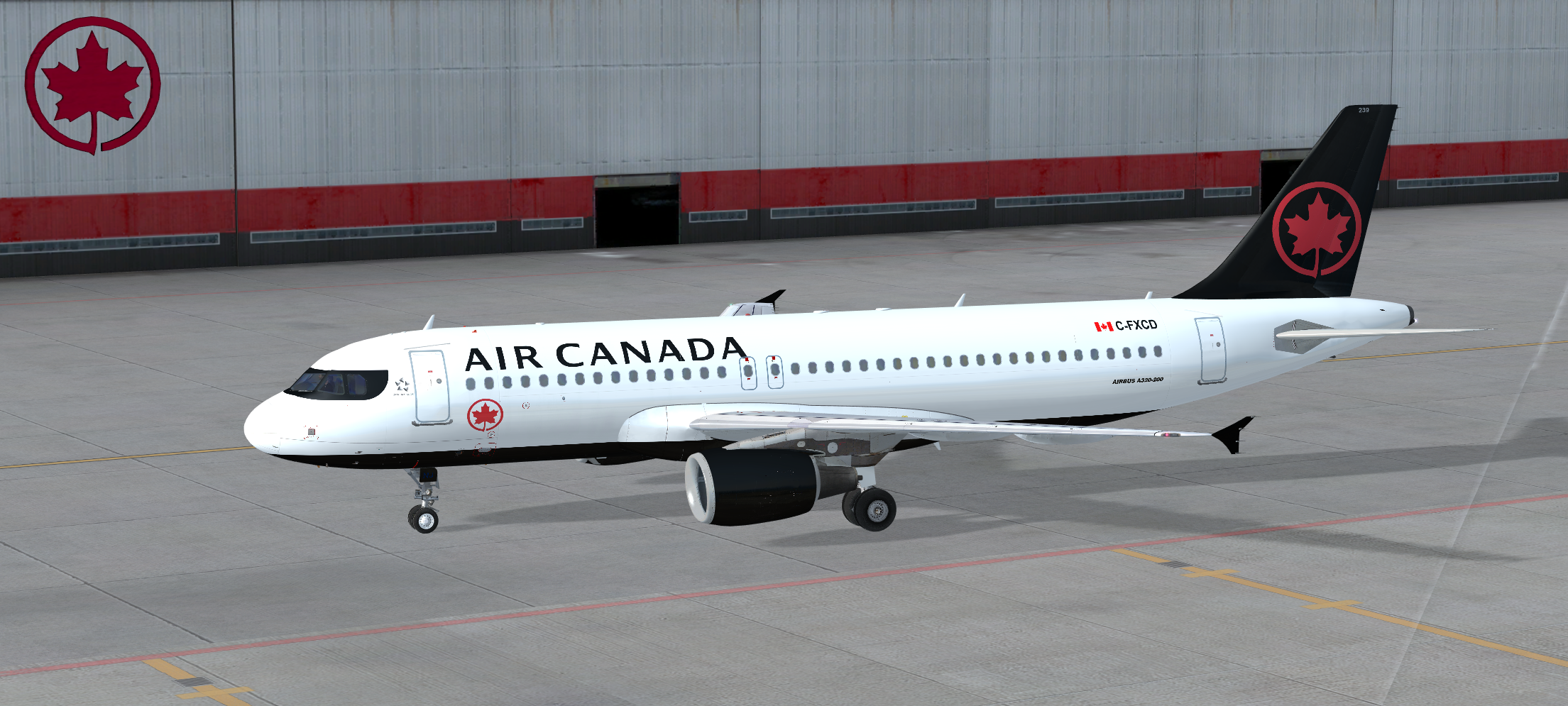
So here is the new Air Canada 2017 livery, probably around 99% accurate.

This particular A/C, registration, tail # and SELCAL is part of ACA's fleet, but hasn't been repainted in the new livery yet.

Provided for free and as-is.  Please provide credit if reuploaded or modified, as /u/thehedgefrog.

Some files used are modified from original repaints from Flight Sim Labs.

User Feedback

OFF

OFF


Great livery, but the transparent windows are misaligned. 

Frank Anthony Gollner

Frank Anthony Gollner

   0 of 1 member found this review helpful 0 / 1 member

Thanks 99999990, love this livery!

Account

Navigation

Search

Search

Configure browser push notifications

Chrome (Android)
  1. Tap the lock icon next to the address bar.
  2. Tap Permissions → Notifications.
  3. Adjust your preference.
Chrome (Desktop)
  1. Click the padlock icon in the address bar.
  2. Select Site settings.
  3. Find Notifications and adjust your preference.
