Skip to content
View in the app

A better way to browse. Learn more.

Flight Sim Labs Forums

A full-screen app on your home screen with push notifications, badges and more.

To install this app on iOS and iPadOS
  1. Tap the Share icon in Safari
  2. Scroll the menu and tap Add to Home Screen.
  3. Tap Add in the top-right corner.
To install this app on Android
  1. Tap the 3-dot menu (⋮) in the top-right corner of the browser.
  2. Tap Add to Home screen or Install app.
  3. Confirm by tapping Install.

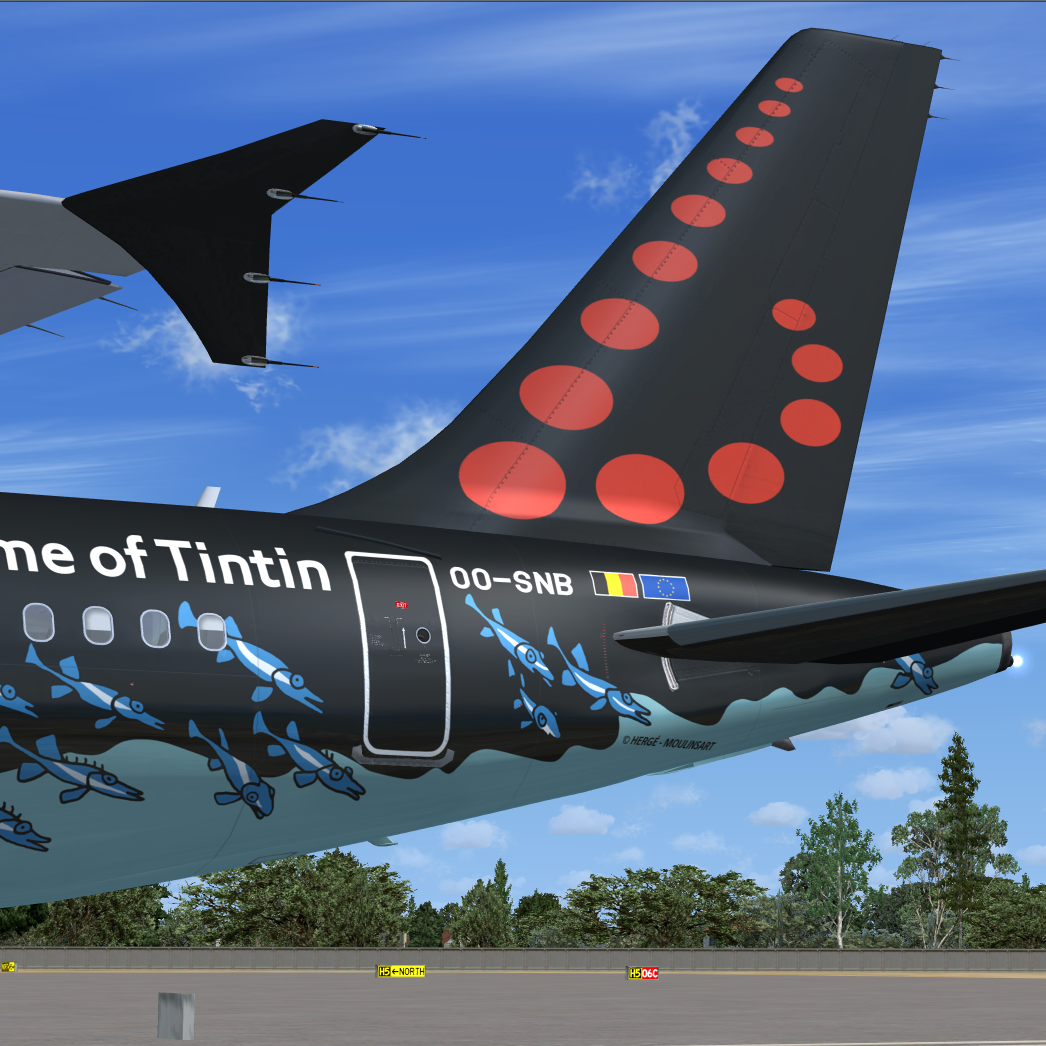
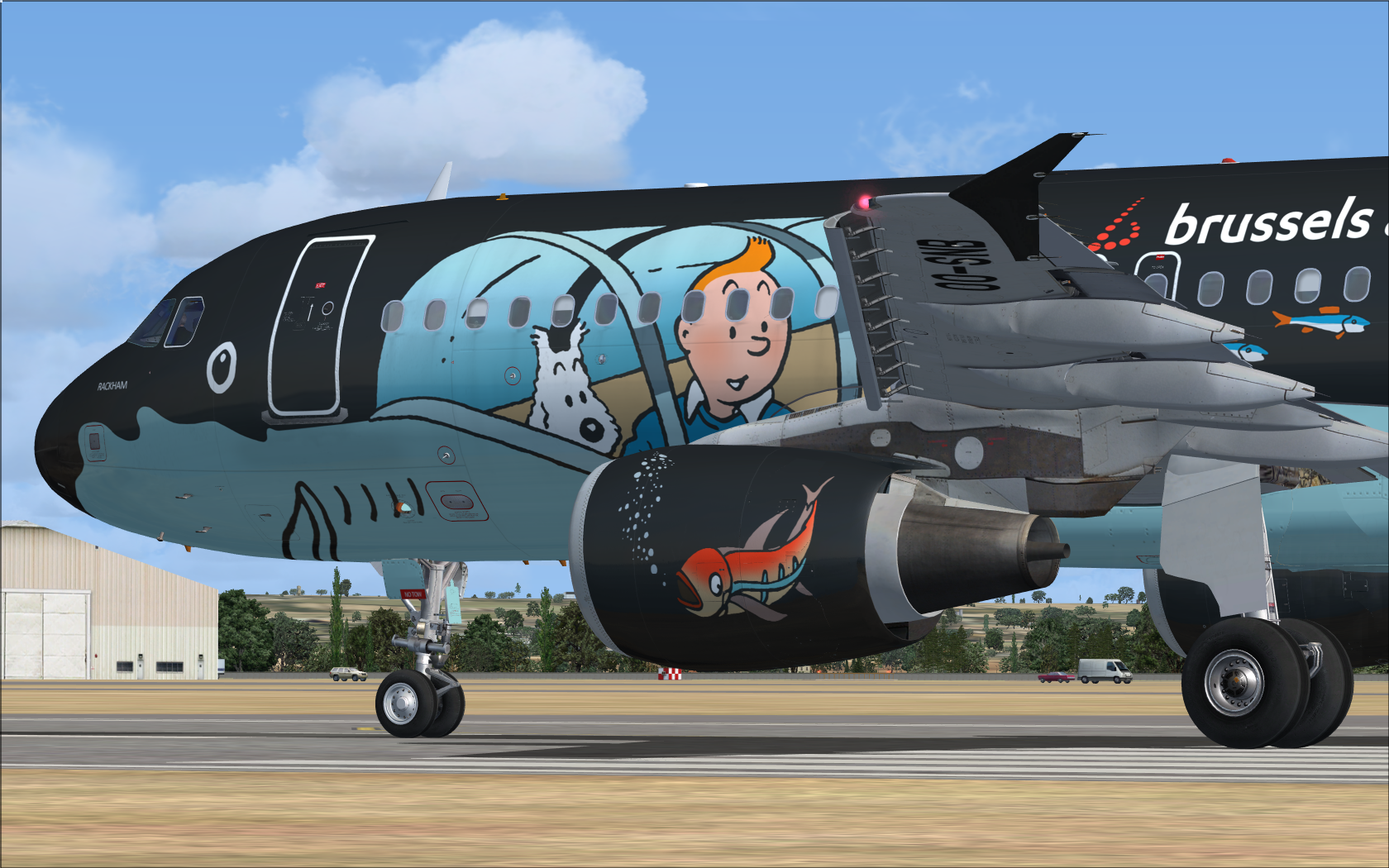
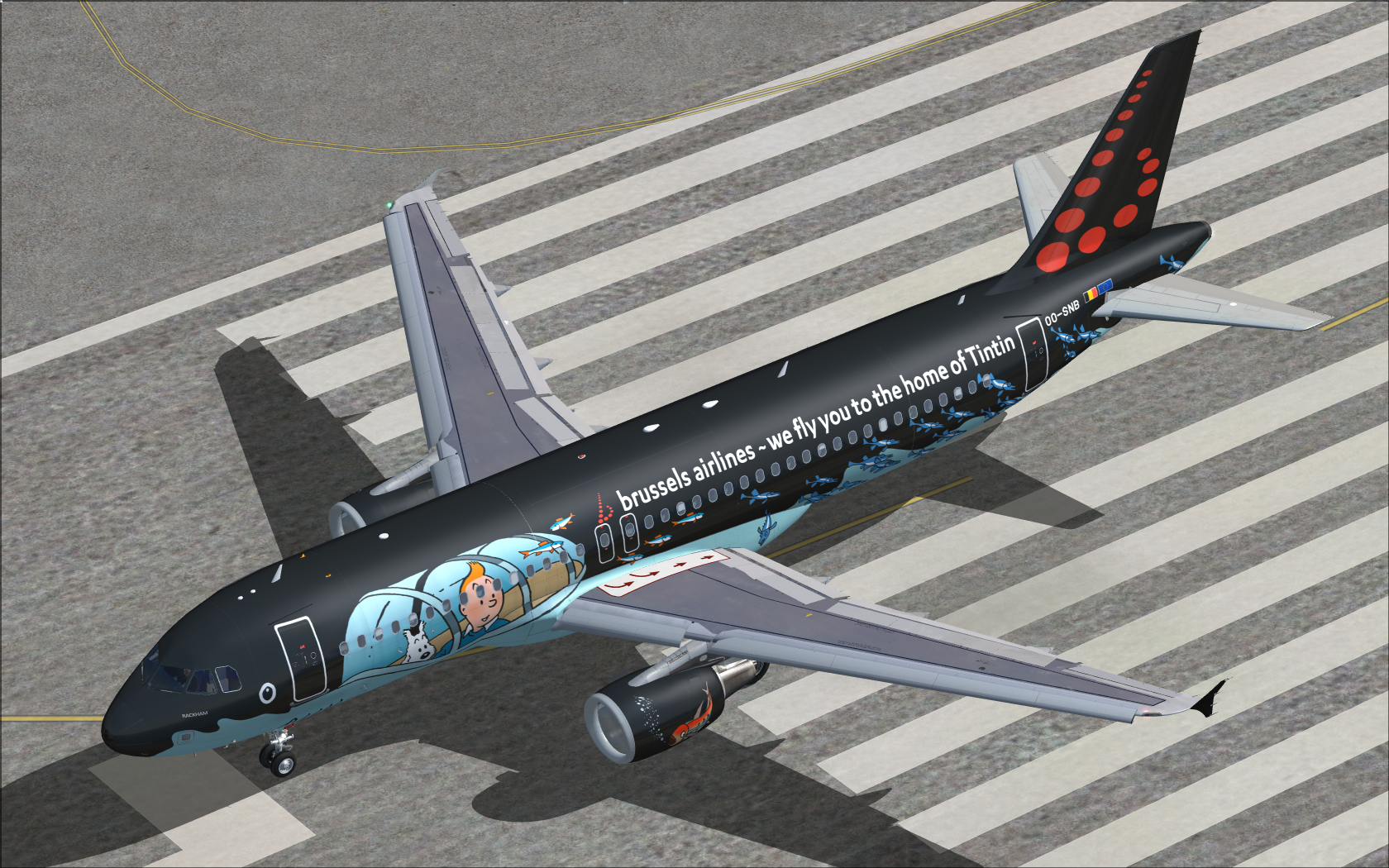
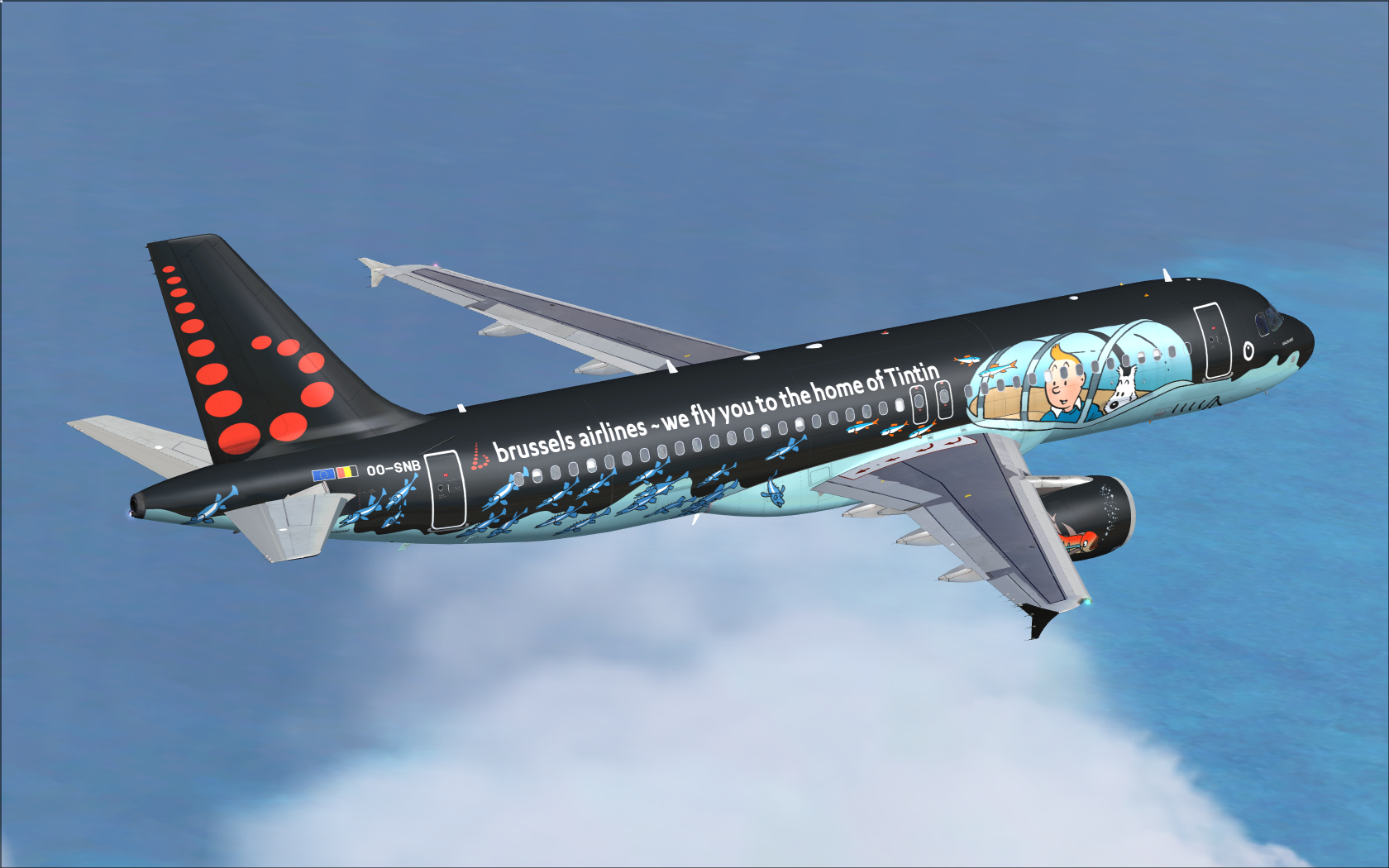
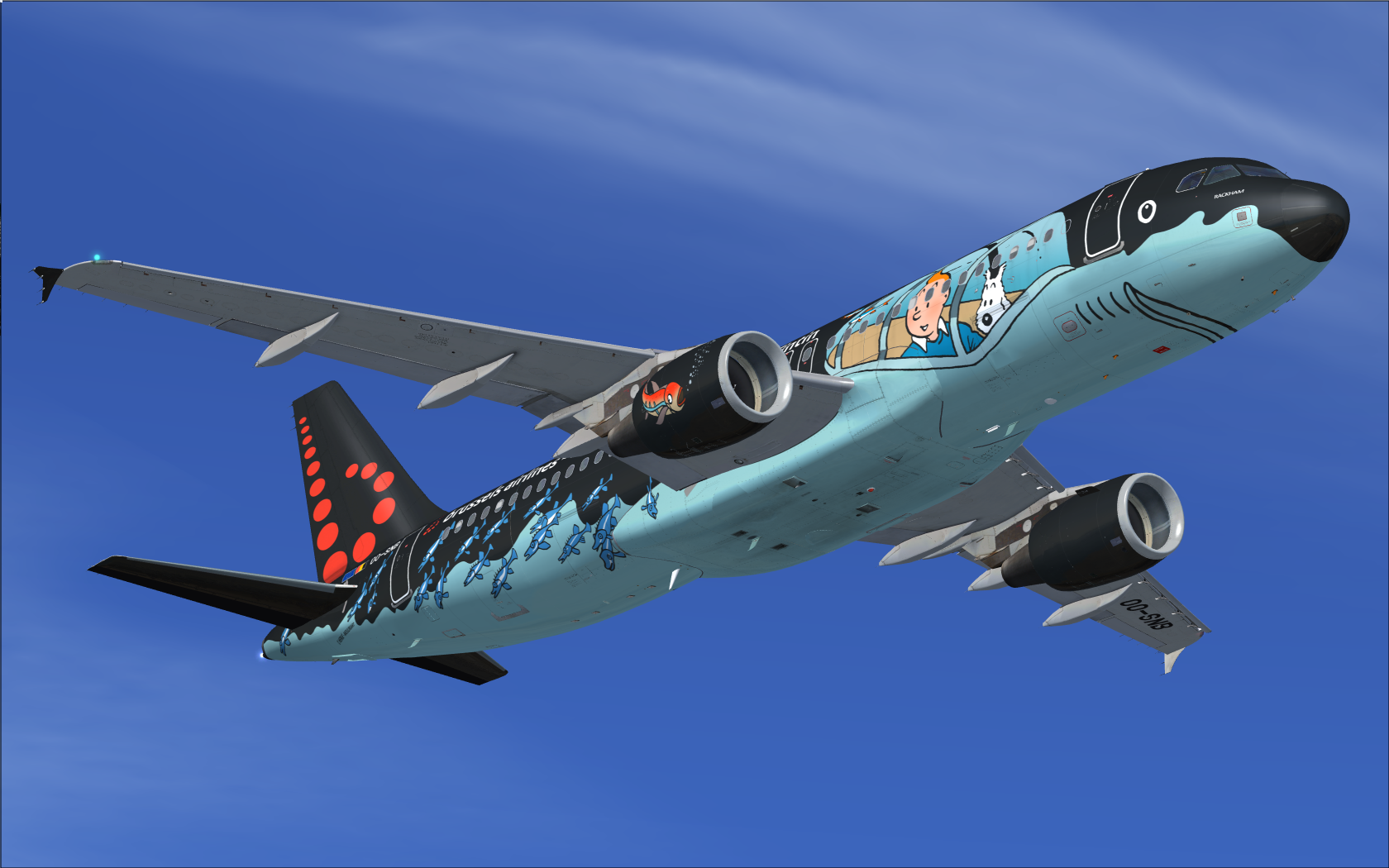
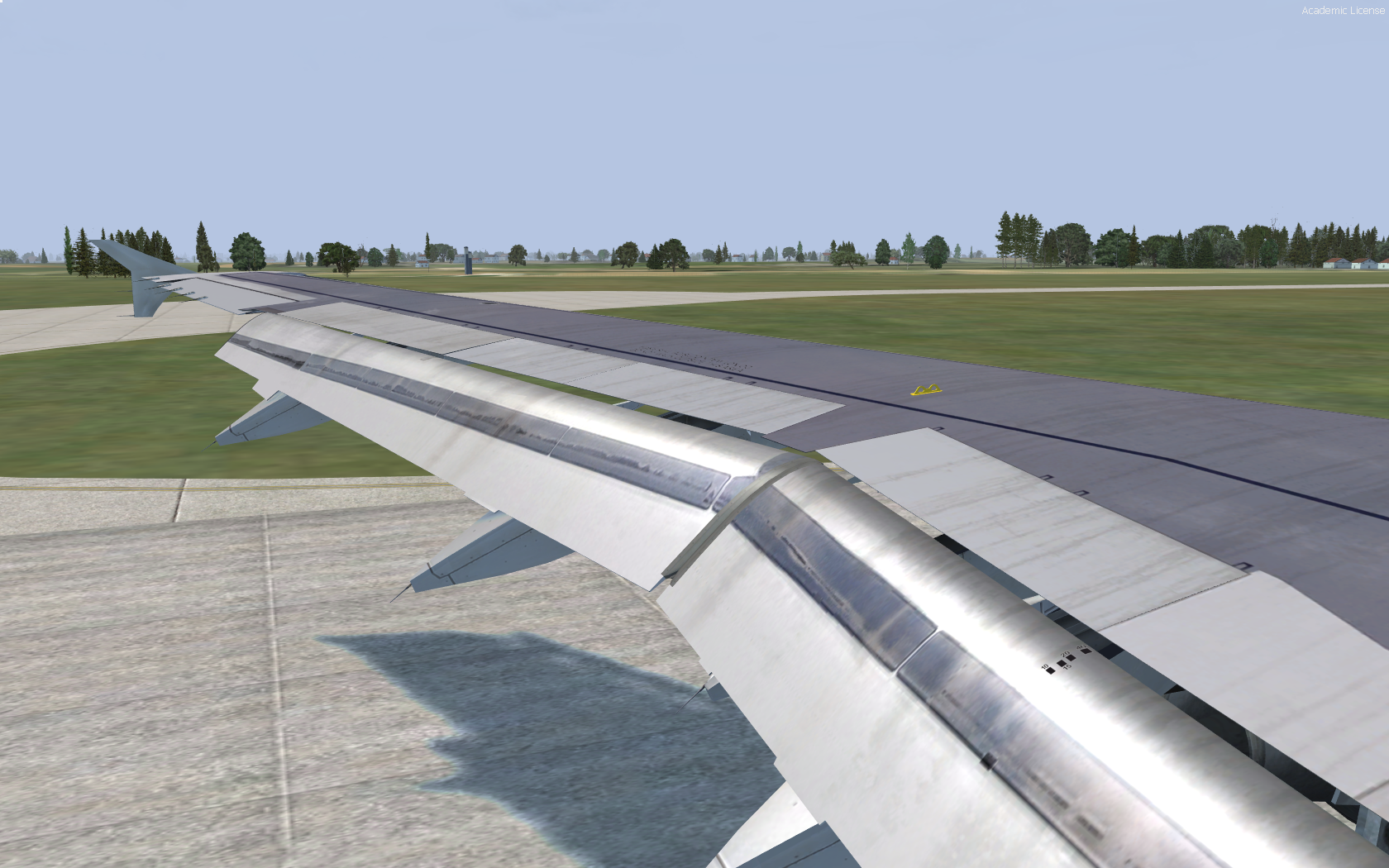
FSLabs A320-214 brussels airlines (OO-SNB) 2.0
(6 reviews)

6 Screenshots

User Feedback

Mario Chahine

Mario Chahine

   1 of 1 member found this review helpful 1 / 1 member

Very unique, I like this Tin Tin episode. Awesome job.

Tim Vancauwenbergh

Tim Vancauwenbergh

   2 of 2 members found this review helpful 2 / 2 members

Beautiful bird, nice I can finnaly fly this beauty! Please consider the OO-SNA and OO-SNC too, as those are the sisters of this flying artwork ;)

Niels Desmet

Niels Desmet

   5 of 5 members found this review helpful 5 / 5 members

Amazing job! You have super repaint skills, looking forward for the next repaints!

Regards Niels

bernardc

bernardc

   2 of 2 members found this review helpful 2 / 2 members

Dear Dermobb,

                         Fantastic repaint. Well done. I am not an expert in doing paint jobs of any livery buy maybe will try it using Adobe Photoshop.

Regards

Bernard from Mauritius


MoeGhaziri

MoeGhaziri

   2 of 2 members found this review helpful 2 / 2 members

Work of art. Well done

Rafal Haczek

Rafal Haczek

   2 of 2 members found this review helpful 2 / 2 members

An exceptionally fantastic repaint!

And I don't only mean the real-world concept but, first of all, the artistry Nils has shown in this very complex paintjob.
I had no initial plans to fly from Brussels (not until the new EBBR from Aerosoft comes), but now it will have to change.

Danke, Nils!

Account

Navigation

Search

Search

Configure browser push notifications

Chrome (Android)
  1. Tap the lock icon next to the address bar.
  2. Tap Permissions → Notifications.
  3. Adjust your preference.
Chrome (Desktop)
  1. Click the padlock icon in the address bar.
  2. Select Site settings.
  3. Find Notifications and adjust your preference.