Skip to content
View in the app

A better way to browse. Learn more.

Flight Sim Labs Forums

A full-screen app on your home screen with push notifications, badges and more.

To install this app on iOS and iPadOS
  1. Tap the Share icon in Safari
  2. Scroll the menu and tap Add to Home Screen.
  3. Tap Add in the top-right corner.
To install this app on Android
  1. Tap the 3-dot menu (⋮) in the top-right corner of the browser.
  2. Tap Add to Home screen or Install app.
  3. Confirm by tapping Install.

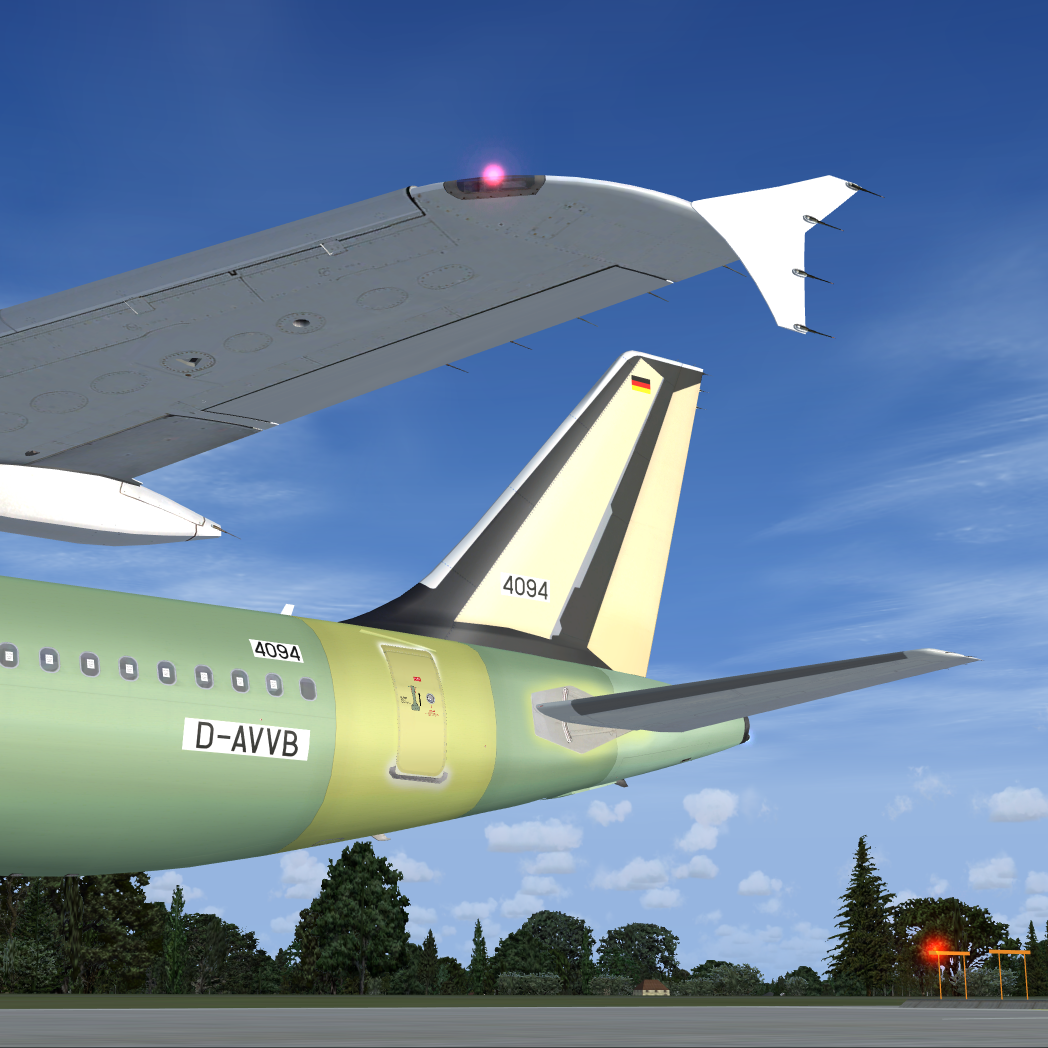
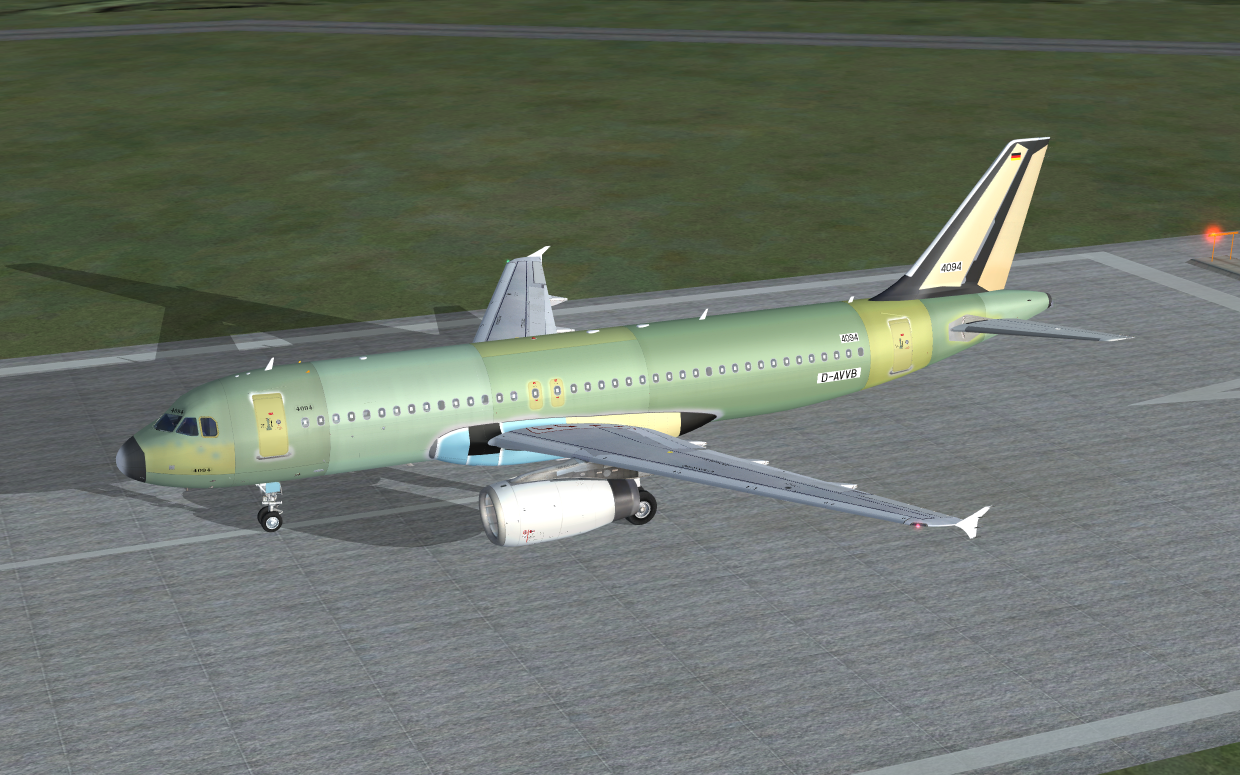
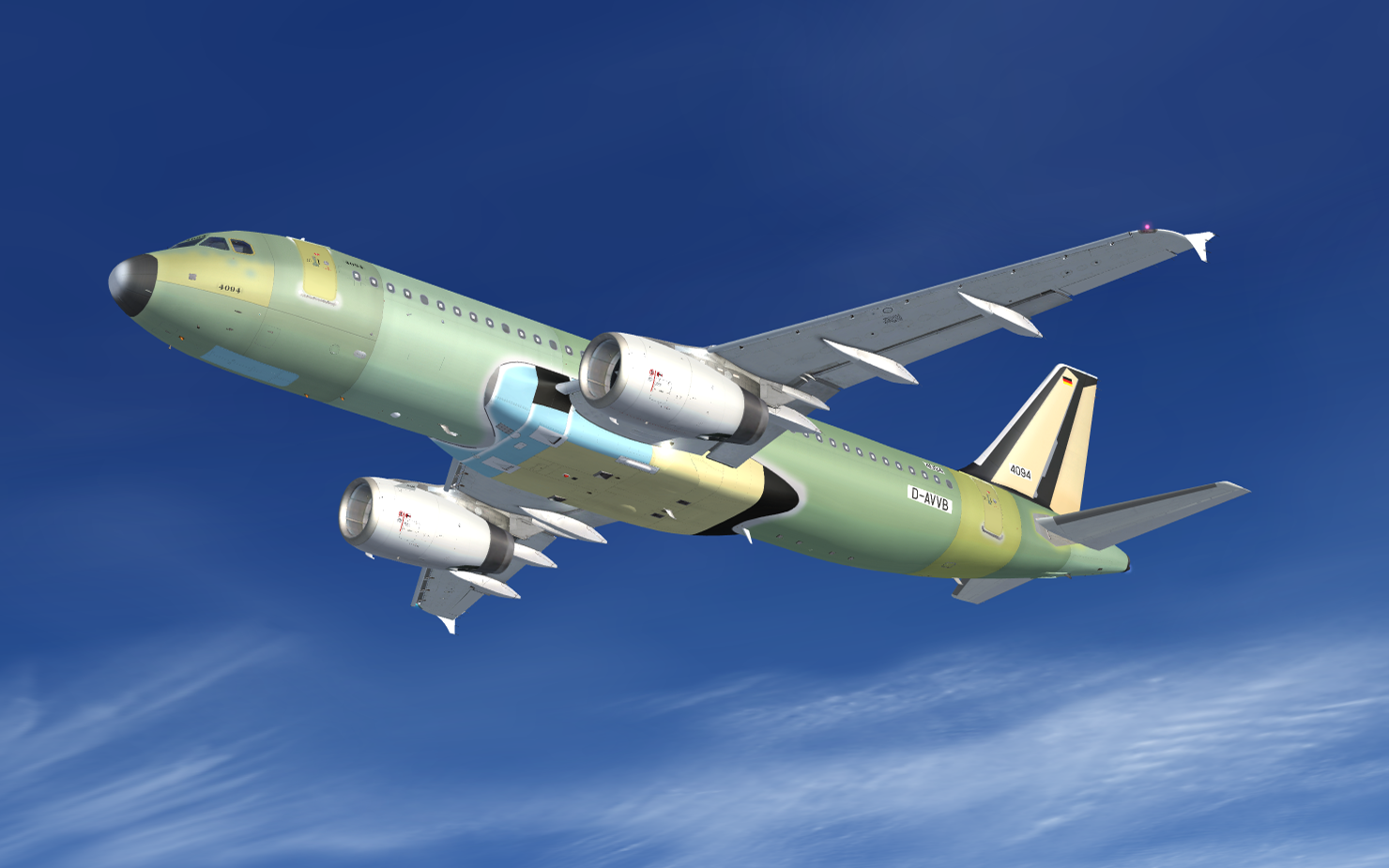
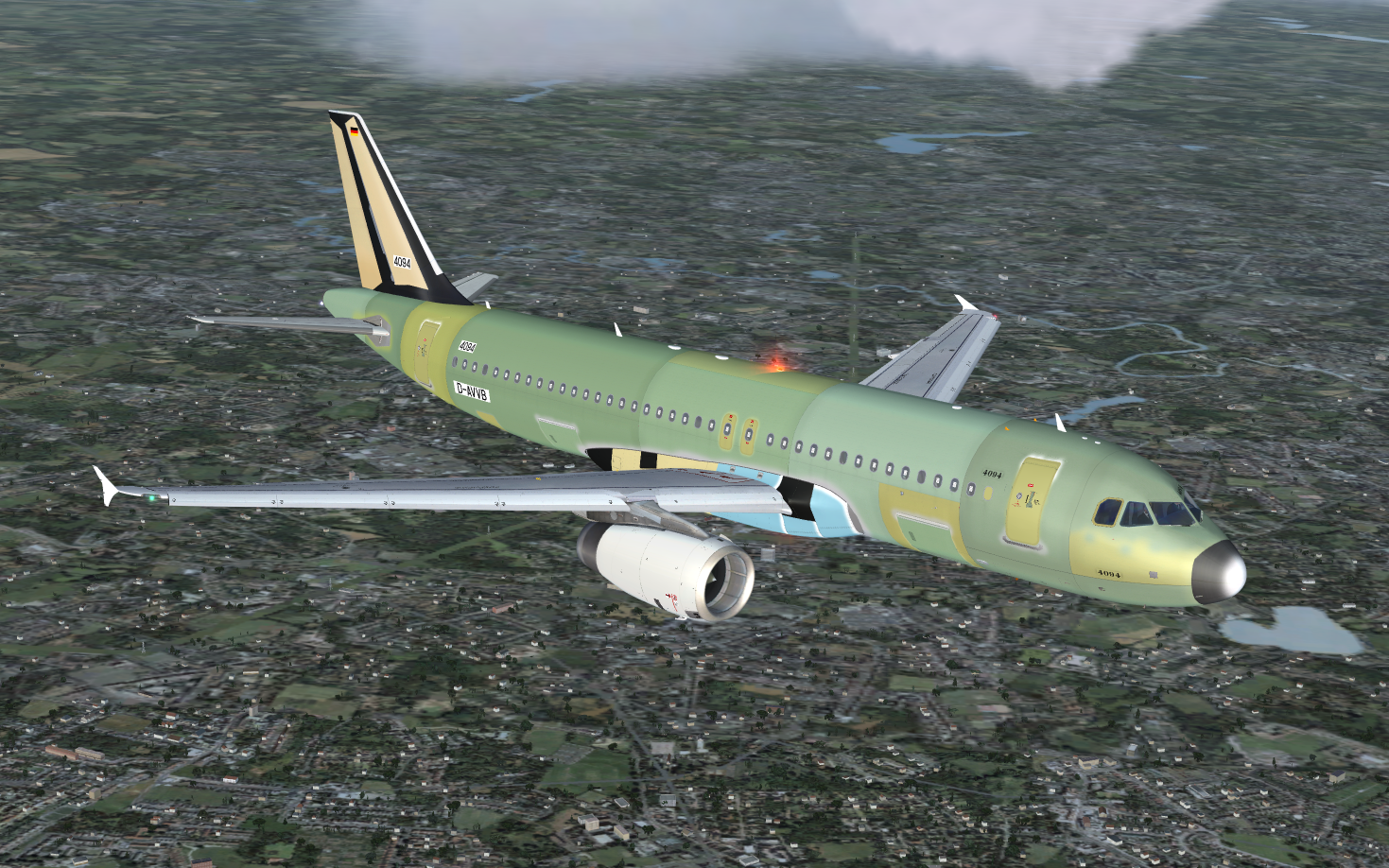
FSLabs A320-232 Airbus Production (D-AVVB) 2.0
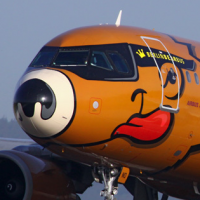
(2 reviews)

4 Screenshots

User Feedback

And1 Max Weight

And1 Max Weight

   1 of 1 member found this review helpful 1 / 1 member

Nice work this. 

Have you done any of the finished paint job, would love some more Airbus repaints, FWWBA, FWNEO DAAVB etc

Response from the author:

Thanks for your kind review.

I have not done any Airbus repaints. The reason is simple. The devs asked not to do any. Don't ask me why. 

Fritz_Essono

Fritz_Essono

   2 of 2 members found this review helpful 2 / 2 members

Perfect livery for beta testing. :) 

Account

Navigation

Search

Search

Configure browser push notifications

Chrome (Android)
  1. Tap the lock icon next to the address bar.
  2. Tap Permissions → Notifications.
  3. Adjust your preference.
Chrome (Desktop)
  1. Click the padlock icon in the address bar.
  2. Select Site settings.
  3. Find Notifications and adjust your preference.