
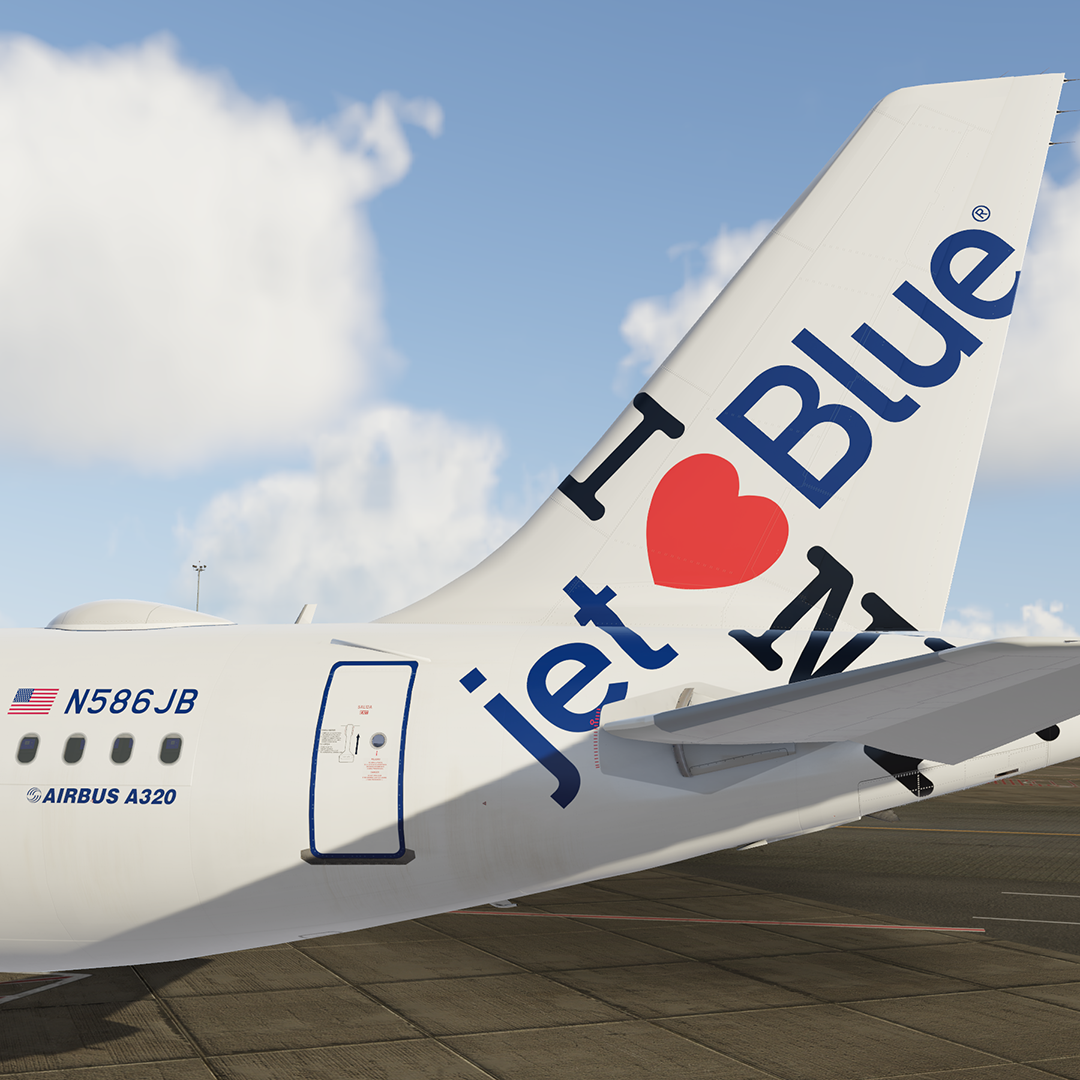
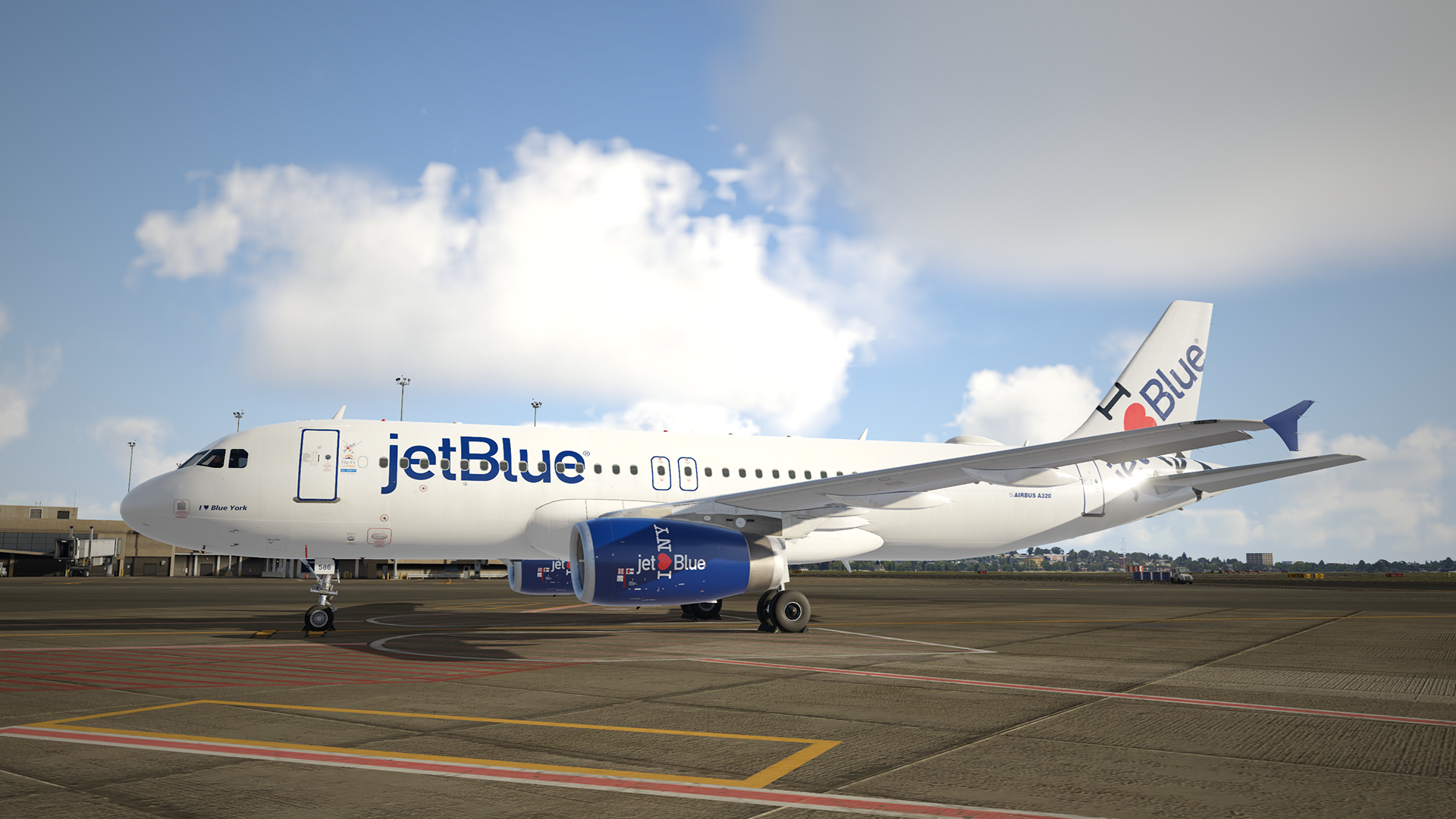
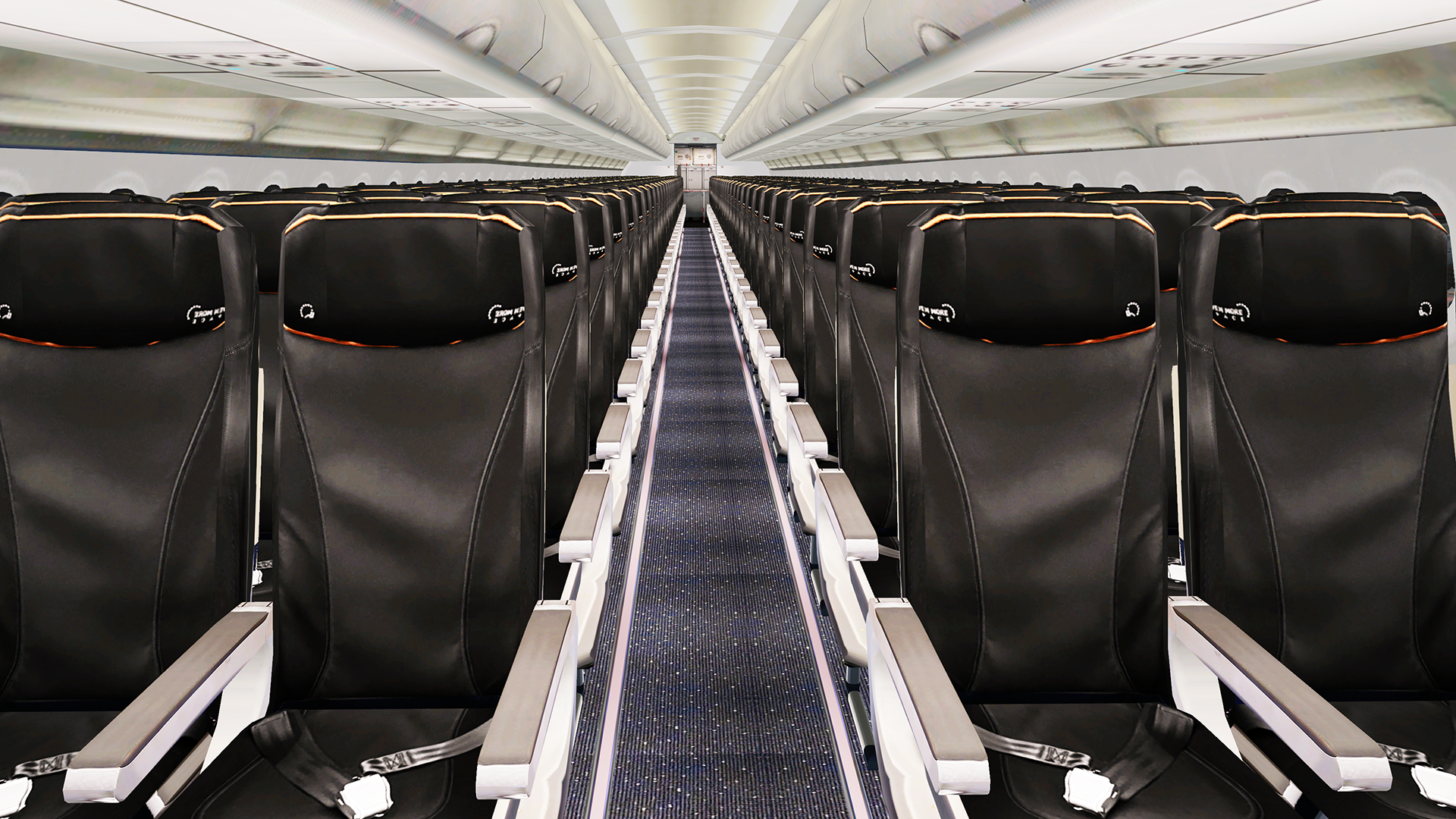
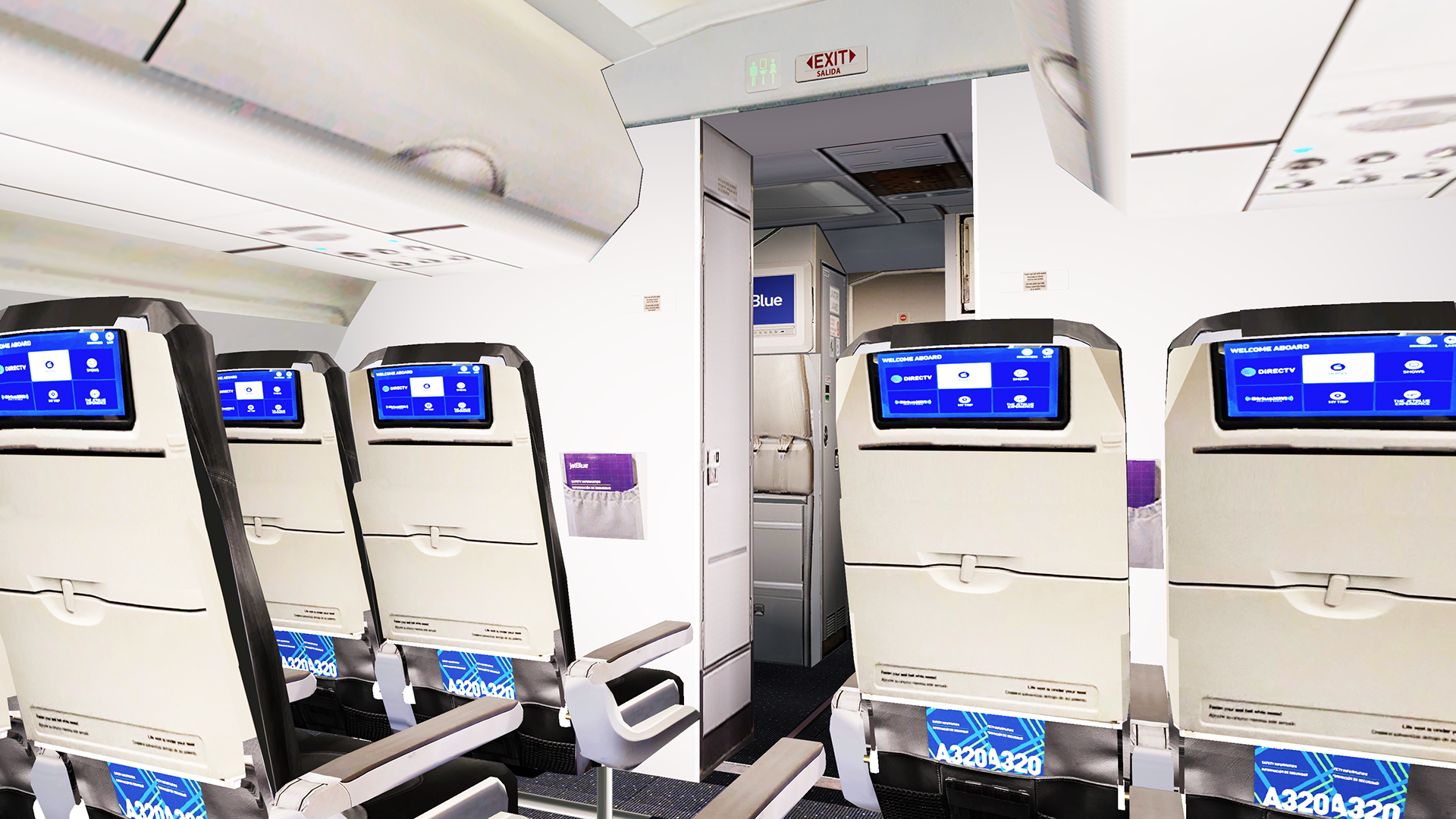
This is Jetblue N586JB A320-232 – I love Blue York.
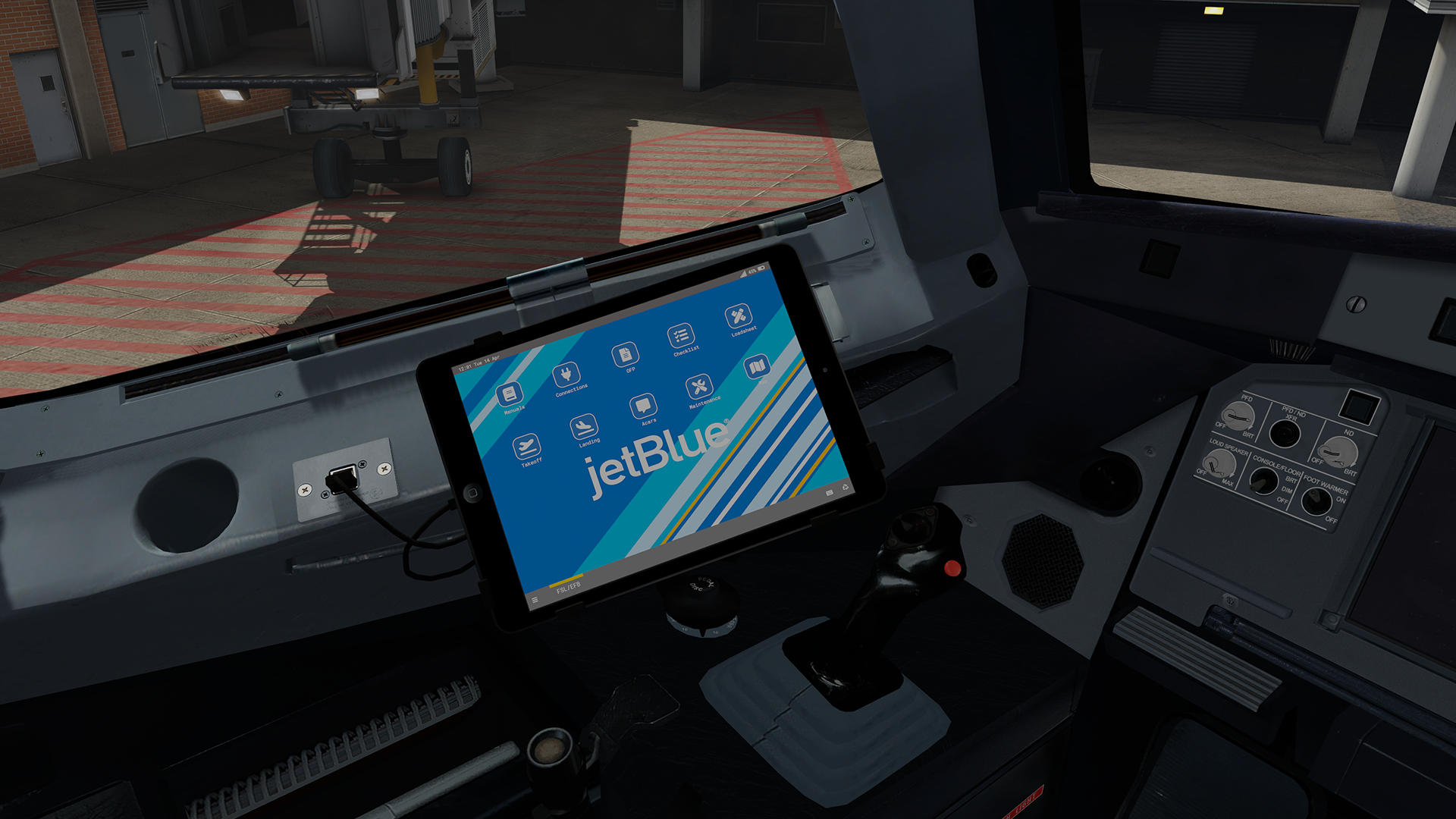
Cabin textures, airframe config file with real weights, optional VC textures and custom EFB are included.
This livery was done with the Custom Paintkit by
@Gregory Verba , @Florian Wolfand @Enzo Dewit
To have this livery fully working you must download and install common folder:

Special thanks to Ross McDonagh, for his help with aircrafts configuration files!
Package contains:
- N586JB A320-232.
- Airframe config file.
- JBU320 Common folder. This folder is required and will be used for all feature JetBlue A320 textures.
- Custom EFB.
- VC textures (both for Fslabs and mine VC textures).
Installation:
1.Check that you have installed common files (specified above) into correct folder!
2.Verify you have latest version of common files!
3.Drag Texture.JBU N586JB and airframe configs folders to your Fslabs A320 IAE folder.
4.Drag Texture.JBU320 (common folder) to your Fslabs A320 IAE folder. Please copy and overwrite again this folder even if you have installed one before. (I am updating from time to time this folder).
5.Copy content of JBU EFB folder to your Fslabs A320 folder.
6.Optional VC texture:
If you are using mine VC textures copy content of GV VC folder to Texture.JBU N586JB folder.
If you are using default FSL VC textures copy content of FSL VC folder to Texture.JBU N586JB folder.
YOU ARE NOT ALLOWED TO UPLOAD, MODIFY OR SHARE ANY OF THE CONTENT PROVIDED IN THIS DOWNLOAD ANYWHERE WITHOUT MY WRITTEN PERMISSION!!
It took me a lot time and effort to create this livery, so if you like it, don't forget to leave positive feedback, or just say thanks.
Also, If you like my work, why not show your appreciation with a small PayPal donation? Any donations are highly appreciated but never required.
What's New in Version 1.0.0
Released
No changelog available for this version.
-
 5
5