
Skip to content
View in the app

A better way to browse. Learn more.

Flight Sim Labs Forums

A full-screen app on your home screen with push notifications, badges and more.

To install this app on iOS and iPadOS
  1. Tap the Share icon in Safari
  2. Scroll the menu and tap Add to Home Screen.
  3. Tap Add in the top-right corner.
To install this app on Android
  1. Tap the 3-dot menu (⋮) in the top-right corner of the browser.
  2. Tap Add to Home screen or Install app.
  3. Confirm by tapping Install.

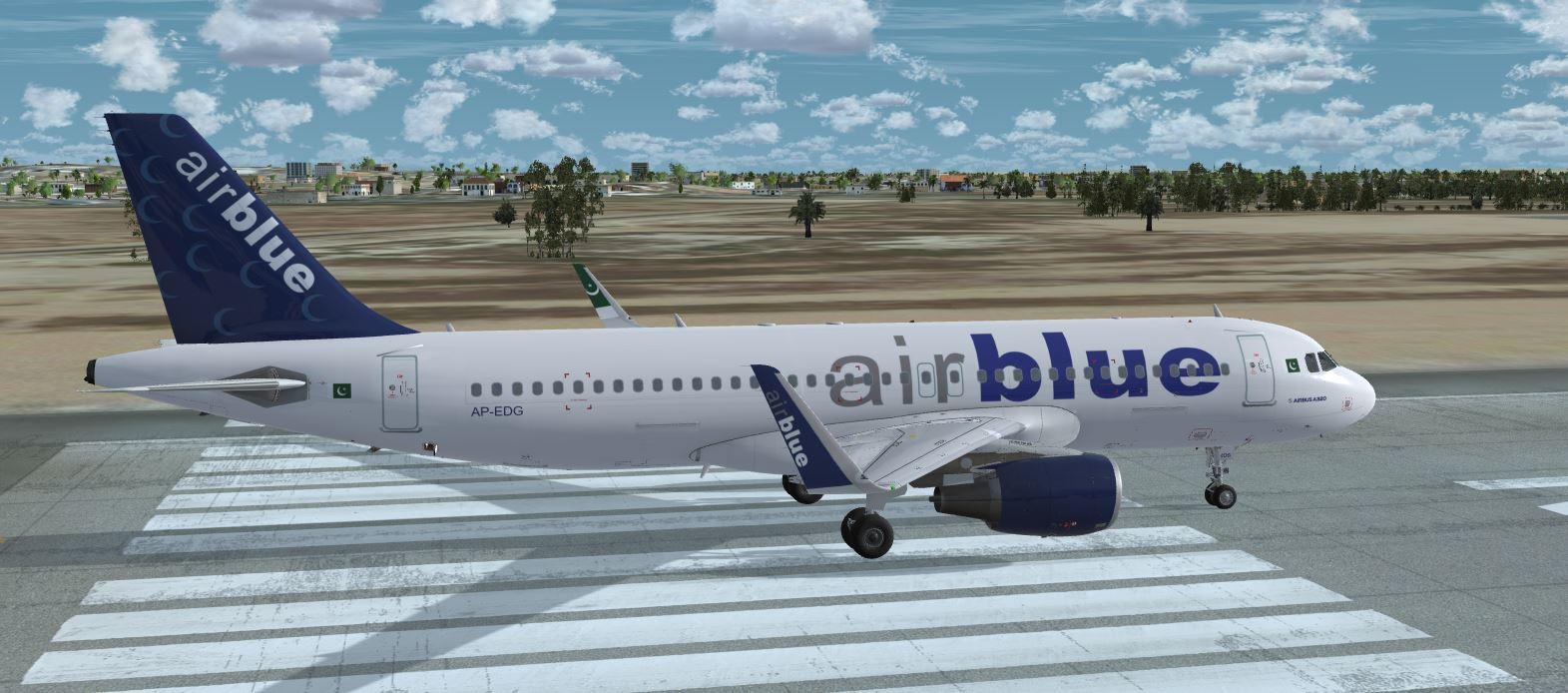
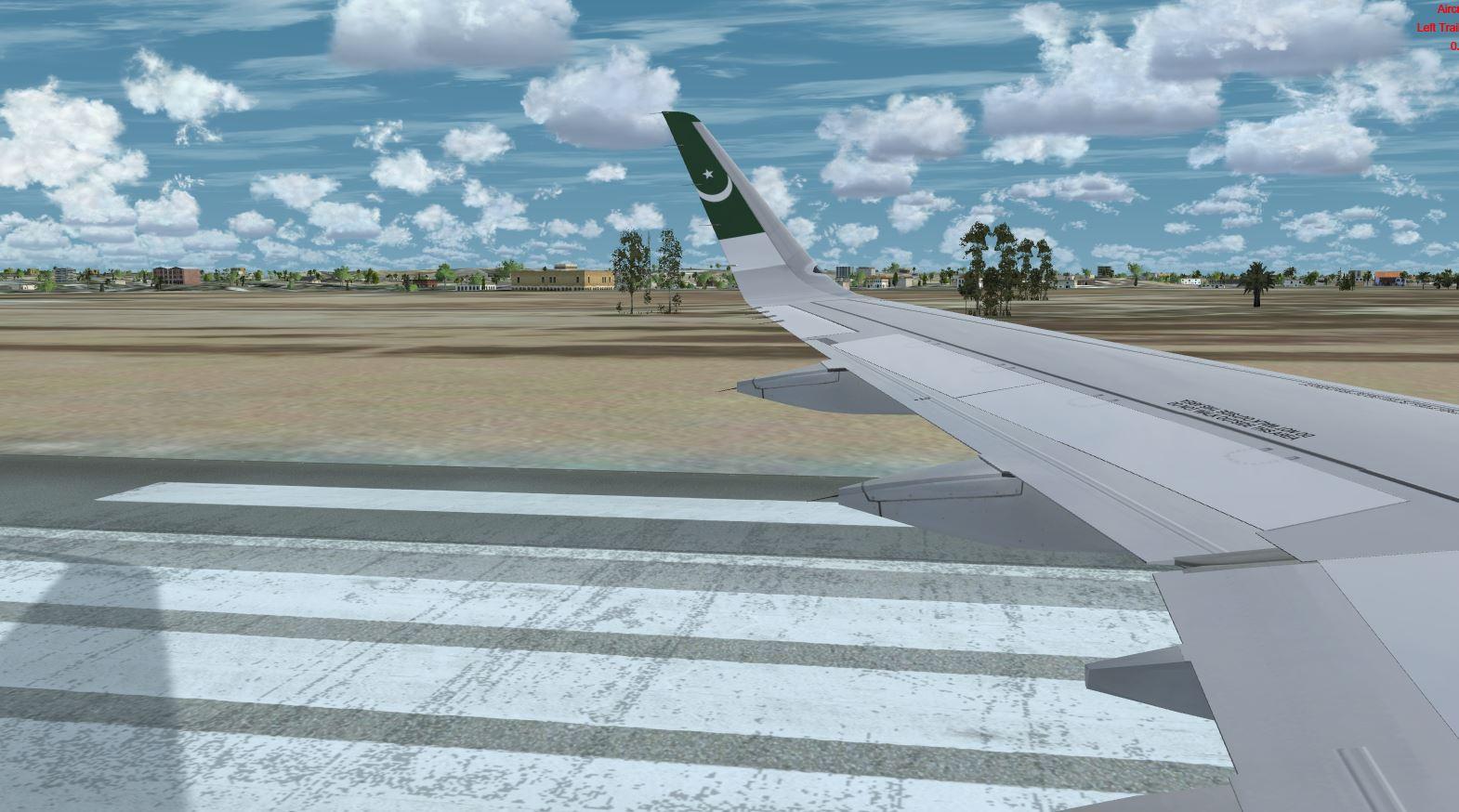
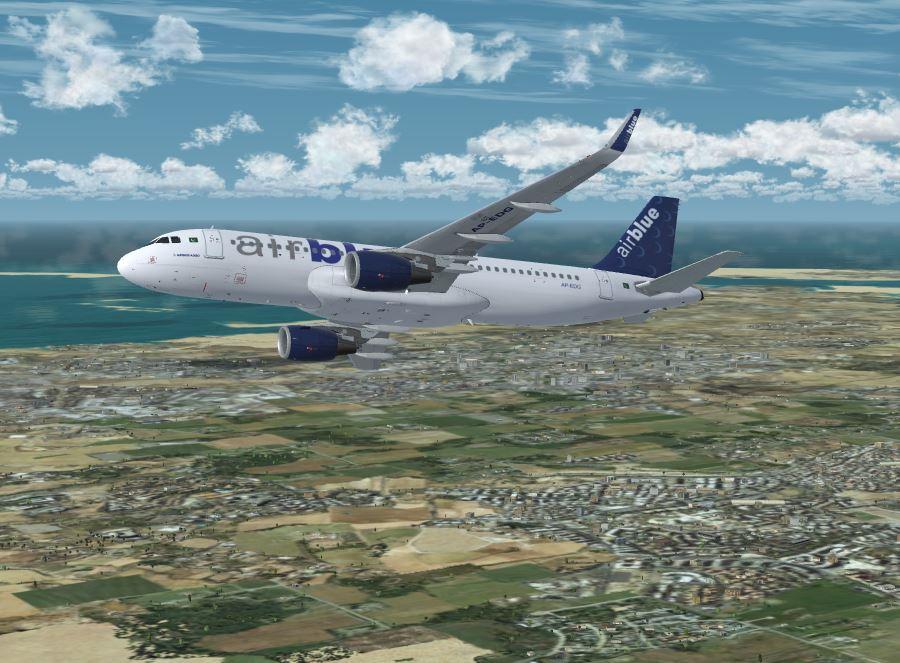
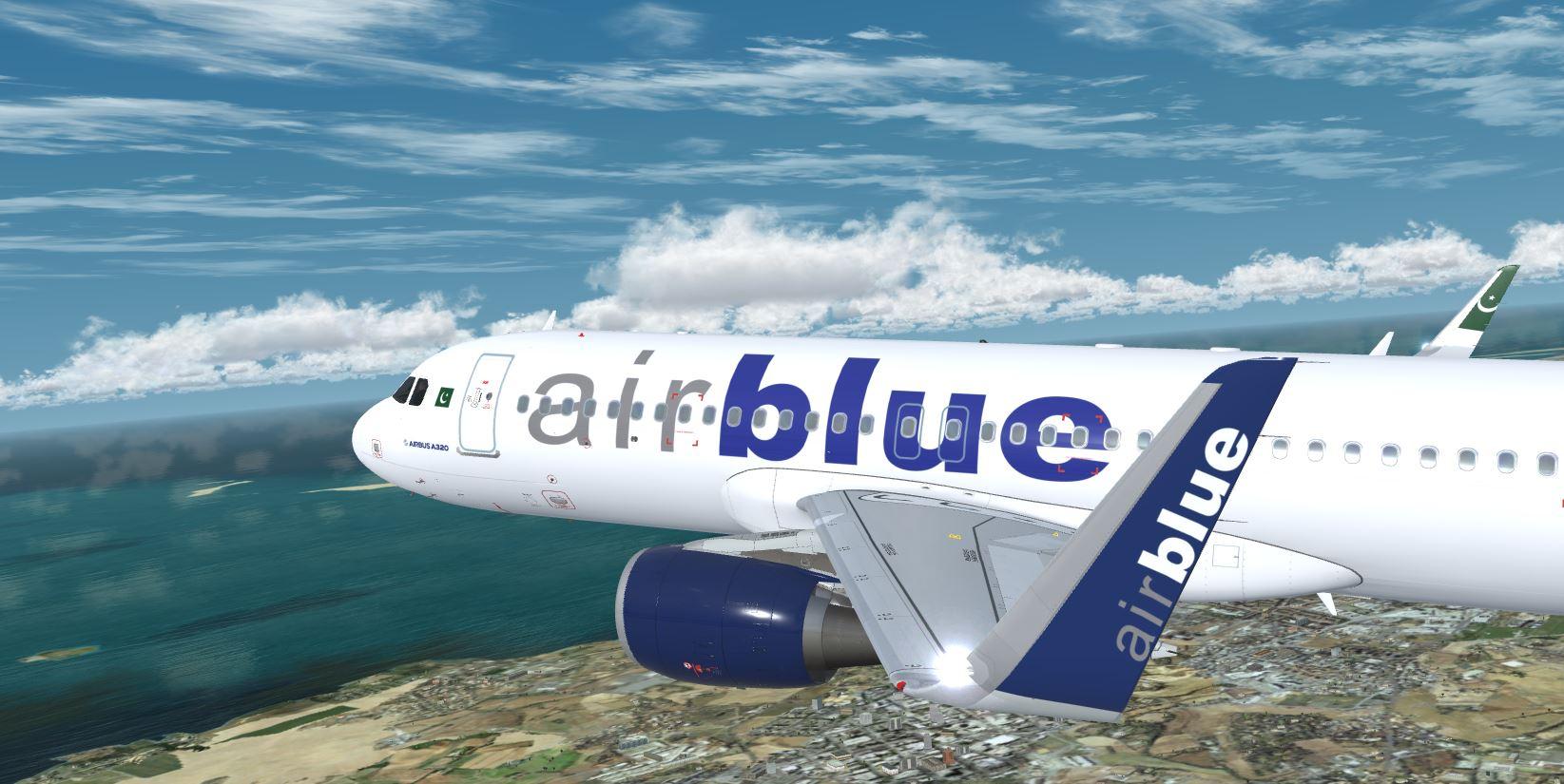
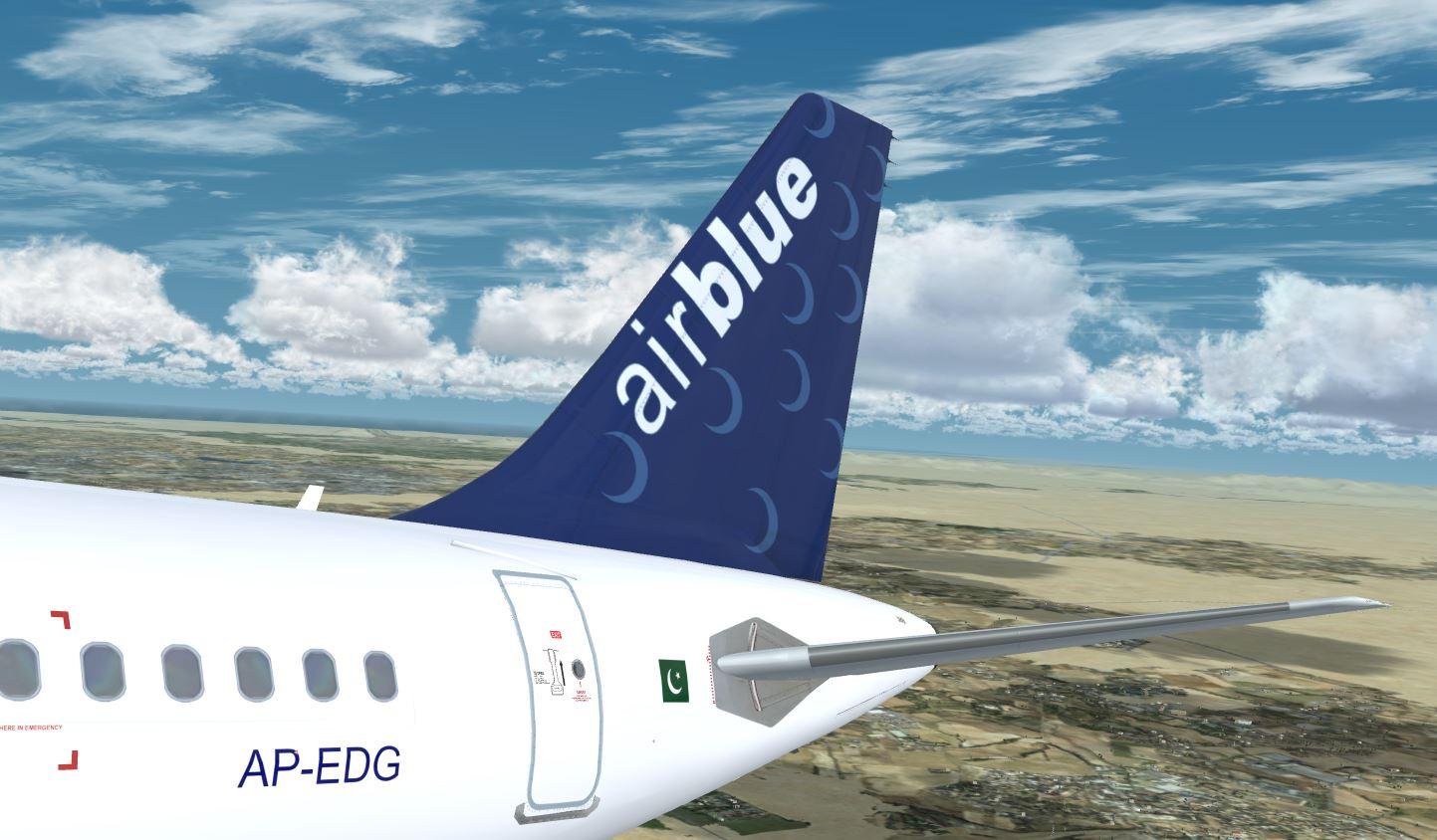
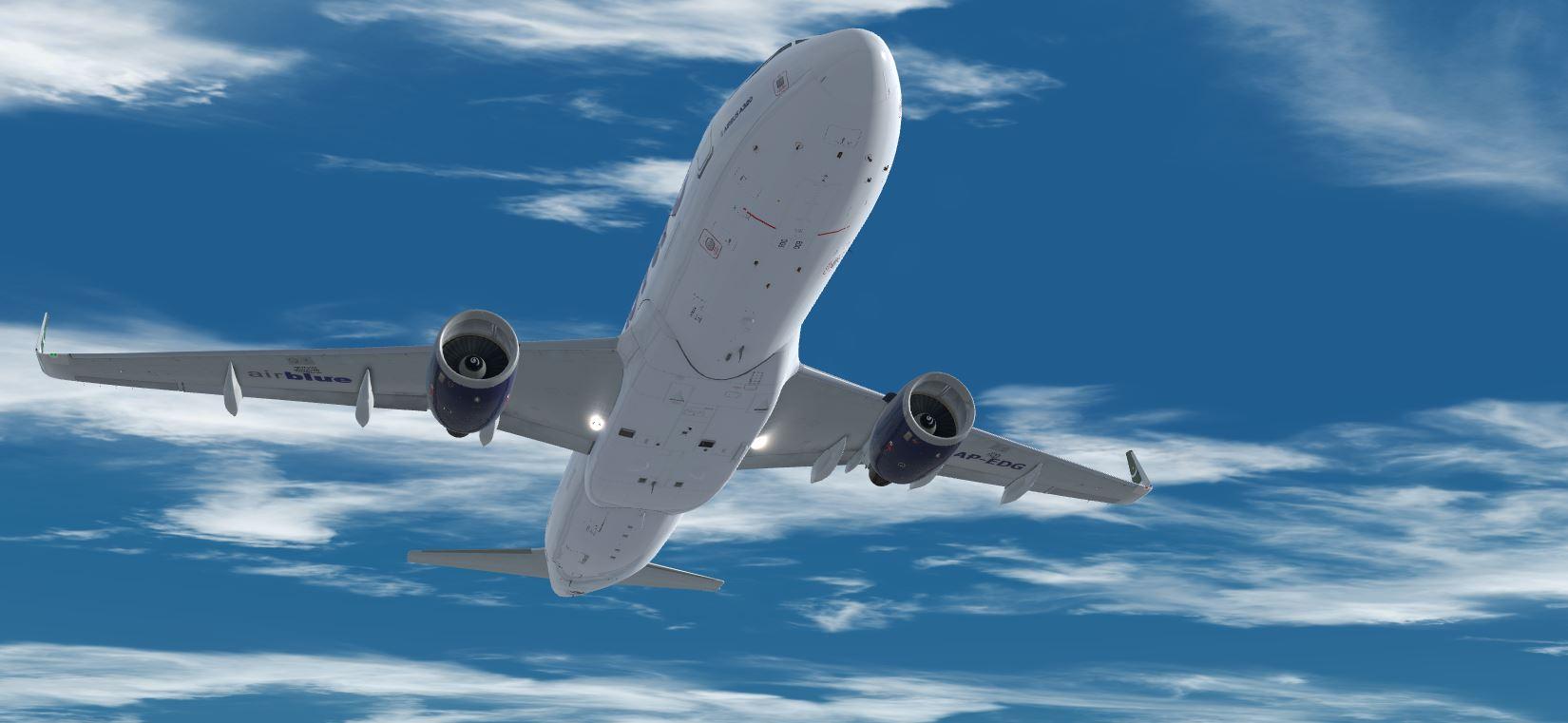
Airblue A320-SL by Bilal Asif Khan 1.0.0

(0 reviews)

6 Screenshots

About This File
AirBlue A320-SL AP-EDG 


This livery was done with the Custom Paintkit by

 @Florian Wolf, @Enzo Dewit and , @Gregory Verba 

To have these liveries fully working you MUST download this Common file:

https://forums.flightsimlabs.com/index.php?/files/file/3111-files-for-a320-sl-custom-paintkit-by-gv-ed-fw/


Installation:
Drag all content of this package to your Fslabs A320-SL CFM folder.

YOU ARE NOT ALLOWED TO UPLOAD, MODIFY OR SHARE ANY OF THE CONTENT
PROVIDED IN THIS DOWNLOAD ANYWHERE WITHOUT MY WRITTEN PERMISSION!!

For any feedback or questions please message me @Bilal Asif Khan via FSLABS forums
Thank you

User Feedback

There are no reviews to display.

Account

Navigation

Search

Search

Configure browser push notifications

Chrome (Android)
  1. Tap the lock icon next to the address bar.
  2. Tap Permissions → Notifications.
  3. Adjust your preference.
Chrome (Desktop)
  1. Click the padlock icon in the address bar.
  2. Select Site settings.
  3. Find Notifications and adjust your preference.
