

Skip to content
View in the app

A better way to browse. Learn more.

Flight Sim Labs Forums

A full-screen app on your home screen with push notifications, badges and more.

To install this app on iOS and iPadOS
  1. Tap the Share icon in Safari
  2. Scroll the menu and tap Add to Home Screen.
  3. Tap Add in the top-right corner.
To install this app on Android
  1. Tap the 3-dot menu (⋮) in the top-right corner of the browser.
  2. Tap Add to Home screen or Install app.
  3. Confirm by tapping Install.

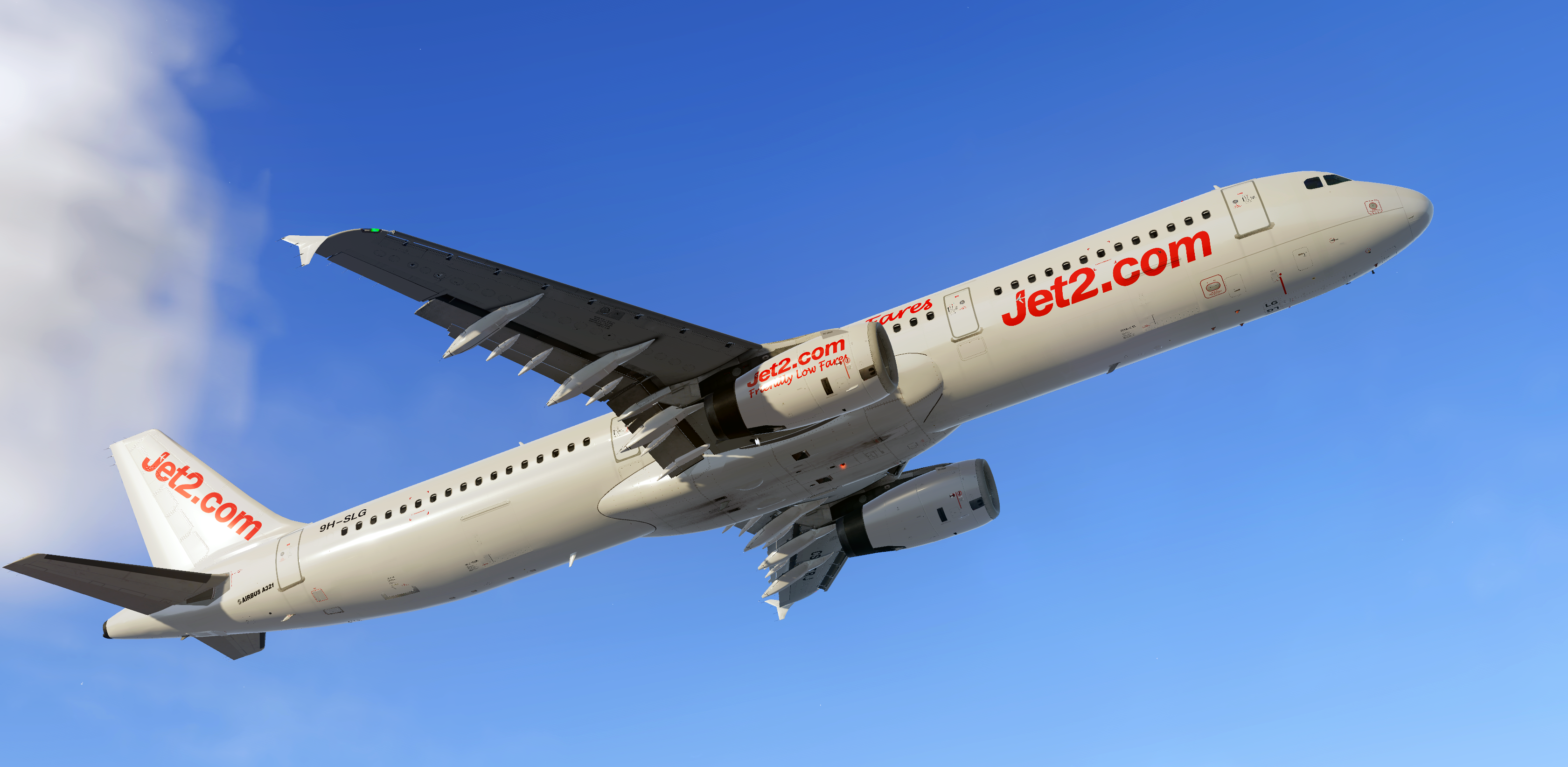
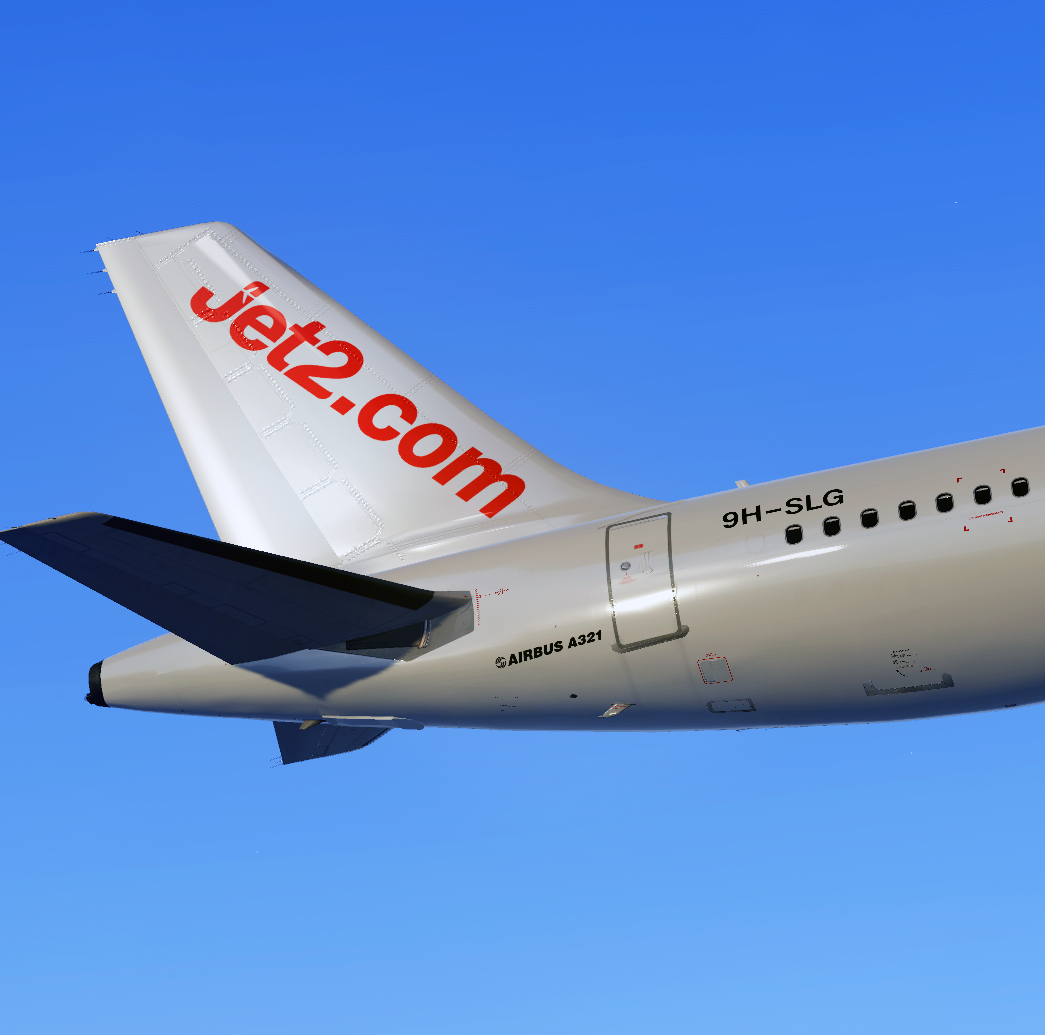
Smartlynx Malta (Jet2) A321 9H-SLG 1.0.0

(0 reviews)

2 Screenshots

Repaint of Smartlynx A321 (Jet2 Hybrid) 9H-SLG which will be operating for UK Airline Jet2 this Summer based in Birmingham BHX.

Installation 

Copy the folder Texture.Jet2 9H-SLG and paste it in your FSLabs A321 IAE - folder located ...\Prepar3D v5 Add-ons\FSLabs\SimObjects\Airplanes\FSLabs A321 IAE

RE-UPLOADING of this file is not permitted.

User Feedback

There are no reviews to display.

Account

Navigation

Search

Search

Configure browser push notifications

Chrome (Android)
  1. Tap the lock icon next to the address bar.
  2. Tap Permissions → Notifications.
  3. Adjust your preference.
Chrome (Desktop)
  1. Click the padlock icon in the address bar.
  2. Select Site settings.
  3. Find Notifications and adjust your preference.
