
Skip to content
View in the app

A better way to browse. Learn more.

Flight Sim Labs Forums

A full-screen app on your home screen with push notifications, badges and more.

To install this app on iOS and iPadOS
  1. Tap the Share icon in Safari
  2. Scroll the menu and tap Add to Home Screen.
  3. Tap Add in the top-right corner.
To install this app on Android
  1. Tap the 3-dot menu (⋮) in the top-right corner of the browser.
  2. Tap Add to Home screen or Install app.
  3. Confirm by tapping Install.

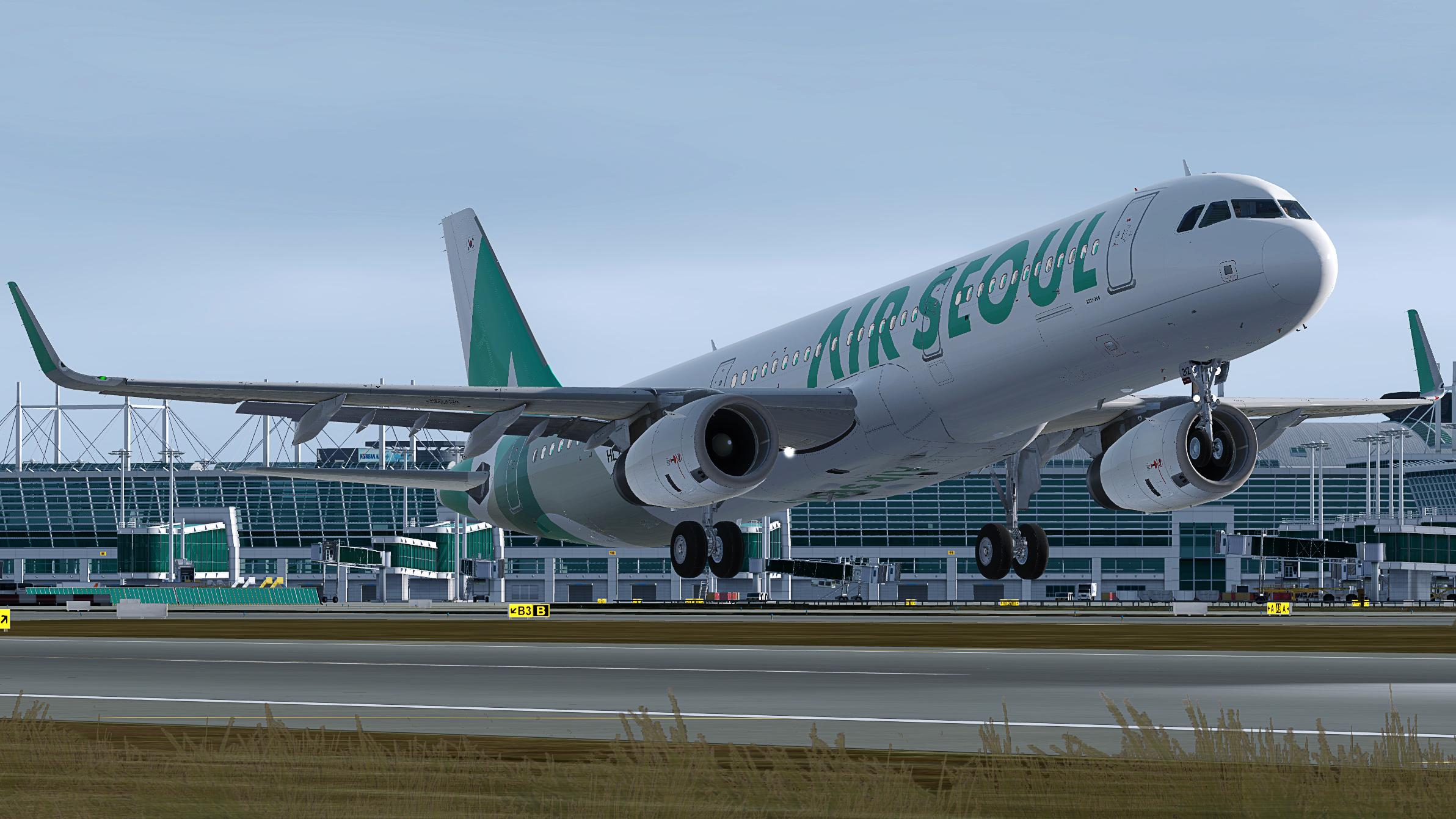
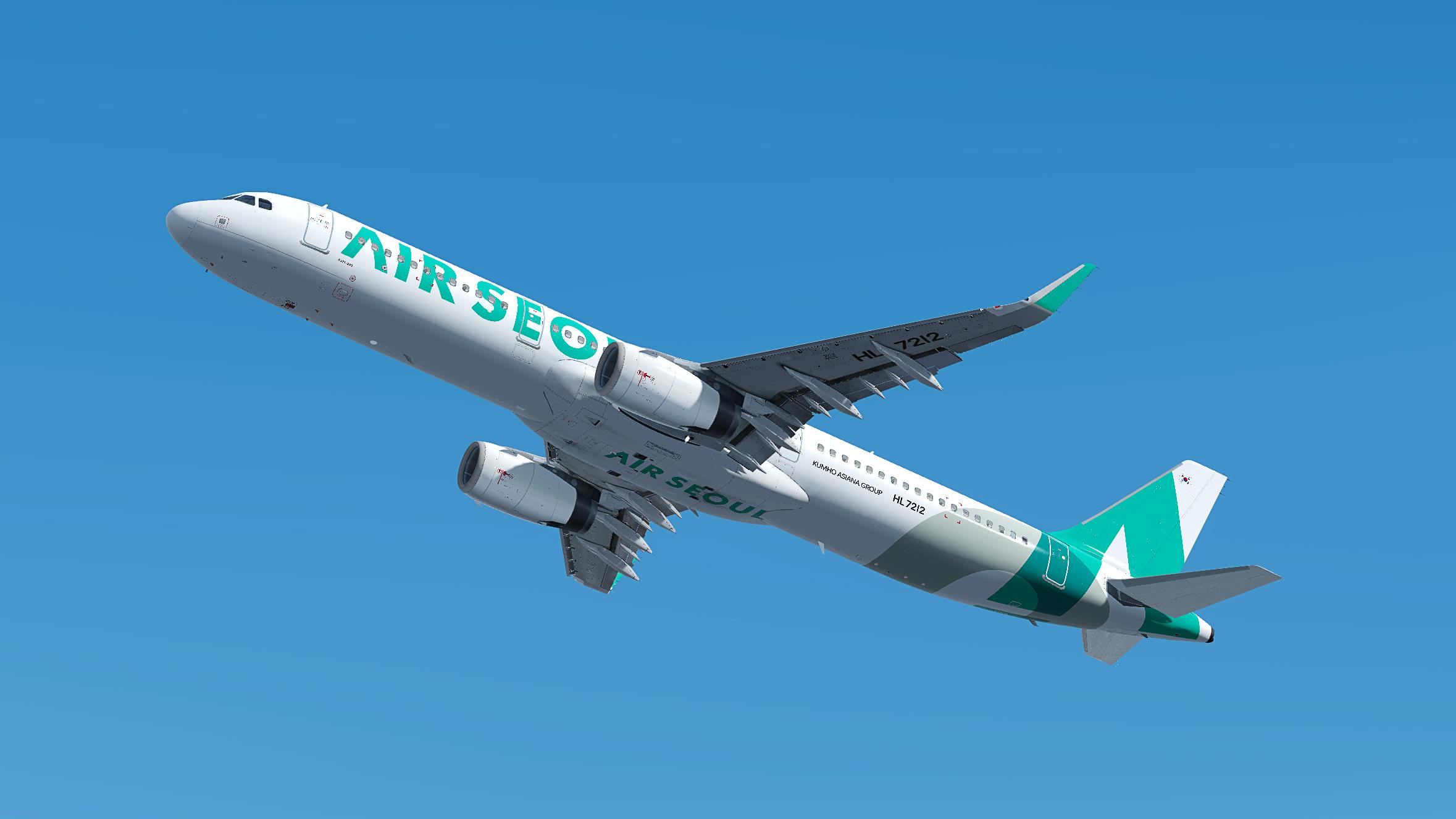
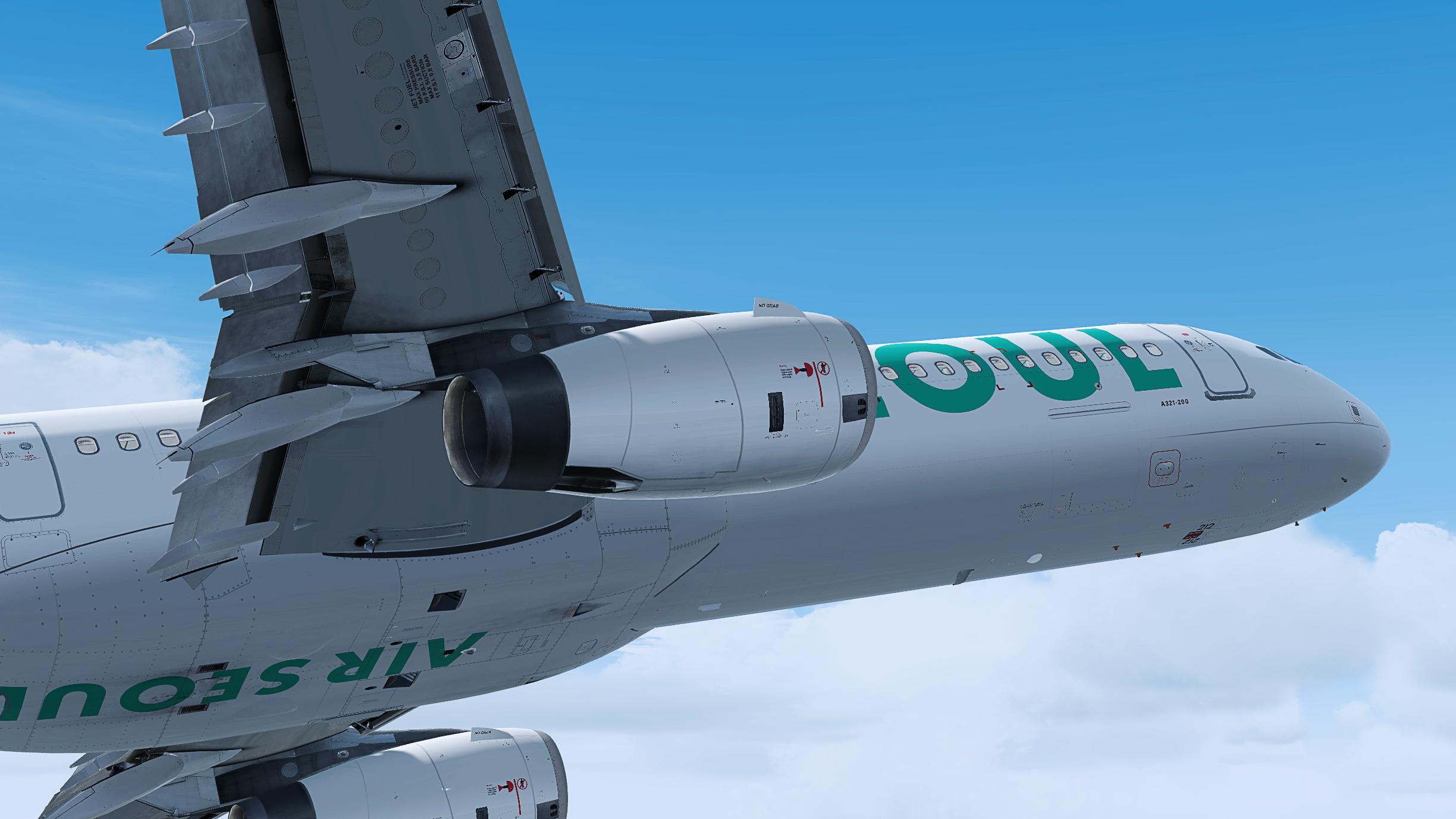
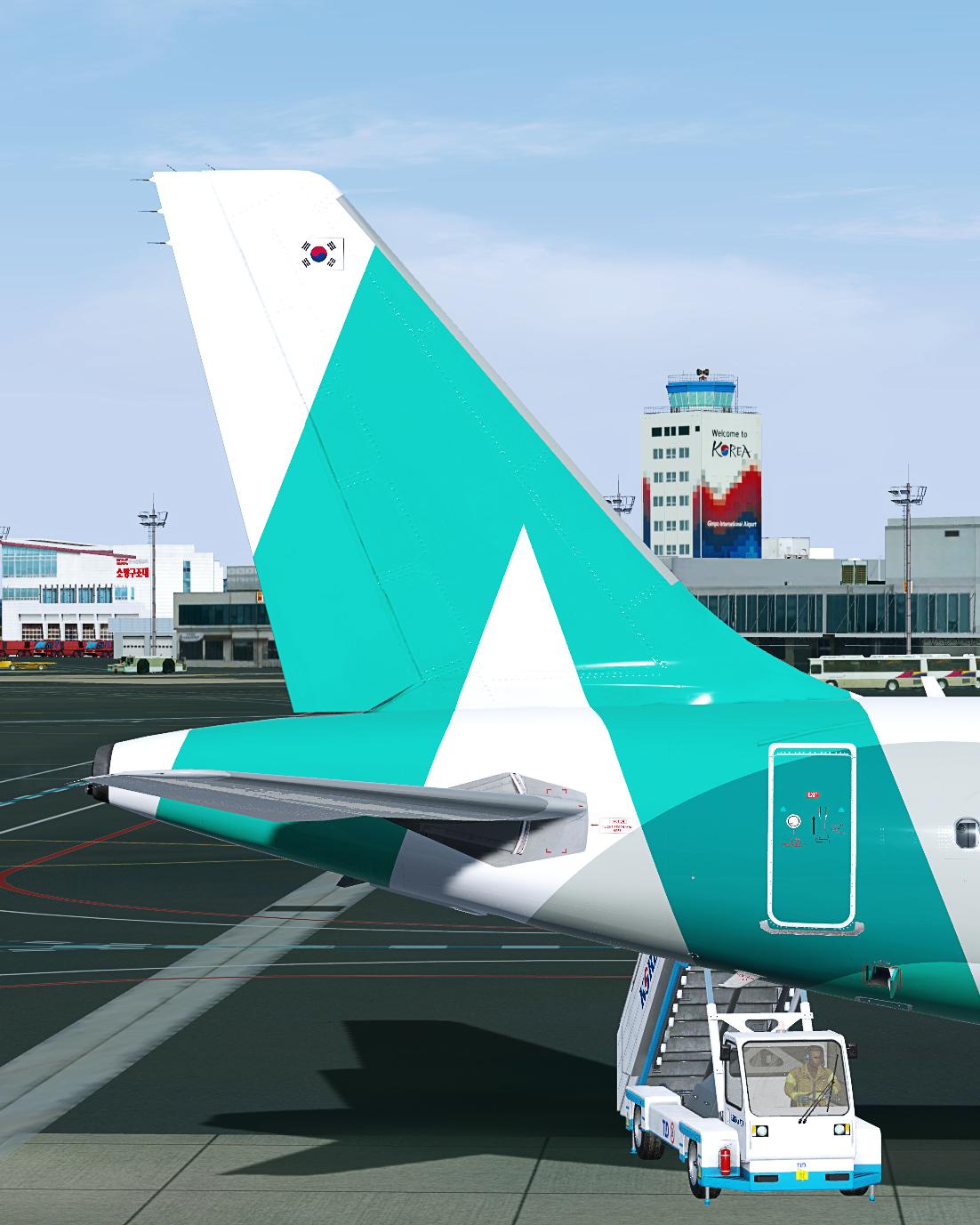
Air Seoul A321 IAE HL7212 1.0.0

(1 review)

4 Screenshots

HL7212 Air Seoul Airbus A321-231

MSN 7985


Thank you for choosing to use of this livery. I truly hope you enjoy it. Please note that it is only intended to be used with the FSLABS A321-SL IAE.

Safe landings!

INSTALLATION

● Copy the 'Texture.ASV HL7212' folder into your 'FSLabs A321-SL IAE' folder.

FOLLOW

If you’d like to stay connected and in addition receive notifications regarding future releases and updates of liveries, follow me on:

https://twitter.com/duffywings

https://facebook.com/duffywings

https://instagram.com/duffywings

SUPPORT

If you’d like support my work, please do so through PayPal. Your support makes a difference and is greatly appreciated!

COPYRIGHT

All content pertaining to this download is copyrighted. Hence, it is strictly prohibited to disseminate, upload, distribute and/or misuse any of the provided content without my prior written consent.
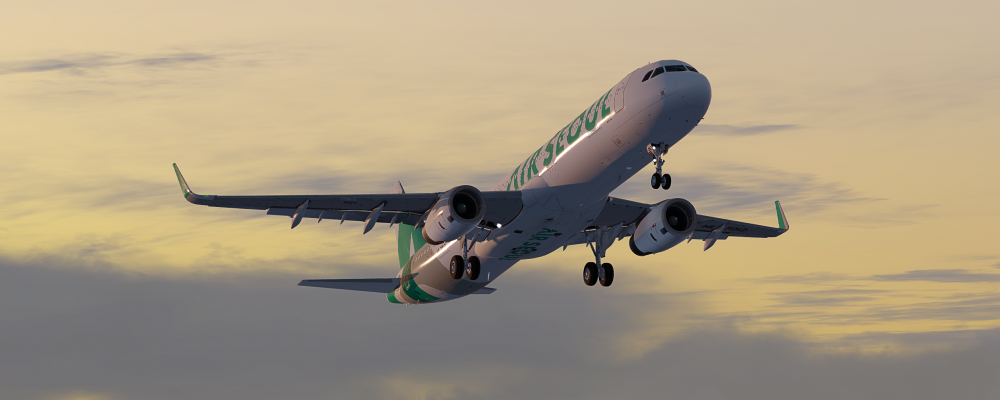
Header.png

© 2022 Pedro Burnay, duffywings. All rights reserved.

User Feedback

Brandon Lin

Brandon Lin


Truly 5 stars, even the cabin texture are modeled


Account

Navigation

Search

Search

Configure browser push notifications

Chrome (Android)
  1. Tap the lock icon next to the address bar.
  2. Tap Permissions → Notifications.
  3. Adjust your preference.
Chrome (Desktop)
  1. Click the padlock icon in the address bar.
  2. Select Site settings.
  3. Find Notifications and adjust your preference.

