
Skip to content
View in the app

A better way to browse. Learn more.

Flight Sim Labs Forums

A full-screen app on your home screen with push notifications, badges and more.

To install this app on iOS and iPadOS
  1. Tap the Share icon in Safari
  2. Scroll the menu and tap Add to Home Screen.
  3. Tap Add in the top-right corner.
To install this app on Android
  1. Tap the 3-dot menu (⋮) in the top-right corner of the browser.
  2. Tap Add to Home screen or Install app.
  3. Confirm by tapping Install.

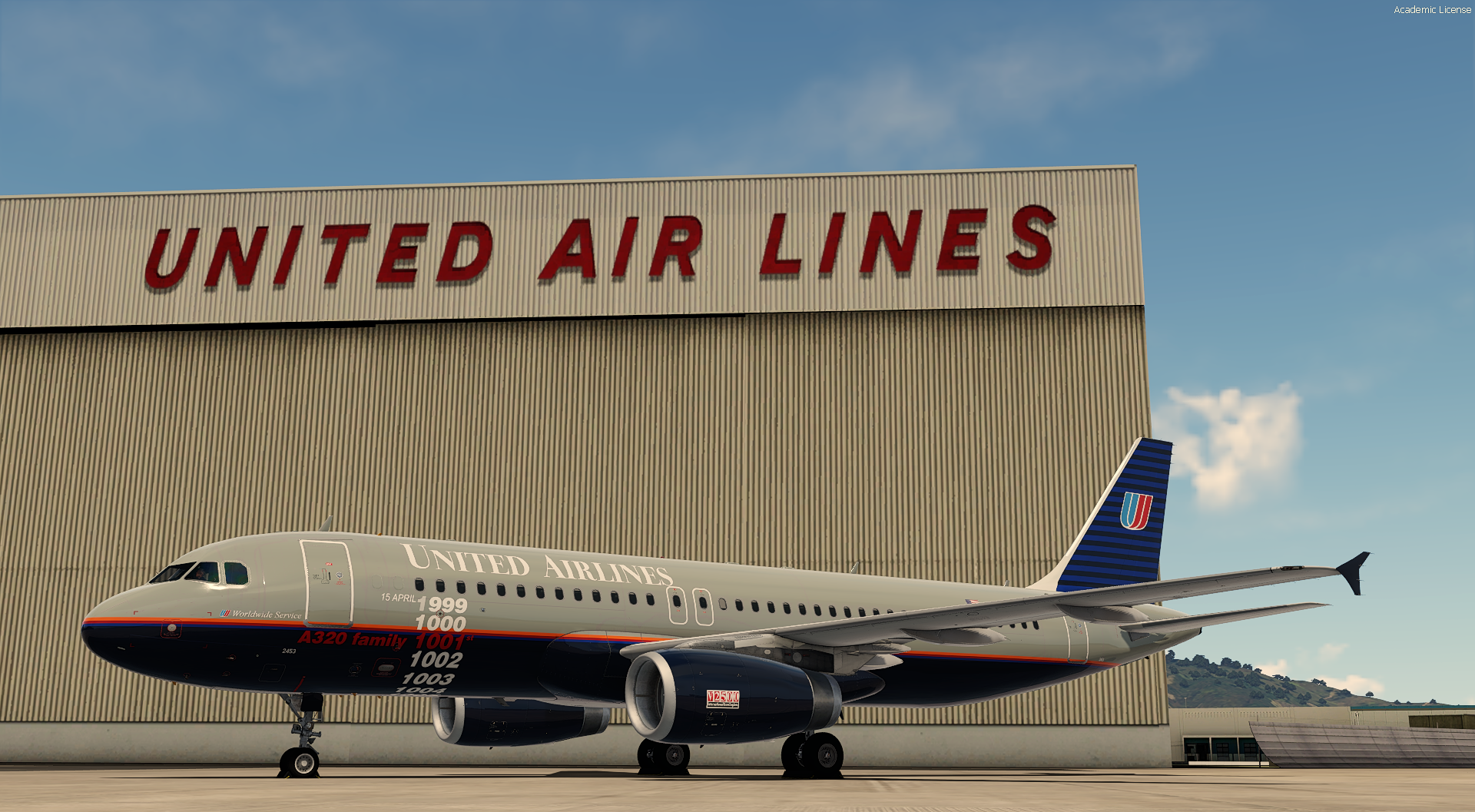
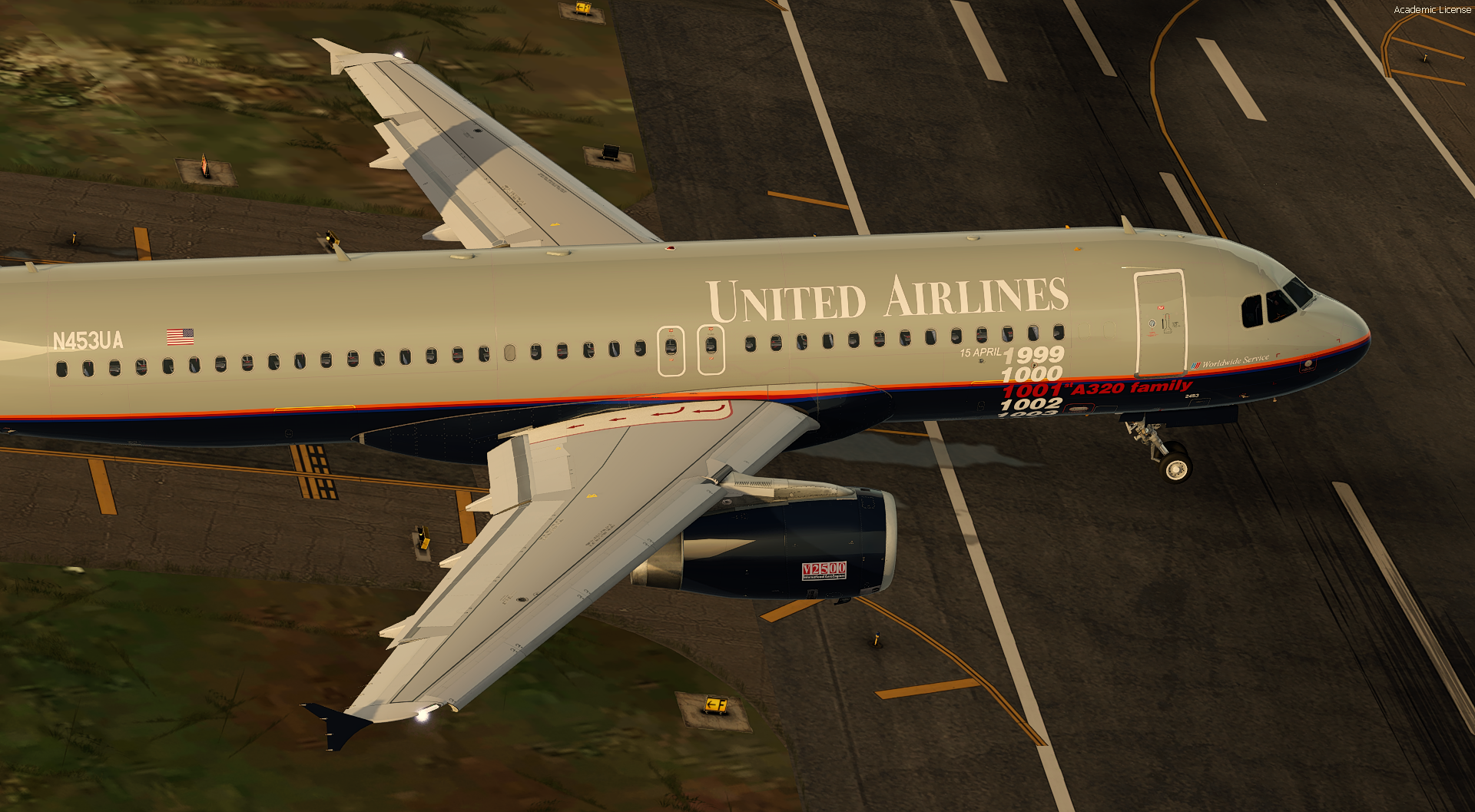
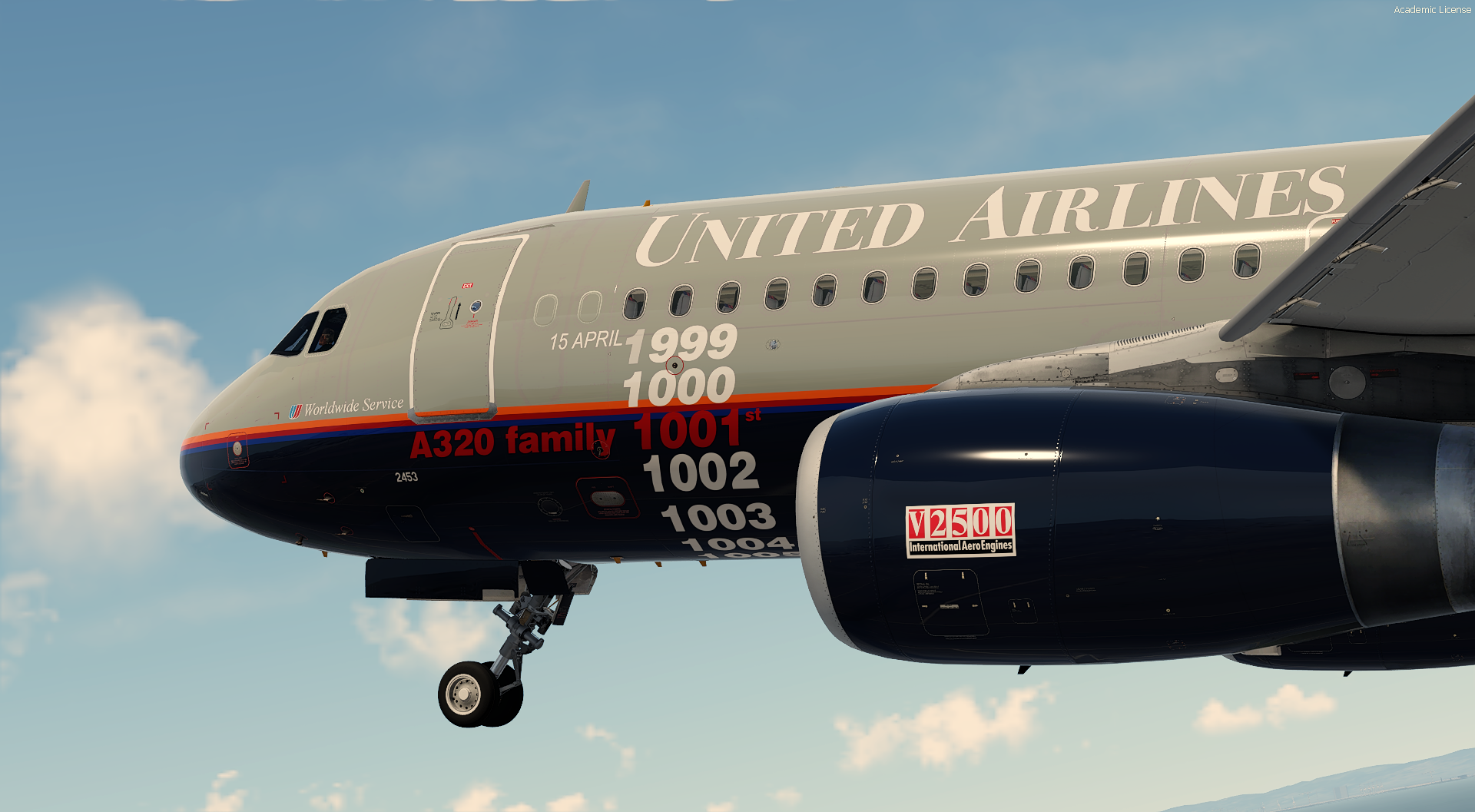
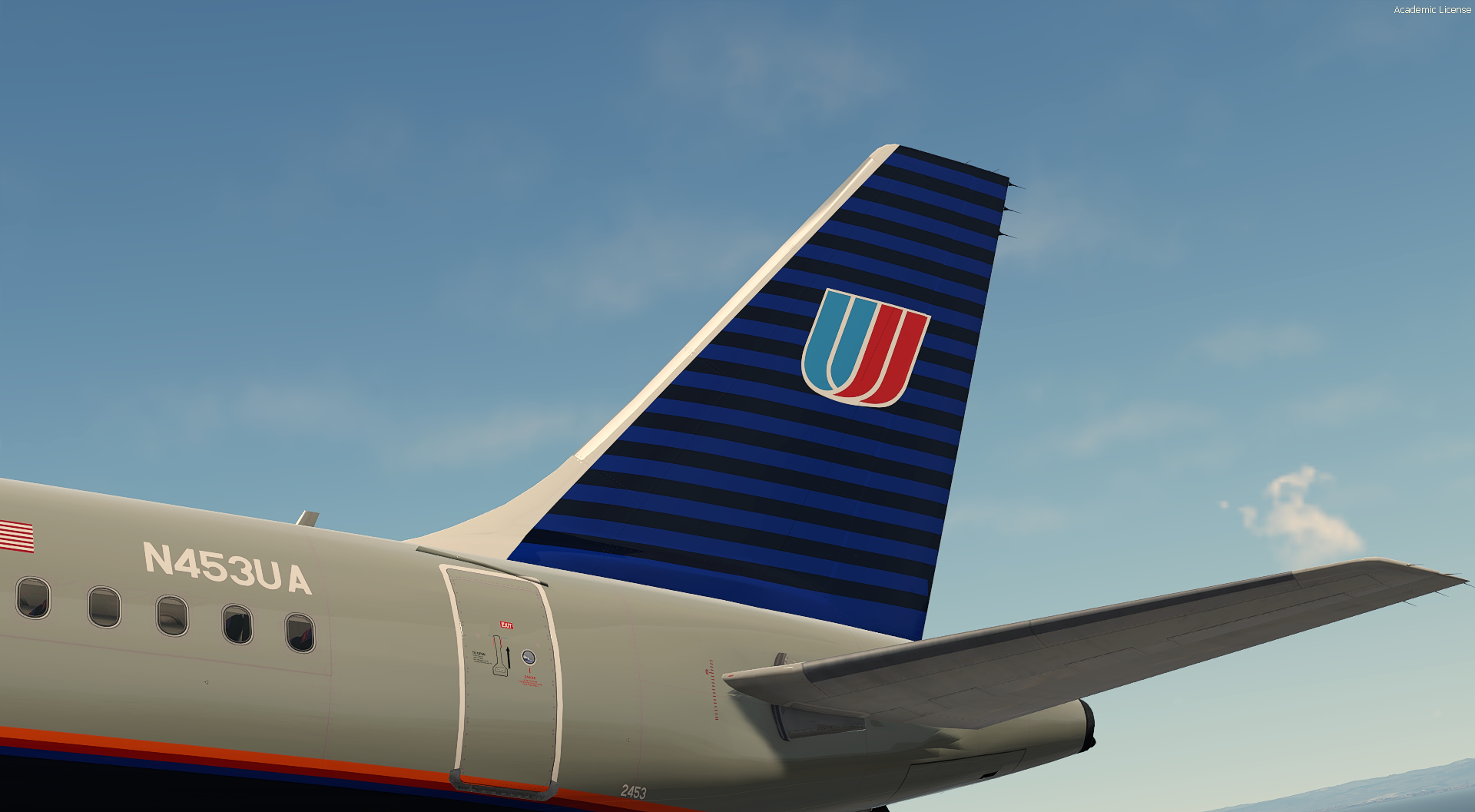
United Airlines N453UA 1001st A320 family 1.0.0

(0 reviews)

4 Screenshots


!!! NOTE: READ THESE INSTRUCTIONS CAREFULLY !!!

*** FOR FSL A320 v5.0.100+ ONLY ***

United Airlines A320-232 N453UA

IMPORTANT DOWNLOAD THIS : This livery requires the following download to be installed to appear as intended


Special thanks to @Hugo Bicho , @Daniel Du Preezand @John Tavendale for the custom 4K A320 Paintkit.
 

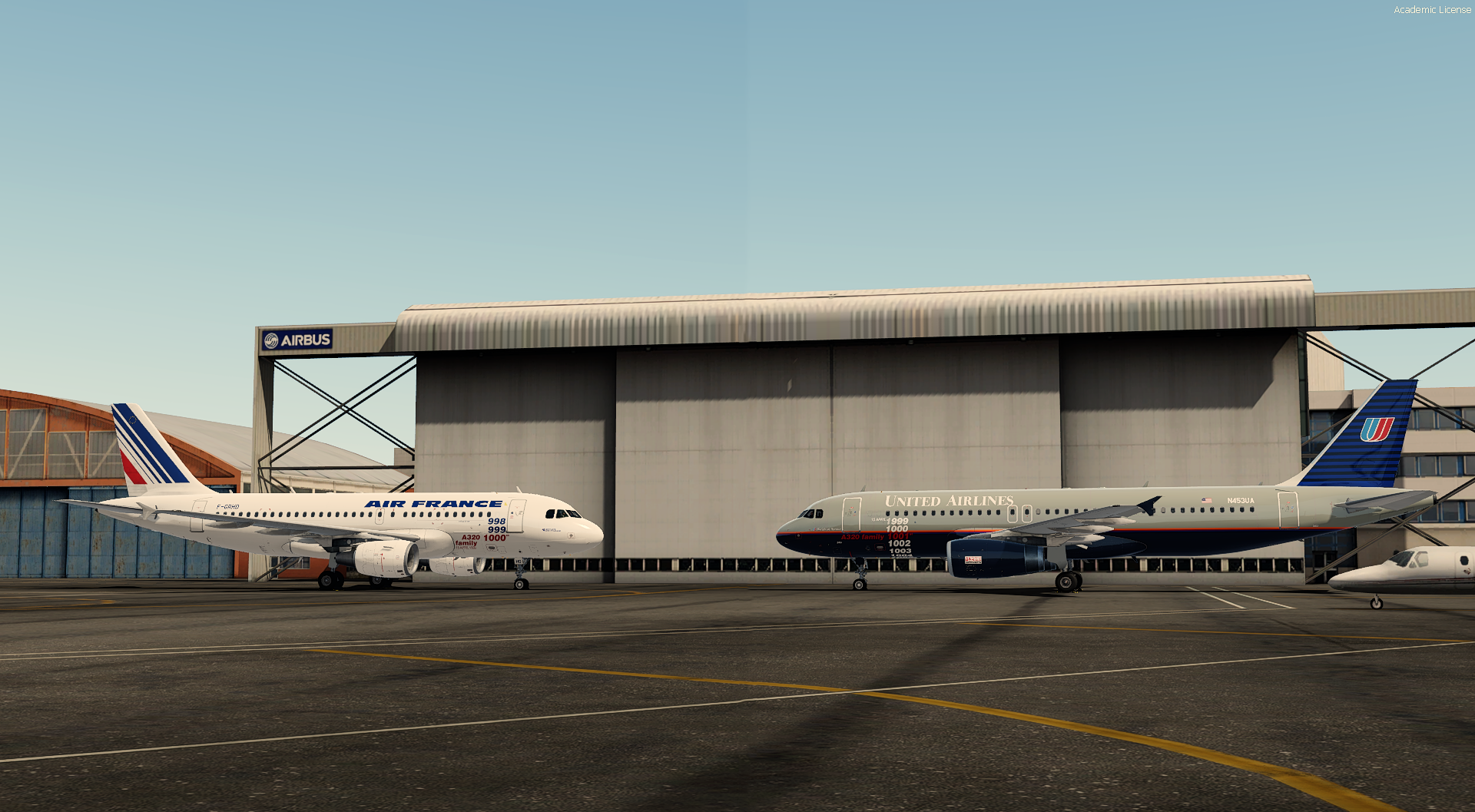
This pack contains A320 [MSN 1001] N453UA delivered to United Airlines on 15 april 1999 along the Air France A319 [MSN 1000] F-GRHD

1857619275_Airbusdelivery.thumb.png.dfd81e6d45a83321de34da604b92afef.png
Features :
-Real seat
-Custom paintkit
-Airframe configuration


To install it :
 

Drag the folders in "Documents\Prepar3D v5 Add-ons\FSLabs\SimObjects\Airplanes\FSLabs A320 IAE"

User Feedback

There are no reviews to display.

Account

Navigation

Search

Search

Configure browser push notifications

Chrome (Android)
  1. Tap the lock icon next to the address bar.
  2. Tap Permissions → Notifications.
  3. Adjust your preference.
Chrome (Desktop)
  1. Click the padlock icon in the address bar.
  2. Select Site settings.
  3. Find Notifications and adjust your preference.

