Skip to content
View in the app

A better way to browse. Learn more.

Flight Sim Labs Forums

A full-screen app on your home screen with push notifications, badges and more.

To install this app on iOS and iPadOS
  1. Tap the Share icon in Safari
  2. Scroll the menu and tap Add to Home Screen.
  3. Tap Add in the top-right corner.
To install this app on Android
  1. Tap the 3-dot menu (⋮) in the top-right corner of the browser.
  2. Tap Add to Home screen or Install app.
  3. Confirm by tapping Install.

Transavia France A320 fleet pack 1.0.0

(2 reviews)

5 Screenshots

!!! NOTE: READ THESE INSTRUCTIONS CAREFULLY !!!

*** FOR FSL A320 v5.0.100+ ONLY ***

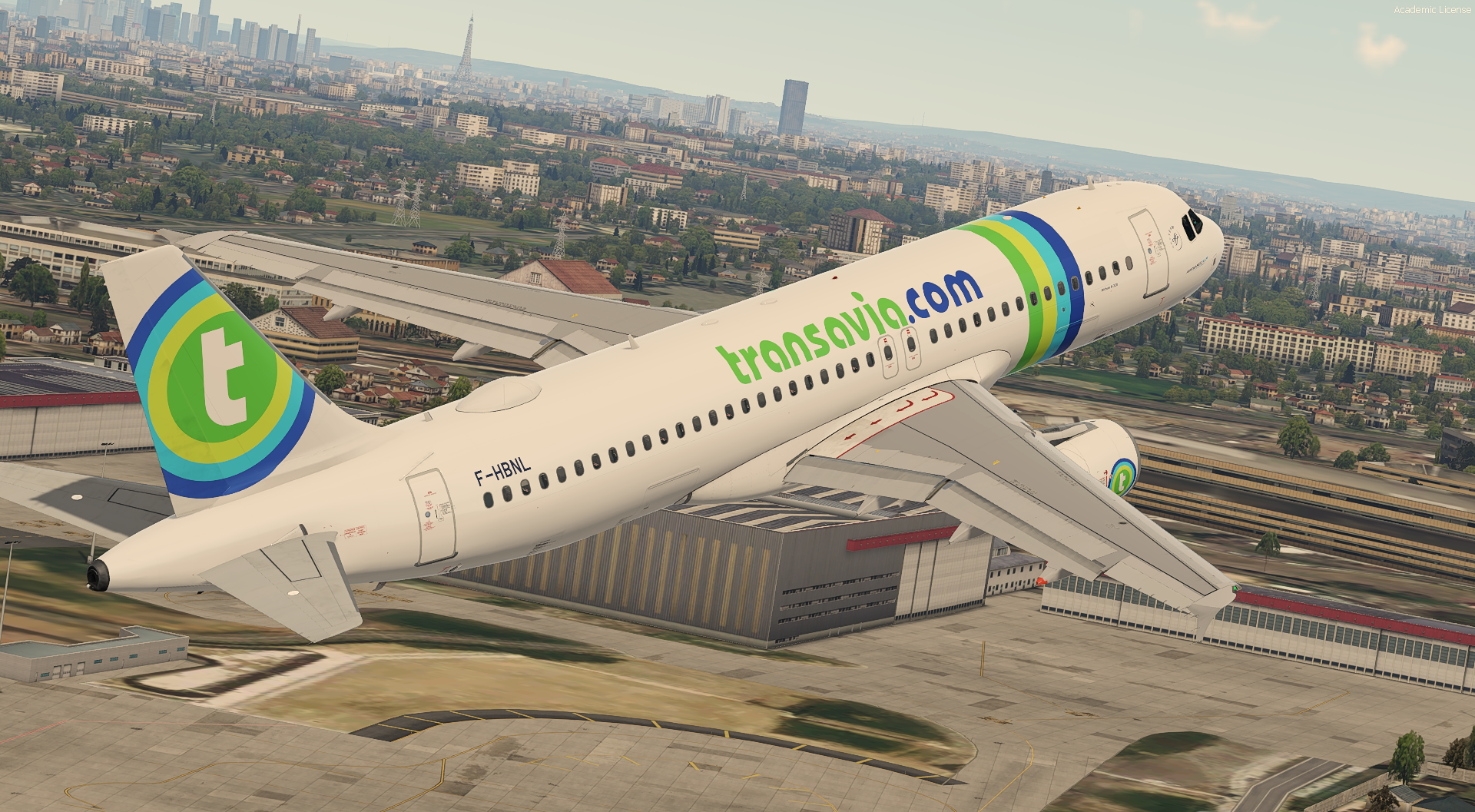
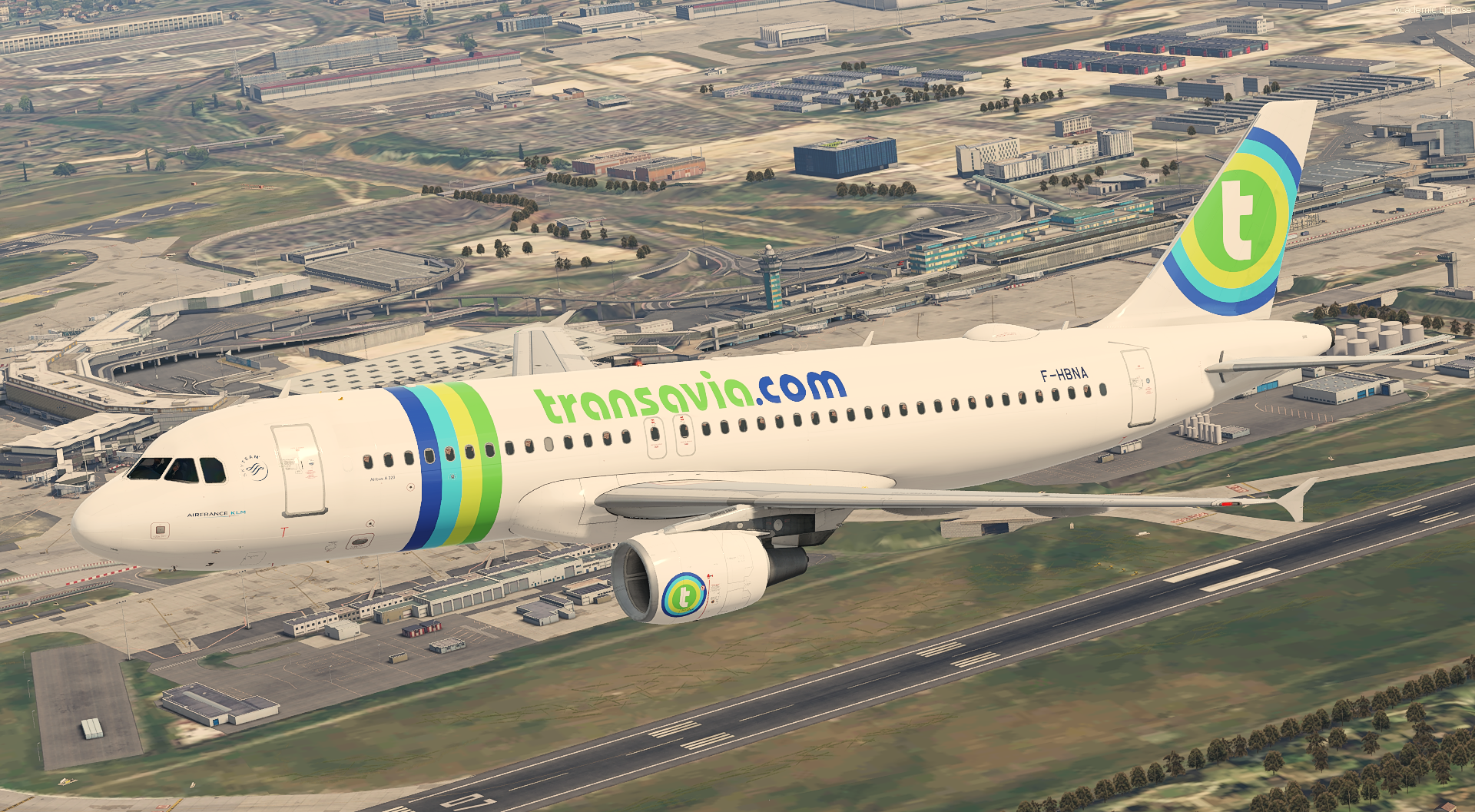
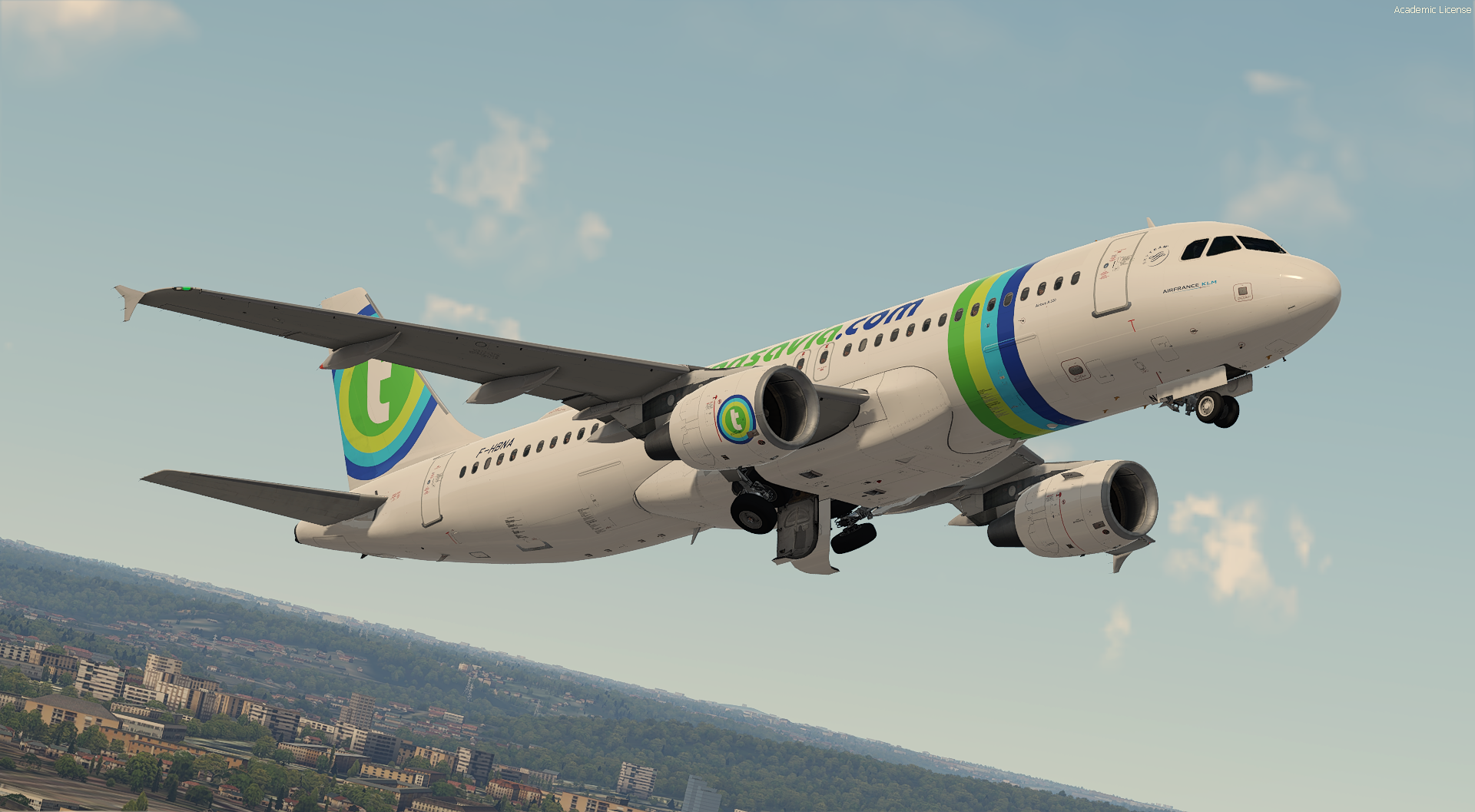
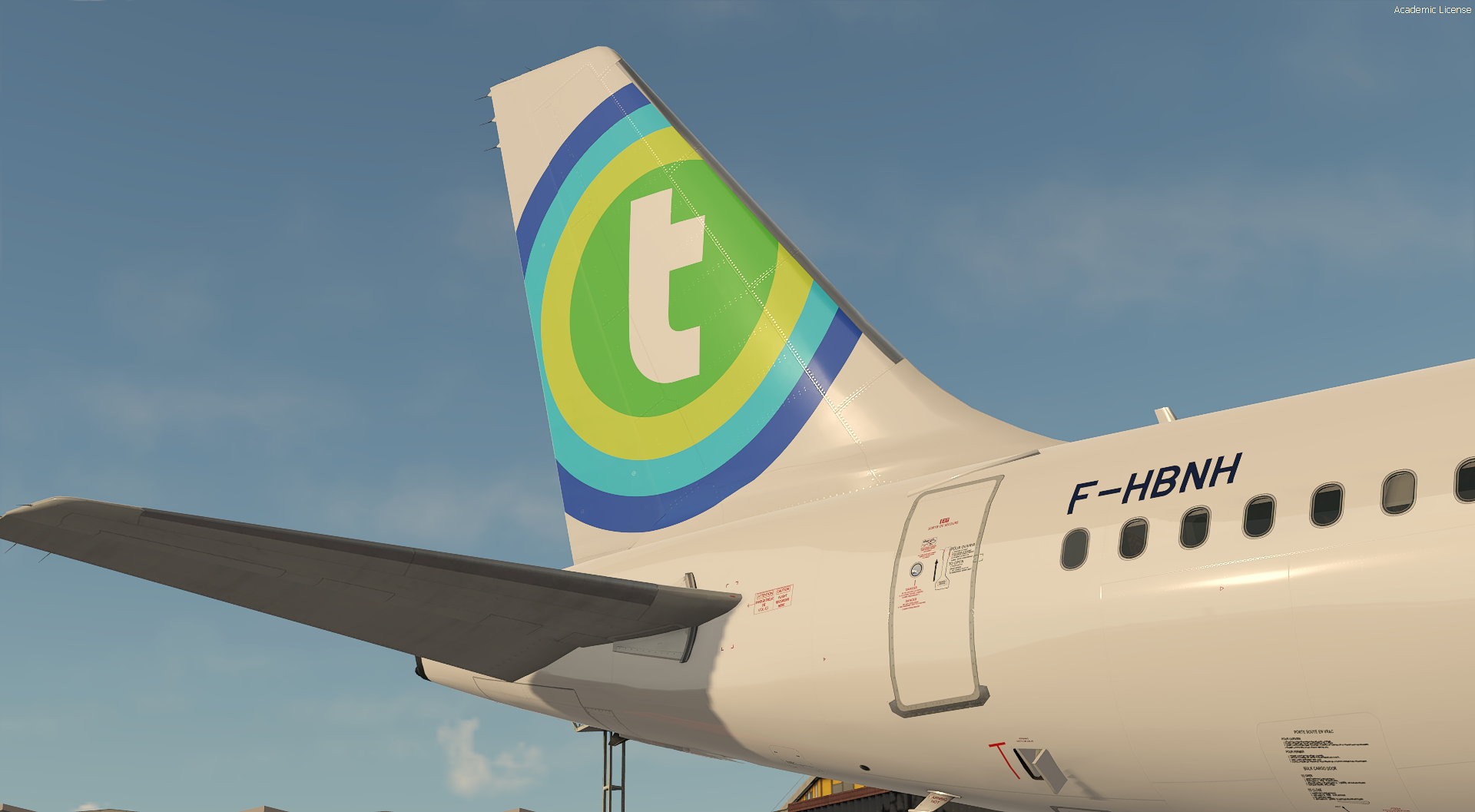
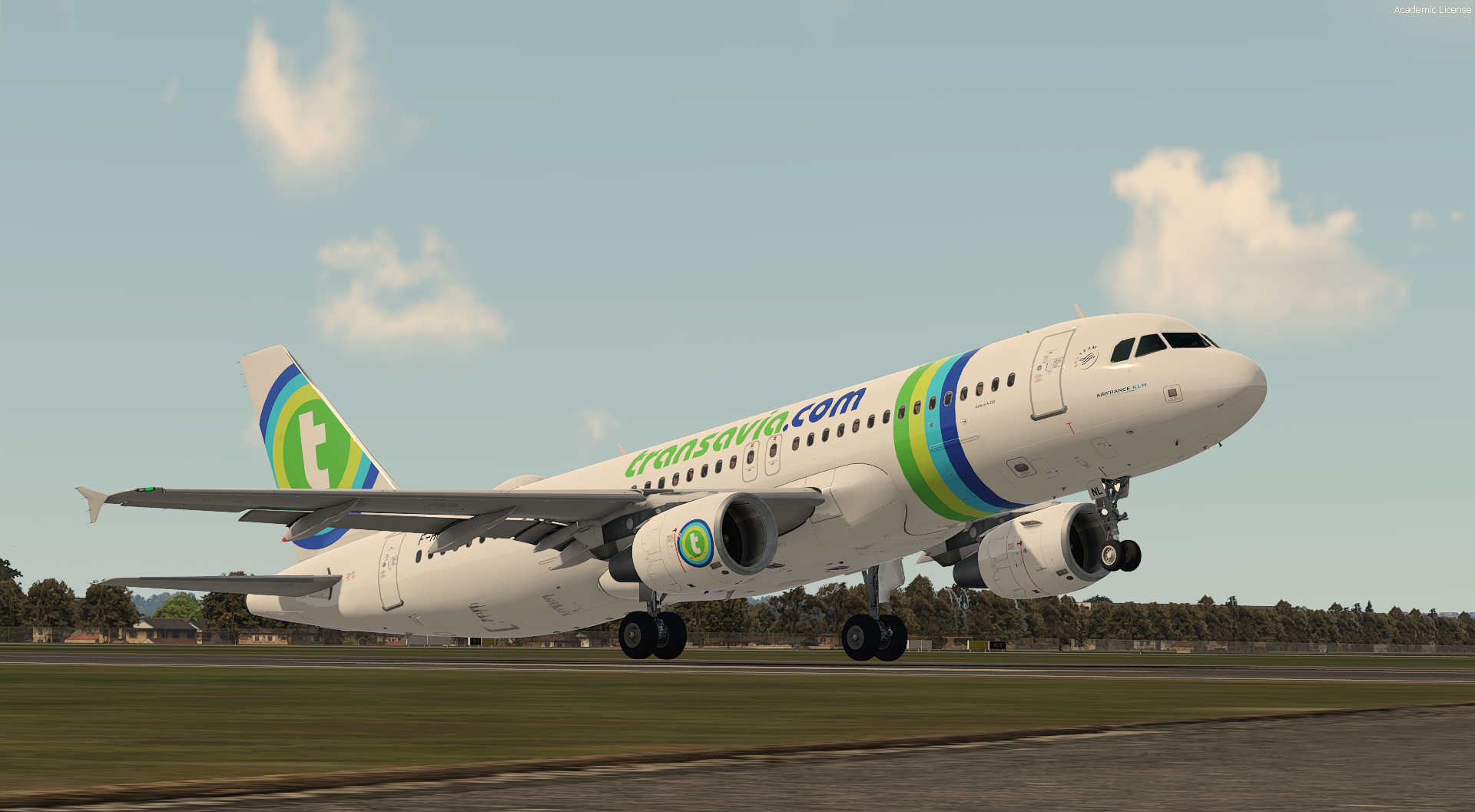
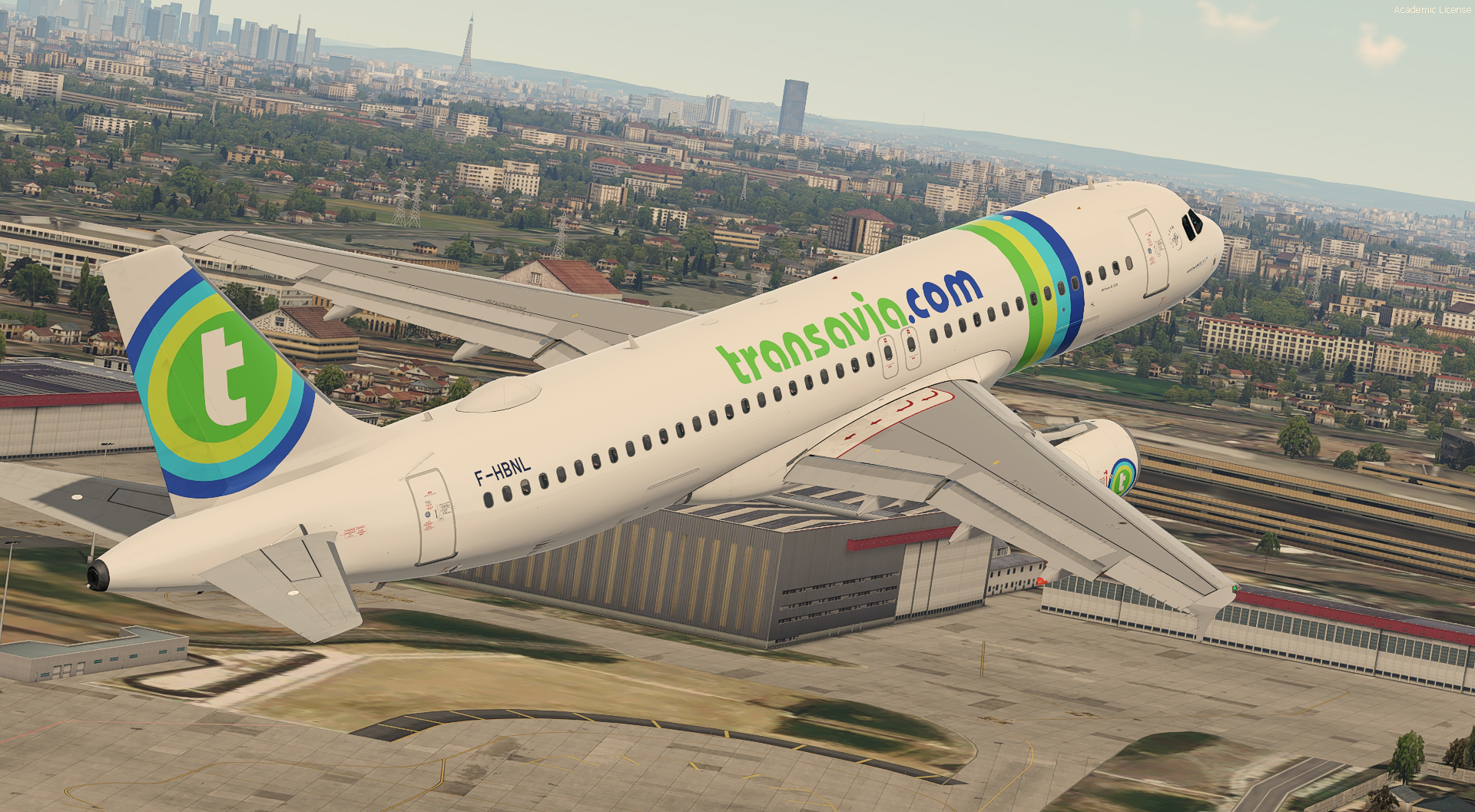
Transavia France A320-214 Fleet pack

IMPORTANT DOWNLOAD THIS : This livery requires the following download to be installed to appear as intended


Special thanks to @Hugo Bicho , @Daniel Du Preezand @John Tavendale for the custom 4K A320 Paintkit.


This pack contains four aircraft :
 

-F-HBNA
-F-HBNF
-F-HBNH
-F-HBNL
1503535449_Prepar3D2022-01-2221-31-14.thumb.png.a5136301a3d0bdf40e9a96f1be7df400.png

This four aircraft was brought to the Transavia France color during the summer of 2014 and 2015.

Features :
-Real cabin
-Custom paintkit
-Airframe configuration and real weight (see the third page into your MCDU : Option -> Payload)
-Real Air France decal on the hatch, engine, ect..


For more Air France liveries and operation, let's take a look to this virtual airline !
https://airfranceklmvirtual.com/

To install it :
 

Drag the folders in "Documents\Prepar3D v5 Add-ons\FSLabs\SimObjects\Airplanes\FSLabs A320 CFM"
 

User Feedback

Jeffrey Smith

Jeffrey Smith

   1 of 4 members found this review helpful 1 / 4 members

Fictional but not for long :) Great work Kylian, very detailled and authentic as always!

Account

Navigation

Search

Search

Configure browser push notifications

Chrome (Android)
  1. Tap the lock icon next to the address bar.
  2. Tap Permissions → Notifications.
  3. Adjust your preference.
Chrome (Desktop)
  1. Click the padlock icon in the address bar.
  2. Select Site settings.
  3. Find Notifications and adjust your preference.