


Skip to content
View in the app

A better way to browse. Learn more.

Flight Sim Labs Forums

A full-screen app on your home screen with push notifications, badges and more.

To install this app on iOS and iPadOS
  1. Tap the Share icon in Safari
  2. Scroll the menu and tap Add to Home Screen.
  3. Tap Add in the top-right corner.
To install this app on Android
  1. Tap the 3-dot menu (⋮) in the top-right corner of the browser.
  2. Tap Add to Home screen or Install app.
  3. Confirm by tapping Install.

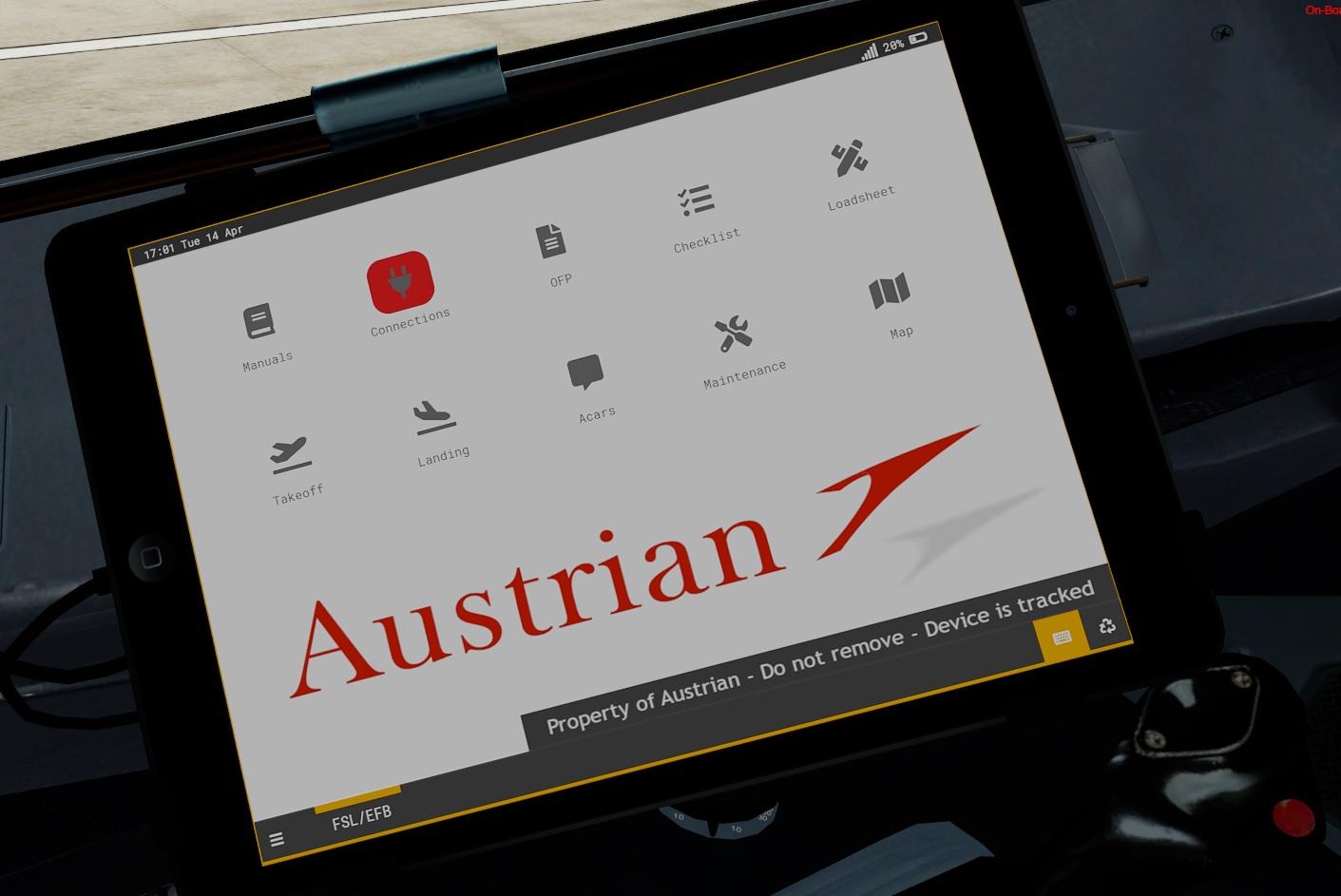
Austrian EFB Pack 1.0.0

(1 review)

1 Screenshot

Custom Austrian EFB background, checklist and colour sheme!

Installation guide can be found in the folder.


p.s. I have no idea how it looks like in real life, I designed this to my liking.


What's New in Version 1.0.0

Released

No changelog available for this version.

User Feedback

Todd Legon

Todd Legon


Looks great!!!  Thank you!

Account

Navigation

Search

Search

Configure browser push notifications

Chrome (Android)
  1. Tap the lock icon next to the address bar.
  2. Tap Permissions → Notifications.
  3. Adjust your preference.
Chrome (Desktop)
  1. Click the padlock icon in the address bar.
  2. Select Site settings.
  3. Find Notifications and adjust your preference.