Skip to content
View in the app

A better way to browse. Learn more.

Flight Sim Labs Forums

A full-screen app on your home screen with push notifications, badges and more.

To install this app on iOS and iPadOS
  1. Tap the Share icon in Safari
  2. Scroll the menu and tap Add to Home Screen.
  3. Tap Add in the top-right corner.
To install this app on Android
  1. Tap the 3-dot menu (⋮) in the top-right corner of the browser.
  2. Tap Add to Home screen or Install app.
  3. Confirm by tapping Install.

A319 Iberia Retro 1.0.0

(3 reviews)

1 Screenshot

ONLY FOR A319 v5.0.1.100+

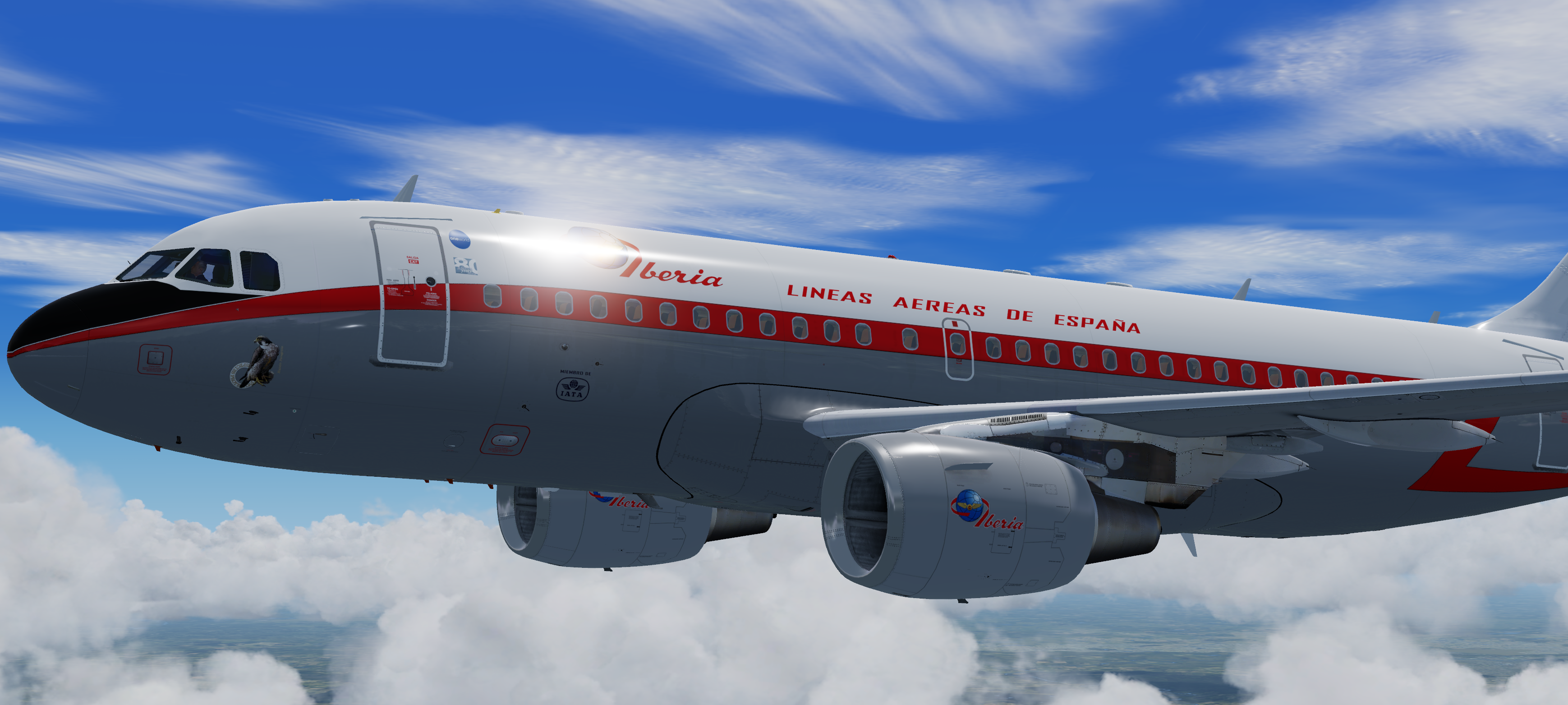
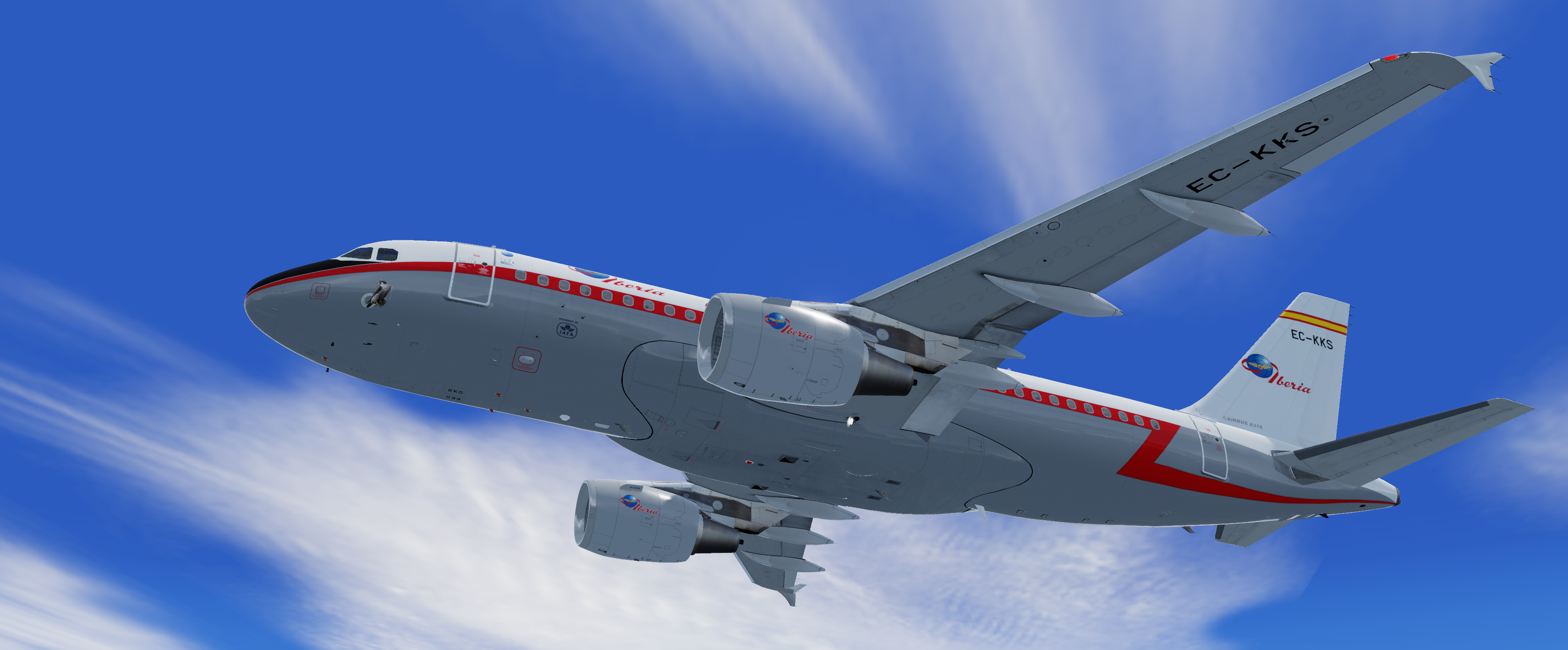
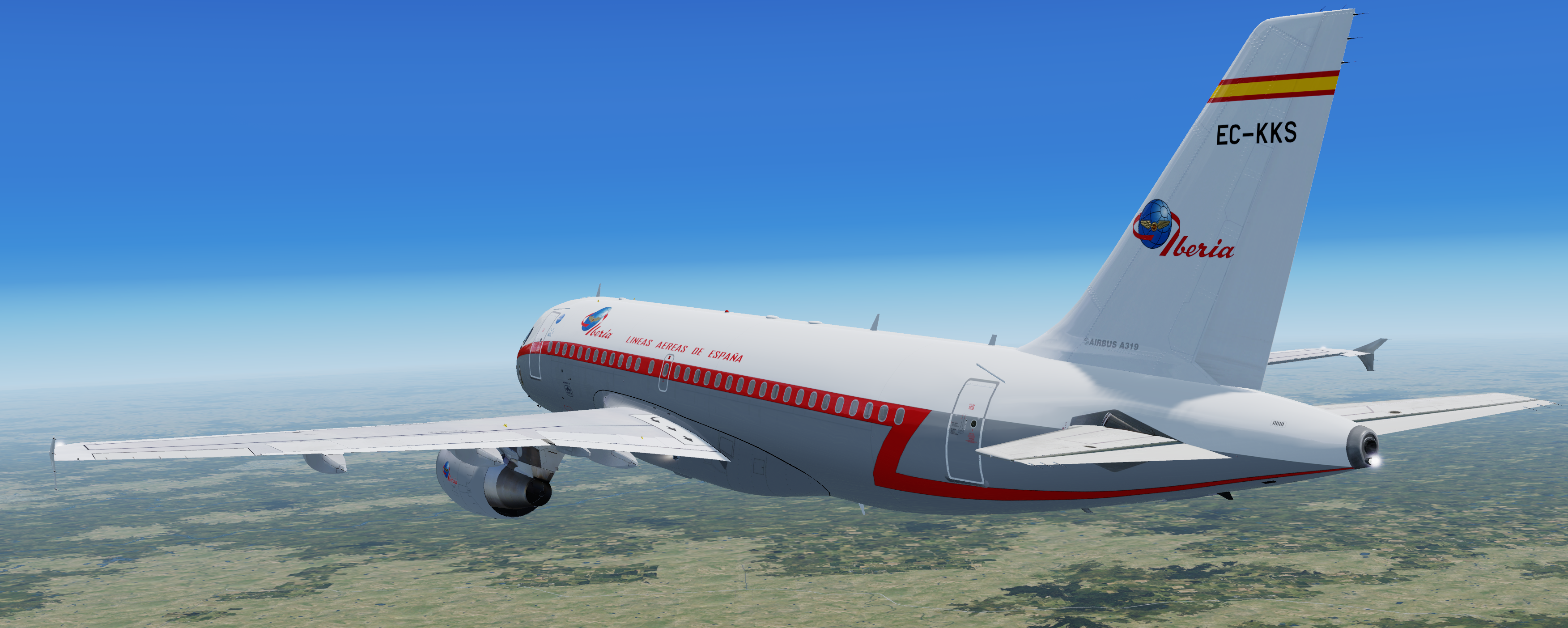
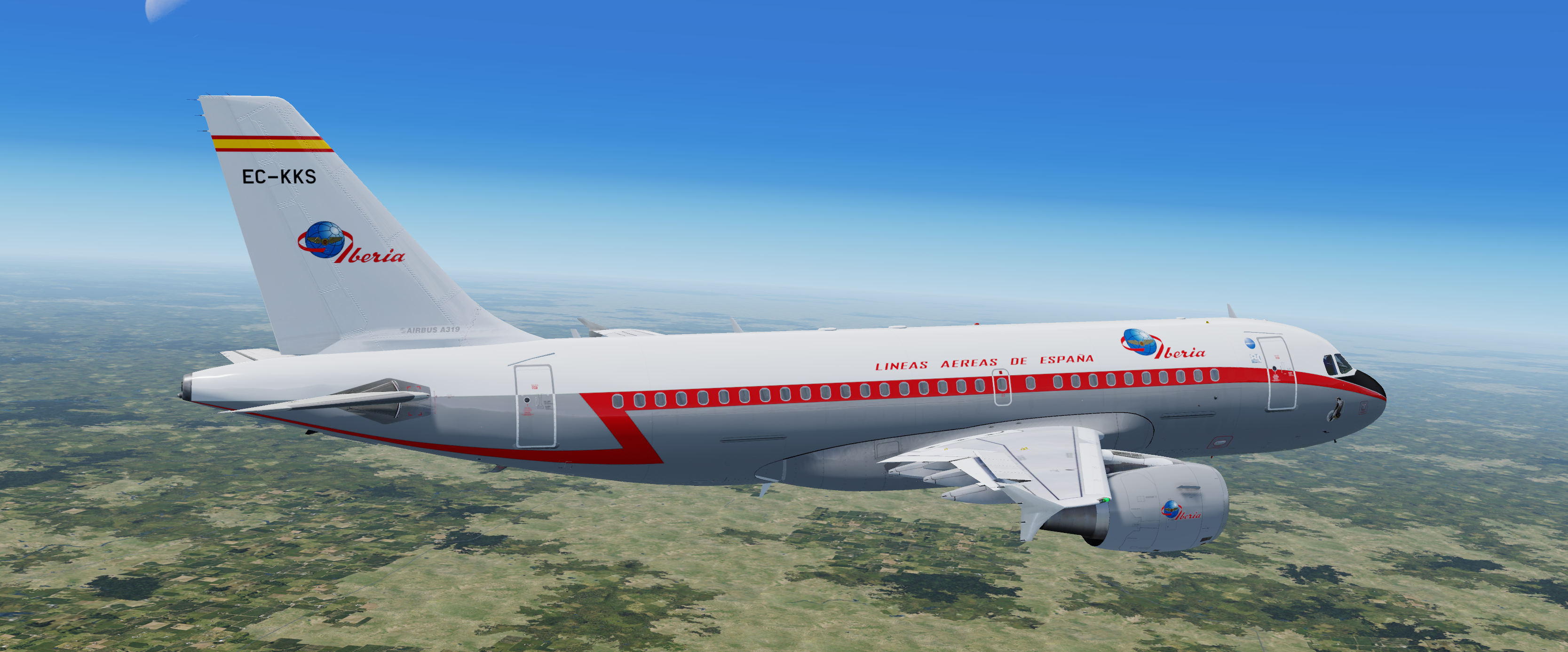
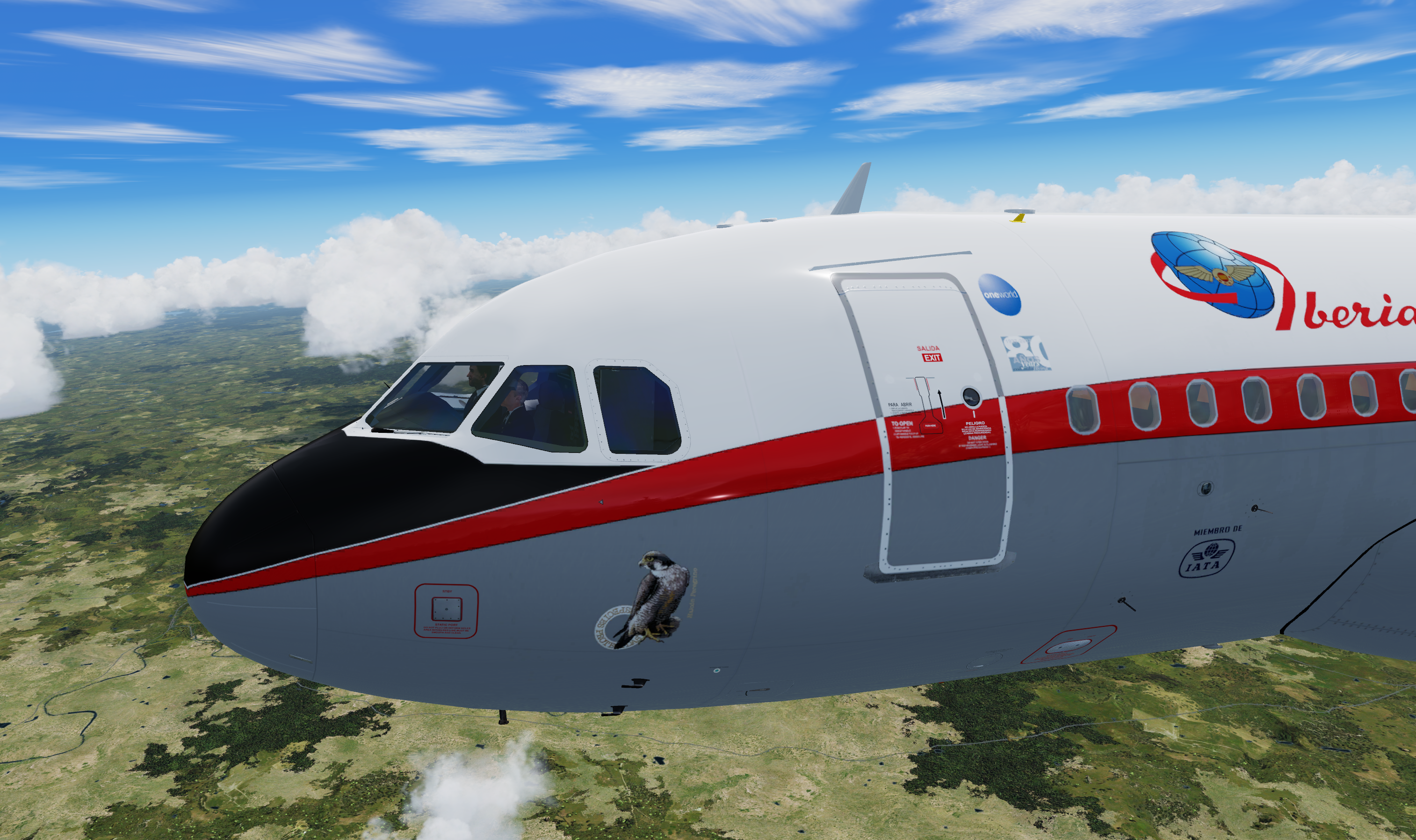
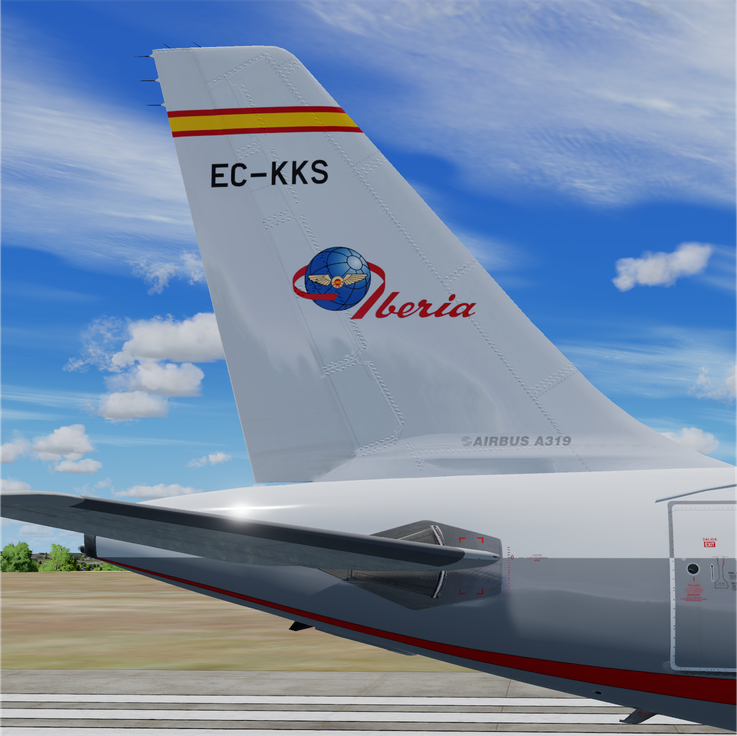
Repaint of Iberia Airbus A319 (EC-KKS) painted in a special 1950 retro livery as part of Iberia’s 80th Birthday celebrations.

Installation instructions:
Simply drag 'Texture.EC-KKS Retro PBR' folder into your FSLabs A319 CFM SimObjects folder 
(usually located in '\Documents\Prepar3D (v4/5) Add-ons\FSLabs\SimObjects\Airplanes\FSLabs A319 CFM').

Notes:

  • This repaint may be not perfect because of limitation of the FSLabs model. I tried to make it match the real one as closely as possible but there may be some differences on the nose and underside of the tail section.
  • All logos were created from scratch using vectors to ensure the best quality when rasterizing it.
  • Some standard PBR maps from FSL PaintKit are modified to ensure better 'artistic' impression of the paint.

YOU ARE NOT ALLOWED TO UPLOAD OR MODIFY ANY OF THE CONTENT PROVIDED IN THIS DOWNLOAD WITHOUT MY WRITTEN PERMISSION!!

!preview_1.png

!tail_preview.png

prv1.png

prv2.png

prv3.png

prv6.png

prv5.png

prv4.png

What's New in Version 1.0.0

Released

Uptaded primary screenshot

User Feedback

Miguel de gonzalo

Miguel de gonzalo


What a grear livery , you got 5 stars.

Is it to much to ask for a propperly A319 iberia livery ? There is none custom PBR , and the default from FSLABS is wrong , with the name on the airplane in red color and low quality.


Thanks for everything. 

Matei Cojocaru

Matei Cojocaru


Brilliant work :D

Response from the author:

Thank You!

Arturo Fernandez

Arturo Fernandez

   1 of 1 member found this review helpful 1 / 1 member

Love it!

Response from the author:

Glad You like it. Have fun on your next fly with that paint.

Account

Navigation

Search

Search

Configure browser push notifications

Chrome (Android)
  1. Tap the lock icon next to the address bar.
  2. Tap Permissions → Notifications.
  3. Adjust your preference.
Chrome (Desktop)
  1. Click the padlock icon in the address bar.
  2. Select Site settings.
  3. Find Notifications and adjust your preference.