
Skip to content
View in the app

A better way to browse. Learn more.

Flight Sim Labs Forums

A full-screen app on your home screen with push notifications, badges and more.

To install this app on iOS and iPadOS
  1. Tap the Share icon in Safari
  2. Scroll the menu and tap Add to Home Screen.
  3. Tap Add in the top-right corner.
To install this app on Android
  1. Tap the 3-dot menu (⋮) in the top-right corner of the browser.
  2. Tap Add to Home screen or Install app.
  3. Confirm by tapping Install.

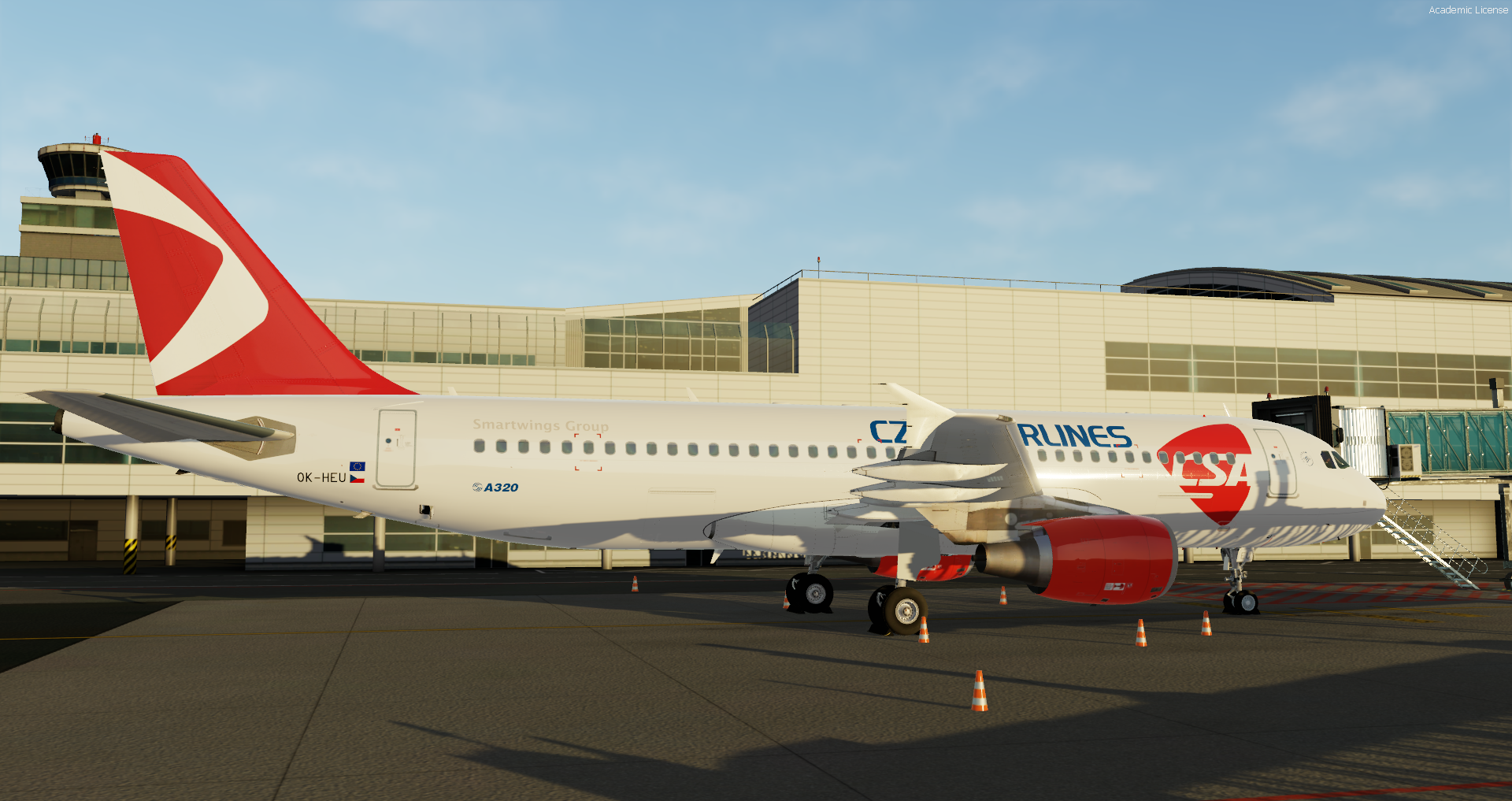
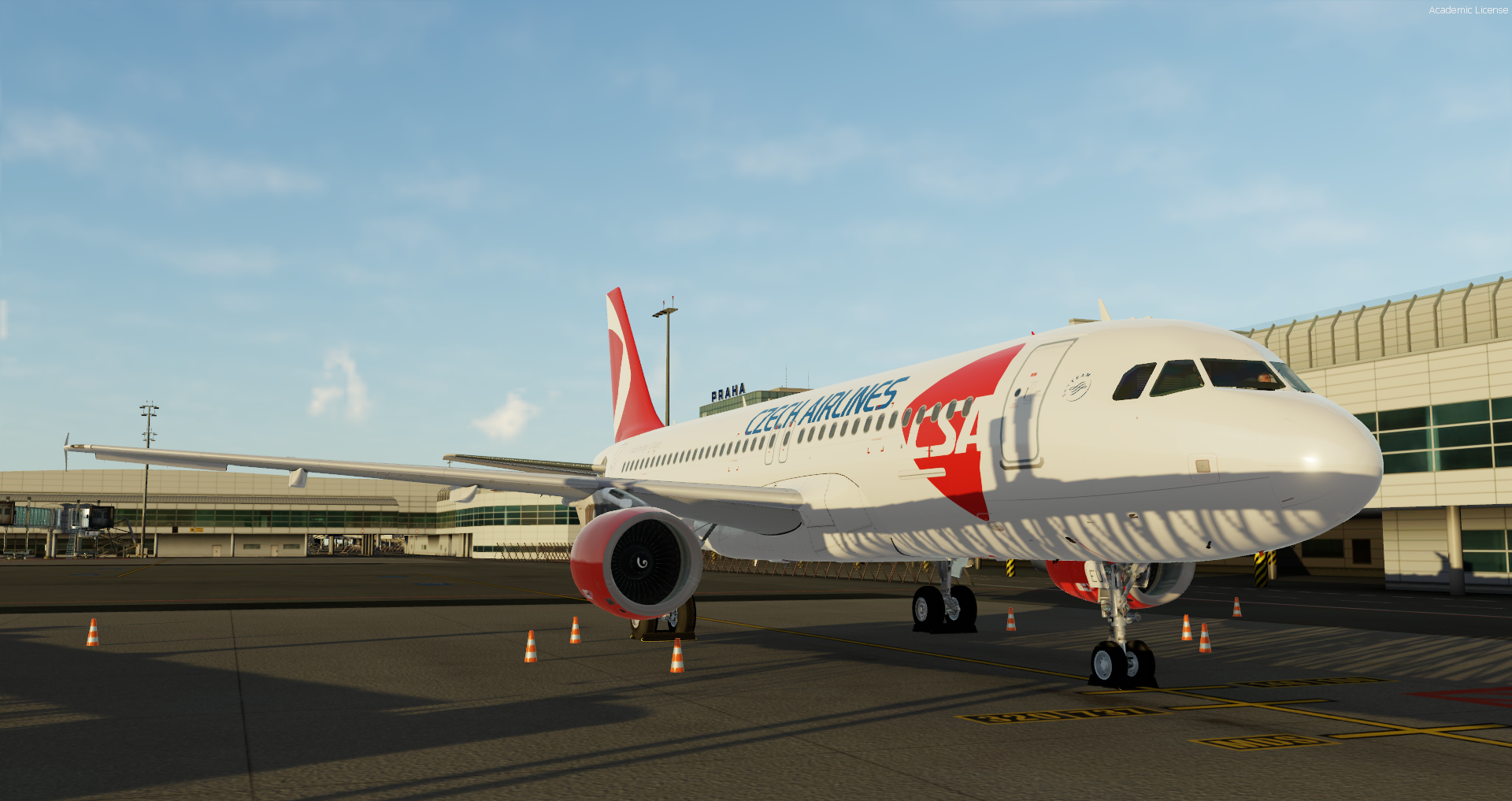
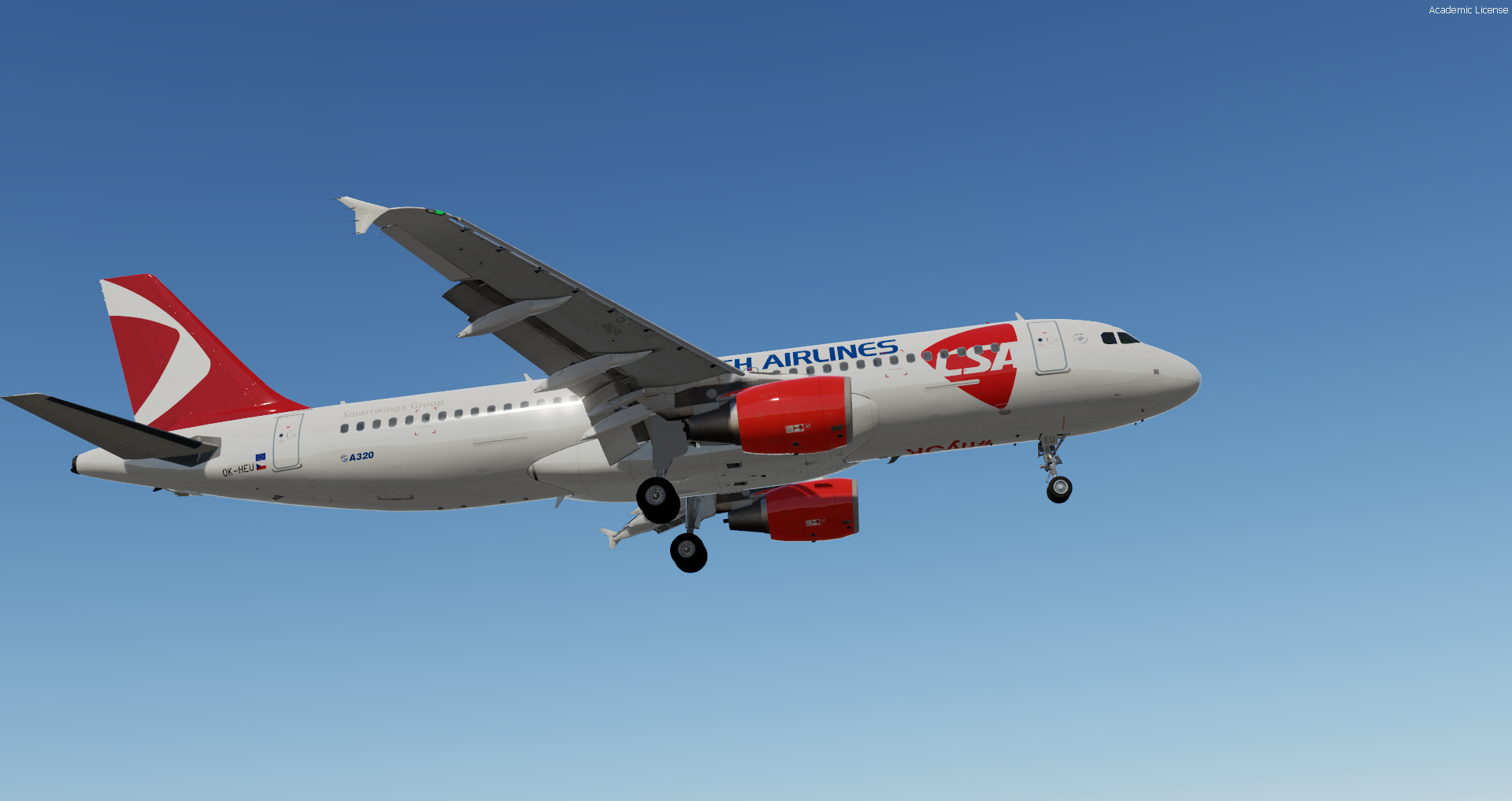
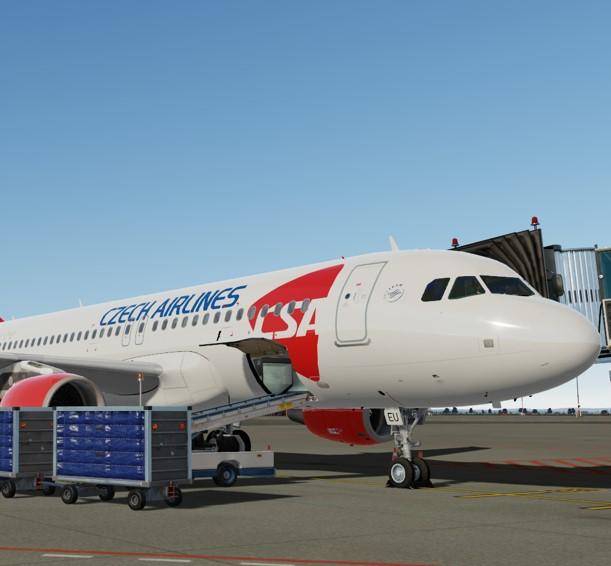
Czech Airlines A320-200 OK-HEU 1.0.0

(3 reviews)

7 Screenshots

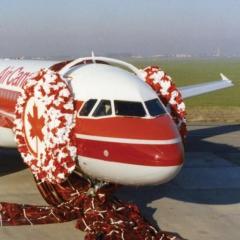
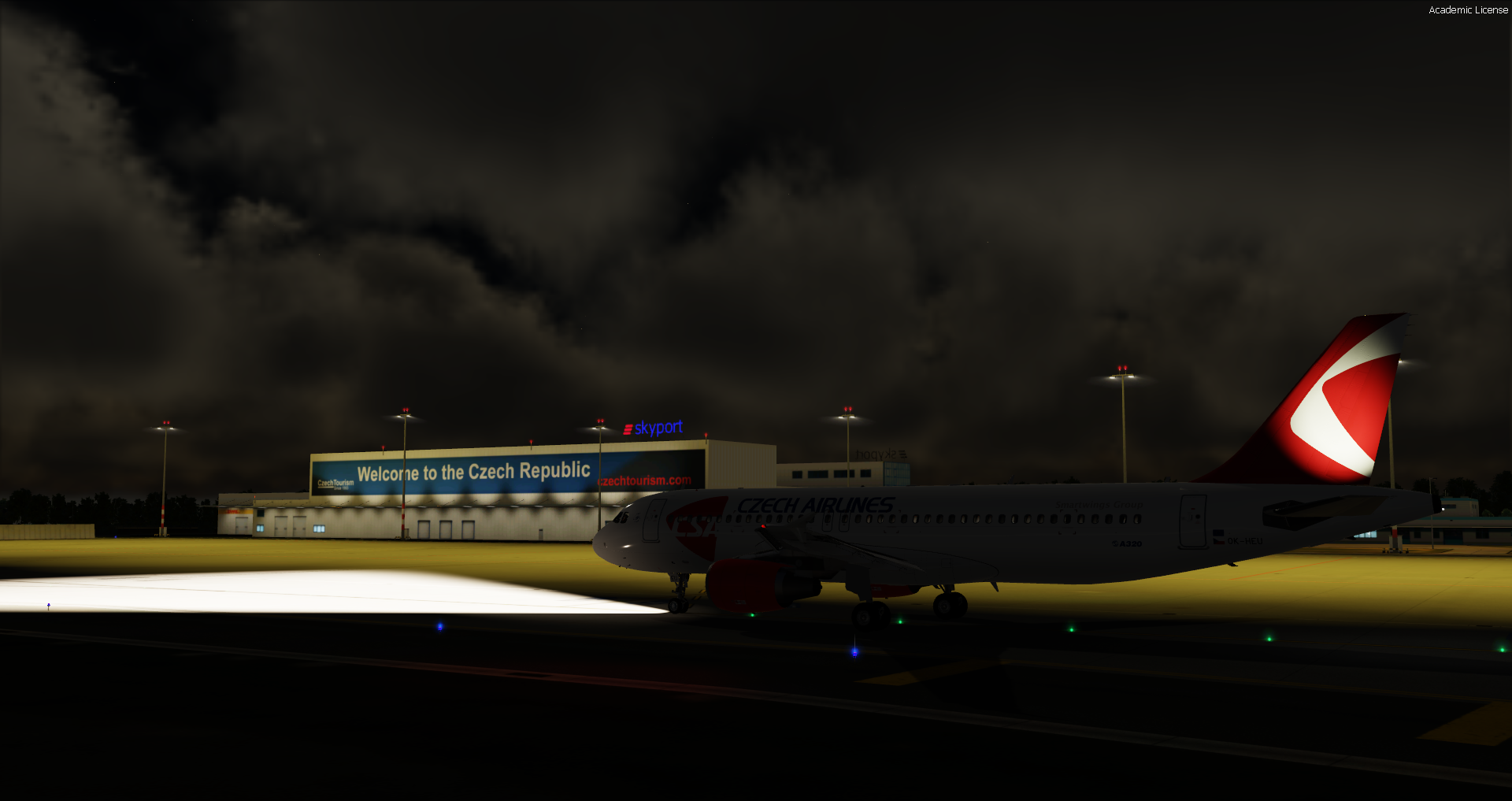
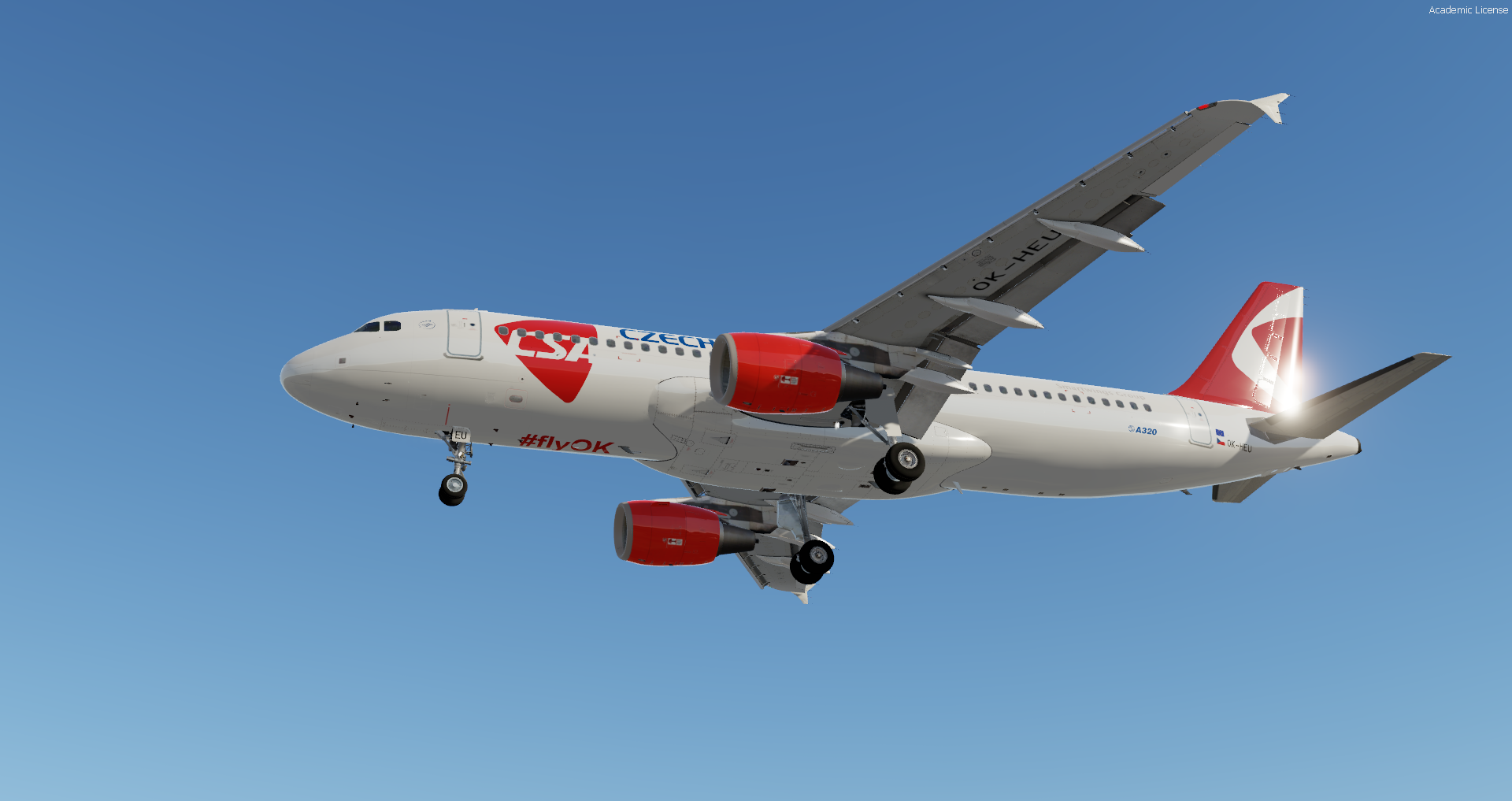
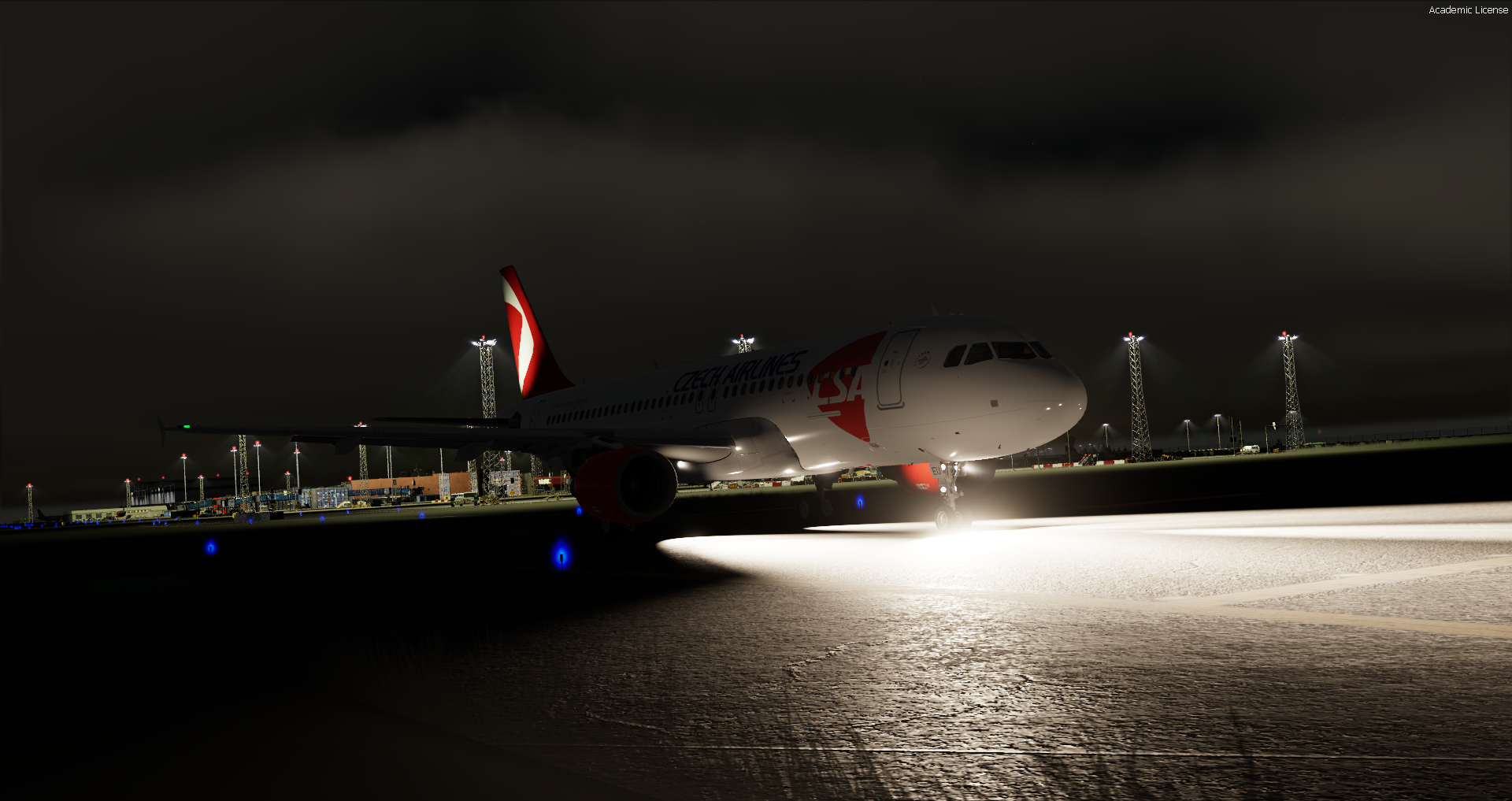
This nearly 19 year old airframe is Czech Airlines' only active airplane (OK-REQ is parked), flying everyday from Prague to Kiev, Moscow, Stockholm, Luqa and Keflavik. It was originally part of Air France's fleet (Dec 02 to Jan 14), then it was transferred to Brussels Airlines, where It belgiumed around until early 2020, when it finally integrated the czech fleet, now part of Smartwings Group. It's a true work horse. Flies everyday, all day. 

It's my first livery ever, so don't expect much. I tried to replicate everything as closely as possible within my own limitations. Last but not least, this paint would not have been possible without @Marvin Toepfer's help. I can not thank him enough! And also a huge thank you to Maestro from the FSL Discord (i'm sorry, I don't know your name) for the help with the window that refused to disappear. 

Installation instructions can be found in the file (readme.txt). 

I hope you guys like it! 

User Feedback

Stu Antonio

Stu Antonio

   1 of 1 member found this review helpful 1 / 1 member

Nice work man!

Response from the author:

Thank you mate!!

Florian Wolf

Florian Wolf

   1 of 1 member found this review helpful 1 / 1 member

Nice livery!

Not the easiest to start off with but you did a great job!

Response from the author:

Thank you! 


Marvin Toepfer

Marvin Toepfer

   1 of 1 member found this review helpful 1 / 1 member

very well done Artur :)

Response from the author:

Thanks, Marvin! And thanks again for all the help and patience with the dumb questions XD

Account

Navigation

Search

Search

Configure browser push notifications

Chrome (Android)
  1. Tap the lock icon next to the address bar.
  2. Tap Permissions → Notifications.
  3. Adjust your preference.
Chrome (Desktop)
  1. Click the padlock icon in the address bar.
  2. Select Site settings.
  3. Find Notifications and adjust your preference.

